
凹 HairPin (MA) | 凹ヘアピン (MA)
- ダウンロード商品¥ 0
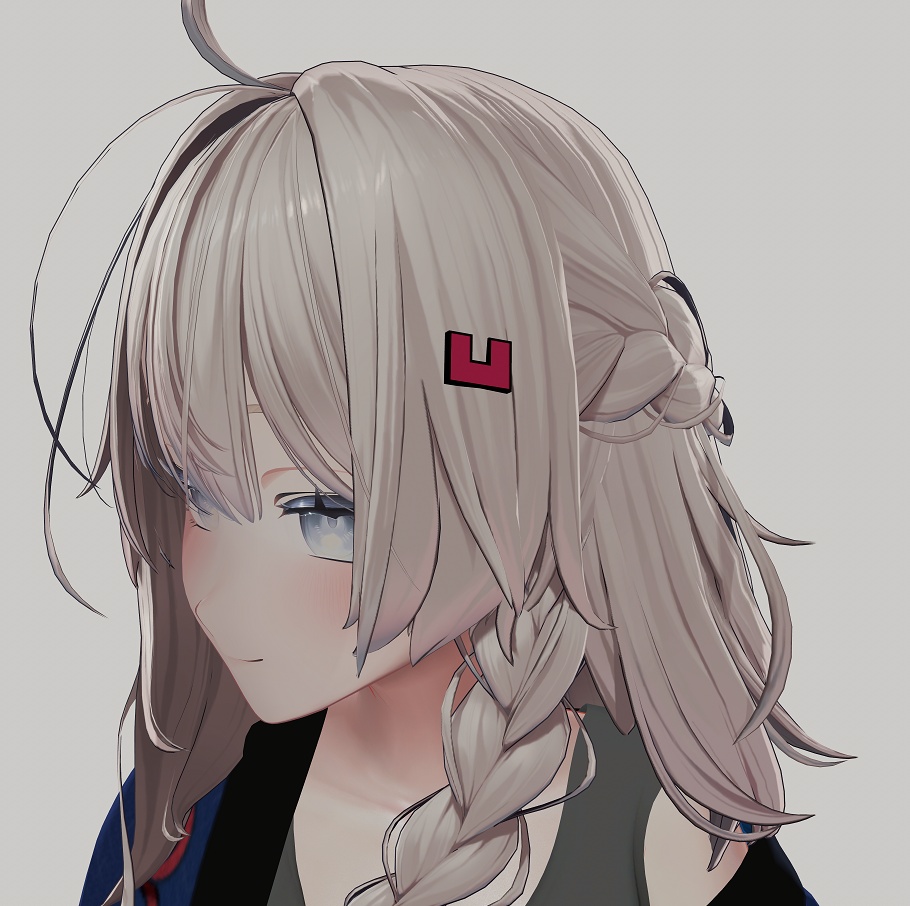
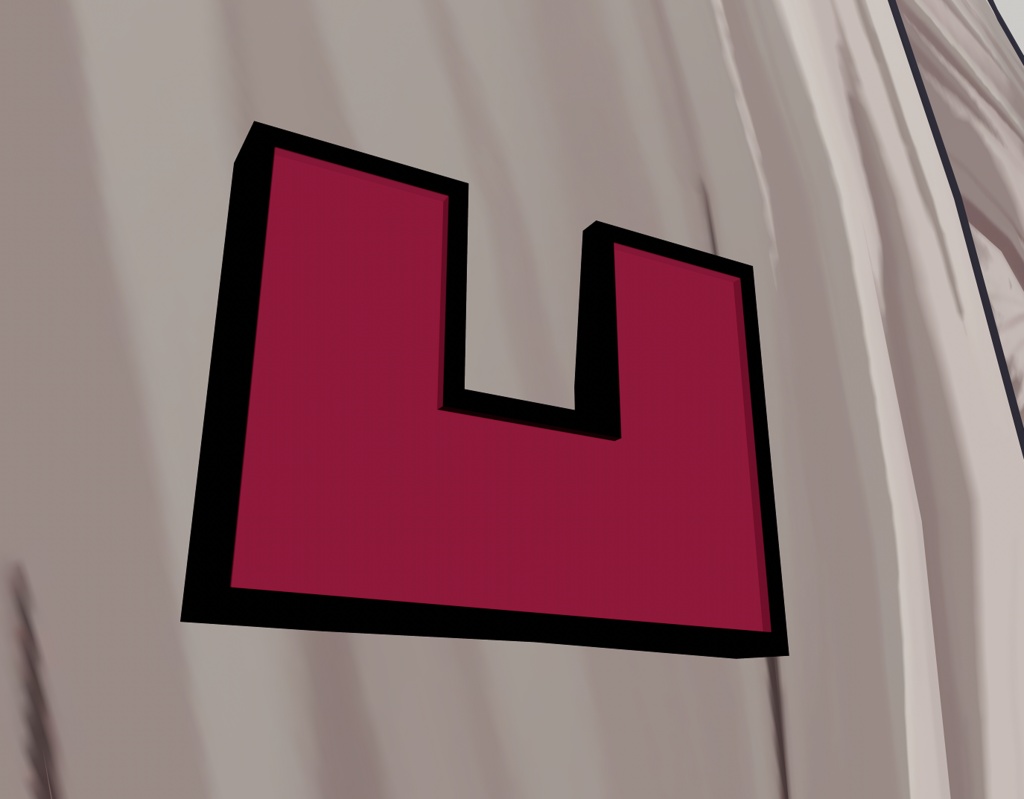
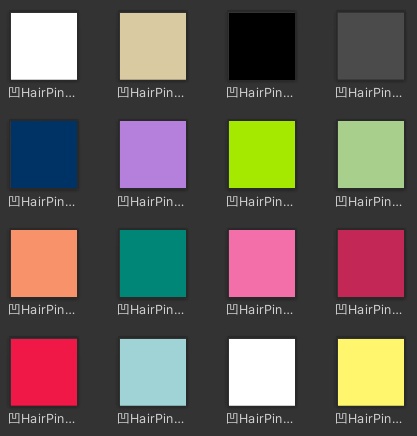


凹 HairPin (MA) / 凹ヘアピン (MA) A simple hair pin in the form of "凹". Features: - Offers three different materials: normal, transparent and audio link - Offers several different colors to pick from - Offers several different styles: flat, outline, raised edges, smooth edges - HairPin toggle already set up - Prefab is already configured for Modular Avatar Requirements: - Modular Avatar (for out of the box experience) - liltoon shader Installation: 1. Install the requirements 2. Import the unitypackage 3. Drag and drop "凹HairPin_v2" from the prefab folder onto your avatar base 4. Position and resize the Hairpin 5. Enable one of the Hairpins and delte the rest 6. Choose a material and the color 7. Drag and drop your choosen Hairpin into the Toggle of the Modular Avatar Menu in the "Menu" object 8. Upload Terms of Use: - You are not allowed to resell or redistribute this work (自動生成された翻訳) 凹 HairPin (MA) 「凹」の形をしたシンプルなヘアピンです。 特徴: - 3種類のマテリアルに対応:通常、透過、AudioLink - 複数のカラーバリエーションから選択可能 - 複数のスタイルを収録:フラット、アウトライン、立体エッジ、スムーズエッジ - HairPinのToggleは設定済みです - Modular Avatar用にPrefab設定済み 必要なもの: - Modular Avatar(簡単に導入するために必要です) - lilToon Shader 導入方法: 1. 必要なものをインストールします。 2. unitypackageをインポートします。 3. Prefabフォルダ内の「凹HairPin_v2」をアバターのルートにドラッグ&ドロップします。 4. HairPinの位置とサイズを調整します。 5. 使用したいHairPinを1つ有効にし、それ以外は削除します。 6. 使用するマテリアルとカラーを選択します。 7. 選択したHairPinを「Menu」オブジェクト内にあるModular Avatar MenuのToggleにドラッグ&ドロップします。 8. アバターをアップロードします。 利用規約: - 本作品の再販売および再配布は禁止されています。