
Cozy Lo-Fi Gaming Room Asset Pack Low-poly 3D model
- ダウンロード商品¥ 1,500
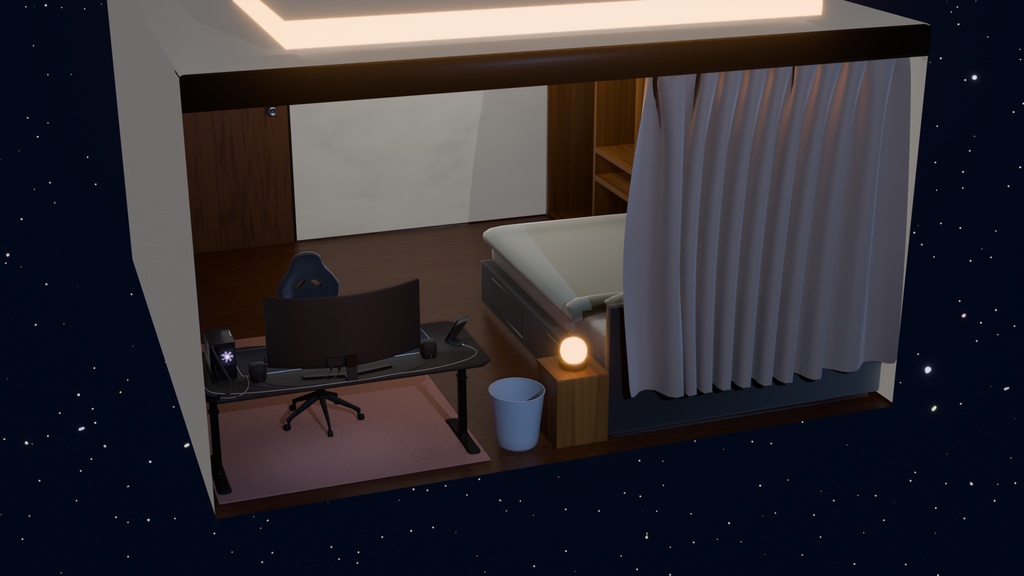
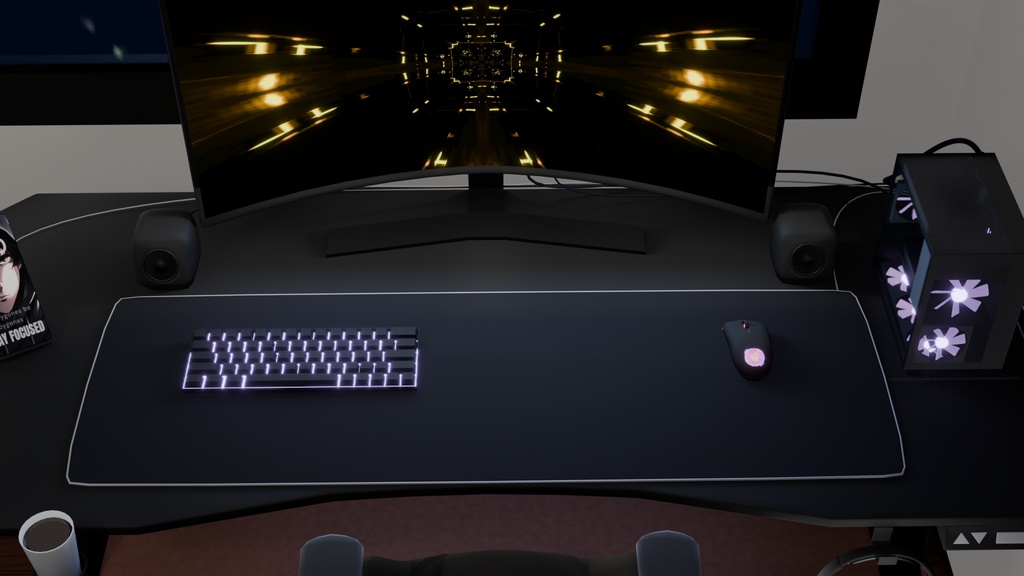
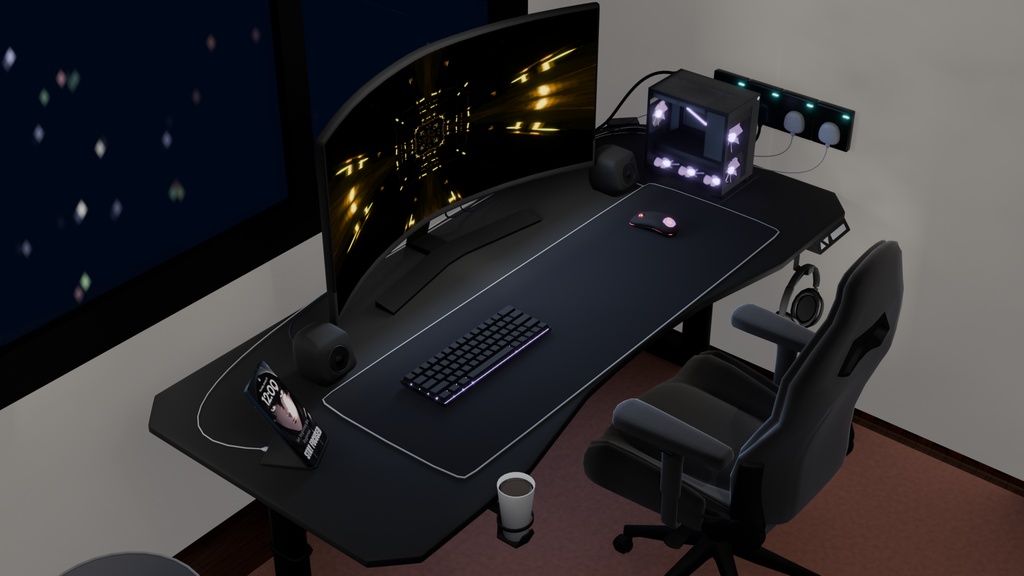
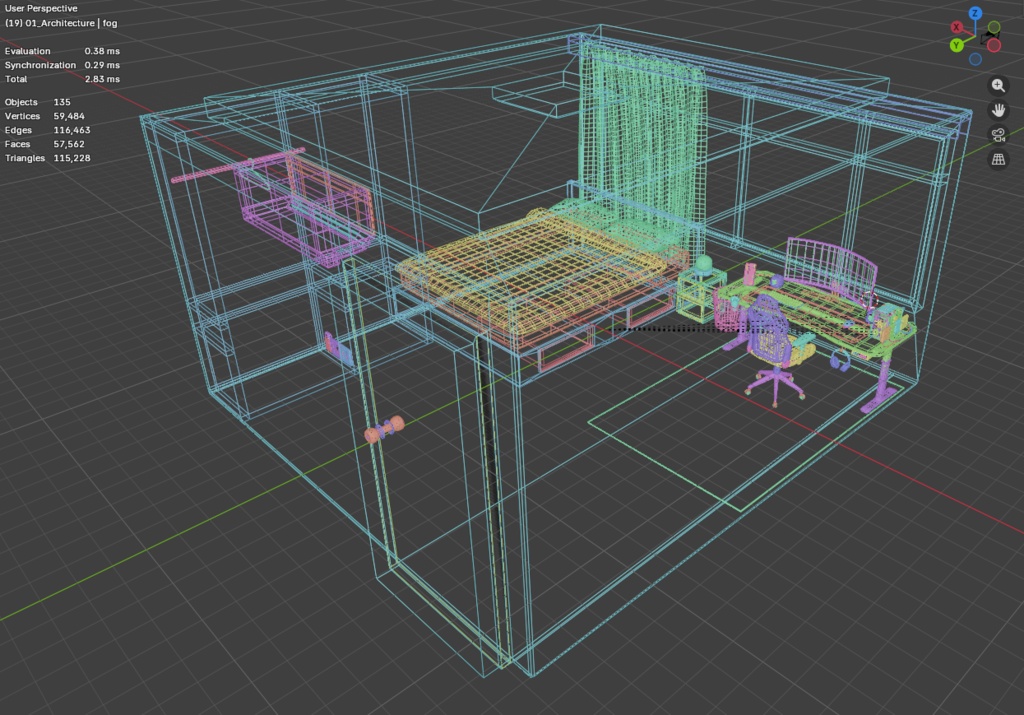


CozyRoom - Quick Notes & Import Guide Why are there two .blend files? -CozyRoom_Scene.blend: Your main full scene file containing working nodes, collections, and lighting setups. -CozyRoom_ExportReady.blend: The clean, optimized version used right before exporting the meshes. Missing Textures on Import: -If textures do not appear automatically when opening OBJ/FBX files, manually link or point your software to the included textures/ folder. Alpha & Transparency Quirks (e.g., Mouse Logo, Glass): -Universal formats (OBJ/FBX) can misinterpret map channels upon conversion (e.g., changing Color-to-Alpha into Alpha-to-Alpha). Re-plug your opacity/alpha maps directly into the material's Alpha slot.For glass, remember to set your software's material blend mode to Alpha Blend / Transparent. Color Space Settings: -Ensure all Alpha, Roughness, and Normal maps are set to Non-Color (Linear) data rather than sRGB.