

Boo-Boo, The Little Lantern Ghost | VRChat Avatar Pet ランタンおばけの「ブーブー」 | VRChat アバターペット
- ダウンロード商品¥ 1,200
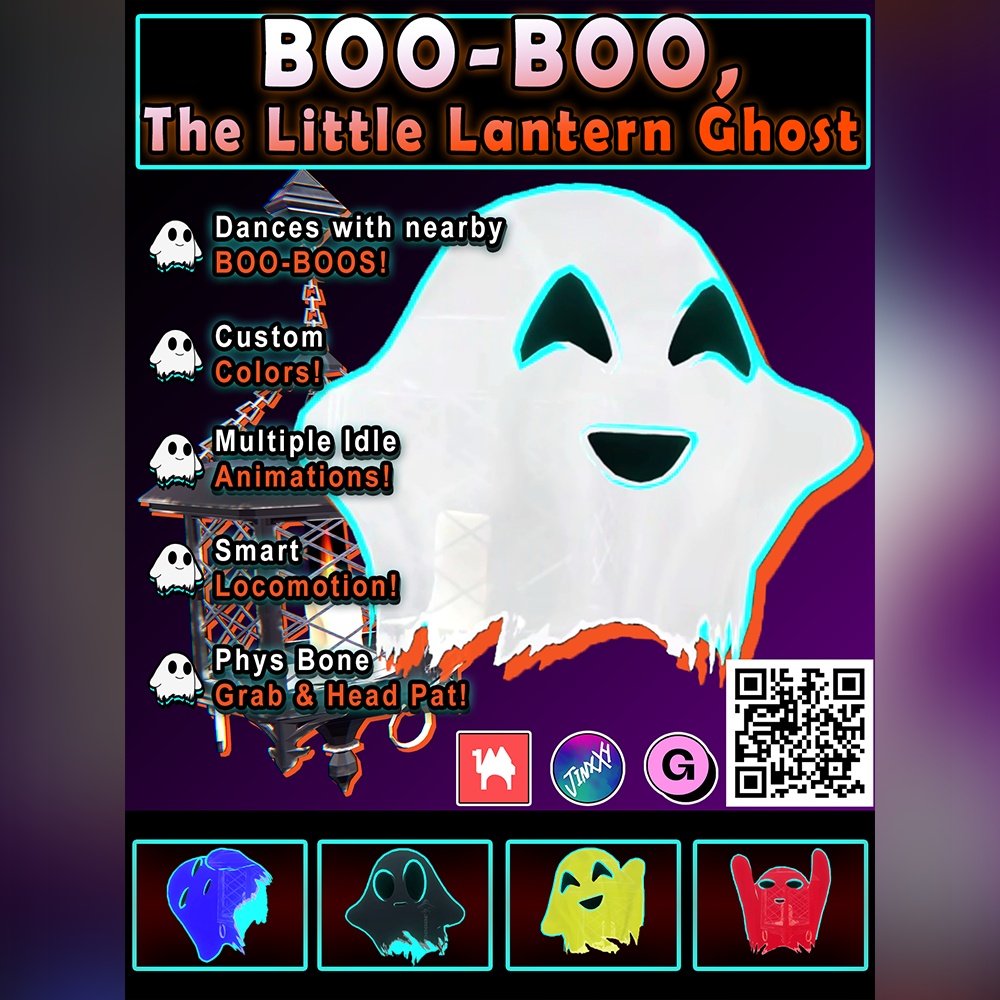
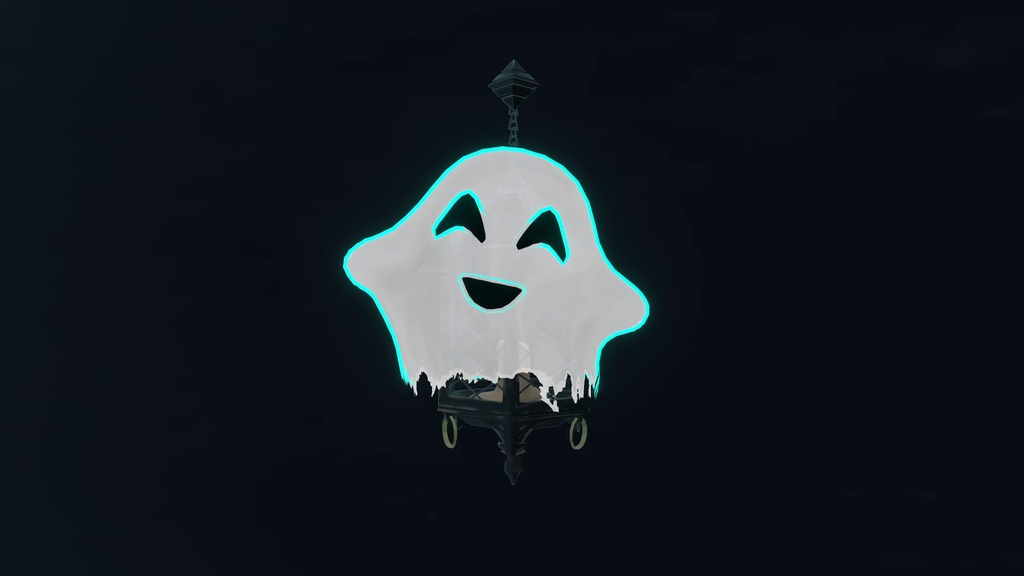
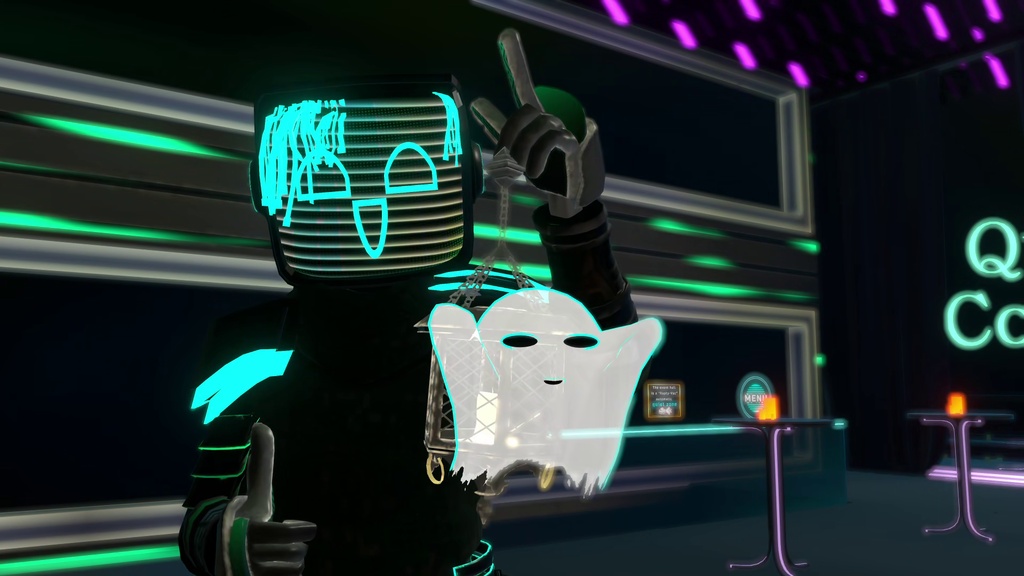
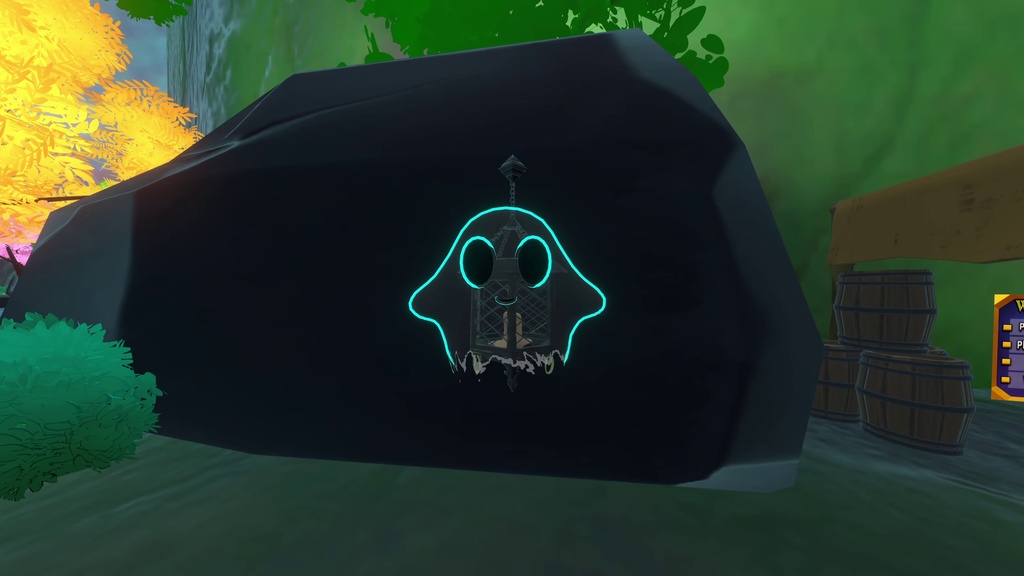
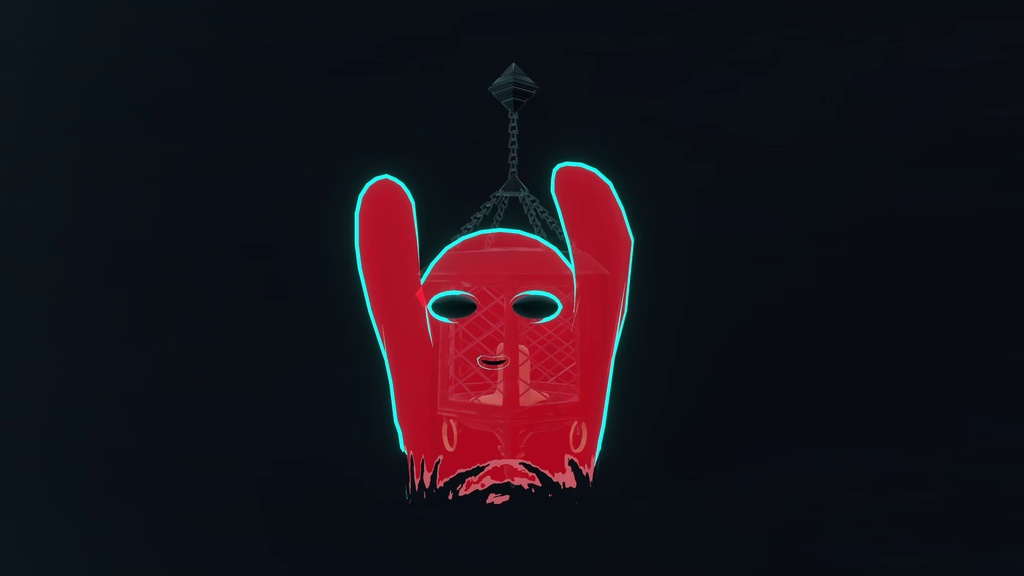
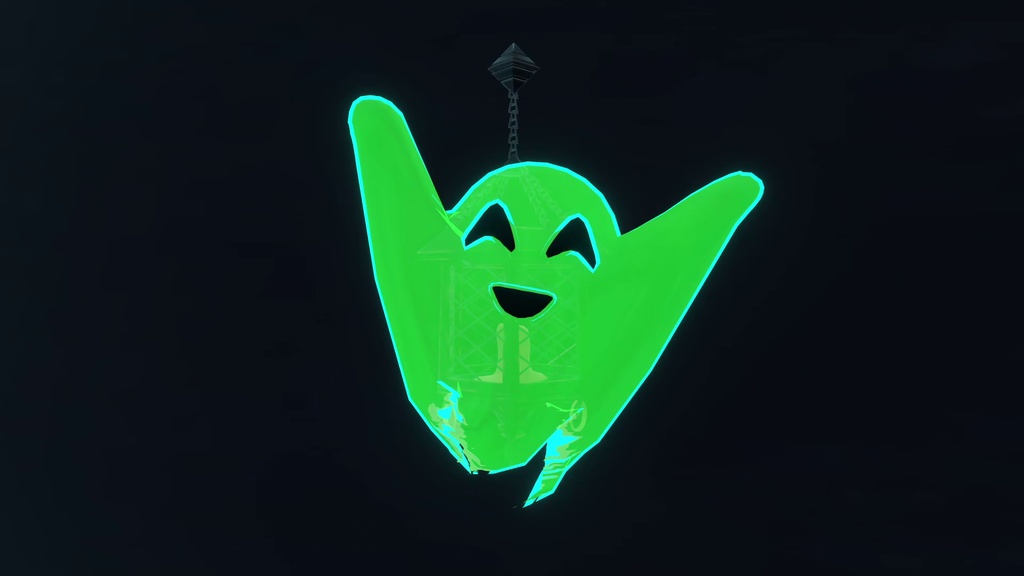
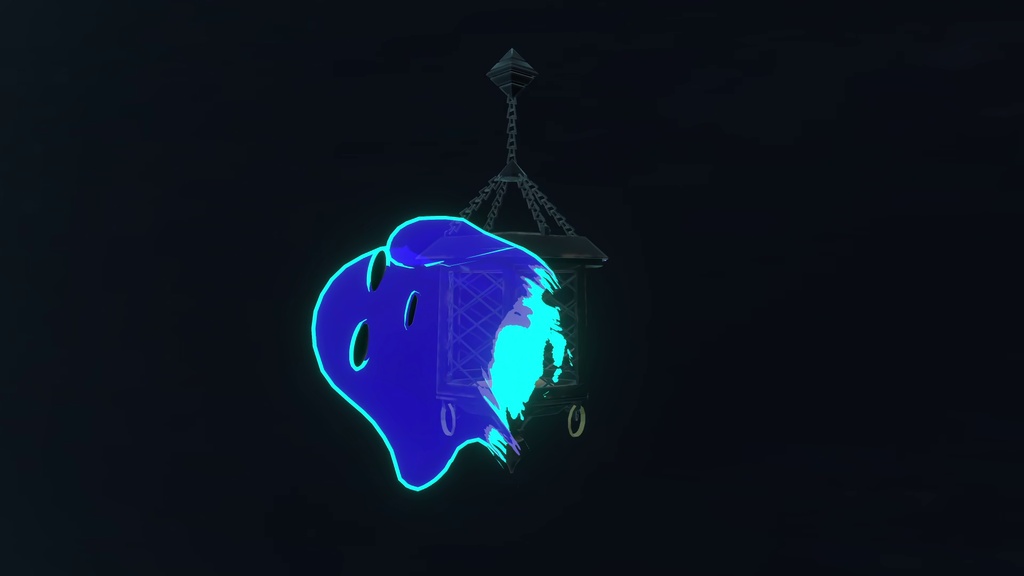
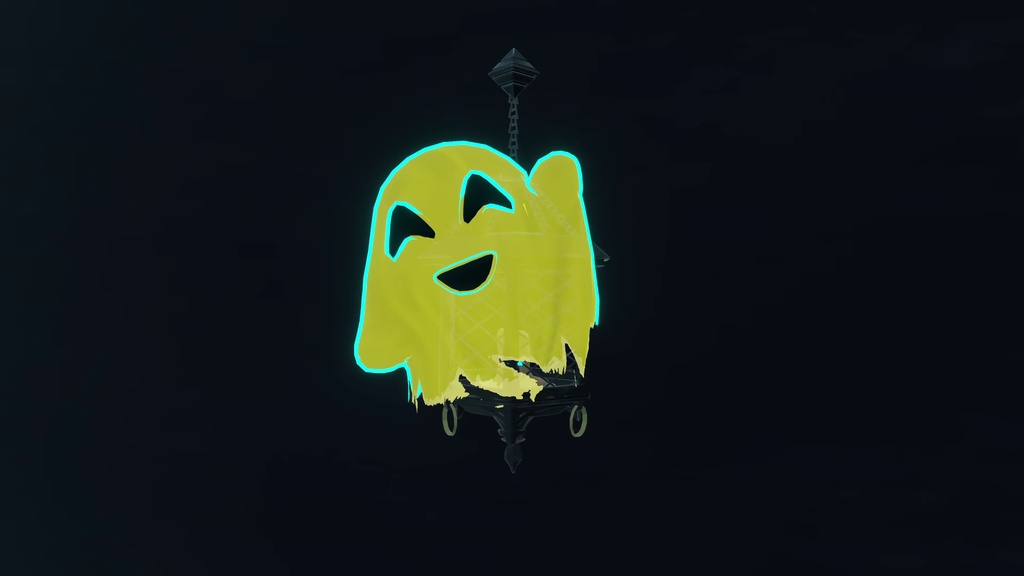
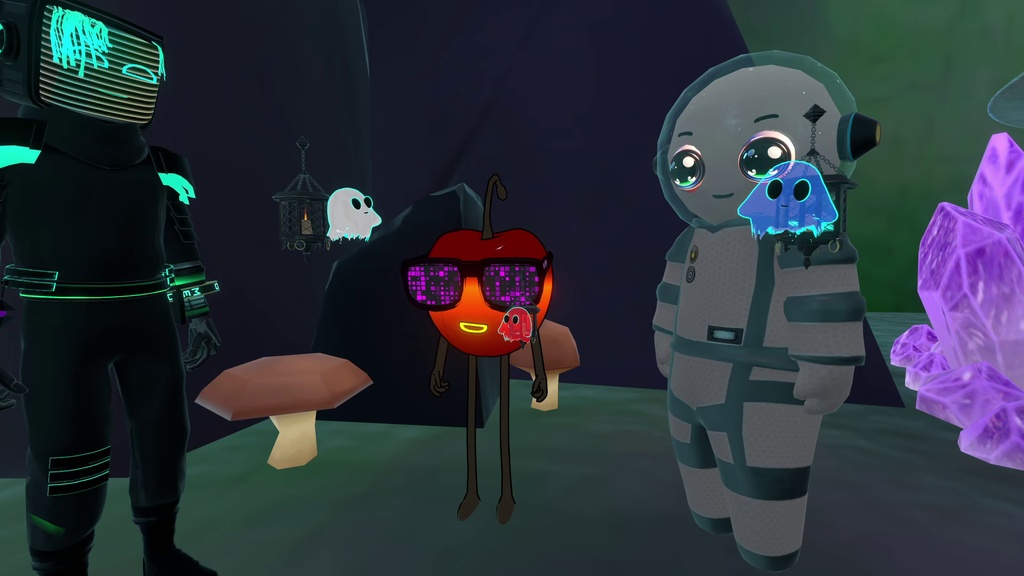
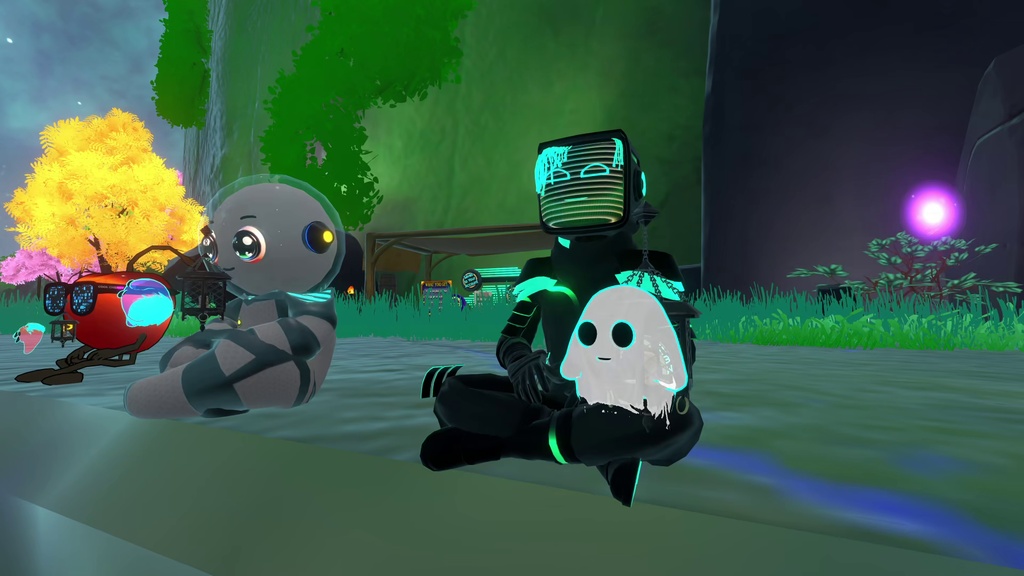
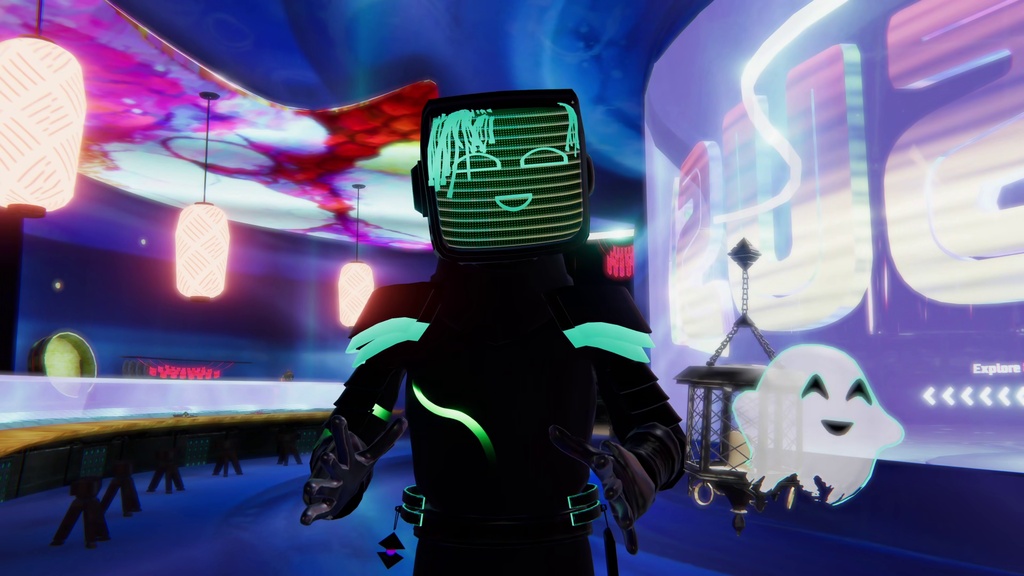
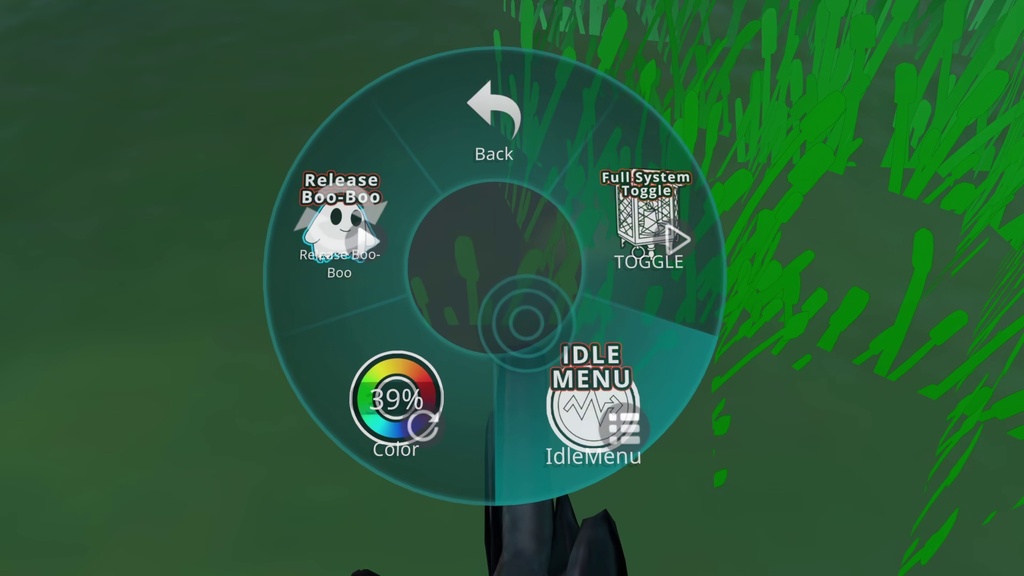


Boo-Boo, The Little Lantern Ghost Created by Codeadvanced Thank you for bringing Boo-Boo along on your VRChat adventures! This little ghost is packed with custom smart locomotion, synced social logic, and interactive VRChat contacts to light up your lobbies. Requirements VRChat SDK3 (Latest) VRCFury (Required for easy drag-and-drop installation) AudioLink (Optional, for outline reactivity) Features Smart Locomotion: Automatically switches to a travel state when you run and seamlessly returns to your selected idle animation the exact moment you stop. 7 Unique Idles: Choose from seven different idle animations to match your vibe. Synced Social Logic: Built on a robust local RNG framework. When Boo-Boo gets close to another player's Boo-Boo, it triggers one of four randomized, globally synced social interactions. Interactive Physics: Native PhysBone support allows you to grab the lantern and guide Boo-Boo around. Headpat Receiver: Anyone in the lobby can pat Boo-Boo on the head to trigger a happy reaction. Lantern-Only Mode: Toggle the ghost off at any time to carry the lantern as a standalone atmospheric lighting prop. Customization: Built-in hue slider and AudioLink-enabled outlines. Easy Installation (VRCFury) Import the latest VRChat SDK and VRCFury into your Unity project. Import the Boo-Boo Unity package. Drag the Boo-Boo prefab directly onto the root of your avatar in the Unity hierarchy. Move and scale the prefab to your desired location, such as your hand or floating just over your shoulder. That is it! VRCFury will automatically handle merging all parameters, FX layers, and menus when you build and upload your avatar. No manual animator editing required. Menu Controls Spawn Toggle: Turns the entire lantern and ghost system on or off. Ghost Toggle: Hides Boo-Boo so you can use the lantern by itself. Idle Animations: A submenu to select between the 7 different resting states. Hue Slider: Adjusts the color of the ghost and the lantern's glow. Terms of Use Personal use and modification are allowed. Redistribution and sales of this model data and modified data are prohibited. Uploading or incorporating this asset into public avatars is prohibited. If you have any questions or run into issues, please reach out via Booth, Jinxxy, or Gumroad. Enjoy your new spooky companion! ブーブー、小さなランタンおばけ (Boo-Boo, The Little Lantern Ghost) 制作: Codeadvanced VRChatの冒険にブーブーを連れて行っていただき、ありがとうございます!この小さなおばけには、カスタムスマート移動、同期ソーシャルギミック、インタラクティブなVRChat Contact機能が詰め込まれており、あなたのいるロビーを明るく照らします。 要件 VRChat SDK3 (最新版) VRCFury (ドラッグ&ドロップの簡単導入に必須) AudioLink (任意、アウトラインの発光用) 特徴 スマート移動: 走ると自動的に移動モーションに切り替わり、止まると元の待機モーションにシームレスに戻ります。 7つの待機モーション: 気分に合わせて7種類の待機アニメーションから選択可能です。 同期ソーシャルギミック: 別の「ブーブー」に近づくと、同期された4つのランダムなソーシャルアニメーションのいずれかが再生されます。 インタラクティブな物理演算: ランタンを掴んでブーブーを誘導することができます。 頭なでなで機能: 誰でもブーブーの頭をなでて、ハッピーなリアクションを引き出せます。 ランタン単体モード: おばけを非表示にして、ランタンを単体の照明プロップとして使うことも可能です。 カスタマイズ: 色調スライダーとAudioLink対応のアウトラインを搭載。 簡単導入 (VRCFury) 最新のVRChat SDKとVRCFuryをUnityプロジェクトにインポートします。 本製品のUnityパッケージをインポートします。 Hierarchyにあるアバターのルート(一番上の階層)にBoo-BooのPrefabを直接ドラッグ&ドロップします。 手の上や肩の少し上など、お好みの場所にPrefabを移動・拡大縮小します。 これで完了です!アバターをビルドしてアップロードする際、VRCFuryがすべてのパラメーター、FXレイヤー、メニューを自動的に結合します。手動でのAnimatorの編集は不要です。 メニュー操作 Spawn Toggle (スポーントグル): ランタンとおばけのシステム全体のオン/オフを切り替えます。 Ghost Toggle (ゴーストトグル): ブーブーを非表示にし、ランタン単体で使用できるようにします。 Idle Animations (待機アニメーション): 7種類の待機状態から選択するサブメニューです。 Hue Slider (色調スライダー): おばけの色とランタンの光の色を調整します。 利用規約 個人利用・改変可。 本モデルデータ、改変データの再配布および販売は禁止します。 パブリックアバターへの組み込み・アップロードは禁止します。 ご質問や不具合がございましたら、Booth、Jinxxy、またはGumroad経由でご連絡ください。新しい不気味な相棒をお楽しみください!