

【VRChat向け】カクテルギミック 全23種
- ダウンロード商品¥ 3,000
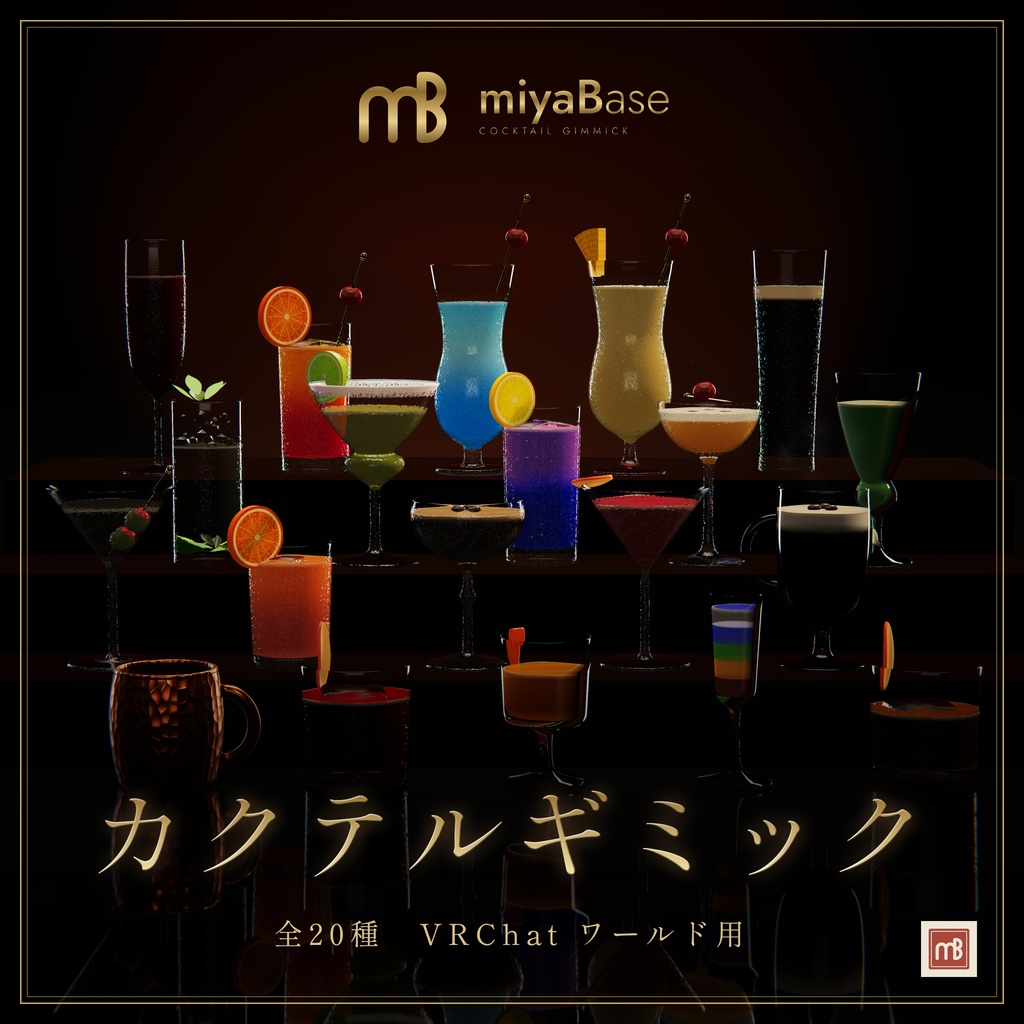
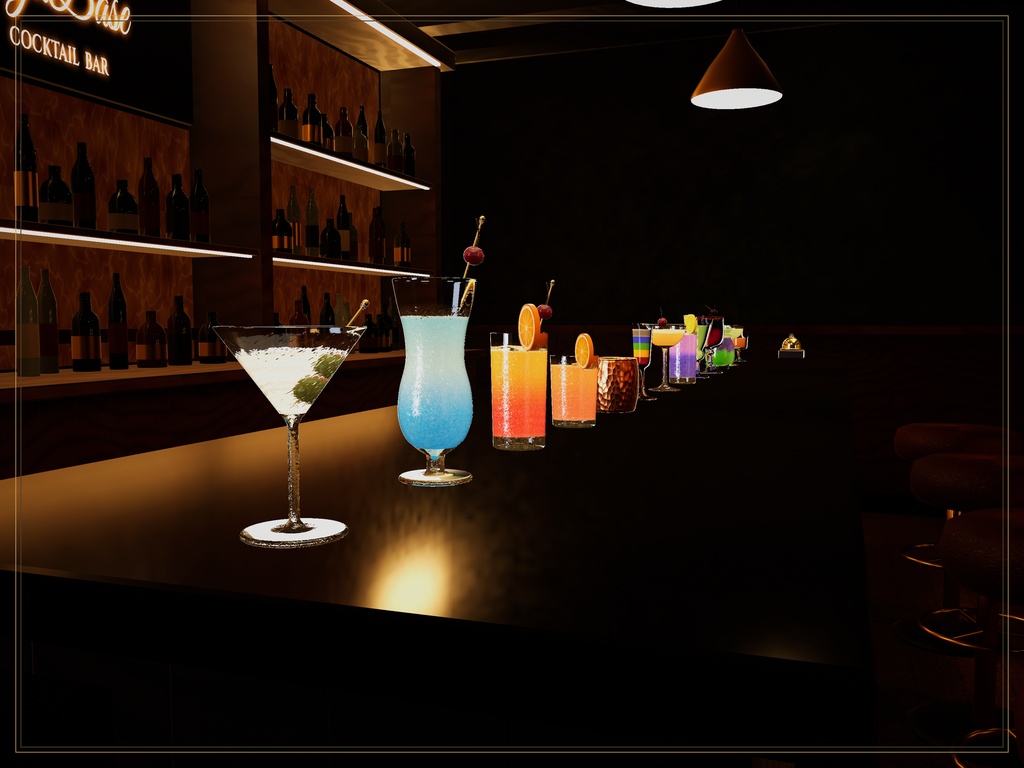
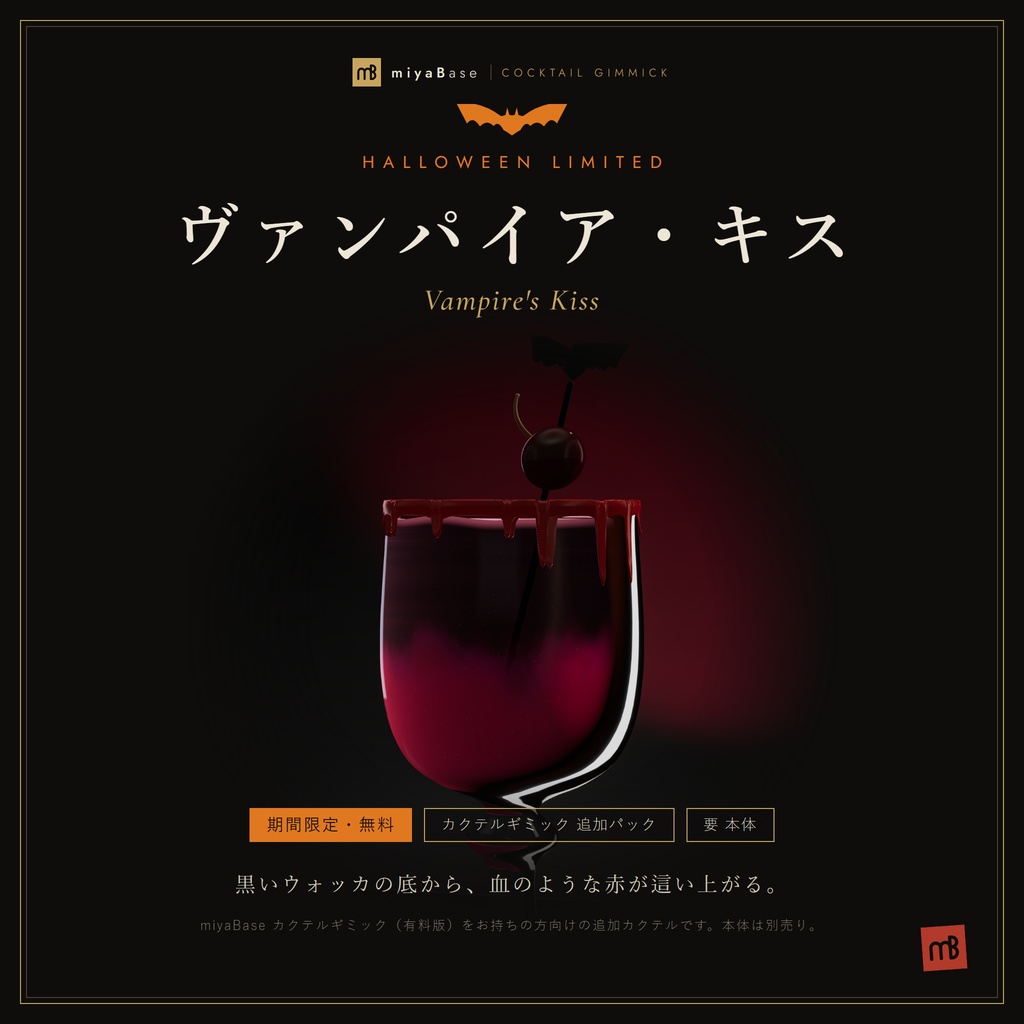
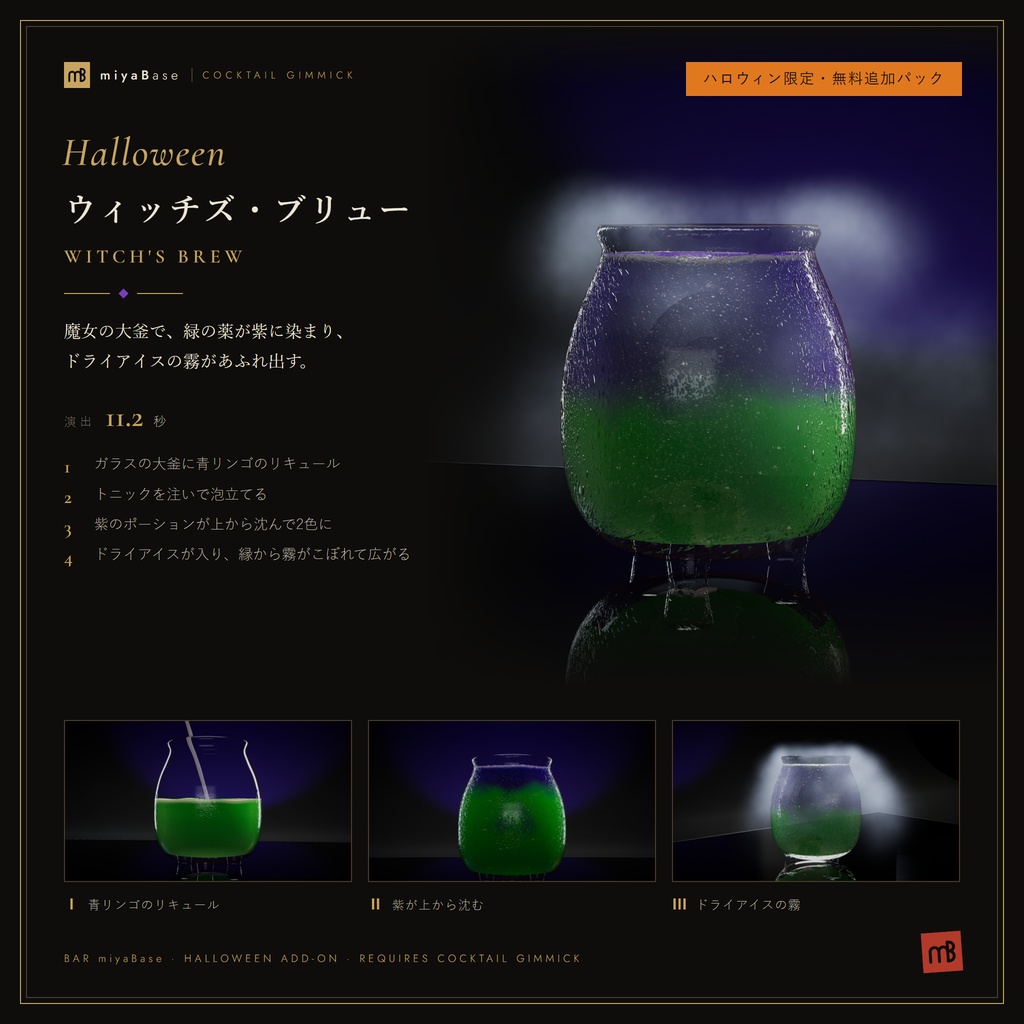
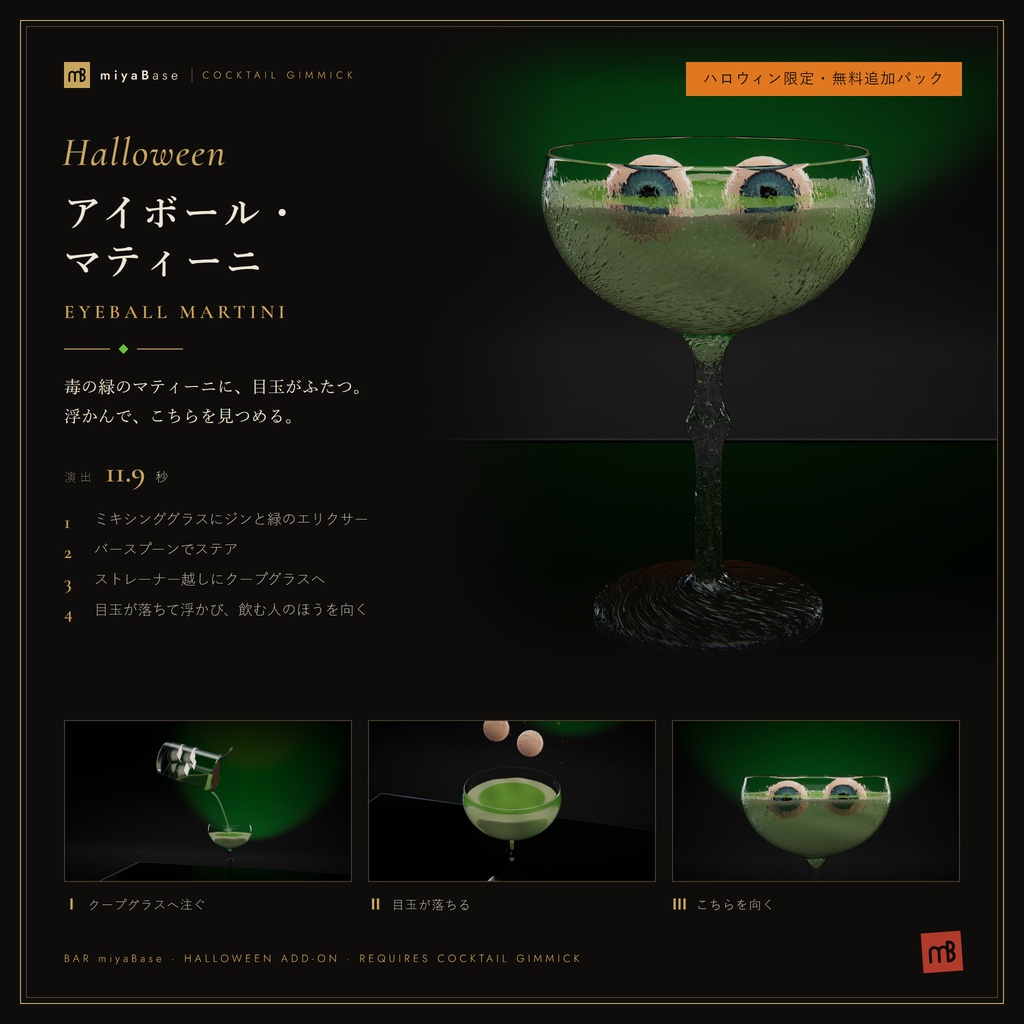
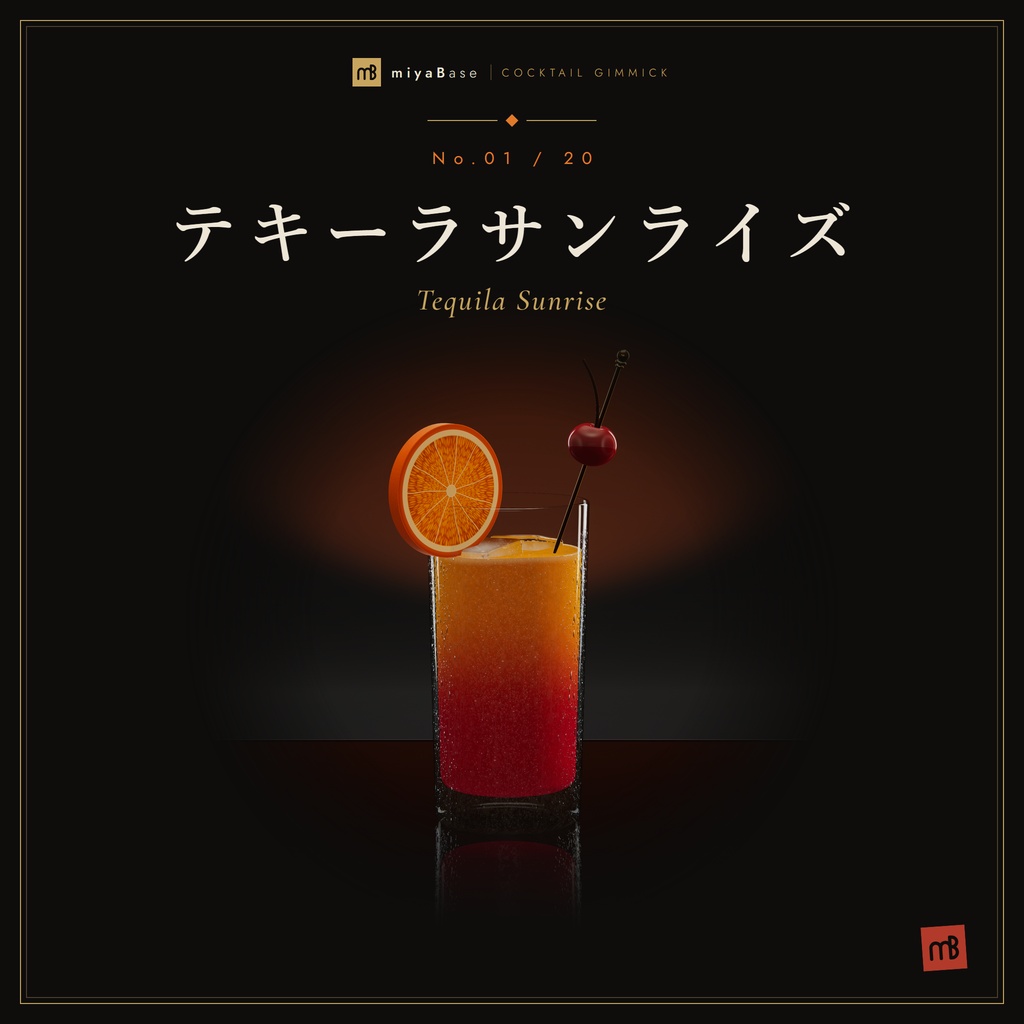
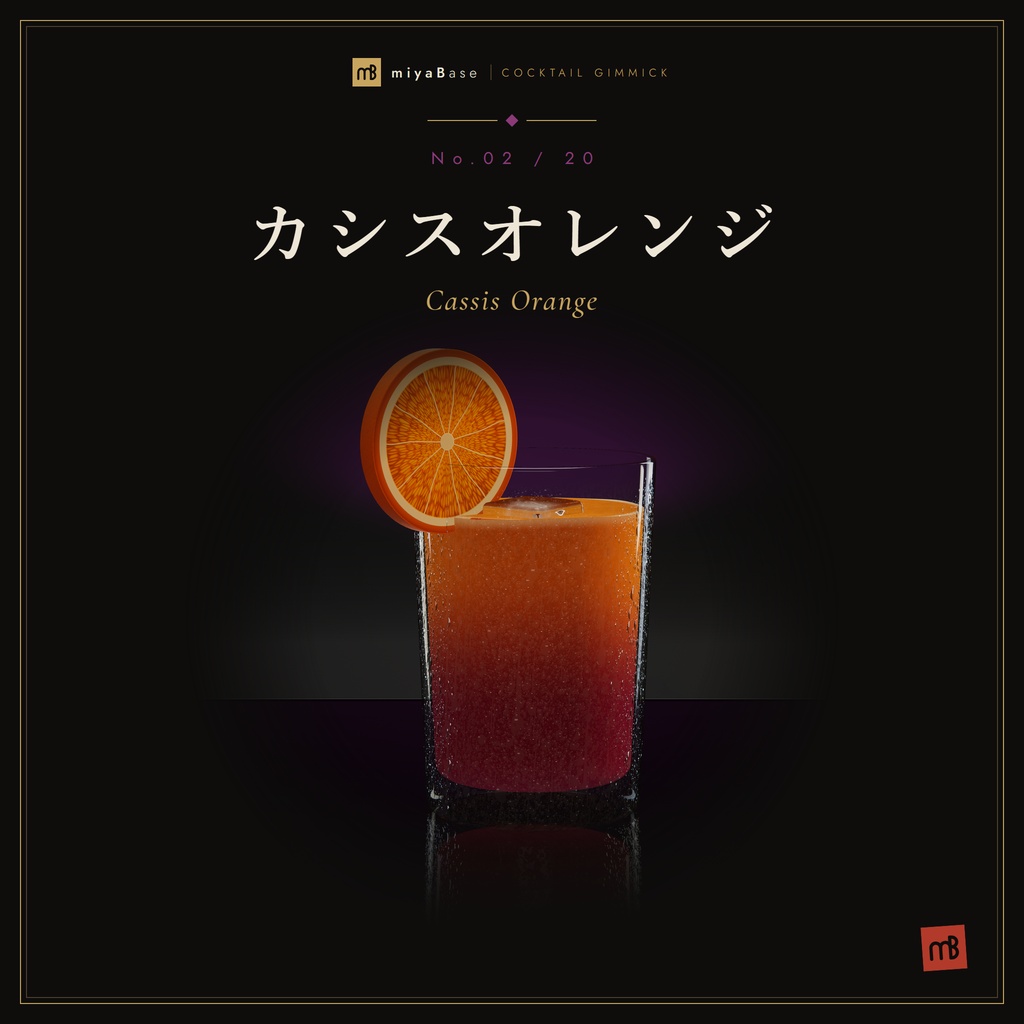
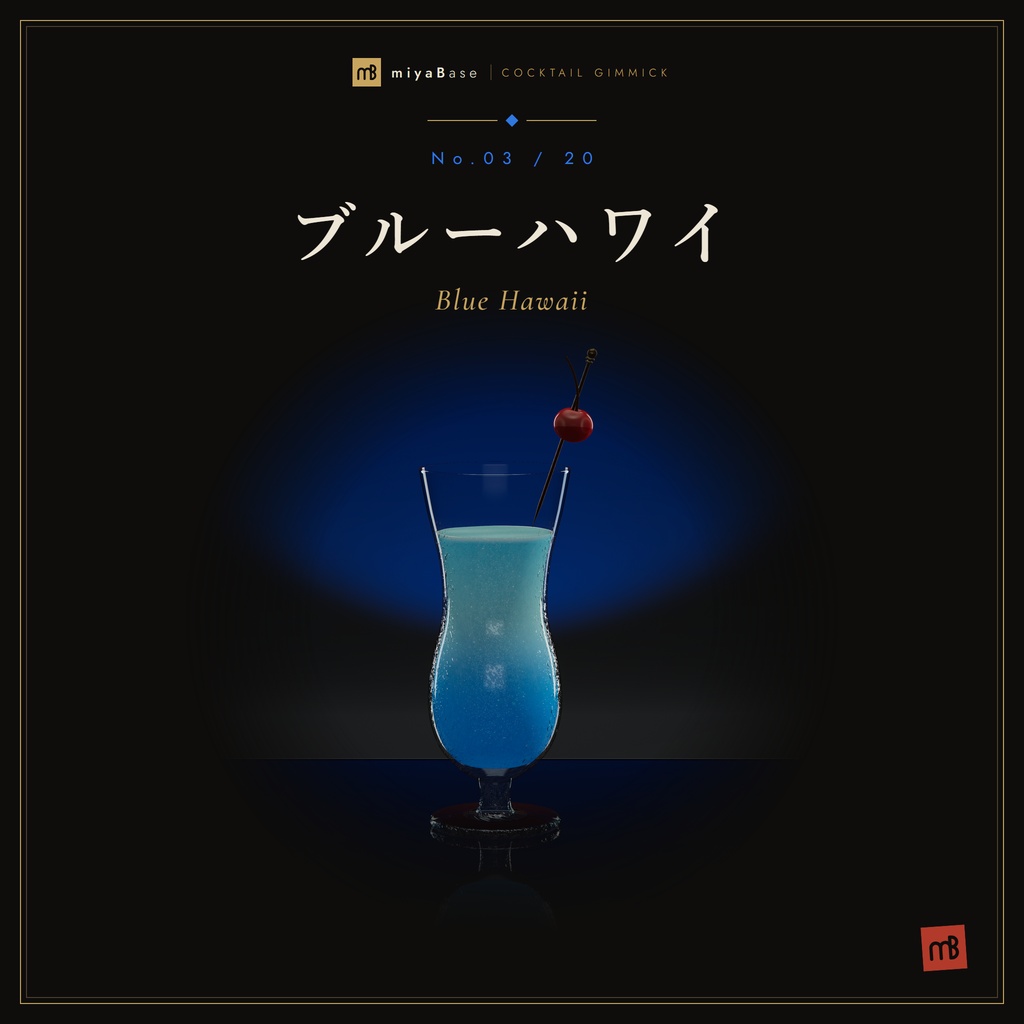
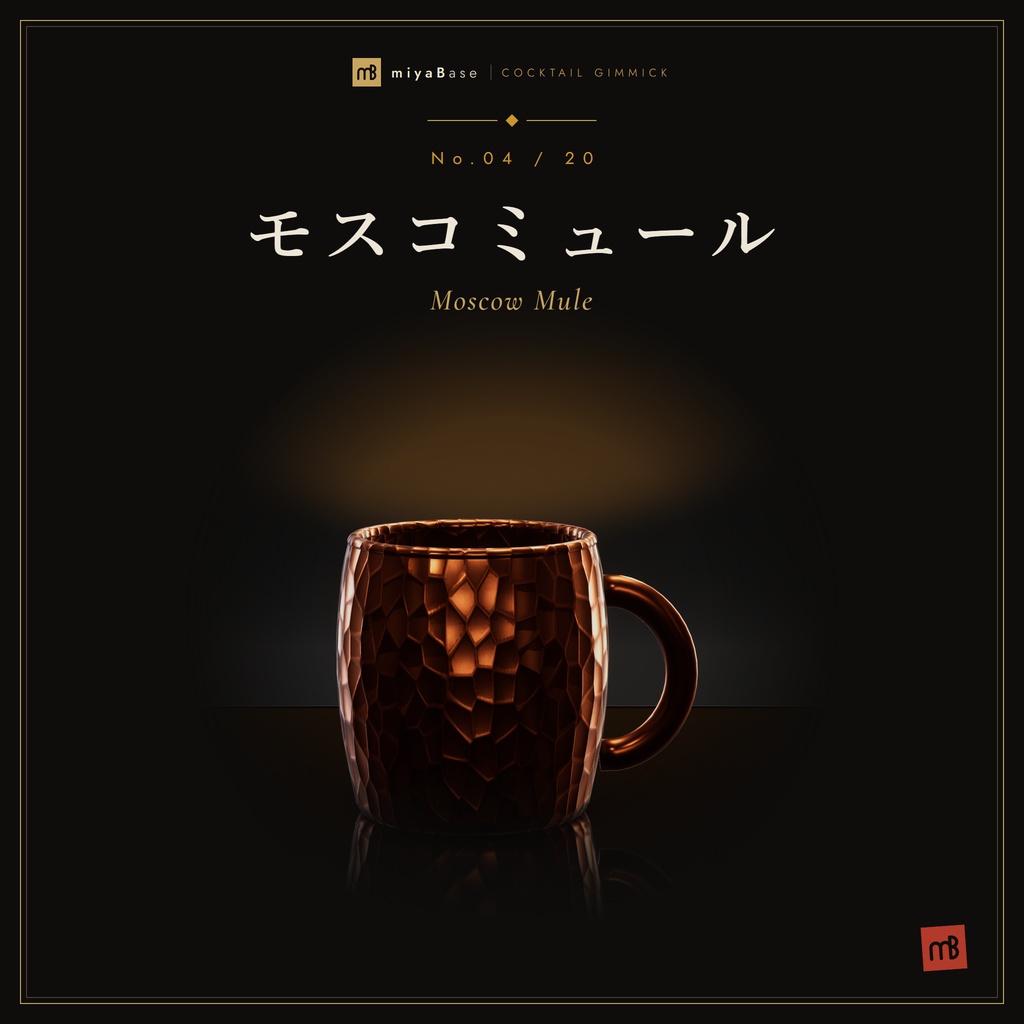
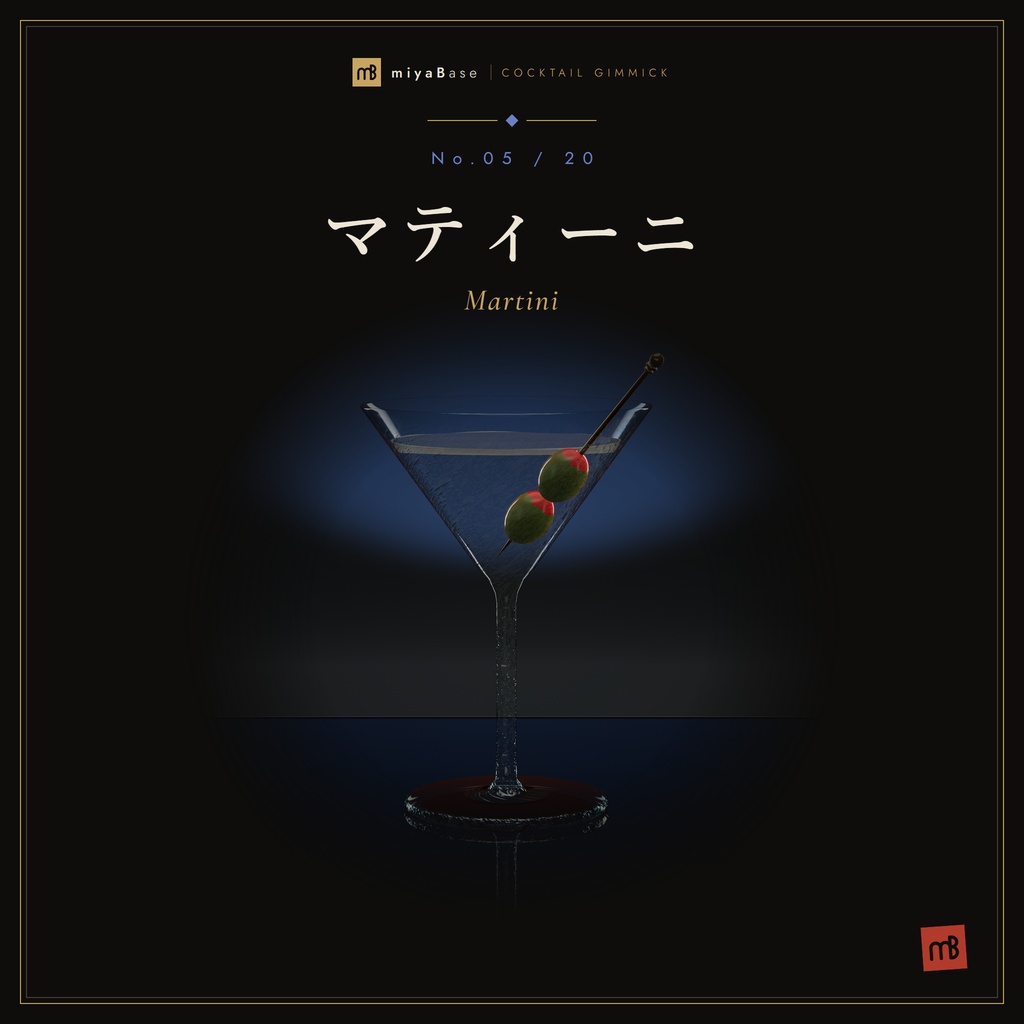
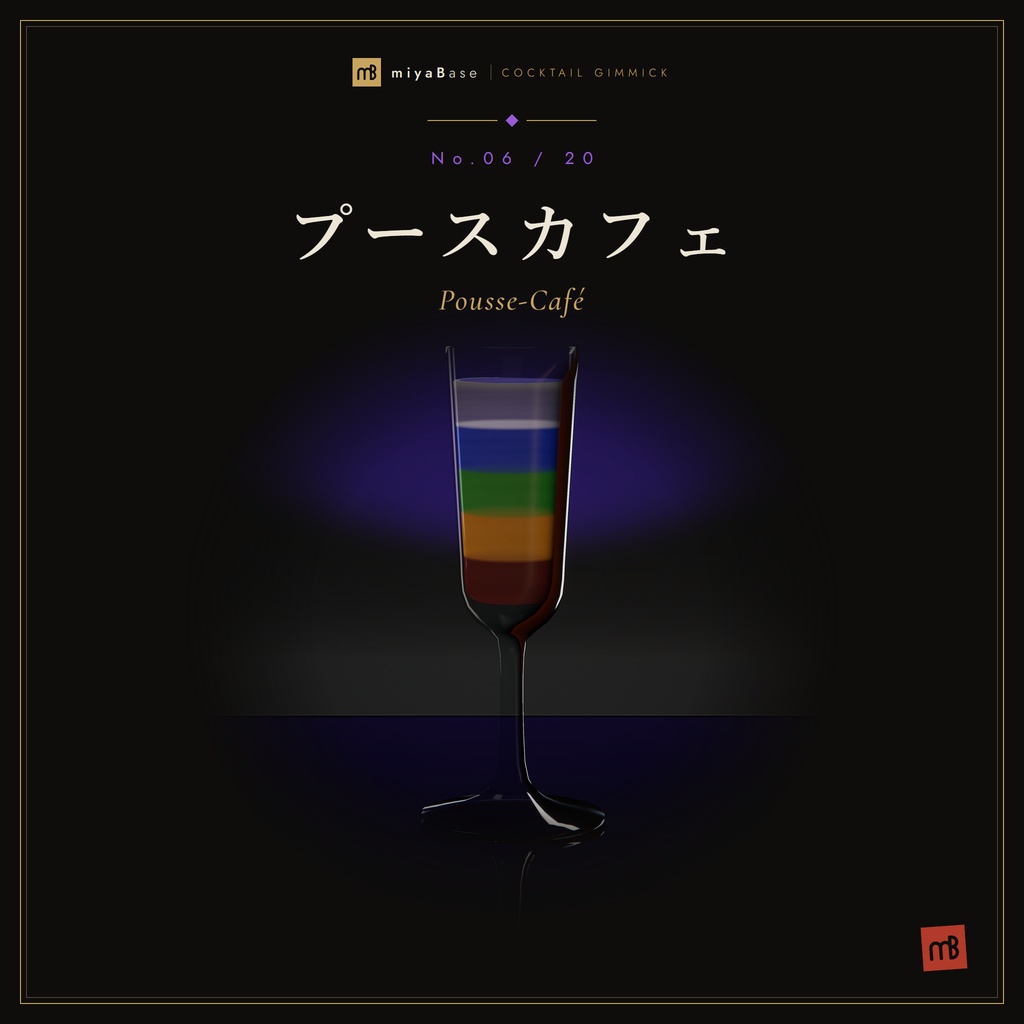
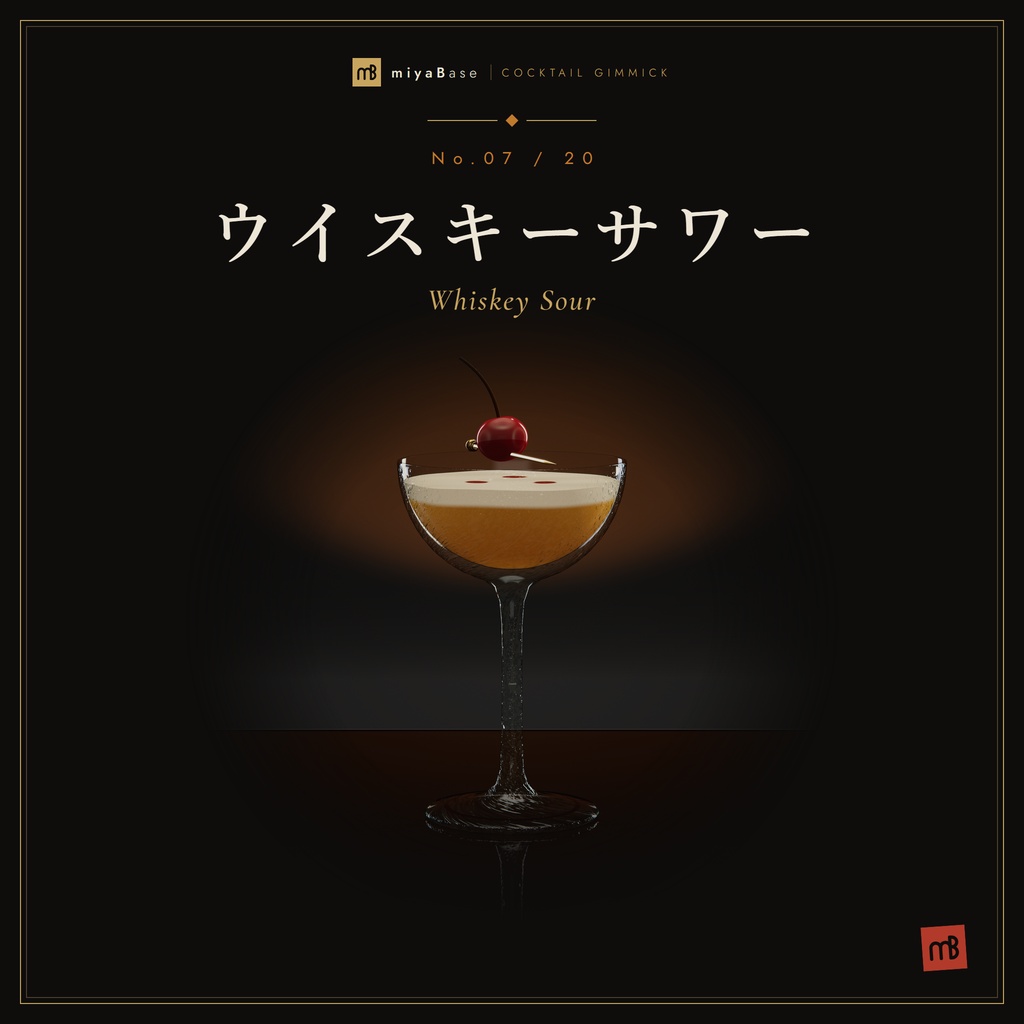
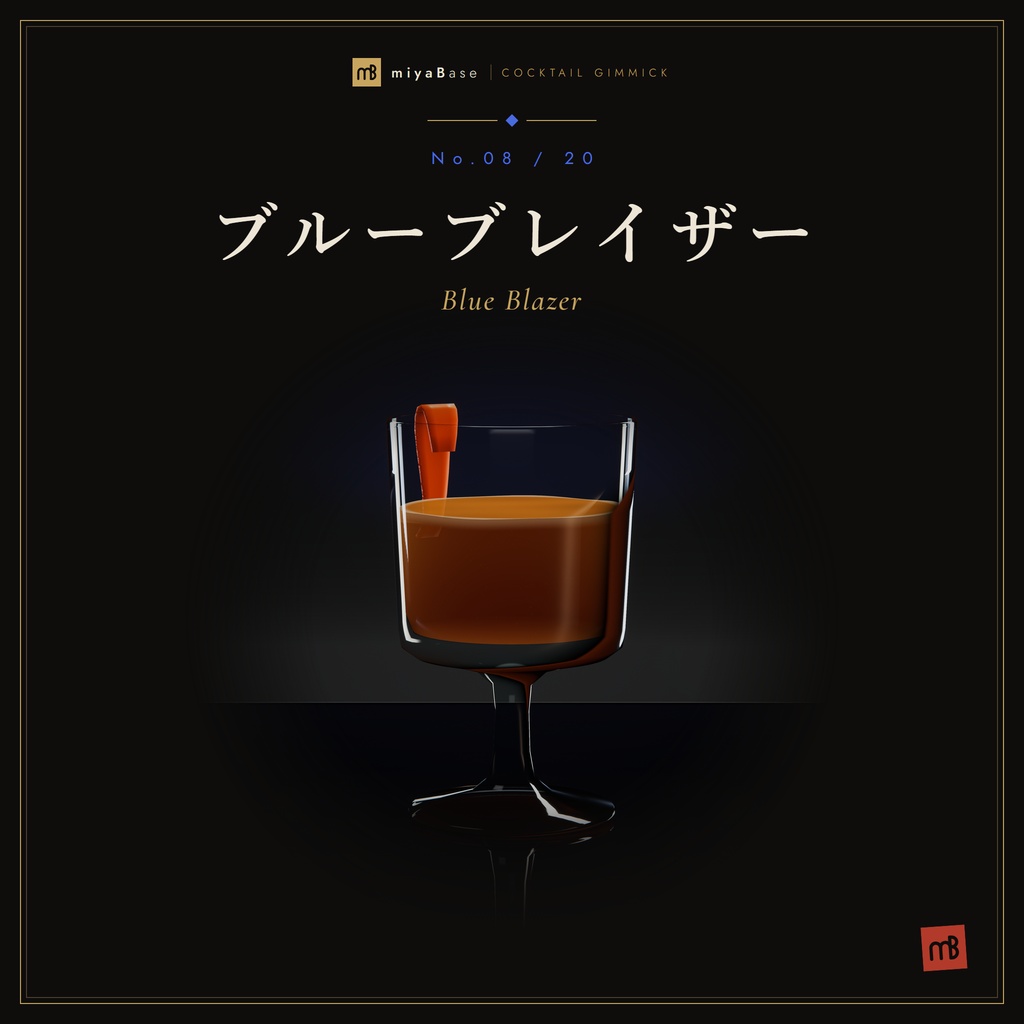
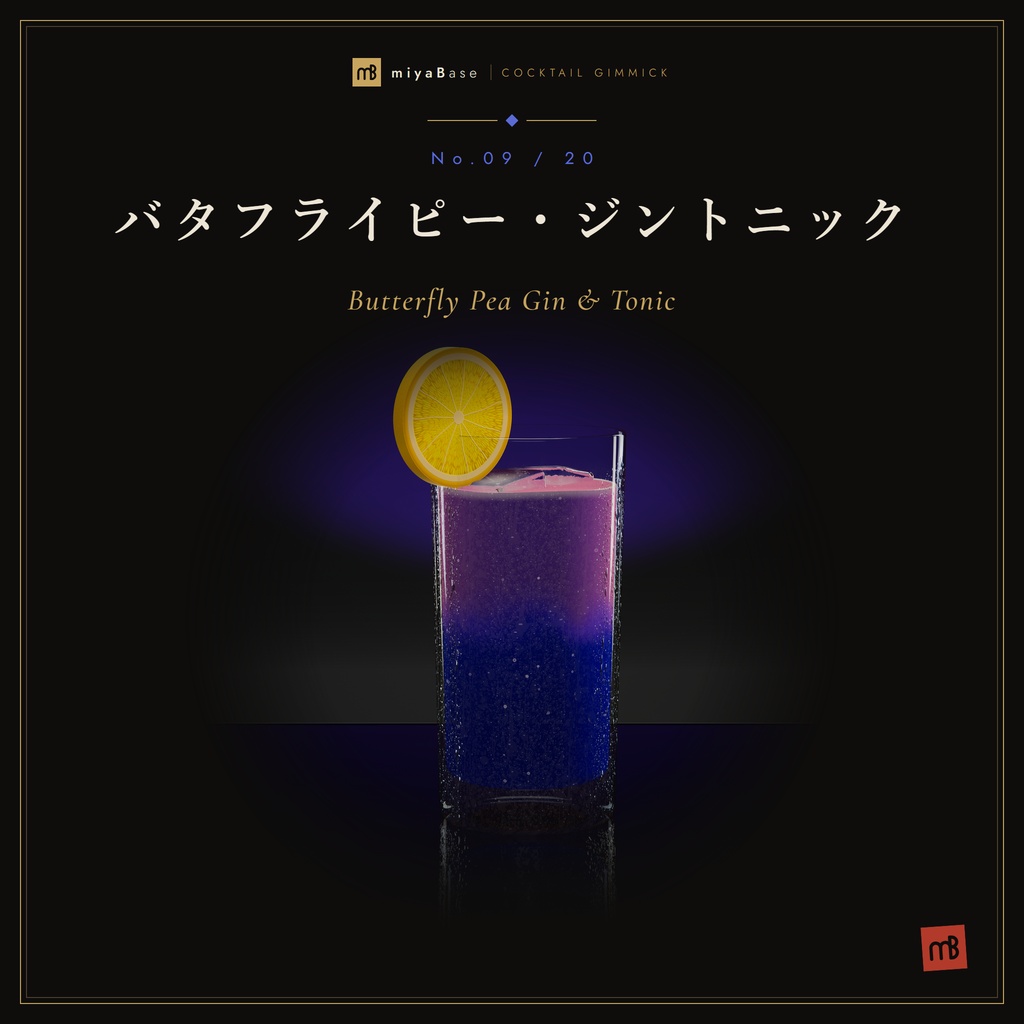
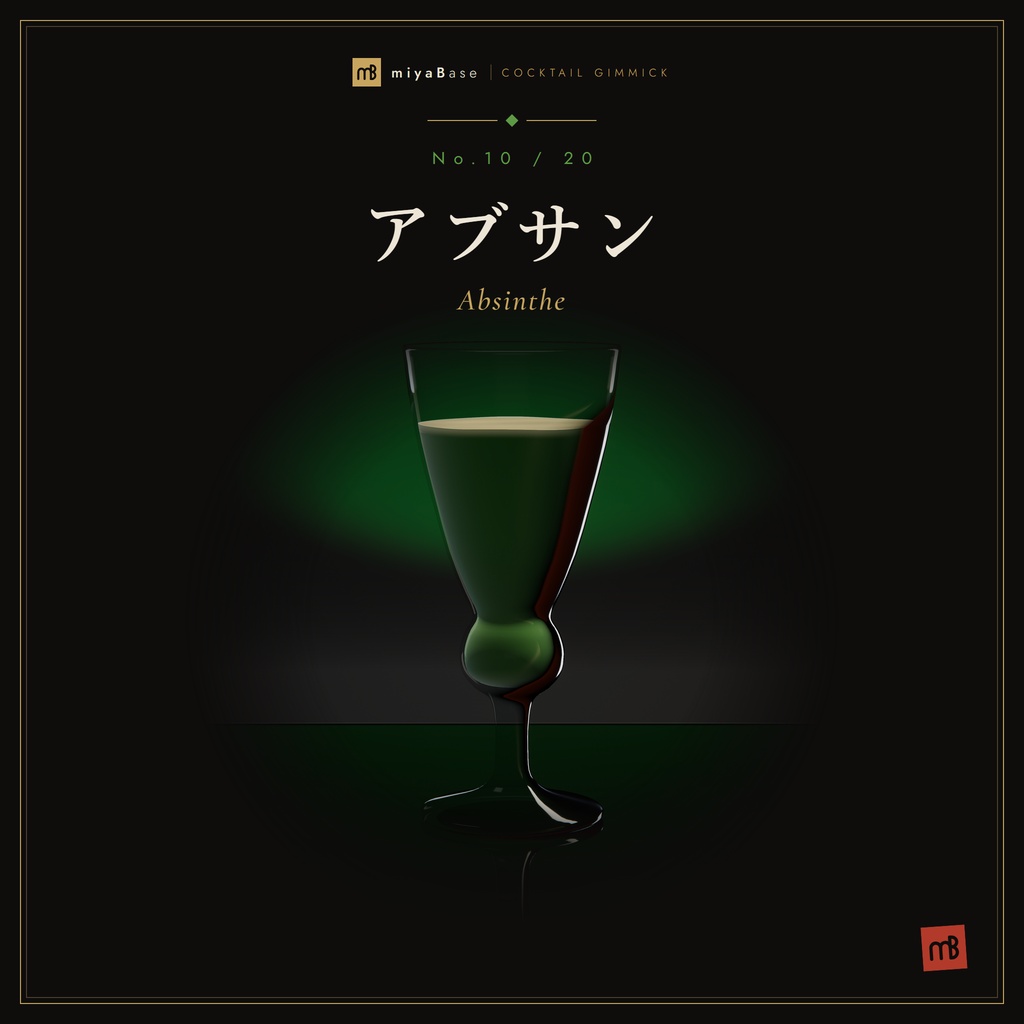
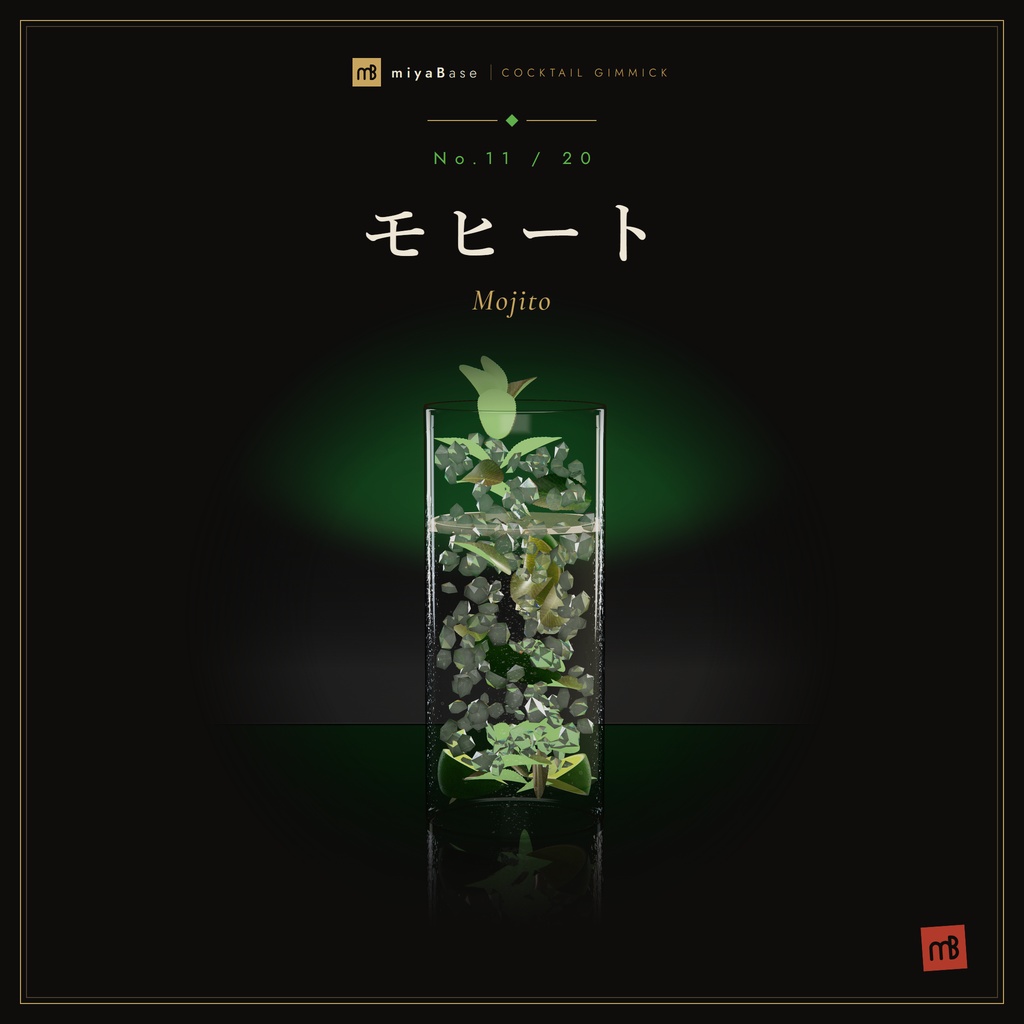
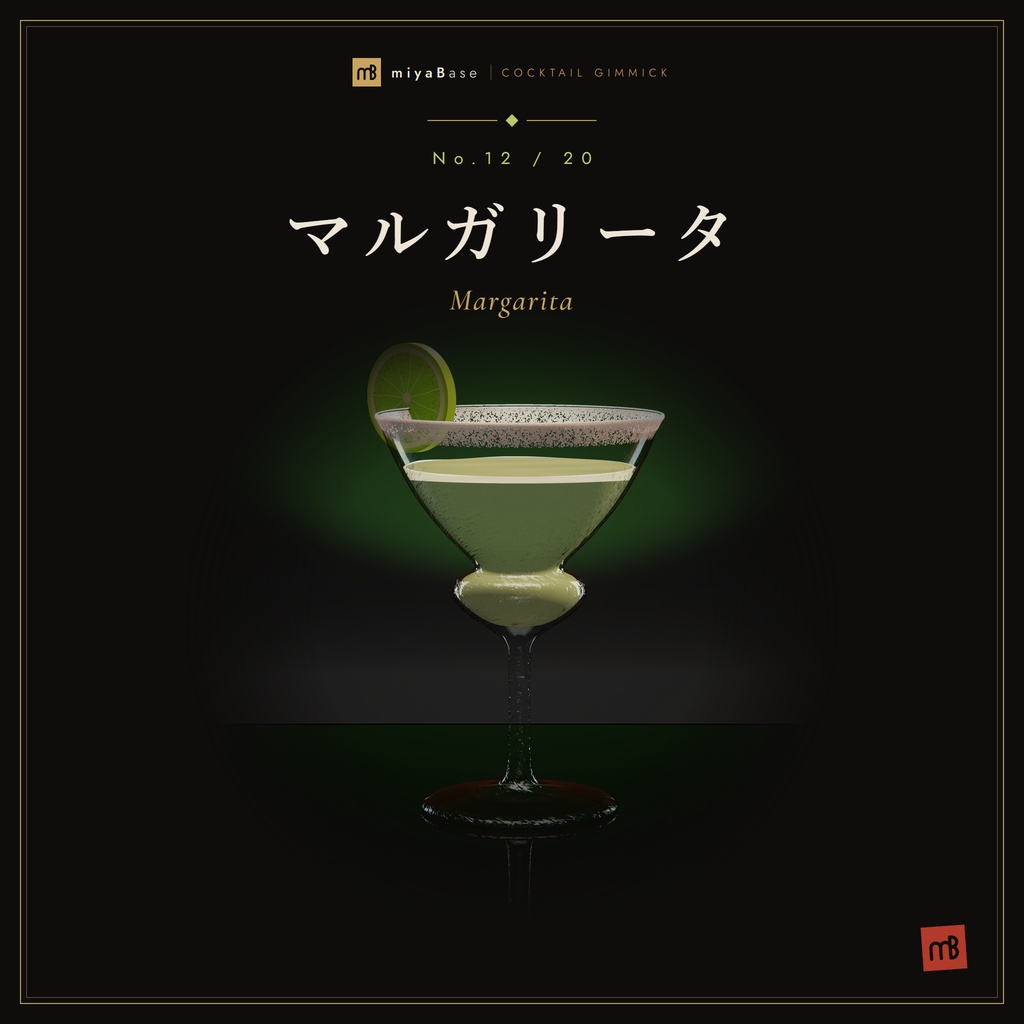
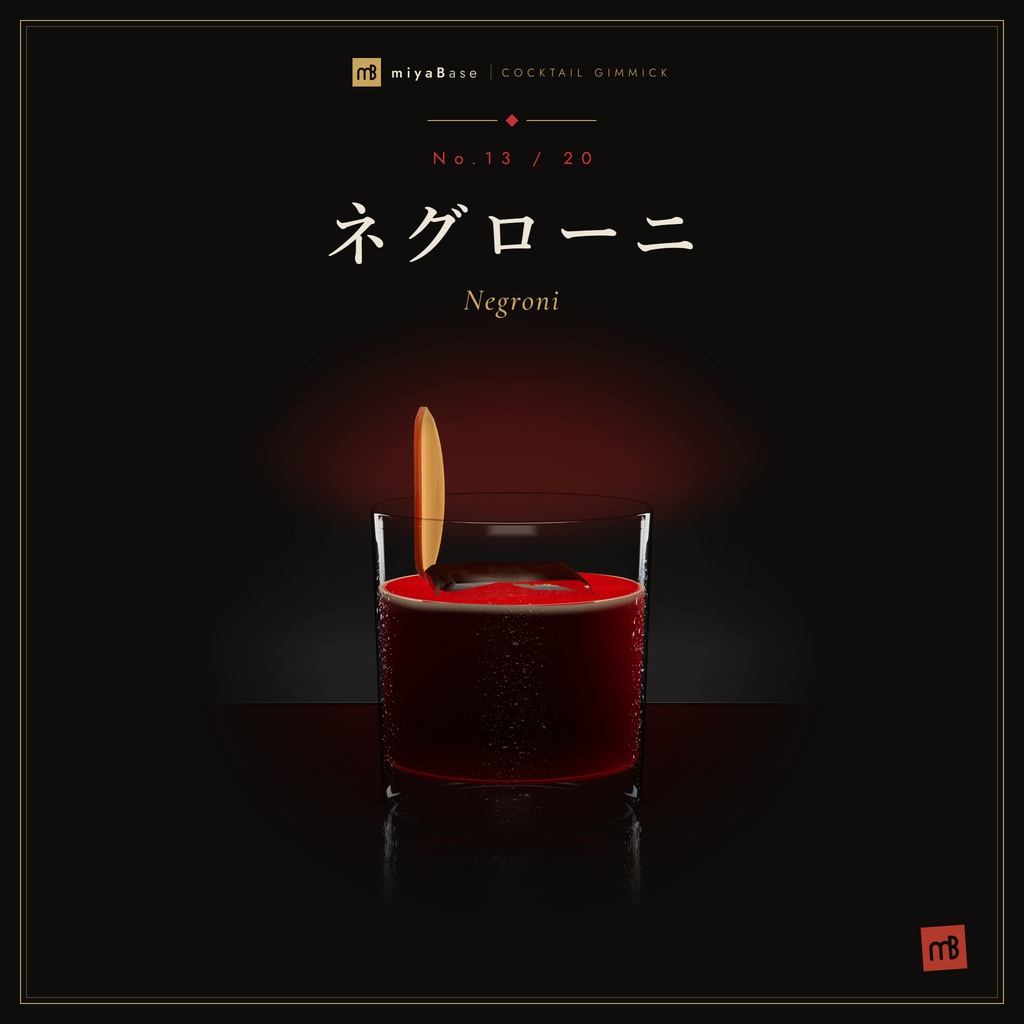
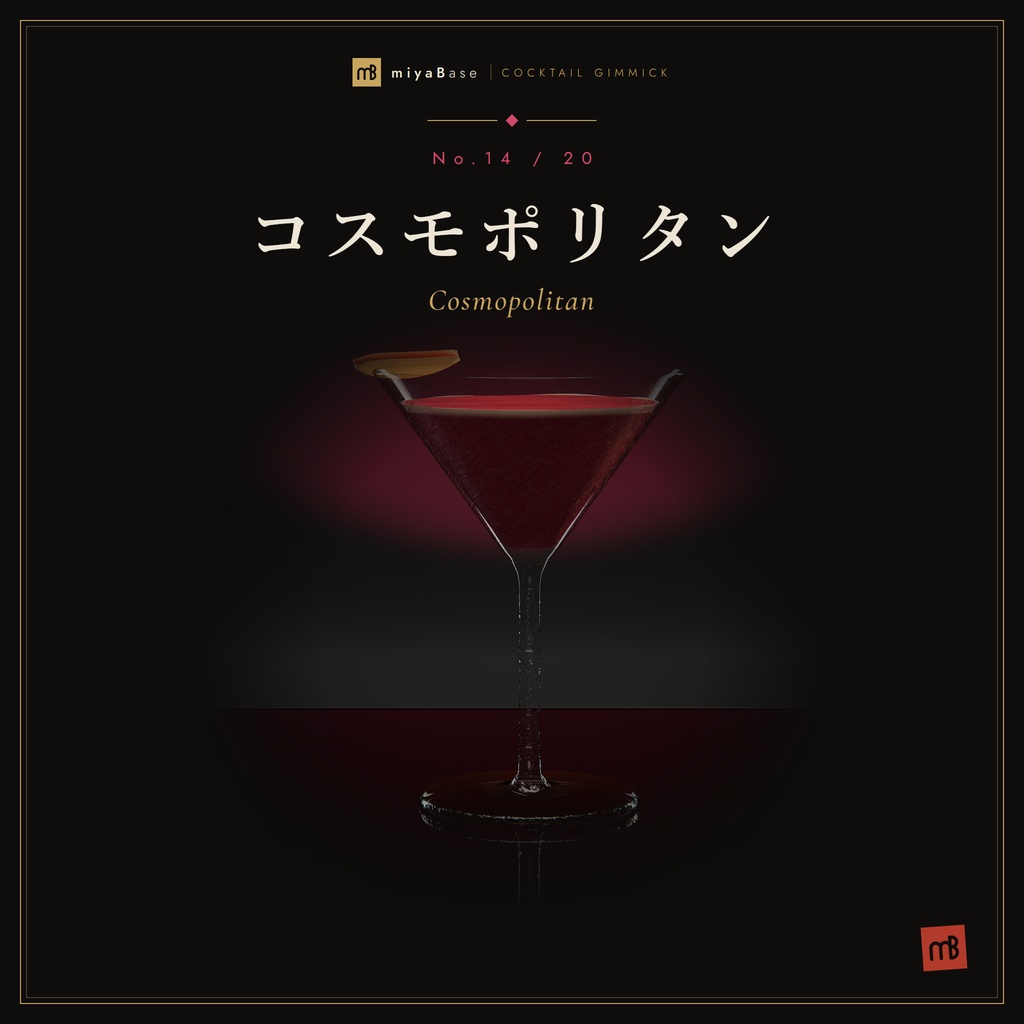
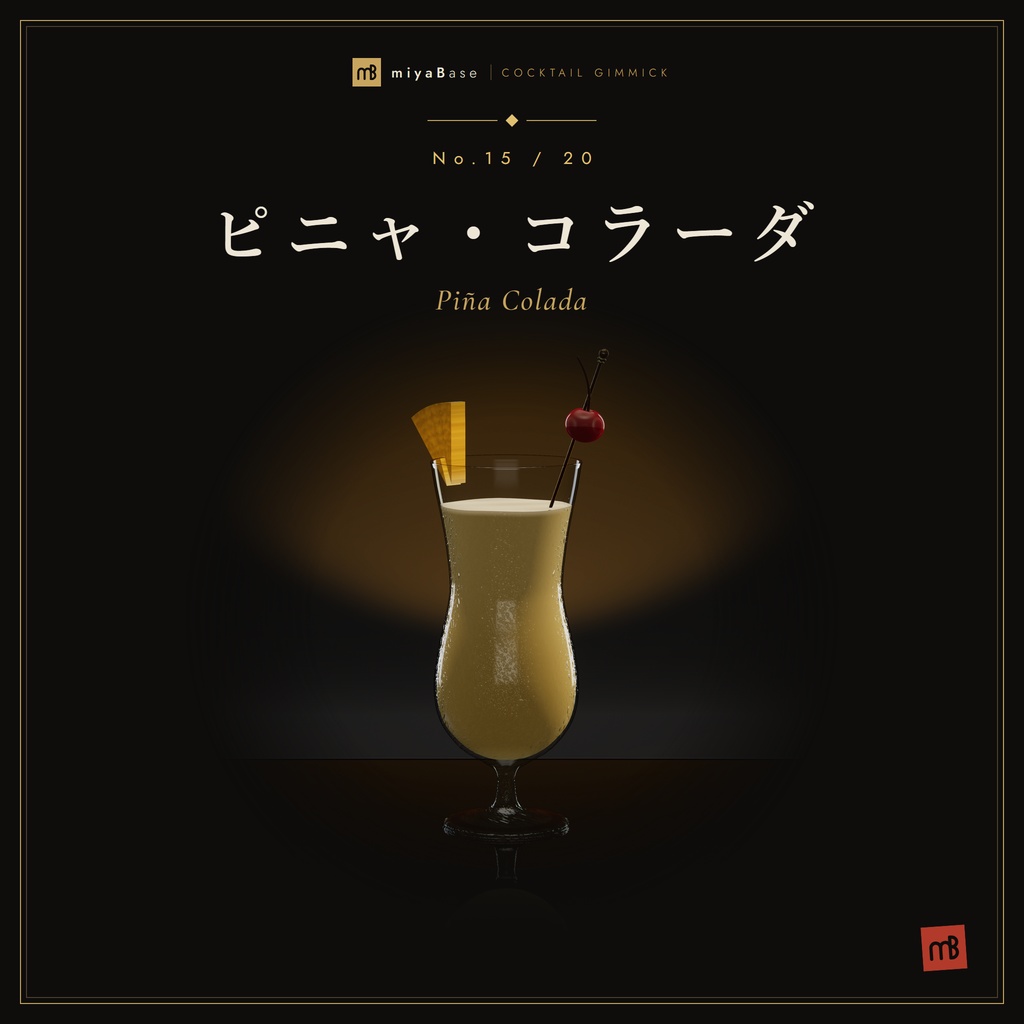
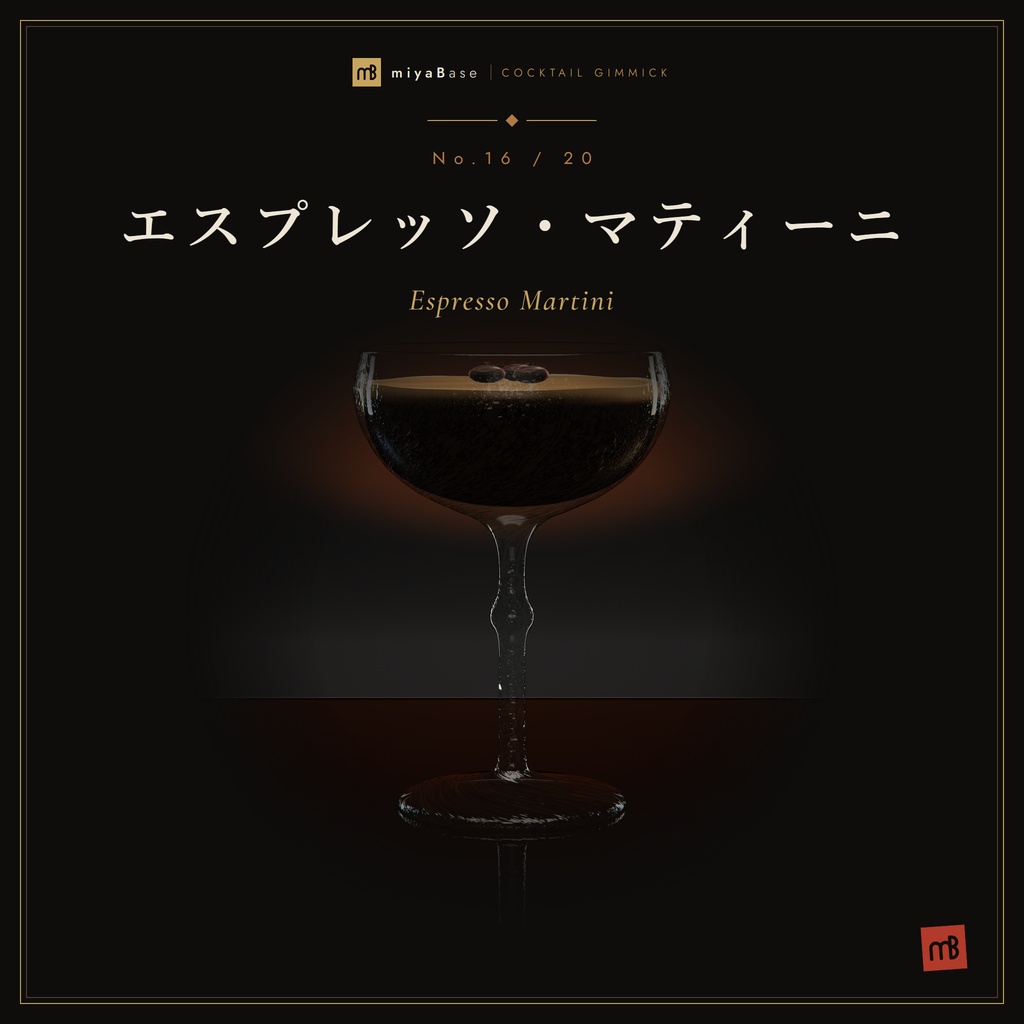
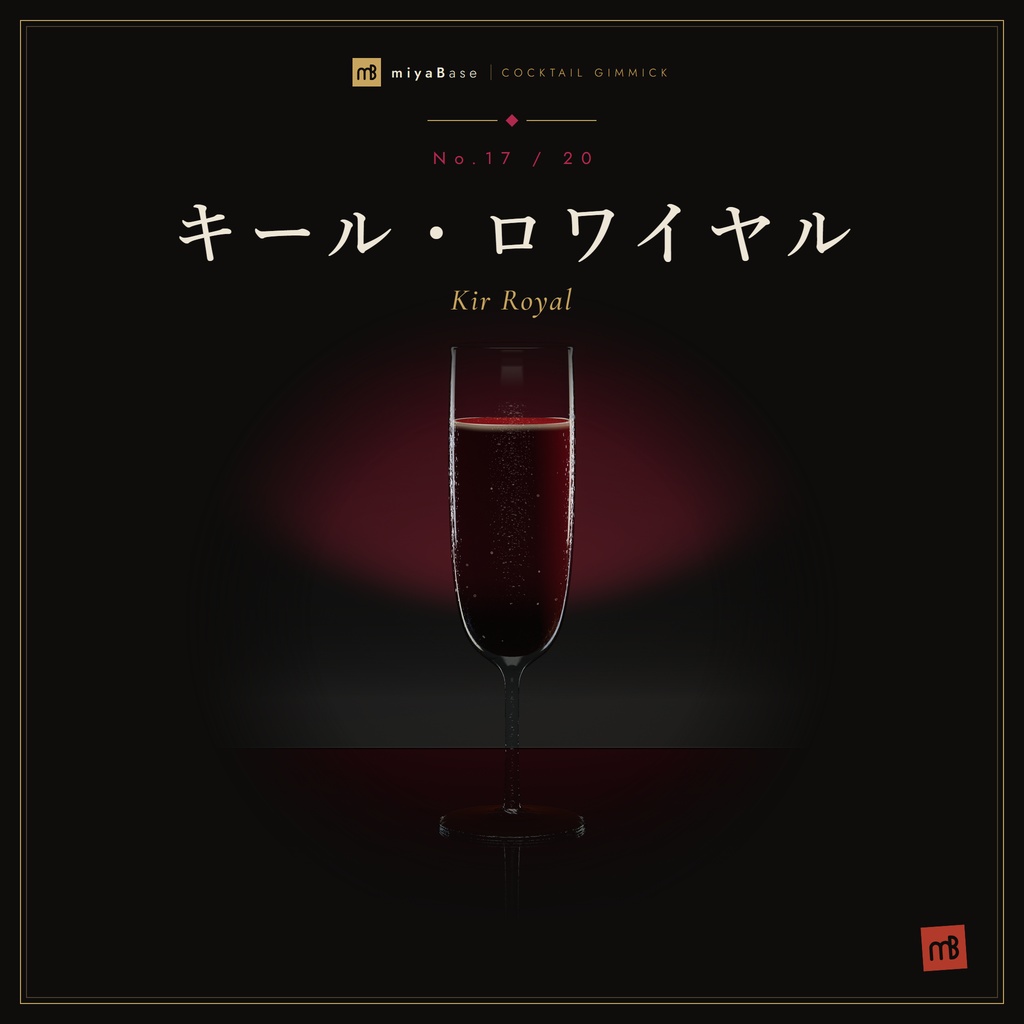
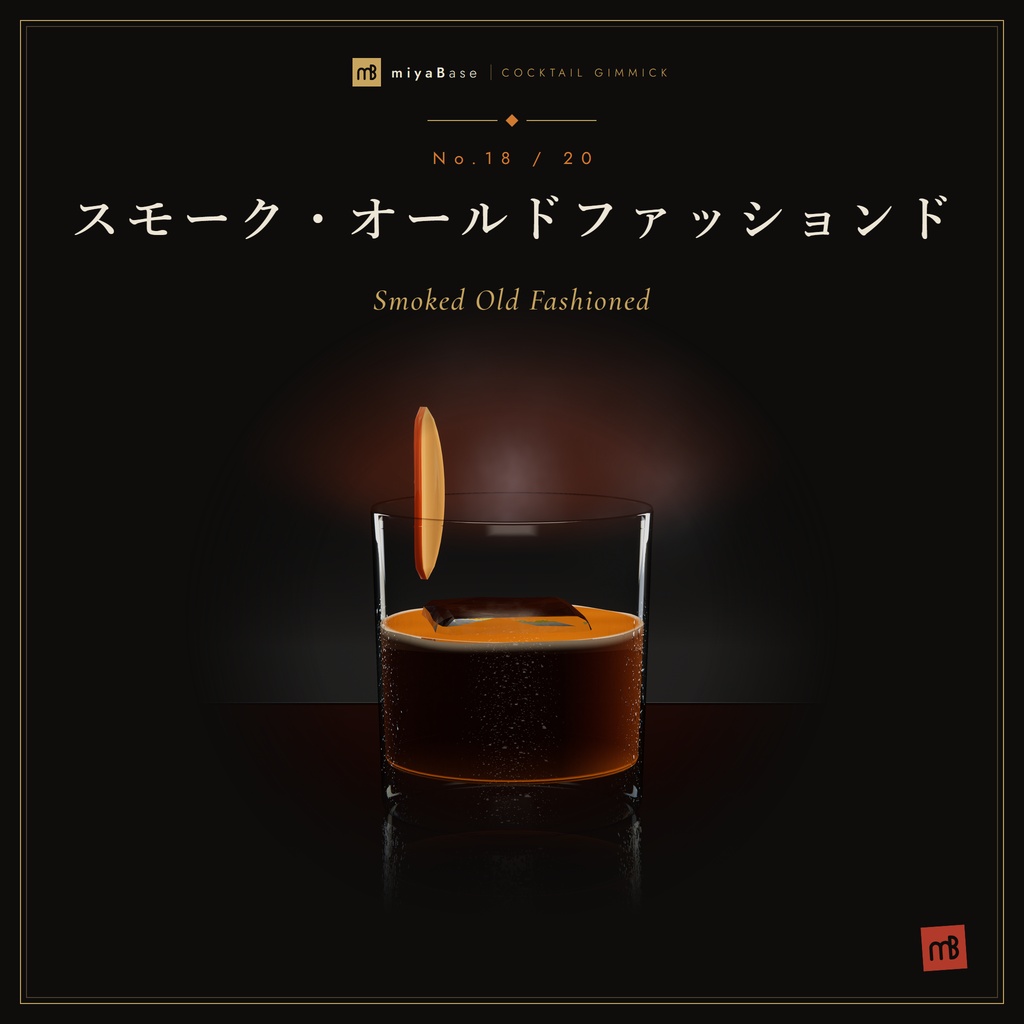
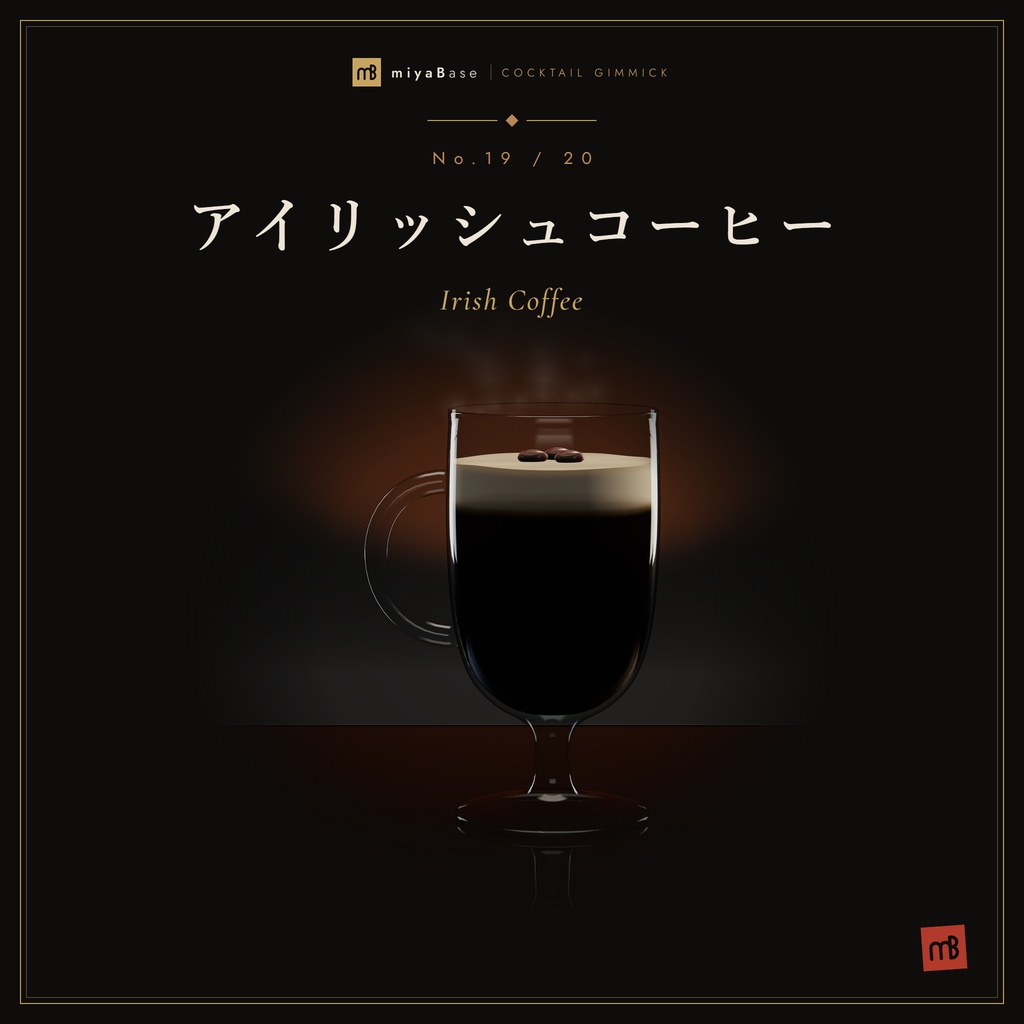
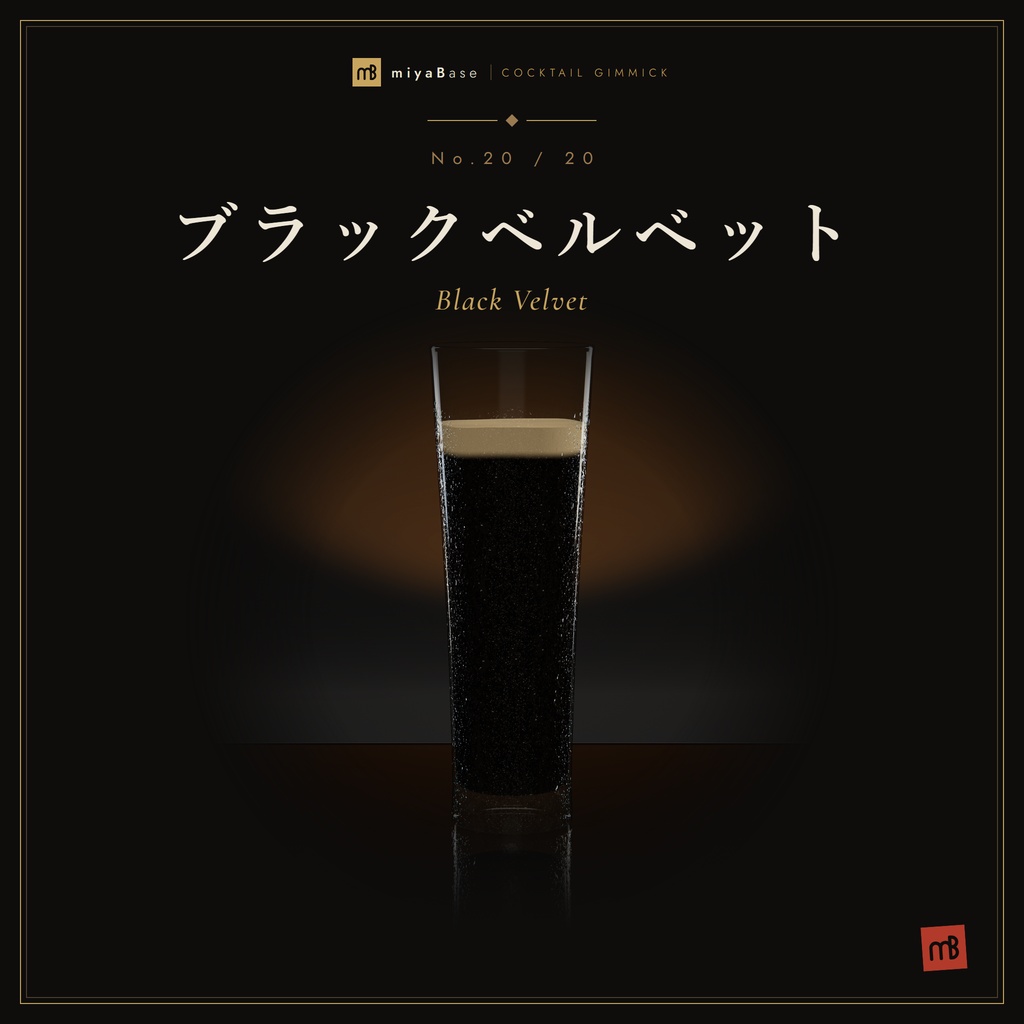


ハロウィン限定の追加カクテル『ヴァンパイア・キス』『ウィッチズ・ブリュー』『アイボール・マティーニ』を無料配布中 (10/31まで・要本体。追加パック v1.2.1 は本体 v2.0.1 以上が必要です) VRChatのワールドに置ける高品質なカクテルギミックです。空のグラスを持ってUseすると、ボトルが現れて中身を注ぎ、約9秒から18秒で一杯が完成します。 簡易的なサンプルワールド↓ https://vrchat.com/home/world/wrld_c419cc1e-24d7-45aa-a22b-fe4c4c7d0f9f/info テキーラサンライズやマティーニ、モヒート、マルガリータなどの定番に加え、プースカフェ、ブルーブレイザー、アブサン、スモーク・オールドファッションドといった工程の凝った一杯も収録しています。 グラス同士を合わせると、乾杯の「チン」という音が鳴ります。 収録カクテル テキーラサンライズ / カシスオレンジ / ブルーハワイ / モスコミュール / マティーニ プースカフェ / ウイスキーサワー / ブルーブレイザー / バタフライピー / アブサン モヒート / マルガリータ / ネグローニ / コスモポリタン / ピニャ・コラーダ エスプレッソ・マティーニ / キール・ロワイヤル / スモーク・オールドファッションド / アイリッシュコーヒー / ブラックベルベット
ご要望
作ってほしいカクテルや、ほしい機能があれば、こちらのフォームからお送りください。すべてにはお応えできませんが、今後の追加の参考にします。 https://forms.gle/JH9MSKiU5um4nXgT7 不具合の報告やご質問は、BOOTHのメッセージからお願いします。
v2.0.1
要望フォームでいただいたご意見をもとに、次の機能を追加しました。 ・グラス同士で乾杯すると「チン」と音が鳴ります。 ・グラスを最初から注がれた状態で置けるようになりました(Pre Poured)。 ・展示グラスを追加しました。満杯の展示グラスを取ると空のグラスになって注げるようになり、展示の位置には予備から同じ1杯が補充されます。 ・グラスをたくさん置いたときの負荷を軽減しました。 あわせて、VRやミラーでグラスの屈折が消えていた不具合と、あとから有効にしたベル・グラスにリセットベルが効かない不具合を修正しました。 購入済みの方は、v2.0.0 の上に上書きインポートしてください。今のシーンの設定のまま更新できます。ハロウィン追加パックをお使いの方は、追加パックも v1.2.1 を上書きインポートしてください。 v2.0.0 新しいカクテルを10種追加し、全20種になりました。 購入済みの方は、上書きインポートで今のシーンの設定のまま更新できます。追加の10種は Assets/miyaBase/カクテルギミック作成_Vol2/Prefabs/ にあります。 注ぐ許可(Prefabs/miyaBase_CocktailPourPermission)を置いたワールドでは、リセットベルを押せるのも注げるユーザーだけになりました。 グラスは手を離した位置でそのまま止まるようになりました(重力なし。机や他のグラスと干渉しません)。v1.x から更新することで、すでにシーンに置いてあるグラスも重力の影響をうけなくなります。 全20種のモデルを、最適化しました。前のモデルのまま使いたい場合は、インポート時に Models フォルダの FBX(21本)と StreamTube.asset のチェックを外してください。メッシュ名は同じなので、一部だけ前のモデルを残しても動きます。
設置方法
・Prefabsフォルダのカクテル別Prefabを、ワールドのシーンに配置してください。 ・グラスには重力がなく、手を離した位置でそのまま止まります。机や他のグラスと干渉しないため、置く面にコライダーは要りません。 ・最初から注がれた状態で置きたい場合は、下の「最初から注がれた状態で置く」をご覧ください。 ・VRC Light Volumesは、パッケージを導入するだけで動きます。シーンにLight Volumeを置くかどうかは任意です。 ・ボトルはエディタ上では見えていますが、ワールドの実行中は自動で非表示になり、注いでいる間だけ表示されます。
導入方法
1.VCCで lilToon と VRC Light Volumes を追加します VRC Light Volumes: https://redsim.github.io/vpmlisting/ 2.ダウンロードした.unitypackageをインポートします 3.次のフォルダから、お好みのカクテル別Prefabをワールドに配置します Assets/miyaBase/カクテルギミック作成/Prefabs/(テキーラサンライズ〜アブサンの10種) Assets/miyaBase/カクテルギミック作成_Vol2/Prefabs/(モヒート〜ブラックベルベットの10種) 4.(推奨)グラスの周りに Reflection Probe を1つ置いてください ・手を離したら落ちて置かれるようにしたい場合は、Prefab内の「Glass」オブジェクトを選び、RigidbodyのUse GravityをON、Is KinematicをOFF、Box ColliderのIs TriggerをOFFにしてください。この場合、置く面には必ずコライダーを付けてください。コライダーが無いと、グラスが面をすり抜けます。 ・見た目について ガラスのハイライトや逆光はリアルタイムのディレクショナルライトで出ています。ライトマップの焼き込みだけのワールドでは、平坦な見た目になる可能性があります。 ・グラスをまとめて元に戻すリセットのベル Prefabs/miyaBase_CocktailResetBell をワールドに置くと、押したときに、誰も持っていないグラスが元の位置に戻って空になります。置くだけでシーン内の全グラスが対象になります。 ・特定のユーザーのみがカクテルを作れる方法 Prefabs/miyaBase_CocktailPourPermission をワールドに1つ置き、Inspector の allowedNames にユーザーの表示名を入れてください。 allowInstanceOwner がオン(初期設定)なら、インスタンスを立てたユーザーはカクテルを作れるようになります。 置くだけでシーン内の全グラス(追加の10種とハロウィン追加パックのカクテルを含む)とリセットのベルが対象になります。許可のないユーザーには、空のグラスとベルの操作表示が出ません。 ・最初から注がれた状態で置く カクテル別Prefabのいちばん上(グラスのルート)にある CocktailPrePoured の Pre Poured をONにすると、ワールドに入った時点で注ぎ終わった一杯が置かれます(注ぐ演出は出ません)。 Refill On Reset がON(初期設定)なら、リセットのベルで戻したグラスも満杯に戻ります。OFFにすると、ベルで空に戻ります。 ・展示グラス(取ると注げるグラスが出る) 同じカクテルを何杯も出すバーイベント向けです。予備のグラスは非表示で待機するので、たくさん並べるより負荷がかかりません。 1.Prefabs/miyaBase_CocktailGlassDispenser をシーンに置きます 2.その子に、展示したいカクテルのPrefabを必要な数だけ入れ、位置をすべて 0,0,0 にそろえます(1杯は展示用、残りは予備) 3.完了です。Play・アップロード時に、子のグラスが自動で予備として登録されます 展示の1杯は満杯で表示されます。取ると空のグラスになり、Useで注げます。 取ったグラスが展示の位置から離れると、予備から次の1杯が補充されます。 予備がなくなると展示の位置は空になります。リセットのベルを押すと、誰も持っていないグラスが戻り、展示は1杯に戻ります。 満杯のまま取らせたいときは、Dispenser の Empty On Take をOFFにしてください。 ベルの Targets を手で設定している場合は、メニューの miyaBase/Cocktail/Reset Bell - Collect Glasses In Scene で集め直してください(Targets が空のままなら自動で対象になります)。 ・音量と効果音の変更 音量:グラスの中の「Controller」を選び、CocktailController の Audio にある Master Volume(0〜1、初期値 0.8)を変えてください。注ぐ音、氷、飲む音、炎、乾杯の音などすべてに効きます。 効果音の差し替え:同じ CocktailController の Audio の欄(Clink Clips=氷、Pop=飾り、Sip=飲む、Empty=飲み干し、Shake、Squeeze、Plop など)に、お好きな音声ファイルを入れてください。注ぐ音は、瓶の下の AudioSource(Pour Loops)の AudioClip です。 全部のカクテルをまとめて変えたいときは、Audio フォルダの SE_○○.wav を同じ名前のファイルで上書きすると、全プレハブに反映されます(乾杯の音は SE_Clink_01〜03.wav)。
操作
・空のグラスを持ってUse:注ぐ ・VR:グラスを口元に近づけて傾けると飲めます ・デスクトップ:Useでひと口ずつ飲めます(プースカフェは1層ずつ) ・飲み干すと氷と飾りが消え、もう一度注げるようになります ・グラス同士を合わせる:乾杯の音が鳴ります ・リセットのベルを押す:誰も持っていないグラスが元の位置に戻り、空になります
動作環境
Unity : 2022.3.22f1 VRChat SDK - Worlds : 3.10.5 VRChat SDK - Base : 3.10.5 lilToon : 2.3.4 VRC Light Volumes : 2.1.3 (上記のバージョンで動作を確認しています)
同梱物
miyaBaseカクテルギミック_v2.0.1.unitypackage (Prefab 23種=カクテル20種、リセットベル、注ぐ許可、展示グラス。モデル、マテリアル、テクスチャ、シェーダー、UdonSharpスクリプト、効果音) デモワールドは含まれません。 miyaBaseカクテルギミック_ハロウィン追加パック_v1.2.1.unitypackage (本体 v2.0.1 以上が必要です) ワールドに配置した場合、おおむね21MB となります(20種すべて。ハロウィン追加パックは含みません)
利用規約
VN3ライセンス https://www.vn3.org/ をベースに規約を生成しています。 購入前に利用規約PDFをご確認ください。 JP https://drive.google.com/file/d/1quddE9iMFz51vrUvlgvZPnEaSxNVpwy6/view?usp=sharing EN https://drive.google.com/file/d/19s32q5WFliow31wJRj29ggWT0vJa5RyZ/view?usp=sharing また本商品を利用したことによって生じるいかなる損害(publicにおける迷惑行為を含む)に対して当方は一切責任を負いません。 アップデートなどで生じるVRChatやUnityの仕様変更により、本商品の機能を使用できなくなった場合、当方は責任を負いません。 製品制作に関して、一部生成AIを使って制作しています。 ラベルの銘柄はすべて架空のものであり、実在の団体との一切のかかわりはありません
更新履歴
2026/10/03 v1.0.0 公開 2026/10/04 v1.0.1 モスコミュールを飲み切るとき、ライムがマグの底を突き抜けて見える不具合を修正 2026/10/04 v1.0.2 リセットベルを同封 2026/10/13 v1.0.3 特定のユーザーのみがカクテルを製作出来るようにprefabを追加 2026/10/14 v1.2.0 ハロウィン追加パックv1.2.0をリリース 2026/10/17 v2.0.0 新しいカクテル10種(モヒート、マルガリータ、ネグローニ、コスモポリタン、ピニャ・コラーダ、エスプレッソ・マティーニ、キール・ロワイヤル、スモーク・オールドファッションド、アイリッシュコーヒー、ブラックベルベット)を追加し、全20種に。グラスは手を離した位置で止まるように(重力なし)。注ぐ許可を置いたワールドでは、リセットのベルを押せるのも注げるユーザーだけに。ハロウィン追加パックを v1.2.1 に。全20種のモデルを見た目を変えずに軽量化(約27%減。前のモデルを使う場合はインポート時に Models の FBX と StreamTube.asset のチェックを外す) 2026/10/25 v2.0.1 グラス同士で乾杯すると音が鳴るように。最初から注がれた状態で置ける設定(Pre Poured)と、取ると注げるグラスが出る展示グラスを追加。グラスをたくさん置いたときの負荷を軽減。VR・ミラーでグラスの屈折が消える不具合と、あとから有効にしたベル・グラスにリセットのベルが効かない不具合を修正。ハロウィン追加パックを v1.2.1 に更新(本体 v2.0.1 以上が必要)
English
Halloween limited: three add-on cocktails, "Vampire's Kiss", "Witch's Brew" and "Eyeball Martini", are free until Oct 31 (this product is required; add-on pack v1.2.1 needs this product v2.0.1 or later). A high-quality cocktail gimmick for VRChat worlds. Pick up an empty glass and press Use: a bottle appears and pours, and the drink is ready in about 9 to 18 seconds. Sample world: https://vrchat.com/home/world/wrld_c419cc1e-24d7-45aa-a22b-fe4c4c7d0f9f/info From classics like the Tequila Sunrise, the Martini, the Mojito and the Margarita to more elaborate drinks such as the Pousse Café, the Blue Blazer, Absinthe and the Smoked Old Fashioned: 20 cocktails in total. Each cocktail has its own pouring sequence, so watching it being made is part of the fun. Touch two glasses together and they clink. Uses Global sync. Players who join later see the same state. [Cocktails] Tequila Sunrise / Cassis Orange / Blue Hawaii / Moscow Mule / Martini Pousse Café / Whiskey Sour / Blue Blazer / Butterfly Pea / Absinthe Mojito / Margarita / Negroni / Cosmopolitan / Piña Colada Espresso Martini / Kir Royal / Smoked Old Fashioned / Irish Coffee / Black Velvet [v2.0.1] New features based on the request form: - Glasses clink when they touch each other. - Glasses can start already poured (Pre Poured). - New Glass Dispenser: take the full display glass and it becomes an empty glass you can pour; a spare refills the display spot. - Lower CPU cost when many glasses are placed (resting glasses update less often). Also fixed: glass refraction disappearing in VR and mirrors, and the reset bell not affecting bells/glasses enabled later. If you already own it, import v2.0.1 over v2.0.0. Your scene settings are kept. If you use the Halloween add-on pack, also import add-on v1.2.1 over it. [v2.0.0] Added 10 new cocktails (20 in total). The new 10 are in Assets/miyaBase/カクテルギミック作成_Vol2/Prefabs/. Glasses now stay where they are released (no gravity; they do not collide with tables or other glasses). Updating from v1.x also stops placed glasses from falling. All 20 models were made lighter without changing their look (about 27% fewer polygons). To keep the old models, uncheck the FBX files (21) in the Models folder and StreamTube.asset when importing. [Setup] 1. Add lilToon and VRC Light Volumes to your project in VCC. VRC Light Volumes: https://redsim.github.io/vpmlisting/ 2. Import the downloaded .unitypackage. 3. Place the cocktail prefabs you want into your world from: Assets/miyaBase/カクテルギミック作成/Prefabs/ (Tequila Sunrise to Absinthe, 10 cocktails) Assets/miyaBase/カクテルギミック作成_Vol2/Prefabs/ (Mojito to Black Velvet, 10 cocktails) (カクテルギミック作成 means "Cocktail Gimmick".) 4. (Recommended) Place a Reflection Probe around the glasses. - Place each glass so that its bottom sits on the table surface. - Glasses have no gravity and stay where they are released, even in mid-air. They do not collide with tables or other glasses, so the surface does not need a collider. - To make glasses drop when released, select the "Glass" object inside the prefab, set Use Gravity ON and Is Kinematic OFF on its Rigidbody, and Is Trigger OFF on its Box Collider. The surface they rest on then needs a collider, or they will fall through it. - VRC Light Volumes works as soon as the package is installed. Placing a Light Volume in the scene is optional. - The bottles are visible in the editor, but at runtime they are hidden automatically and only appear while pouring. - Glass highlights and rim light come from a real-time directional light. In worlds lit only by baked lightmaps, the glasses may look flat. [Reset bell] Place Prefabs/miyaBase_CocktailResetBell in your world. Ringing it returns every glass that nobody is holding to its starting position and empties it. It covers all glasses in the scene automatically. [Limiting who can pour] Place one Prefabs/miyaBase_CocktailPourPermission in your world and enter display names in allowedNames in the Inspector. With allowInstanceOwner ON (default), the instance owner can also pour. It covers all glasses in the scene (including the Halloween add-on cocktails) and the reset bell. People without permission do not see the Use prompt on empty glasses or the bell. [Starting with a poured drink] Turn on Pre Poured in CocktailPrePoured on the top object (glass root) of a cocktail prefab, and the glass is already poured when the instance starts (no pouring sequence). With Refill On Reset ON (default), the reset bell refills it. With it OFF, the bell empties it. [Glass Dispenser] For bar events that serve the same cocktail many times. Spares wait hidden, so it costs less than placing many glasses. 1. Place Prefabs/miyaBase_CocktailGlassDispenser in your scene. 2. Put as many copies of one cocktail prefab as you need under it as children, all at position 0,0,0 (one is displayed, the rest are spares). 3. Done. The children are registered as spares automatically on Play and upload. - The display glass is shown full. Taking it turns it into an empty glass you can pour with Use. - When the taken glass leaves the display spot, the next one appears from the spares. - When the spares run out, the display spot stays empty. Ringing the reset bell returns glasses nobody is holding and brings the display back to one glass. - To let people take it full, turn off Empty On Take on the Dispenser. - If you set the bell's Targets by hand, run the menu miyaBase/Cocktail/Reset Bell - Collect Glasses In Scene again (empty Targets are filled automatically). [Volume and sound effects] - Volume: select "Controller" inside the glass and change Master Volume (0-1, default 0.8) under Audio in CocktailController. It applies to pouring, ice, sipping, flames, clinking and all other sounds. - Replacing sounds: drop your own audio files into the Audio fields of the same component (Clink Clips = ice, Pop = garnish, Sip, Empty, Shake, Squeeze, Plop, etc.). The pouring sound is the AudioClip on each bottle's AudioSource (Pour Loops). - To change every cocktail at once, overwrite the SE_*.wav files in the Audio folder with files of the same names (the glass clink is SE_Clink_01-03.wav). [Controls] - Hold an empty glass and press Use: pour - VR: bring the glass to your mouth and tilt it to drink - Desktop: each Use takes one sip (the Pousse Café goes one layer at a time) - When the glass is empty, the ice and garnish disappear and you can pour again - Touch two glasses together: they clink - Ring the reset bell: glasses nobody is holding return to their starting positions and are emptied [Requirements] Tested with: Unity 2022.3.22f1 VRChat SDK - Worlds 3.10.5 VRChat SDK - Base 3.10.5 lilToon 2.3.4 VRC Light Volumes 2.1.3 PC (Windows) only. It does not work on Quest, Android or iOS. [Contents] miyaBaseカクテルギミック_v2.0.1.unitypackage (23 prefabs: the 20 cocktails, the reset bell, the pour permission and the glass dispenser. Also models, materials, textures, shaders, UdonSharp scripts and sound effects.) The demo world is not included. miyaBaseカクテルギミック_ハロウィン追加パック_v1.2.1.unitypackage (needs this product v2.0.1 or later) Adds roughly 21 MB to a world (all 20 cocktails, without the Halloween add-on). [Requests] Is there a cocktail or feature you would like to see? Send it through this form. We cannot make every request, but we read them all for future updates. https://forms.gle/JH9MSKiU5um4nXgT7 [Terms of Use] The terms are based on the VN3 License (https://www.vn3.org/). Please read the terms PDF before purchasing. JP https://drive.google.com/file/d/1quddE9iMFz51vrUvlgvZPnEaSxNVpwy6/view?usp=sharing EN https://drive.google.com/file/d/19s32q5WFliow31wJRj29ggWT0vJa5RyZ/view?usp=sharing If this English text and the Japanese terms differ, the Japanese terms apply. We accept no liability for any damage arising from the use of this product, including nuisance behavior in public instances. We are not responsible if the product stops working because of changes to VRChat or Unity. Generative AI was used for part of the production. All brands on the bottle labels are fictional and have no connection to any real organization. [Support] For questions or bug reports, please contact us through BOOTH messages. English is fine. [Update history] 2026/10/03 v1.0.0 Released 2026/10/04 v1.0.1 Fixed the lime in the Moscow Mule poking through the bottom of the mug when the drink is finished 2026/10/04 v1.0.2 Added the reset bell 2026/10/13 v1.0.3 Added the pour permission prefab (only listed people can make cocktails) 2026/10/14 v1.2.0 Released Halloween add-on pack v1.2.0 2026/10/17 v2.0.0 Added 10 new cocktails (20 in total). Glasses stay where released (no gravity). With pour permission placed, only people who can pour can ring the reset bell. Halloween add-on pack updated to v1.2.1. All 20 models made about 27% lighter without changing their look 2026/10/25 v2.0.1 Glasses clink when they touch. Added the Pre Poured option and the Glass Dispenser. Lower CPU cost with many glasses. Fixed refraction disappearing in VR and mirrors, and the reset bell not affecting bells/glasses enabled later. Halloween add-on pack updated to v1.2.1 (needs v2.0.1 or later)