


Sphere of Muse | ミュズピ
- ダウンロード商品¥ 3,200
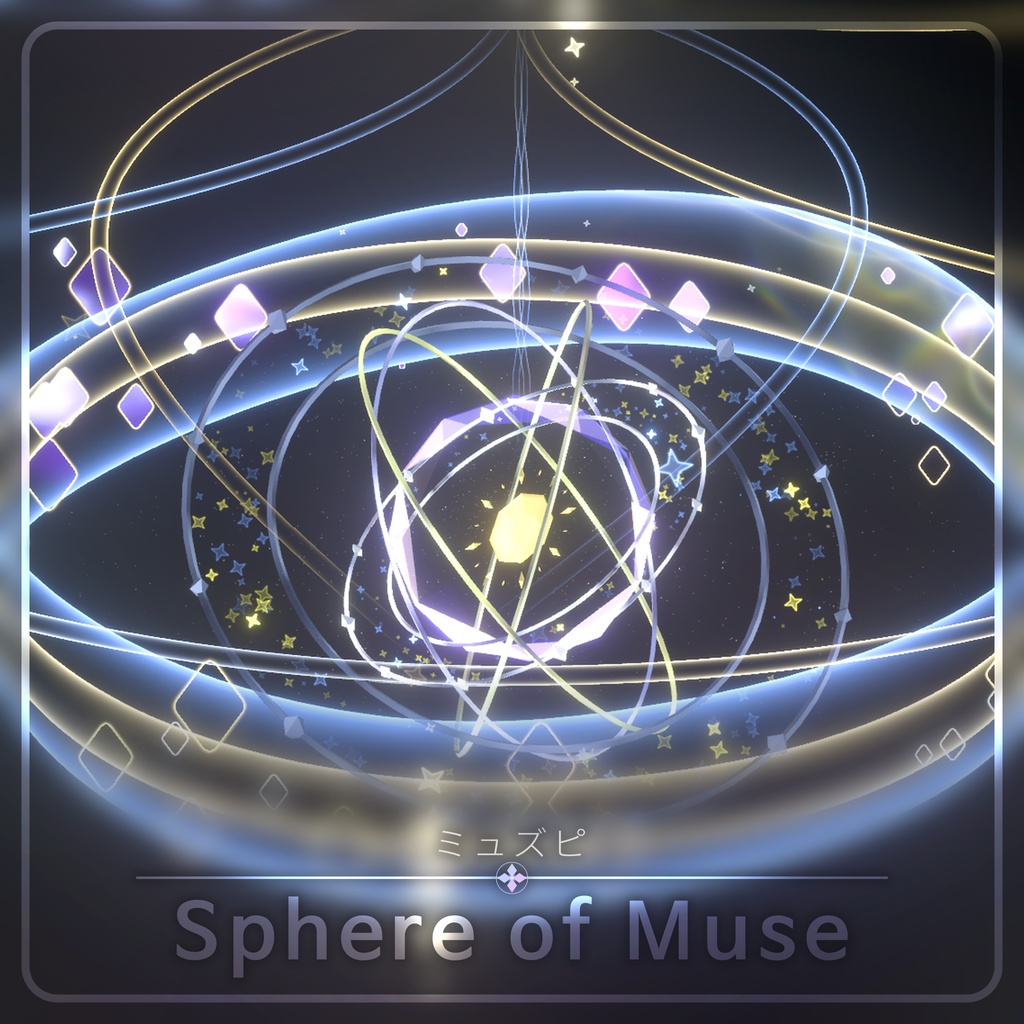
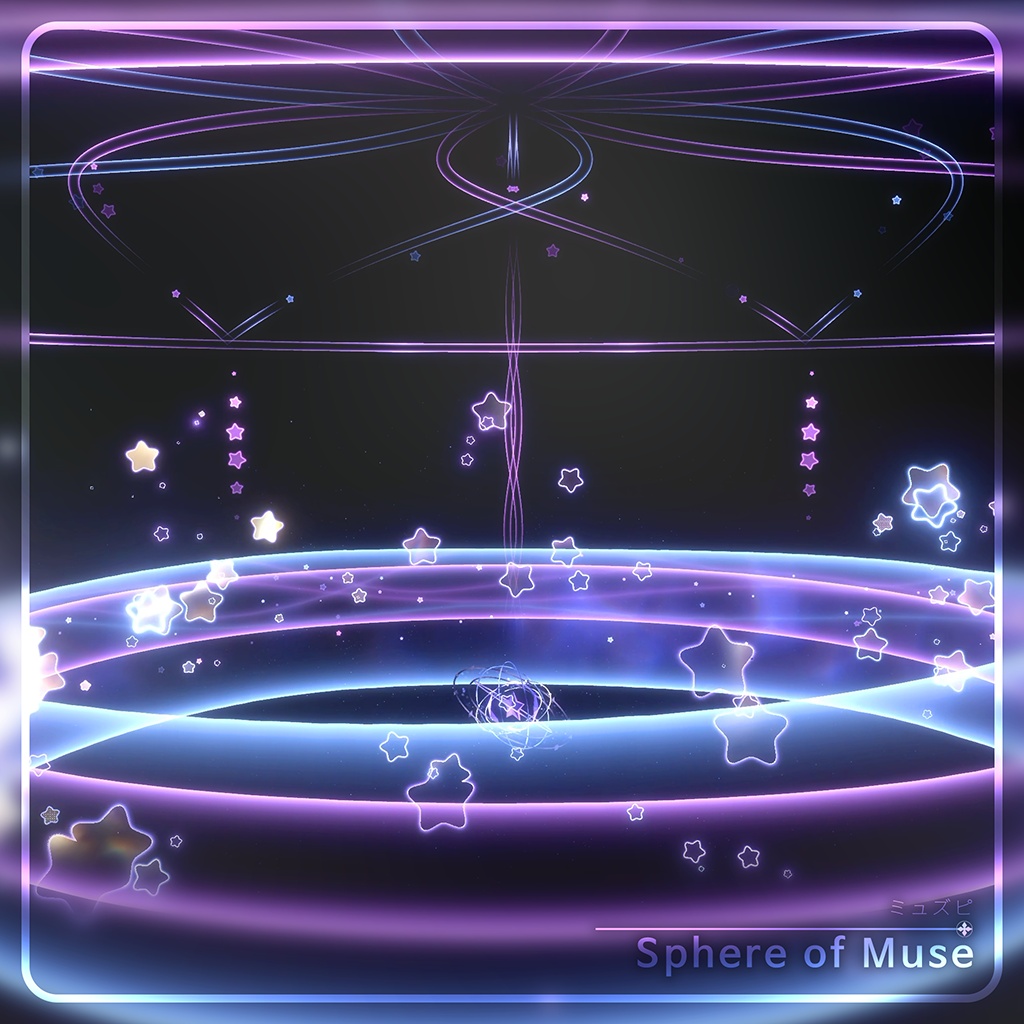
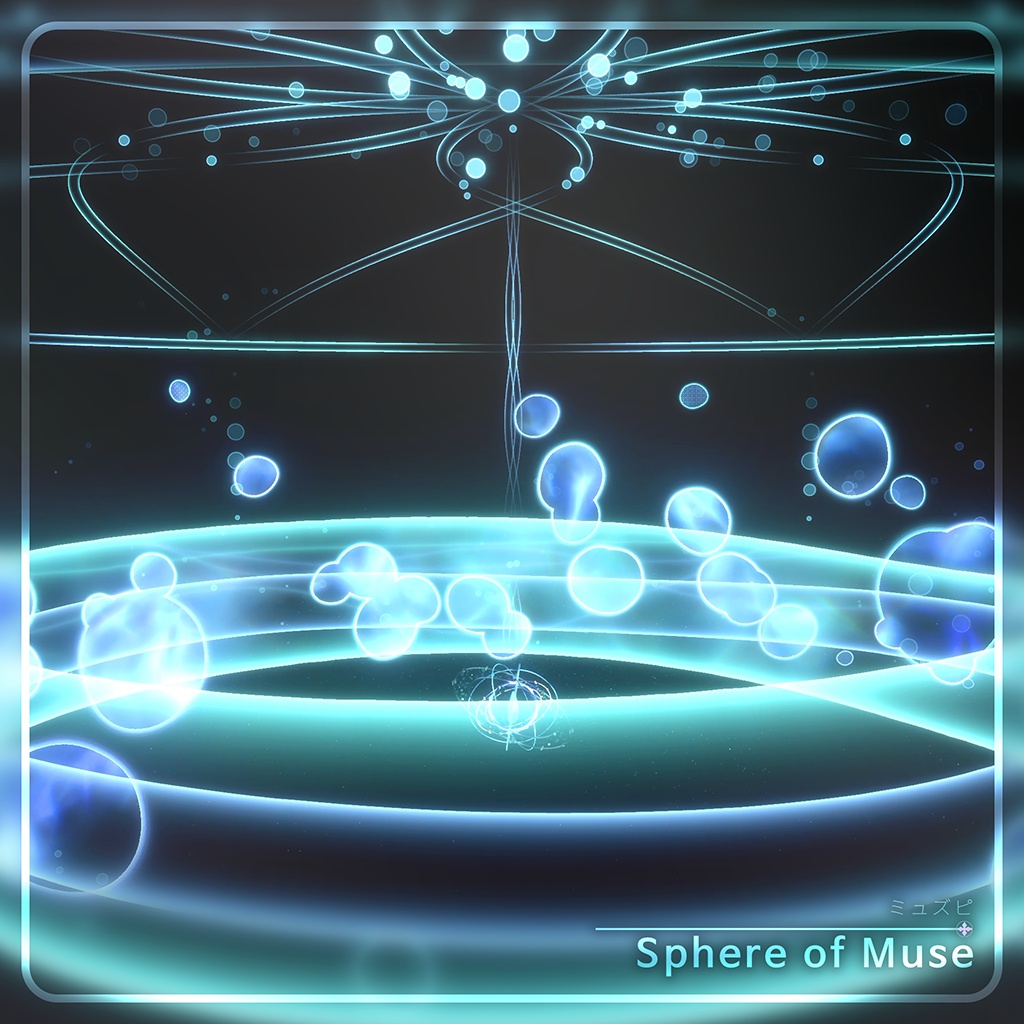
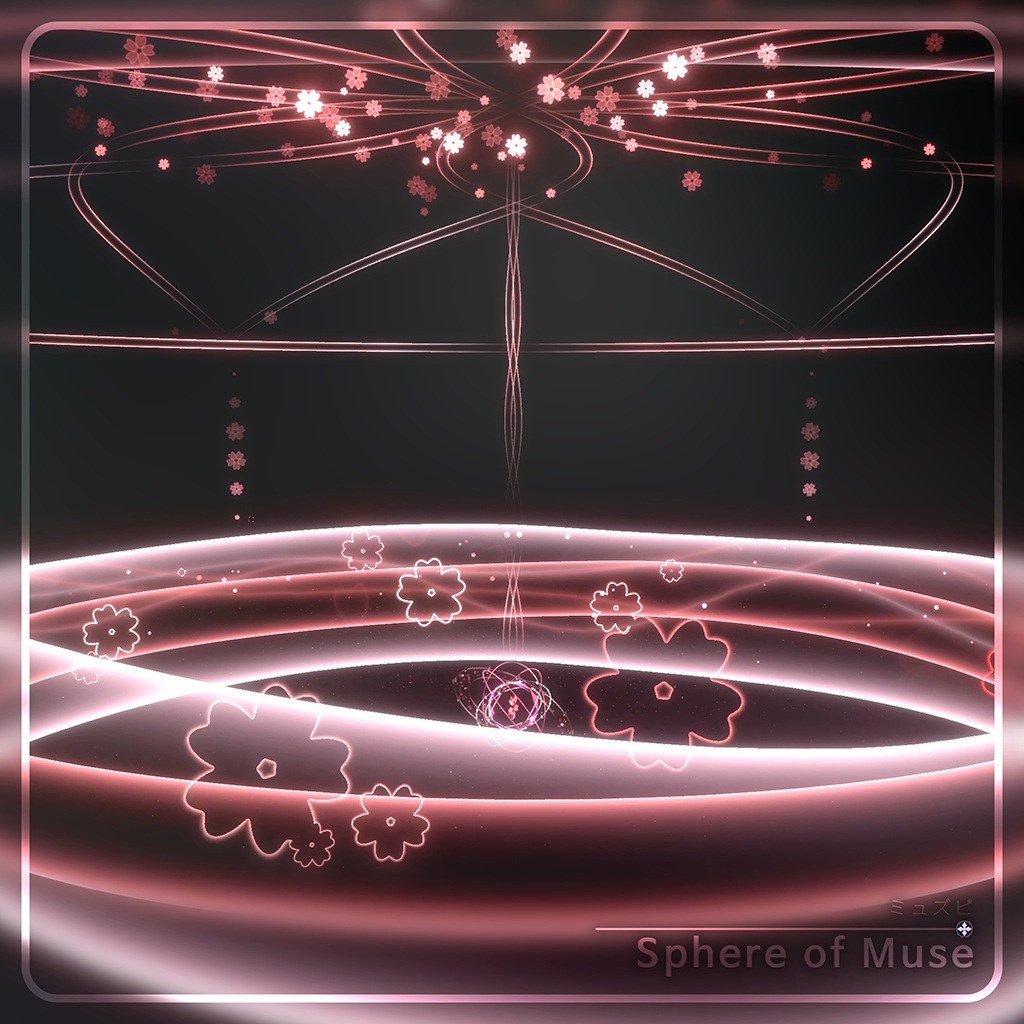
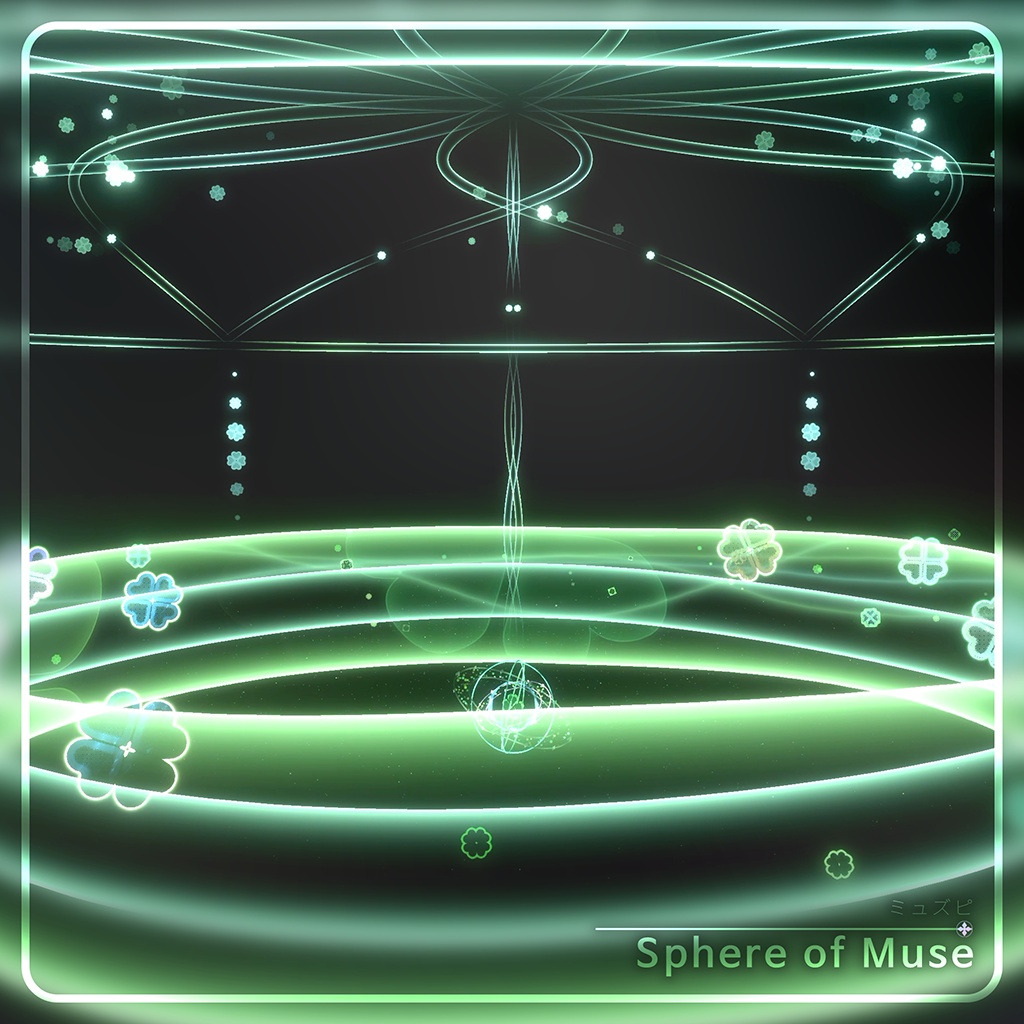
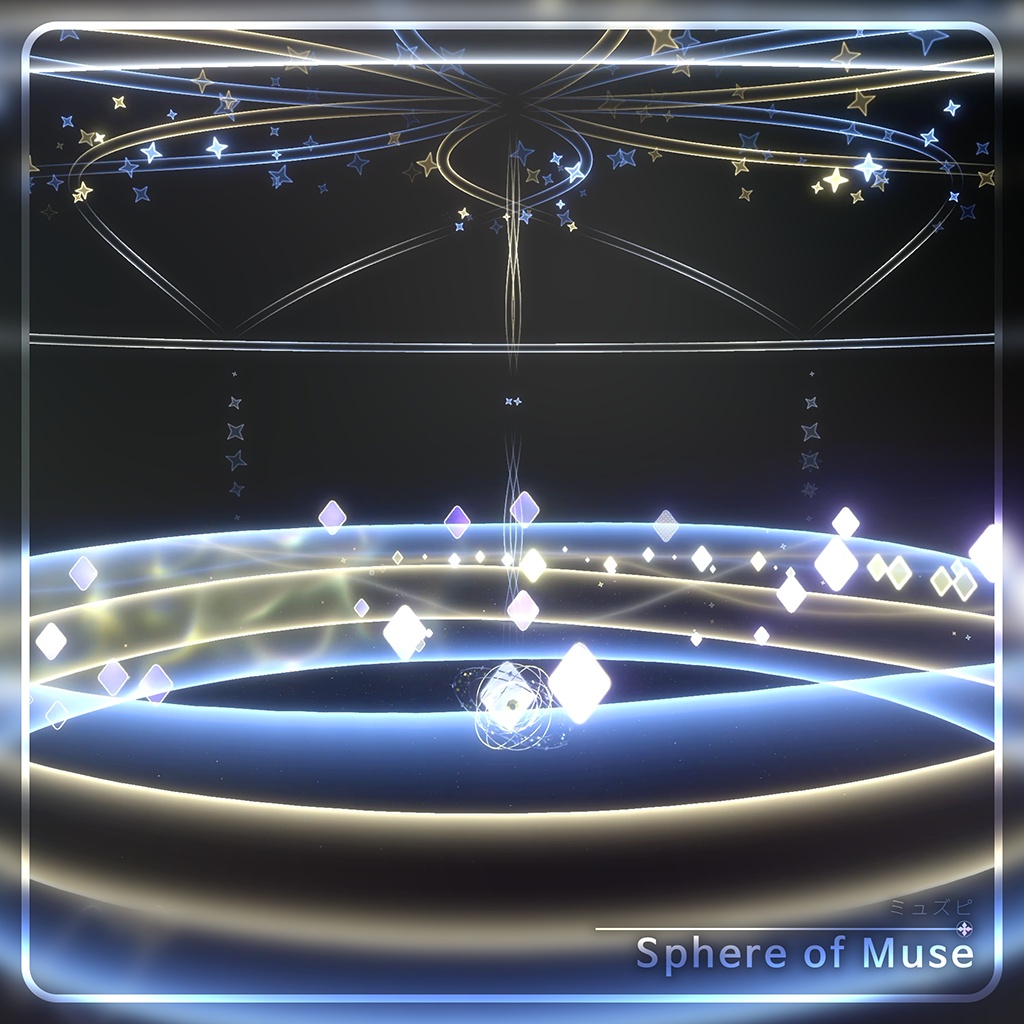
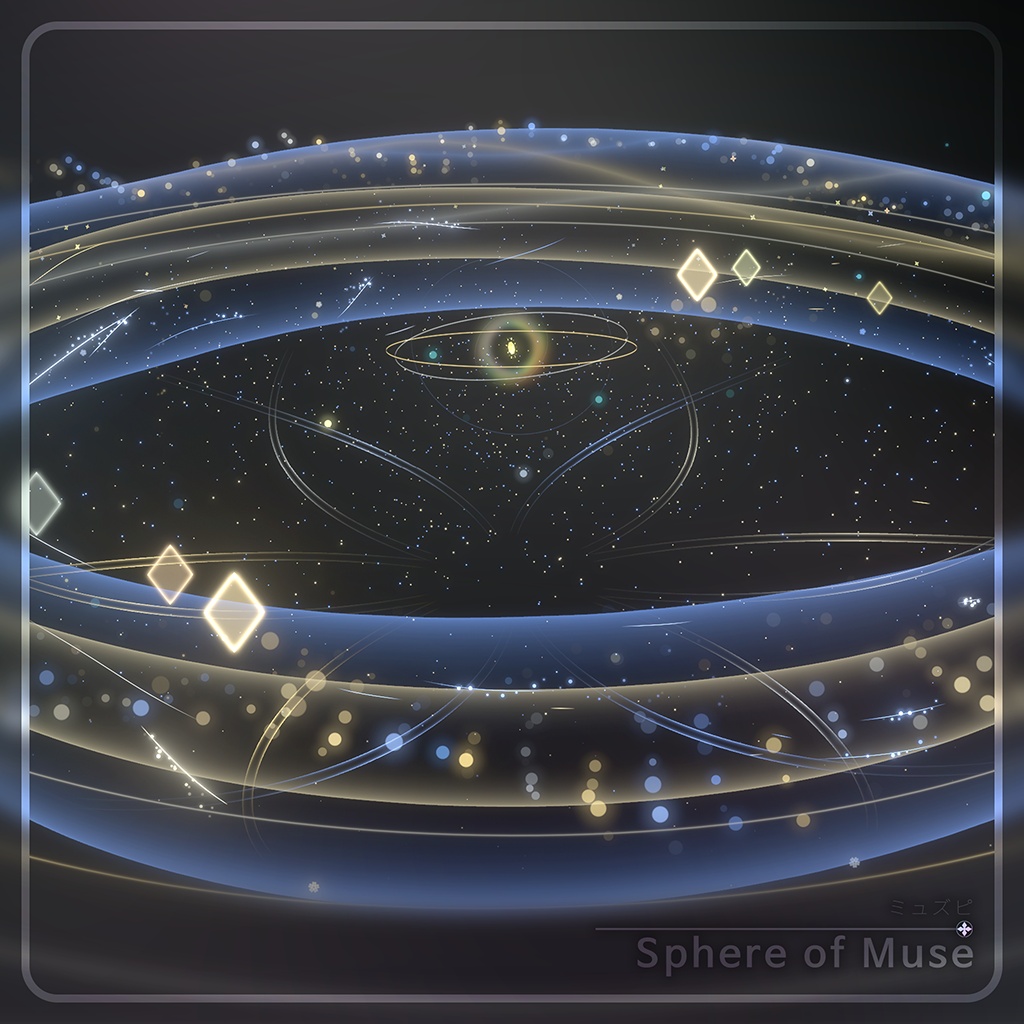


Sphere of Muse | ミュズピ - VRの操作専用で、簡単な使用方法をまとめた動画が添付されています! 必ずご確認ください! - VR의 조작으로만 사용하는, 간략한 사용방법을 담은 영상이 첨부되어있습니다! 꼭 확인해주세요! - A short tutorial video using only VR controls is included! Please check!
JP
VRChat で使用できる Avatar アセットです。 アセットを使用するための推奨環境は以下のとおりです。 - Unity 2022.3.22f1 - VRChat SDK - Avatar 3.10.x 以降 - Modular Avatar 1.18.x 以降 ※上記以外の環境での動作保証はいたしかねます。 アセットの導入方法 - アセットを Import します。 - 付属の Prefab をアバターの Root に配置します。 - オブジェクトを OFF にします。(ON のままでも問題ありません) アセットの使用方法 - メニューで ON を選択して、Sphere を召喚します。 - すべての操作は人差し指の指先で行えます。 - Center Sphere を長押し - Menu を開く - 各模様を長押し - 対応する模様に切り替える - ゼンマイを一定回数以上巻く - 音楽と演出を再生 - 再生中にゼンマイを巻く - サイズを拡大(一定回数を超えるとサイズをリセット) - 再生中にゼンマイを引き抜く - 演出パートを追加 - 演出パートの追加後に Center Sphere を長押し - Mini ParticleLive の待機状態に入る その他の注意事項 - このアセットは PhysBone システムを使用しています。そのため、PhysBone のインタラクションが無効になっている場合、アセットは正常に動作しません。 - このアセットは ParticleSystem を使用しています。そのため、VRChat のグラフィック設定で ParticleLimit が有効になっている場合、正常に動作しません。 利用規約 https://drive.google.com/file/d/1FGdy7UR_9WUWnmo_eBoCMaq0s9eRwIa2/view?usp=sharing
KR
VRChat 에서 사용 가능한 Avatar 에셋입니다. 에셋을 이용하기 위한 권장환경은 아래와 같습니다. - Unity 2022.3.22f1 - VRChat SDK - Avatar 3.10.x 혹은 이후 - Modular Avatar 1.18.x 혹은 이후 ※이 외의 환경에서 작동을 보증하기 어렵습니다. 에셋의 도입방법 - 에셋을 Import 합니다. - 제공된 Prefab 을 아바타 Root에 넣습니다. - 오브젝트를 OFF 합니다. (ON이여도 상관 없습니다) 에셋의 사용방법 - 메뉴에서 ON 을 선택하여, Sphere 를 소환합니다. - 검지의 손끝으로 모든조작이 가능합니다. - 길게 Center Sphere를 터치 - Menu 오픈 - 길게 각 문양들을 터치 - 해당문양으로의 전환 - 태엽을 일정 수 이상 감기 - 음악 및 연출 재생 - 재생중의 태엽을 감기 - 크기증가 (일정 수 이후 크기 초기화) - 재생중의 태엽을 뽑기 - 연출파트 추가 - 연출파트 추가 이후의 길게 Center Sphere를 터치 - Mini ParticleLive 대기상태에 들어가기 기타참고사항 - 이 에셋은 PhysBone 시스템을 활용하고 있습니다. 따라서 PhysBone의 상호작용이 비활성화되어있을경우 에셋이 정상적으로 작동하지 않습니다. - 이 에셋은 ParticleSystem을 활용하고 있습니다. 따라서 VRChat의 그래픽 옵션중 ParticleLimit가 활성화 되어있을 경우, 정상적으로 작동하지 않습니다. 이용약관 https://drive.google.com/file/d/15VbBzka4yW2Ir0B3ubHzYVW8UX7DmHop/view?usp=sharing
EN
This is an Avatar asset for use in VRChat. The recommended environment for using this asset is as follows. - Unity 2022.3.22f1 - VRChat SDK - Avatar 3.10.x or later - Modular Avatar 1.18.x or later ※Operation cannot be guaranteed in other environments. How to install the asset - Import the asset. - Place the provided Prefab under the avatar Root. - Set the object to OFF. (Leaving it ON is also fine.) How to use the asset - Select ON in the menu to summon the Sphere. - All operations can be performed with the tip of your index finger. - Touch and hold the Center Sphere - Open the Menu - Touch and hold a pattern - Switch to that pattern - Wind the winding key at least a certain number of times - Play the music and effects - Wind the winding key during playback - Increase the size (the size resets after a certain number of turns) - Pull out the winding key during playback - Add an effects section - Touch and hold the Center Sphere after adding the effects section - Enter Mini ParticleLive standby mode Additional notes - This asset uses the PhysBone system. If PhysBone interactions are disabled, the asset will not function properly. - This asset uses ParticleSystem. If ParticleLimit is enabled in VRChat's graphics settings, the asset will not function properly. Terms of Use https://drive.google.com/file/d/1MTd1PTs5R7eMmw-MvuT7V2B0CMgPlovB/view?usp=sharing
Assets Info
- Sync Parameter : 18 -この商品には大量のパーティクル演出が含まれています。 したがって、AvatarのパフォーマンスランクがVeryPoorに下がる可能性があります。 スムーズな演出のため、ほとんどのPCで問題なく動作するように制作いたしましたので、ご了承ください。 - 이 상품은 대량의 파티클 연출이 포함되어있습니다. 따라서 Avatar의 퍼포먼스 랭크가 VeryPoor로 하락 할 수 있습니다. 원할한 연출을 위해, 대부분의 PC에서 문제 없는 성능으로 제작하였으니 양해 부탁드립니다. - This product includes a large amount of particle effects. Therefore, Avatar's performance rank may drop to Very Poor. For a smooth experience, please note that the game was developed to run without issues on most PCs.
Credit
キプフェル Kipfel / オリジナル3Dモデル https://booth.pm/ko/items/5813187 しゅしゅ♡chouchou ꒰ まめふれんず・しらつめetc...対応 ꒱ https://shinamano.booth.pm/items/6877379 Modular Avatar - bd_ (MIT License) https://modular-avatar.nadena.dev
Update Log
2026. 10. 3 1.00 | First Release