

【無料/Free】★好きな画像を入れられる★フォトキーホルダー (4種)Photo Keychain VRChat
- 無料版ダウンロード商品¥ 0
- 支援版(内容物は同じです)今後の作品制作費にしてくれ代ダウンロード商品¥ 200
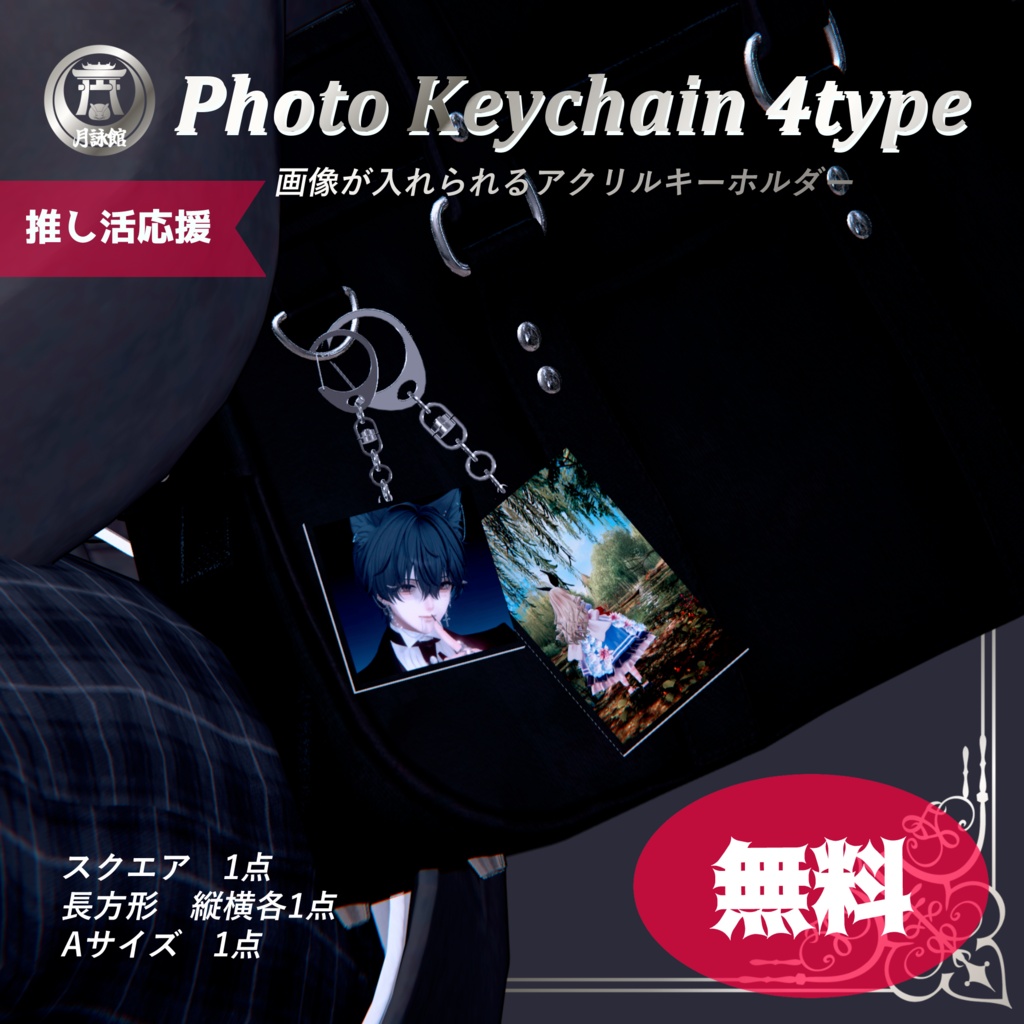
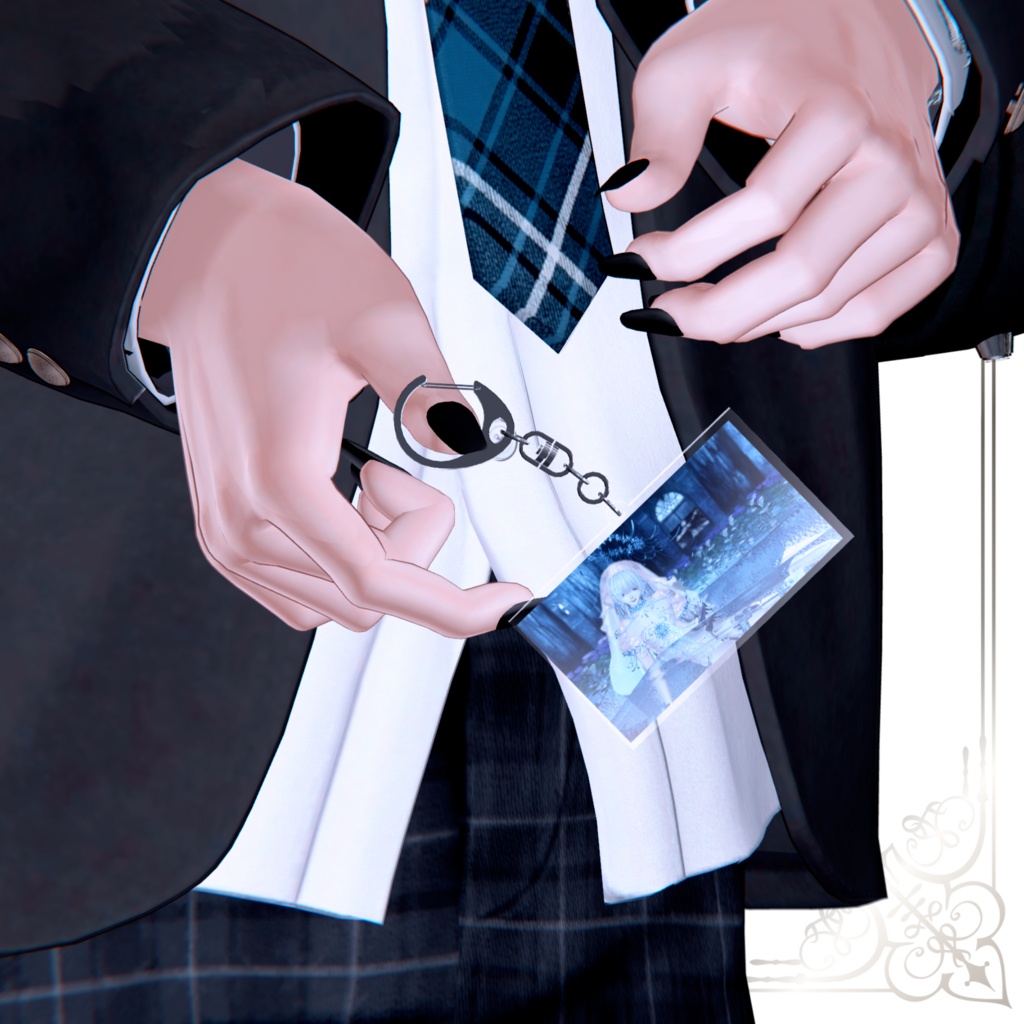


★.。.:*・゚☆.。.:*・゚★.。.:*・゚☆.。.:*・゚★ お気に入りの画像をキーホルダーに! バックに付けたり手に持たせたりと使い方色々 VRChatでの推し活にもオススメ 好きな画像やイラストを入れて使ってね 改変をもっと楽しく簡単に! をコンセプトに作品を制作しています ★.。.:*・゚☆.。.:*・゚★.。.:*・゚☆.。.:*・゚★ SNSへの撮影画像投稿は#月詠館タグをつけていただけると嬉しいです! 【更新情報】 10/5 21:15 不具合があったためデータ差し替えました。 お手数おかけいたしますが最新版をご利用ください。 どうぞよろしくお願いいたします。
◇内容物◇
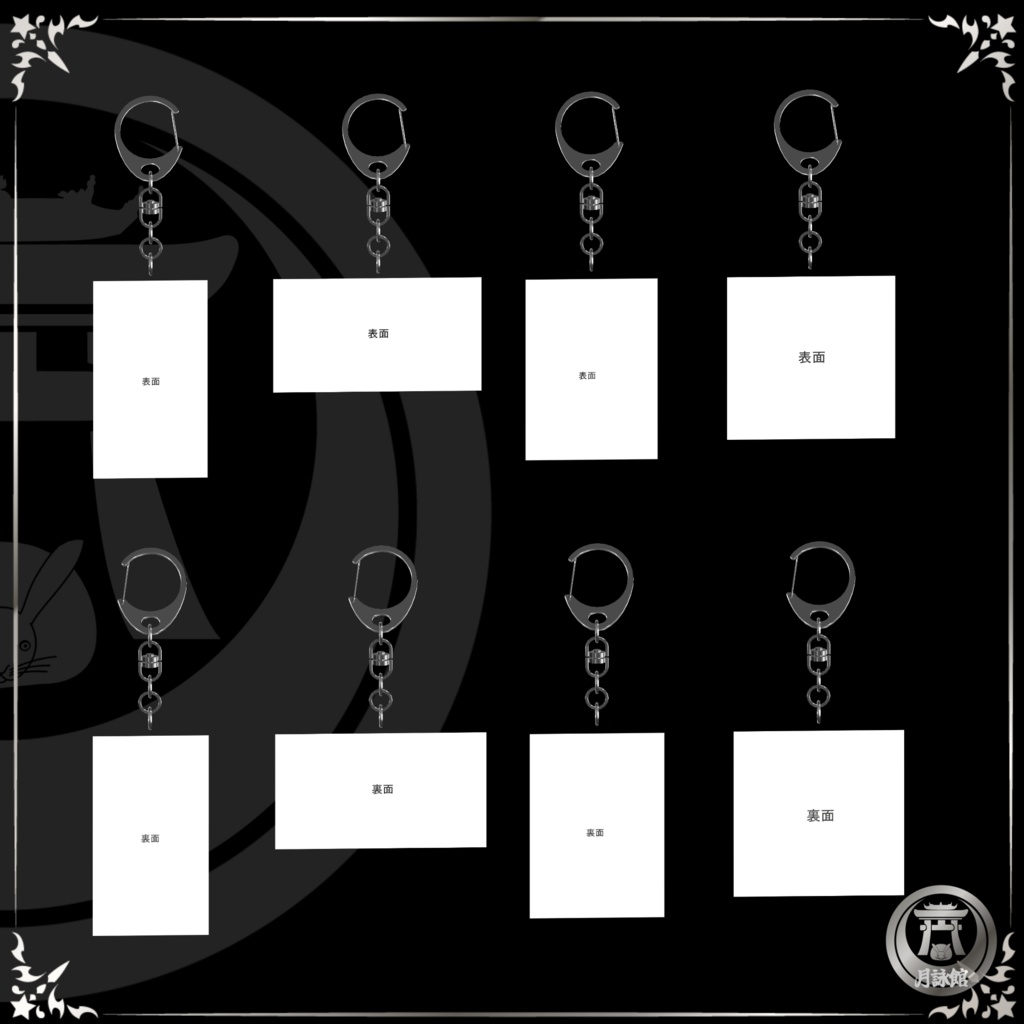
▷Unityパッケージ ・Prefab スクエア・Aサイズ・長方形(縦・横)4点 ・FBX ・Material ・Texture ▷差し替え画像用png スクエア・Aサイズ・長方形(縦・横)4点 ※長方形はVRChatカメラで撮影したサイズです
利用規約
アバター本体・着用衣装・サンプルに使用した画像等は付属しておりません。 DL商品のため、返品・返金等は致しかねます。 本データの著作権は月詠館が有します。 本商品を購入・ダウンロードした時点で利用規約に同意したものとします。 本商品を使用し、発生するすべてのトラブル・損害に対して当方は一切責任を負いません。 予告なく規約変更、配布停止、使用禁止にする事があります。 許可𐤏 ・色改変 ・成人コンテンツでの使用 ・配信、動画での使用 ・個人における商用利用 ※イベント等でご利用を希望の場合はお問い合わせください 禁止✖ ・作品の再配布、再販売 ※作品を使用しての販売は全面不可 ・自作発言 ・政治的、宗教的利用 ・作者・他者に迷惑のかかる使用 ・公序良俗に反する使用
◇導入方法◇
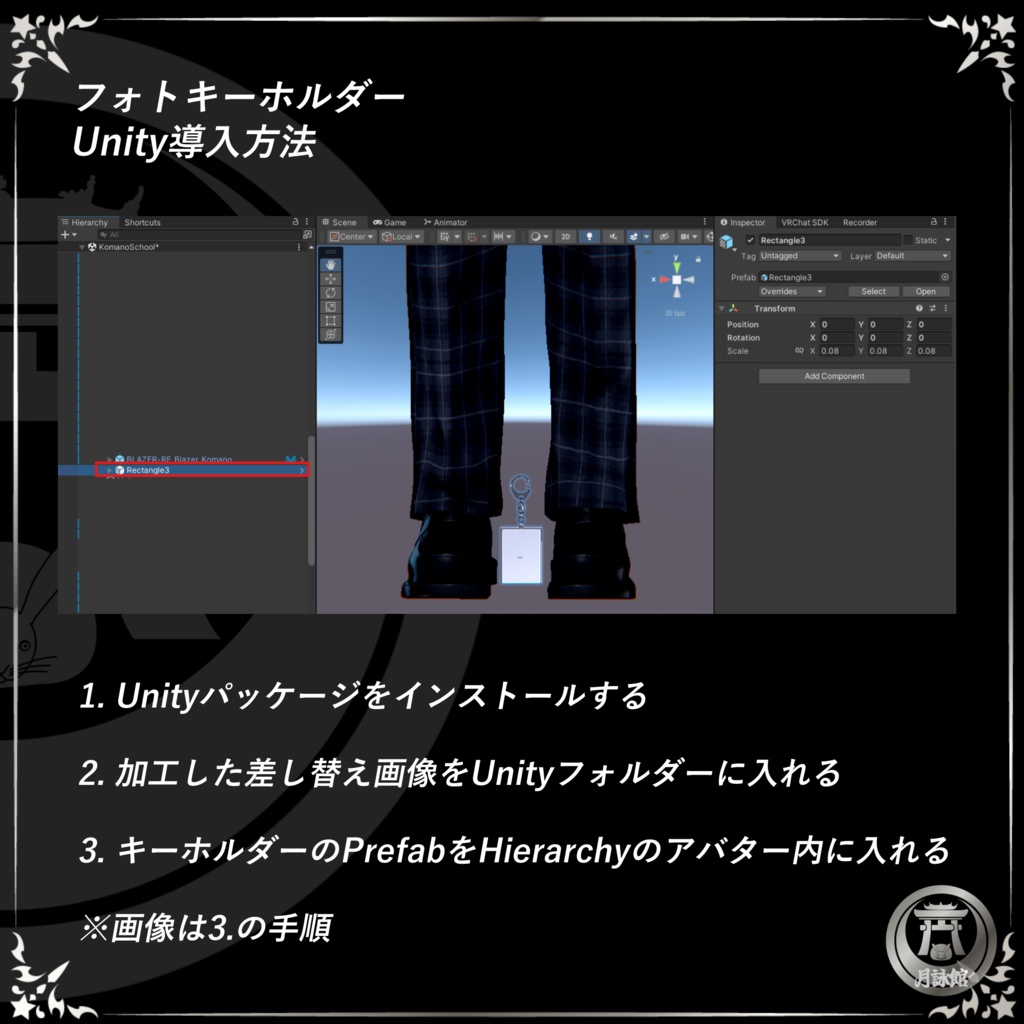
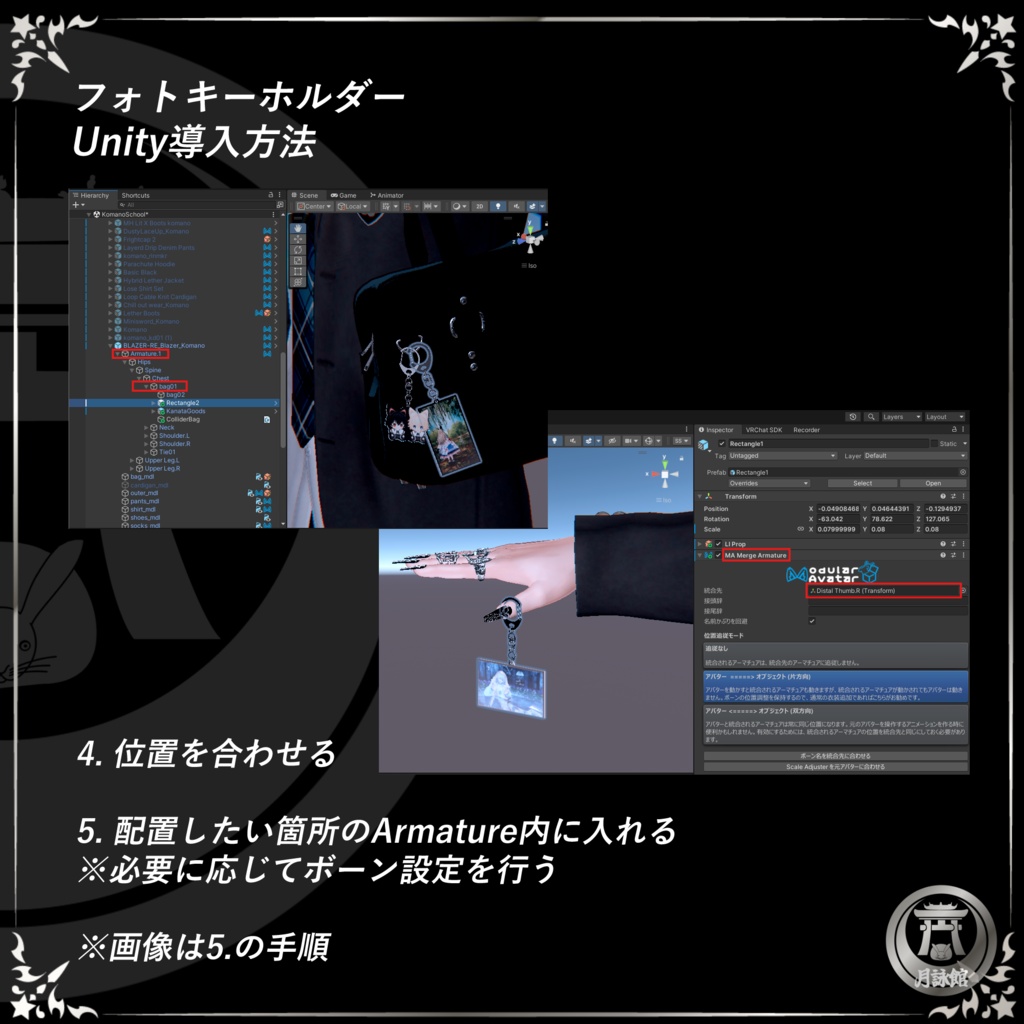
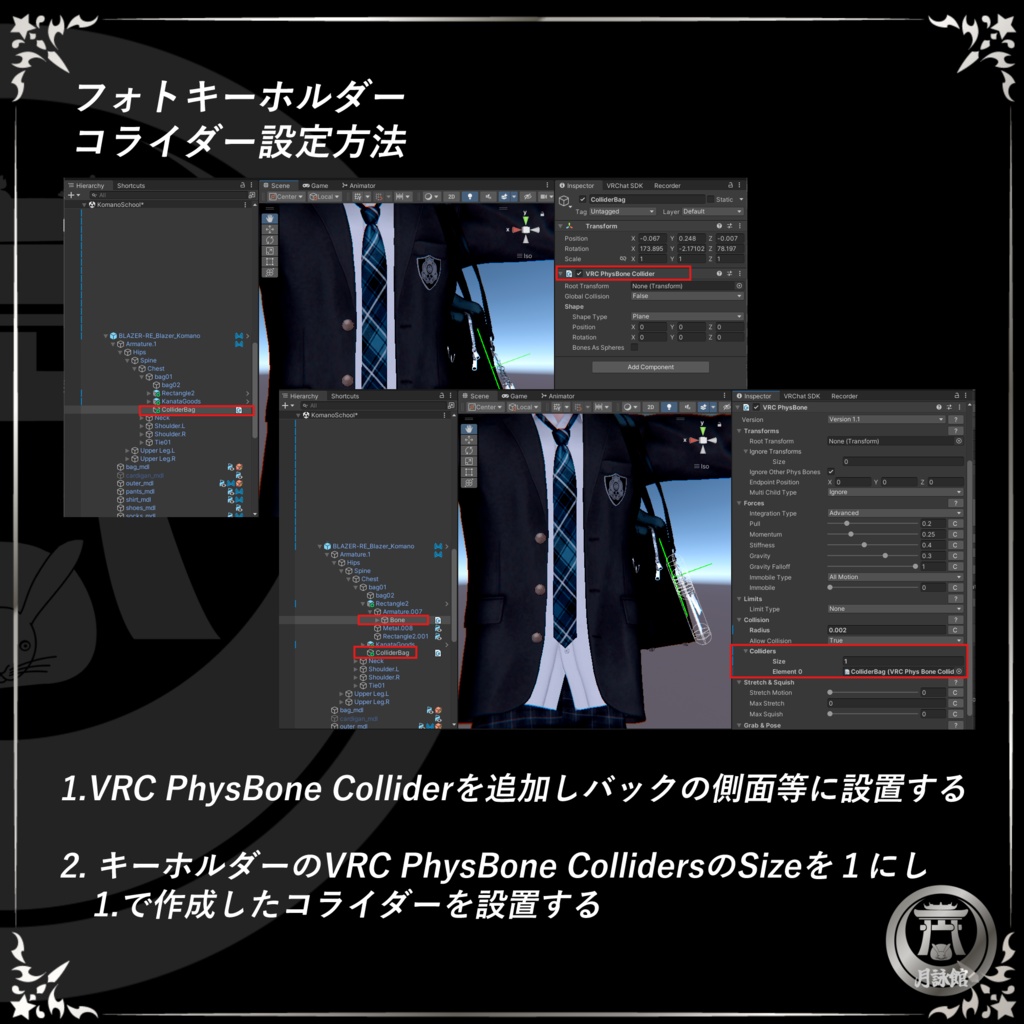
「事前準備」 差し替え画像(またはイラスト)を2枚用意し、画像加工アプリ等でキーホルダーのTextureの画像箇所に位置を合わせてpngデータ(背景透過)で保存する ①Unityパッケージをインストールする ②加工した差し替え画像をUnityフォルダーに入れる ③キーホルダーのPrefabをHierarchyのアバター内に入れる ④位置を合わせる ⑤配置したい箇所Armatureに入れる ※必要に応じてボーン・コライダー設定を行う 以降はアバター改変の手順に準拠
◇Contents◇
▷Unity Package ・Prefabs Square, Size A, Rectangle (portrait and landscape) – 4 items ・FBX ・Materials ・Textures ▷PNG images for replacement Square, Size A, Rectangle (portrait and landscape) – 4 items *The rectangle sizes are based on images captured with the VRChat camera. ◇Terms of Use◇ The avatar itself, the outfits worn by the avatar, and any images used in the samples are not included. As this is a digital download, we cannot accept returns or issue refunds. Tsukuyomi-kan holds the copyright to this data. By purchasing and downloading this product, you are deemed to have agreed to these Terms of Use. We assume no responsibility whatsoever for any problems or damages arising from the use of this product. We reserve the right to change these terms, suspend distribution, or prohibit use without prior notice. Permitted 𐤏 ・Color modifications ・Use in adult content ・Use in livestreams and videos ・Personal commercial use Prohibited ✖ ・Redistribution or resale of textures ・Claiming the work as your own ・Political or religious use ・Use that causes inconvenience to the author or others ・Use that violates public order and morals ◇How to Set Up◇ “Preparation” Prepare two replacement images (or illustrations). Using an image editing app or similar tool, align them with the texture area of the keychain and save them as PNG files (with transparent backgrounds). ① Install the Unity package. ② Place the edited replacement images in the Unity folder. ③ Place the keychain prefab inside the “Avatar” folder in the Hierarchy. ④ Align the position. ⑤ Place it on the armature where you want it to appear. * Configure bones and colliders as needed. Follow the standard avatar modification procedure from this point onward.