

【PC・VR対応】オリジナル3Dモデル「Batty」- バティ - | VRChat Avatar
- ダウンロード商品¥ 5,000
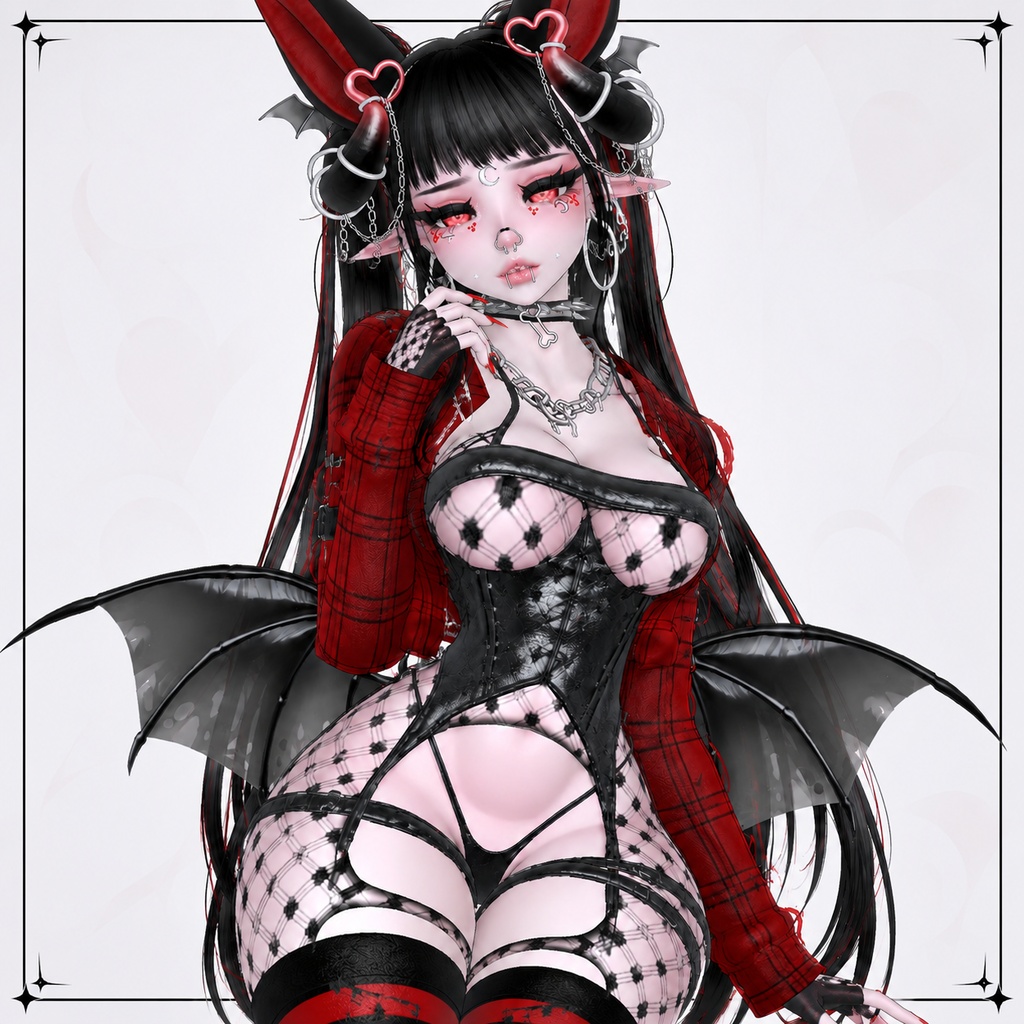
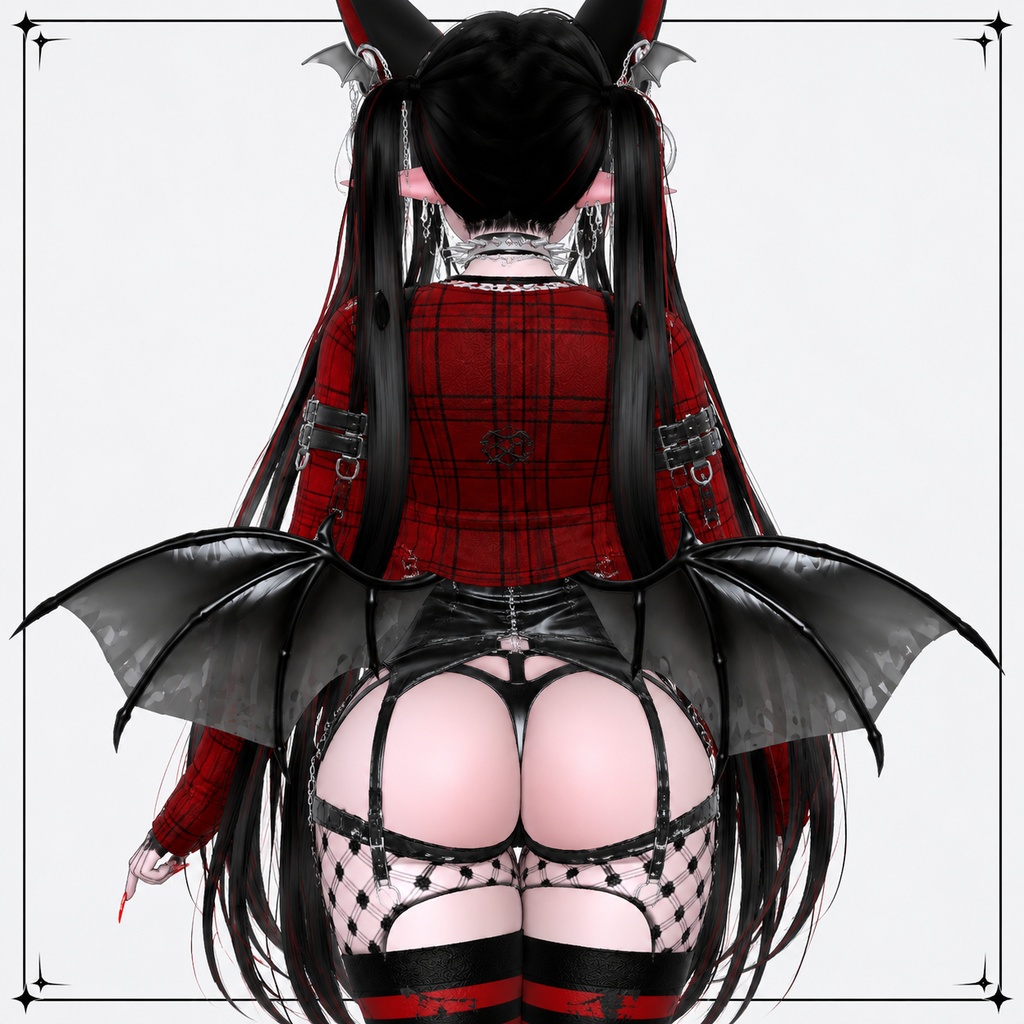
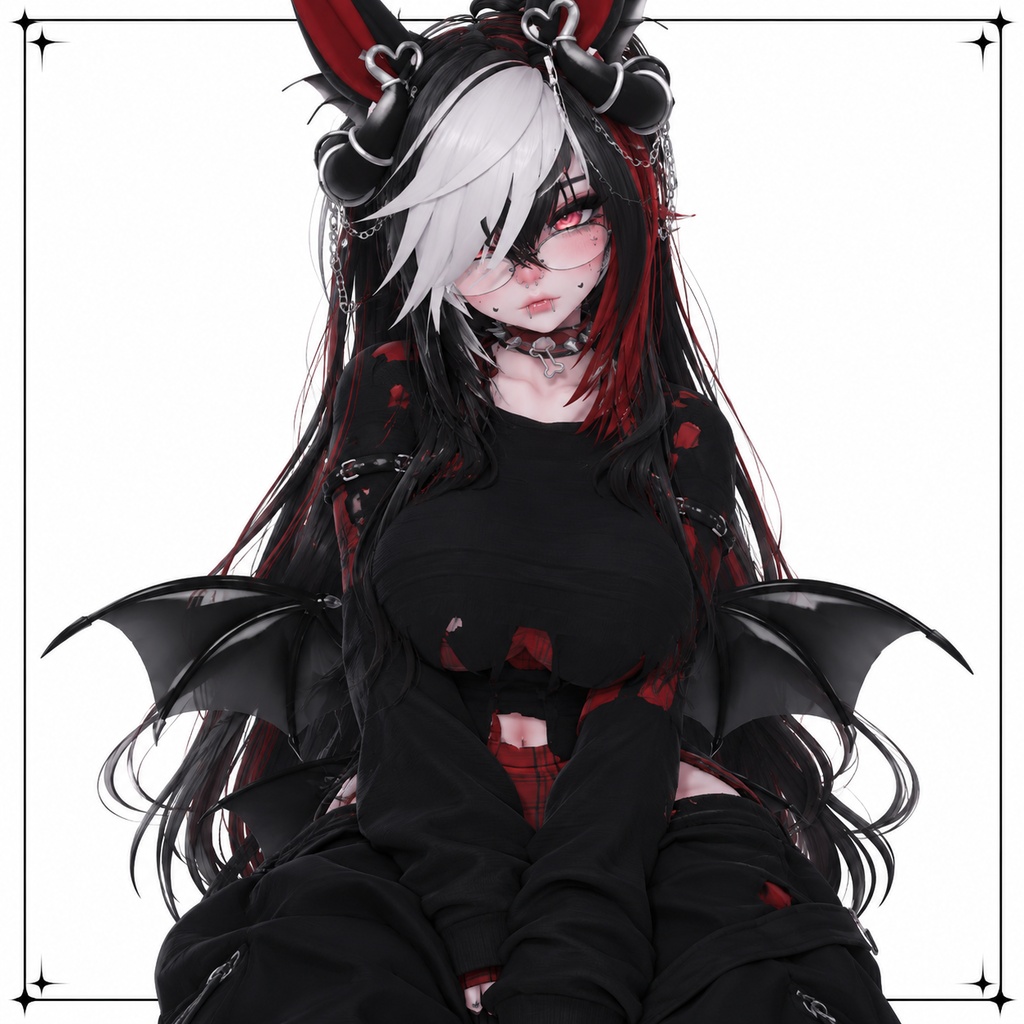
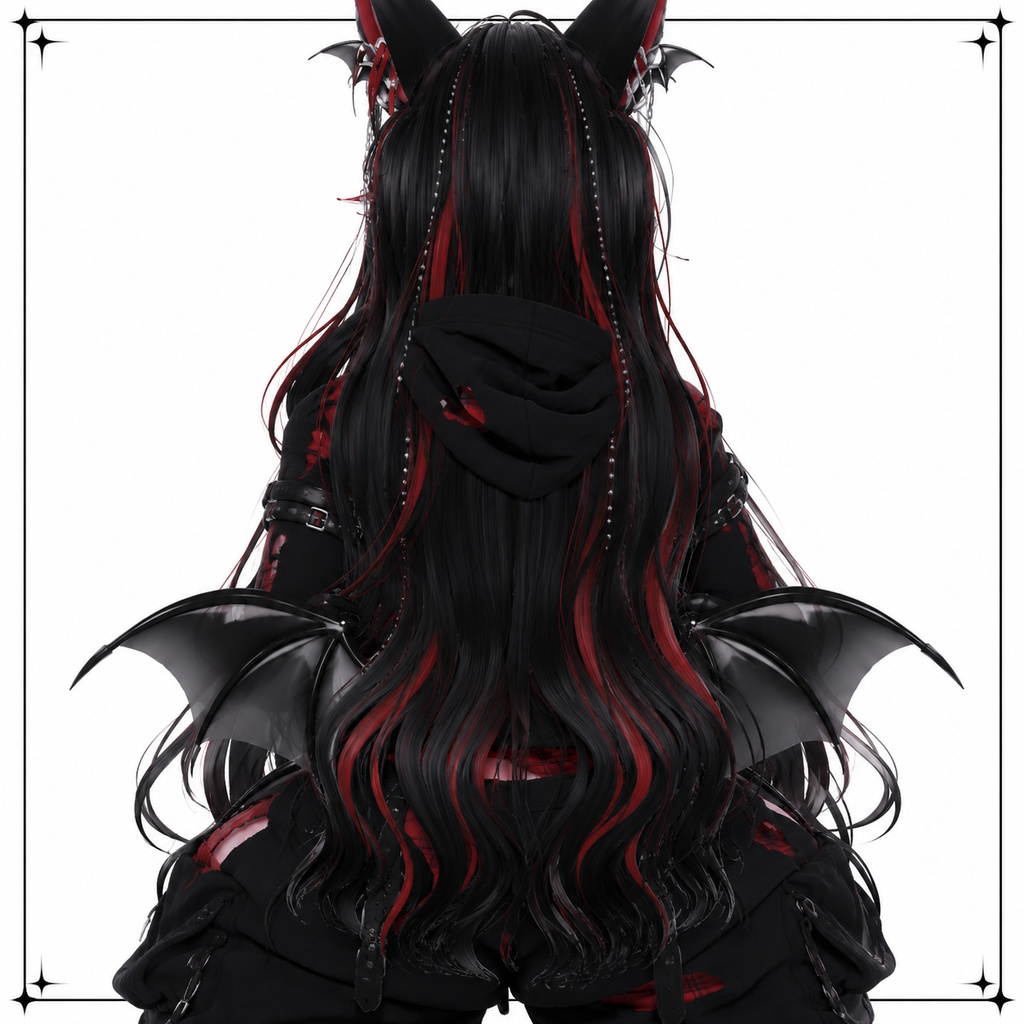


日本語 オリジナル3Dモデル「Batty」- バティ - VRChatでの使用を想定したオリジナル3Dアバターです。 PCモード・VRモードの両方に対応しています。 VR機器がなくてもPC/Desktop Modeでご利用いただけます。 ━━━━━━━━━━━━━━━━━━━━ ■ 対応環境 ・VRChat ・PC / Desktop Mode ・VR Mode ━━━━━━━━━━━━━━━━━━━━ ■ 導入方法 1. VRChat Creator Companion(VCC)をインストールしてください。 2. VCCからAvatar用のUnityプロジェクトを作成してください。 3. 必要なシェーダーを導入してください。 4. 付属のUnitypackageをインポートしてください。 5. BattyのPrefabをHierarchyに配置してください。 6. VRChat SDKからアバターをアップロードしてください。 ━━━━━━━━━━━━━━━━━━━━ ■ 内容物 ・Batty Unitypackage ・Avatar Prefab ・FBXデータ ・テクスチャデータ ━━━━━━━━━━━━━━━━━━━━ ■ 注意事項 ・本商品はダウンロード商品です。 ・UnityおよびVRChatの基本操作についてのサポートは行っておりません。 ・VRChat SDKの更新により導入方法が変更される場合があります。 ・本データの再配布・再販売は禁止です。 ・ご購入前に商品内容をご確認ください。 English Original 3D Model “Batty” An original 3D avatar intended for use in VRChat. Batty supports BOTH PC/Desktop Mode and VR Mode. A VR headset is not required to use this avatar. ━━━━━━━━━━━━━━━━━━━━ ■ Supported ・VRChat ・PC / Desktop Mode ・VR Mode ━━━━━━━━━━━━━━━━━━━━ ■ Installation 1. Install VRChat Creator Companion (VCC). 2. Create a new Avatar project through VCC. 3. Import the required shaders. 4. Import the included Unity package. 5. Place the Batty Avatar Prefab into the Hierarchy. 6. Upload the avatar through the VRChat SDK. ━━━━━━━━━━━━━━━━━━━━ ■ Included Files ・Batty Unity Package ・Avatar Prefab ・FBX Files ・Texture Files ━━━━━━━━━━━━━━━━━━━━ ■ Notes ・This is a digital download product. ・Basic Unity and VRChat setup support is not provided. ・Installation requirements may change following VRChat SDK updates. ・Redistribution or resale of the included files is prohibited. ・Please review the product information before purchasing.