

MORTEA — ZOMBIFIED|オリジナル3Dアバター|VRChat / VRM / VRoid
- ダウンロード商品¥ 3,000
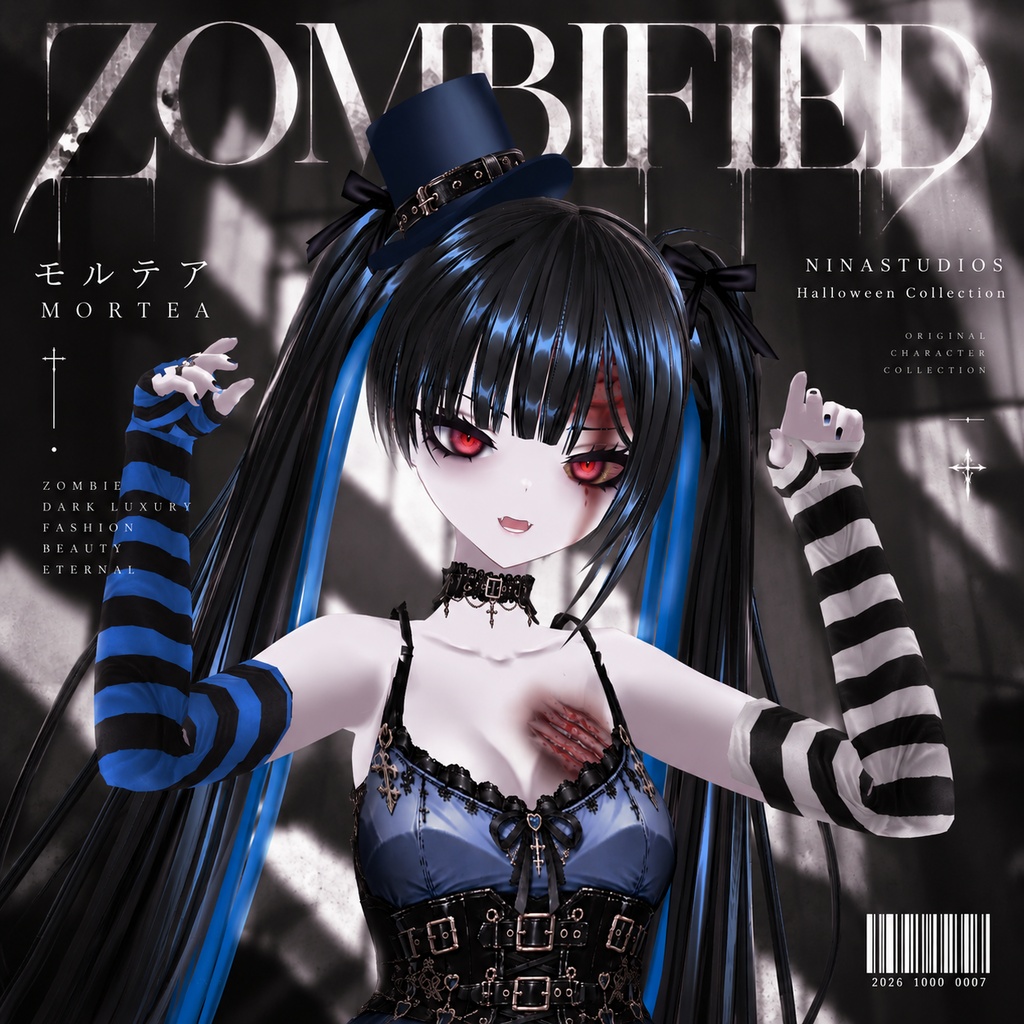
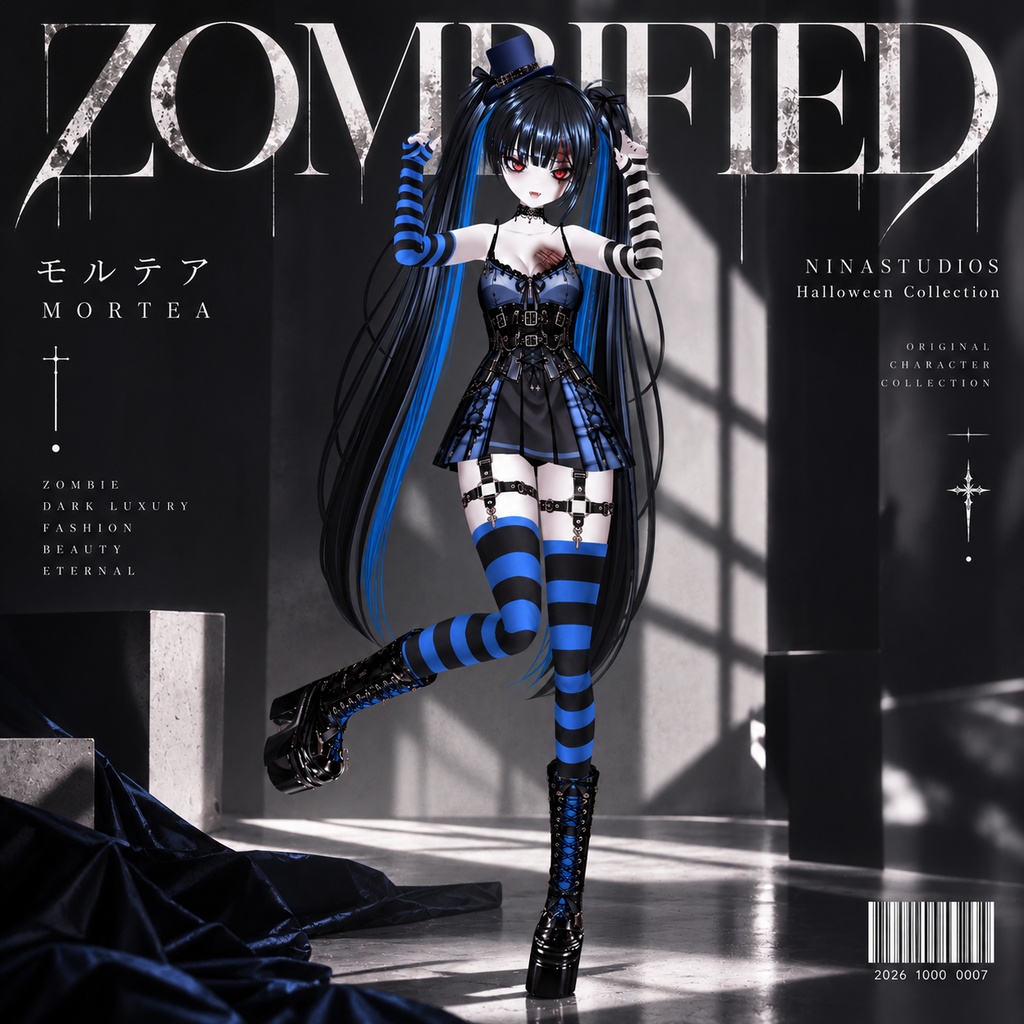
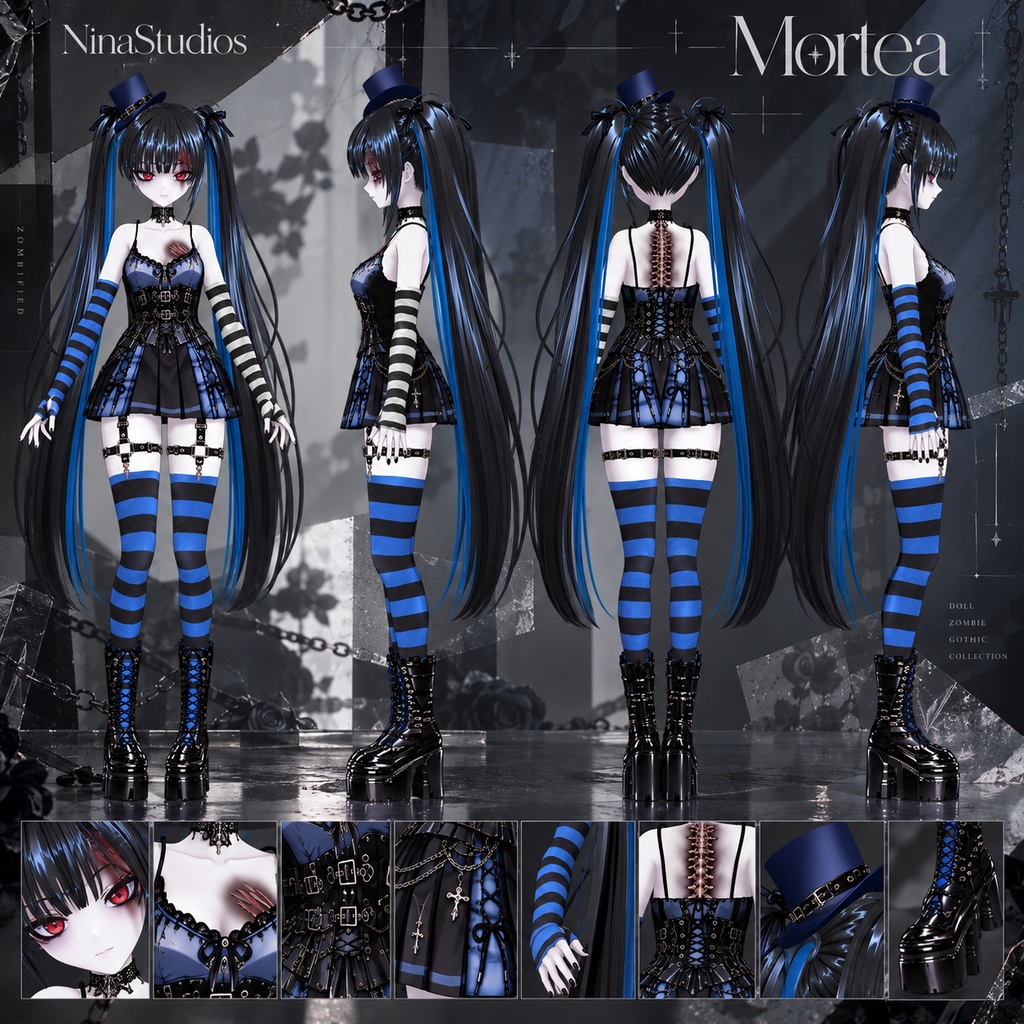
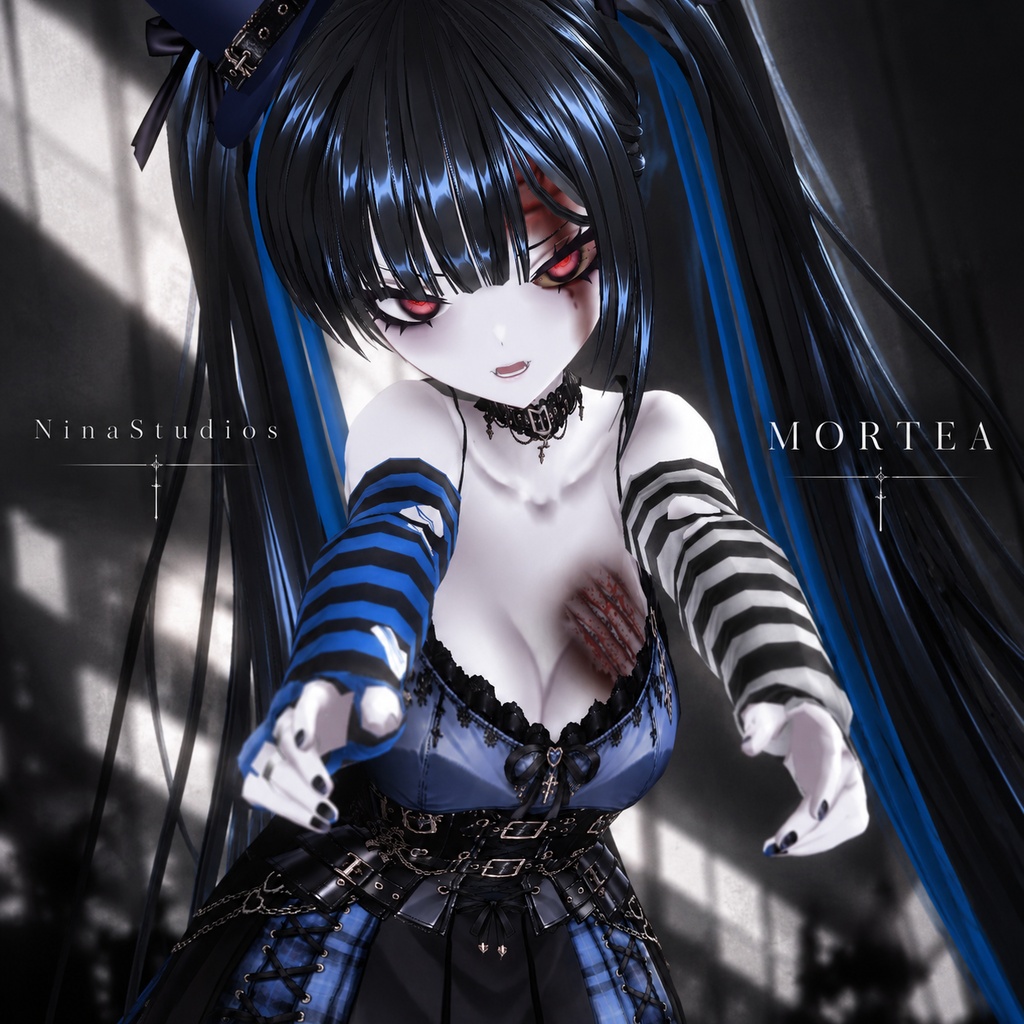


# モルテア — MORTEA ZOMBIFIED 死してなお、退屈を知らない。 腐敗の中に咲く、美しき反逆。 生と死の境界で踊る、異端のゴシック。 **COMMERCIAL USE: OK** Dead, yet never dull. Beauty blooming through decay. A gothic rebellion dancing on the border between life and death. ## 日本語 ### MORTEA — ZOMBIFIED ゴシック×ゾンビ×ハイファッションを融合した、 VRChat向けオリジナル3Dアバター。 退廃的な美しさとダークな存在感。 ゴシックパンクのディテールに、 エッジの効いたシルエットと個性的なスタイルを融合。 生と死、可愛らしさと不気味さ、 美しさと異形が交差する、ダークなファッション。 MORTEAは、ただのゾンビではない。 死の世界から現れた、自由で反逆的なゴシックアイコン。 **ZOMBIFIED — 死さえも、ファッションに。** ## ✦ AVATAR SPECS **Platform** VRChat — PC / PCVR / Meta Quest **Polygons** 45,454 **Materials** 6 **Bones** 127 **Quest Compatibility** Supported **PC Compatibility** Supported ※PC版とQuest版では、表示やマテリアルの仕様が異なる場合があります。 ※各プラットフォームでの使用方法については、付属のREADMEをご確認ください。 ## ✦ INCLUDED ✓ MORTEA 3D Avatar ✓ PC Version ✓ Quest Version ✓ Textures & Materials ✓ Avatar Setup Files ✓ README + TOS MORTEAをVRChatで使用するために必要なファイルをまとめています。 ## ✦ QUICK SETUP 01 Unity 2022をインストール 02 VRChat SDK3 – Avatarsをインポート 03 必要なShaderをインポート 04 MORTEAのUnity Packageをインポート 05 付属のAvatar Sceneを開き、VRChat SDKからアップロード インポートする前に、必要なSDKとShaderを導入してください。 PC版・Quest版それぞれの導入手順については、付属のREADMEをご確認ください。 ## ✦ USE 個人利用、VRChatでの撮影・動画・配信、 コンテンツ制作などに使用できます。 アバターファイルの再配布・販売・共有・抽出は禁止されています。 商用利用の範囲やその他の条件については、 付属の利用規約(TOS)をご確認ください。 --- ## ENGLISH ### MORTEA — ZOMBIFIED An original 3D avatar for VRChat, combining gothic fashion, zombie aesthetics and dark high fashion. Featuring a striking silhouette, gothic punk details and a haunting visual identity, MORTEA brings together the unsettling charm of the undead and the elegance of alternative fashion. Between life and death. Between beauty and decay. Between cute and uncanny. MORTEA is more than a zombie. She is a rebellious gothic icon risen from the world of the dead. **ZOMBIFIED — Even death is fashion.** ## ✦ AVATAR SPECS **Platform** VRChat — PC / PCVR / Meta Quest **Polygons** 45,454 **Materials** 6 **Bones** 127 **Quest Compatibility** Supported **PC Compatibility** Supported *PC and Quest versions may differ in rendering and material features. Please refer to the included README for platform-specific instructions.* ## ✦ INCLUDED ✓ MORTEA 3D Avatar ✓ PC Version ✓ Quest Version ✓ Textures & Materials ✓ Avatar Setup Files ✓ README + TOS Everything needed to get MORTEA ready for VRChat is included. ## ✦ QUICK SETUP 01 Install Unity 2022 02 Import VRChat SDK3 – Avatars 03 Import the required shader 04 Import the MORTEA Unity Package 05 Open the included Avatar Scene and upload through the VRChat SDK Please install the required SDK and shader before importing MORTEA. Refer to the included README for instructions for each version. ## ✦ USE Personal use, VRChat screenshots, videos, streaming and content creation are allowed. Redistribution, resale, sharing or extraction of the original avatar files is prohibited. For commercial-use conditions and the complete terms, please read the included TOS. --- SPAIN × SWITZERLAND COLLECTION — ZOMBIFIED NinaStudios Original 3D Avatar