

【VRChat/MA対応】Phase Wardrobe|多衣装ディゾルブ切り替えツール
- 無料版ダウンロード商品¥ 0
- お布施版(内容は無料版と同じ)ダウンロード商品¥ 200
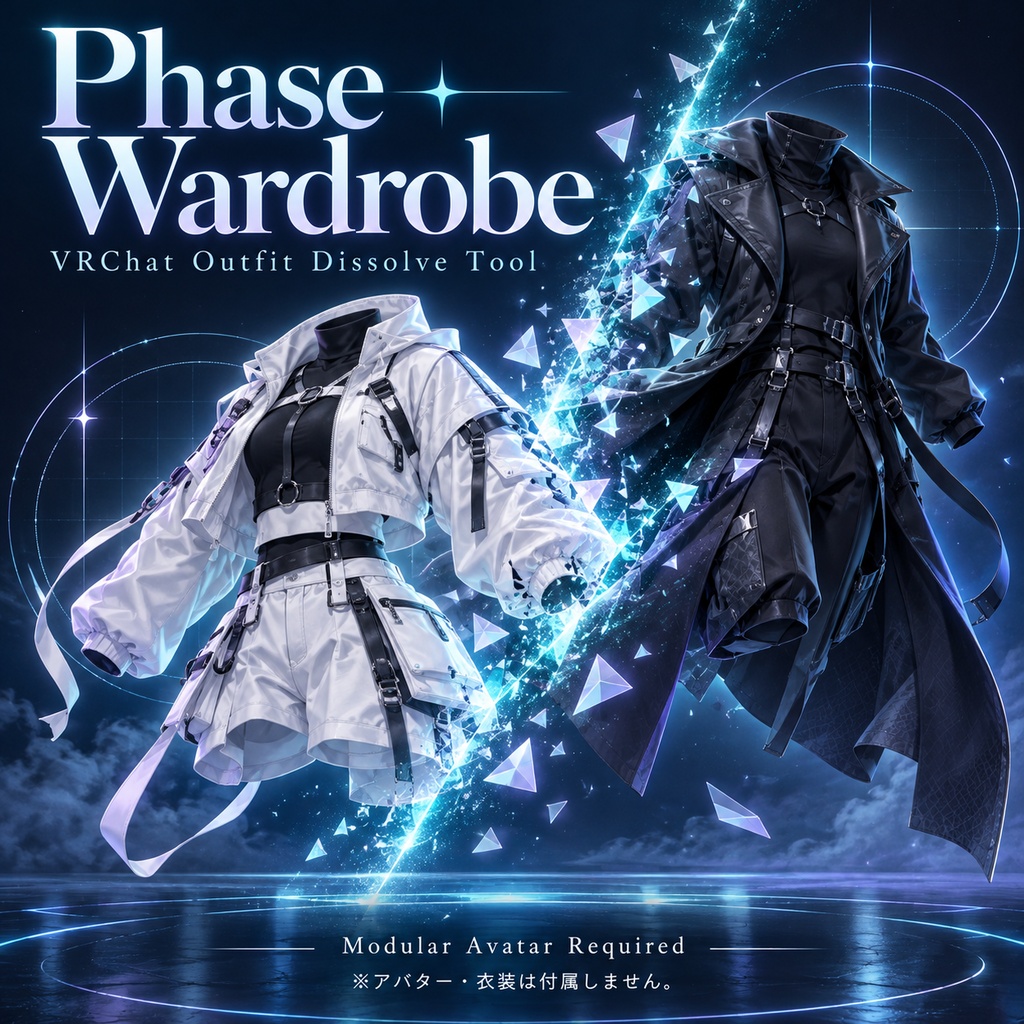
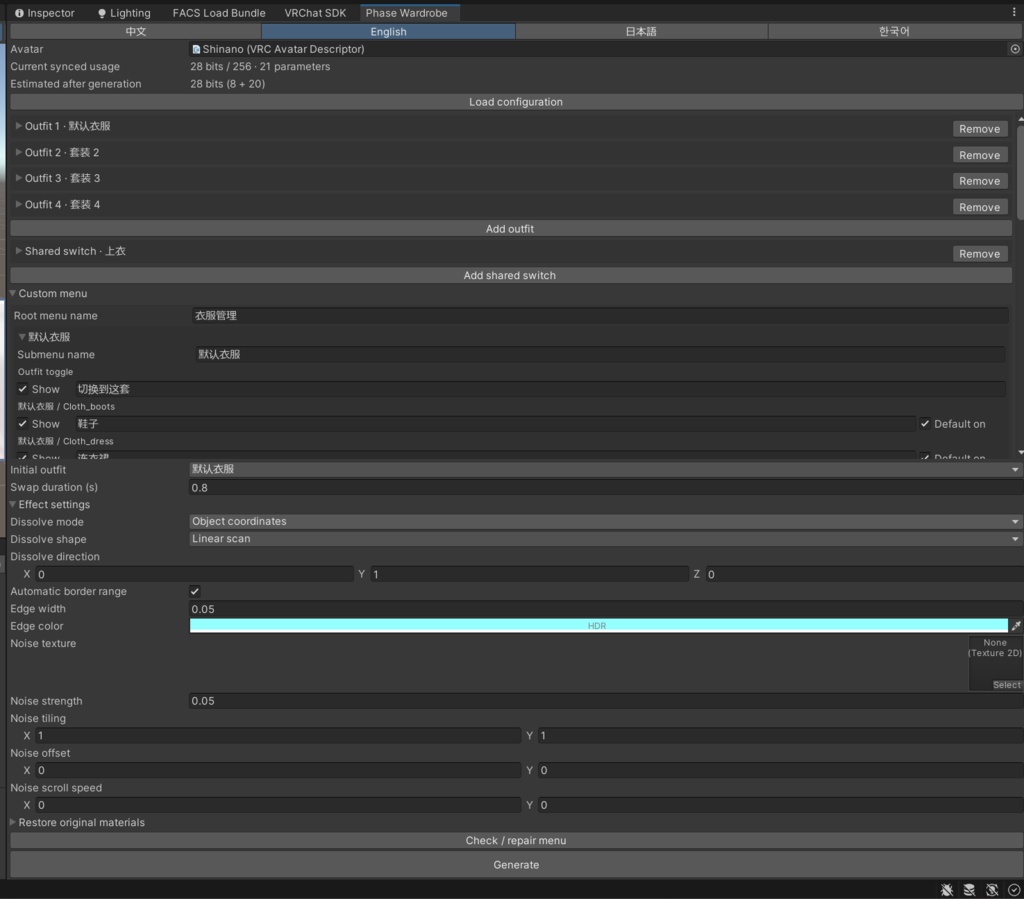


English Video Overview:https://www.youtube.com/watch?v=mJ7d9EHlchY 日本語の紹介動画:https://www.youtube.com/watch?v=xwANoA32O90 中文介绍视频:https://www.bilibili.com/video/BV1K7nK6mECQ/ Phase Wardrobe|VRChat Outfit Dissolve Tool Switch freely between multiple outfits with simultaneous dissolve transitions. You can select another outfit or smoothly reverse the transition while it is still playing. Synced Parameter Usage Outfit selection uses one Int parameter, costing 8 bits. Each independent part toggle or active shared group adds 1 bit. BlendShape links require no additional synced parameters. Total usage depends on your configuration and can be checked in the tool window. Main Features ・Dissolve transitions between multiple outfits, with independent show/hide controls for individual parts. ・Shared switches: link matching parts across outfits to one Bool parameter—for example, use one switch for every outfit’s top—to reduce parameter usage. Unselected outfits remain hidden. ・Swap between two groups of parts, such as different underwear styles. ・BlendShape links: configure multiple body BlendShape targets for each outfit. The values transition smoothly with the outfit change, helping with adjustments such as high-heel foot poses. ・Customize menu names and shared-switch placement. ・Adjust transition duration, dissolve mode, edge color, noise strength, noise texture and more. Requirements Requires VRChat Avatars SDK, Modular Avatar and standard full lilToon, installed in a compatible Unity 2022.3 project. Outfits must fit the avatar and have correctly configured bones. BlendShape links require the corresponding BlendShapes to exist on the mesh and do not automatically fix every clipping issue. Package Contents Unity installation package, files for alternative manual installation, and illustrated user guides and license documents in Chinese, Japanese, English and Korean. Demonstration avatars and outfits are not included. The interface supports Chinese, Japanese, English and Korean. Please refer to the included guides for detailed instructions. Phase Wardrobe|VRChat用 複数衣装ディゾルブ切り替えツール 複数の衣装を自由に切り替えられるツールです。元の衣装の消去と新しい衣装の出現が同時に進行します。切り替え途中でも別の衣装を選択したり、滑らかに元の状態へ戻したりできます。 同期パラメーター使用量 衣装選択に Intパラメーターを1つ使用し、8 bitsを消費します。個別パーツのスイッチ、または使用中の共有グループごとに、追加で 1 bitを使用します。BlendShape連動による同期パラメーターの追加消費はありません。 合計使用量は設定内容によって異なります。ツール画面で確認できます。 主な機能 ・複数衣装のディゾルブ切り替えと、パーツごとの個別表示・非表示。 ・共有スイッチ:複数衣装の同じ種類のパーツを1つのBoolにまとめ、パラメーター使用量を削減できます。例えば、各衣装の上着を同じスイッチで操作できます。選択していない衣装が表示されることはありません。 ・異なる下着など、2つのパーツグループの交換に対応。 ・BlendShape連動:衣装ごとに複数の身体BlendShapeと目標値を設定できます。衣装の切り替え時間に合わせて滑らかに変化し、ハイヒール用の足の形状調整などに利用できます。 ・メニュー名と共有スイッチの配置をカスタマイズ可能。 ・切り替え時間、ディゾルブモード、エッジの色、ノイズの強さ、ノイズテクスチャなどを調整可能。 動作環境 対応するUnity 2022.3プロジェクトに、VRChat Avatars SDK、Modular Avatar、標準フル版lilToonを事前に導入してください。 衣装は使用するアバターに対応し、ボーンが正しく設定されている必要があります。BlendShape連動にはメッシュ側に対応するBlendShapeが必要です。すべての貫通や衣装の適合問題を自動修正する機能ではありません。 同梱内容 Unityインストールパッケージ、コピーによる代替導入用ファイル、中国語・日本語・英語・韓国語の図解付き使用説明書と利用許諾書。 紹介画像・動画に使用しているアバターや衣装は付属しません。 ツール画面は中国語・日本語・英語・韓国語に対応しています。詳しい操作方法は同梱の説明書をご確認ください。