

PandaMovo|腰のリズムモーションを追加するVRChatギミック【PC / VRCFury・Modular Avatar対応】
- ダウンロード商品¥ 1,000
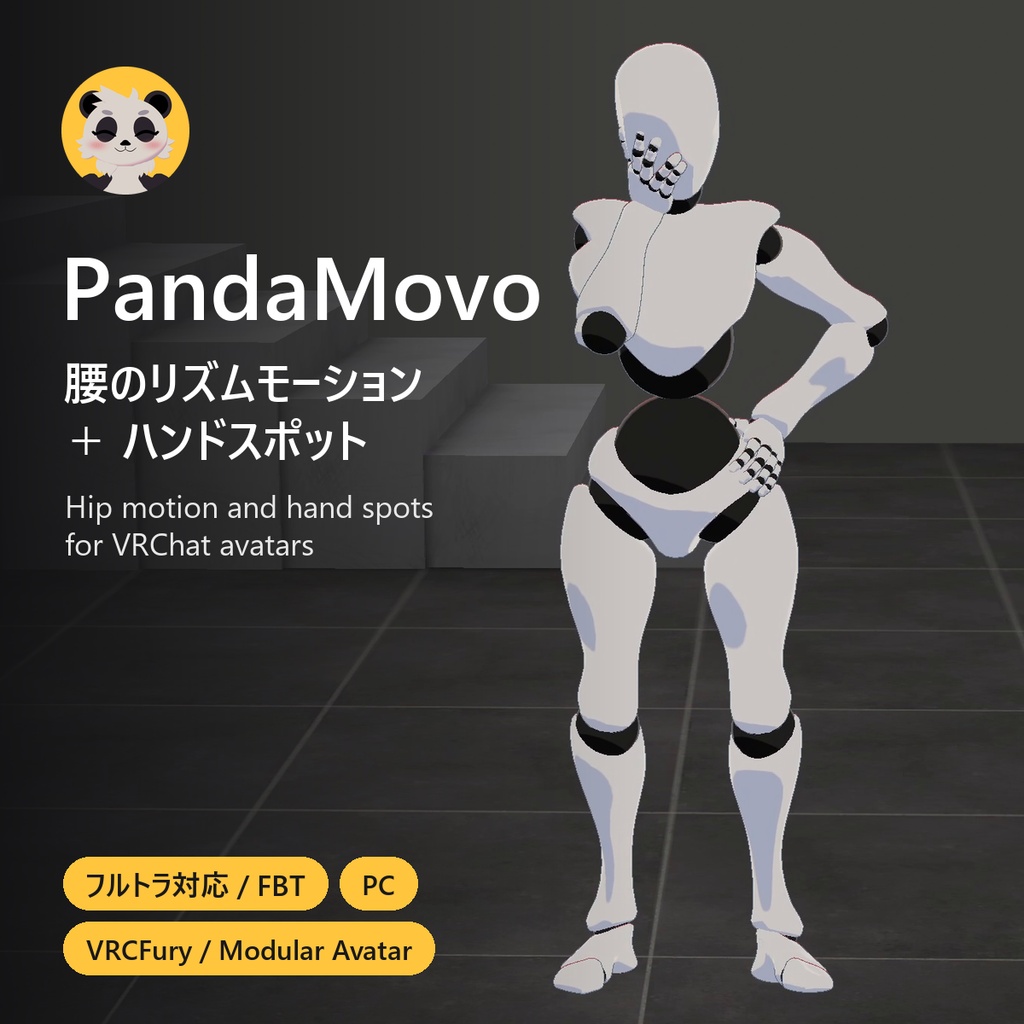
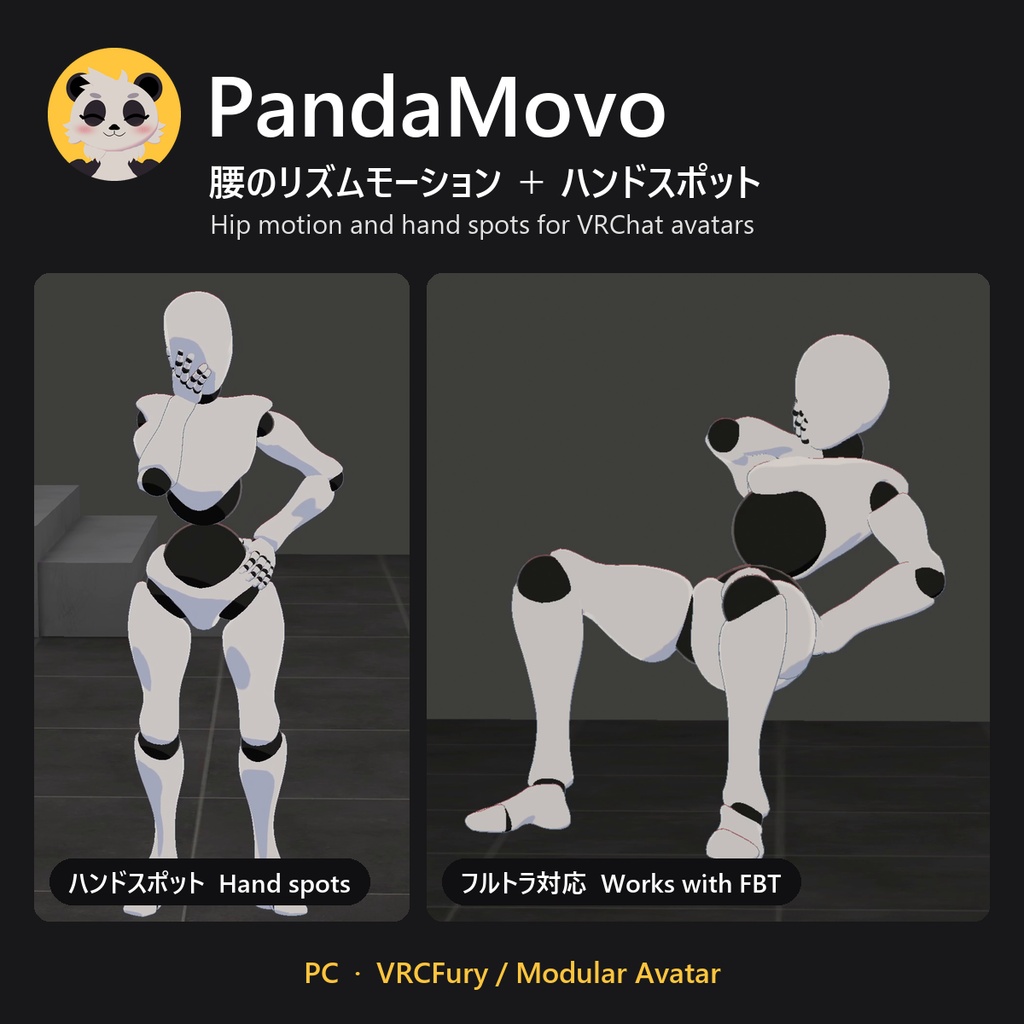
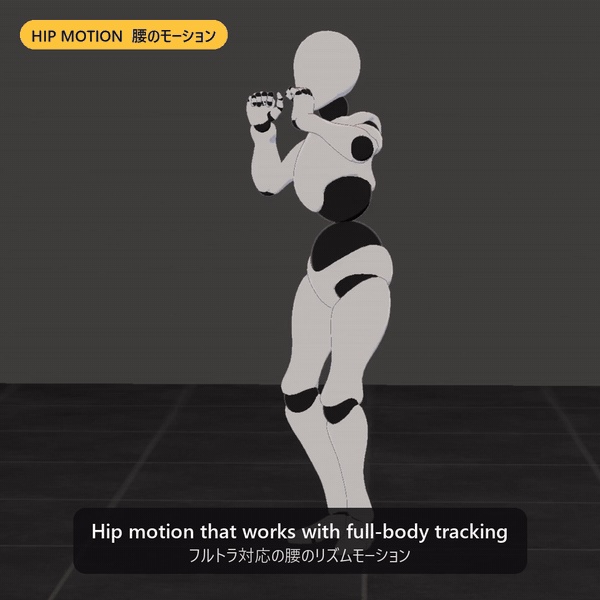


PandaMovoは、VRChatアバターに調整できるループ式の腰の動きを追加するギミックです。アクションメニュー(Expression Menu)からオン・オフや調整ができます。 フルトラッキングに対応しています。頭・手・足はトラッキングした位置のまま、腰だけが動きます。ほかのプレイヤーにも動きが表示されます。 購入前に、動画で実際の動きをご確認ください。 https://x.com/PandaMovo/status/2111599260881863019 ■ メニュー内容 ・Motion Enabled:動きのオン・オフ ・プリセット4種:Relaxed / Grounded / Strong / Rapid ・スライダー3種:Speed / Hip Range / Force(ワールドを移動しても設定は保存されます) ・設定を変えても動きはリセットされず、なめらかに切り替わります ■ ハンドスポット(任意) ・アバターの手を置く場所(腰・頬・胸など)を、Unityで片手につき最大14か所まで設定できます。 ・メニューの PandaMovo > Hands でオンにすると、手がその場所へなめらかに移動してとどまります。オフにすると元に戻ります。 ・手の形(Relaxed / Cupped / Grip / Flat)を選び、指ごとの曲げ具合も調整できます。手を置いている間は、フィンガートラッキングで手が動きません。 ・設置中は、Unity上で腕と指の形をその場で確認できます。 ■ 導入方法 unitypackageをインポートし、お使いのツールに合わせて「PandaMovo (VRCFury)」または「PandaMovo (Modular Avatar)」を、アバターのルートオブジェクトの直下にドラッグしてください。Inspectorがアバターをチェックし、問題があれば直し方を表示します。アップロード時にそのツールがメニューを追加します。 ■ ご購入前に ・PC版VRChatのアバター専用です。Quest/Androidには対応していません。 ・Unity 2022.3.22f1、VRChat Avatars SDK、Humanoidアバター、VRCFuryまたはModular Avatar(どちらも無料)が必要です。 ・同期パラメーターを17bit使用します(ハンドスポットを追加した場合は25bit)。 ・テストした4体のアバターでは、VRChatのパフォーマンスランクは変わりませんでした。多くのアバターでコンストレイントが71〜134個増え、バウンディングボックスが少し大きくなります。ハンドスポットではコンストレイントは増えません。 ・作者自身のアバターで、フルトラ、ほかのプレイヤーからの見え方、後から参加した人への同期を確認しています。アバターやツールの組み合わせによっては動作しない場合があります。 ・Unity上では腰の動きはプレビューできません。VRChat内でお試しください。 ・設定値を極端に上げると、胴体が伸びて見えることがあります。低めの値から調整してください。 ・パブリックワールドで使うときは、インスタンスのルールと周りの人への配慮をお願いします。 ・README・ライセンスは英語です。 ■ 内容物 PandaMovo unitypackage(prefab 2種、メニュー、アイコン、README、更新履歴、ライセンス)。VRCFury、Modular Avatar、VRChat SDK、動画内のアバターは含まれません。 ■ アップデート バージョン1のアップデートは無料です。BOOTHから再ダウンロードしてください。 ■ ライセンス(概要) ご自身のアバターで使用・改変できます。配布が許可されたアバターに同梱できます。同梱で受け取った方はご自身のアバターで使えますが、再配布はできません。PandaMovo単体での配布・販売はできません。全文はダウンロード内のLICENSE.mdをご覧ください。 ■ サポート BOOTHのメッセージからご連絡ください。PandaMovoのバージョン、アバター名、SDKとVRCFury(またはModular Avatar)のバージョン、Consoleに表示された赤いエラーを添えてください。ほかの方の有料アバターのファイルは送らないでください。 ―――――――――――――――――――― English PandaMovo adds an adjustable, looping hip motion to your VRChat avatar. You turn it on and tune it from your expression menu. It works with full-body tracking. Your head, hands and feet stay where you put them while your hips move. Other players see the motion too. Please watch the video before buying so you know how the movement looks. https://x.com/PandaMovo/status/2111599260881863019 ■ In the menu ・Motion Enabled: turns the motion on and off. ・Four presets: Relaxed, Grounded, Strong and Rapid. ・Three sliders: Speed, Hip Range and Force. VRChat remembers them between worlds. ・Changes blend in without restarting the motion. ■ Hand spots (optional) ・Set up to 14 places per hand in Unity where an avatar hand can rest, like your hip, cheek or chest. ・Turn one on under PandaMovo > Hands and the hand glides there and stays. Turn it off and it glides back. ・Pick a hand shape (Relaxed, Cupped, Grip or Flat) and fine-tune single fingers. Finger tracking doesn't move a resting hand. ・Unity shows the arm and fingers live while you place a spot. ■ Setup Import the package and drag PandaMovo (VRCFury) or PandaMovo (Modular Avatar), for the tool you use, onto your avatar's root object. The Inspector checks your avatar and tells you if anything needs fixing. The tool adds the menu when you upload. ■ Before you buy ・PC VRChat avatars only. It doesn't work on Quest/Android. ・You need Unity 2022.3.22f1, the VRChat Avatars SDK, a humanoid avatar, and VRCFury or Modular Avatar. Both are free: https://vrcfury.com/download/ and https://modular-avatar.nadena.dev/ ・Uses 17 bits of your synced parameter budget (25 if you add hand spots). ・On the four avatars I tested, the VRChat performance rank stayed the same. It adds 71 to 134 constraints on most of them and makes the bounding box a little larger. Hand spots add no constraints. ・I've tested it on my own avatars with full-body tracking, with another player watching, and with late joins. Avatars and tool combinations vary a lot, so I can't promise it works on every avatar. ・Unity doesn't preview the hip motion. Test it in VRChat. ・Very high settings can stretch the torso. Start low and adjust. ・Please respect instance rules and the people around you when you use it in public worlds. ■ Included The PandaMovo unitypackage with both prefabs, the menu, icons, README, changelog and license. VRCFury, Modular Avatar, the VRChat SDK and the avatars in the video aren't included. ■ Updates Updates for version 1 are free. Download them again from BOOTH. ■ License (summary) You can use PandaMovo on your own avatars and change it. You can include it in an avatar you're allowed to distribute; people who get it that way can use it on their own avatars but can't pass it on. You can't share or resell PandaMovo on its own. The full license is in the download (LICENSE.md). ■ Help Send me a BOOTH message. Include the PandaMovo version, your avatar's name, your SDK version, your VRCFury or Modular Avatar version, and any red Console errors. Please don't send someone else's paid avatar files.
利用規約 / Terms of use
ご自身のアバターで使用・改変できます。配布が許可されたアバターに同梱できます。同梱で受け取った方はご自身のアバターで使えますが、再配布はできません。PandaMovo単体での配布・販売はできません。全文はダウンロード内のLICENSE.mdをご覧ください。 You can use PandaMovo on your own avatars and change it. You can include it in an avatar you're allowed to distribute; people who get it that way can use it on their own avatars but can't pass it on. You can't share or resell PandaMovo on its own. The full license is in the download (LICENSE.md).
更新履歴 / Updates
1.0.2:d4rk Avatar Optimizerを使ったアバターでSpeedスライダーが効かない不具合を修正 1.0.2: the Speed slider now works on avatars that use d4rk Avatar Optimizer 1.0.1:初回リリース 1.0.1: first release