
【わんコメ対応】ActionChat|キャラクターが動く配信用チャットウィジェット【OBS】
- ダウンロード商品¥ 1,500
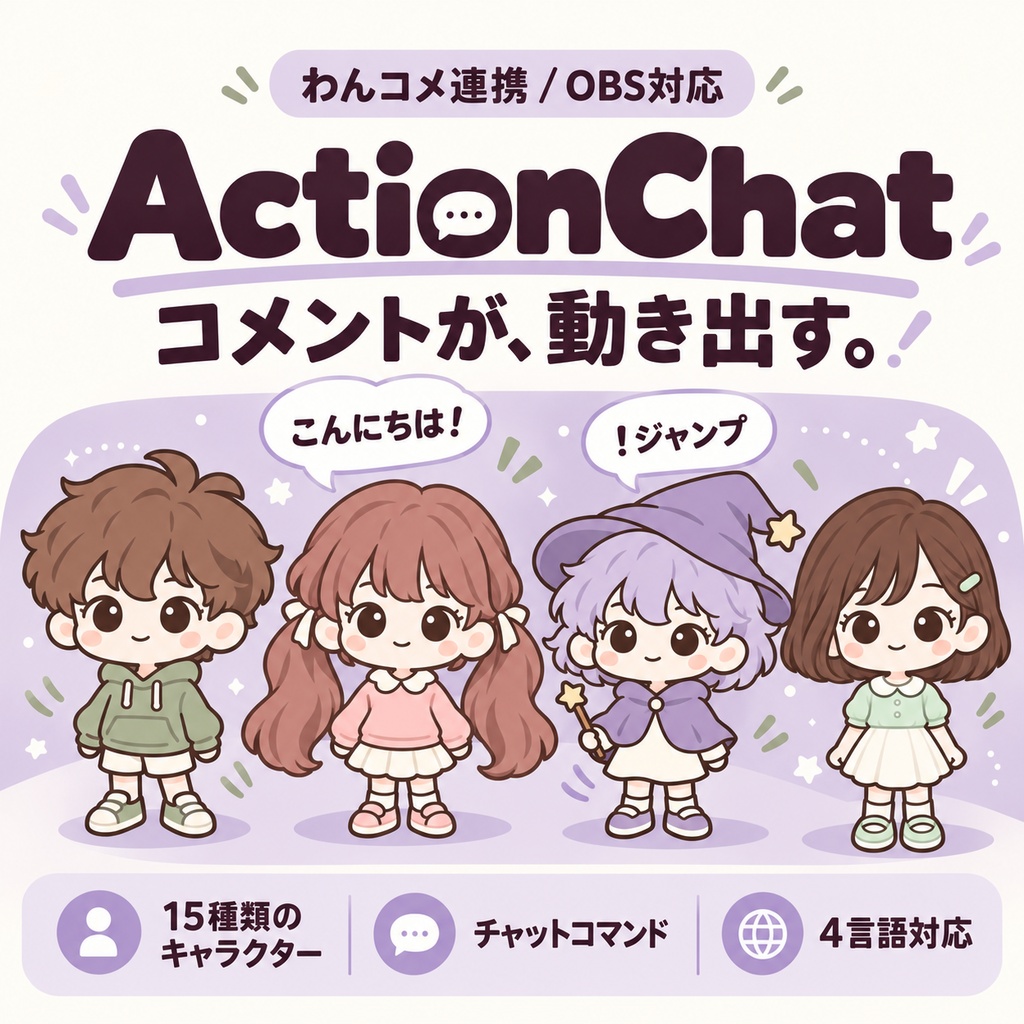
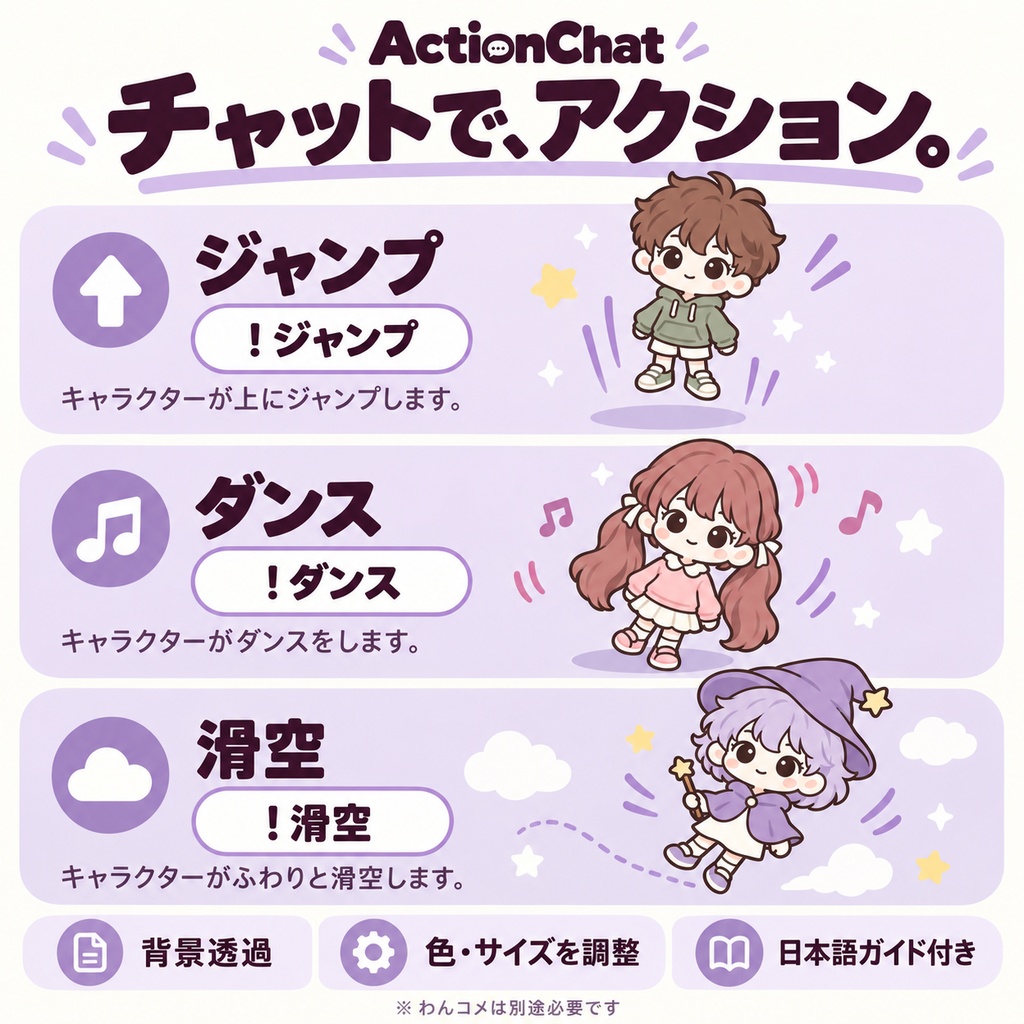
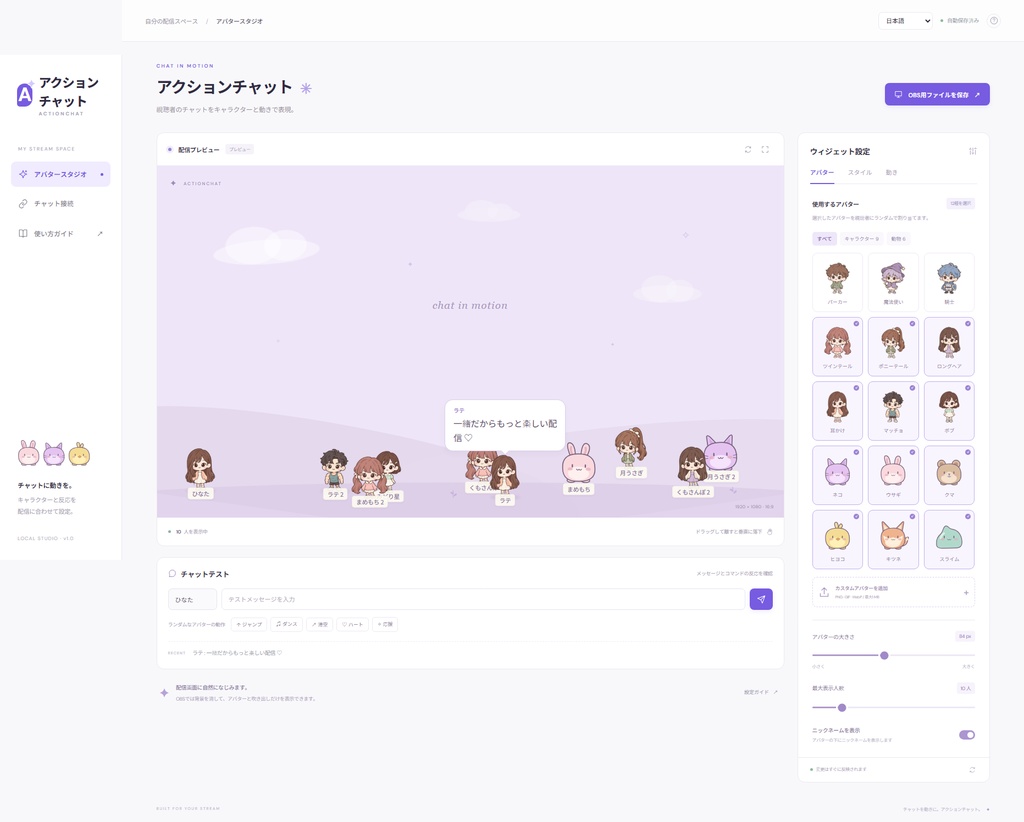
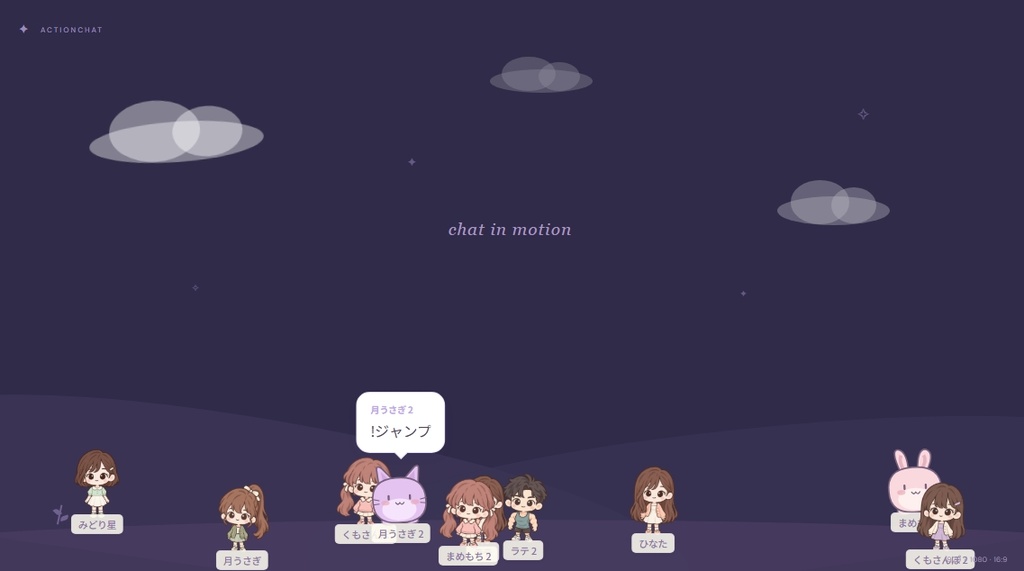


視聴者のコメントに、キャラクターと動きを。 ActionChatは、わんコメ(OneComme)と連携して、視聴者のコメントをキャラクターと吹き出しで表示するOBS用ウィジェットです。 視聴者がチャットコマンドを送ると、自分のキャラクターがジャンプやダンスなどのアクションを行います。 ■ 主な機能 ・キャラクター15種類:動物6種類+人物9種類 ・コメントした視聴者に、選択中のキャラクターからランダムで割り当て ・同じキャラクターを複数の視聴者に割り当て可能 ・ジャンプ/ダンス/滑空/走る/ハートのアクション ・最大50人のキャラクターを表示 ・キャラクターをドラッグして移動、離すと垂直に落下 ・吹き出しの形、色、文字サイズを変更 ・背景4種類+背景なし/透過表示 ・PNG/GIF/WebPのカスタム画像を追加 ・設定の保存・読み込みに対応 ・日本語/韓国語/英語/簡体字中国語に対応 ※ OBSでキャラクターをドラッグする場合は、ブラウザソースの「対話」ウィンドウを使用します。 ※ カスタム画像は1ファイル1MB以下、縦横それぞれ4096px以下です。 ※ 表示されるのはコメントした視聴者です。人数設定を増やすだけではキャラクターは追加されません。 ■ チャットコマンド !ジャンプ !ダンス !滑空 !走る !ハート !停止 英語・韓国語・簡体字中国語のコマンドも使用できます。 ■ 同梱内容 ・ActionChat Studio.html:キャラクターや表示を設定するエディター ・ActionChat OBS.html:初期設定のOBS表示用ファイル ・ActionChat Guide.html:導入・接続ガイド ・ActionChat-OneComme:わんコメに登録するテンプレートフォルダー ・README_JA.md:日本語の説明書 ・README_KO.md:韓国語の説明書 ・README_EN.md:英語の説明書 ・README_ZH_CN.md:簡体字中国語の説明書 設定画面とHTMLガイドも4言語に対応しています。 視聴者名やコメント本文を自動翻訳する機能ではありません。 ■ 必要な環境 ・Windows PC ・OBS Studioのブラウザソース ・わんコメ(OneComme/別途インストール) 配信サイトのコメント取得は、わんコメ側で設定してください。 配信中は、コメントを受信するパソコンの電源を入れ、そのパソコンでわんコメを起動したままにしてください。 わんコメとOBSを同じパソコンで使う方法と、同じローカルネットワーク内の別々のパソコンで使う方法を、同梱ガイドで説明しています。 購入者側でNode.jsや別のウィジェット用サーバーを用意する必要はありません。 ■ ご購入前に ・ダウンロード商品です。実物の発送はありません。 ・ActionChat本体は買い切りです。 ・わんコメ本体は同梱していません。 ・わんコメの利用条件・クレジット表記は、公式案内をご確認ください。 ・人物キャラクター画像には画像生成AIを使用しています。 Bring characters and motion to your viewers’ comments. ActionChat is an OBS widget that works with OneComme to display viewers’ comments as characters and speech bubbles. When a viewer sends a chat command, their character performs an action such as jumping or dancing. ■ Features ・15 built-in characters: 6 animals and 9 human characters ・Randomly assigns each commenting viewer a character from your selected lineup ・Multiple viewers can share the same character design ・Jump, dance, glide, run, and heart actions ・Display up to 50 viewer characters ・Drag characters to move them; release them to drop vertically ・Customize speech bubble shape, colors, and text size ・4 backgrounds, plus a transparent / no-background option ・Add custom PNG, GIF, or WebP images ・Save and load your settings ・Supports English, Japanese, Korean, and Simplified Chinese ※ To drag characters in OBS, open the browser source’s “Interact” window. ※ Custom images must be 1 MB or smaller, with a maximum width and height of 4096 pixels each. ※ Characters appear when viewers send comments. Increasing the participant limit does not automatically add characters. ■ Chat Commands !jump !dance !glide !run !heart !stop Japanese, Korean, and Simplified Chinese commands are also supported. ■ Included Files ・ActionChat Studio.html: Editor for character and display settings ・ActionChat OBS.html: Ready-to-use OBS widget with default settings ・ActionChat Guide.html: Setup and connection guide ・ActionChat-OneComme: Template folder for registration in OneComme ・README_EN.md: English manual ・README_JA.md: Japanese manual ・README_KO.md: Korean manual ・README_ZH_CN.md: Simplified Chinese manual The editor and HTML guide are available in all four languages. Viewer names and comment text are not automatically translated. ■ Requirements ・Windows PC ・OBS Studio with a browser source ・OneComme, installed separately Configure your streaming platform’s comment reception in OneComme. During your stream, keep the computer receiving comments powered on, with OneComme running on that computer. The included guide explains how to use OneComme and OBS on the same computer or on separate computers connected to the same local network. No Node.js installation or separate widget server is required. ■ Before Purchasing ・This is a digital download. No physical item will be shipped. ・ActionChat is a one-time purchase. ・OneComme itself is not included. ・Please check OneComme’s official information for its usage terms and credit requirements. ・Generative AI was used to create the human character images.