

【VRChat】VRC Camera Spot|ワールド用カメラスポット
- ダウンロード商品¥ 0
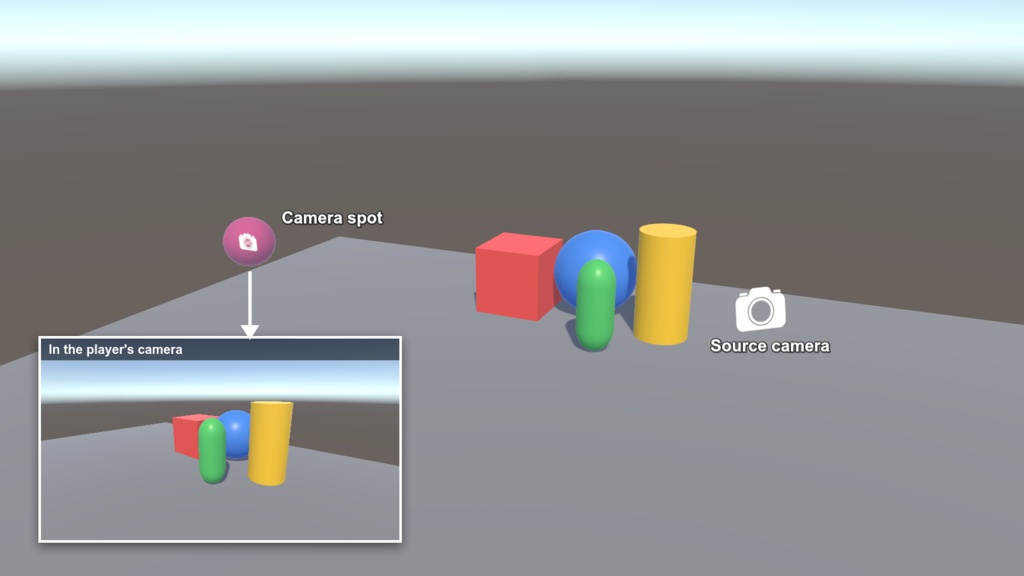


VRChatワールド用のカメラスポットです。プレイヤーがカメラをスポットに入れると、あらかじめ構図を決めた固定の景色がカメラに映ります。ワールドの「撮影スポット」を簡単に作れます。 A camera spot for VRChat worlds: players who put their camera in the spot see a fixed, pre-framed view. 無料・MITライセンス / Free, MIT License GitHub: https://github.com/puetsua/VRCCameraSpot
特徴 / Features
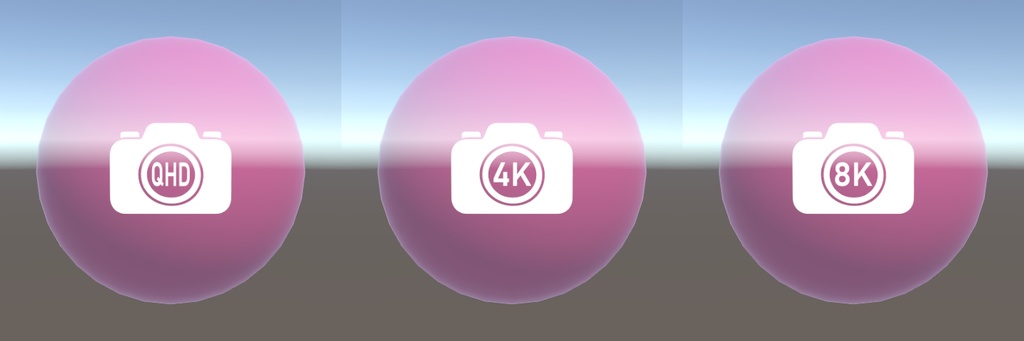
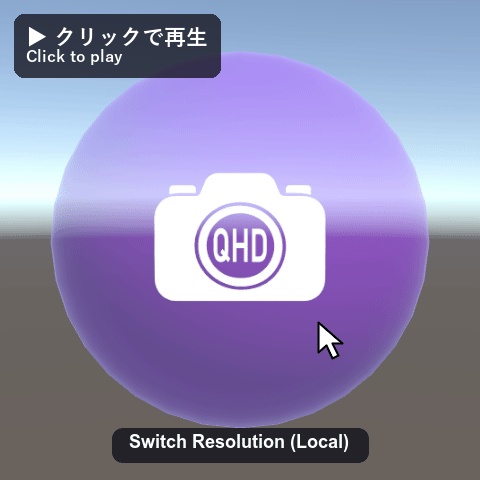
・解像度固定版:QHD/4K/8K ・切り替え版:スポットをクリックするとQHD・4K・8Kを切り替え(ローカルのみ、本人にだけ反映) ・VRはハンドヘルドカメラ、デスクトップはプレイヤーの視点に対応 ・Fixed-resolution prefabs: QHD / 4K / 8K ・Switchable prefab: click the spot to cycle QHD, 4K and 8K (local, only affects that player) ・Works with the handheld camera in VR and the player's view on desktop
導入方法 / Installation
1. 先にVCCでVRChat Worlds SDKを3.8.0以上に更新してください(Unityを開いたままではインストーラーがSDKを更新できません)。 2. zipを展開し、VRCCameraSpot-installer.unitypackage をワールドプロジェクトにインポートします。VCCにリポジトリを追加して最新版をインストールします。 ※ VCCから直接追加することもできます:https://vrchat.puetsua.net/vpm/ 1. Update VRChat Worlds SDK to 3.8.0 or newer in VCC first (the installer can't upgrade it while Unity is open). 2. Unzip and import VRCCameraSpot-installer.unitypackage into your world project. It adds the repository to VCC and installs the latest version. * You can also add it straight from VCC: https://vrchat.puetsua.net/vpm/
使い方 / Usage
1. Packages → VRC Camera Spot → Prefabs からプレハブをシーンに配置 2. SourceCamera_MoveMe を見せたい構図に移動 3. SpotOverlayQuad_Internal と VisibleGuideSphere をカメラを置いてほしい場所に移動 1. Drag a prefab from Packages → VRC Camera Spot → Prefabs into your scene. 2. Move SourceCamera_MoveMe to the view you want to show. 3. Move SpotOverlayQuad_Internal and VisibleGuideSphere to where players should hold their camera.
動作環境 / Requirements
・Unity 2022.3 ・VRChat Worlds SDK 3.8.0以上 / 3.8.0 or newer