

VRC用MMD変換ツール
- ダウンロード商品¥ 500
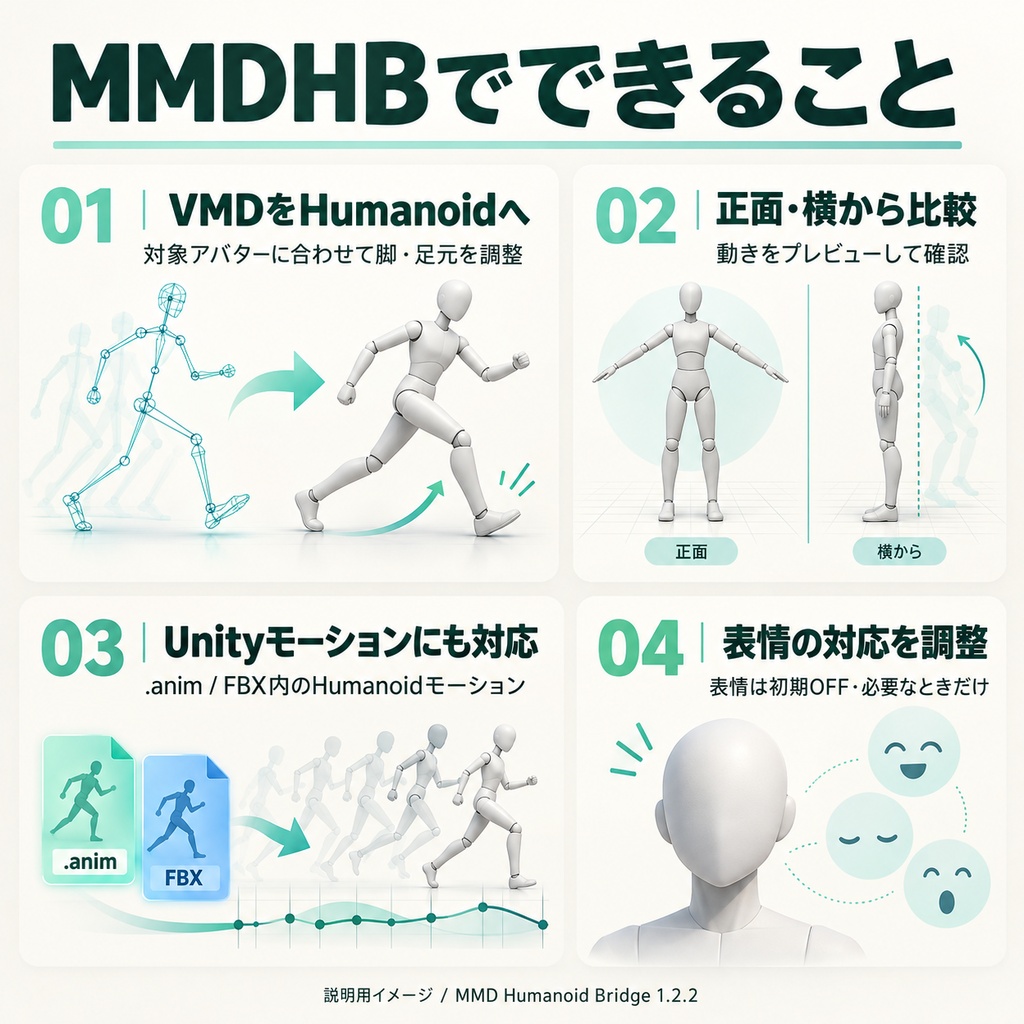
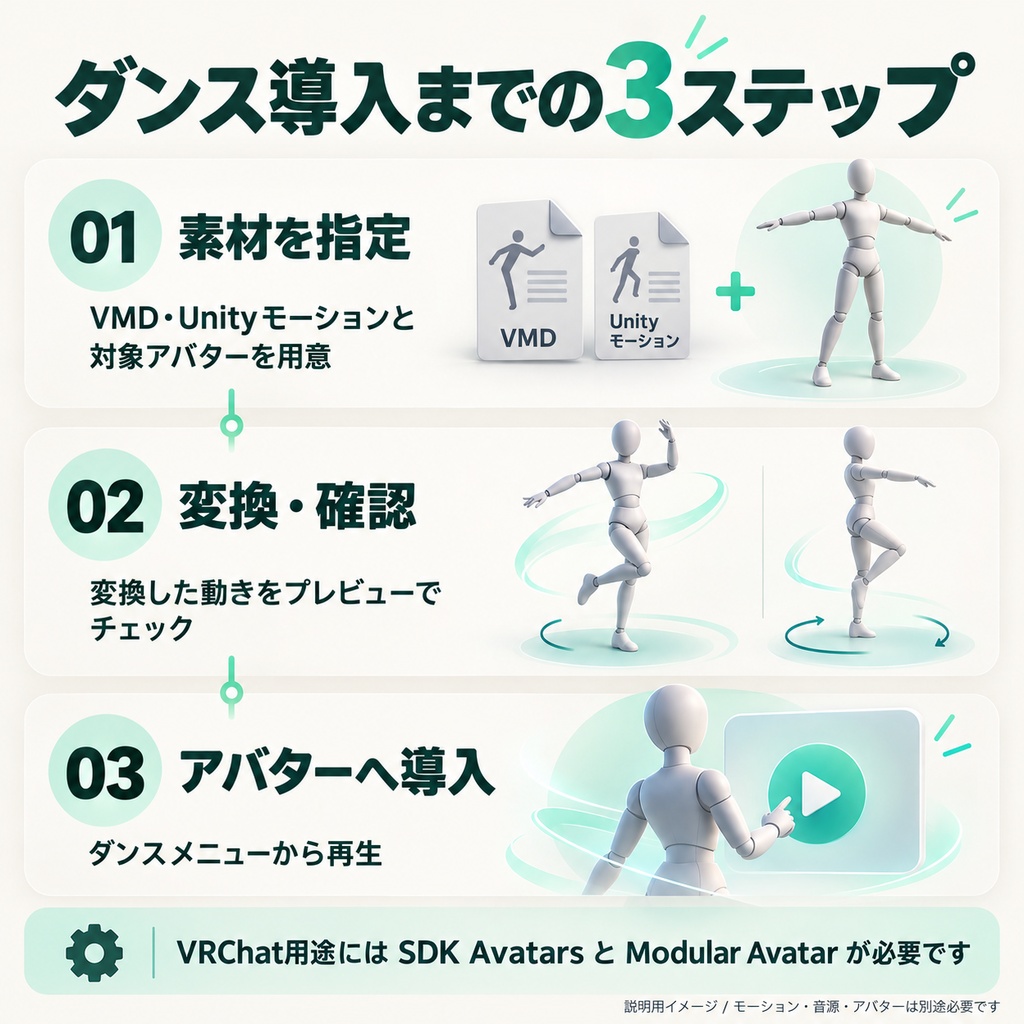
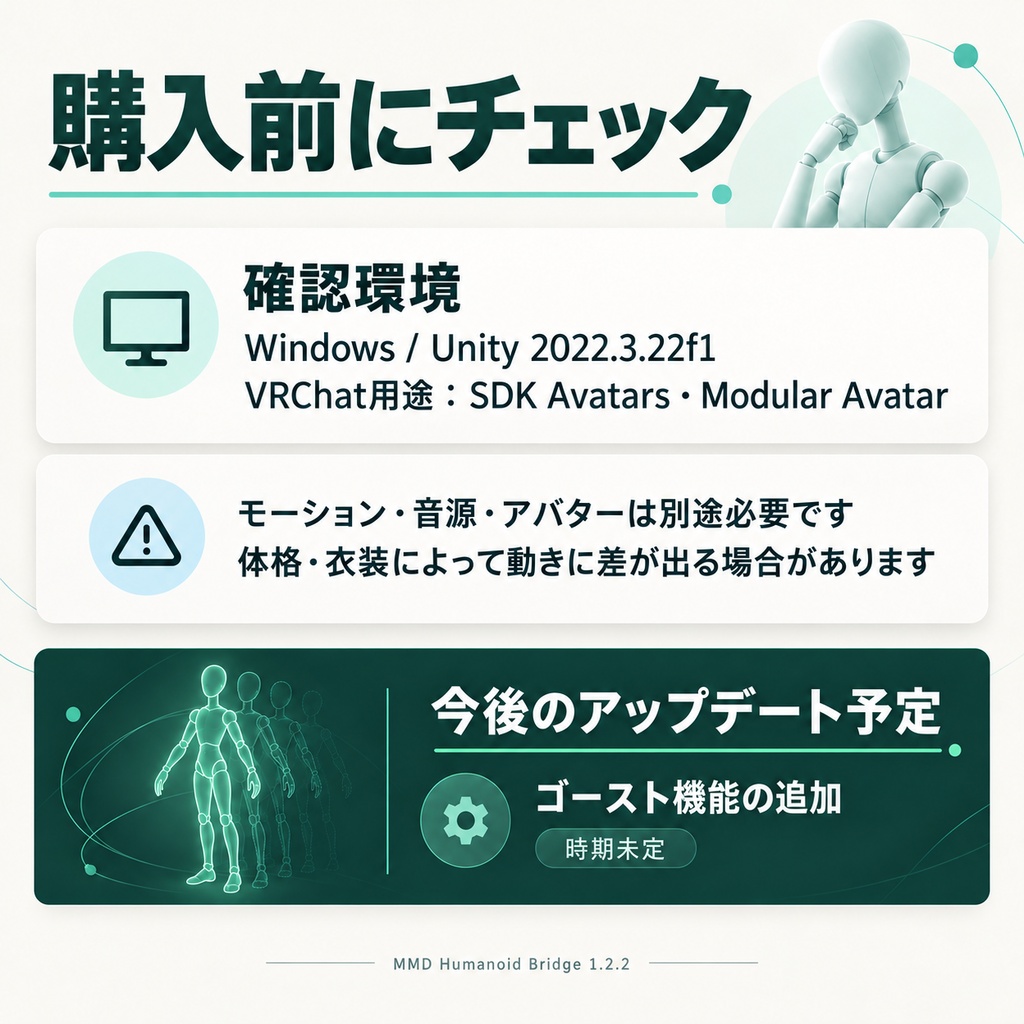
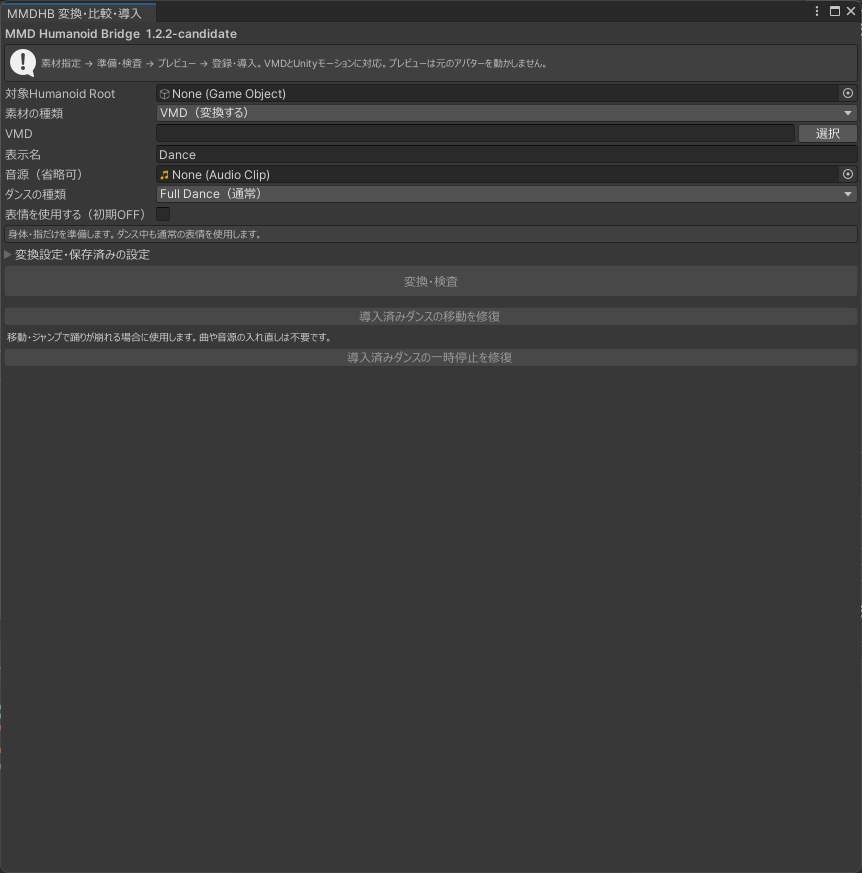


# MMD Humanoid Bridge(MMDHB)1.2.2 VMDやUnityのHumanoidモーションを、確認してVRChatアバターへ導入するUnity用ツールです。 ## できること - 肩・腕・手のひらの基準方向を自動補正。A/Tポーズなどの初期姿勢差を吸収。 - VMDをHumanoidモーションへ変換し、対象アバターの体格に合わせて脚・足元を調整。 - 正面・横からプレビュー。VMDでは参照骨格との比較も可能。 - Project内の.anim、FBX内のHumanoidモーションにも対応。 - 表情の同名対応と、対応先の修正。表情は初期OFF。 - Full/Shortの選択と、Short音源の長さ調整。設定の保存・復元にも対応。 - ダンスメニューへ導入し、再生・停止・一時停止・速度・音量を操作。 - 移動・ジャンプ等によるダンス上書き対策と、旧導入向けの修復機能。 - 肩Pを使うVMDの標準的な肩キャンセル構成に対応。変換側で処理するため、アバターへのボーン追加は不要です。 ## 導入 VRChat用途ではSDK AvatarsとModular Avatarを先に導入してください。 unitypackageをインポート後、Tools → MMD Humanoid Bridge → 変換・比較・導入 を開きます。 VMDの変換・比較だけならSDKなしでも利用できます。 ## 必要なもの・収録内容 VMD、Unityモーション、音源、アバターはご自身で用意してください。 商品にはツール本体、内蔵参照骨格、導入説明書、利用条件、クレジットを収録しています。利用者の曲・音源・アバターは同梱していません。 確認環境:Windows / Unity 2022.3.22f1 / VRChat SDK Avatars・Base 3.10.5 / Modular Avatar 1.18.7 / NDMF 1.14.8。 ## 購入前に確認してください 任意のVMD・モデルの完全再現を保証するものではありません。体格・衣装・Humanoidの制限により差が残る場合があります。 モデル固有の物理、カメラ、材質モーフ、特殊補助ボーン、キー軽量化は対象外です。Generic/LegacyからHumanoidへの変換には対応しません。 Hierarchyでの移動・コピーの自動検知や、別アバターへのワンクリック再調整は含みません。 SDK Build/Upload/Launch、VRChat実機・他ユーザーとの同期は未検証です。アップロード前に対象アバターで確認してください。 ## 今後のアップデート予定 - ゴースト機能の追加(時期未定) - 深く肘を曲げた際の、肘の位置・向きの再現精度の改善(時期未定) ## 利用条件 個人・商用利用と改変OK。ツール本体および改変した本体の再配布・再販売はできません。 利用するVMD、モーション、音源、アバター、第三者素材にはそれぞれの利用条件が適用されます。 詳しくは同梱の利用条件・クレジットを確認してください。 ## お問い合わせ - [X(@VRCmogu)](https://x.com/VRCmogu) - [BOOTH(ショップ)](https://mogubanana.booth.pm/) ## 削除後の再導入 Hierarchyの導入オブジェクトを削除した場合は「削除したダンスを戻す…」から登録済みの曲を選び、再変換せずにプレイヤーとメニュー追加用の部品を戻せます。登録データ・生成PrefabがAssetsに残っている標準プレイヤーが対象です。複数曲は必要な曲ごとに選びます。 --- ## English MMD Humanoid Bridge (MMDHB) 1.2.2 is a Unity editor tool for converting or preparing VMD and Unity Humanoid motions, previewing the results, and installing them on VRChat avatars. ## Features - Automatically aligns the reference directions of the shoulders, arms, and palms to compensate for differences in the avatar's initial pose, including A-pose and T-pose differences. - Converts VMD files into Humanoid animation and adjusts the legs and feet for the target avatar's proportions. - Provides front and side previews. VMD previews can also be compared with the included reference skeleton. - Supports Humanoid animation clips in .anim files and FBX assets in your Unity project. - Matches facial expressions by name and lets you edit their mappings. Facial expression conversion is OFF by default. - Supports Full Dance and Short Dance modes, Short Dance audio length adjustment, and saving/restoring these settings. - Installs a dance menu with playback, stop, pause, speed, and volume controls. - Includes measures against movement and jumping overriding dance playback, plus repair tools for older installations. - Supports the standard shoulder-cancel hierarchy used by VMD motions with Shoulder P bones. This is handled during conversion; no additional bones need to be added to your avatar. ## Installation For use in VRChat, install VRChat SDK Avatars and Modular Avatar first. Import the included unitypackage, then open: Tools → MMD Humanoid Bridge → 変換・比較・導入 (Convert / Compare / Install). VMD conversion and comparison can also be used without the VRChat SDK. The tool's interface uses Japanese labels. ## Requirements and included files Please provide your own VMD files, Unity motions, audio, and avatars. The package includes the tool, built-in reference skeletons, setup instructions, terms of use, and credits. User motion files, audio, and avatars are not included. Tested editor environment: Windows / Unity 2022.3.22f1 / VRChat SDK Avatars and Base 3.10.5 / Modular Avatar 1.18.7 / NDMF 1.14.8. ## Before purchasing Exact reproduction of every VMD or model is not guaranteed. Differences may remain due to avatar proportions, clothing, and Humanoid limitations. Model-specific physics, camera motion, material morphs, special auxiliary bones, and keyframe reduction are outside the scope of this tool. Conversion from Generic or Legacy animation to Humanoid is not supported. Automatic detection of objects moved or copied in the Hierarchy, and one-click readjustment for a different avatar, are not included. SDK Build/Upload/Launch, in-VRChat behavior, and synchronization with other users have not been verified. Check the setup with your target avatar before uploading. ## Planned updates - Ghost feature — release timing to be determined. - Improved elbow position and orientation accuracy when the elbow is deeply bent — release timing to be determined. ## Terms of use Personal use, commercial use, and modification are permitted. Redistribution or resale of the tool itself, including modified versions, is prohibited. The VMD files, motions, audio, avatars, and third-party assets you use remain subject to their respective terms. Please read the included terms of use and credits for details. ## Contact - [X (@VRCmogu)](https://x.com/VRCmogu) - [BOOTH shop](https://mogubanana.booth.pm/) ## Restoring a deleted installation If you delete the installation object from the Hierarchy, select a registered dance using 「削除したダンスを戻す…」 (Restore a deleted dance…) to restore the player and its menu installation components without reconverting the motion. This feature applies to the standard player when the registered data and generated prefabs remain in Assets. Select each dance you want to restore separately.