

Aftergrass | Interactive Grass for VRChat Worlds
- ダウンロード商品¥ 100
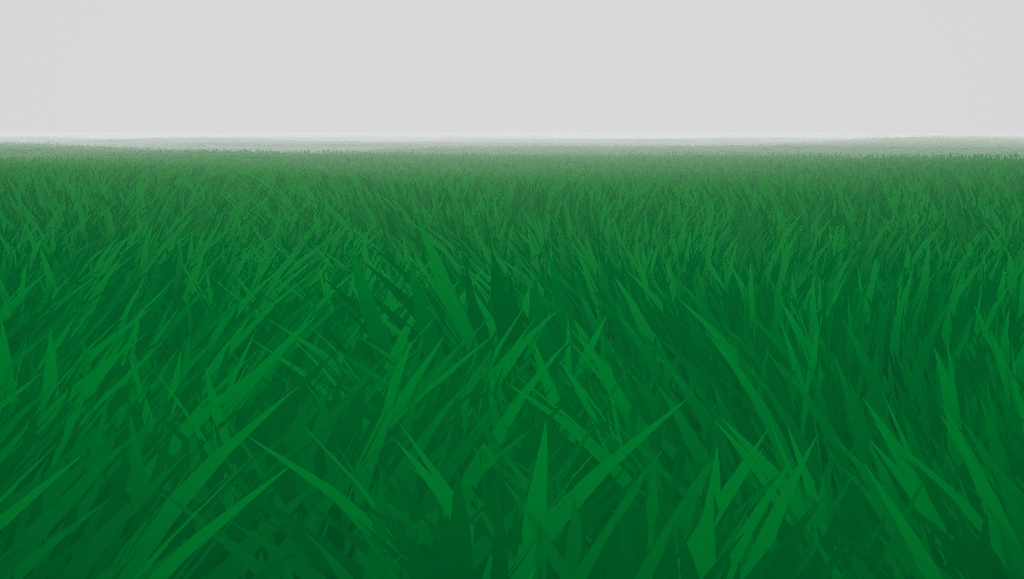
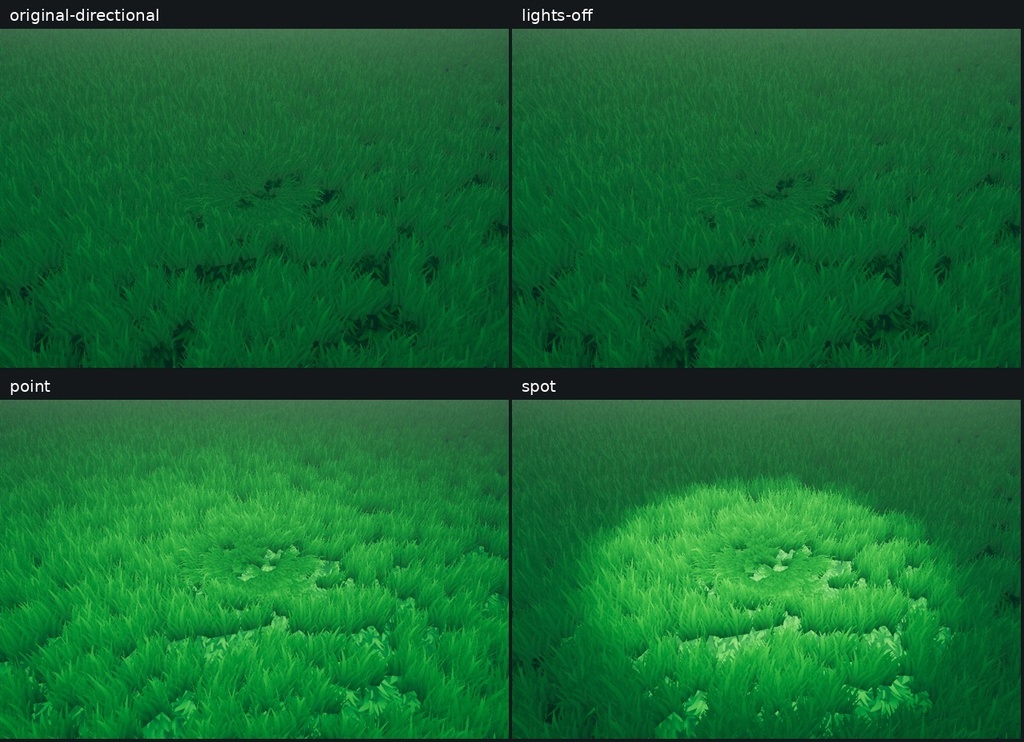
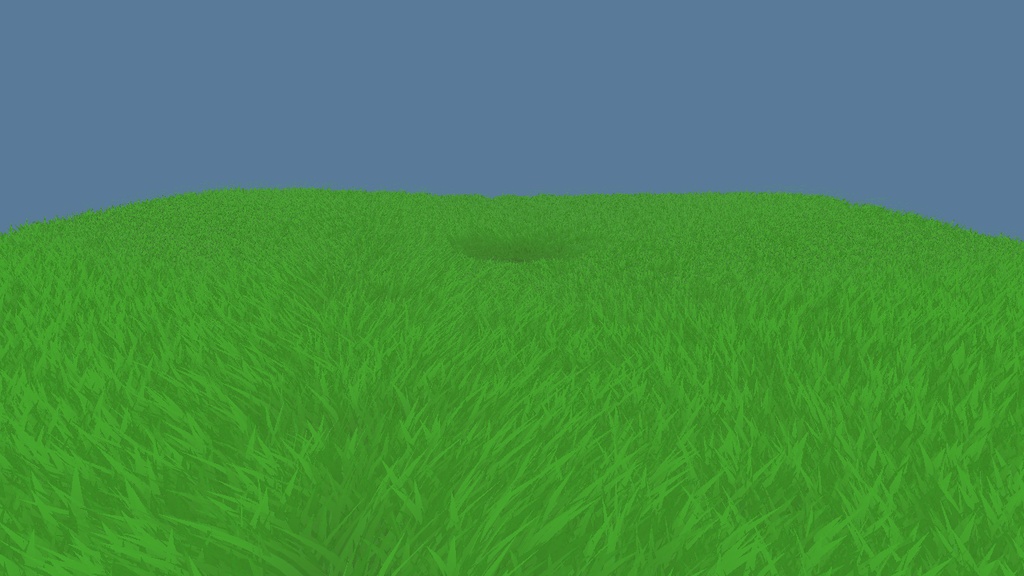
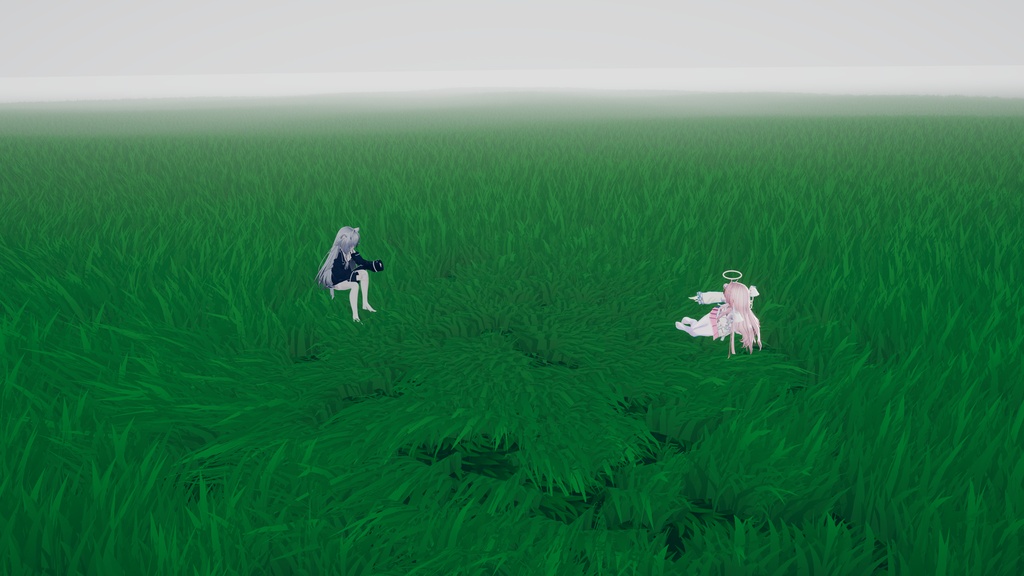
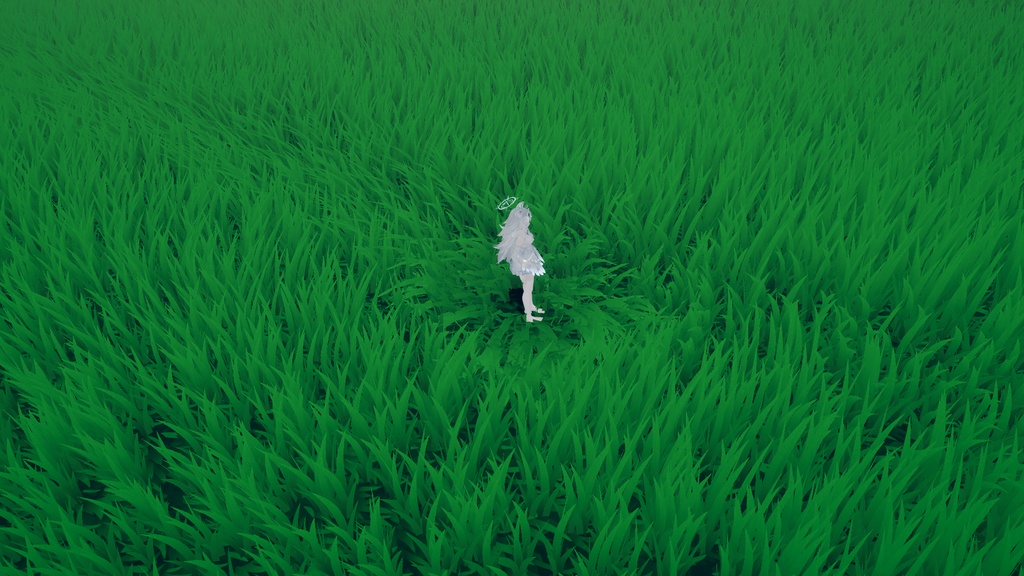


Grass bends around where players are now, making room for you and your friends to spend time together. INTERACTION • Nearby friends share a larger space. When players gather close together, their bending areas merge into a larger circle that adjusts to the group’s positions. • Lying down flattens the grass further and stretches the area along the body’s direction, making room to lie together. • The area follows players. Position, size and flattening change gradually, and the grass rises again where players have left. • Soft falloff and small variations blend the edges into the surrounding grass. Interaction fades with the height difference between the grass roots and the player’s area. GRASS APPEARANCE • Adjust wind direction, speed, strength and turbulence. • Set blade-tip and root colours, local tint variation and root darkening. • Responds to scene lighting, point lights, spotlights and fog, with a night-dimming setting for campfire scenes and night environments. WORLD BUILDING AND CONTROLS • Independent copies: duplicate the whole field and use the editor tools to prepare separate TerrainData, grass prototypes and materials for each copy. • Rotation and scale: level fields support Y-axis rotation and positive uniform scale. Apply the terrain transform in the Inspector or restore the source terrain. Rotation creates resampled data and supports up to four colour-texture-only painted layers. • Interaction settings: adjust radius, flattening, group-merging distance, transition speeds and update interval. Other Udon behaviours can control interaction through SuspendInteraction / ResumeInteraction. • Up to four active interaction groups per client. The local player’s group comes first; other groups are selected by size and distance. Each group can contain several nearby friends. • Adjust Terrain grass density and display distance, plus material distance-fade settings for wind and interaction deformation. INCLUDED • Grass shader and UdonSharp interaction component • Grass mesh, blade textures and green ground texture • 16×16 metre field prefab and SmallField sample scene • Installation and update guides, usage terms and Credits in English, 简体中文, 日本語, 한국어 and 繁體中文 • Original-world post-processing Profile and a shared parameter table REQUIREMENTS AND SETUP For Windows PC VRChat worlds using the Built-in Render Pipeline, VRChat Worlds SDK and UdonSharp. Install the SDK and UdonSharp through VCC before importing the unitypackage. Installation, updates and grass interaction were checked with Unity 2022.3.22f1 and Worlds SDK 3.10.1 in Editor/ClientSim. Back up your scene, import the package, then open the SmallField scene or place the complete SmallField prefab in your world. Keep edited Terrain and materials in your own folder for future updates. For ClientSim, set Active Input Handling to Both and restart Unity when prompted. Full paths and steps are in the included guide. The optional post-processing Profile uses com.unity.postprocessing 3.4.0. Copy its .asset and .meta together into Assets, assign the Profile to your PostProcessVolume, and configure the volume layer and camera for your world. USAGE TERMS Aftergrass is created by 萝北来信 / LuobeiLetters. Copyright in the author-created code, grass assets and ground texture remains with the author. You may modify the assets and use them in public worlds, commercial projects and paid commissioned worlds. You may publish or deliver the finished work. You may privately share author-created source files with necessary collaborators on the same project. Their use of those files is limited to that project. Source sharing is limited to this collaboration; standalone resale of the original package or lightly modified assets, and public uploads of those source assets, remain reserved to the author. Credit is optional. If you would like to add one, use “Aftergrass / 萝北来信”. The Unity-derived Terrain files listed in Credits retain their separate MIT licence, included in the package. It applies independently of the author-asset terms. Unity and VRChat SDK/UdonSharp use their respective licences. QUESTIONS AND BUG REPORTS Send a BOOTH message to the shop for help importing or using Aftergrass. For bug reports, include your Aftergrass and Unity/SDK versions, the steps you took, and error text or a screenshot so I can investigate and work on a fix. 简体中文 草地会围绕玩家当前位置伏下,为你和朋友让出相处的空间。朋友靠近时区域合并,躺下后草压得更扁,移动后原处的草重新立起。下载包附完整中文功能介绍、安装说明与使用许可。 日本語 プレイヤーの周りで草が倒れ、友達と過ごす空間をつくります。近づくと範囲がまとまり、横になるとさらに平たく、移動すると元の場所の草が立ち上がります。日本語の機能説明・導入手順・利用条件を同梱しています。 한국어 플레이어 주변의 풀이 눕고 친구들과 함께할 공간이 생깁니다. 가까이 모이면 영역이 합쳐지고, 누우면 더 납작해지며, 이동하면 원래 자리의 풀이 다시 일어납니다. 한국어 기능 설명, 설치 방법과 이용 조건이 포함되어 있습니다. 繁體中文 草地會圍繞玩家目前的位置伏下,為你和朋友讓出相處的空間。朋友靠近時區域合併,躺下後草壓得更扁,移動後原處的草重新立起。下載包附完整中文功能介紹、安裝說明與使用授權。