

【MA対応】喫煙シガレット / Hunter S. Thompson Cigarette
- ダウンロード商品¥ 799
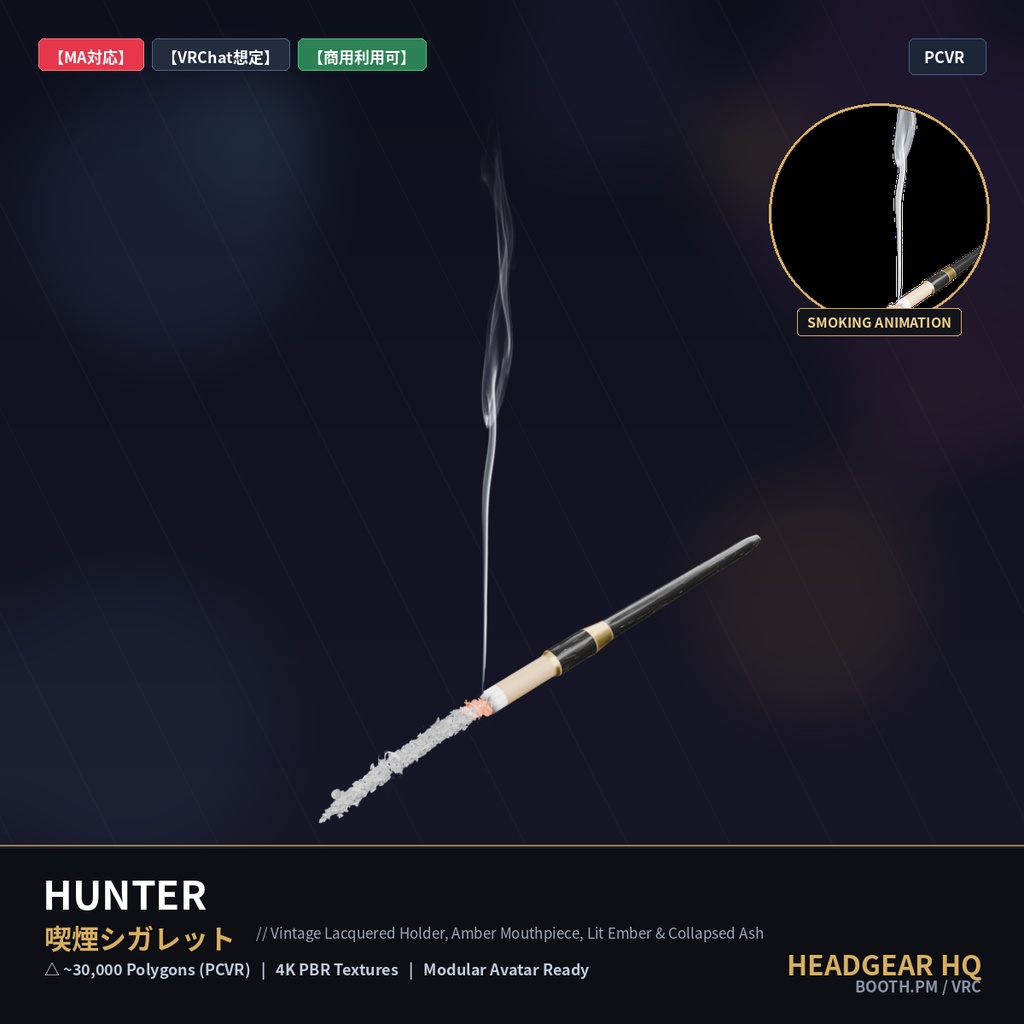
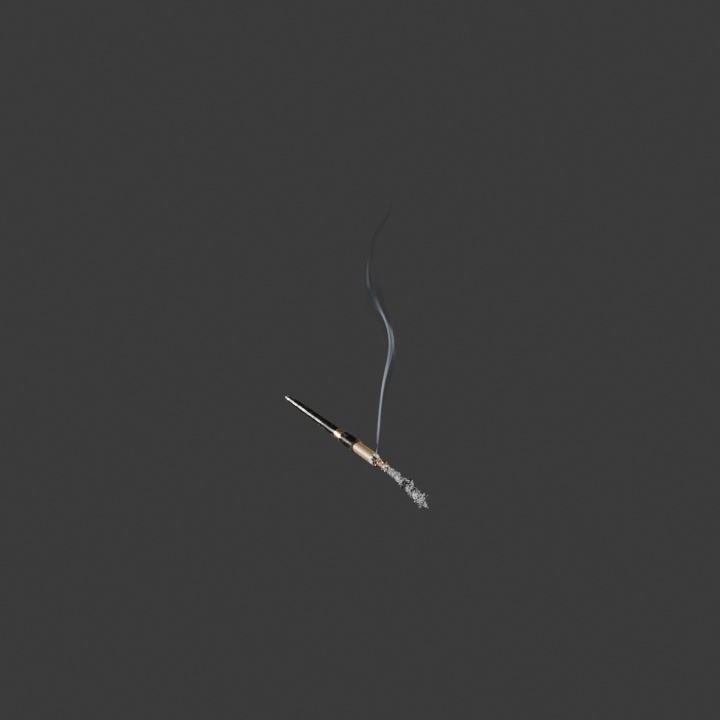


【MA対応】喫煙シガレット / Hunter Thompson Cigarette 映画『ラスベガスをやっつけろ(Fear and Loathing in Las Vegas)』でジョニー・デップ(Johnny Depp)が演じた伝説的アイコン、そして異端のゴンゾー・ジャーナリスト「ハンター・S・トンプソン(Hunter S. Thompson)」が愛用した象徴的な長尺シガレットホルダーを忠実に再現した、VRChat向けウェアラブル3D喫煙アクセサリ『Hunter』です。上品な漆黒ラッカー仕上げのホルダー、琥珀色(アンバー)のマウスピース、真鍮ゴールドリング、そして先端に灯るリアルな燃焼エバーと灰を備えています。 さらに、8秒周期の非反復アニメーション煙VFX(HeadgearHQ Ultimate Smoke FX)を完全同梱。Modular Avatar対応でアバターの口元・頭部ボーンに瞬時にフィットし、ワールド内で優雅に立ち上る煙を演出できます。 【同梱データ】 ・Hunter_PC.fbx(リグ済みシガレット本体 / Smoke_Socketボーン内蔵) ・HeadgearHQ_Ultimate_Smoke_FX.unitypackage(8秒煙アニメーションシェーダー&マテリアル同梱) ・4K PBRテクスチャ(BaseColor / MetallicRoughness) Head ボーンにリグ済みで、Modular Avatar の MA Bone Proxy を使って簡単にアバターへ装着できます。 ※ PC 向け (PCVR) です。Quest / Android 単体動作には対応していません。 [Hunter] An iconic vintage long cigarette holder inspired by Hunter S. Thompson and the legendary role of Johnny Depp in the cult classic 'Fear and Loathing in Las Vegas', engineered as a wearable VRChat smoking accessory. Features an elegant black lacquered holder, polished brass accent collar, translucent amber mouthpiece, and a realistically glowing combustion ember with delicate (not yet) collapsed ash. Includes the complete 8.0-second non-repetitive slender smoke particle VFX system (HeadgearHQ Ultimate Smoke FX) for Unity. Fully pre-rigged to Head bone with Modular Avatar drag-and-drop compatibility. [Included Files] - Hunter_PC.fbx (Pre-rigged cigarette holder model with Smoke_Socket bone) - HeadgearHQ_Ultimate_Smoke_FX.unitypackage (8-second smoke flipbook shader, animations & materials) - 4K PBR Textures (BaseColor / MetallicRoughness) * PC (PCVR) only. Quest / Android standalone is not supported. ■ 商品内容 / Package Contents ・Hunter_PC.fbx (△ ~29,500 Polygons / Rigged to Head Bone) ・Unity Package: Unity_Smoke_Package/HeadgearHQ_Ultimate_Smoke_FX.unitypackage (8.0s Smoke Flipbook Animation / Prefab / Shader) ・Textures (PNG): BaseColor 4K / Metallic-Roughness 4K ・利用規約 (README_TOS.txt) ■ 装着方法 / How to Wear (Modular Avatar) 1. 本 FBX とテクスチャを VRChat アバタープロジェクト (Unity 2022.3.x) にインポートし、マテリアルに BaseColor / Metallic-Roughness を割り当ててアバターに配置します。 2. 「Modular Avatar」の「MA Bone Proxy」を追加し、Target に Head ボーンを指定してください。 3. Transform (Position / Scale) でお使いのアバターに合わせて位置と大きさを調整してください。 ■ 煙アニメーション設定 / How to Add Smoke Animation 1. 同梱の「HeadgearHQ_Ultimate_Smoke_FX.unitypackage」をUnityにインポートします。 2. アバターに配置した「Hunter_PC.fbx」のArmature内の「Smoke_Socket」ボーンを探します。 3. Prefabsフォルダ内の「Hunter_Smoke_8s_Wisp.prefab」を「Smoke_Socket」ボーンの子オブジェクトとして配置します。 4. Transform (Position / Rotation) を (0,0,0) にリセットすれば設定完了です。(Quad 1ポリゴン仕様 / VRChat Excellentランク維持) ■ 利用規約 / Terms of Service (VN3 License) ・商用利用 (動画配信、VTuber活動、ゲーム制作等): 許可 (Commercial Use: ALLOWED) ・モデル改変・テクスチャ編集: 許可 (Modification: ALLOWED) ・パブリックアバターへの組み込み (クローン可能な状態): 禁止 (Public Upload: PROHIBITED) ・本モデルデータの再配布・再販売: 禁止 (Redistribution: NO) HeadgearHQ: https://headgearhq.booth.pm