
【VRoid Studio正式版対応】SFタクティカル衣装「Colossus Hunter」ワンショルダーボディスーツ&アシンメトリーアーマー
- ダウンロード商品¥ 2,500
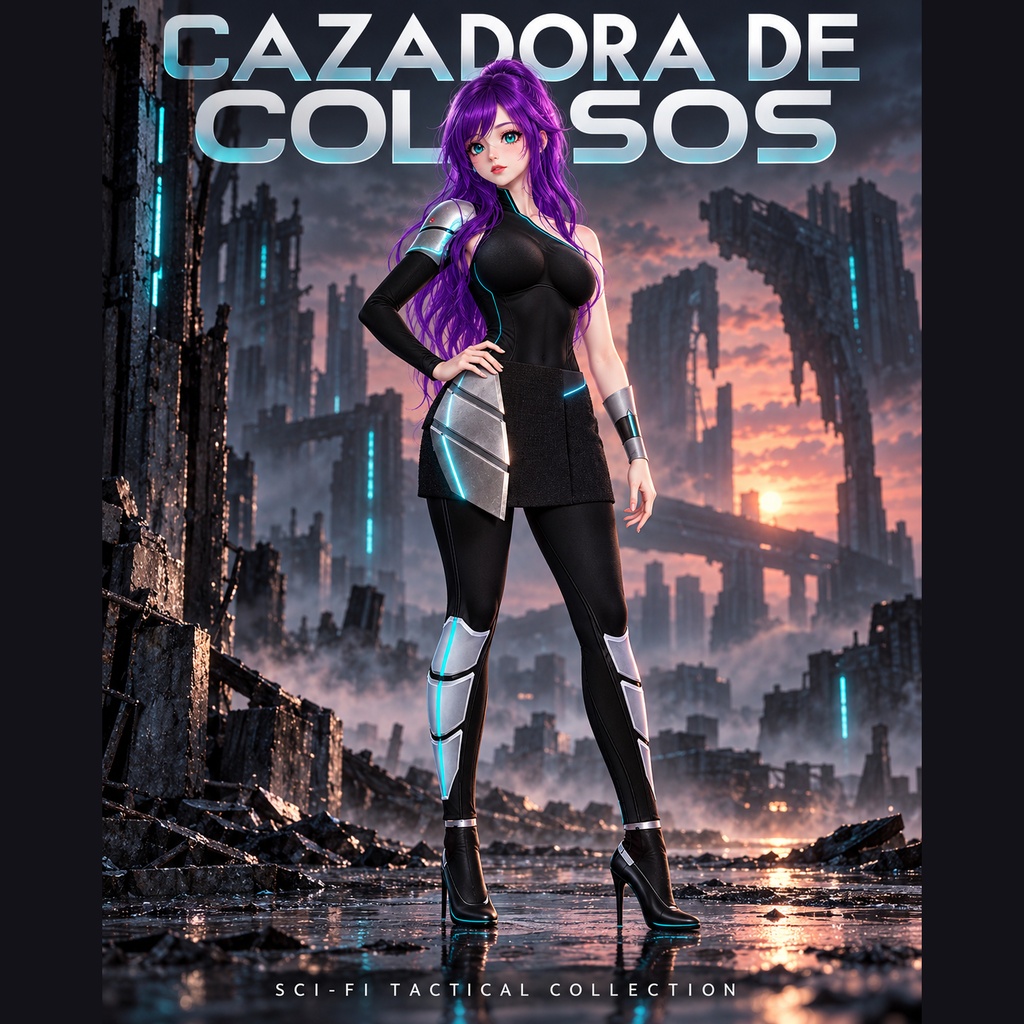
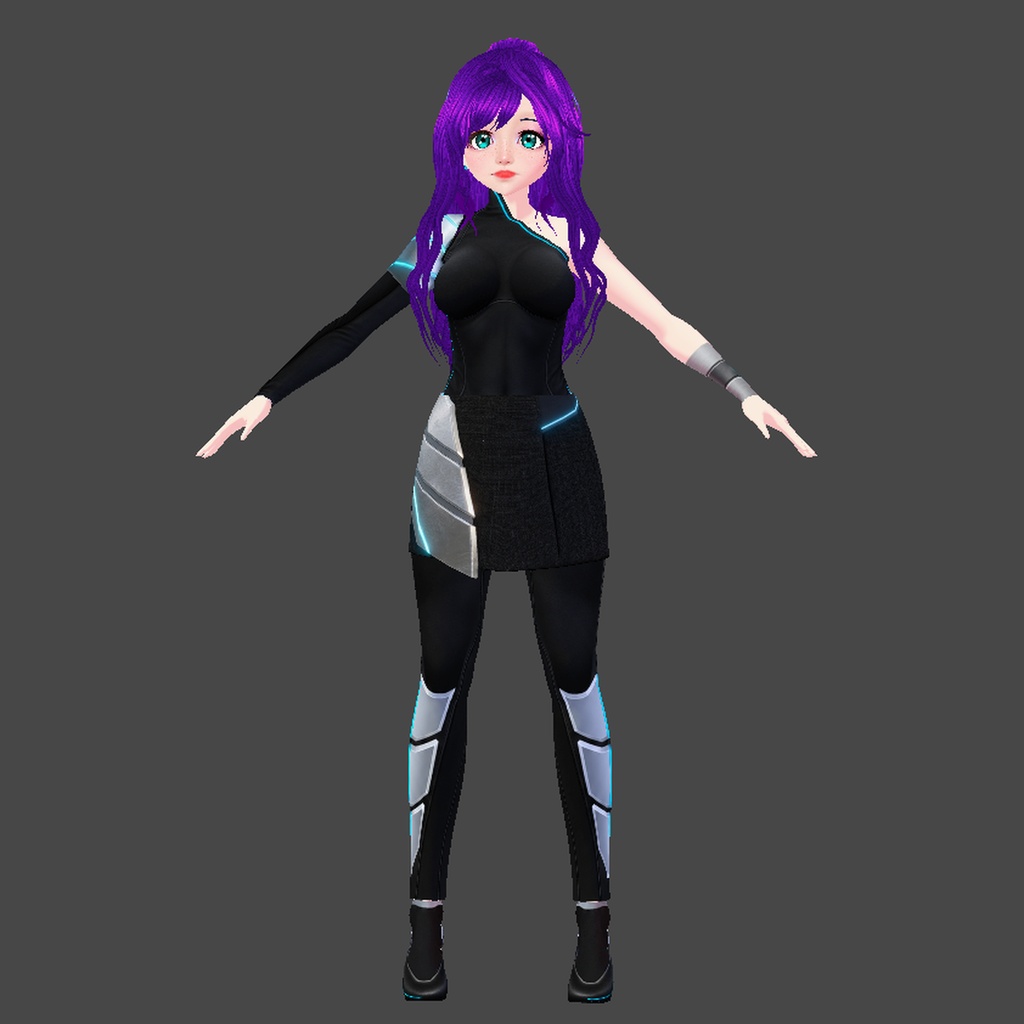
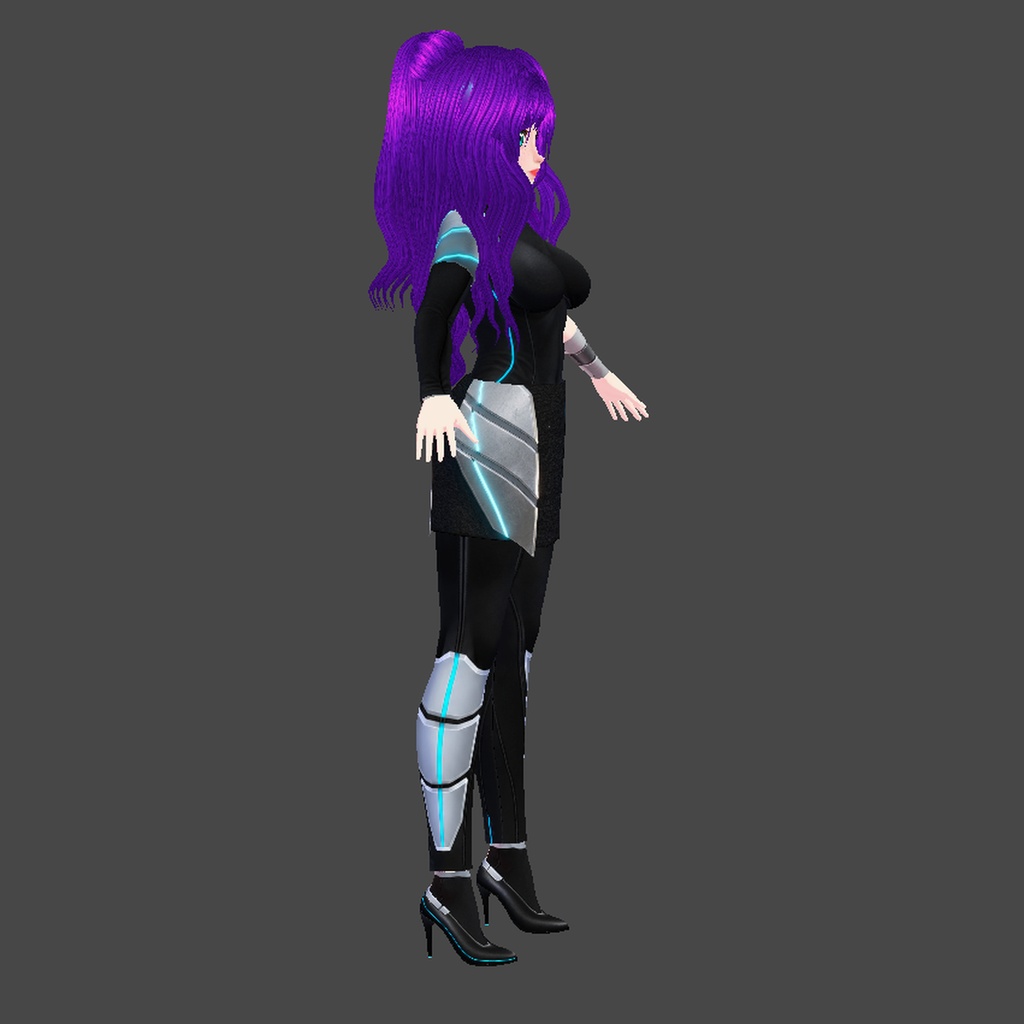
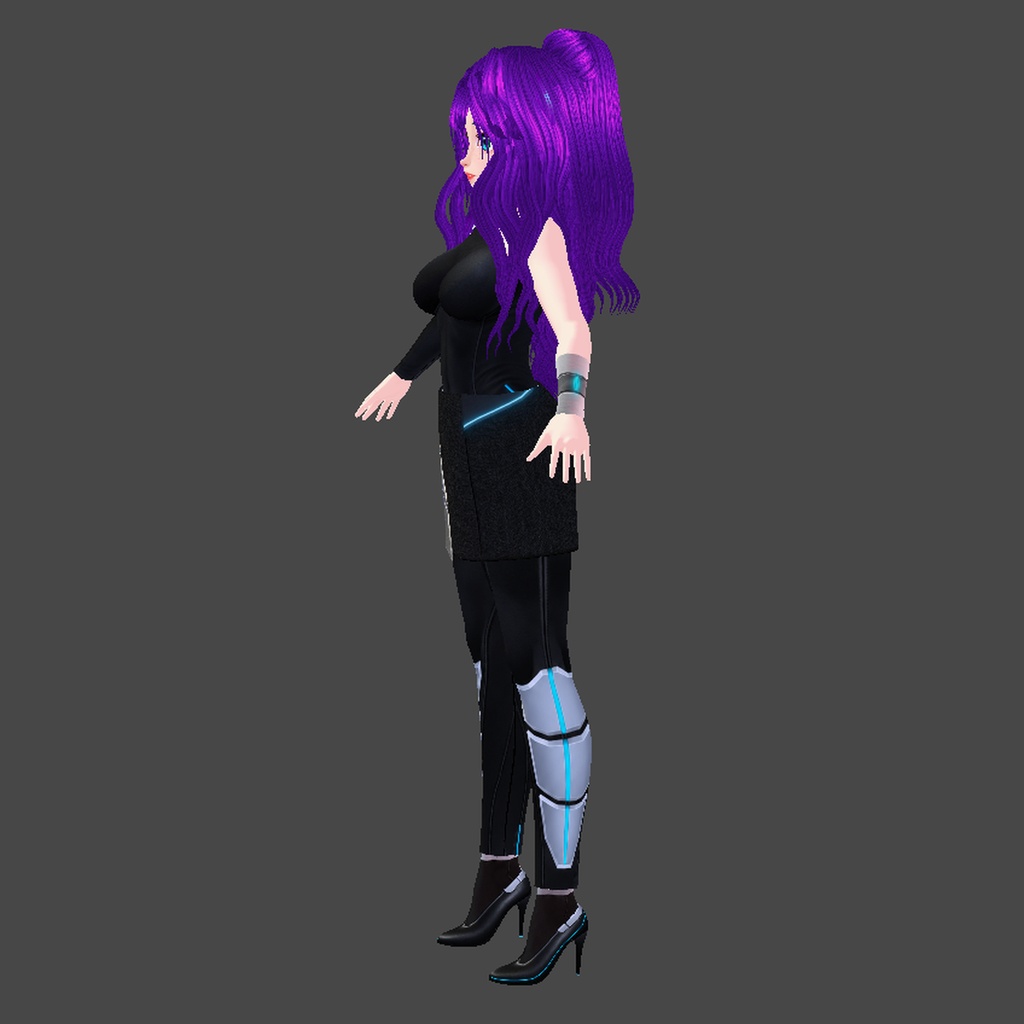
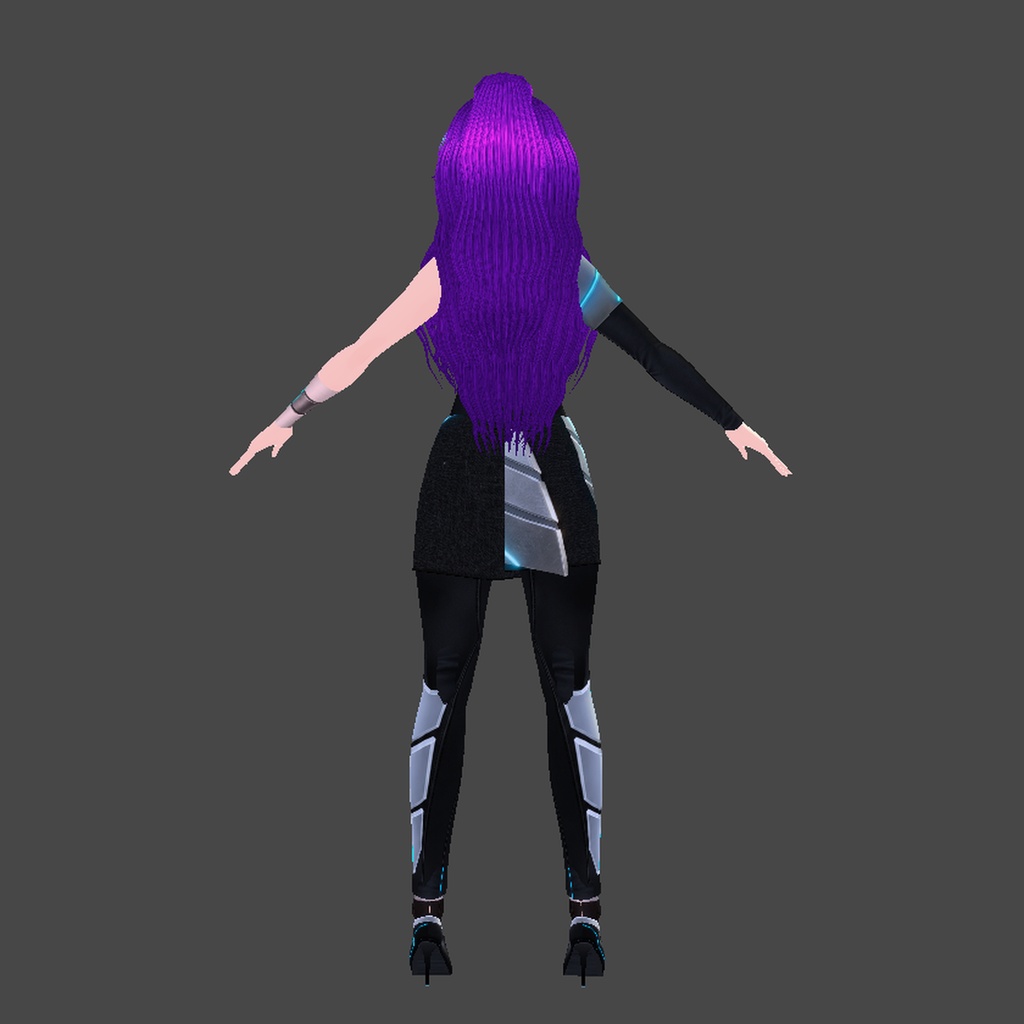
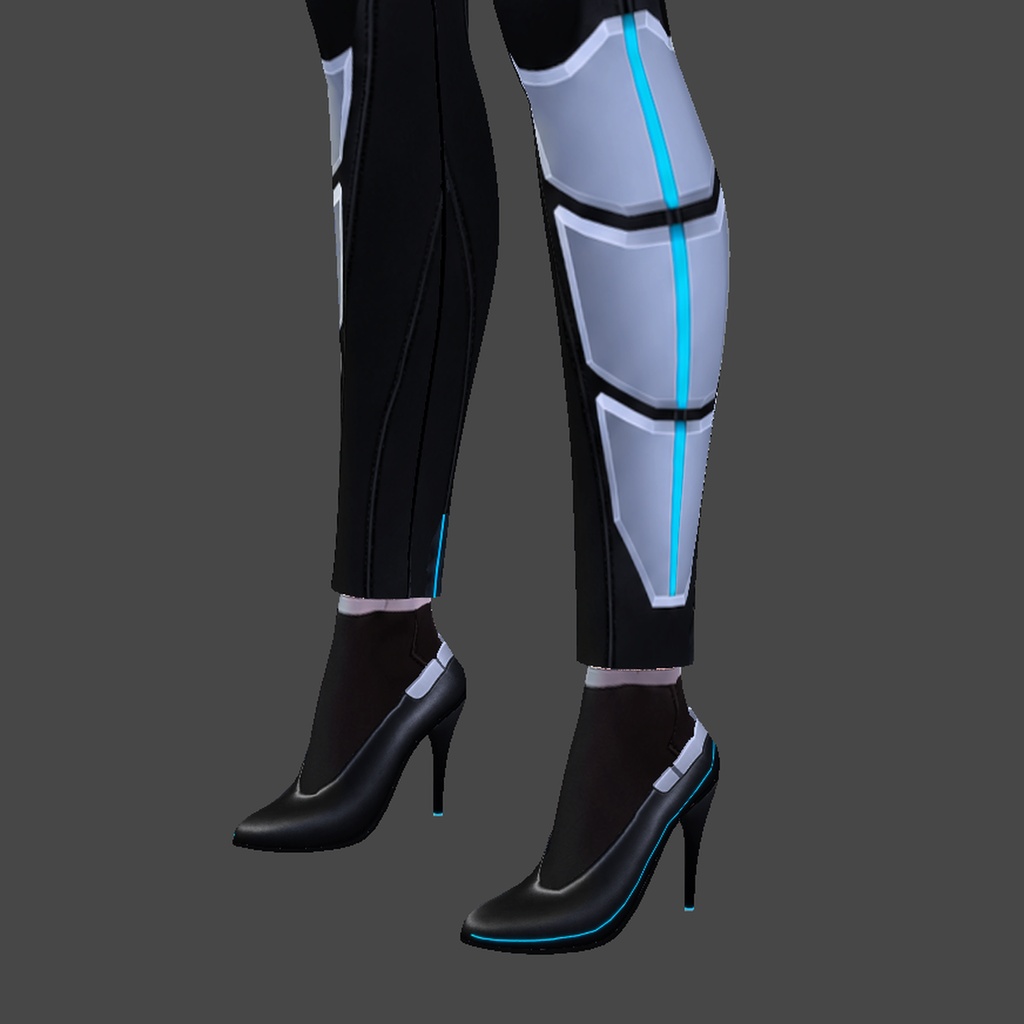


【日本語】 崩壊した都市で巨大な機械獣を狩るハンターをイメージした、VRoid Studio用のオリジナルSFタクティカル衣装です。 内容(衣装一式:.vroidcustomitem+PNGテクスチャ) ・シアンの発光ラインが入ったマットブラックのワンショルダーボディスーツ ・赤いLED付きのシルバー分割ショルダーアーマー ・シルバーのアームガード ・シアンの発光ライン入りセグメント構造のすね当て ・シルバーのアーマープレート付きアシンメトリースカート ・アンクルアーマー付きブラックピンヒール ※髪型・アバター本体は含まれません。 ※動作確認:VRoid Studio v2.14.0 ※オリジナルデザインです。特定のゲームとは関係ありません。 ※テクスチャとサムネイル画像の一部は画像生成AIを使用して制作しています。 導入方法 1. ダウンロードしたZIPファイルを解凍します。 2. VRoid Studioでモデルを開きます。 3. 画面左上のメニューから「カスタムアイテムをインポート(Import Custom Items)」を選び、.vroidcustomitemファイルを選択します。 4. 確認画面で「今すぐ着る(Wear now)」を選ぶと、衣装一式が着用されます。 5. アームガードは別のテクスチャ(PNG)です。VRoid Studioの「腕アクセサリー(Arm Accessories)」でテクスチャを編集し、同梱のPNGを読み込んでください。 【English】 Colossus Hunter: an original sci-fi tactical outfit for VRoid Studio, made for a hunter of colossal machines in a fallen city. Full outfit, includes (.vroidcustomitem + PNG textures): - One-shoulder matte black bodysuit with glowing cyan seam lines - Segmented silver shoulder guard with red LED - Silver forearm guards - Segmented shin plates with a glowing cyan line - Asymmetric skirt with angular armor plate - Black stilettos with armored ankle cuff Hair and avatar are not included. Tested on VRoid Studio v2.14.0. Original design, not affiliated with any game. Some textures and thumbnail images were made with the help of AI image generation. How to import: 1. Unzip the downloaded file. 2. Open your model in VRoid Studio. 3. Open the menu at the top left, choose Import Custom Items and select the .vroidcustomitem file. 4. Choose Wear now when the prompt appears, and the full outfit goes on. 5. The forearm guards come as a separate PNG texture: in VRoid Studio go to Arm Accessories, edit the texture and load the included PNG.