

星月夜の傘 透視版 Starry Night Umbrella See-Through【VRChat / Quest対応 / Modular Avatar】
- ダウンロード商品¥ 1,000
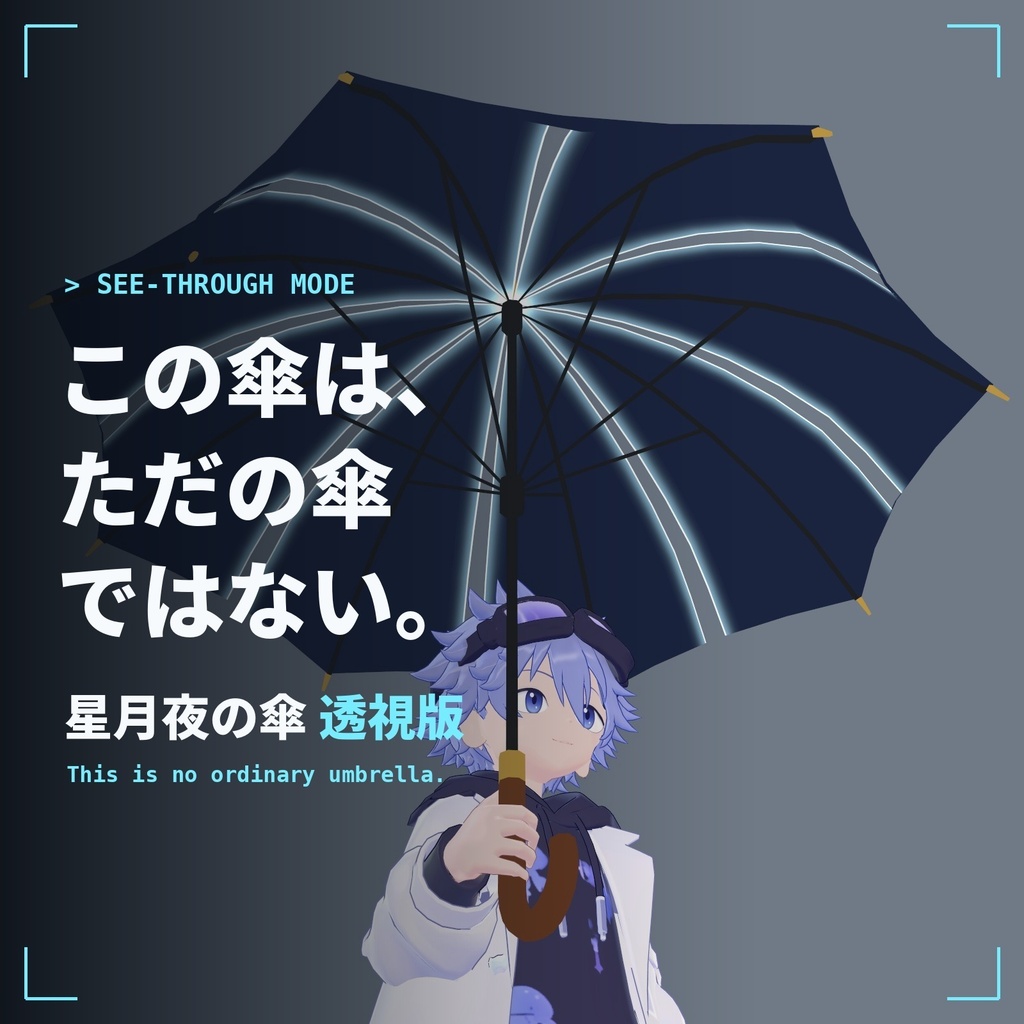
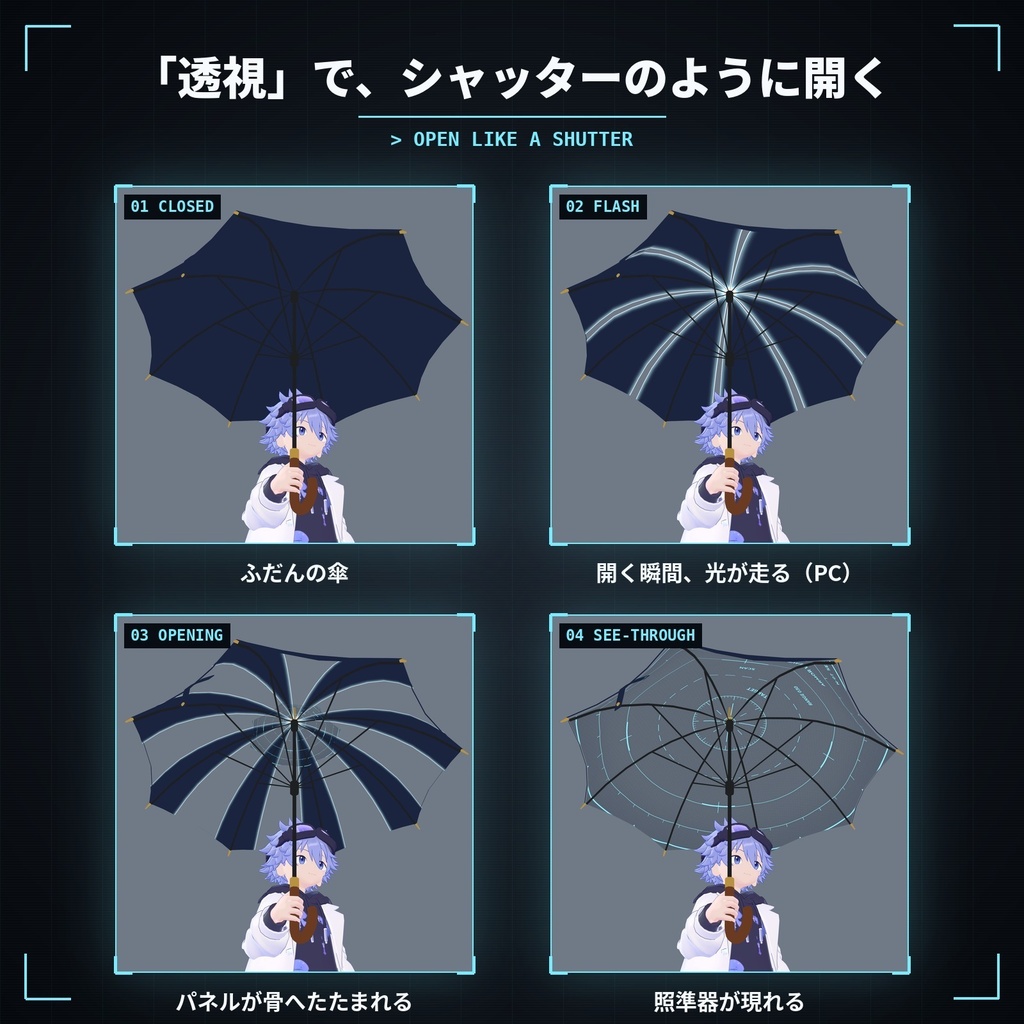
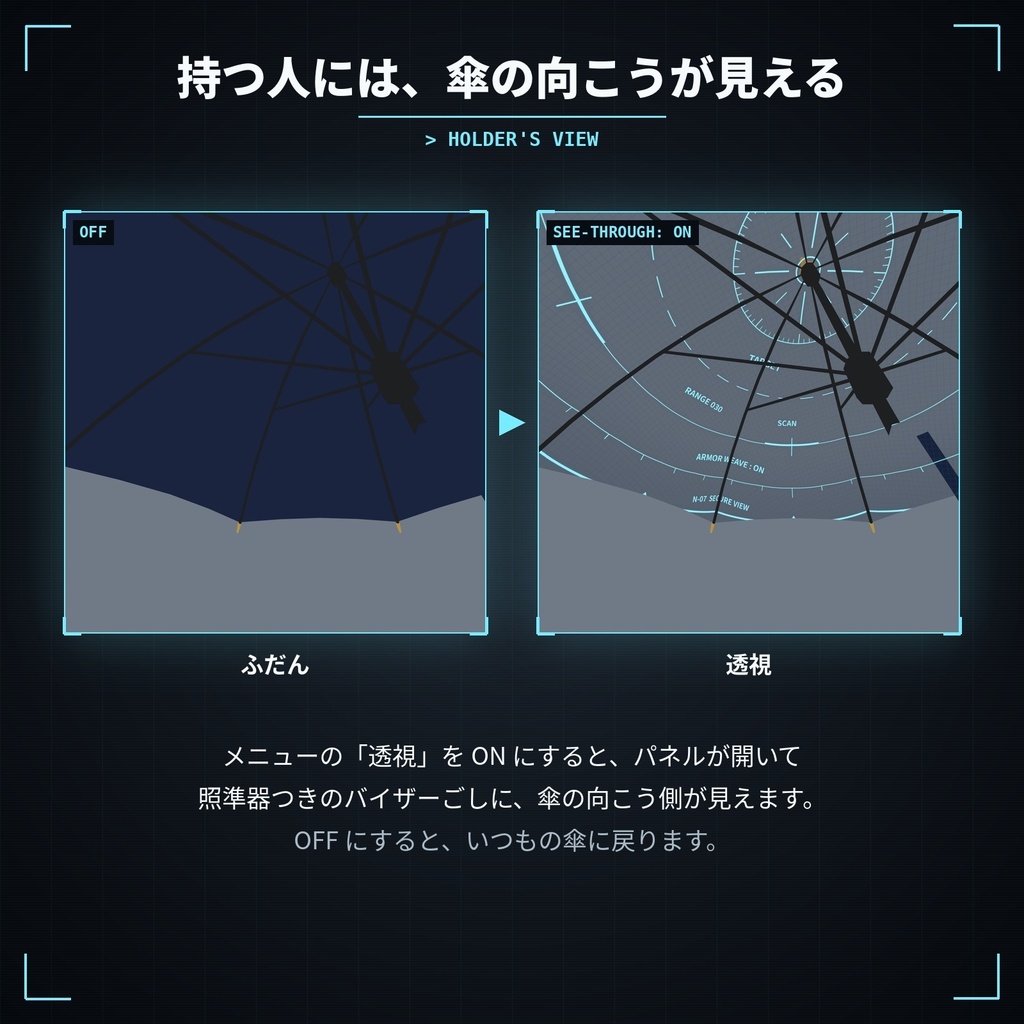
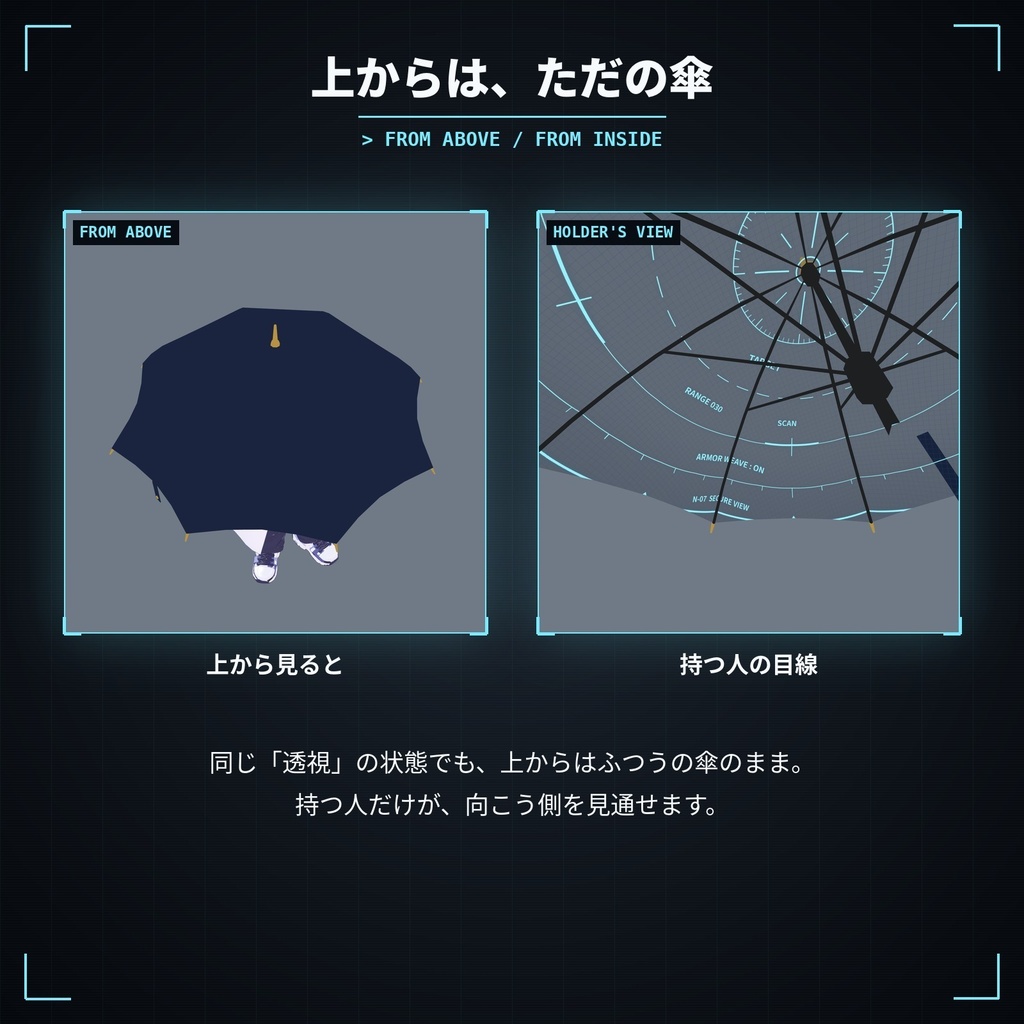
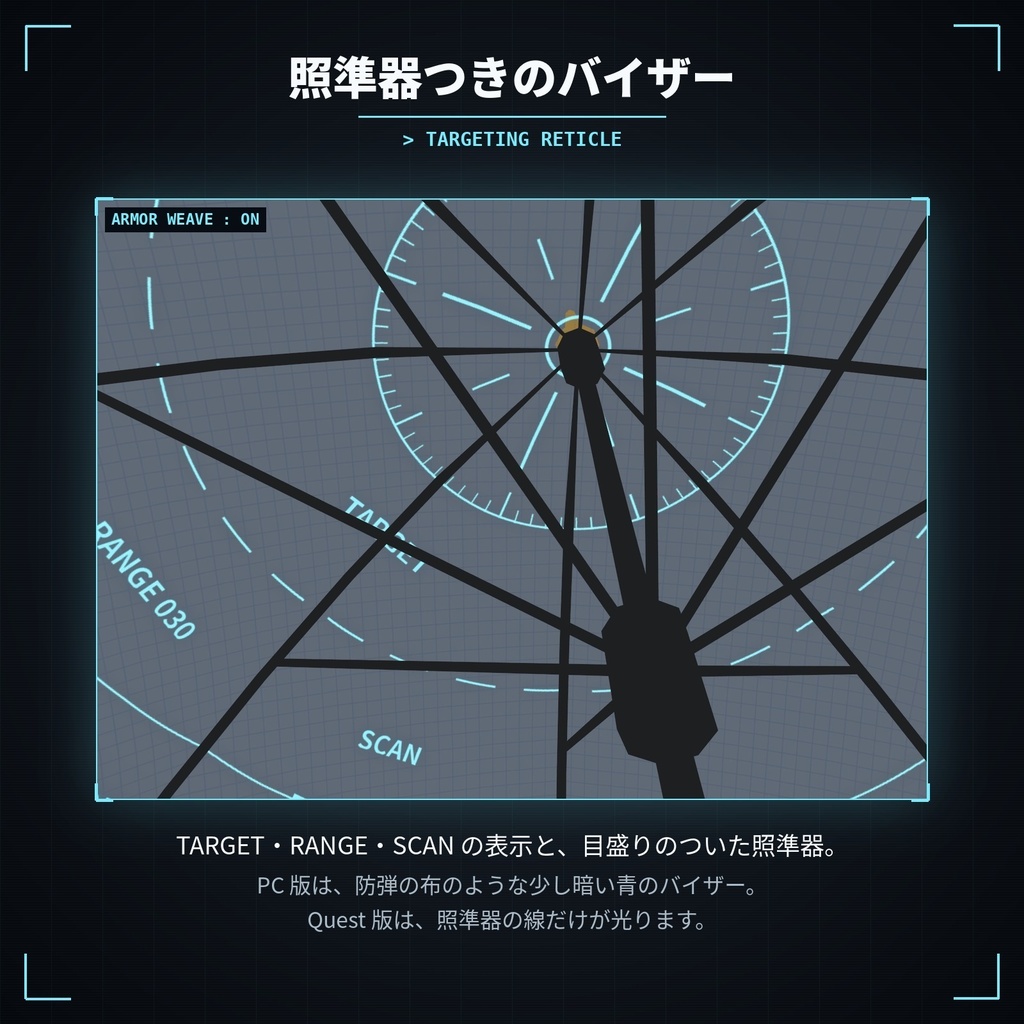
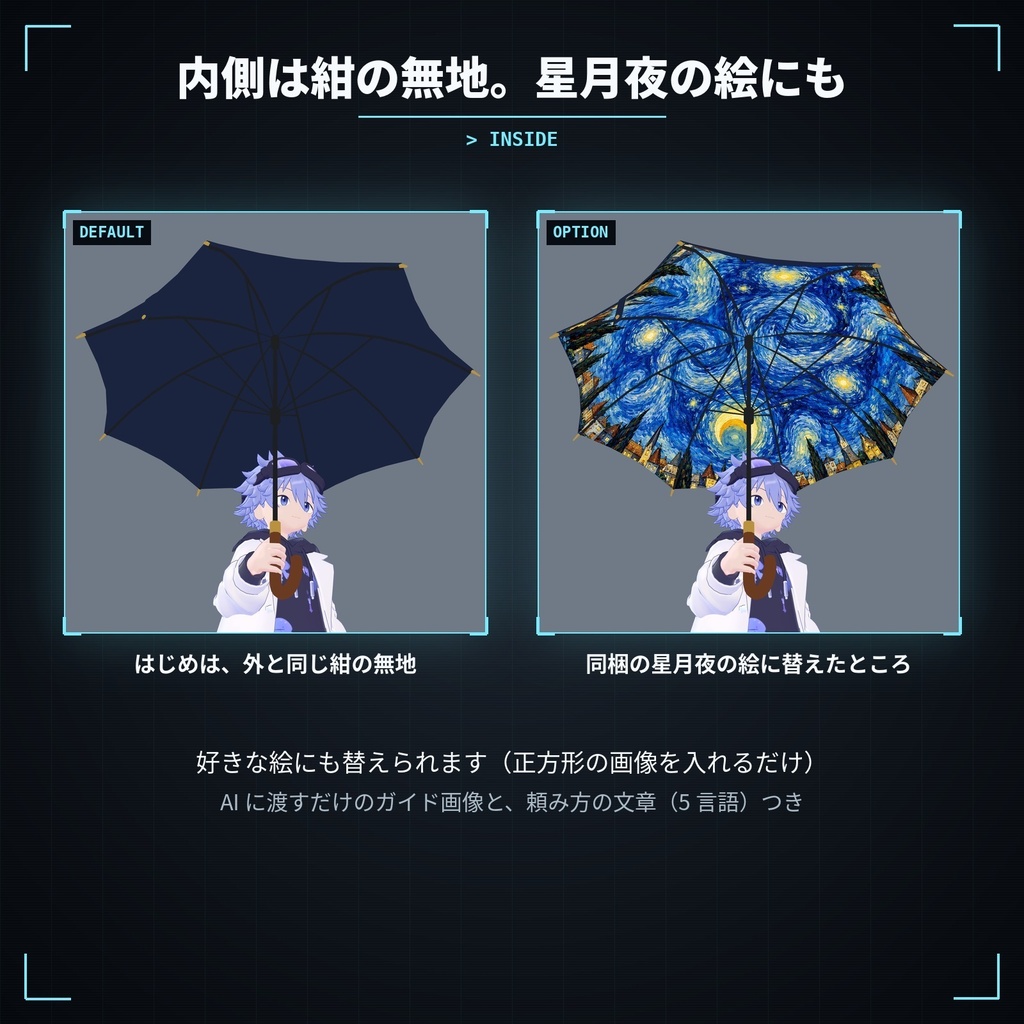
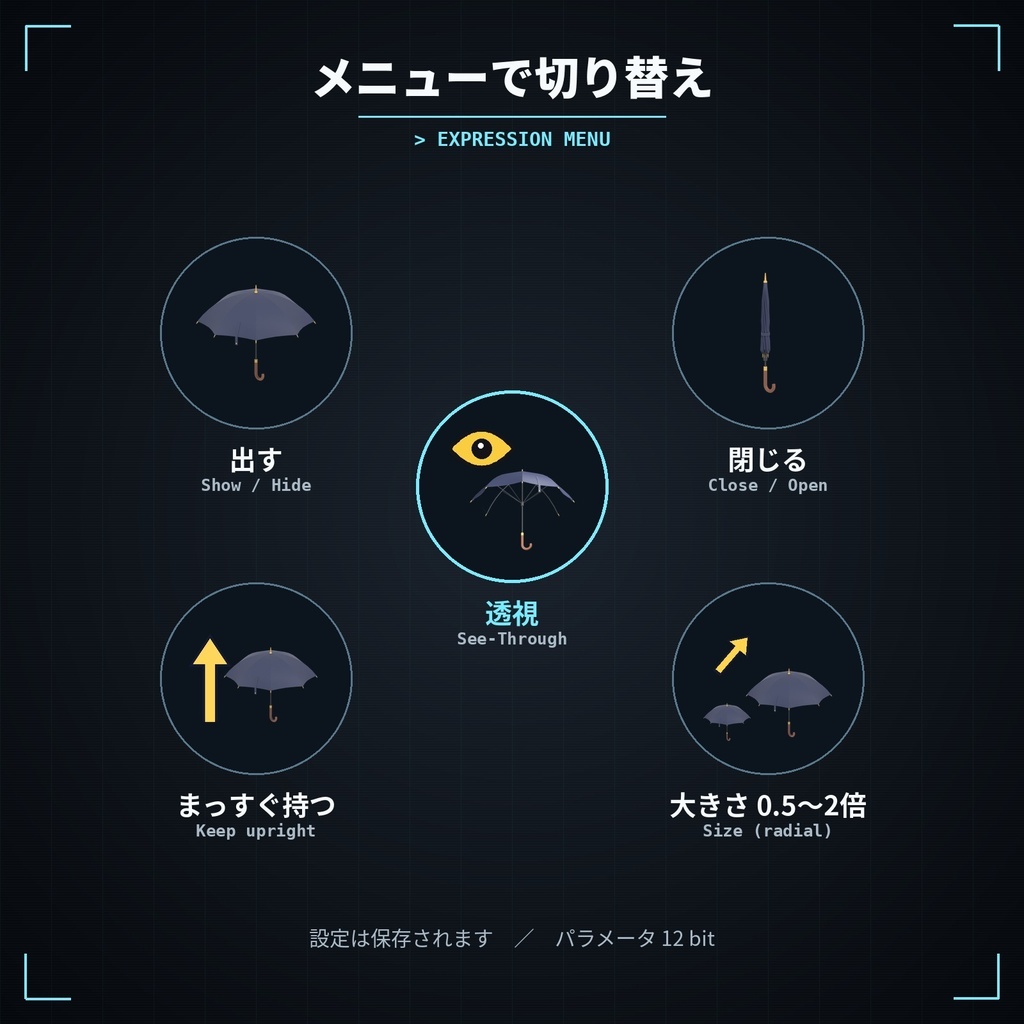
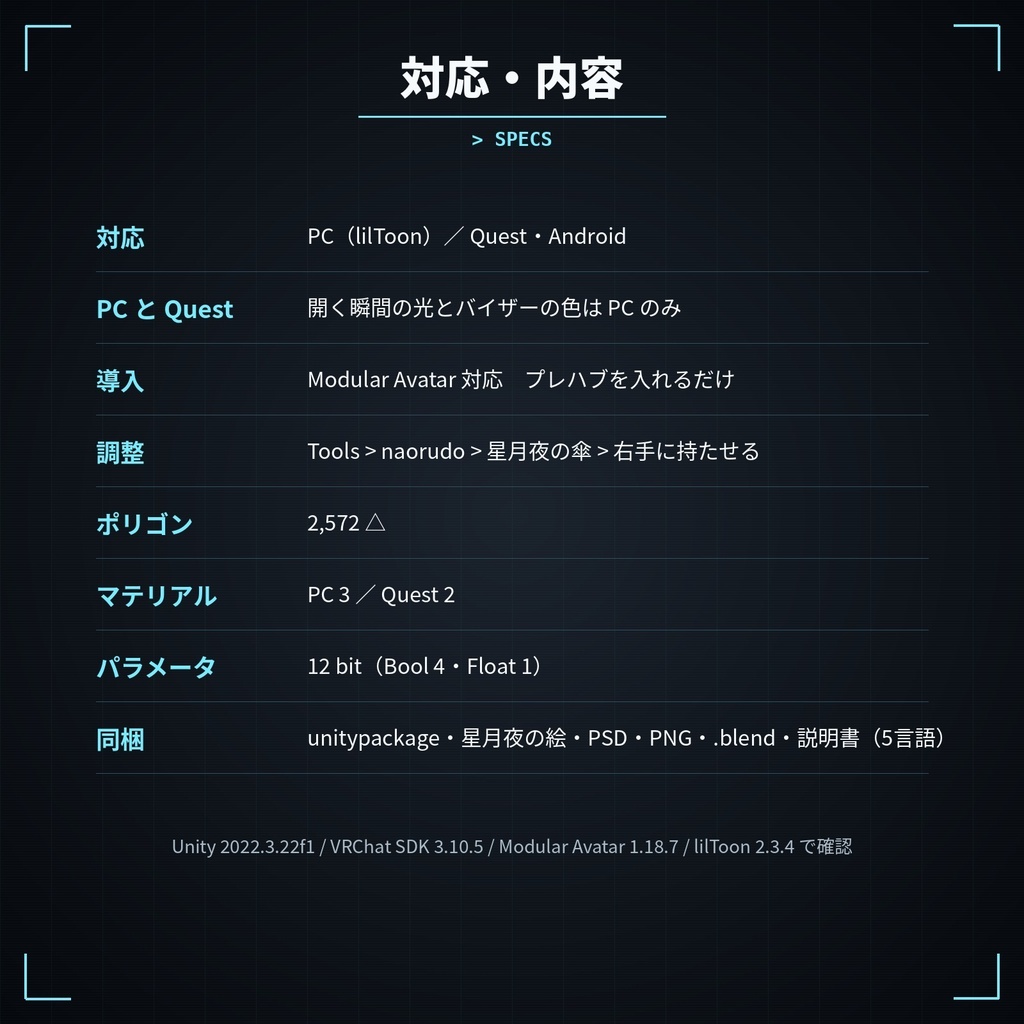


この傘は、ただの傘ではない。 メニューの「透視」で、傘がシャッターのように開き、傘の向こうが見える VRChat 用の傘です。 ▼ 紹介動画 https://youtu.be/nLu9jdEHS8c ◆ 透視版の特長 ・メニューの「透視」で、シャッターのように開く/閉じる ・開く瞬間、パネルの切れ目に光が走ります(PC) ・照準器つきのバイザー(PC は、防弾の布のような少し暗い青) ・上から見ると、ふつうの傘のまま ・内側は外と同じ紺の無地。星月夜の絵(同梱)や、好きな絵にも替えられます ◆ 星月夜の傘と同じ機能 ・メニューで「出す」「閉じる」「まっすぐ持つ」「大きさ(0.5〜2倍)」を切り替え ・閉じると、たたんでベルトで留まるアニメーション ・デスクトップで傘を出すと、右腕が傘を持つポーズに(VR では自由に持てます) ・「右手に持たせる」を押すだけで、アバターの右手に合わせて位置・向き・大きさ・持つポーズを自動で調整 ・外側にも、好きな絵を重ねられます(PC 版) ・AI に渡すだけで内側・外側の絵が作れるガイド画像と、頼み方の文章つき ・部位ごとにレイヤー分けした PSD、色替え用マスク、UV 配置図、.blend データつき ◆ PC 版と Quest 版のちがい ・シャッターの動き・照準器:PC/Quest どちらも ・開く瞬間の光・バイザーの色:PC だけ(Quest の照準器は、線だけが光ります) ◆ 動作環境(確認したバージョン) Unity 2022.3.22f1 / VRChat SDK3 Avatars 3.10.5 Modular Avatar 1.18.7(必須)/ lilToon 2.3.4(PC 版で必須) ※ ヒューマノイドのアバター向けです。 ◆ 内容物 ・StarryUmbrella_SeeThrough_naorudo_v1.0.1.unitypackage(PC / Quest プレハブ、星月夜の絵(差し替え用)、自動調整ツール) ・カスタマイズ素材(PNG・色替えマスク・UV 配置図・AI 用ガイド) ・StarryUmbrella_SeeThrough_naorudo_v1.0_PSD.zip(PSD・別ファイル) ・.blend データ(PC 用・Quest 用。シャッターと照準器の形状キーつき) ・説明書(日本語・English・한국어・简体中文・繁體中文)、利用規約 ◆ データ ポリゴン数:2,572 △ マテリアル:PC 3 / Quest 2 テクスチャ:PC 1024+2048×2+内側の絵(無地 512/絵にすると 2048)(外側に絵を入れると+1 枚)/ Quest 1024+2048 パラメータ:12 bit(Bool 4・Float 1) ◆ 利用規約 同梱の TERMS_OF_USE.txt をご確認ください。 データの再配布・販売、パブリックアバターでの公開は禁止です。 ◆ 更新履歴 2026/10/25 v1.0 公開 2026/10/26 v1.0.1 ・デスクトップで傘を開いたとき、右腕が傘を持つポーズになるよう修正 ・「まっすぐ持つ」オフのとき(デスクトップ)、開いた傘は右肩にもたせかけ、閉じた傘は後ろ向きに持つように ・閉じたときの形を改善(たたんだ布の中の骨が見えないように) ・開いたときの、骨の先と金具のつながりを修正 ・アップロード前の確認で Auto Fix が出ないよう、読み込み設定を調整 ※ v1.0 から更新する方は、新しい unitypackage を Import したあと、傘を選んで「右手に持たせる」をもう一度押してください。 ──────────────── English This is no ordinary umbrella. A VRChat umbrella with a see-through mode: turn on "透視" (See-Through) in the menu and it opens like a shutter so you can see right through it. Video: https://youtu.be/nLu9jdEHS8c - Opens / closes like a shutter with the "透視" (See-Through) menu toggle - A flash of light runs along the panel seams as it opens (PC) - A visor with a targeting reticle (on PC, a slightly dark blue tint like armor weave) - From above it still looks like an ordinary umbrella - Plain navy inside by default; switch to the included Starry Night painting or any picture - Same as the Starry Night Umbrella: Show / Close / Keep Upright / Size menu, close animation, desktop holding pose, one-click fitting to the right hand, outside picture (PC), AI guide images and prompts, PSD / color masks / UV layout / .blend files - PC and Quest: shutter and reticle on both; the flash of light and visor tint are PC only Requirements (tested): Unity 2022.3.22f1 / VRChat SDK3 Avatars 3.10.5 / Modular Avatar 1.18.7 (required) / lilToon 2.3.4 (required for PC) Tris: 2,572 / Materials: PC 3, Quest 2 / Parameters: 12 bits README: Japanese / English / Korean / Simplified Chinese / Traditional Chinese Update v1.0.1 (2026/10/26): fixed the desktop holding pose; with Keep Upright off (desktop), the open umbrella rests on the right shoulder and the closed one is held pointing backward; improved the closed shape and the rib tips. After updating, run 右手に持たせる (Fit to the right hand) again. Redistribution, resale and use on public avatars are prohibited. Please read TERMS_OF_USE.txt.