
EyeLab Eye Texture Generator Launch Offer! 🎉
- ダウンロード商品¥ 750
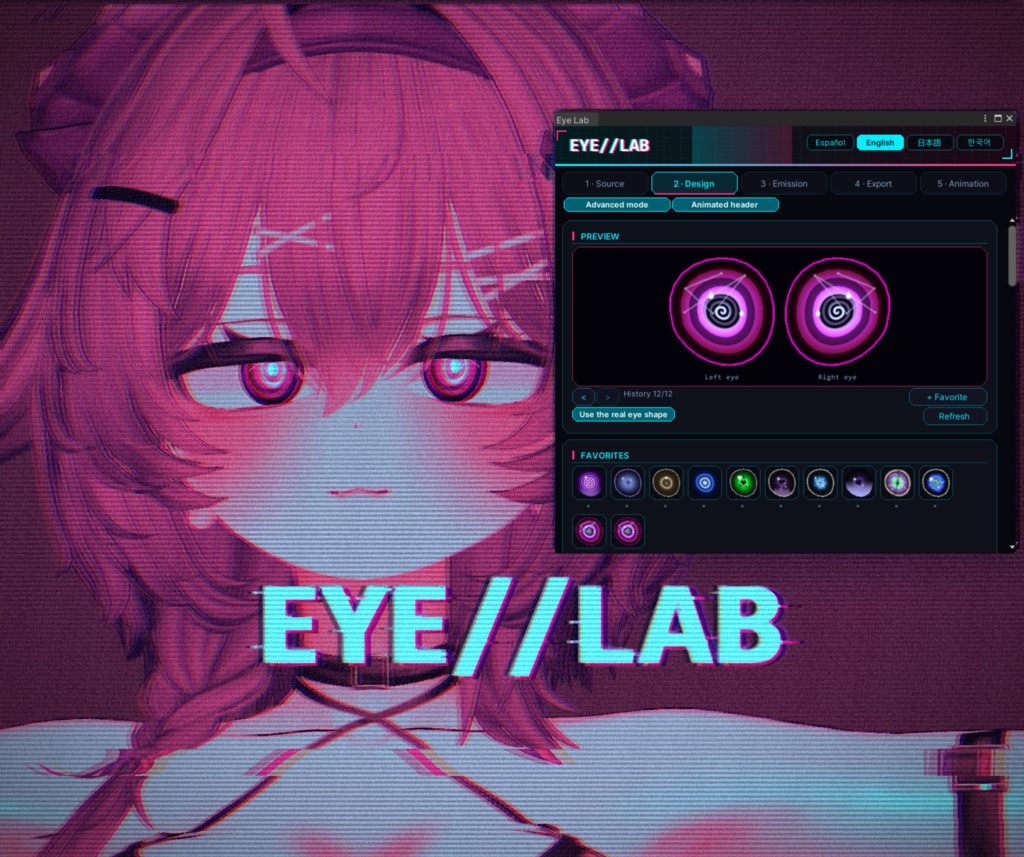
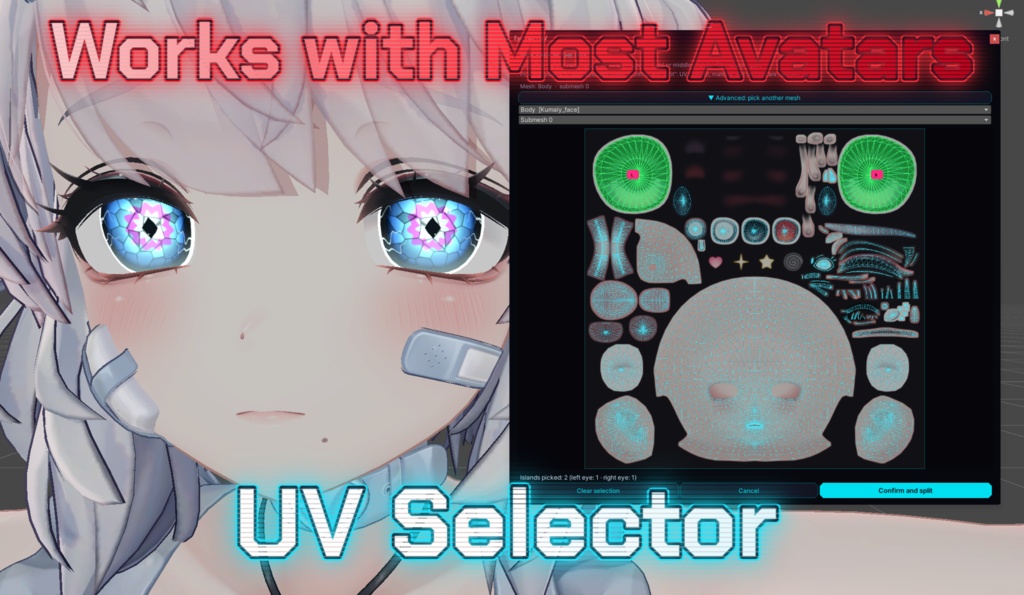
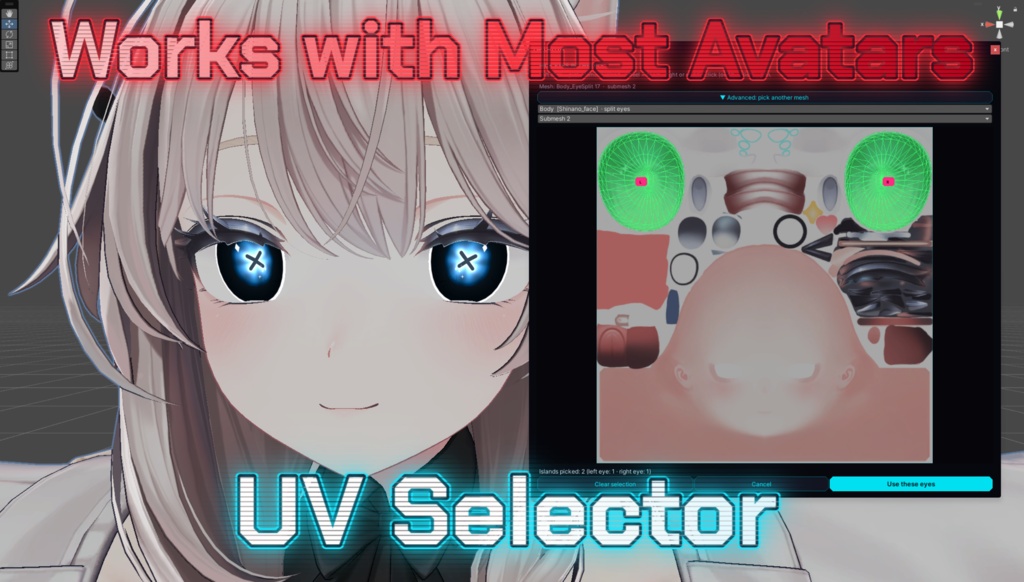
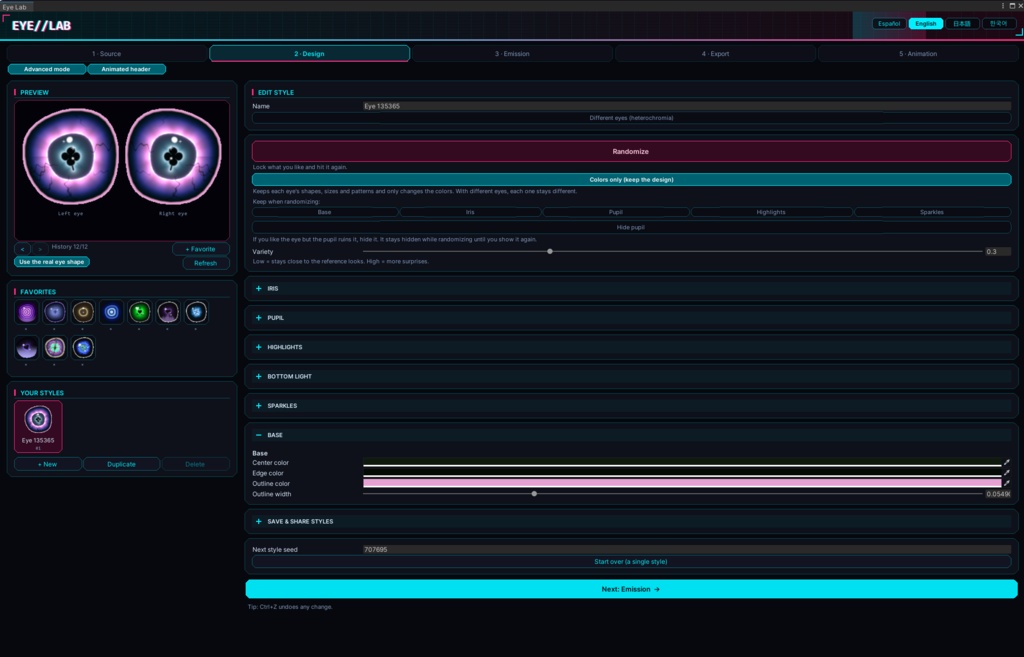
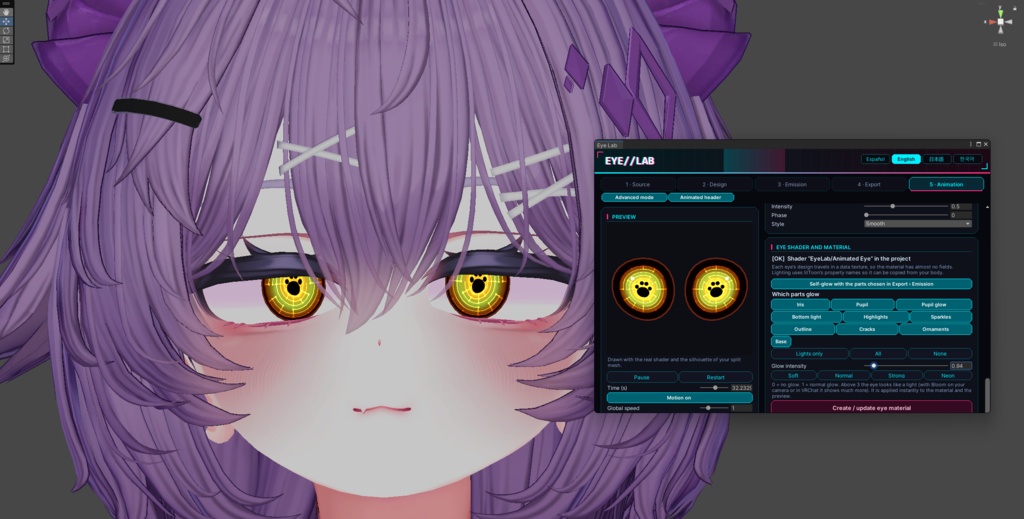


🎉Special Launch Offer — First 48 Hours! During the first 48 hours: Eye Lab + Eye Lab – Animation Add-on included together 🎉 Eye Lab What it is Eye Lab is a Unity editor tool for designing eyes for VRChat avatars. Eye Lab is available as two separate products: Eye Lab (Main Tool): Includes static eye design, procedural generation, customization, and texture export (Tabs 1–4). It works with regular shaders such as lilToon and Poiyomi and requires no special shader. Eye Lab – Animation Add-on (Sold Separately): An optional paid expansion that unlocks animated eyes (Tab 5), including independently animated eye parts, real-time motion effects, and customizable glow. It requires the main Eye Lab tool and is not included in the base product. The Animation Add-on is an optional upgrade, not a standalone replacement for the main tool. You can use all static eye design and texture export features without purchasing the add-on. You can design each eye separately (heterochromia), randomize complete styles or colors only, and choose which parts emit light. The interface is available in Spanish, English, 日本語 and 한국어. Platform compatibility: Static eye designs and texture exports work with compatible avatar materials and shaders. Animated eyes are PC-only and are not supported on Quest. (Translations were made with the assistance of AI to make EYE//LAB more accessible to a wider audience. While I have done my best to make them understandable, some translations may be inaccurate or contain errors. Thank you for your understanding) What's inside Static Eye Designer (Tabs 1–4) 33 shapes for irises, pupils, and highlights, including circles, stars, hearts, flowers, slits, keyholes, gears, butterflies, paws, pentagrams, and more. 18 iris pattern options, including "None": rings, fibers, noise, spiral, sunburst, bands, Voronoi, hex cells, galaxy, flame, petals, circuit, glitch, veins, magma, eclipse, and more. 21 hand-built base looks used as starting points for procedural generation. 10 parts that can emit light: Iris, Pupil, Pupil Glow, Bottom Light, Highlights, Sparkles, Outline, Cracks, Ornaments, and Base. Independent eye design for heterochromia. Procedural randomization with adjustable variety. Colors-only randomization to preserve a design while exploring new color combinations. History and favorites to help you keep track of your best results. Transparent PNG layer export or an edited copy of your original texture. Optional emission map generation. Animated Eye System (Tab 5 — Animation Add-on Required) The Animation Add-on is sold separately and is not included with the main Eye Lab product. When purchased and installed alongside the main tool, the add-on unlocks the animated eye system, which uses a dedicated shader: EyeLab/Animated Eye. Features include: 13 animatable parts per eye, each with its own configurable motion. 12 motion types: Spin, Pulse, Breathe, Sway, Flap, Flow, Flash, Cells, Jump, Wave, Orbit, and Cross. Independent motion controls for each part. Live random motion that changes speed and intensity over time. Calm, Normal, and Wild randomization modes. Customizable eye glow, with intensity from 0 to 10. Real-time shader preview with time scrubbing, gaze control, pupil dilation, and scene lighting. Optional lighting adjustments to better match the avatar's body. Animated eyes are PC-only and are not supported on Quest. How procedural generation works Eye Lab does not simply pick from a list of premade eyes. Each design is a collection of parameters, including shapes, sizes, colors, patterns, glow, highlights, cracks, and decorations. Every randomization generates a new combination from a numeric seed. 1. Seeded random generation The same seed with the same Variety setting produces the same eye, making results reproducible. When the eyes are unlinked, the right eye uses its own seed derived from the left eye's seed, allowing both eyes to generate different designs. 2. Three ways to build an eye Each generation chooses one of three methods: Free Design: Builds an eye from scratch. It selects a color scheme (analogous, complementary, or triadic) from a random base hue, chooses a dark or light base, and generates the iris shape, size, rotation, colors, and ring. Variant: Starts from one of the 21 base looks, applies a random hue, and adjusts parameters such as sizes, ring width, outline, and pattern. Hybrid: Combines three different base looks. One provides the base, another the pupil, and a third (or sometimes the same one) provides the lights. It may also borrow decorations and recolor the glow, pupil, and outline using an accent color. 3. Extra generation passes After the initial design is built, additional passes can introduce more variation: A shape pass can replace the pupil with an unusual shape from a selection of 17 options. A special highlight shape or a non-round iris can be added. An extra pass can introduce one of the more complex patterns. A final cleanup step keeps parameter values within sensible ranges so the resulting eye remains readable. 4. The Variety slider The Variety slider controls how adventurous the generator gets. Low values stay closer to the base looks. Higher values make free designs more likely, increasing their probability from approximately 5% to 40%, while also allowing parameters to drift further from their original values. 5. Colors-only mode Colors-only mode preserves the current design and changes only its colors. This lets you explore new palettes without losing a shape or pattern combination you already like.
