

(VRC) CookiWorks-Image-SprayCans!! Gimmick-
- ダウンロード商品¥ 500
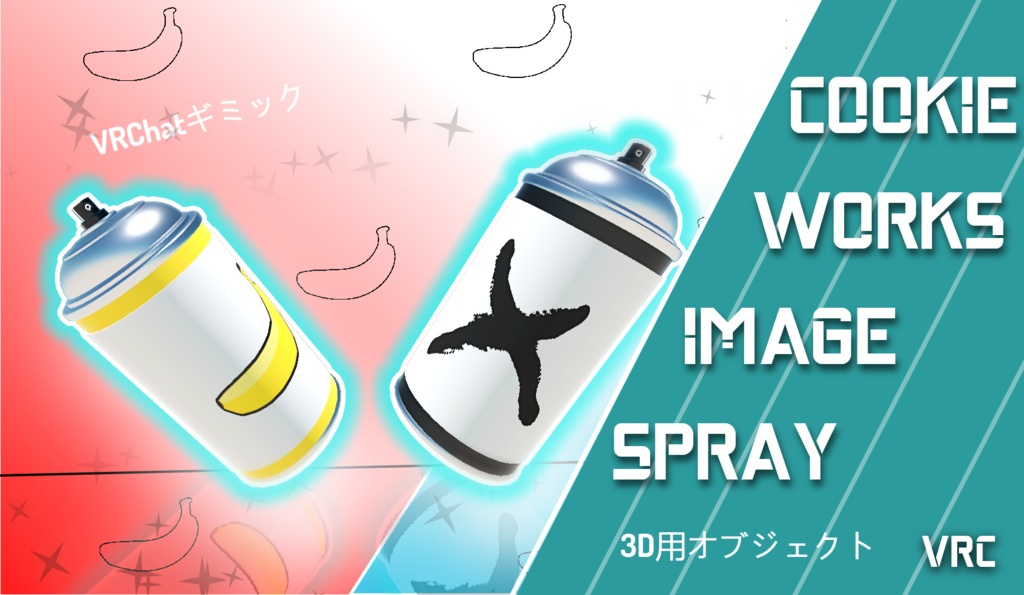
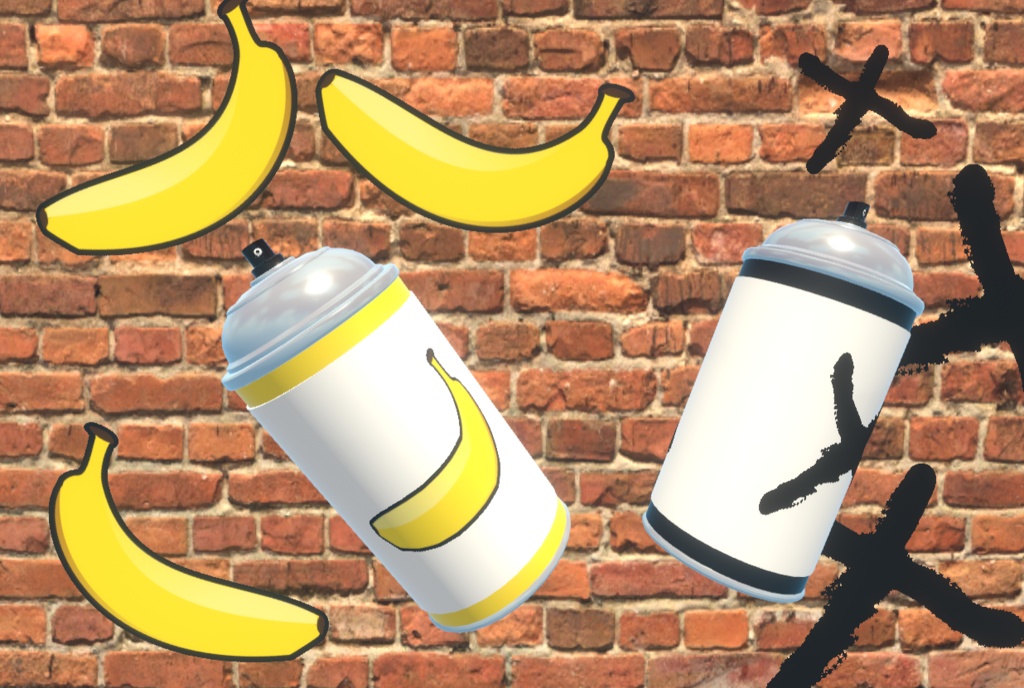


These are as shown a 3d Model called CookieWorks SprayCan. This Items works as a Simple Image Spray. [Point and Click] and the Setup Image will appear on the wall or ground. Since Networking is set within the script there is no need to add a "GLOBAL-SYNC" Component. The Scripts should be Synchronized Throughout the instance . Custom Image Spray (modify with Ease!!)
=Usage and Restrictions=
I don't have any restrictions on my 3d Model and any usage of the udon code, Once bought you can edit and modify to your hearts content, my only restriction is that this Package not be distributed outside my page.
=How to use=
1. Unzip and Import the Unity Package Into your scene assets. 2. Once unzipped you can Either Open the "CookieWorks SprayCan Demo" or make your way into "Cookieworks SprayCan" Folder, you can Access all Prefabs, textures, materials and scripts. 3. If you decide to not use the "CookieWorks SprayCan Demo" First access the prefab Folder and add the "Spray Cans", "World-Space_ SprayTracker" and "Quad Image" Into your scene. 4. The "World-Space-Spray Tracker" must be static and not attached to any moving object. In this GameObject add your "Quad Image" Your Quad Image acts as your custom Sprayed Image, You can edit this to any Image you'd Like. (Png with Cutout Recommened) 5. Now access your Spray can. In this SprayCan you will attach the "World-Space-Spray Tracker", Depending on what image is attached to the Spray tracker determines your sprayed Image. 5.1 Secondly You will Need to change the layer on which your Spray will appear, setting this layer to "Anything" breaks and gives improper sprays so make sure to select your corresponding layer, (Default is and can be left on "Water" Layer. (optionally you can add your own Custom Audio Files for spray sound effects)