

【汎用・MA対応】丸眼鏡「DUSK」/ Round Glasses "DUSK"【VRChat想定・無料】
- [通常版]ダウンロード商品¥ 0
- [支援版] 中身は同じです。ダウンロード商品¥ 100
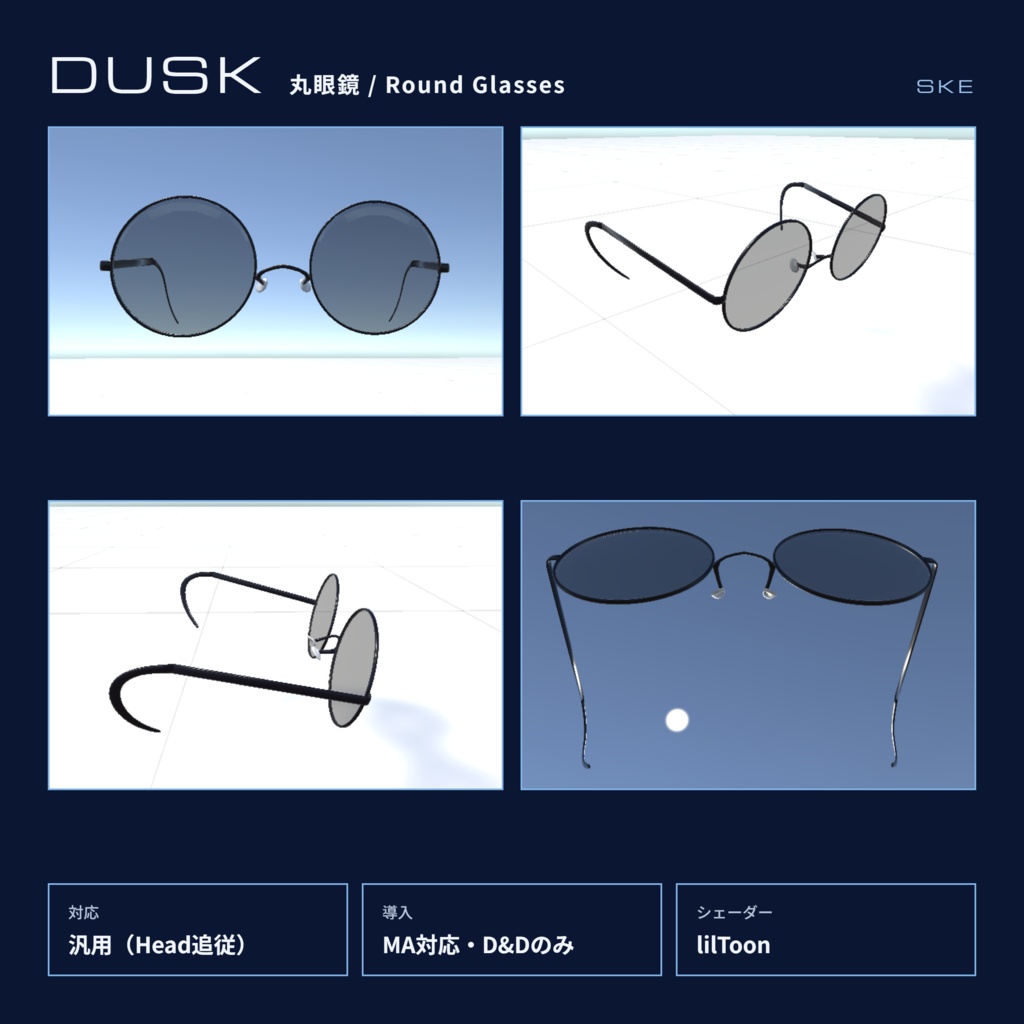
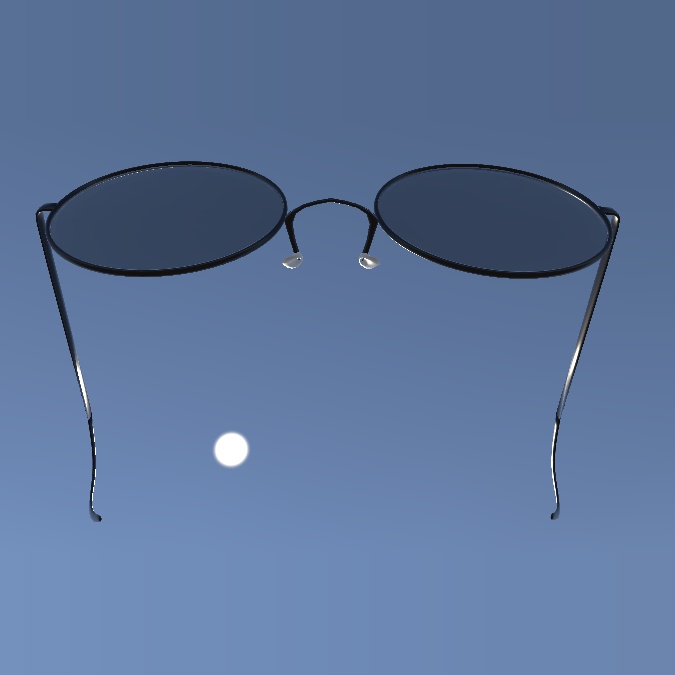
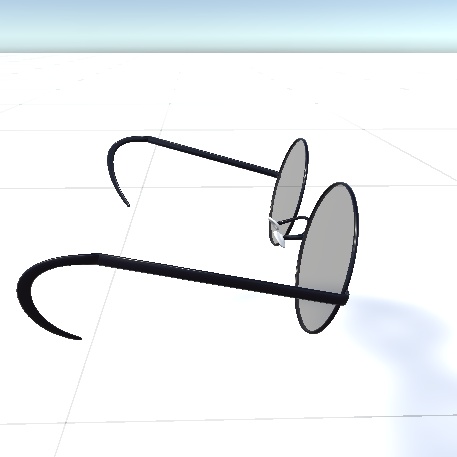
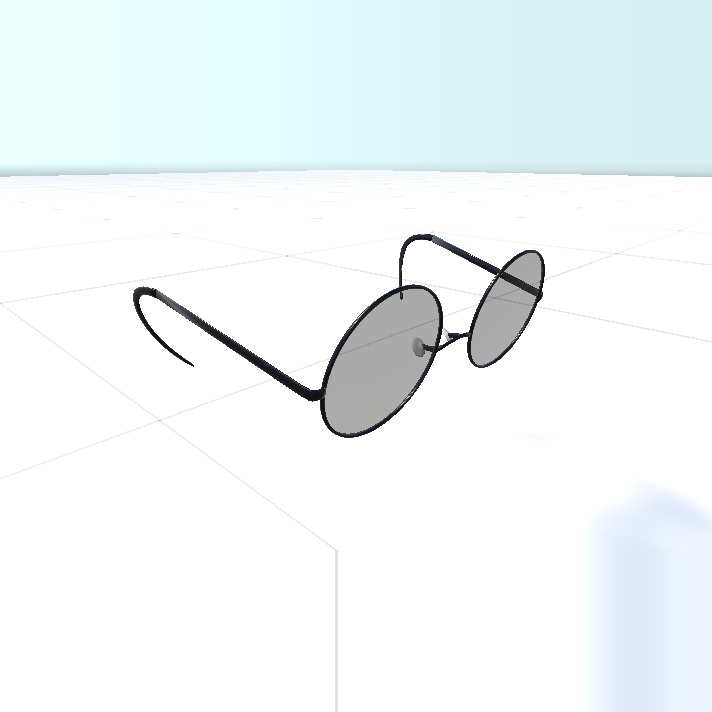
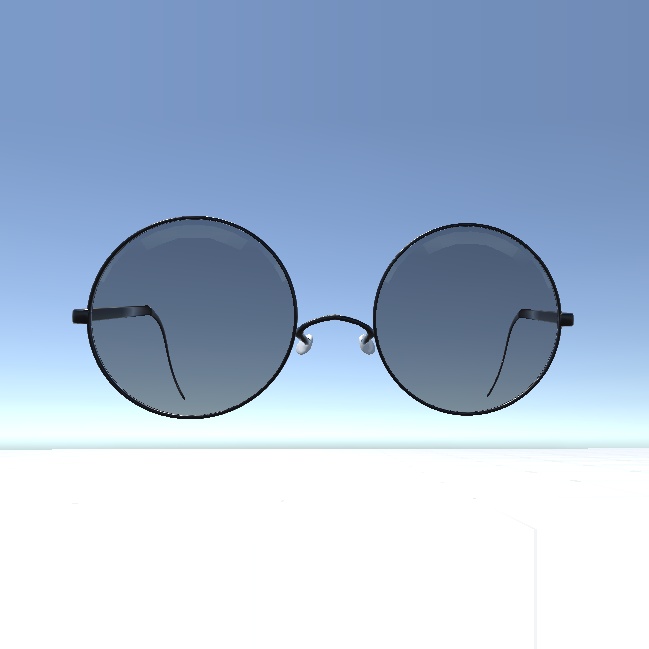


SKE(Suikyo Entertainment)の丸眼鏡「DUSK」です。 細いメタルフレームの、ダウナーな雰囲気に似合う丸眼鏡。 Modular Avatar対応で、アバターにドラッグ&ドロップするだけで装着できます。 ※無料版と支援版の内容は同じです。気に入っていただけたら支援版をご検討ください。 ■ 対応アバター 汎用(Headボーン追従) ※アバターごとに位置・サイズの微調整をお願いします ■ 内容物 ・FBX ・マテリアルデータ ・MA対応Prefab ■ 動作環境・必須アセット ・Unity:VRChat推奨バージョン ・Modular Avatar(必須):VCCから導入してください ・lilToon(必須) ■ 仕様 ・ポリゴン数:2348 ・マテリアル数:3 ・PhysBone:なし ・Quest(Android)対応:なし ・Expressionメニューで表示ON/OFF切り替え:あり ■ 導入方法 1. Modular AvatarとlilToonをプロジェクトに導入 2. unitypackageをインポート 3. Prefabをアバター直下にドラッグ&ドロップ 4. 位置とサイズを調整して完了 ■ 利用規約 VN3ライセンスに準拠します。 ・改変:可 ・VRChat等でのアップロード・使用:可 ・データの再配布・販売:不可 ■ お問い合わせ 不具合やご不明点は、BOOTHのメッセージからご連絡ください。 ■ 更新履歴 2026/11/06 公開 ―――――――――――――――― Round glasses "DUSK" by SKE (Suikyo Entertainment). Thin metal-frame round glasses with a downer mood. Modular Avatar compatible — just drag & drop onto your avatar. *The Free and Support versions are identical. If you like it, please consider the Support version. ■ Compatible avatars Universal (follows the Head bone) *Please adjust position and scale for your avatar. ■ Contents ・unitypackage (with Prefab) ・FBX ・Textures (PNG) ■ Requirements ・Unity: version recommended by VRChat ・Modular Avatar (required): install via VCC ・lilToon (required) ■ Specs ・Polygons: 2348 ・Materials: 3 ・PhysBones: none ・Quest (Android): No ・On/Off toggle in Expression menu: Yes ■ How to install 1. Install Modular Avatar and lilToon 2. Import the unitypackage 3. Drag & drop the Prefab onto your avatar 4. Adjust position and scale ■ Terms of use Based on the VN3 license. ・Modification: OK ・Use/upload on VRChat etc.: OK ・Redistribution / resale of data: NOT allowed ■ Contact For bugs or questions, please contact us via BOOTH messages.