

【期間限定無料 / Free for a limited time】【VRChat・MA対応】なでなでポップ / Touch Pop — 頭をなでる・頬をつつくとモチーフがポンッ・4種類・同期10bit
- ダウンロード商品¥ 0
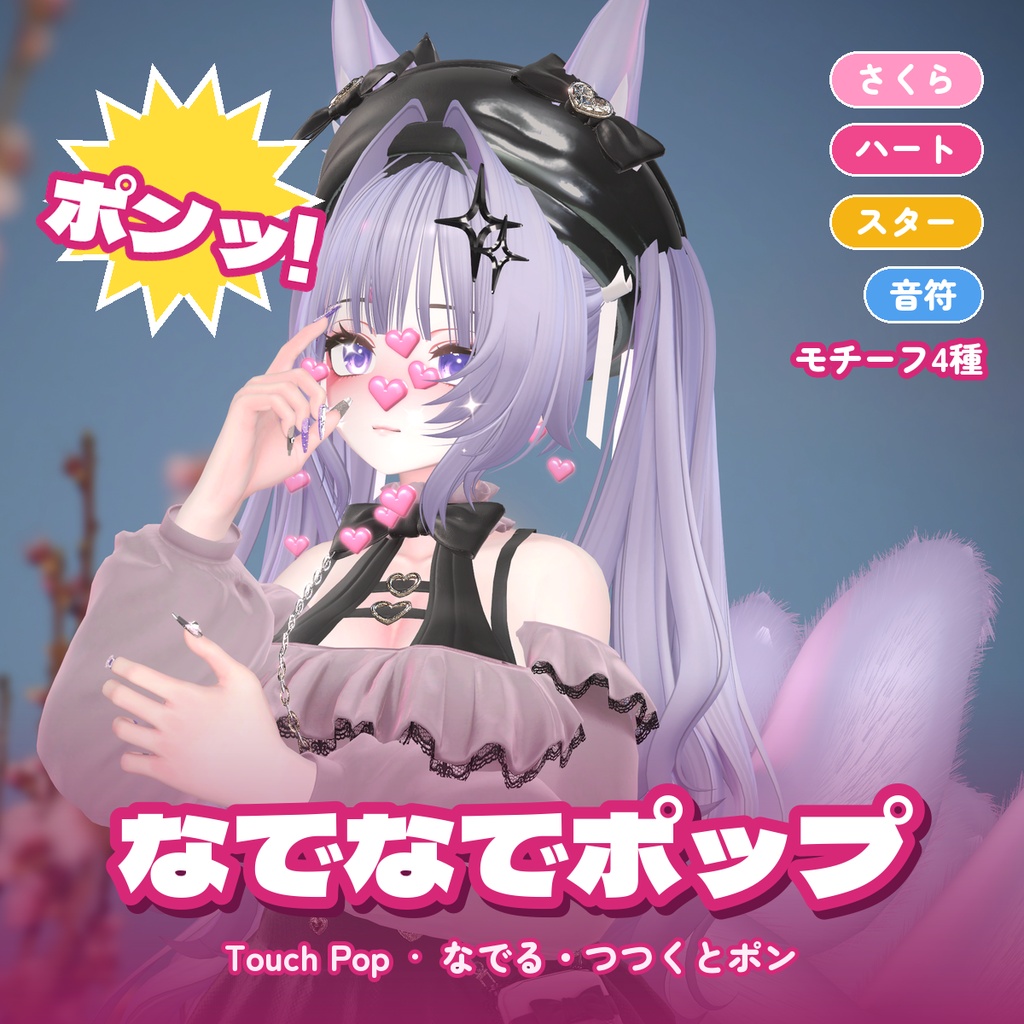
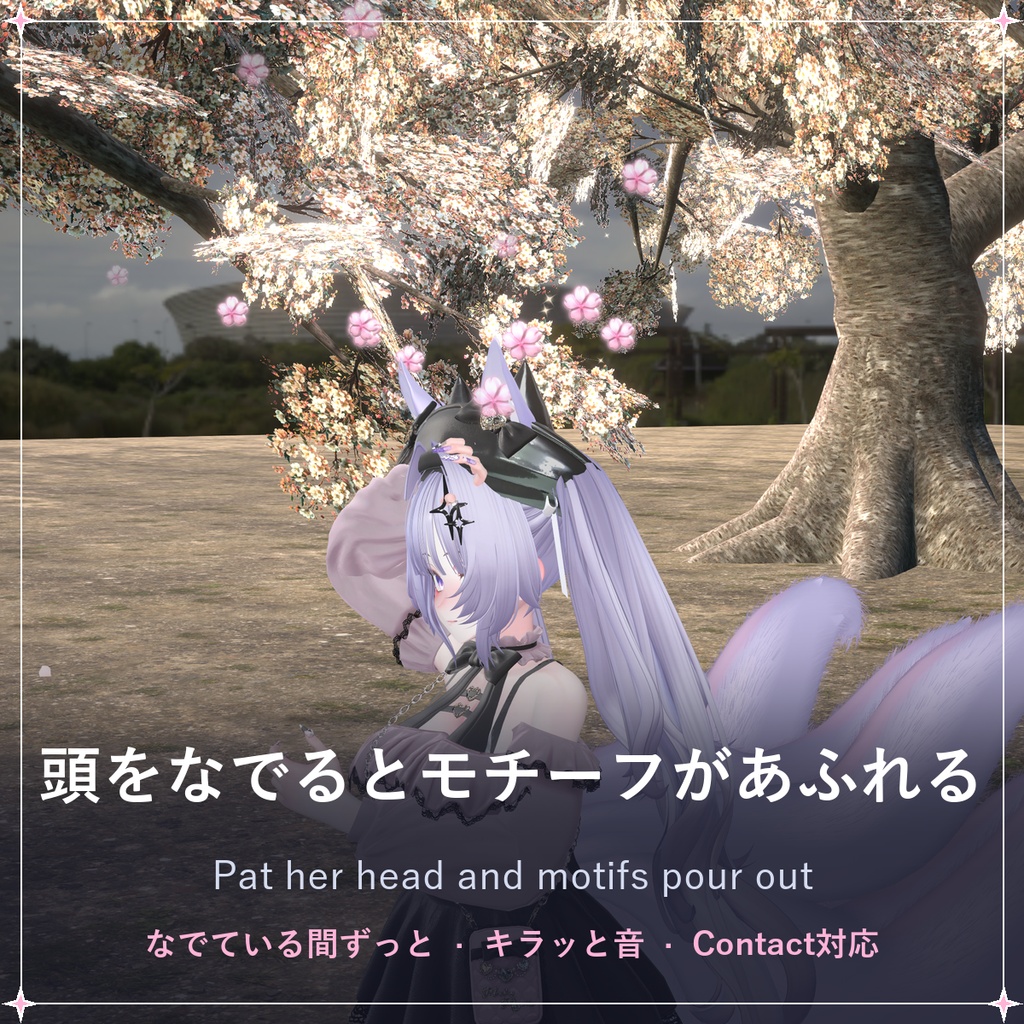
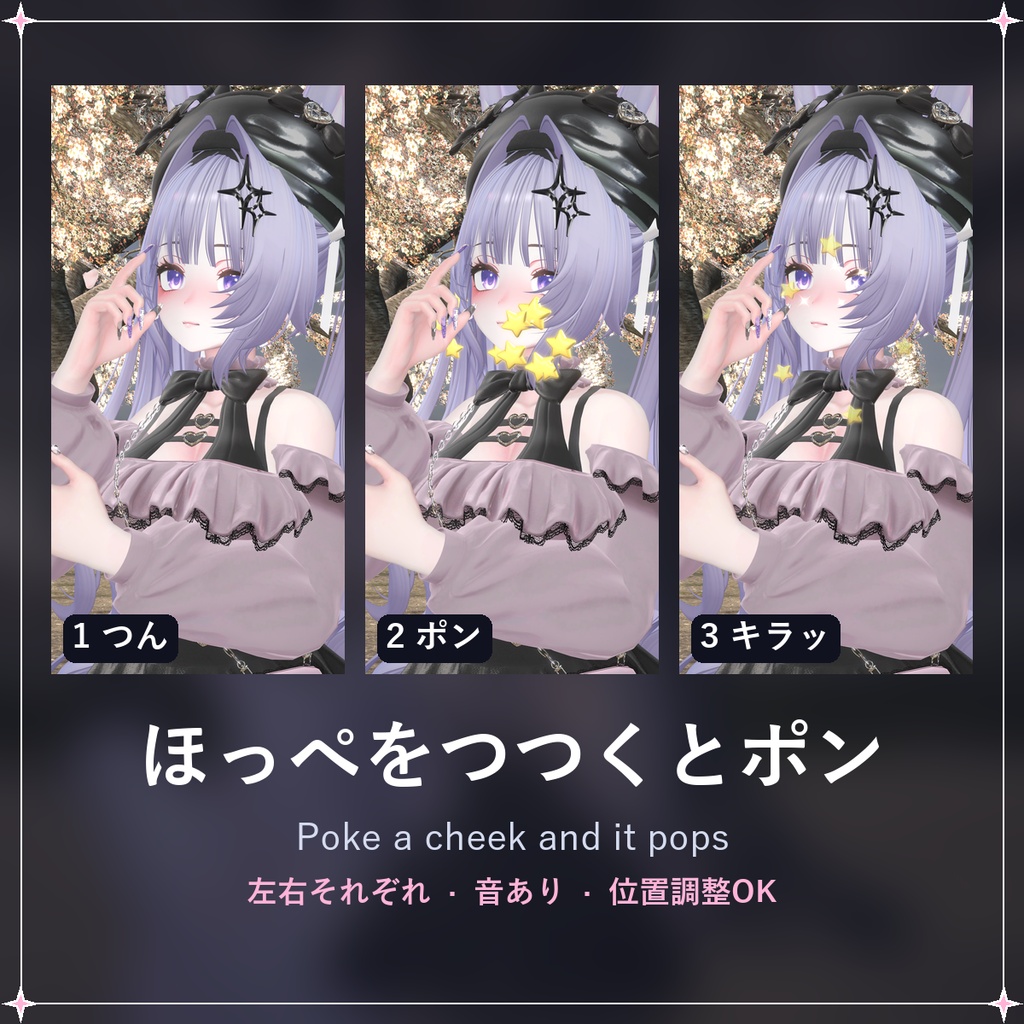
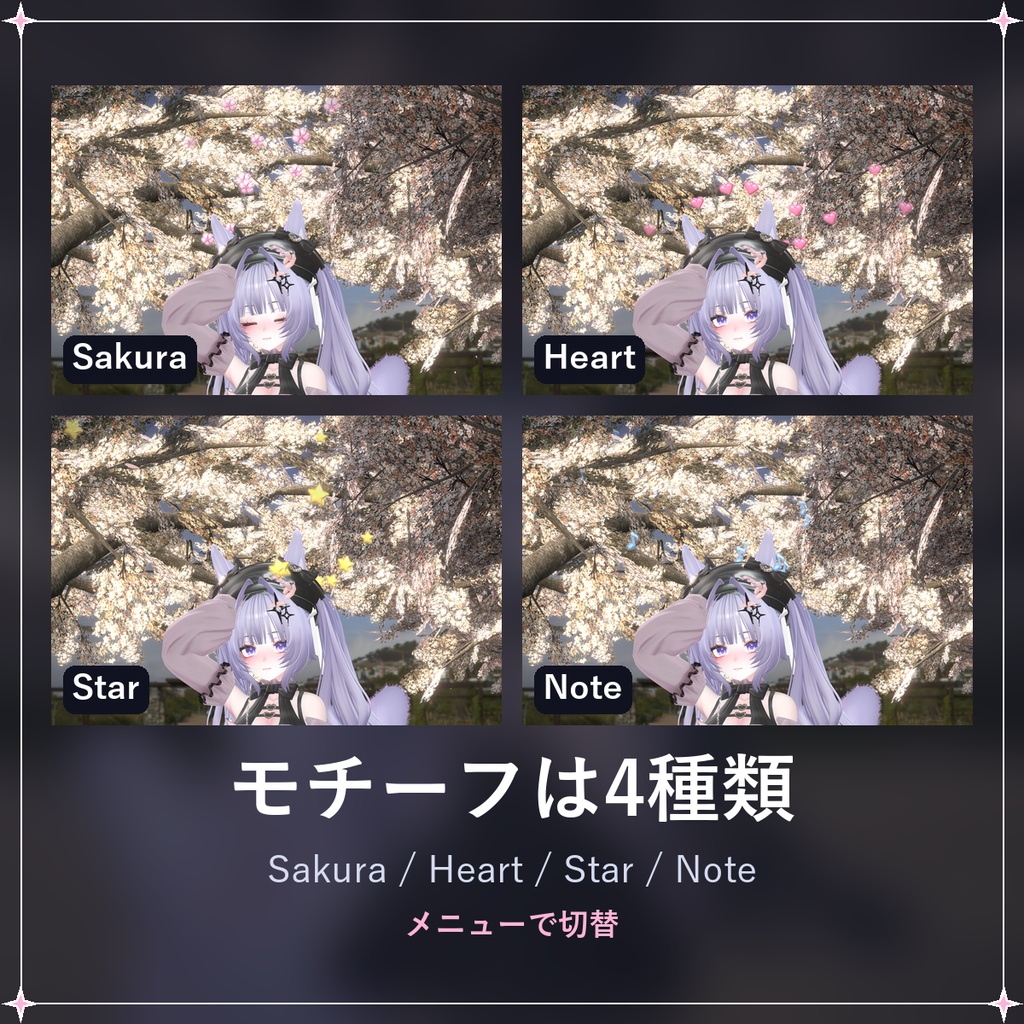
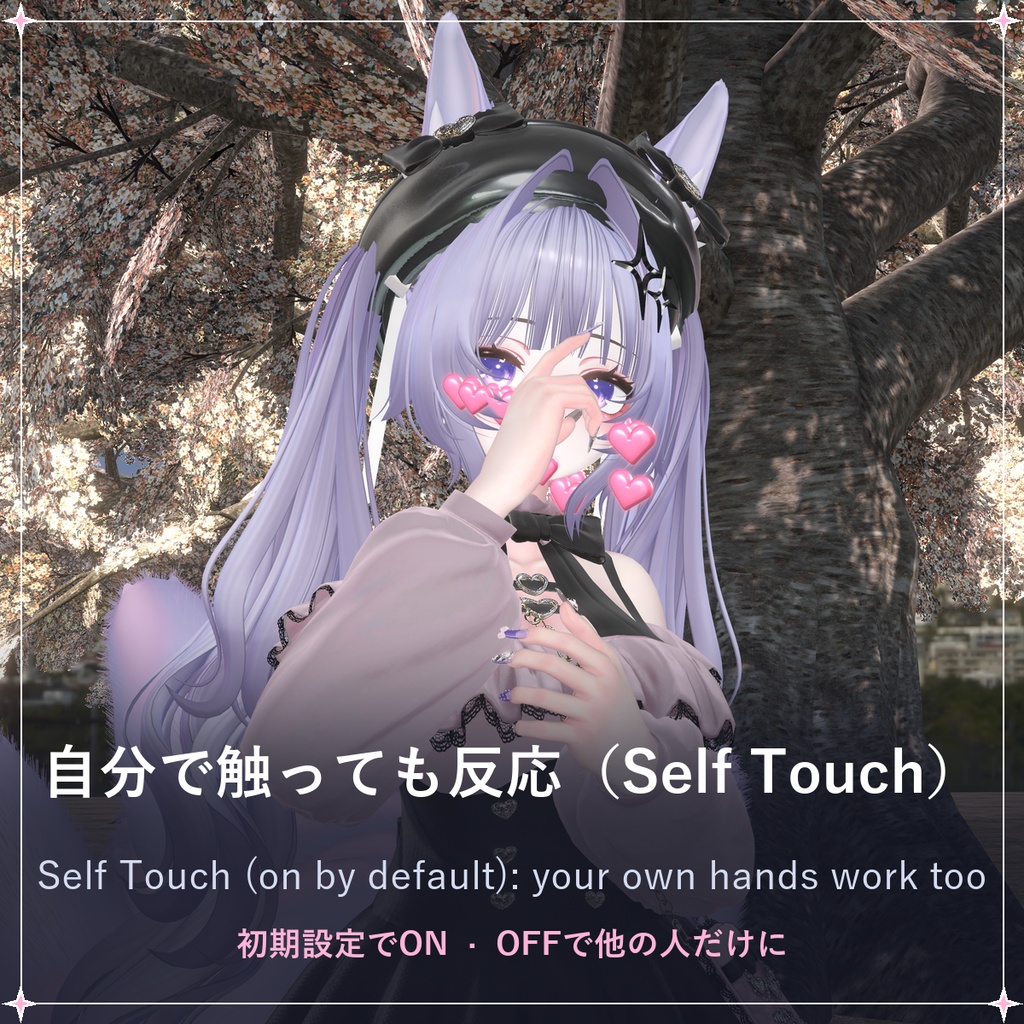
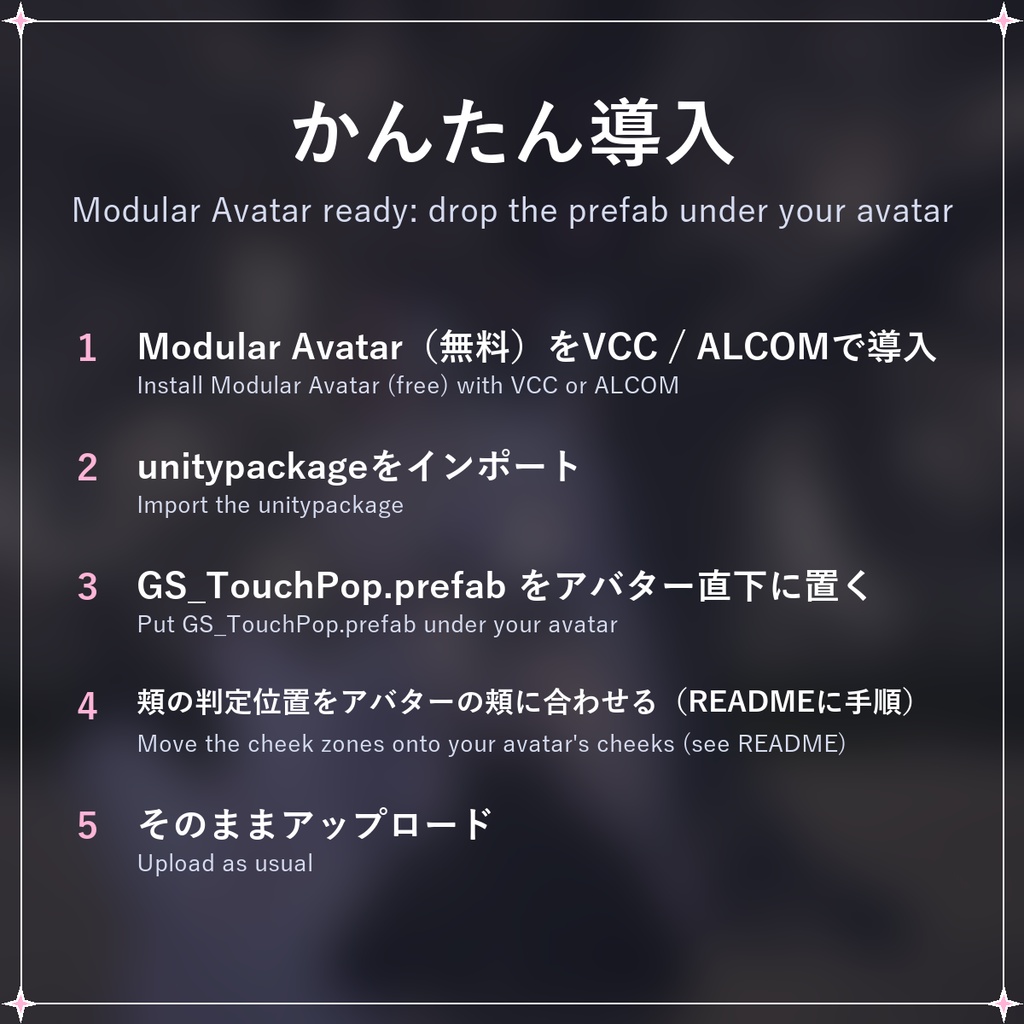
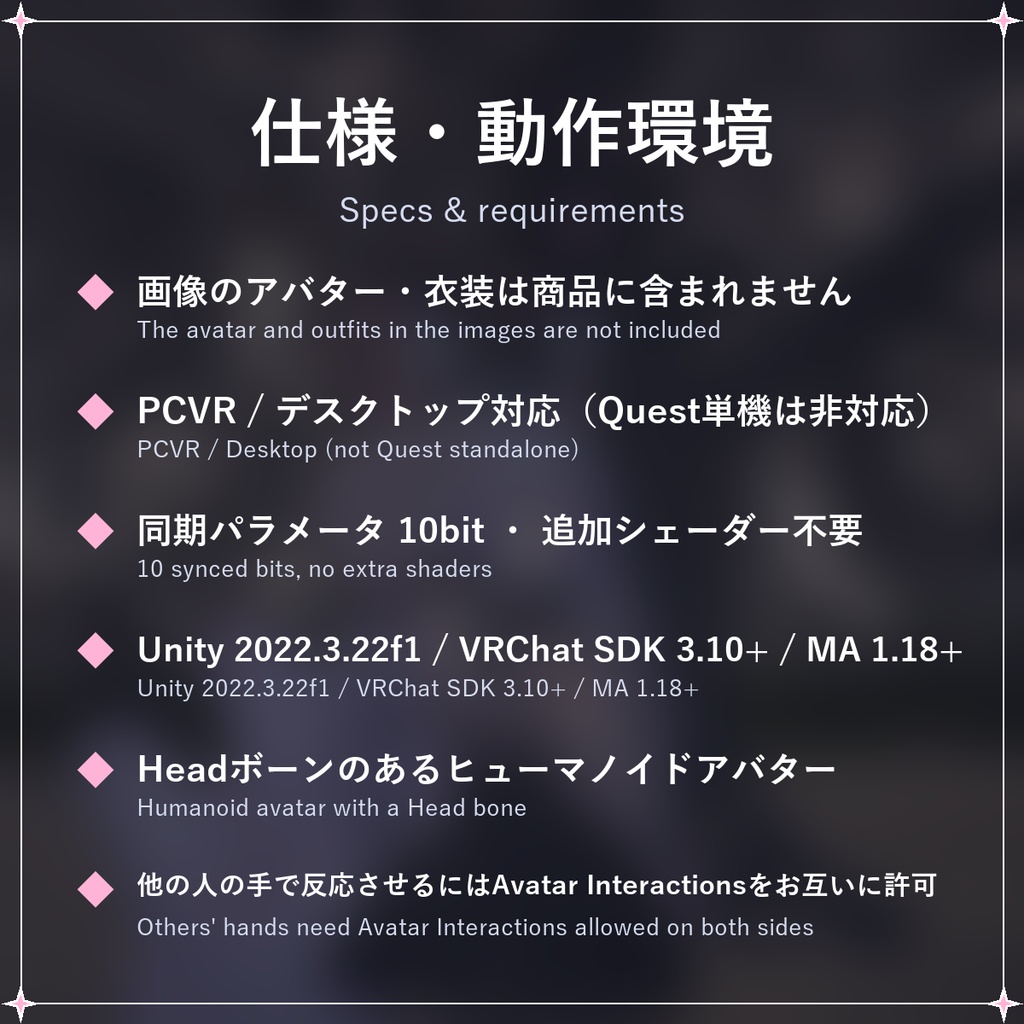


【期間限定無料】2026/11/23(月)23:59(日本時間)まで無料でダウンロードできます。以降は¥300になります。 [Free for a limited time] Free until Mon 23 Nov 2026, 23:59 JST; ¥300 after that. 頭をなでられたり、頬をつつかれたりすると、キラキラしたモチーフがポンッと飛び出すVRChat用アバターギミックです。 Modular Avatar対応。プレハブをアバターの直下に置くだけで導入できます。 ━━━━━━━━━━━━━━ ◆ 頭をなでると なでている間、頭の上からモチーフがふわふわと湧き出します。なで始めた瞬間にキラッと音が鳴ります。 ◆ 頬をつつくと つつかれた側の頬から、モチーフとキラキラがポンッと弾けます(音あり)。 ◆ モチーフ4種類 Sakura / Heart / Star / Note をメニューから切り替えできます。 ◆ 自分でも試せる 自分の手で頭や頬に触れても反応します(Self Touch・初期値ON。他の人に触れられた時だけにしたい場合はOFFに)。 ◆ 同期パラメータ10bit 同期パラメータは10bitだけ。追加シェーダー(lilToon等)は不要です。 ━━━━━━━━━━━━━━ 【設置】 1. Modular Avatar(無料)をVCCまたはALCOMで導入 リポジトリURL: https://vpm.nadena.dev/vpm.json 2. unitypackageをインポート 3. Assets/LukamiFX/TouchPop/GS_TouchPop.prefab をアバター直下(Armatureと同じ階層)に置く (Unityの編集画面では何も表示されません。エフェクトはアップロード後、頭や頬に触れたときに出ます) 4. 頬の判定位置(TP_Cheek_L / TP_Cheek_R)をアバターの頬に合わせる(同梱READMEに手順あり) 5. そのままアップロード 6. メニューを触らなくても、自分の手で頭や頬に触れると反応します(Self Touch は初期状態 ON) 【ご注意】 ・PCVR / デスクトップ対応です(Quest単機は非対応)。 ・サンプル画像・動画のアバターは「しなの」(ポンデロニウム研究所)です。アバター・衣装・背景は商品に含まれません。 ・Headボーンが設定されたヒューマノイドアバターが必要です。 ・他の人が触れて反応させるには、VRChatのAvatar Interactions設定でお互いに許可されている必要があります(初期設定はフレンドのみ)。 ・パフォーマンスランクの目安:Particle Systems 7(Medium)、Contacts 6、Audio Sources 2。 【動作環境】 Unity 2022.3.22f1 / VRChat SDK Avatars 3.10以降 / Modular Avatar 1.18以降 【ライセンス】 ご自身のアバターでの使用(VRChatなど・配信や動画への映り込みを含む)と改変は自由です。データそのものの再配布・転売は禁止です。 利用規約(VN3 ライセンス)のファイルは今後のアップデートで同梱します。 ──────────────── English Touch Pop for VRChat avatars: when someone pats your head or pokes your cheek, sparkly motifs pop out. Modular Avatar ready: drop the prefab under your avatar and upload. - Head pats: motifs float up from the top of your head while the pat lasts, with a chime as it starts. - Cheek pokes: motifs and sparkles pop out of the poked cheek, with a sound. - 4 motifs: Sakura / Heart / Star / Note. - Self Touch starts ON: your own hands trigger it too, without touching the menu; turn it off to react only to others. - 10 bits of synced parameters, no extra shaders needed. Images and video show the avatar Shinano (Ponderonium Lab); the avatar, outfits and backgrounds are not included. Notes: PCVR / Desktop only (not Quest standalone). Needs a humanoid avatar with a Head bone. Line the cheek zones (TP_Cheek_L / TP_Cheek_R) up with your avatar's cheeks - the included README shows how. Touches need VRChat's Avatar Interactions allowed on both sides (default: Friends only). Performance: Particle Systems 7 (Medium), Contacts 6, Audio 2. Requires Unity 2022.3.22f1, VRChat SDK Avatars 3.10+, Modular Avatar 1.18+ (VPM repository: https://vpm.nadena.dev/vpm.json). Nothing shows in the Unity editor: the effects appear after upload, when a head or a cheek is touched. Free to use and modify on your own avatars (streams and videos included); no redistribution or resale of the data. The VN3 license file will be bundled in a later update.