
[Excel] Japan Tax Filing Pack | Income & Expense Ledger + Expense Checklist & Receipt Guide for Foreign Freelancers in Japan
- ダウンロード商品¥ 980
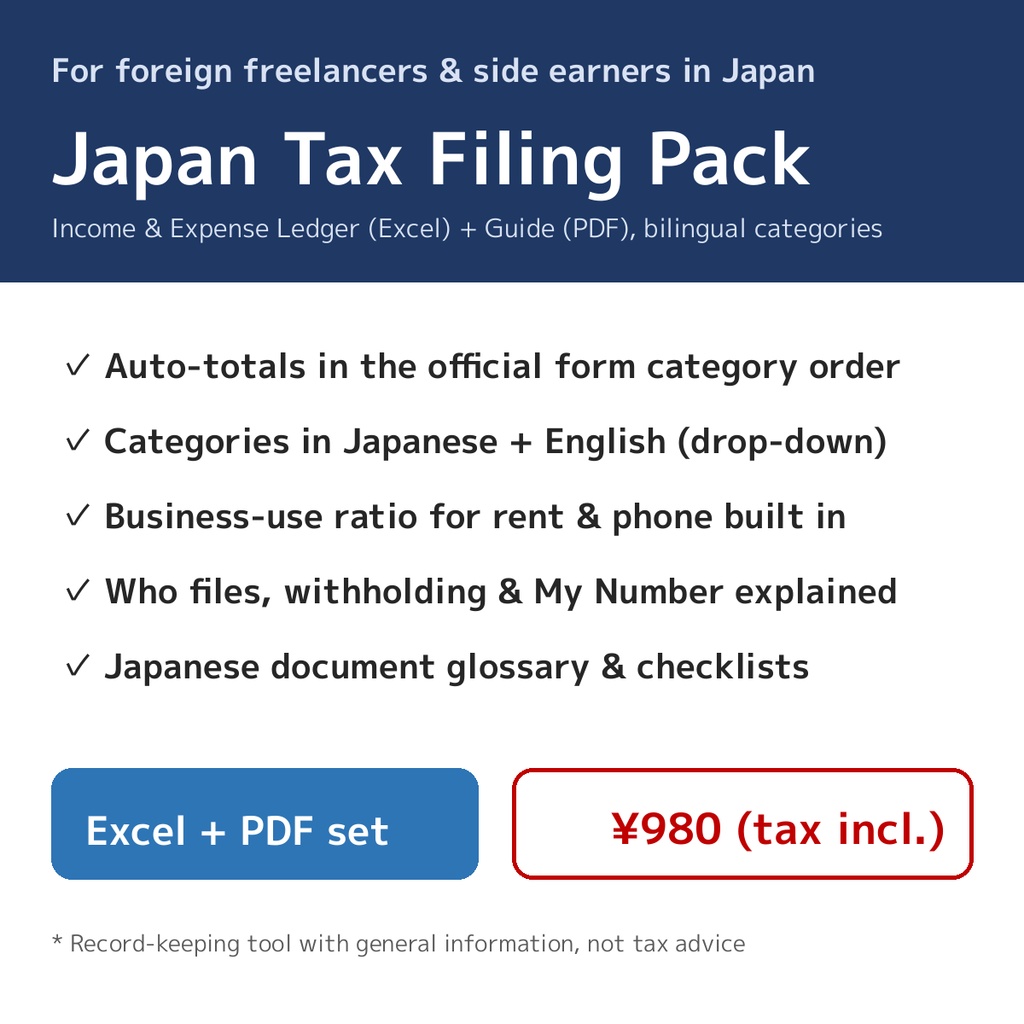

Filing a tax return in Japan is hard enough in Japanese. The real time sink is not the return itself - it is re-sorting a year of income and expenses into the official categories of the Blue Return (青色申告決算書) or Income & Expense Statement (収支内訳書). This pack turns that sorting into simple data entry. What's inside 1. **Income & Expense Ledger (Excel)** - Enter date, type, category and amount - categories are drop-downs, in Japanese + English so they match the official forms exactly - Auto-totals in the same category order as the official forms, plus monthly totals - Business-use ratio built in: for shared costs like home rent and your phone bill, enter the business percentage and the counted amount is calculated automatically - Document checklist and a bilingual category guide with examples - Up to 300 entries 2. **Guide (PDF, 5 pages, plain English)** - Who needs to file, and how a tax return differs from your employer's year-end adjustment (年末調整) - Withholding tax (源泉徴収) and refunds, My Number, deadlines - A Japanese document glossary: what each certificate that arrives in the post actually is - Expense checklist, receipt routine in 5 steps, and a November-to-deadline schedule Who this is for - Freelancers and sole proprietors living in Japan who file in Japanese but think in English - Employees with a side business or side income who need to file for the first time - Anyone who wants the bookkeeping done in a spreadsheet instead of full accounting software How to use 1. Open the Excel file and set the tax year on the "Summary" sheet 2. Enter your transactions in the "Ledger" sheet (3 example rows are included - delete them when you start) 3. Copy the totals from "Summary" into the official forms, e.g. via the NTA's online filing corner Please note - This is a record-keeping and totaling tool with general information. It is not tax advice. For decisions about your own situation, consult your local tax office or a licensed tax accountant (税理士). - Categories and document names follow the National Tax Agency (NTA). - File format: .xlsx (works with Microsoft Excel, Google Sheets and LibreOffice Calc; drop-downs and formulas may behave slightly differently by app). - Digital product; returns and refunds are not available after purchase.