

【MA対応】オーラエフェクト6種セット Avatar Aura & Spell FX【VRChat / PC・Quest対応 / 無料版あり】
- フルセット(6種・PC+Quest)ダウンロード商品¥ 700
- 無料版(Starlight Dustのみ・PC+Quest)ダウンロード商品¥ 0
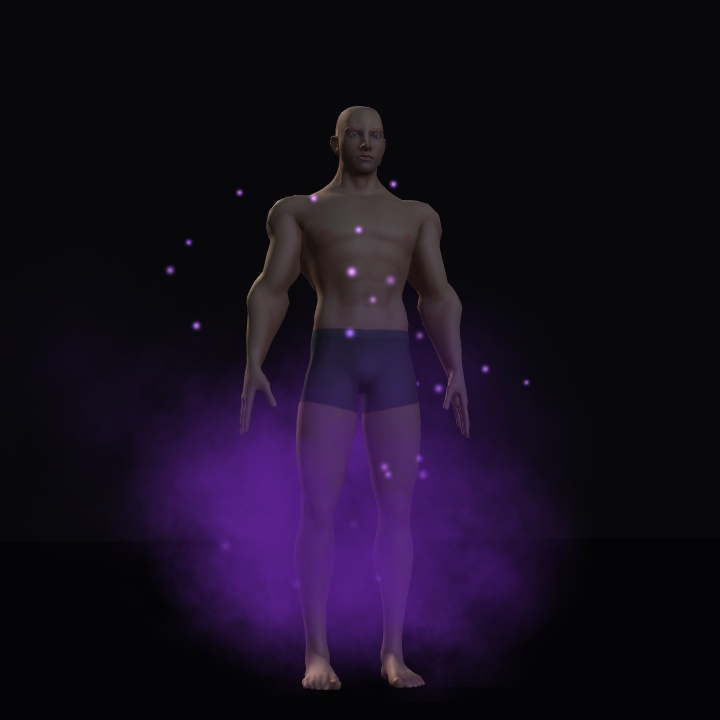
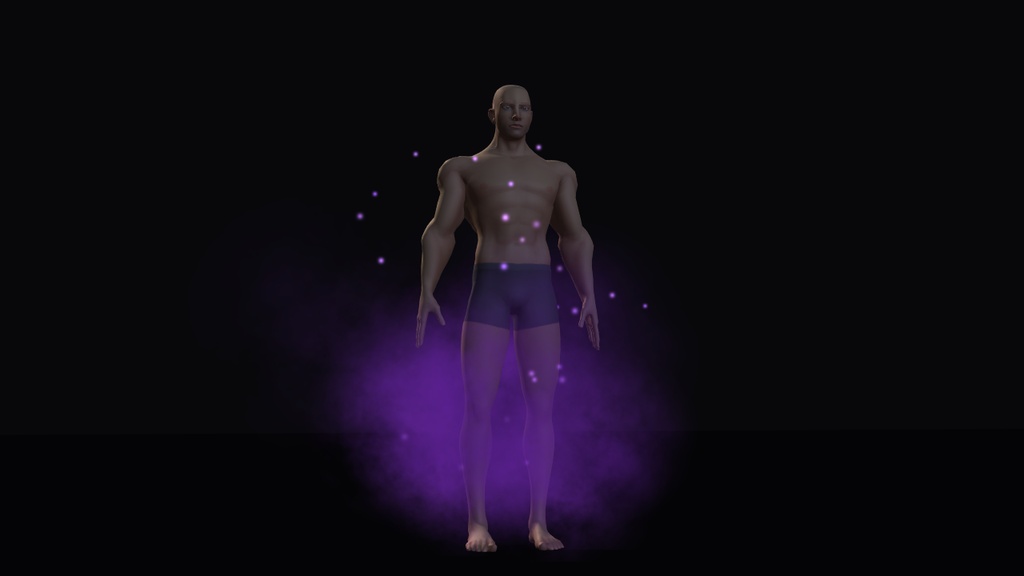
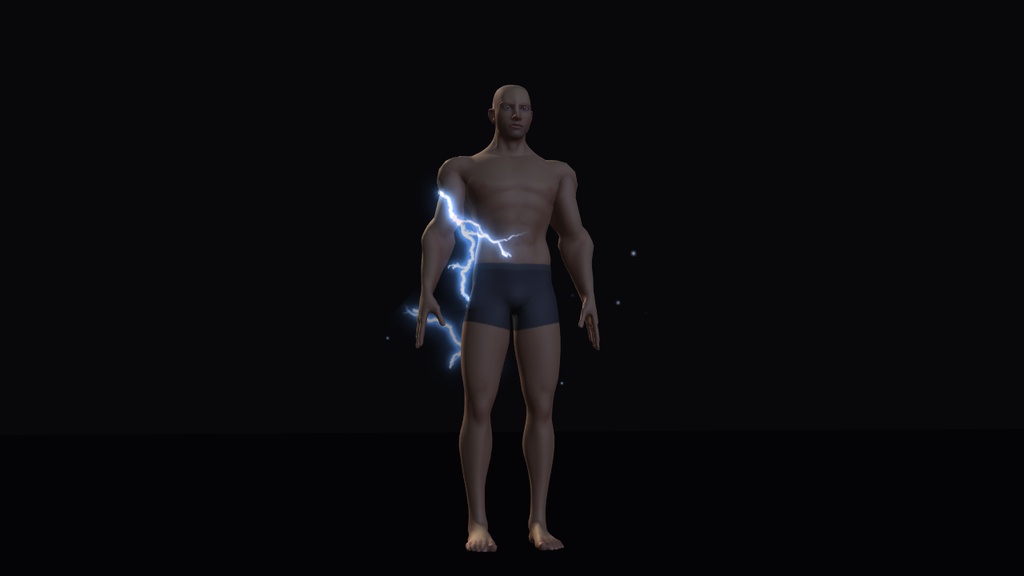
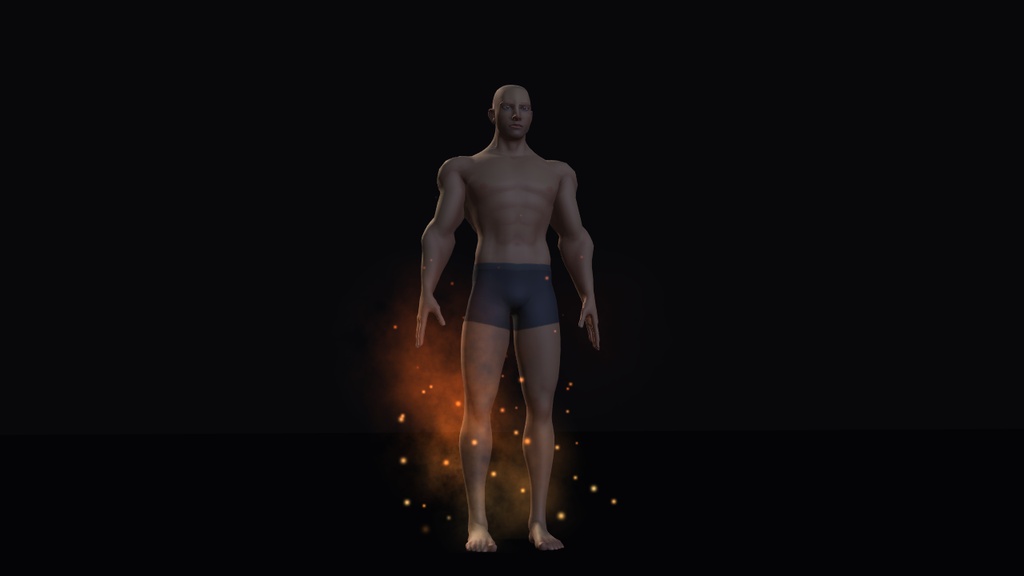
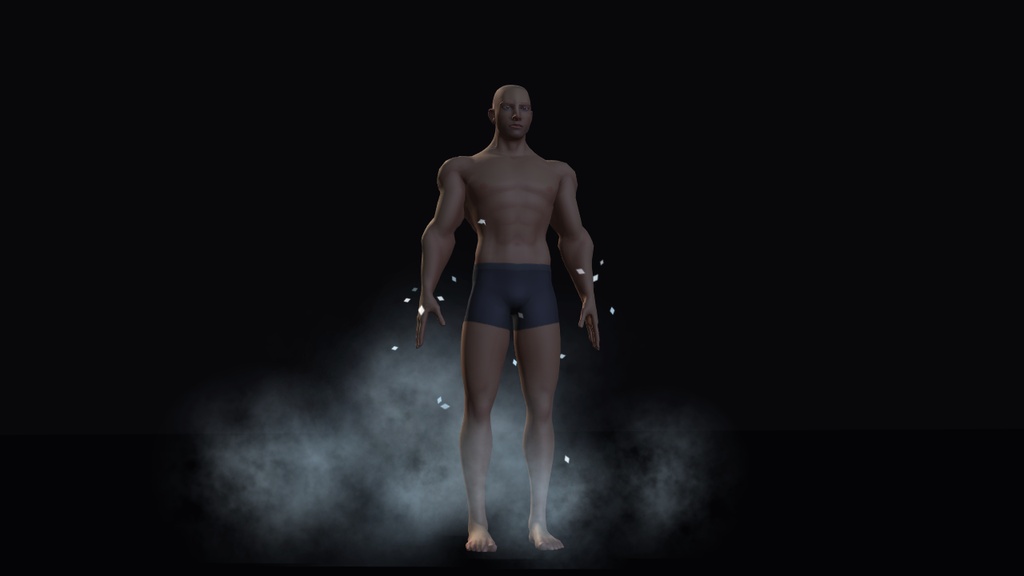
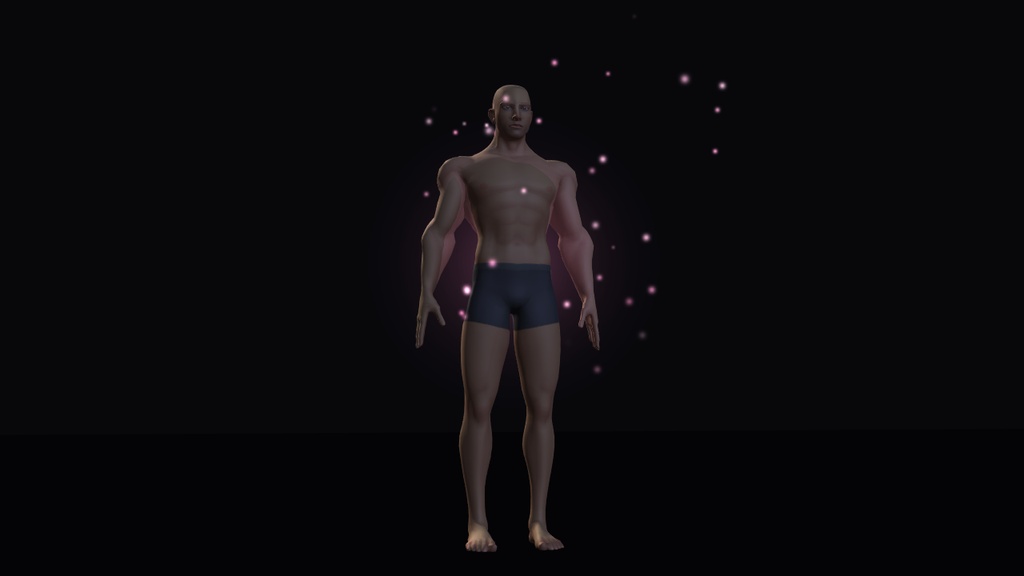
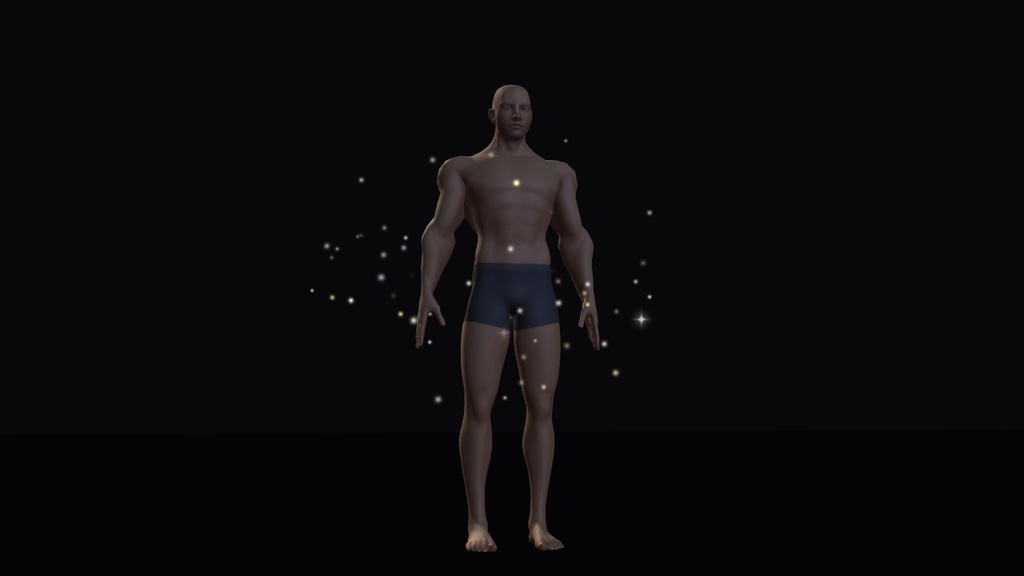
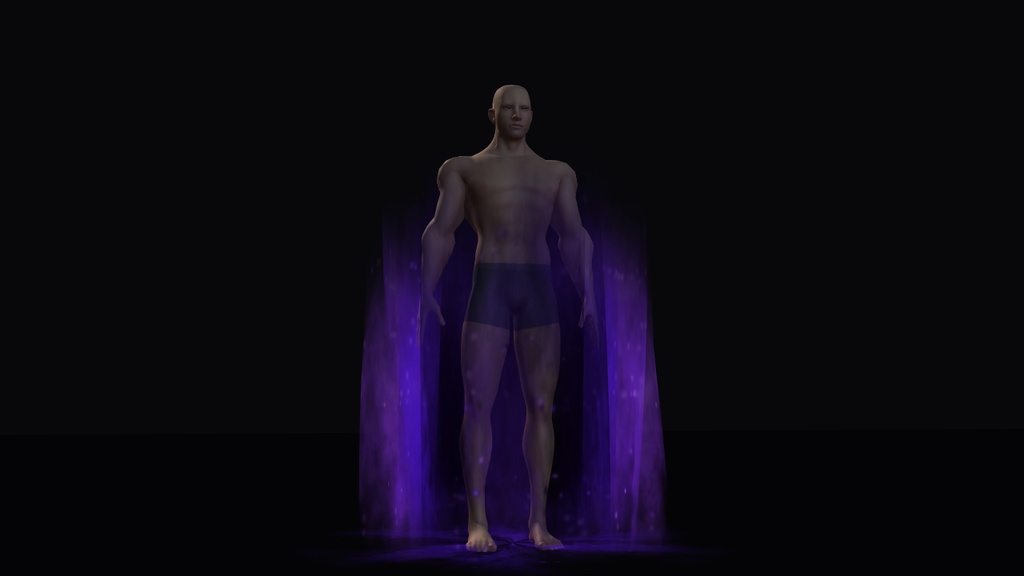
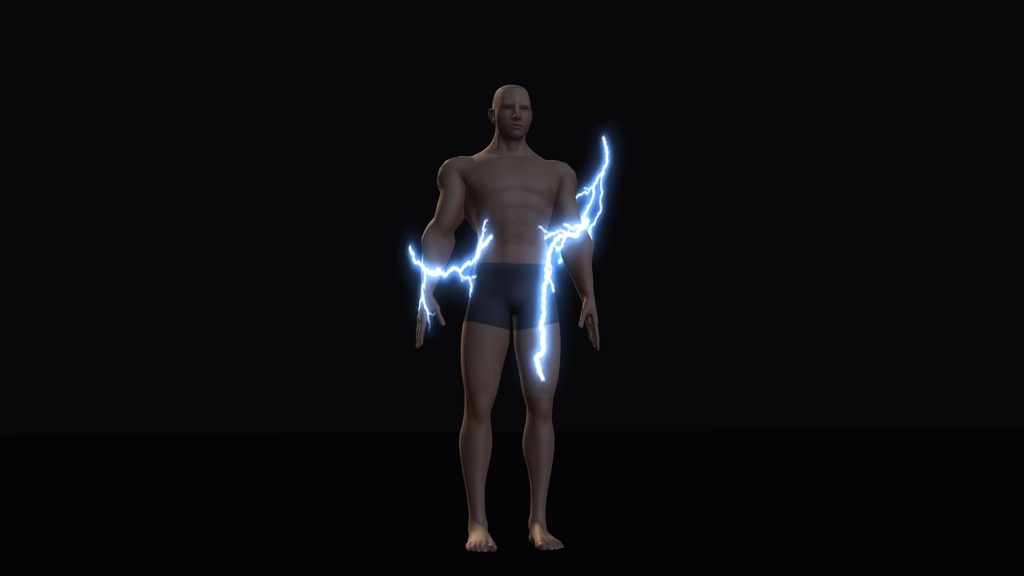
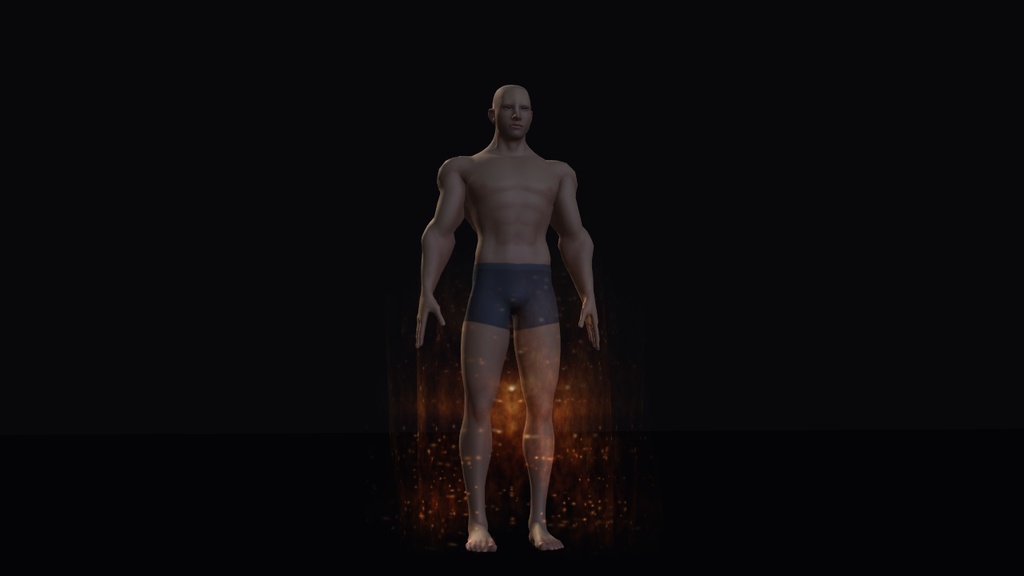
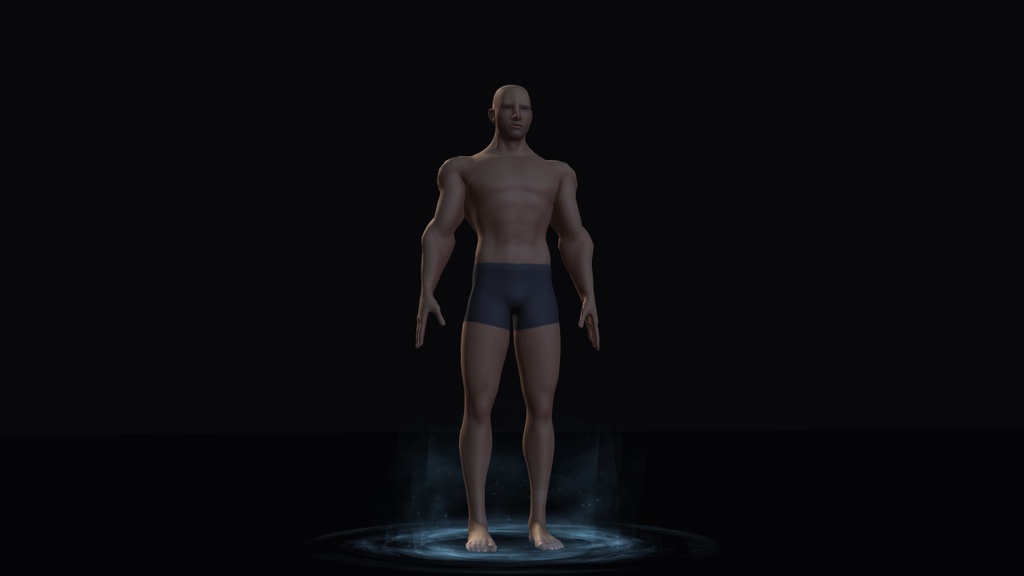
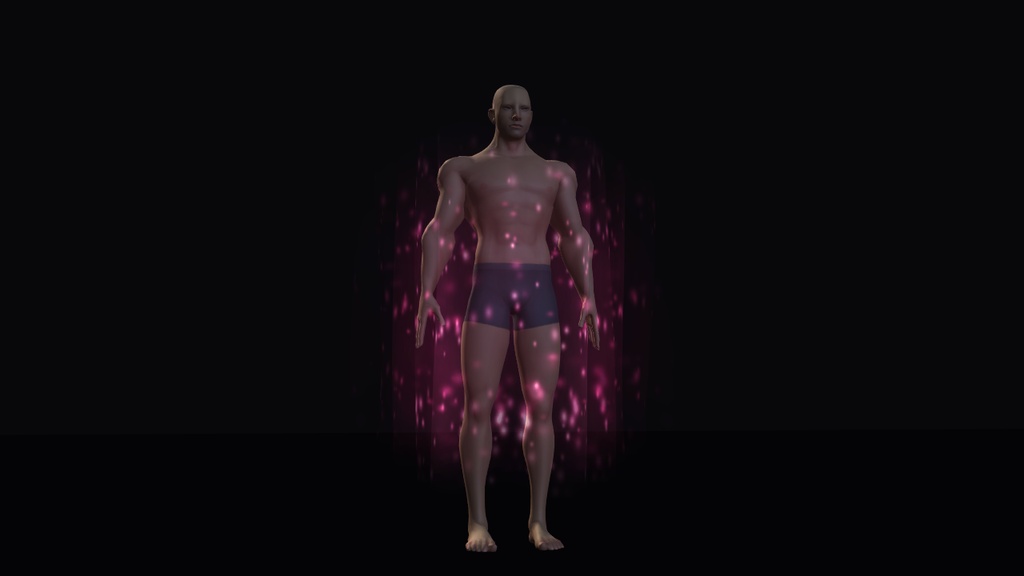
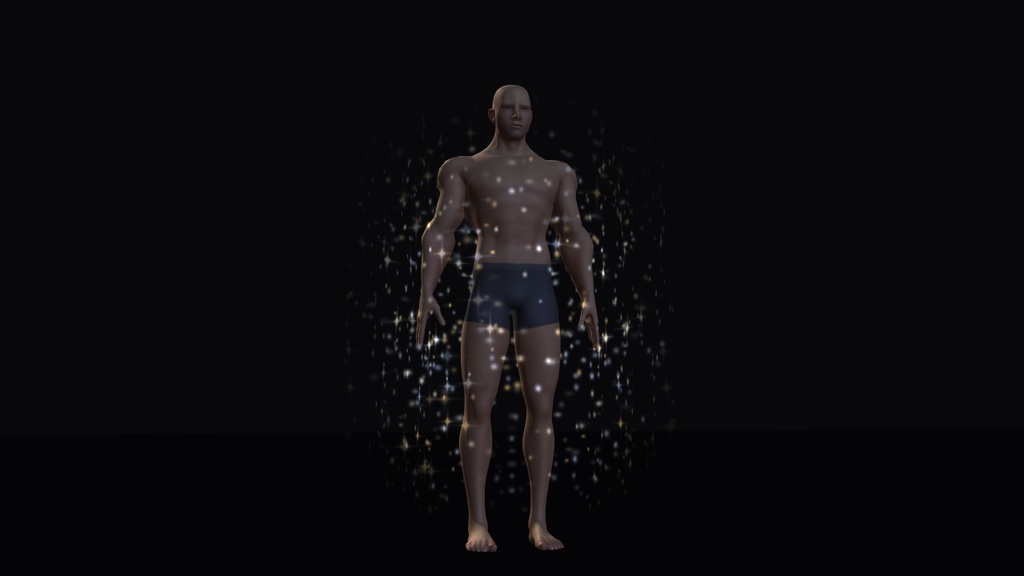


VRChatアバター(Avatars 3.0)用のオーラエフェクト6種セットです。 Modular Avatar対応で、プレハブをアバター直下に置くだけで導入できます。エフェクトはExpression Menuから1つずつON/OFFできます。 価格:フルセット 700円 / 無料版 0円(Starlight Dustのみ) ※プレビュー画像のアバターは付属しません。 【収録エフェクト(全6種)】 ・Ember Aura(エンバーオーラ) ・Frost Mist(フロストミスト) ・Storm Arcs(ストームアークス) ・Charm Glow(チャームグロウ) ・Void Smoke(ヴォイドスモーク) ・Starlight Dust(スターライトダスト) すべてのエフェクトにPC用プレハブとQuest(Android)用プレハブがあります。6種をまとめた「All Effects (PC)」を含め、プレハブは全部で13個です。 【特徴】 ・導入は3ステップです。アニメーターを編集する必要はありません。 ・1エフェクトにつきメニュー項目は1つ、同期パラメータは1bitです(Bool、Saved、Synced、初期状態はOFF)。 ・PC版はUnity標準のパーティクルシェーダーだけで動きます。他社製シェーダーやVRCFuryは不要です。 ・Quest版はParticle Systemを使わない専用の構成です。 【内容物】 ■フルセット(700円) ・avatar-aura-fx_v1.0.0.unitypackage(プレハブ13個) ・README.txt(英語) ■無料版(0円) ・avatar-aura-fx-free_v1.0.0.unitypackage(Starlight DustのPC用・Quest用プレハブ 計2個) ・README.txt(英語) 【動作確認環境】 ・Unity 2022.3.22f1 ・VRChat Avatars SDK 3.10.6 ・Modular Avatar 1.18.7(NDMF 1.14.8) 上記環境の新規プロジェクトで、すべてのプレハブがエラー0件でビルドできることを確認しています。 確認はUnityエディター上で行いました。VRChatにアップロードした状態での確認、Android(Quest)向けの実ビルド、ヘッドセット内でのフレームタイム計測は行っていません。 ご購入の前に、無料版でお使いの環境での動作をお確かめください。 【導入方法】 1. アバターのプロジェクトに、VRChat Avatars SDKとModular Avatarを追加します(VRChat Creator CompanionまたはALCOM)。 Modular Avatar: https://modular-avatar.nadena.dev/ja/ 2. 本商品の.unitypackageをインポートします(Assets > Import Package > Custom Package)。 3. 「Assets/REEBOO Labs/AvatarAuraFX/Prefabs」にあるプレハブを、Hierarchyでアバターのルート(VRC Avatar Descriptorが付いているオブジェクト)の直下にドラッグし、通常どおりアップロードします。 PC向けは「PC」フォルダ、Quest(Android)向けは「Quest」フォルダのプレハブをお使いください。 VRChat内では「Expression Menu > REEBOO FX > エフェクト名」で切り替えます。各エフェクトは初期状態でOFFになっており、切り替えた状態は保存されます。 ※単体のプレハブは、それぞれが「REEBOO FX」サブメニューを追加します。複数のPC用エフェクトを1つのサブメニューにまとめたい場合は「All Effects (PC)」をお使いください。 【PC版について】 ・1エフェクトにつきParticle Systemは2個、最大パーティクル数は26〜116です。 ・トレイル、コリジョン、ライトは使用していません。 ・VRChat SDKのパフォーマンス計算では、1エフェクト単体で Particle Systems:Good、Total Particles:Good でした。 ・2エフェクトを同時に入れても、Goodの上限(Particle System 4個、パーティクル300個)に収まります。最も多い組み合わせで196個です。 ・「All Effects (PC)」はParticle Systemが12個になるため、Particle SystemsがPoor判定になります。 エフェクトごとの数値(PC版) ・Ember Aura:Particle System 2 / 最大パーティクル数 116 / マテリアル 2 / 同期 1bit ・Frost Mist:Particle System 2 / 最大パーティクル数 60 / マテリアル 2 / 同期 1bit ・Storm Arcs:Particle System 2 / 最大パーティクル数 26 / マテリアル 2 / 同期 1bit ・Charm Glow:Particle System 2 / 最大パーティクル数 58 / マテリアル 2 / 同期 1bit ・Void Smoke:Particle System 2 / 最大パーティクル数 64 / マテリアル 2 / 同期 1bit ・Starlight Dust:Particle System 2 / 最大パーティクル数 80 / マテリアル 2 / 同期 1bit ・All Effects (PC):Particle System 12 / 最大パーティクル数 404 / マテリアル 7 / 同期 6bit 【Quest版について】 VRChatでは、モバイル向けアバターにParticle Systemがあるとその項目がPoor判定になり、初期設定のままの他のモバイルユーザーにはエフェクトが表示されません。 そのためQuest版はParticle Systemを使わず、小さなメッシュ1つ(8〜1904ポリゴン)とマテリアル1つを、テクスチャのスクロールで動かしています。シェーダーはVRChat SDKに含まれる VRChat/Mobile/Particles/Additive です(Void SmokeのみAlpha Blended)。 ・当スタジオのモバイル用テストアバターでは、Quest版を1つ追加しても総合ランクはMediumのままでした(Material Count:Medium、Mesh Count:Excellent、Particle Systems:Excellent)。 ・PC版よりも簡素な見た目です。 ・Quest版は1アバターにつき1つまでのご使用をおすすめします。同じテストアバターでは、2つ目を追加すると計算上マテリアルスロットが3つになり、モバイルではPoorの範囲に入ります。 ・無料版のStarlight Dust(Quest版)は、Particle System 0、メッシュ1、マテリアル1、同期1bitです。 【ご注意】 ・プレビュー画像のアバターは付属しません。 ・VRChat Avatars SDKとModular Avatarは付属しません。導入方法の手順1でご用意ください。 ・README.txtは英語です。 ・パフォーマンスランクはお使いのアバターの構成によって変わります。上記のランクは当スタジオのテストアバターでの結果です。 【利用規約】 フルセット、無料版ともに同じ規約です。 ■できること ・ご自身のアバター、および依頼を受けて制作するアバター(コミッション)への使用 ・個人利用、商用利用 ・改変 ・本エフェクトを組み込んだアバターのVRChatへのアップロード ■できないこと ・ファイル(テクスチャ、マテリアル、メッシュ、プレハブ、アニメーション)の再販売、再配布、共有、再アップロード ・他のアセット、パック、アバター素体に含めて、ファイルとして販売または配布すること Copyright (c) 2026 REEBOO Labs 【更新履歴】 v1.0.0 初版 【制作】 REEBOO Labs https://reeboolabs.com/
English
Avatar Aura & Spell FX v1.0.0 by REEBOO Labs Six aura effects for VRChat Avatars 3.0: Ember Aura, Frost Mist, Storm Arcs, Charm Glow, Void Smoke and Starlight Dust. Each effect is one menu toggle that uses 1 synced bit. You install it by dragging a prefab onto your avatar root (Modular Avatar required). Price: full set 700 JPY. Free sample 0 JPY (Starlight Dust only, PC + Quest). The avatar in the previews is not included. Contents - Full set: avatar-aura-fx_v1.0.0.unitypackage with 13 prefabs (a PC and a Quest prefab for each effect, plus "All Effects (PC)") and README.txt in English. - Free sample: avatar-aura-fx-free_v1.0.0.unitypackage with the Starlight Dust PC and Quest prefabs, and README.txt. Install in 3 steps 1. Add the VRChat Avatars SDK and Modular Avatar to your project (VRChat Creator Companion or ALCOM). 2. Import the .unitypackage. 3. Drag a prefab onto your avatar root and upload. In game: Expression Menu > REEBOO FX > effect name. Each effect is off by default and remembers its state. You do not edit any animator, and VRCFury is not needed. PC versions 2 Particle Systems per effect, 26 to 116 max particles, built-in Unity particle shaders, and none of them uses trails, collision or lights. In the VRChat SDK performance calculator one effect rated Good for Particle Systems and Good for Total Particles. Two effects together stay inside the Good particle limits (4 systems / 300 particles). "All Effects (PC)" has 12 systems and 404 max particles, and is rated Poor for Particle Systems. Quest versions VRChat rates any Particle System on a mobile avatar as Poor, and other mobile players at default settings then do not see it. Our Quest versions use zero Particle Systems: one small mesh (8 to 1904 triangles) and one material on the SDK shader VRChat/Mobile/Particles/Additive (Void Smoke: Alpha Blended), animated by texture scrolling. On our mobile test avatar one Quest effect kept the overall mobile rank at Medium. They look simpler than the PC versions. Use one Quest effect per avatar. Tested with Unity 2022.3.22f1, VRChat Avatars SDK 3.10.6, Modular Avatar 1.18.7 (NDMF 1.14.8). Every prefab builds with 0 errors in a clean project. We checked in the Unity editor. We have not tested an upload inside VRChat, a real Android (Quest) build, or frame time in a headset. Please try the free sample in your own setup first. Terms of use The same terms cover the full set and the free sample. Allowed: use on your own avatars and on avatars you make as commissions. Personal use and commercial use are both allowed. You may modify the effects and upload an avatar that uses them to VRChat. Not allowed: reselling, redistributing, sharing or re-uploading the files (textures, materials, meshes, prefabs, animations), on their own or inside another asset, pack or avatar base. Copyright (c) 2026 REEBOO Labs REEBOO Labs: https://reeboolabs.com/