

【VRChat想定】ゴシック ランタン&杖(スタッフ)【Modular Avatar対応 / PC・Quest対応】Gothic Lantern & Staff
- Wrought(黒鉄・ガーネット)ダウンロード商品¥ 900
- Brass(真鍮・シトリン)ダウンロード商品¥ 900
- Moonlight(銀・アイスブルー)ダウンロード商品¥ 900
- 3色セット(全色)ダウンロード商品¥ 1,200
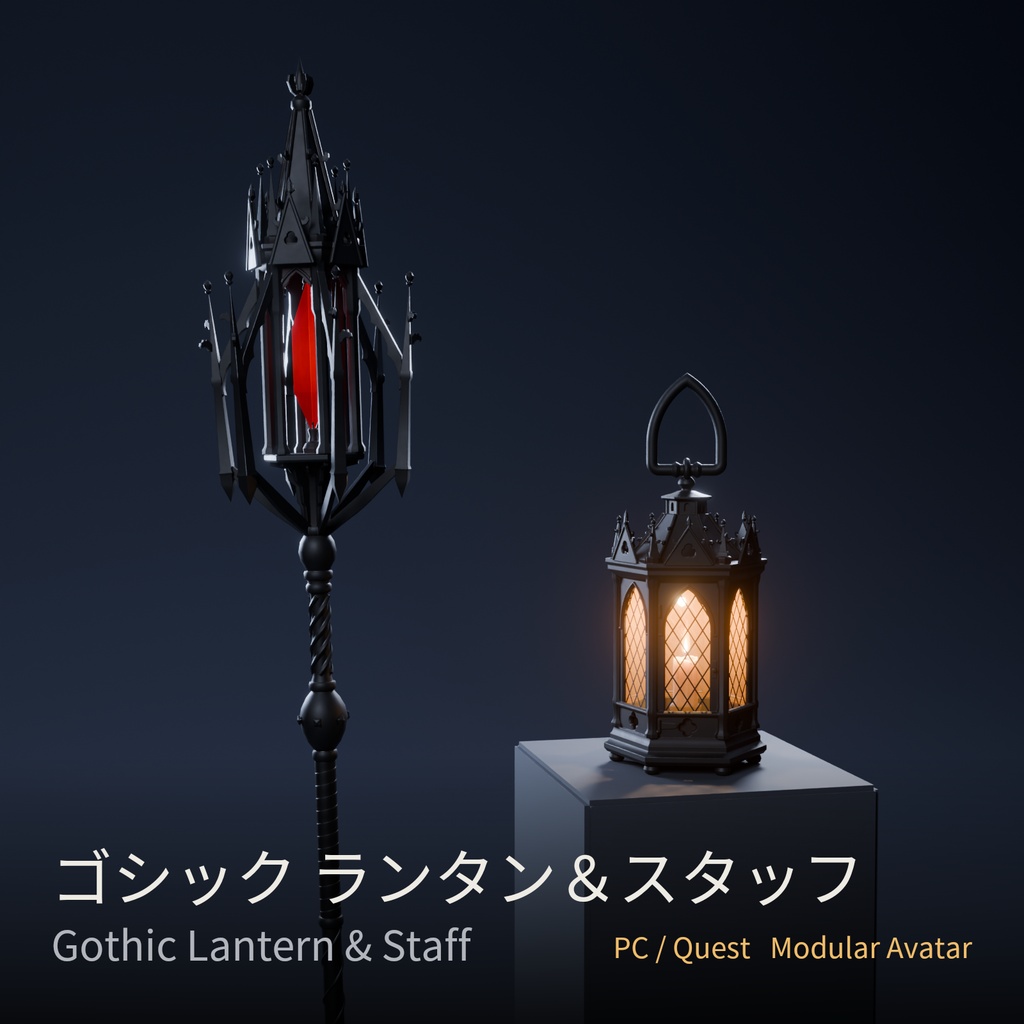
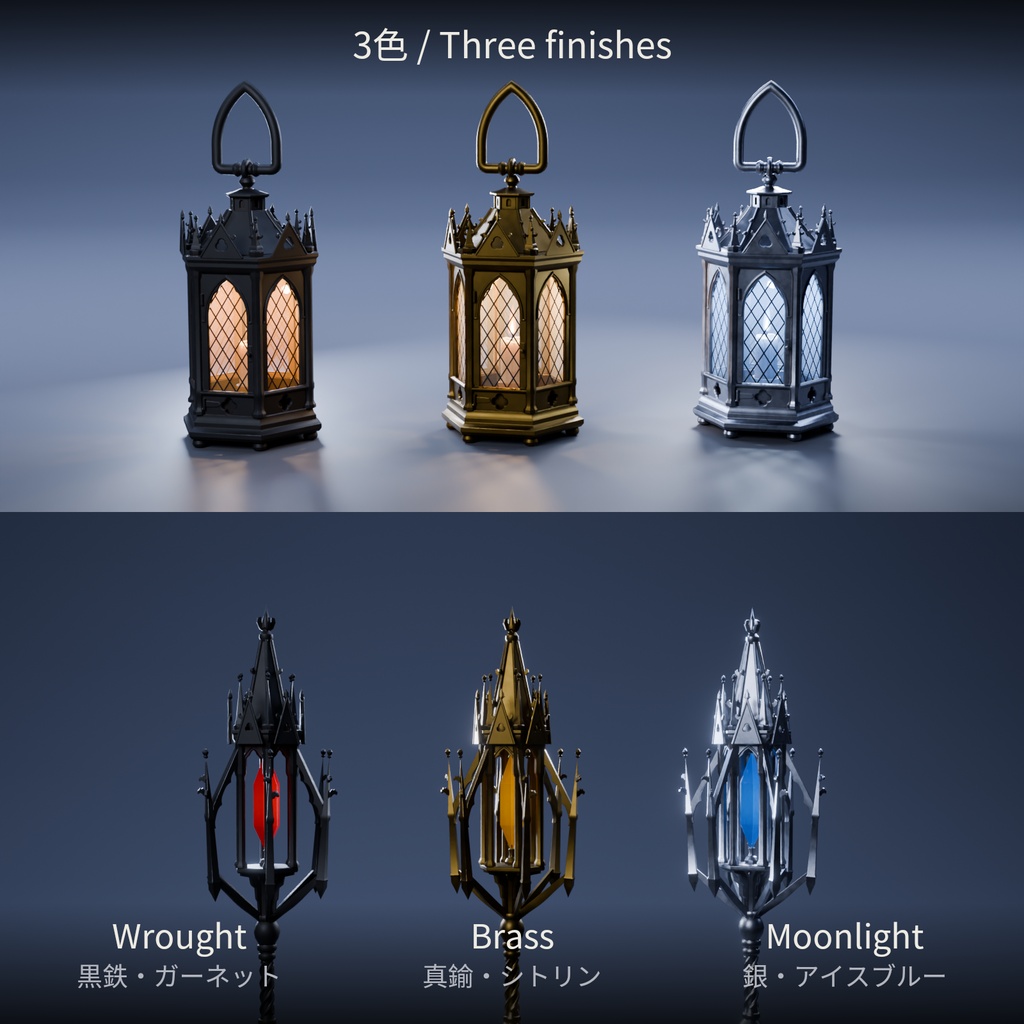
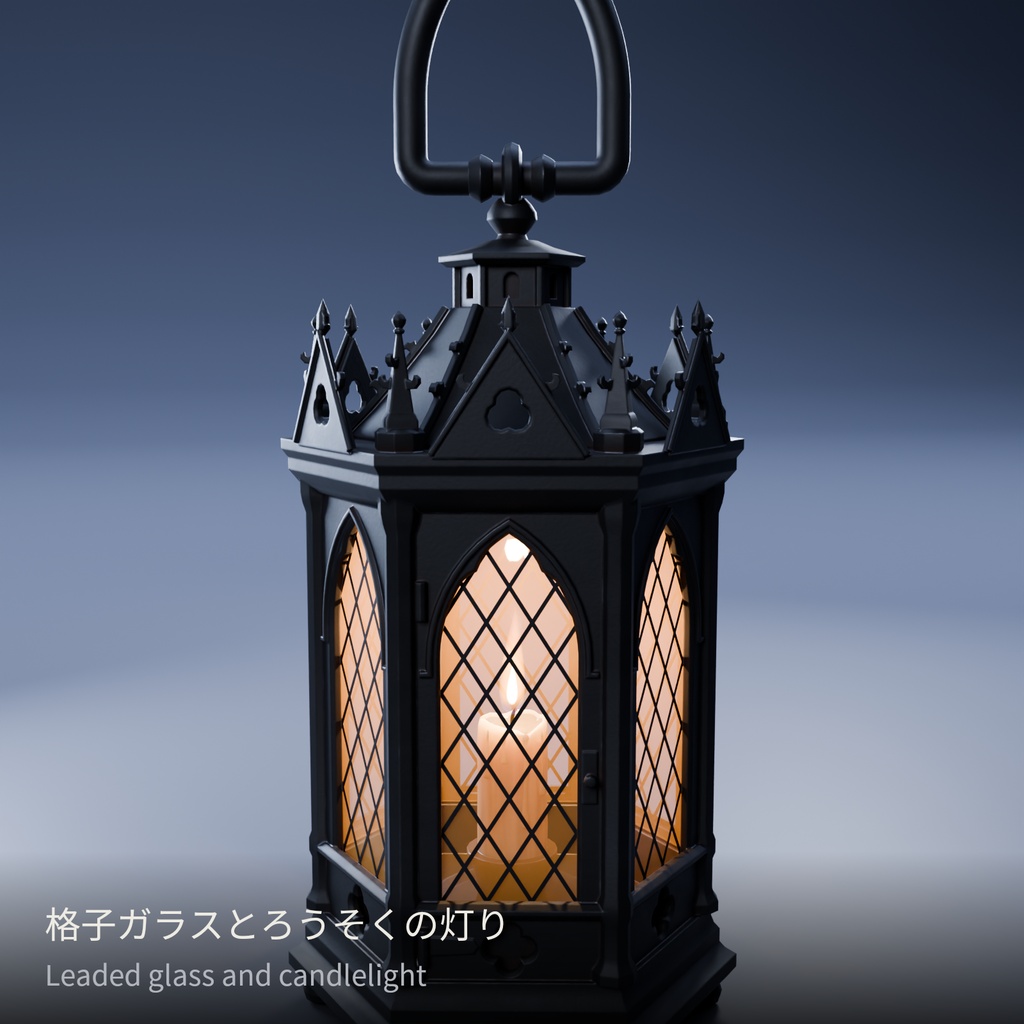
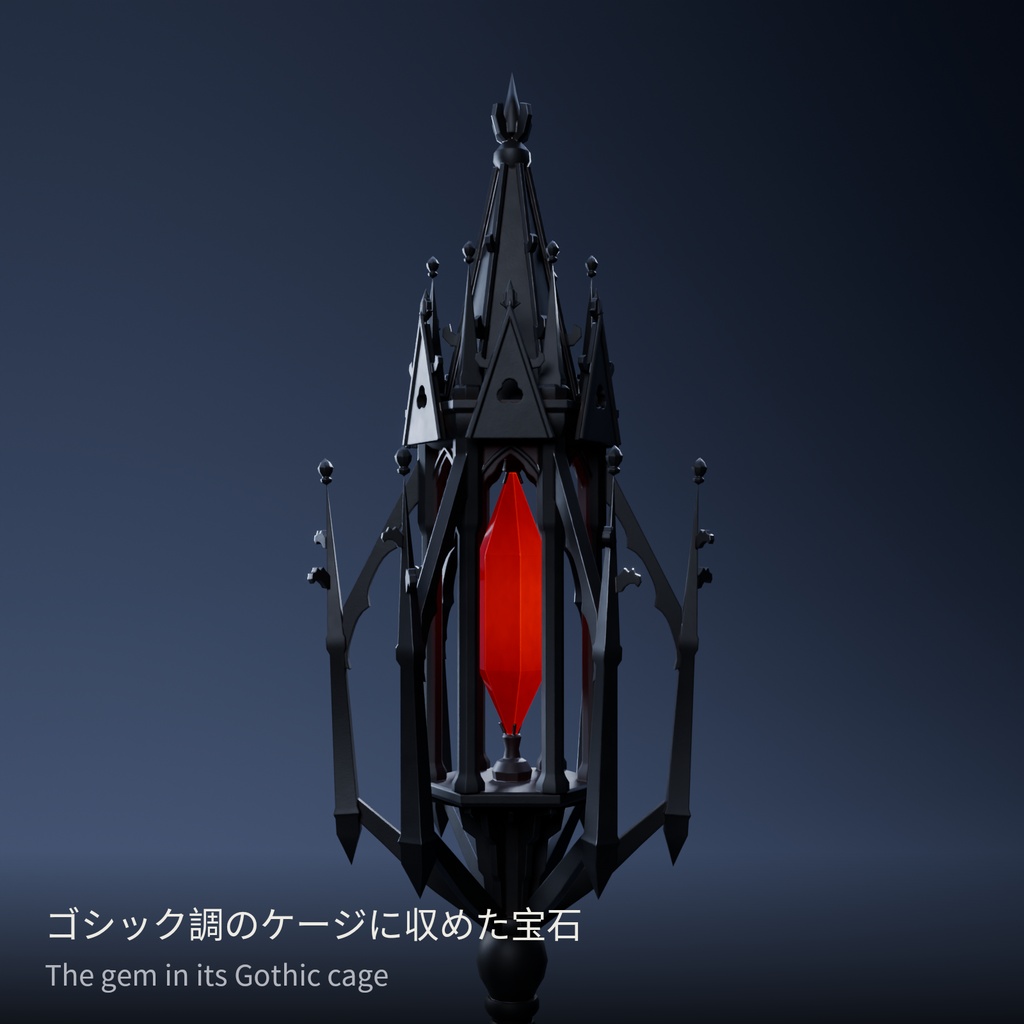
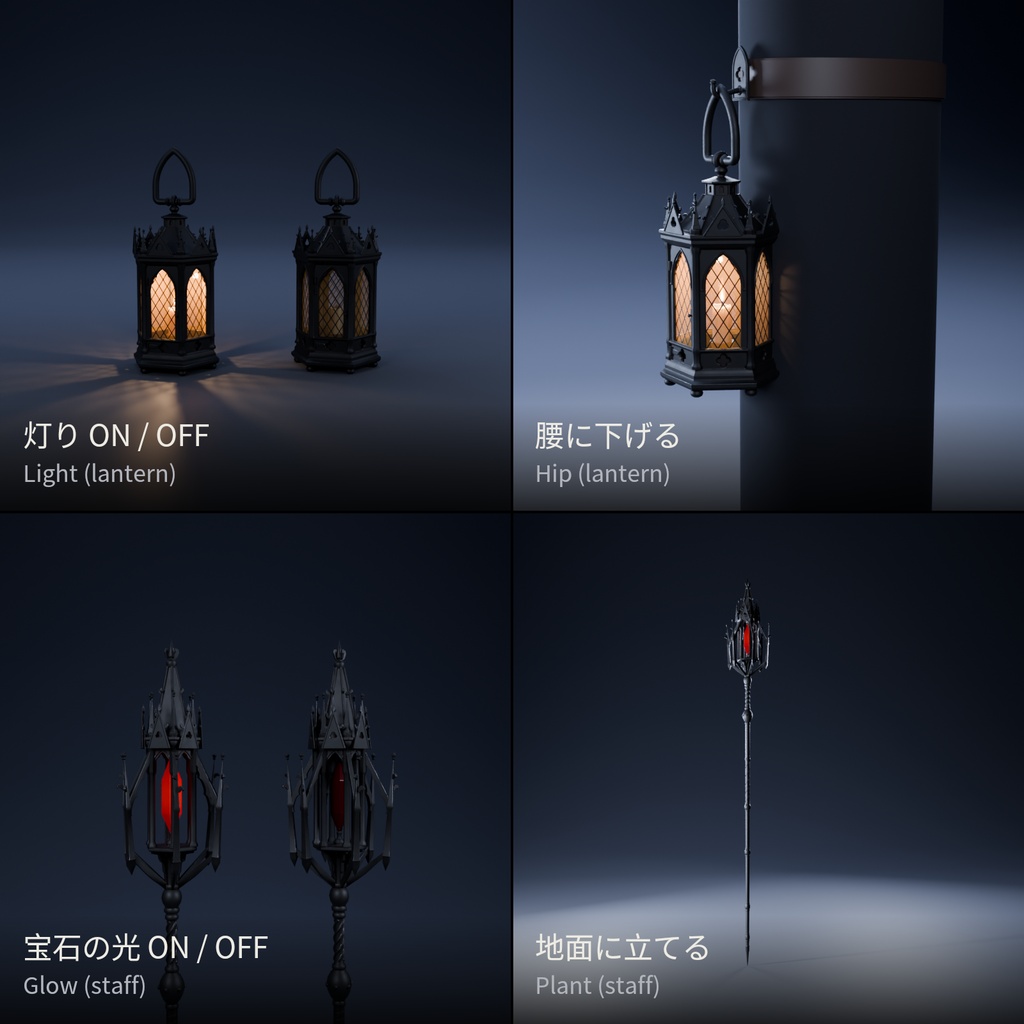
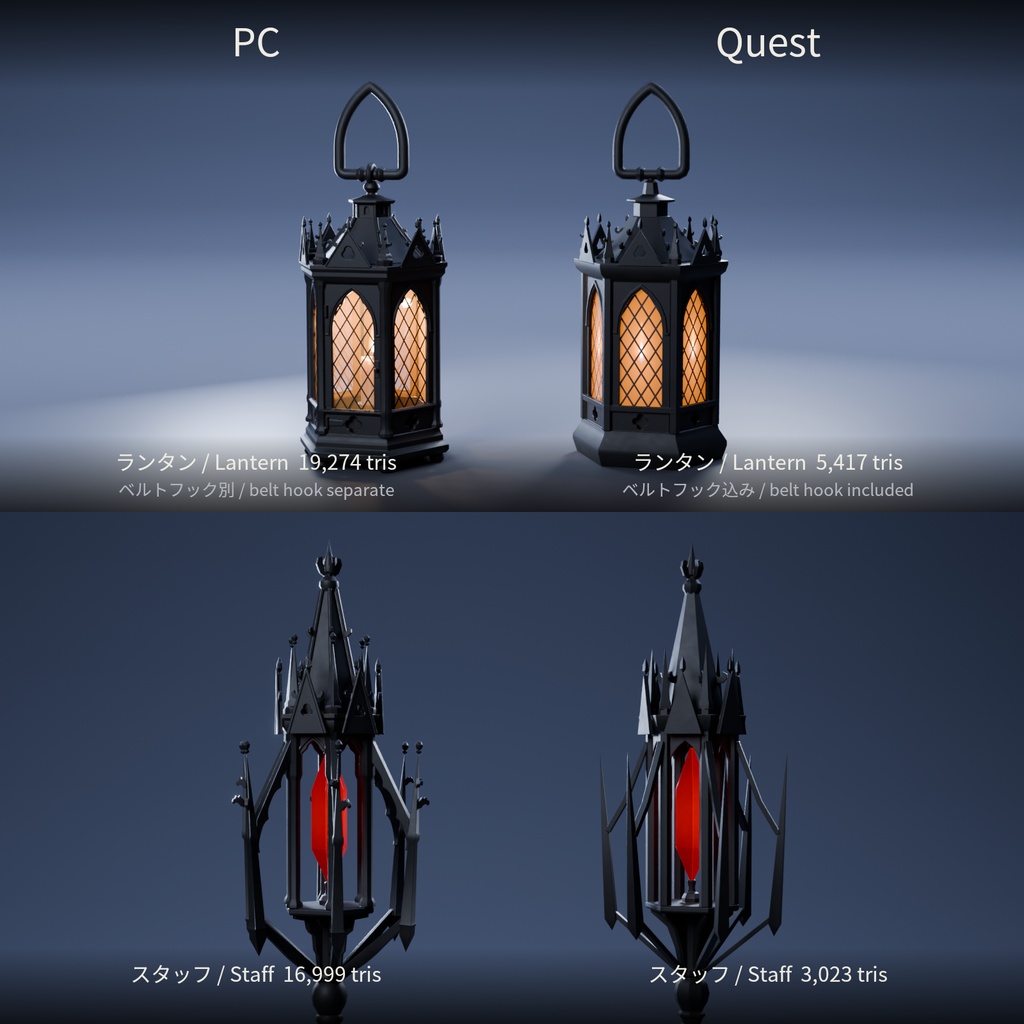
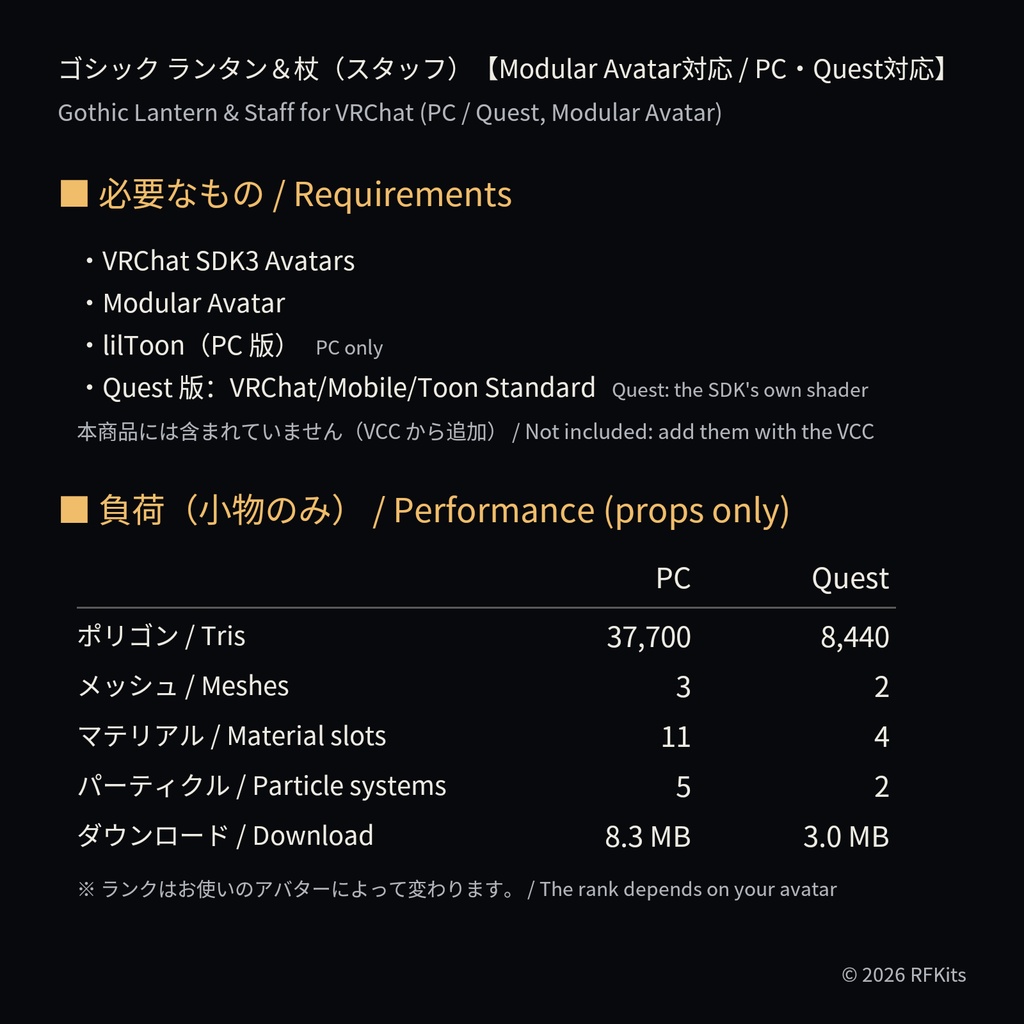


ゴシック・リバイバル様式の手持ちランタンと杖(スタッフ)のセットです。 Modular Avatar対応:プレハブをアバターに入れるだけでメニューとギミックが追加されます。 ■ 内容 ・ゴシック ランタン(PC 版 / Quest 版)+腰に下げるベルトフック ・ゴシック スタッフ 1.5 m(PC 版 / Quest 版) ・3色:Wrought(黒鉄・ガーネット)/ Brass(真鍮・シトリン)/ Moonlight(銀・アイスブルー) ・セットプレハブ:ランタンとスタッフをまとめて装着(ランタンは右手、スタッフは左手) ■ ギミック(Expression メニュー) ランタン:Show(表示)/ Hip(腰に下げる)/ Light(灯り ON / OFF・ろうそくの揺らぎ付き) スタッフ:Show(表示)/ Left hand(左手に持ち替え)/ Glow(宝石の光)/ Motes(光の粒)/ Plant(地面に立てる) ■ 必要なもの(本商品には含まれていません。VCC から追加してください) ・VRChat SDK3 Avatars ・Modular Avatar ・lilToon(PC 版のみ) ※ Quest 版は SDK 付属の VRChat/Mobile/Toon Standard を使います。 ■ 導入方法 1. VCC で上記のパッケージをアバターのプロジェクトに追加します。 2. unitypackage をインポートします。 3. Assets/RFKits/VRP/Prefabs/ のプレハブを、Hierarchy のアバター直下にドラッグ&ドロップします。 両方使うときは VRP_Set_Gothic_<色>(Quest 版は VRP_Set_Gothic_Quest_<色>)を、片方だけなら VRP_Lantern_Gothic_<色> または VRP_Staff_Gothic_<色> を使います。 4. 手や体型に合わせてアンカーの位置を調整します(ランタン:Anchor_Hand / Anchor_Hip、スタッフ:Anchor_Right / Anchor_Left)。 5. Quest 版は、SDK を Android に切り替えて、_Quest のプレハブを入れたアバターを別途アップロードします。 ■ 負荷(小物のみ) PC:約 37,700 ポリゴン、メッシュ 3、マテリアル 11、パーティクル 5、テクスチャメモリ 25 MB、ダウンロード 約 8.3 MB Quest:約 8,440 ポリゴン、メッシュ 2、マテリアル 4、パーティクル 2、テクスチャメモリ 9.5 MB、ダウンロード 約 3.0 MB ※ パフォーマンスランクはお使いのアバターによって変わります。非表示の小物もランクの計算に含まれます。 ※ PC:アバターと合わせて 70,000 ポリゴンを超えると Very Poor になります。 ※ Quest:小物だけでマテリアル数が Poor の上限(4)に達するため、どのアバターでも Very Poor になり、ほかの Quest ユーザーには初期設定でフォールバックアバターが表示されます。 ■ ご注意 ・装着直後は、ランタンもスタッフも非表示です。メニューの「Show」で表示してください。 ・セットプレハブ(VRP_Set_Gothic_〜)では、ランタンは右手、スタッフは左手が初期設定です(セットでは「Left hand」が ON の状態です)。スタッフ単体のプレハブは右手です(「Left hand」で左手に持ち替え)。 ・スタッフの持ち方は、前腕を前に出したポーズに合わせています。腕を下ろしたまま(デスクトップの待機姿勢など)では前に傾きます。「Plant」で地面にまっすぐ立てられます。 ・「Plant」が ON の間はスタッフがワールドに固定され、「Left hand」は無効になります(OFF で手に戻ります)。 ・Quest 版では、ランタンとベルトフックが 1つのメッシュにまとめられています。 ・「Light」は発光の表現で、周囲やアバターを照らすライトは含まれていません。 ・サムネイル画像は Blender でのレンダリングです。VRChat では lilToon(PC)/ Toon Standard(Quest)で表示されるため、見え方が異なります。 ・動作確認環境:Unity 2022.3.22f1 / VRChat SDK 3.10.6 / Modular Avatar 1.18.7 / lilToon 2.4.1。VRChat PC デスクトップ版の Build & Test(SDK のサンプルアバター)で確認しました。VR と Quest 実機は未確認です(Quest 版は SDK の Android ビルドチェックを通過しています)。 ■ 利用規約(概要) ・自分のアバターでの使用・改変:可 ・配信・動画・スクリーンショットへの使用(収益化・商用を含む):可 ・ご自身のワールドへの設置:可 ・パブリックアバター・ペデスタルでの使用:不可 ・再配布・共有・転売:不可 ・AI の学習データとしての使用:不可 詳細は同梱の LICENSE.txt をご覧ください。アップデートは BOOTH の購入履歴から無料でダウンロードできます。 制作:RFKits / お問い合わせ:rfstudiohq@gmail.com Blender・Unity での制作に、AI の補助を受けて書いたスクリプトを使用しています(画像生成 AI は不使用)。 ―――――――――― A Gothic Revival hand lantern and a matching staff for VRChat avatars. Modular Avatar ready: drop a prefab on your avatar and the menu and gimmicks are added for you. Contents ・Gothic lantern (PC and Quest) with a belt hook to hang it at the hip ・Gothic staff, 1.5 m (PC and Quest) ・Three finishes: Wrought (black iron, garnet), Brass (aged brass, citrine), Moonlight (pewter silver, ice blue) ・A Set prefab puts both on at once (the lantern in the right hand, the staff in the left) Gimmicks (Expressions menu) Lantern: Show / Hip (on the belt hook) / Light on / off (with a candle flicker) Staff: Show / Left hand / Glow (the gem) / Motes (floating sparkles) / Plant (stand it on the ground) Requirements (not included: add them with the VRChat Creator Companion) ・VRChat SDK3 Avatars ・Modular Avatar ・lilToon (PC only). The Quest versions use the SDK's own VRChat/Mobile/Toon Standard. Setup 1. Add the packages above to your avatar project with the VCC. 2. Import the .unitypackage. 3. Drag a prefab from Assets/RFKits/VRP/Prefabs/ onto your avatar in the Hierarchy: VRP_Set_Gothic_<Finish> (on Quest, VRP_Set_Gothic_Quest_<Finish>) for both, or VRP_Lantern_Gothic_<Finish> / VRP_Staff_Gothic_<Finish> for one. 4. Adjust the anchors to your avatar's hands and hips (lantern: Anchor_Hand / Anchor_Hip; staff: Anchor_Right / Anchor_Left). 5. For Quest, switch the SDK to Android and upload the avatar separately with the _Quest prefabs. Performance (props only) PC: about 37,700 tris, 3 meshes, 11 material slots, 5 particle systems, 25 MB texture memory, about 8.3 MB to download Quest: about 8,440 tris, 2 meshes, 4 material slots, 2 particle systems, 9.5 MB texture memory, about 3.0 MB to download ・The rank depends on your avatar. Hidden props still count. ・PC: over 70,000 tris in total, avatar included, ranks Very Poor. ・Quest: the props alone use the whole Poor budget for material slots (4), so any avatar wearing them ranks Very Poor, and other Quest users see your fallback avatar by default. Notes ・Both props start hidden: turn them on with Show in the menu. ・In the Set prefab the lantern starts in the right hand and the staff in the left (Left hand starts on). The staff's own prefab starts in the right hand (switch with Left hand). ・The staff's hold is set for a forearm-forward pose. With the arm hanging (the desktop idle pose, for example) it tilts forward; Plant stands it upright. ・While planted, the staff is fixed in the world and Left hand has no effect until you turn Plant off. ・On Quest the lantern and its belt hook are one mesh. ・Light is an emissive glow: it does not light up your avatar or the world. ・The gallery images are Blender renders. In VRChat the props use lilToon (PC) and Toon Standard (Quest), so they look different. ・Tested with Unity 2022.3.22f1, VRChat SDK 3.10.6, Modular Avatar 1.18.7 and lilToon 2.4.1, with a Build & Test in the VRChat PC desktop client (SDK sample avatar). Not yet tested in VR or on a Quest headset; the Quest prefabs pass the SDK's Android build checks. Terms of use (summary) ・Use and modify on your own avatars: yes ・Streams, videos and screenshots, commercial use included: yes ・Placing them in your own worlds: yes ・Public avatars and pedestals: no ・Redistributing, sharing or reselling the files: no ・AI training: no Full terms: LICENSE.txt in the download. Updates are free from your BOOTH library. Made by RFKits. Support: rfstudiohq@gmail.com Built in Blender and Unity with AI-assisted scripts; no image-generation AI used.