
デイジー /Daisy🌼 Face Tracking Addon
- ダウンロード商品¥ 3,500
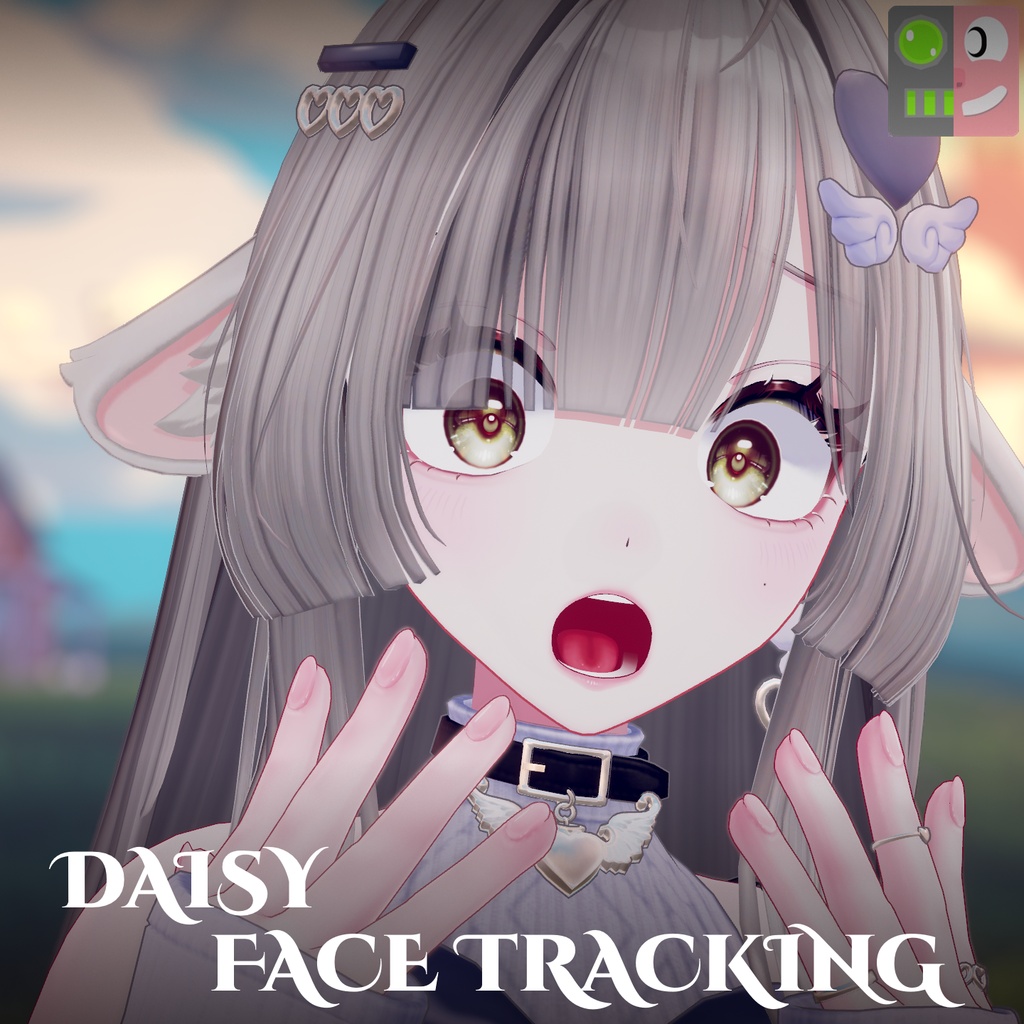


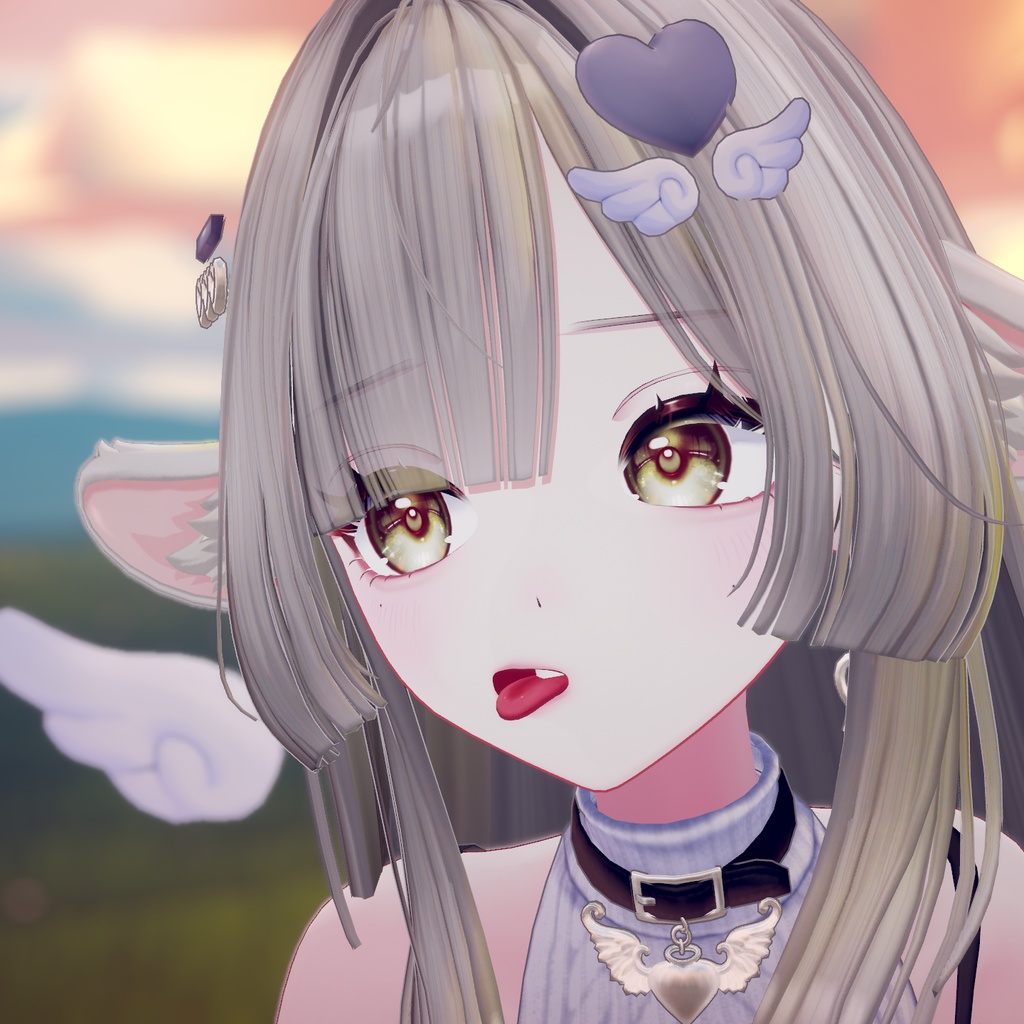

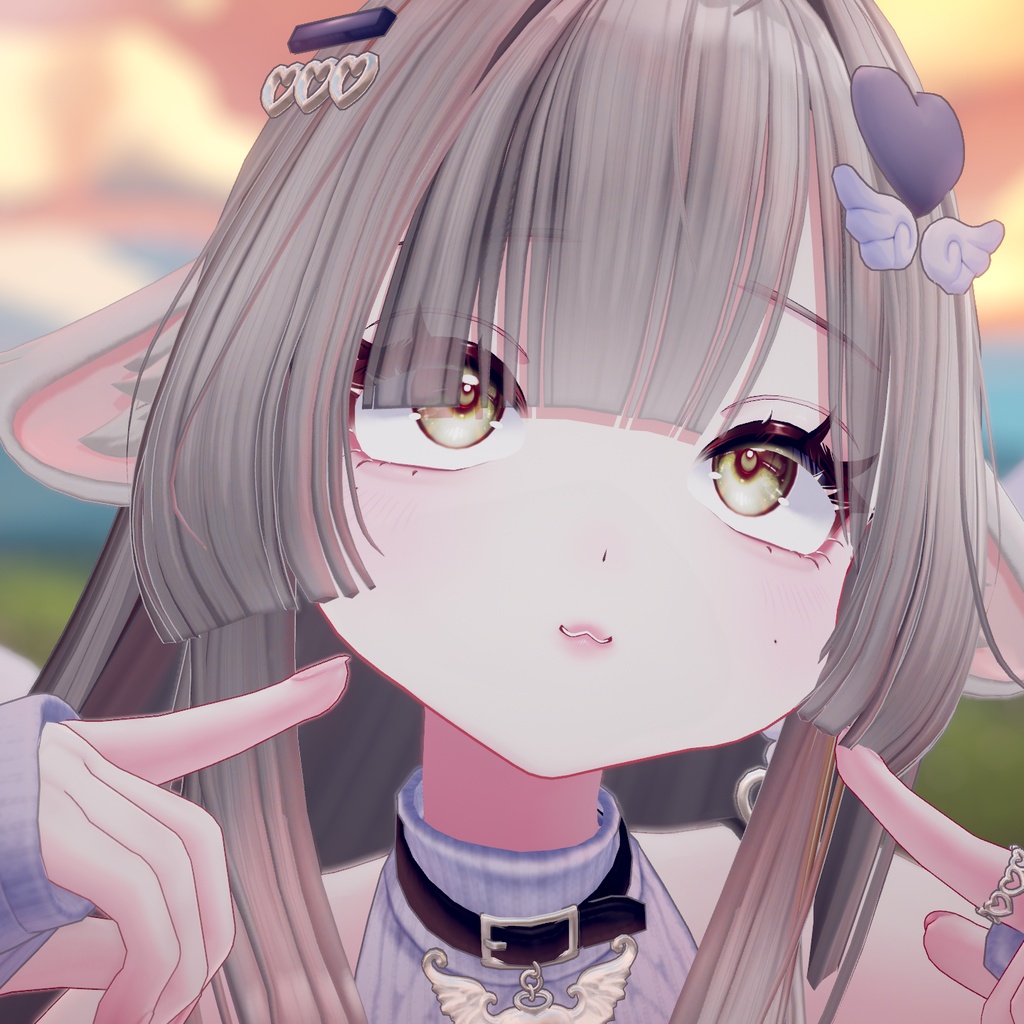




Daisy フェイストラッキング (FT) アドオン - by Smoke-y Daisy FT: VRChat用アバター「Daisy」(kyopShop 様)向けの、フルフェイストラッキング対応アドオンです。 Daisy モデル: https://booth.pm/ja/items/9055819 **本アドオンは VRChat の新しいネイティブ・フェイストラッキングシステムを使用します。** [ パラメータ消費はごくわずか ] VRChat 標準のフェイストラッキングを利用するため、従来の OSC パラメータ方式は不要です。フェイストラッキングがアバターに追加するのは、以下だけです。 - 追加されるパラメータ数: 11 - 追加される同期パラメータ数: 6 - 追加される同期ビット数: 6 / 256 [ 特徴 ] - VRChat 標準のフェイストラッキングを使用し、パラメータ消費は極めて少なめ - 目とまぶたのトラッキング、瞳孔の拡大・縮小(アイダイレーション) - 眉、口、顎、舌、頬、鼻のトラッキング (Unified Expressions) - 表情に合わせて動く、耳・羽・しっぽのリアクション - 視線に合わせて動く耳 - :3 口のトグル - :3 をデフォルト表情として使っているかを自動で検出し、それに合わせて自動調整します - フェイストラッキング用メニューに Effects トグルを搭載 - Custom Avatar Patcher ウィンドウ (Tools > Smokey > Daisy > Custom Avatar Patcher): アバターをドラッグして Apply を押すだけ - FBX Patcher (Tools > Smokey > Daisy > FBX Patcher): お手持ちの Daisy オリジナル FBX から、フェイストラッキング用ブレンドシェイプ入りの FBX を生成します [ 使い方 ] 1. パッケージをインポートします。 2. Daisy アバターをシーンに配置します。 3. Tools > Smokey > Daisy > Custom Avatar Patcher を開きます。 4. Hierarchy からアバターを枠にドラッグし、Apply をクリックします。 5. 通常どおりアップロードします。 詳しい手順はパッケージ内の README.txt (英語) と README-JP.txt (日本語) をご覧ください。 [ 必要なもの ] - VRChat SDK - Avatars 3.10.6 以降 - VRCFT (VRCFaceTracking) ベータ版 (2026/11/13 時点) - kyopShop 様のオリジナル Daisy モデル(Ver 1.0.1 で動作確認) - Modular Avatar - lilToon(Daisy に必要です) - フェイストラッキング対応機器 [ 含まれないもの ] - Daisy モデル、テクスチャ、元の FBX [ スペシャルサンクス ] フェイストラッキングのブレンドシェイプは、Adjerry91 様の Face Tracking Templates でアニメーションしています。 https://github.com/Adjerry91/VRCFaceTracking-Templates FBX Patcher は Hash 様の Edit Distributor をベースにしています。 https://github.com/HashEdits/Face-Tracking-Patcher [ 免責事項 ] 本商品は非公式のアドオンであり、kyopShop 様とは一切関係ありません。Daisy (c) kyopShop の著作権は制作者に帰属します。利用規約をお守りください。本アドオンで作成したアバターや FBX は共有しないでください。 [ 更新情報 ] v1.0 (2026/11/18) - 初回リリース。Daisy Ver 1.0.1 に対応しています。 ========================================= ENGLISH ========================================= DAISY FACE TRACKING (FT) ADD-ON - by Smoke-y Daisy FT: full face tracking for the VRChat avatar Daisy by kyopShop Daisy Model: https://booth.pm/ja/items/9055819 **This add-on uses VRChat's NATIVE face tracking system.** [ Very light on parameters ] It uses VRChat's built-in face tracking, so the old OSC parameter setup is not needed. This is everything face tracking adds to your avatar: - Parameters added: 11 - Synced parameters added: 6 - Synced bits added: 6 / 256 [ Features ] - Uses VRChat's native face tracking, with very low parameter cost - Eye and eyelid tracking, eye dilation - Brow, mouth, jaw, tongue, cheek and nose tracking (Unified Expressions) - Ears, wings and tail that react to your expression - Ears that follow your gaze - :3 mouth toggle - Automatically detects whether you're using the :3 default expression and adjusts accordingly - Effects toggle in the face tracking menu - Custom Avatar Patcher window (Tools > Smokey > Daisy > Custom Avatar Patcher): drag your avatar in, press Apply - FBX Patcher (Tools > Smokey > Daisy > FBX Patcher): generates an FBX with my face tracking blendshapes from your own original Daisy FBX [ How to use ] 1. Import the package. 2. Put your Daisy avatar in the scene. 3. Open Tools > Smokey > Daisy > Custom Avatar Patcher. 4. Drag your avatar from the Hierarchy into the box and click Apply. 5. Upload as normal. Full steps are in README.txt (English) and README-JP.txt (Japanese) inside the package. [ Requirements ] - VRCHAT SDK - AVATARS 3.10.6 OR NEWER - VRCFT (VRCFaceTracking) BETA version (as of 2026/11/13) - The original Daisy model by kyopShop (tested with Ver 1.0.1) - Modular Avatar - lilToon (required by Daisy) - FT Hardware [ Not included ] - The Daisy model, textures or original FBX [ Special Thanks ] Face tracking blendshapes are animated by Adjerry91's Face Tracking Templates https://github.com/Adjerry91/VRCFaceTracking-Templates The FBX Patcher is based on Hash's Edit Distributor https://github.com/HashEdits/Face-Tracking-Patcher [ Disclaimer ] This is an unofficial add-on and is not affiliated with kyopShop. Daisy (c) kyopShop belongs to its creator; please follow its terms of use. Do not share avatars or FBX files made with this add-on. [ UPDATES ] v1.0 (2026/11/18) - First release. Made for Daisy Ver 1.0.1.