

Constellation FX|星座のバフエフェクト・별자리 버프 이펙트【MA対応・VRChat VFX / Unity】
- ダウンロード商品¥ 500
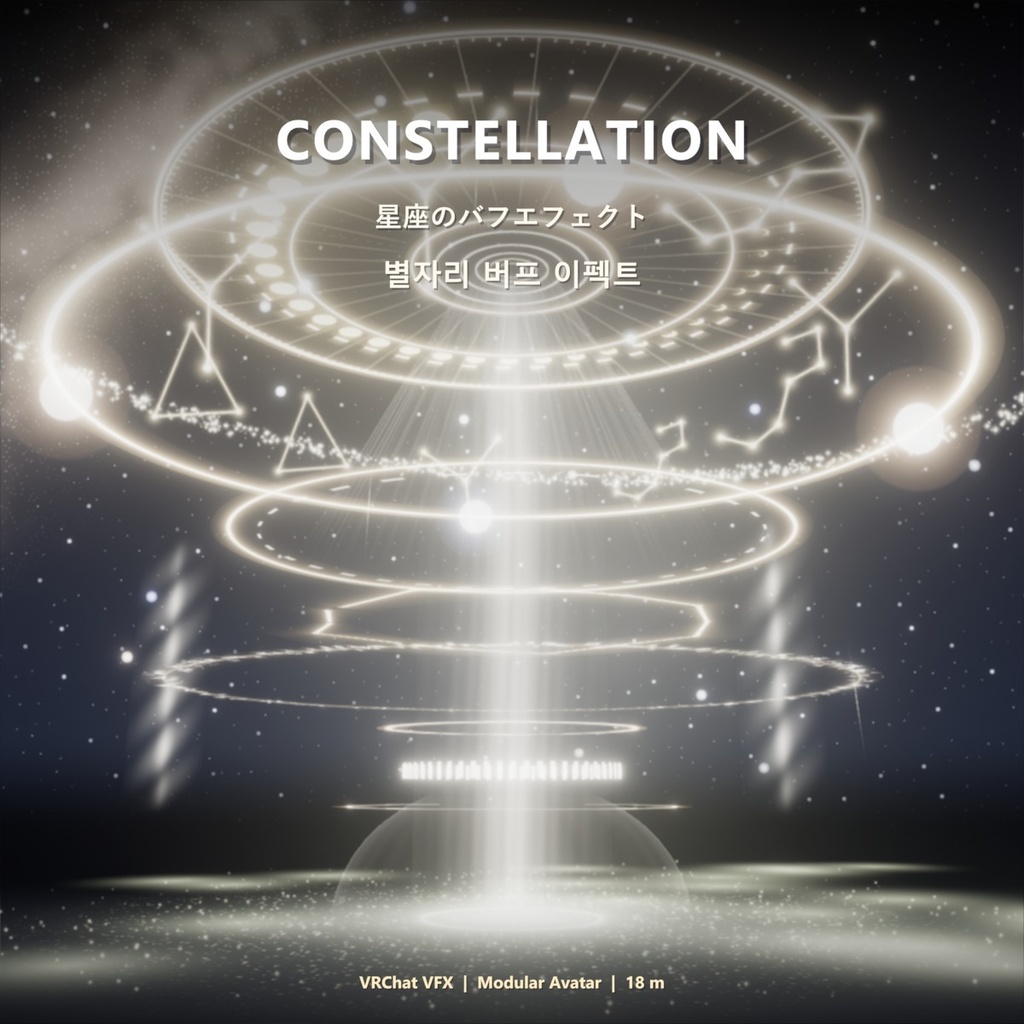
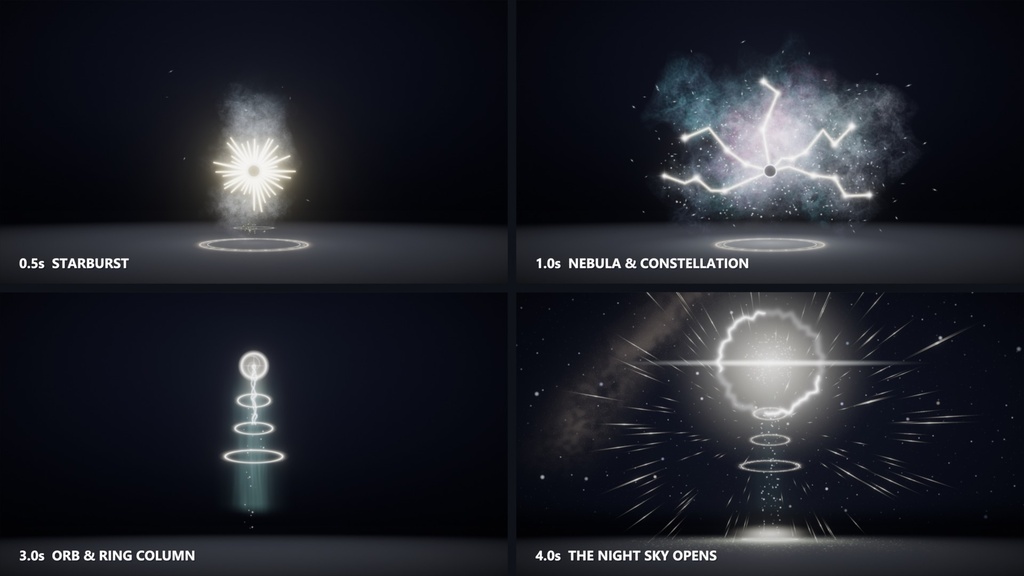
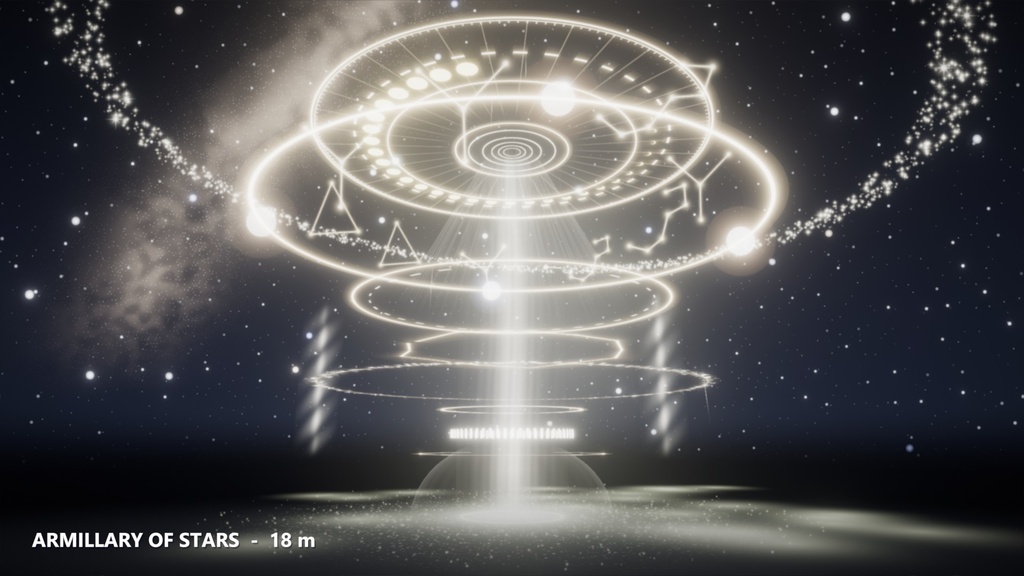
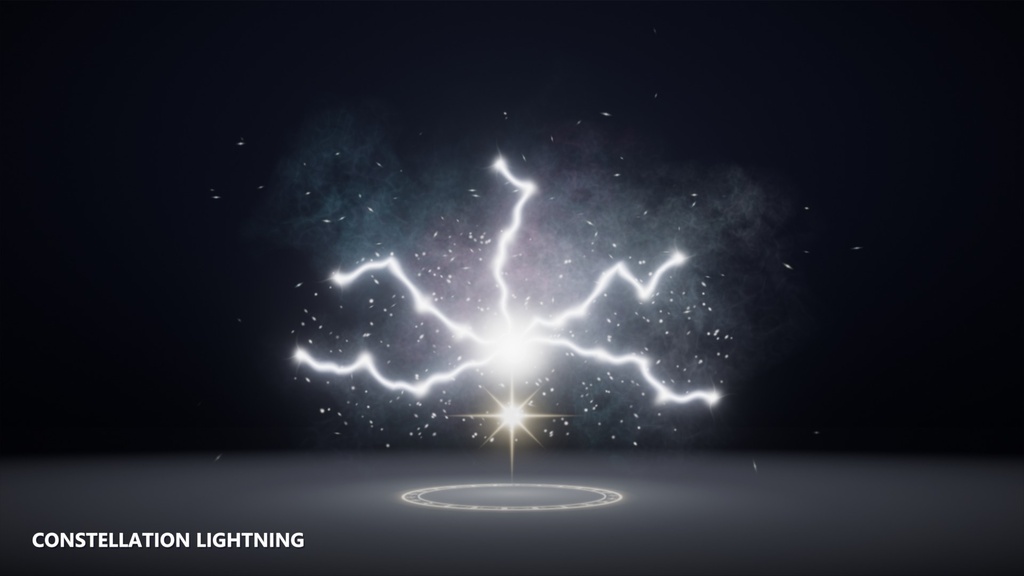
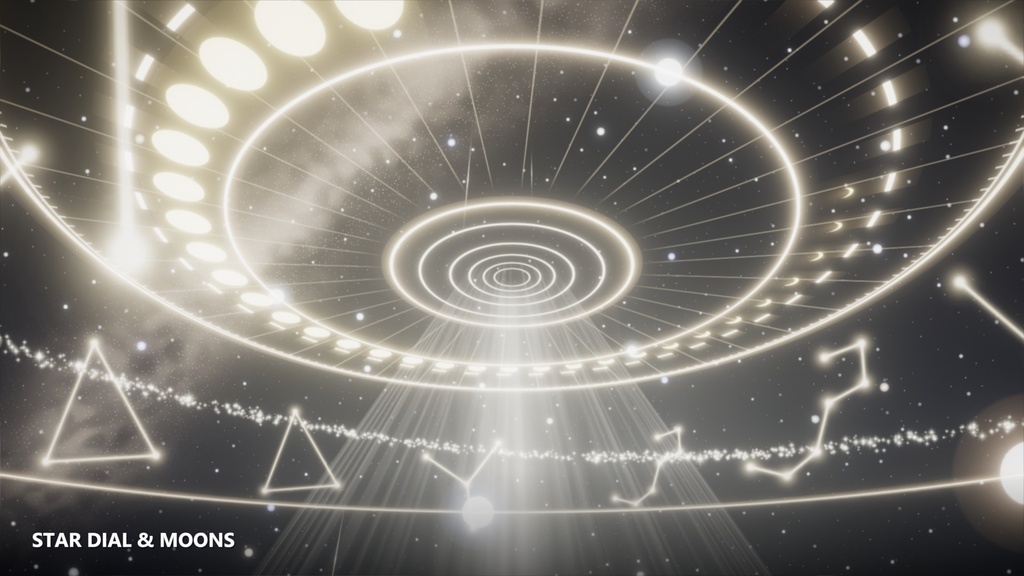
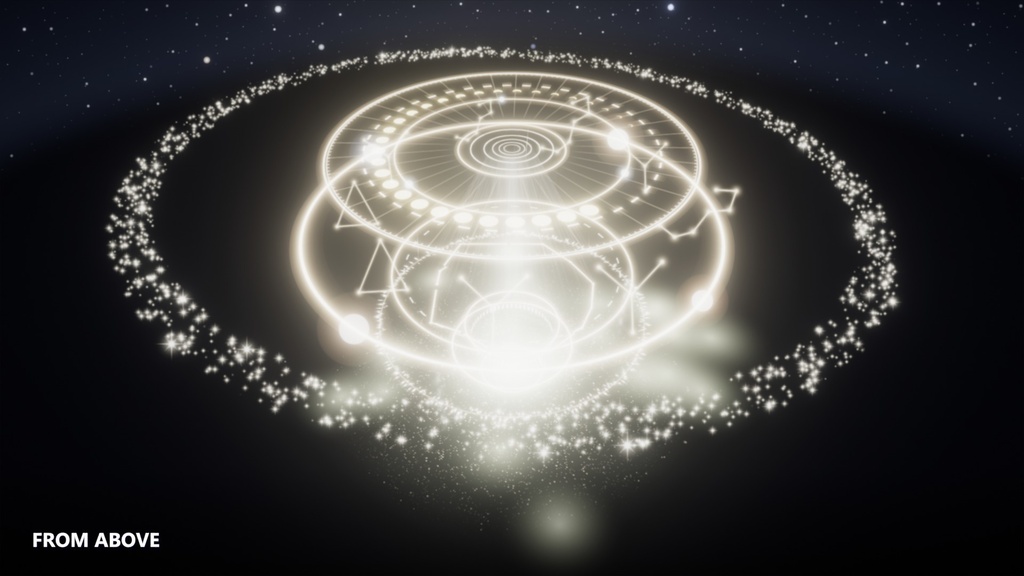
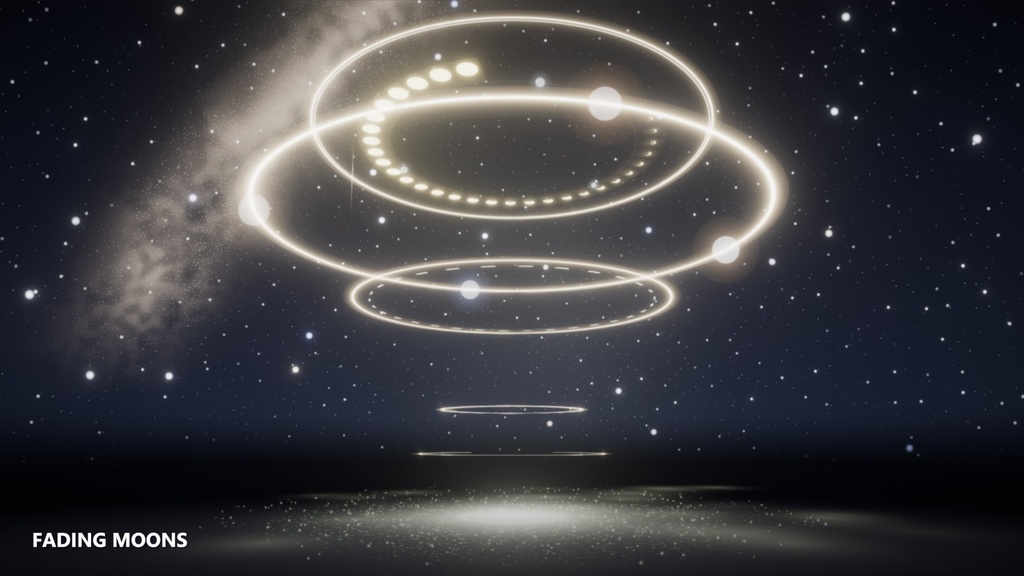
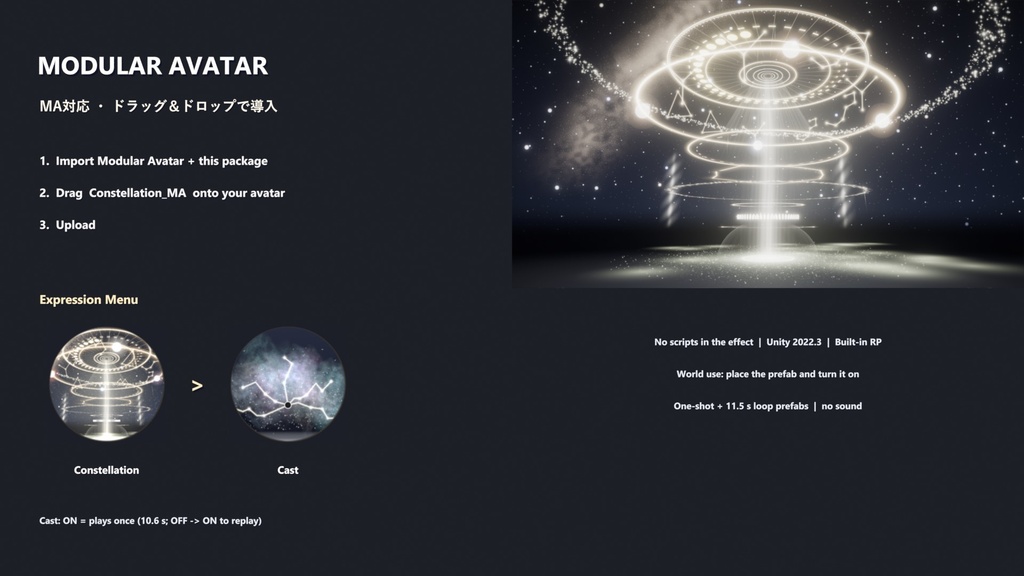


光の円が術者を包み、白い煙の柱と星の光が花火のように開く ── 煙は青と桃色の星雲になり、黒い核から星座の線が走ります。 稲妻のような閃きのあと、頭上に光の球と三つの輪。球が弾けると夜空が開き、高さ約 18 m の天球儀が現れます。 目盛りの文字盤、満ち欠ける月、星座、惑星、星の環、光の柱 ── 月が欠けながら約 10 秒で消える、星属性のバフエフェクトです(音なし)。 【Modular Avatar 対応】アバターにプレハブをドラッグ&ドロップするだけで、Expression メニューから再生できます。 ワールドではプレハブを置いてオブジェクトを ON にするだけで再生されます。 Unity 2022.3 / Built-in Render Pipeline / VRChat 向け。エフェクト本体にスクリプトは使っていません(パーティクル・シェーダーのみ)。 ■ 内容 ・Constellation_MA … アバター用 Modular Avatar プレハブ(メニュー: Cast) ・Constellation … エフェクト全体(全パーティクルを 1 つに統合・1 回再生 10.6 秒) ・Constellation_Loop … 11.5 秒ごとに繰り返す展示用 ・専用シェーダー 4 種(輪と文字盤・星座の線・夜空・パーティクル) ・オリジナルのテクスチャ、メッシュ、マテリアル ・説明書(日本語 / English / 한국어) ■ 導入方法(アバター / Modular Avatar) 1. Modular Avatar を導入した後、この unitypackage をインポート https://modular-avatar.nadena.dev/ja 2. MA フォルダの Constellation_MA をアバターのルート直下にドラッグ&ドロップ 3. アップロード ■ 使用方法(アバター) Expression メニュー → Constellation → Cast … ON で 1 回再生(もう一度見るときは OFF → ON) ※ 原点はアバターの足元で、エフェクトはアバターと一緒に動きます。 ※ エディタでは中のエフェクトが ON のまま表示されます(ゲーム内では Cast を ON にしたときだけ表示)。 ■ 使い方(ワールド) 1. Prefabs の Constellation をシーンに置く(原点 = 術者の足元) 2. オブジェクトを ON にする(Udon トグルやアニメーターで)。常に流すなら Constellation_Loop を 3. 大きさはルートの Scale で変更できます(高さ約 18 m・直径約 25 m の大きなエフェクトです) ■ 動作環境 ・Unity 2022.3 / Built-in RP / VRChat SDK3 ・アバター: VRChat SDK Avatars + Modular Avatar 1.10 以降 ・Unity 2022.3.22f1 / VRChat SDK 3.10.4 / Modular Avatar 1.18.2 のエディタ(PC)で確認しています。 Quest(Android)と、VRChat 内での複数人の同期は未確認です。 ・パーティクルシステムが 33 個あるため、アバターではパフォーマンスランクが Very Poor になります(PC 専用)。 ■ ご注意 ・音は入っていません。 ・キャラクターとワールドは付属しません。 ・商品画像は Unity で撮影し、ブルームをかけています。 ・利用規約と更新履歴は下の項目をご覧ください。 ---------------------------------------------------------------------- English ---------------------------------------------------------------------- A circle of light wraps the caster, a white smoke column rises and starlight bursts open - the smoke becomes a blue and pink nebula and constellation lines run from a dark core. After a flash of lightning, an orb and three rings appear overhead; when the orb bursts the night sky opens and an armillary of stars about 18 m high appears: a star dial, waxing and waning moons, constellations, planets, a ring of stars and beams of light, fading with the moons after about 10 seconds. A star buff effect (no sound). [Modular Avatar support] Drag the prefab onto your avatar and play it from the Expression menu. In worlds, place the prefab and turn the object on. Unity 2022.3 / Built-in Render Pipeline / for VRChat. No scripts in the effect: particle systems and shaders only. Contents - Constellation_MA: Modular Avatar prefab for avatars (menu: Cast) - Constellation: the whole effect, all particles integrated in one prefab (plays once, 10.6 s) - Constellation_Loop: repeats every 11.5 s for showcases - 4 custom shaders (rings and dial, constellation lines, night sky, particles) - Original textures, meshes and materials; manual in Japanese, English and Korean Setup (avatars / Modular Avatar) 1. Install Modular Avatar, then import this unitypackage (https://modular-avatar.nadena.dev/) 2. Drag MA/Constellation_MA directly under your avatar root 3. Upload Use (avatars): Expression menu > Constellation > Cast: on = plays once (turn it off and on again to replay). Use (worlds): place Prefabs/Constellation (origin = caster's feet), turn the object on; resize with the root Scale. Requirements - Unity 2022.3 / Built-in RP / VRChat SDK3; avatars: VRChat SDK Avatars + Modular Avatar 1.10 or later - Checked in the editor (PC) with Unity 2022.3.22f1 / VRChat SDK 3.10.4 / Modular Avatar 1.18.2. Not tested on Quest (Android) or for multi-user sync inside VRChat. - 33 particle systems, so avatars get the Very Poor rank (PC only). Notes: no sound. No character or world is included. Product images were captured in Unity with bloom. ---------------------------------------------------------------------- 한국어 ---------------------------------------------------------------------- 빛의 원이 시전자를 감싸고 흰 연기 기둥과 별빛이 불꽃처럼 터지면 — 연기는 푸른·분홍 성운이 되고 검은 핵에서 별자리 선이 뻗어 나갑니다. 번개 같은 번쩍임 뒤 머리 위에 빛의 구슬과 세 개의 링. 구슬이 터지면 밤하늘이 열리고 높이 약 18 m의 천구가 나타납니다. 눈금 다이얼, 차고 기우는 달, 별자리, 행성, 별의 고리, 빛기둥 — 달이 이지러지며 약 10초 뒤 사라지는 별 속성 버프 이펙트입니다(소리 없음). 【Modular Avatar 대응】 아바타에 프리팹을 드래그&드롭하기만 하면 Expression 메뉴에서 재생할 수 있습니다. 월드에서는 프리팹을 놓고 오브젝트를 켜기만 하면 재생됩니다. Unity 2022.3 / Built-in Render Pipeline / VRChat용. 이펙트 본체에 스크립트 없음(파티클·셰이더만). 내용 ・Constellation_MA … 아바타용 Modular Avatar 프리팹(메뉴: Cast) ・Constellation … 이펙트 전체(모든 파티클을 하나로 통합, 1회 재생 10.6초) ・Constellation_Loop … 11.5초마다 반복하는 전시용 ・전용 셰이더 4종(링·다이얼, 별자리 선, 밤하늘, 파티클) ・오리지널 텍스처, 메쉬, 머티리얼, 설명서(일본어 / 영어 / 한국어) 도입 방법(아바타 / Modular Avatar) 1. Modular Avatar를 설치한 뒤 이 unitypackage를 임포트 (https://modular-avatar.nadena.dev/) 2. MA 폴더의 Constellation_MA를 아바타 루트 바로 아래에 드래그&드롭 3. 업로드 사용 방법(아바타): Expression 메뉴 → Constellation → Cast 켜면 1회 재생(다시 보려면 껐다 켜기) 사용법(월드): Prefabs의 Constellation을 놓고(원점 = 시전자 발밑) 오브젝트 켜기. 크기는 루트 Scale로 조절. 동작 환경 ・Unity 2022.3 / Built-in RP / VRChat SDK3, 아바타: VRChat SDK Avatars + Modular Avatar 1.10 이상 ・Unity 2022.3.22f1 / VRChat SDK 3.10.4 / Modular Avatar 1.18.2 에디터(PC)에서 확인했습니다. Quest(Android)와 VRChat 안의 여러 명 동기화는 확인하지 않았습니다. ・파티클 시스템이 33개라 아바타에서는 퍼포먼스 랭크가 Very Poor가 됩니다(PC 전용). 주의: 소리는 없습니다. 캐릭터와 월드는 포함되어 있지 않습니다. 상품 이미지는 Unity에서 블룸을 넣어 찍었습니다.
Terms of Service
本データの著作権は作者に帰属します。 〇 ご自身の作品(VRChat ワールド・アバター、ゲーム、動画、画像)での利用(個人・商用可) 〇 ご自身の作品で使うための改変 ✕ 改変の有無にかかわらず、アセット・エフェクト素材・ギミック・他のアセットの一部としての再配布・再販売 (他の人に販売・配布するアバターやパッケージに含めることも含みます) ✕ 自作と偽ること クレジット表記は任意です。現状のまま提供され、利用によって生じた損害について作者は責任を負いません。 詳細は同梱の LICENSE.txt(日本語 / English / 한국어)をご覧ください。
Update information
2026-11-19 v1.0.0 公開 / First release / 첫 공개