
uniqu3 Scale Copycat
- ダウンロード商品¥ 500
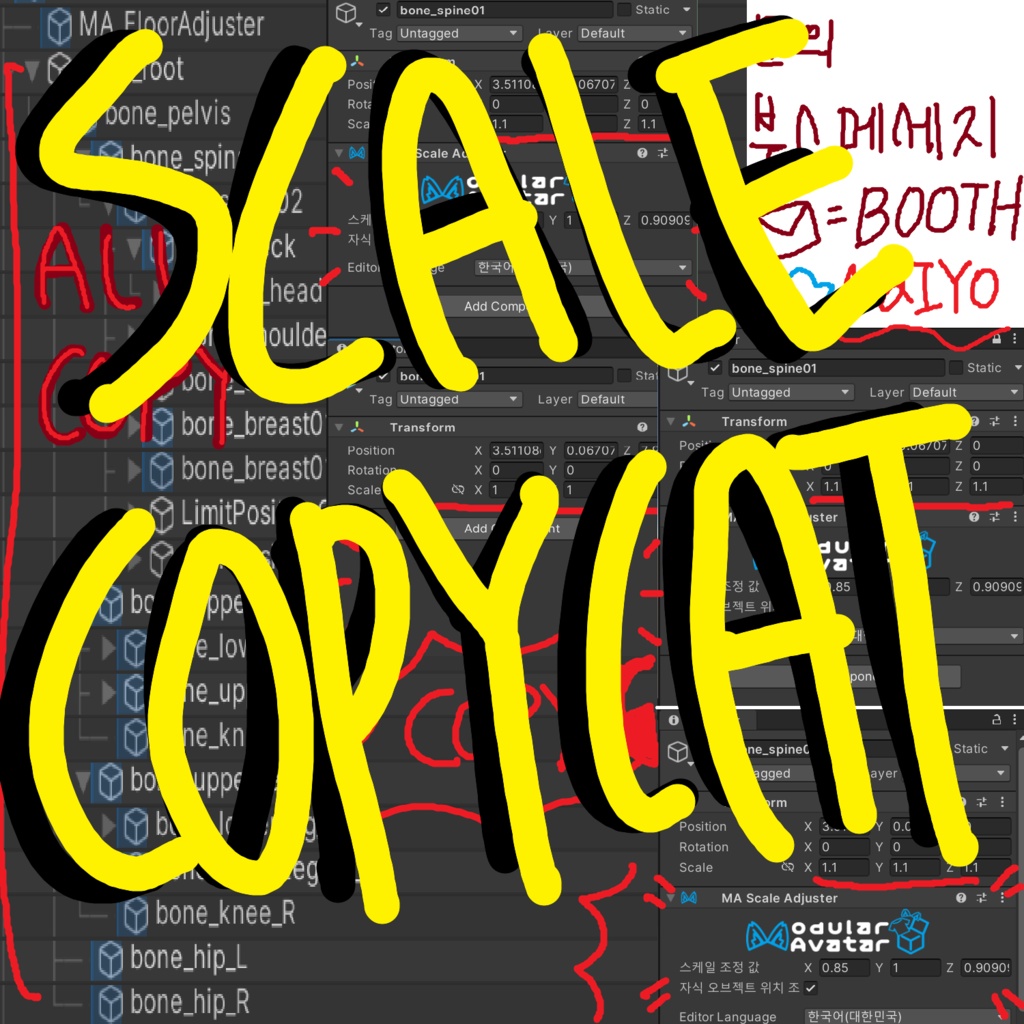
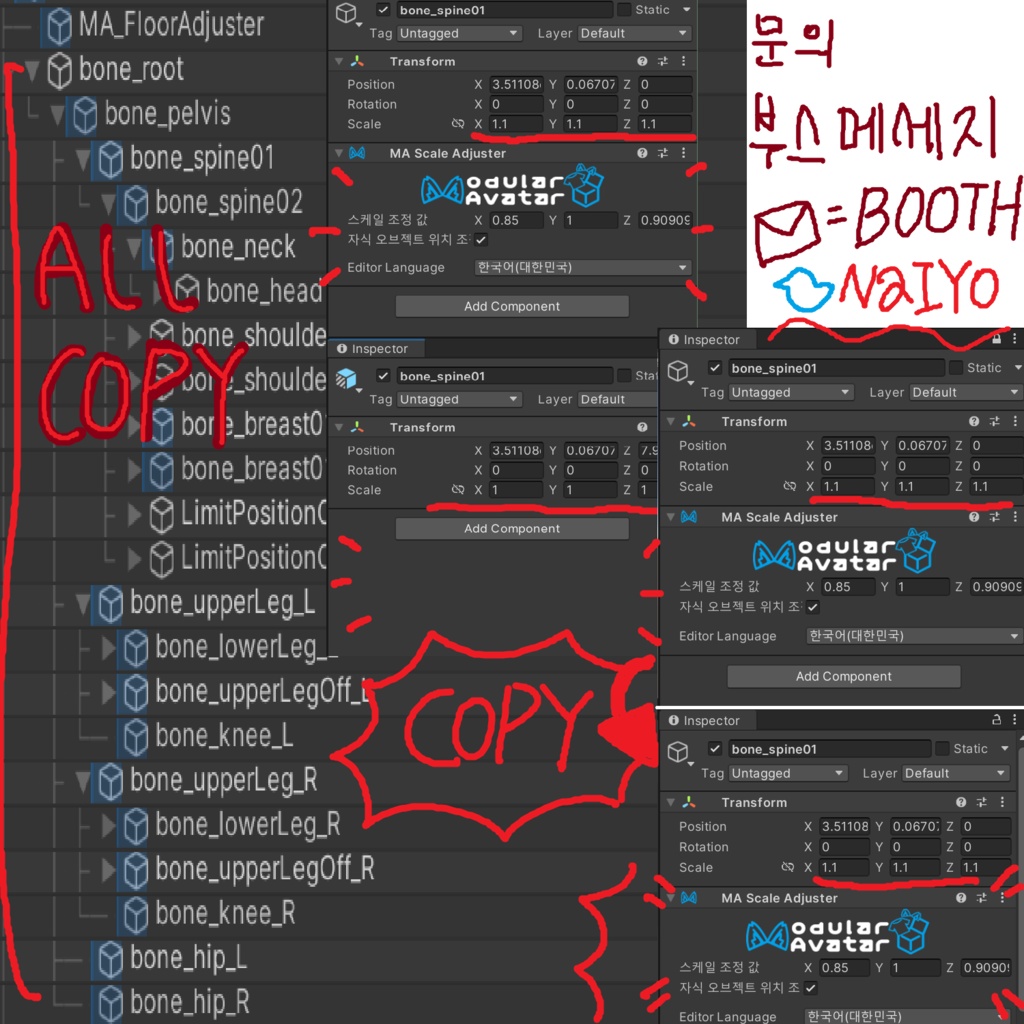
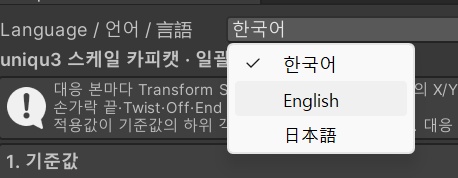
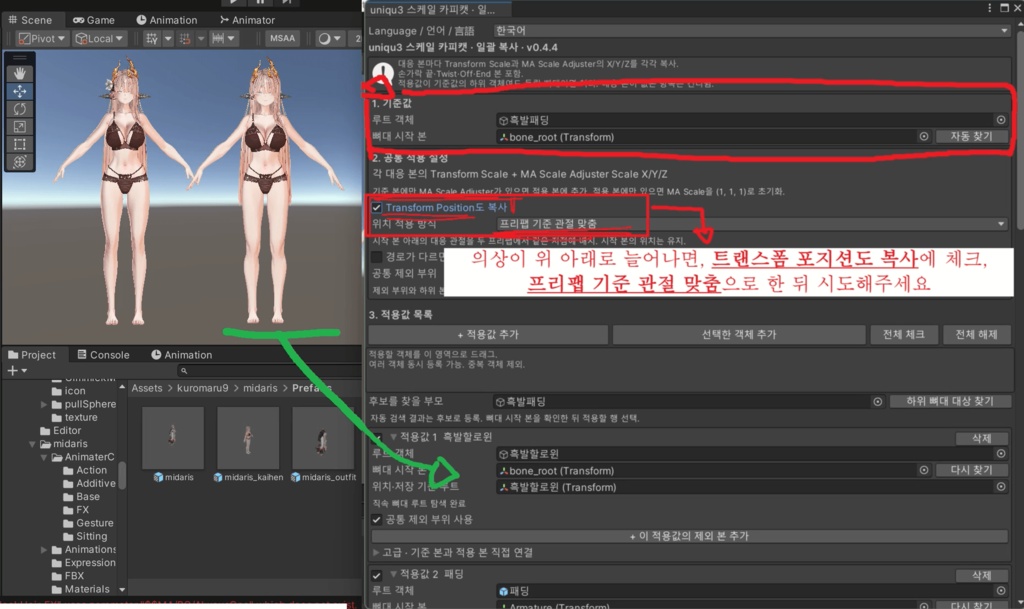


uniqu3 스케일 카피캣 아바타의 다리 길이나 팔 굵기를 바꾼 뒤, 의상마다 같은 본을 찾아 수치를 다시 입력하던 작업을 줄여주는 Unity 에디터 툴입니다. 체형을 수정한 아바타를 기준으로 지정하고 원하는 의상을 선택하면, 대응하는 본마다 X·Y·Z 스케일을 그대로 복사합니다. 의상 한 벌만 맞추거나 여러 벌을 골라 한 번에 적용할 수 있습니다. · 손가락 끝과 보조 본까지 대응하는 본을 찾아 Transform 스케일과 Modular Avatar의 MA Scale Adjuster 배율을 각각 복사합니다. · 스케일 복사 후 무릎이나 발목의 위치도 맞춰야 한다면 관절 위치 복사 옵션을 사용할 수 있습니다. · 의상에 설정한 PhysBone과 Constraint 등 기존 컴포넌트를 유지합니다. 의상에만 있는 체인이나 장식 본은 원래 로컬 값을 유지하고 부모 본을 따라갑니다. 적용 후 장식이 뜨거나 파묻힐 때만 부착 위치를 조정하면 됩니다. · 적용 전에 본별 변경값을 확인할 수 있으며, 일괄 적용은 한 번의 Undo로 되돌릴 수 있습니다. 툴과 사용 설명서에서 한국어·영어·일본어를 선택할 수 있습니다. uniqu3 Scale Copycat Changed your avatar’s leg length or arm thickness? Scale Copycat is a Unity Editor tool that copies your adjustments to the outfits you choose. Select your edited avatar as the source, then pick a single outfit or update several in one batch. • Copy scales bone by bone. For each matching bone, including fingertips and helper bones, the tool copies the X, Y and Z values for Transform scale and Modular Avatar’s MA Scale Adjuster separately. • Align joints when needed. By default, the tool copies scale only. If an outfit’s knees or ankles still sit too high or too low, you can also align their joint positions. • Keep your outfit’s existing setup. PhysBones and constraints stay in place. Outfit-only bones, such as those for chains or charms, keep their local position, rotation and scale while following their parent bone. If a charm floats or clips into the body after applying, adjust its attachment point. Preview the changes for each bone before applying. You can undo an entire batch in one step. Both the tool and the user guide are available in English, Japanese and Korean. uniqu3 スケールコピーキャット アバターの脚の長さや腕の太さを変えたあと、衣装ごとに同じボーンを探して数値を入れ直していませんか? スケールコピーキャットは、調整済みのアバターから、選んだ衣装へボーンごとのスケールをコピーできる Unity エディター拡張です。衣装一着だけでも、複数の衣装をまとめてでも適用できます。 ・指先や補助ボーンまで個別にコピー。対応するボーンごとに、Transform のスケールと Modular Avatar の MA Scale Adjuster の倍率を、それぞれ X・Y・Z の各軸でコピーします。 ・関節の位置合わせはオプション。初期設定ではスケールのみをコピーします。適用後も衣装の膝や足首の高さが合わない場合は、関節の位置も合わせられます。 ・衣装のセットアップを維持。設定済みの PhysBone や Constraint はそのまま使えます。衣装にだけあるチェーンやチャームのボーンは、元のローカル位置・回転・スケールを保ったまま親ボーンに追従します。装飾が浮いたり体に埋もれたりした場合だけ、取り付け位置を調整してください。 適用前にボーンごとの変更内容を確認でき、一括適用は 1 回の Undo で取り消せます。ツールと操作ガイドは日本語・英語・韓国語に対応しています。 ❤️蠱惑のミダリス❤️ https://kuromaru9.booth.pm/items/8775542