

【体験版】【VRM Easy Animator】作成したVRM用アニメーションをそのままUnityで使えるツール
- ダウンロード商品¥ 0
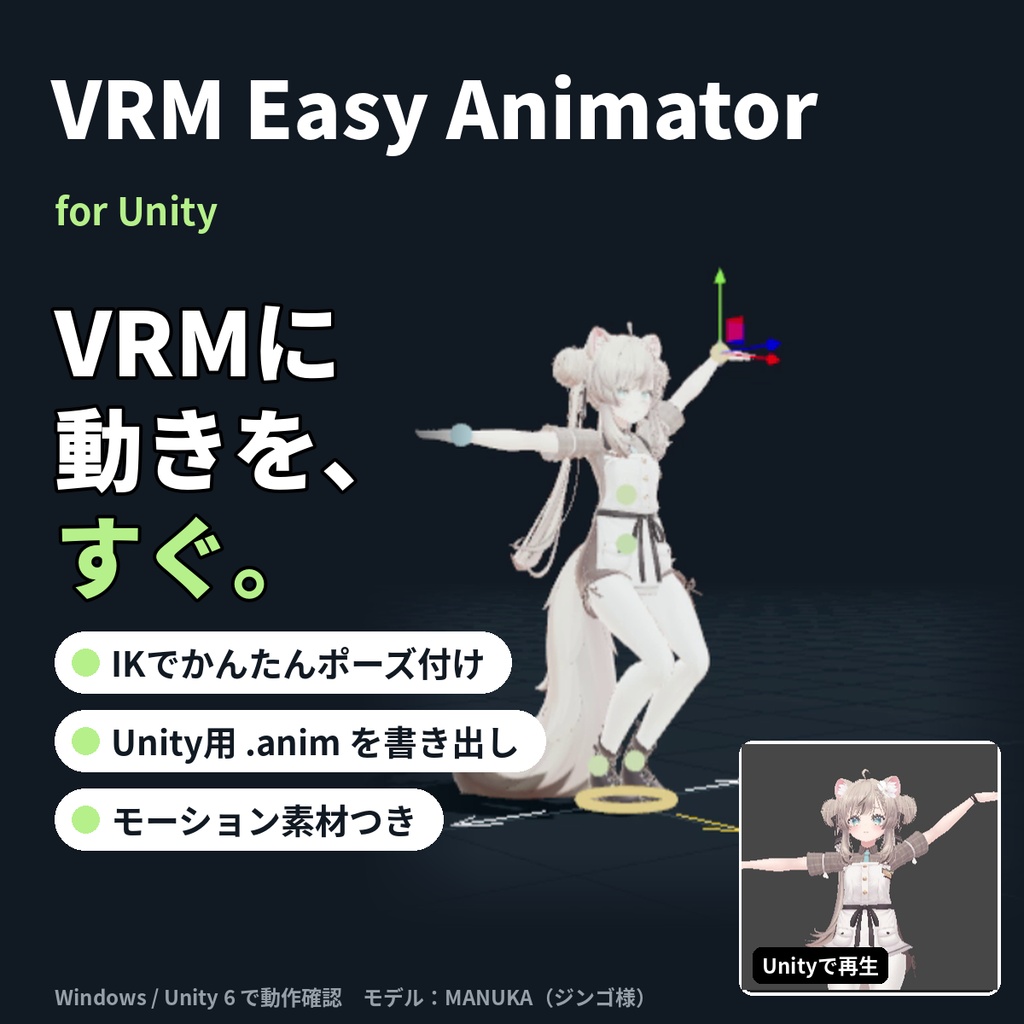
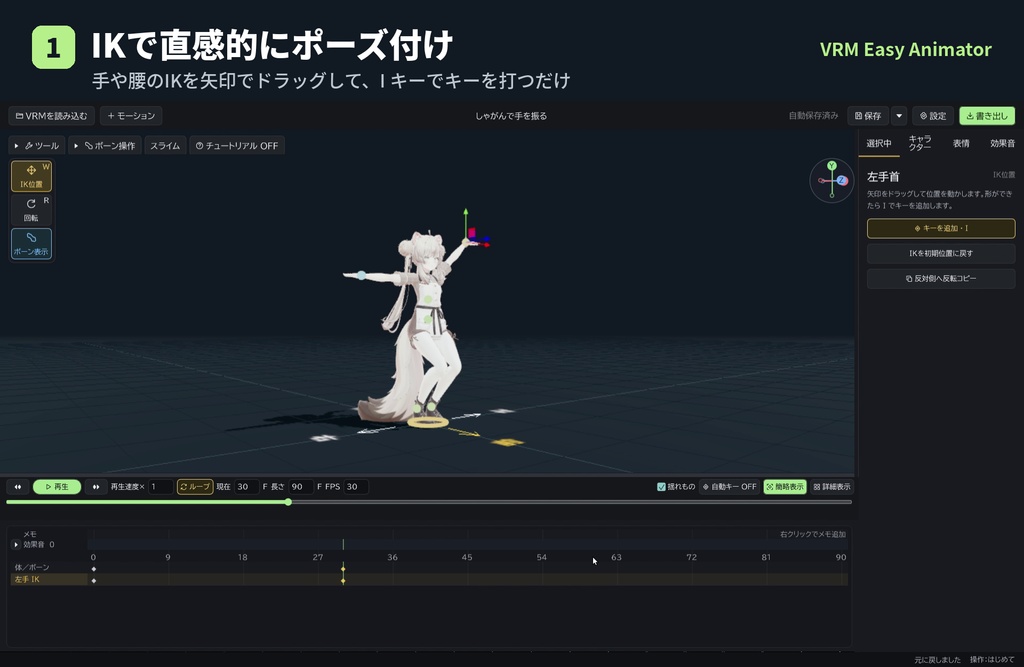
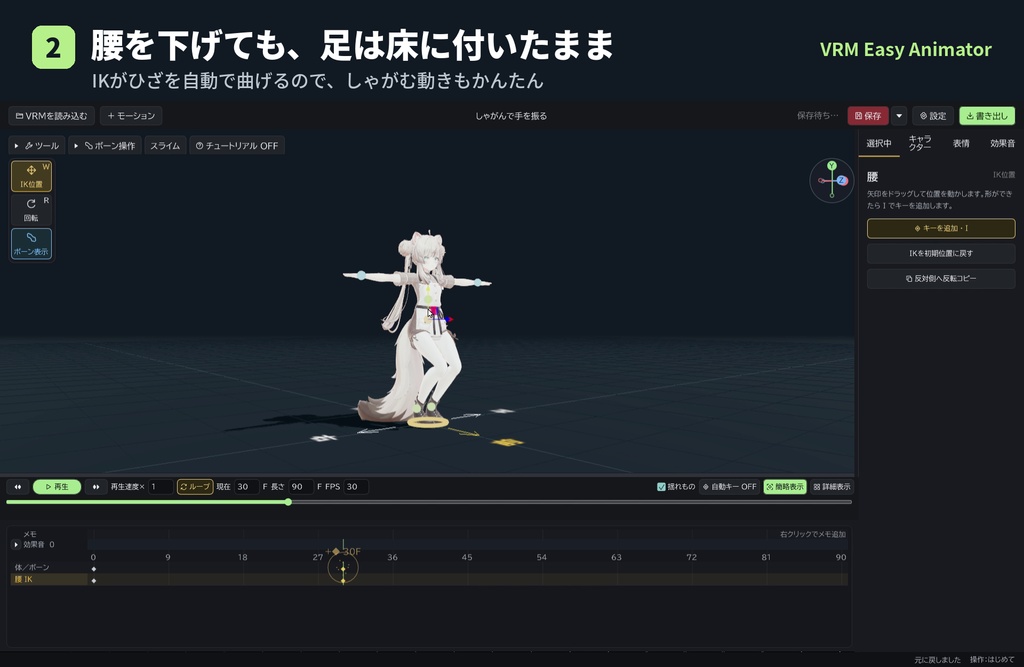
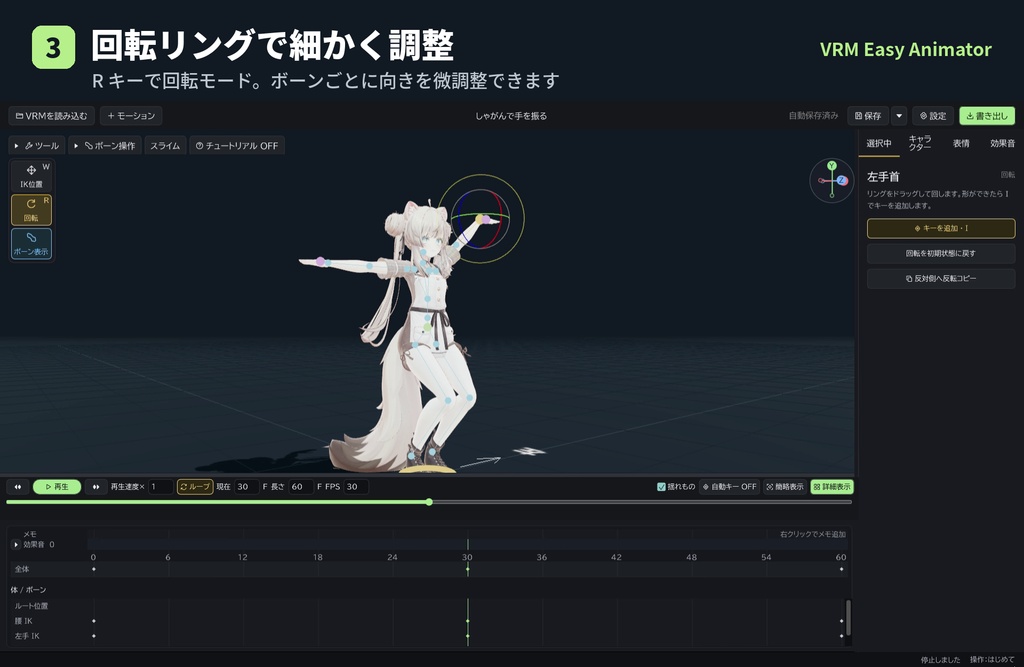
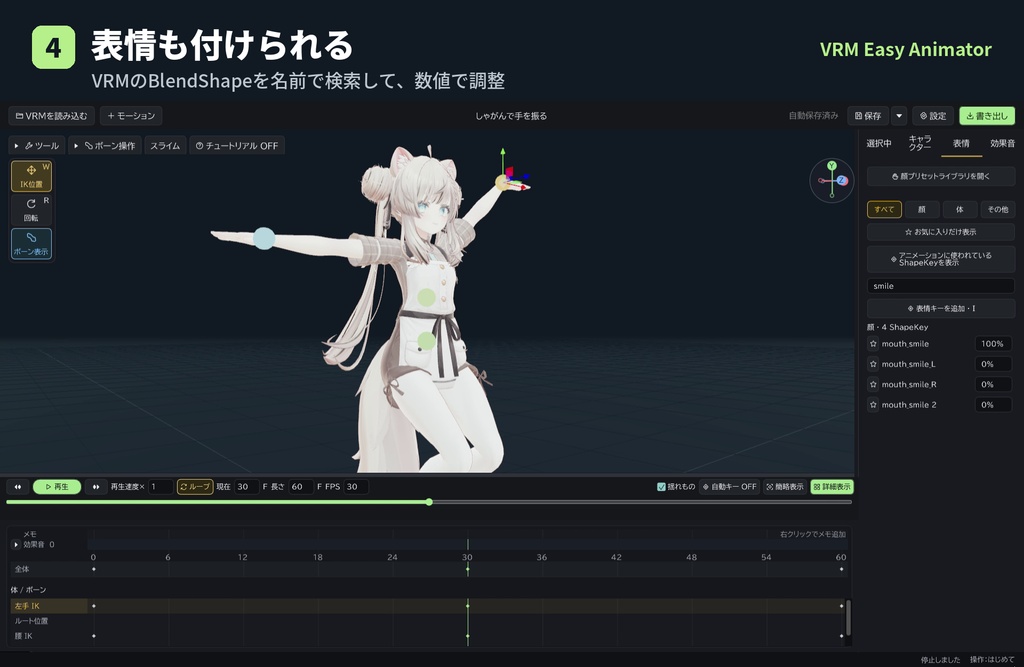
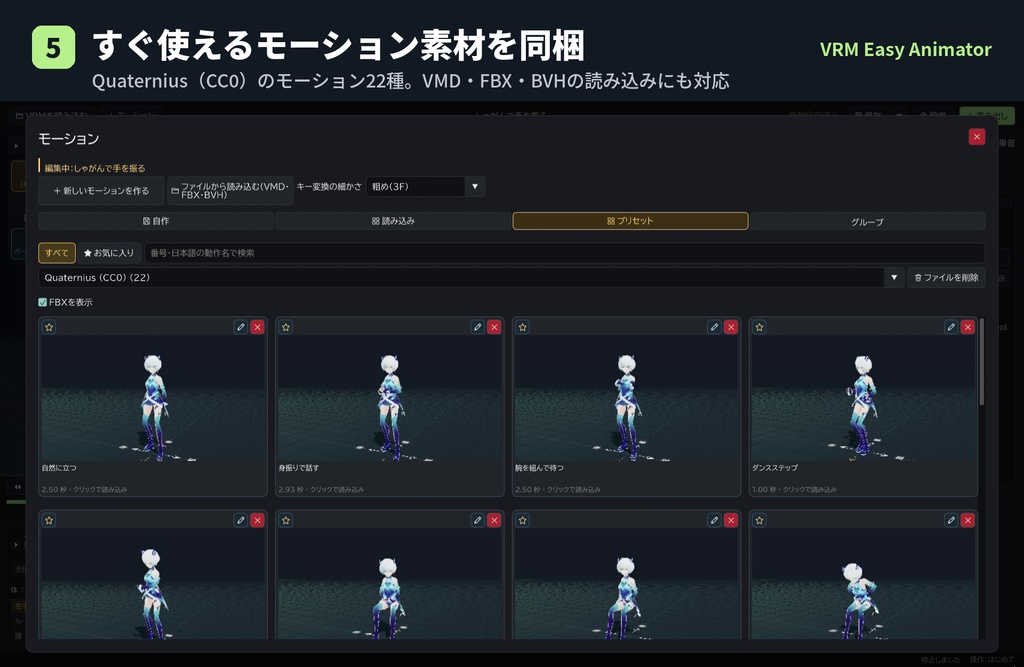
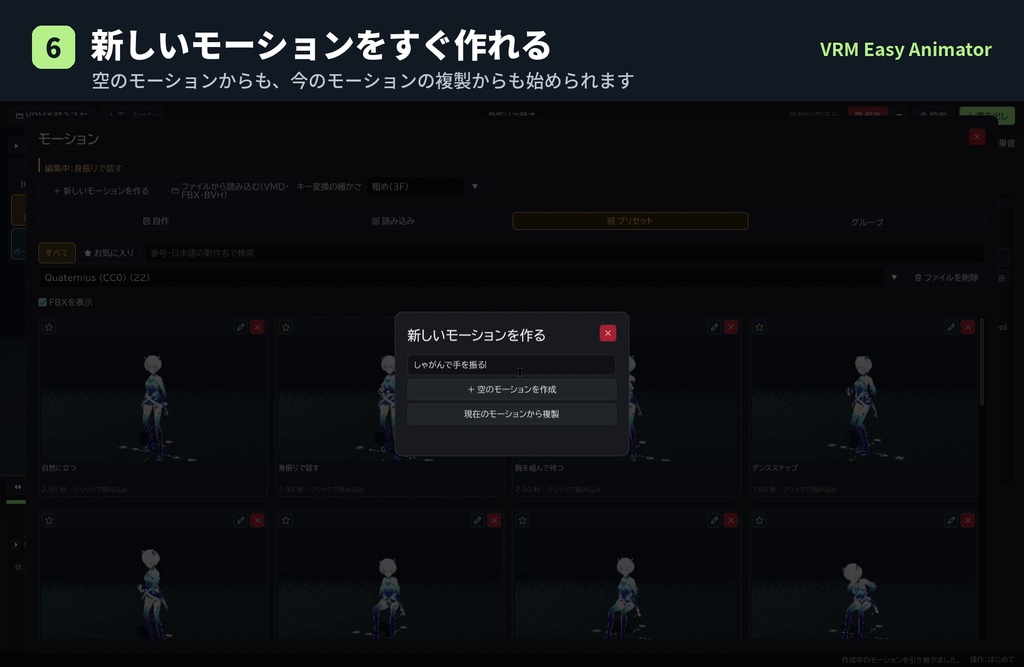
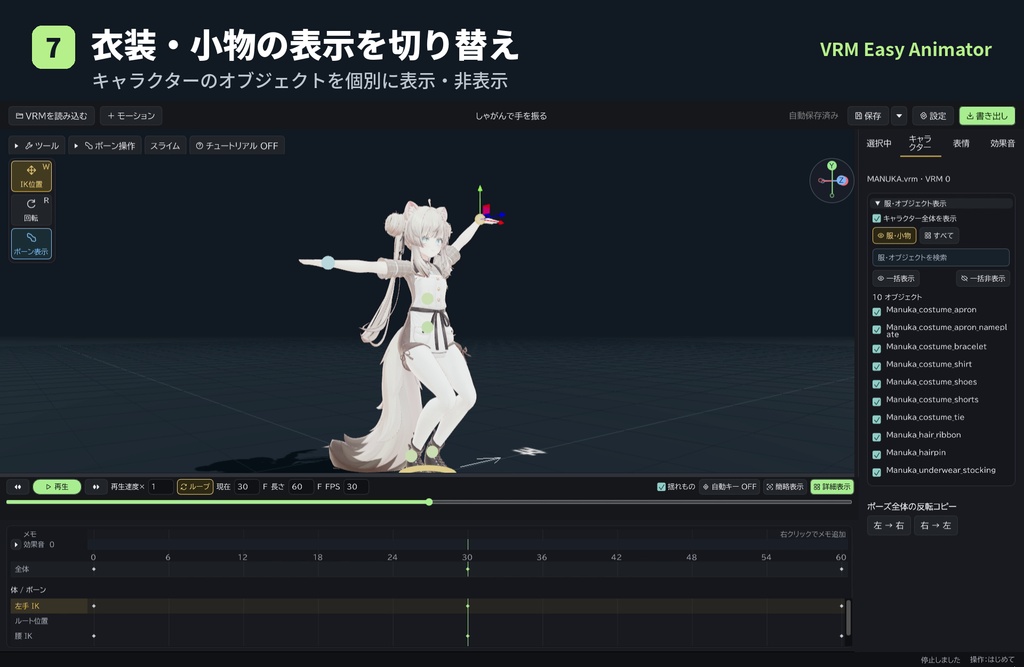
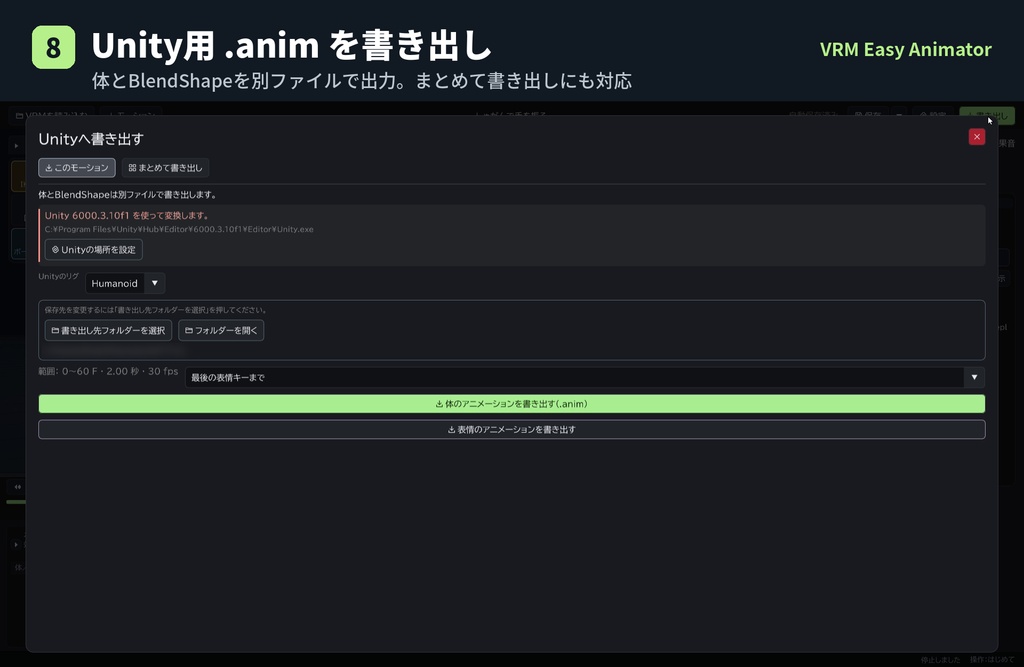
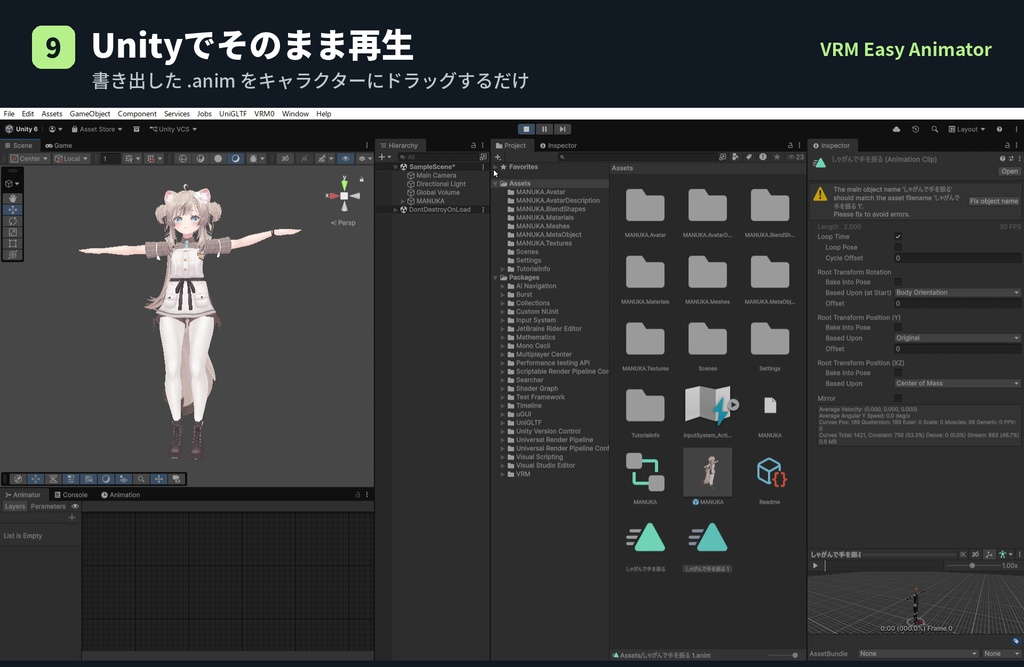
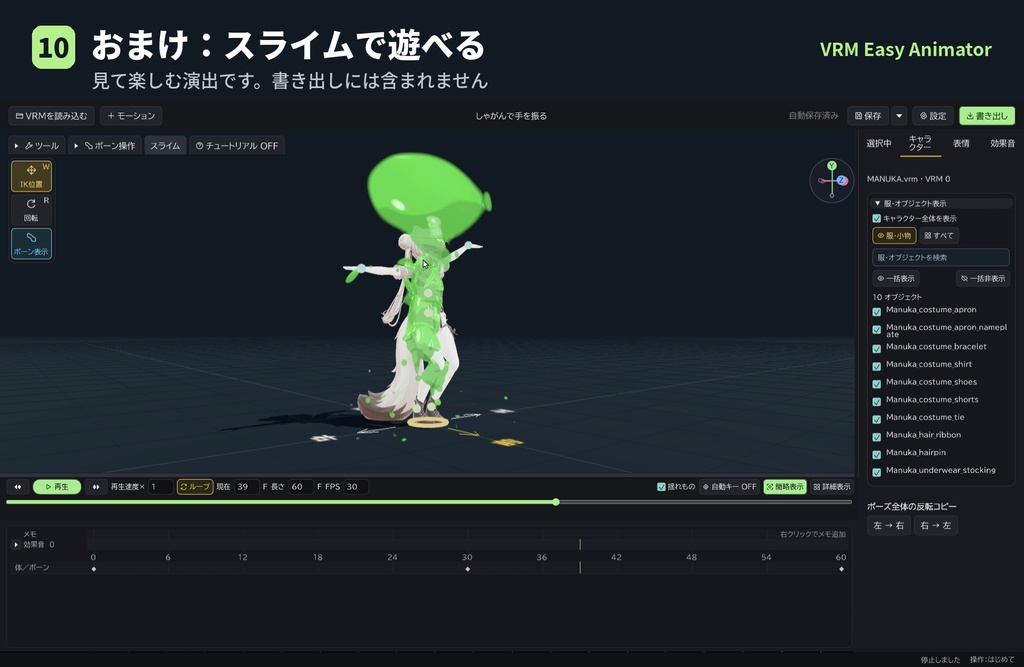
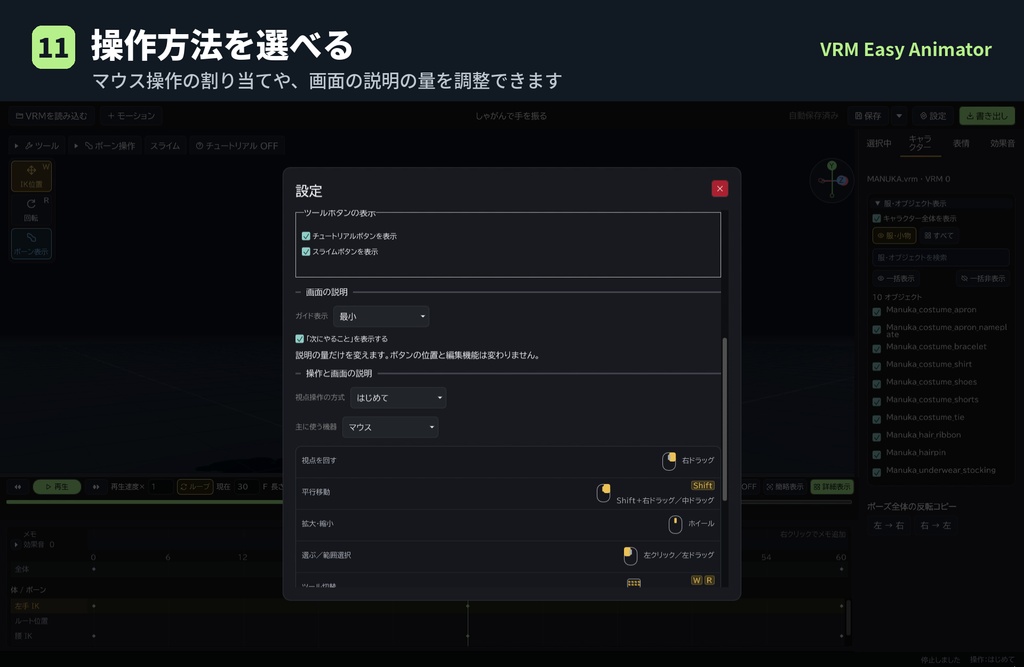
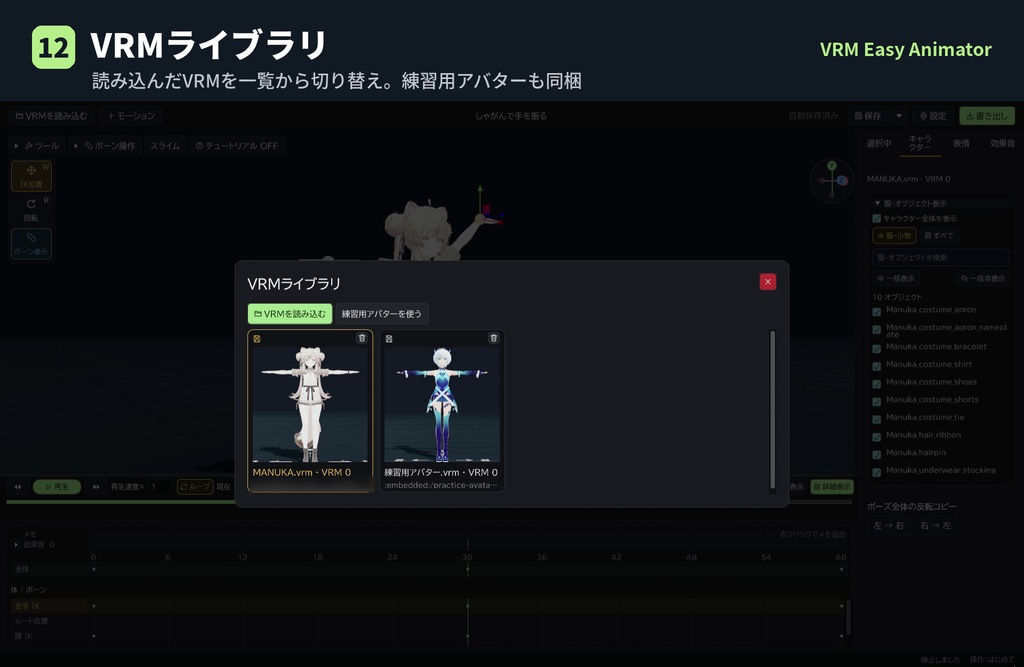


※これは体験版用です。 製品版はこちら↓ https://girl-miracle.booth.pm/items/9100188 VRMのアバターに、自分で動きを付けるためのツールです。 作った動きは、Unityで使える .anim ファイルとして直接書き出せます。 関節をつまんで回し、「ここだ」と思ったところで◆(キー)を置く。 これを繰り返すだけで、Unityで使える .anim ファイルになります。 3Dのモーションを、もっと楽に作りたくて作りました。 作ったモーションがあちこちのフォルダーに散らばって、どれが最新か分からなくなるのも面倒だったので、作ったものはツールの中に一覧で残るようにしてあります。 ―――――――――― ■ できること ―――――――――― ・IKでポーズ付け 手や腰のIKを矢印でドラッグするだけで、腕や脚が自然に付いてきます。腰を下げても足は床に付いたままなので、しゃがむ動きもかんたんです。 ・回転リングで細かく調整 ボーンごとに向きを微調整できます。 ・I キーで◆(キー)を打って、再生ですぐ確認 ・表情の調整 VRMのBlendShapeを名前で検索して、数値で調整できます。 ・モーションの一覧管理 作ったモーションはツールの中に一覧で残ります。グループ分けやお気に入りにも対応しています。 ・モーションの読み込み VMD・FBX・BVHのモーションを読み込めます。 ・Unity用 .anim の書き出し 体と表情(BlendShape)を別々のファイルに書き出します。まとめて書き出すこともできます。 ・衣装・小物の表示の切り替え ・おまけ:キャラクターにスライムをかけて遊べます(見て楽しむ演出で、書き出しには含まれません) ―――――――――― ■ 同梱物 ―――――――――― ・VRM Easy Animator 本体(Windows) ・モーション素材 22種(Quaternius / CC0) ・ソロポーズ集100種類 ・練習用アバター ―――――――――― ■ 体験版と製品版 ―――――――――― 体験版は、.anim の書き出し以外はすべて使えます。 まずは体験版で、お手持ちのVRMが動くか確かめてください。 ―――――――――― ■ 動作環境 ―――――――――― ・Windows ・体の .anim を書き出すには、同じPCに Unity Editor が必要です(表情の .anim の書き出しには不要です)。 ・Unity 6(6000.3.10f1)で動作を確認しています。 ―――――――――― ■ ご注意 ―――――――――― ※※※紹介画像と動画で使っている3Dモデル「MANUKA」は同梱していません。 MANUKAは、ジンゴ様の作品です。ご利用になる場合は、作者様のページからお求めください。※※※ https://jingo1016.booth.pm/ ・お使いのVRMモデルの利用規約は、各モデルの規約に従ってください。 ・本ツールで作ったモーションは自由にお使いいただけます。 ―――――――――― ■ お問い合わせ ―――――――――― 作者BoothにてDMをください。 A tool for creating your own animations for VRM avatars. The motions you make can be exported directly as .anim files ready to use in Unity. Grab a joint, rotate it, and drop a ◆ (keyframe) where it feels right. Just repeat that, and you get an .anim file you can use in Unity. I made this because I wanted an easier way to create 3D motions. I was also tired of motions scattered across folders and never knowing which one was the latest, so everything you make stays listed inside the tool. ―――――――――― ■ Features ―――――――――― - Posing with IK Just drag the arrows on the hand or hip IK, and the arms and legs follow naturally. The feet stay planted when you lower the hips, so crouching motions are easy. - Fine-tuning with rotation rings Adjust the rotation of each bone in detail. - Press I to set a ◆ (keyframe), then play it back right away - Facial expressions Search the VRM BlendShapes by name and adjust them with numeric values. - Motion library Every motion you make stays listed in the tool. Groups and favorites are supported. - Motion import Import VMD, FBX, and BVH motions. - Export to Unity .anim Body and facial (BlendShape) animations are exported as separate files. Batch export is also available. - Show or hide outfits and accessories - Bonus: throw slime at your character for fun (just for fun on screen; it is not included in exports) ―――――――――― ■ Included ―――――――――― - VRM Easy Animator (Windows) - 22 motion assets (Quaternius / CC0) - A practice avatar ―――――――――― ■ Trial and full version ―――――――――― The trial version has every feature except .anim export. Please try the trial first to make sure your VRM works. ―――――――――― ■ Requirements ―――――――――― - Windows - Exporting body .anim files requires Unity Editor installed on the same PC (not required for facial .anim files). - Tested with Unity 6 (6000.3.10f1). ―――――――――― ■ Notes ―――――――――― - The 3D model "MANUKA" shown in the images and video is NOT included. MANUKA is a work by Jingo. If you would like to use it, please get it from the creator's page: https://jingo1016.booth.pm/ - Please follow the terms of use of each VRM model you use. - You are free to use the motions you create with this tool. ―――――――――― ■ Contact ―――――――――― Please send me a message via my BOOTH shop.
詳細
・関節を回す・手足をつかんで動かすだけでポーズが作れる(指・表情も対応) ・VMD・FBX・BVHのモーションを読み込んで、キーとして手直しできる ・収録モーション(CMU)と練習用アバターを同梱。チュートリアル付き ・作ったモーションはプレビュー付きの一覧で管理。自動保存あり ・Humanoidの.animを書き出し(体と表情は別ファイル、まとめて書き出しも可) ・インストール不要。日本語・英語・中国語・韓国語に対応
利用規約
・作ったモーション・.anim・画像・動画は、個人・商用を問わず自由に使えます。販売や配布もできます。 ・ソフト本体の再配布・転売はできません。 ・同梱のサンプルモーションのデータそのものを、モーション集として販売・配布しないでください。 ・pixiv Inc.・VRChat Inc.・Unity Technologiesとは関係ありません。