
小物の配置保存ツール / Shelf Recall
- ダウンロード商品¥ 500
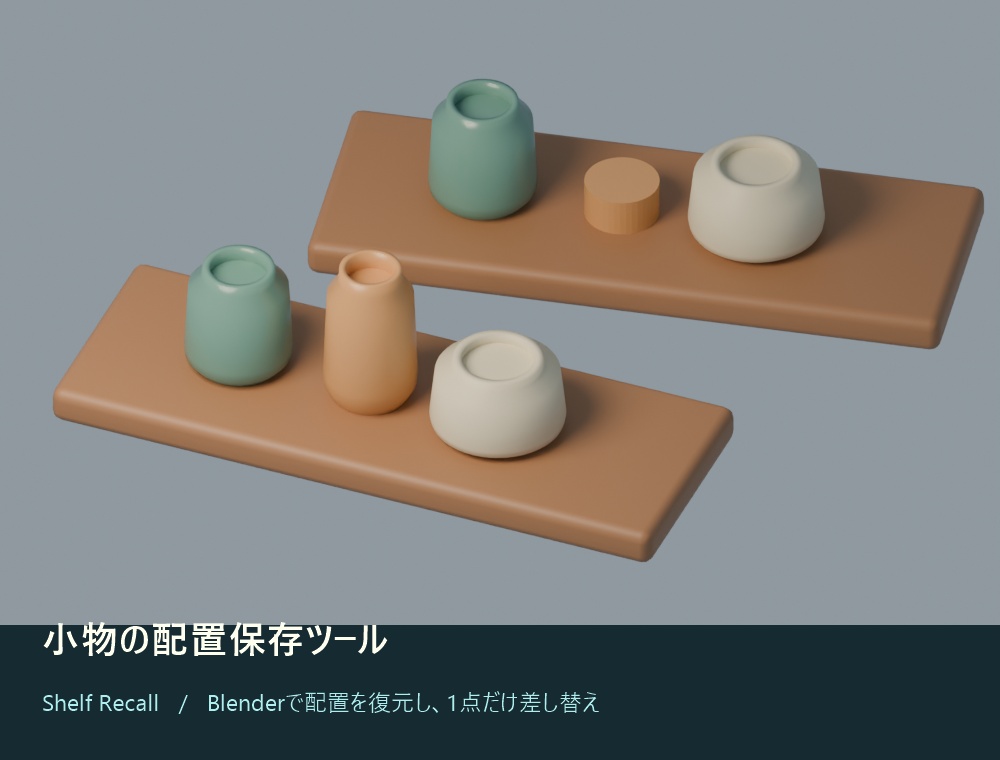
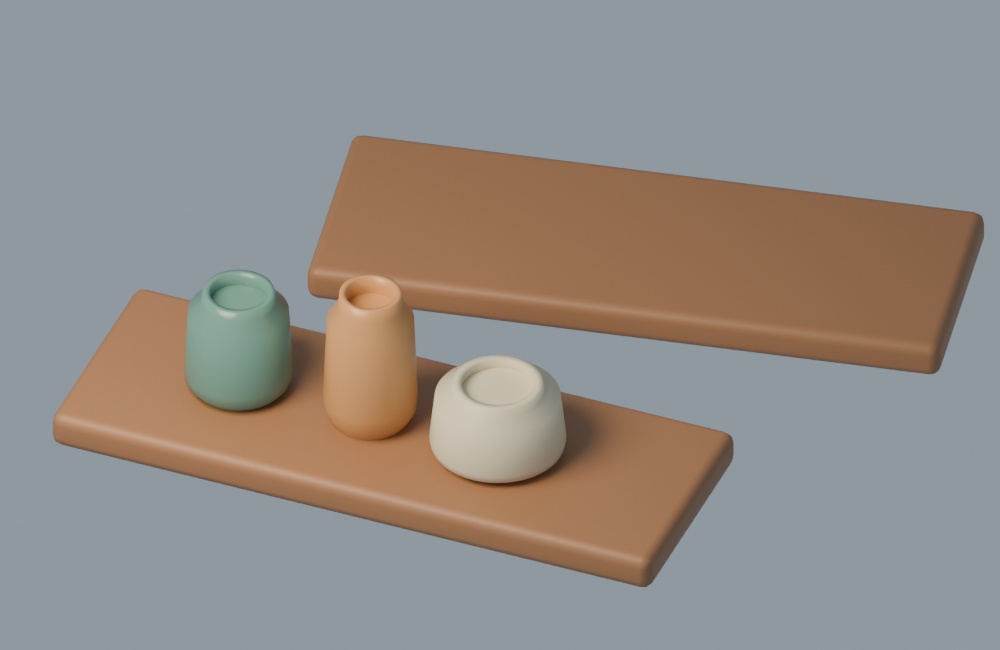
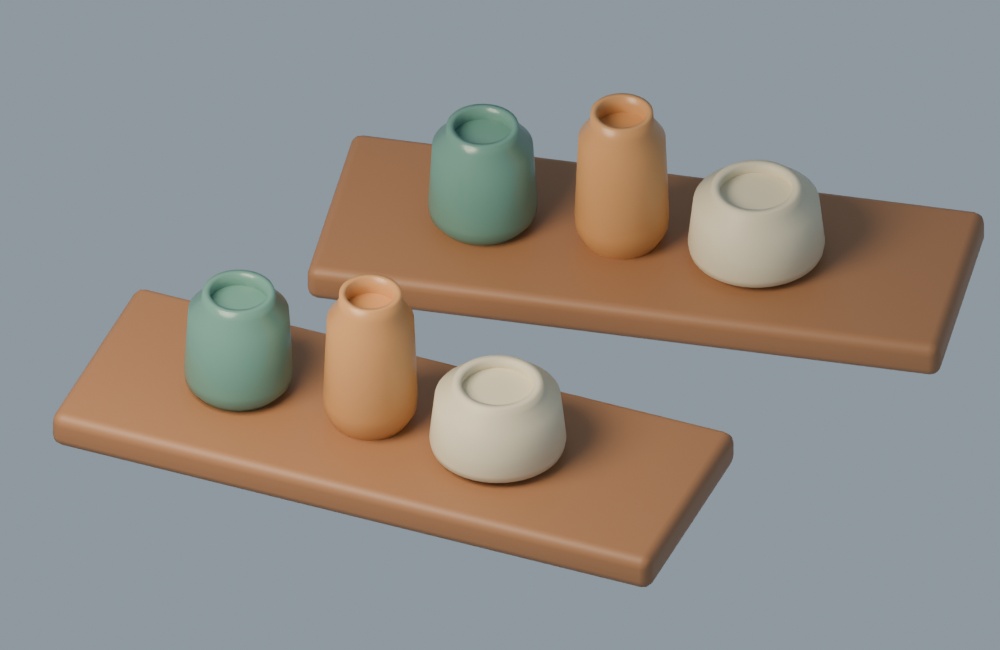
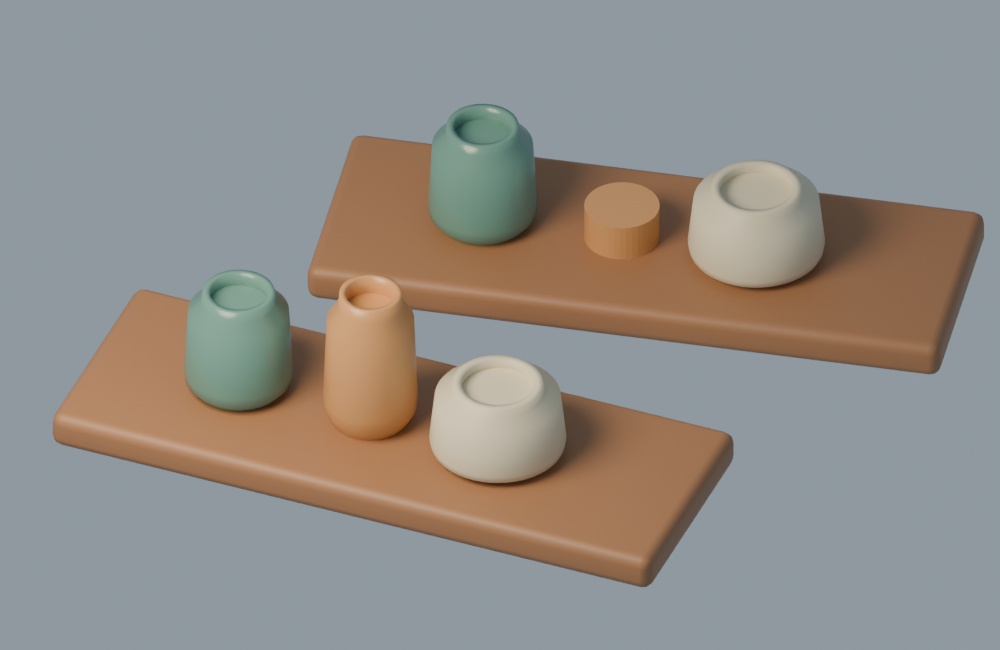
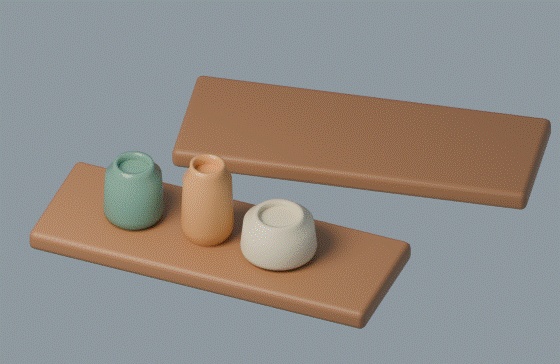


Blender 5.2.2 LTS用。環境設定の「ディスクからインストール」でinstall.zipを指定し有効化。3Dビューのサイドバー Shelf Recall を開きます。例の器3個を選択し、最後に棚Supportを選択。新しい.blend保存先を指定してSave。別の.blendで配置先をアクティブにして同じパスからRestore。差し替えは元になるメッシュと復元した1点を順に選んでReplace。シーン編集はCtrl Z。ライブラリ保存はファイル操作です。対象は静止メッシュ。モディファイアは適用し、画像はあらかじめパックしてください。Windowsの書き込み可能なローカルフォルダで検証済み。macOSとLinuxは未検証です。 アドオンのソースはGNU GPL v3以降。全文はCOPYING.txt。サンプルシーンも同ライセンスで配布します。 出典:Tomato Forge 3Dが本作向けに制作。制作にAI補助のコードを使用。追加音源なし。 Blender 5.2.2 LTS. Install install.zip from disk, enable it and open the Shelf Recall sidebar. In the example, select three vessels and the support last. Save to a new .blend path. In another .blend, select the new support and restore from that path. For replacement select the donor mesh, then the restored slot. Ctrl Z undoes scene edits; a saved library is a file operation. Use static meshes with applied modifiers and pack external images first. Tested on Windows with a local writable folder. macOS and Linux are untested. Code: GNU GPL v3 or later. Full text in COPYING.txt. The sample scene is distributed under the same license. Credits: Original project assets by Tomato Forge 3D, made with AI-assisted code. No audio recordings are included.
