

【無料】VRCHAT VR用OCR翻訳ツール|VRTranslator Read what's on your VR screen, in place — VR画面の文字をその場で読む(26言語)
- ダウンロード商品¥ 0
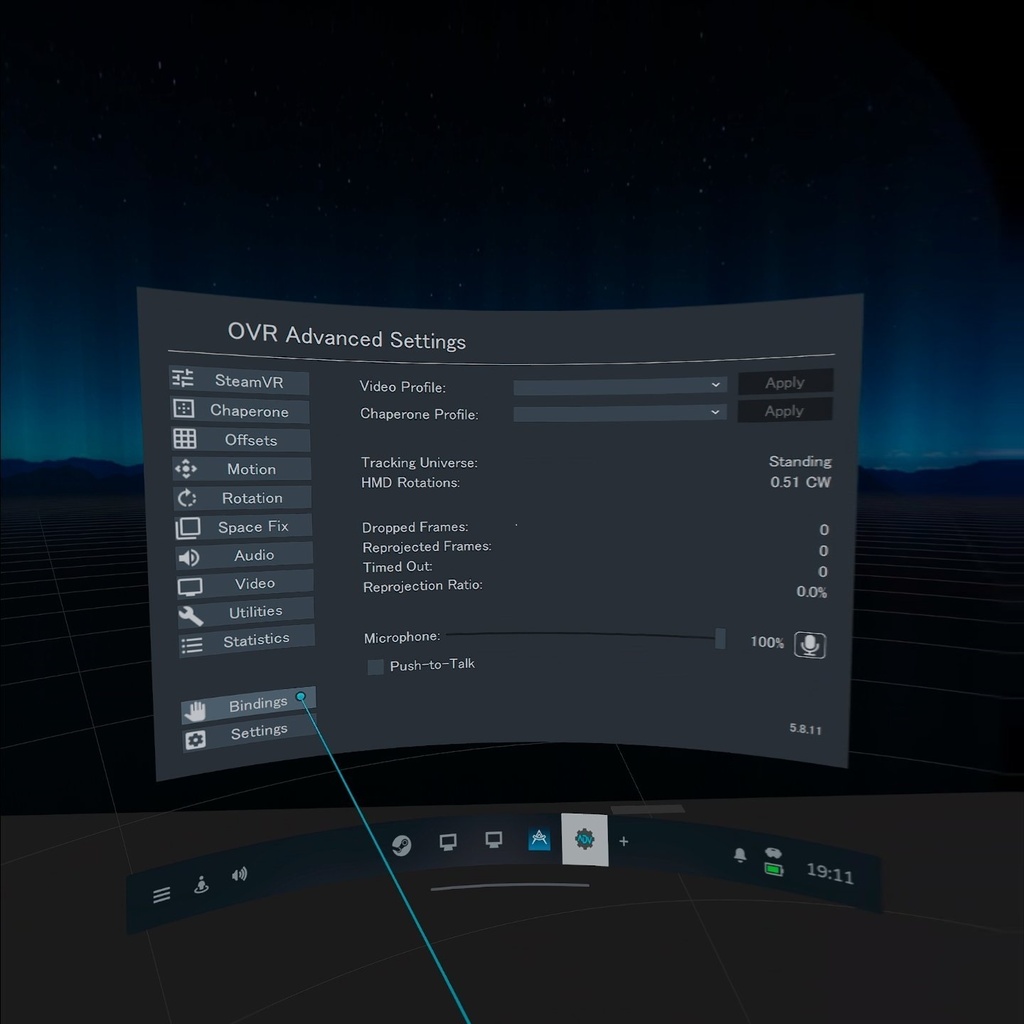
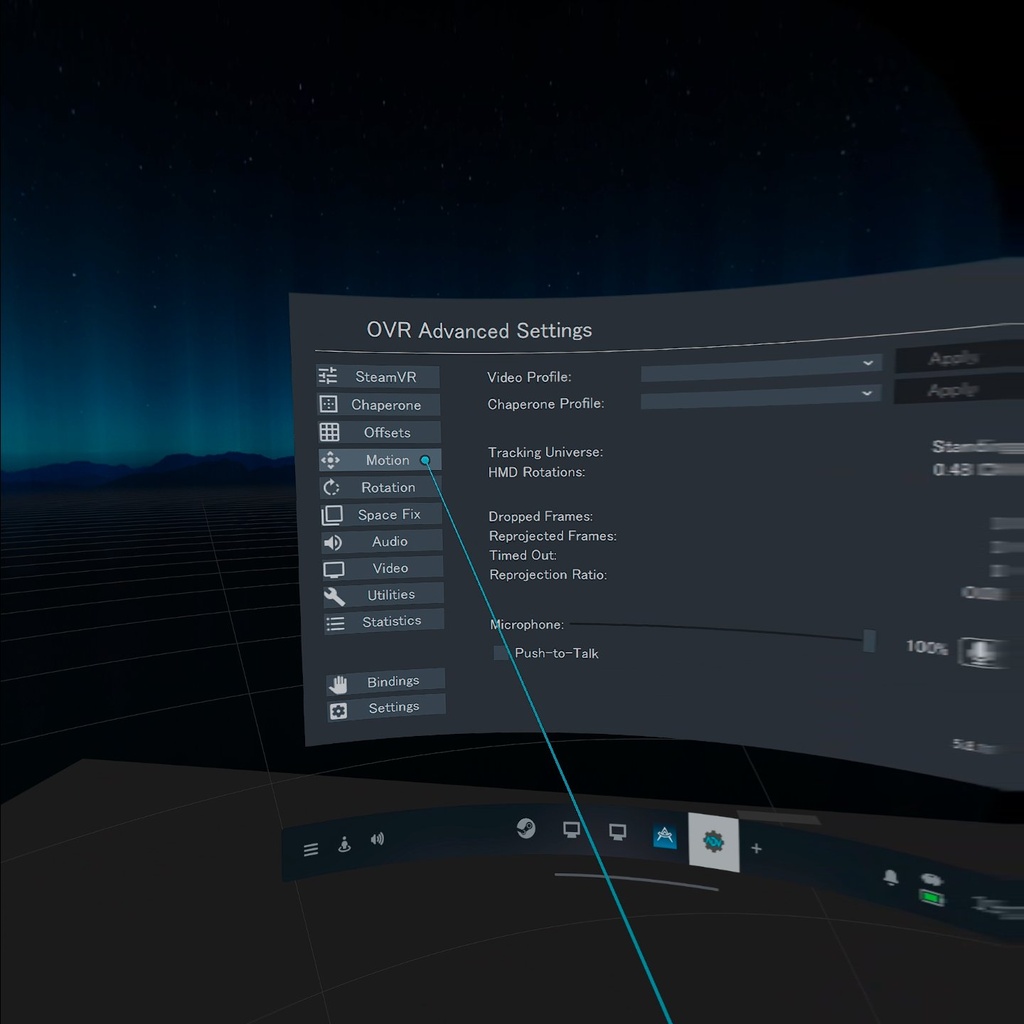
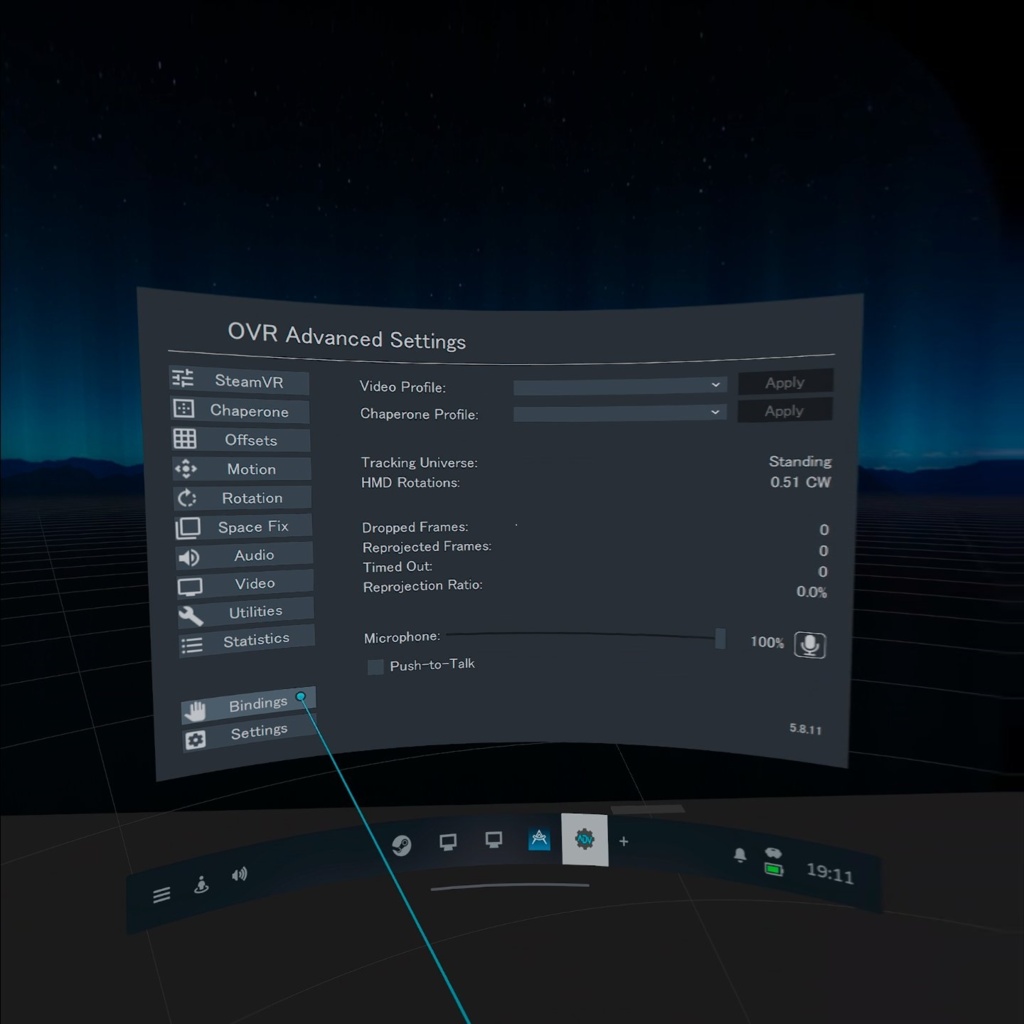


画面の文字を捉えて訳し、元の位置に重ねる。 操作はそれだけで、VRの中の外国語が読めるようになります。 コントローラーだけで完結するので、ヘッドセットを外す場面はありません。 26言語に対応し、翻訳エンジンは機械翻訳からLLM、自前のAPIまで切り替えられます。 BOOTH版は無料でお試しいただけます。
動きの流れ
1. 取り込み — コントローラーから一度指示を出します。いま表示されているVRアプリの画面、ゲームのUI、仮想スクリーン、周囲の風景がそのまま取り込まれます。 2. 文字の認識 — PC上で動く認識モデルが、その画像から文字を起こします。待たされている感覚はほとんど残りません。 3. 翻訳 — 選んだエンジンに渡します。機械翻訳、LLM、あるいはご自身のDeepL/Microsoft/LLMのエンドポイントです。 4. 元の位置へ — 訳文はテキストボックスとして、元の文字の上に、指定した位置で描かれます。 土台はOpenVRです。特定のタイトルに縛られないのはそのためです。
合わせておけること
翻訳エンジン — クラウド機械翻訳、LLM、自前のAPIキーとURLを使うカスタム接続。 言語 — 26言語。原文側と訳文側の両方を指定できます。 表示位置と背景 — シーンを覆うのではなく、注釈として読める置き方に調整できます。 訳文と原文の入れ替え — 訳が合っているかをその場で確かめられます。 手首の常時表示パネル — 直前に読んだ訳を、視線を落とすだけで見返せます。 操作の割り当て — オン/オフ、範囲を指定しての認識、言語の切り替え、バインド設定の呼び出しまで、すべてコントローラーに載せられます。 取り込み時の下処理 — 枠線やステータスバーの点は落としてから認識にかけます。
効く場面
翻訳されないまま残ったテキストがあるVRゲームでは、クエストのヒントやアイテムの説明を、その場で読める文字に変えられます。 単一言語でしか配布されていない専門ツールや制作ソフトでは、メニューやパネル、エラー表示を勘で押さずに済みます。 VRChatなどのソーシャルワールドでは、海外のプレイヤーが打った文字を、席を外さずに読めます。 VR内で資料やWebページ、チュートリアルを読むときも、長めの文章をヘッドセットを外さずに追えます。
動作環境
最低:Windows 10(1809)64bit/メモリ16GB/GeForce GTX 1060 6GB または Radeon RX 470 8GB/DirectX 11/空き1GB/ブロードバンド回線/SteamVR 推奨:Windows 10・11 64bit/メモリ32GB/GeForce RTX 4080 16GB または Radeon RX 7900 XT 20GB/DirectX 11/空き5GB/ブロードバンド回線/SteamVR Windows 7 / 8 は対象外です。
このページで配布している版について
BOOTH版は無料版です。
How it runs
1. Capture— one controller command. The frame currently on screen is taken as it is: the VR application, the game UI, a virtual screen, the space around you. 2. Recognition— a model running locally on your PC lifts the text out of that frame. There is barely a wait to notice. 3.Translation— the text goes out to the engine you picked: machine translation, an LLM, or your own DeepL / Microsoft / LLM endpoint. 4. Back in place — the result is drawn as a text box over the original wording, at the position you set. The foundation is OpenVR. That is why it is not tied to one title.
What you can line up beforehand
Engine— cloud machine translation, an LLM, or a custom connection using your own API key and URL. Languages— 26 of them. Both the source and the target side are yours to set. Box position and background— adjustable, so the overlay reads as an annotation instead of a cover over the scene. Swapping translation and original— check whether the reading is right, right there. A wrist panel that stays on— the line you just read is still in reach when you glance down. Control mapping— on/off, marking a region to recognize, switching languages, opening the binding settings: all of it can sit on the controllers. Trimmed captures— frame lines and status-bar dots are dropped before recognition runs.
Where it helps
In a VR game that still carries untranslated text, quest hints and item descriptions become readable on the spot. In a professional or creative tool that only ships in one language, menus, panels, and error messages stop being guesses. In social worlds such as VRChat, text written by players elsewhere can be read without stepping away. When you read a document, a web page, or a tutorial inside VR, longer passages stay followable with the headset on.
Requirements
Minimum: Windows 10 (1809) 64-bit / 16 GB RAM / GeForce GTX 1060 6 GB or Radeon RX 470 8 GB / DirectX 11 / 1 GB free space / broadband / SteamVR Recommended: Windows 10 or 11 64-bit / 32 GB RAM / GeForce RTX 4080 16 GB or Radeon RX 7900 XT 20 GB / DirectX 11 / 5 GB free space / broadband / SteamVR Windows 7 and 8 are not supported.