

StatusWindow/ ステータスウィンドウ/상태창
- ダウンロード商品¥ 300
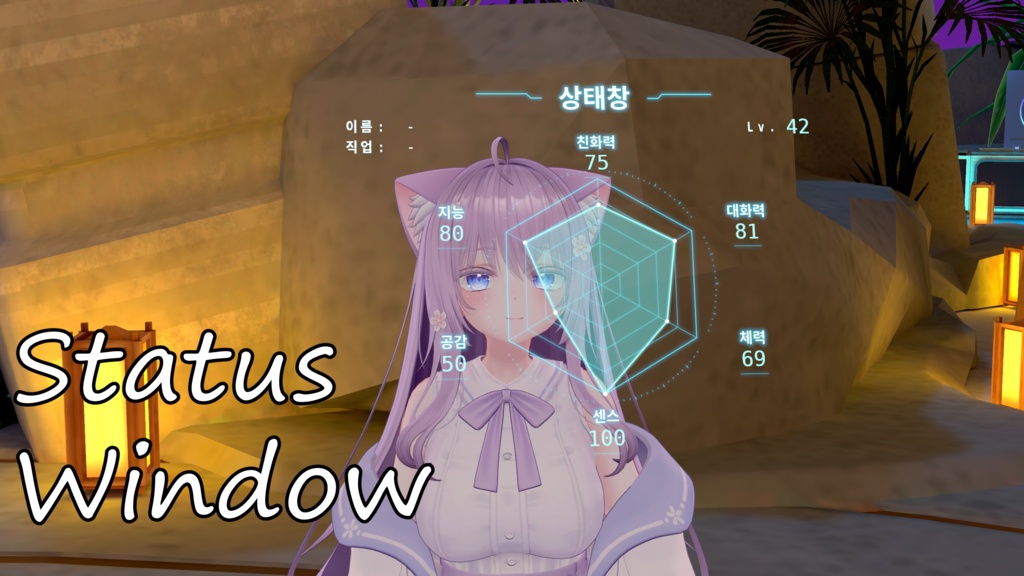
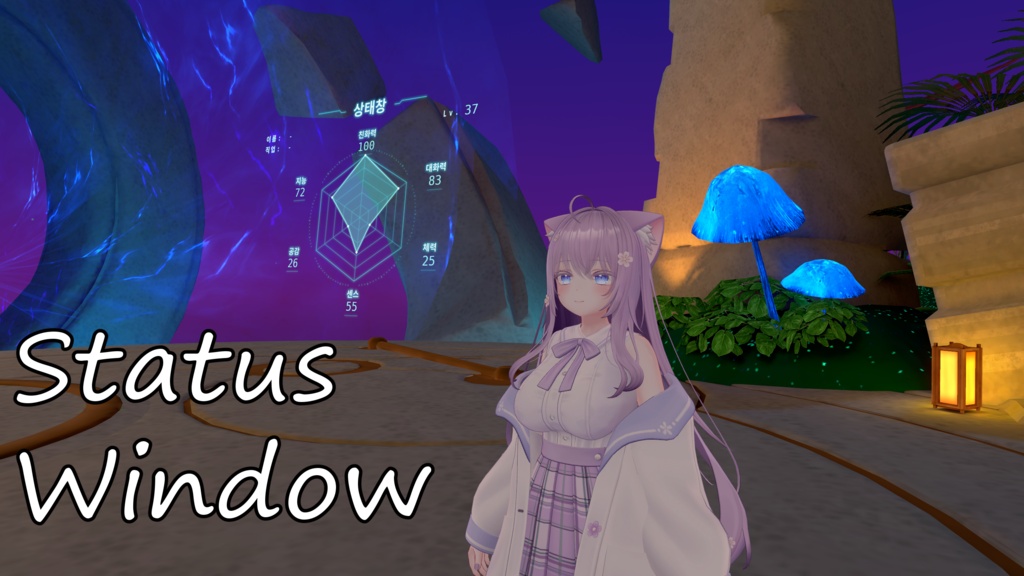
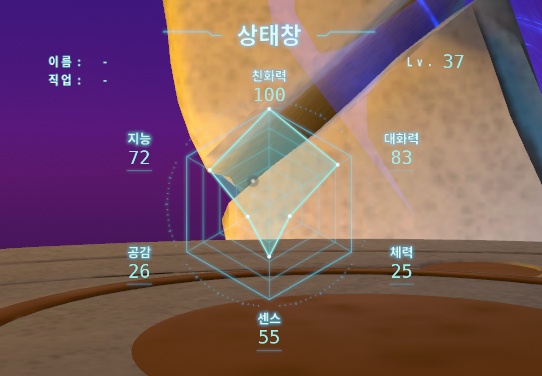
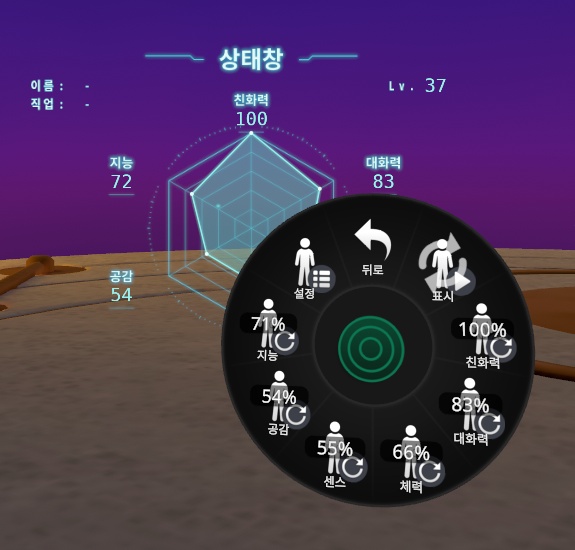
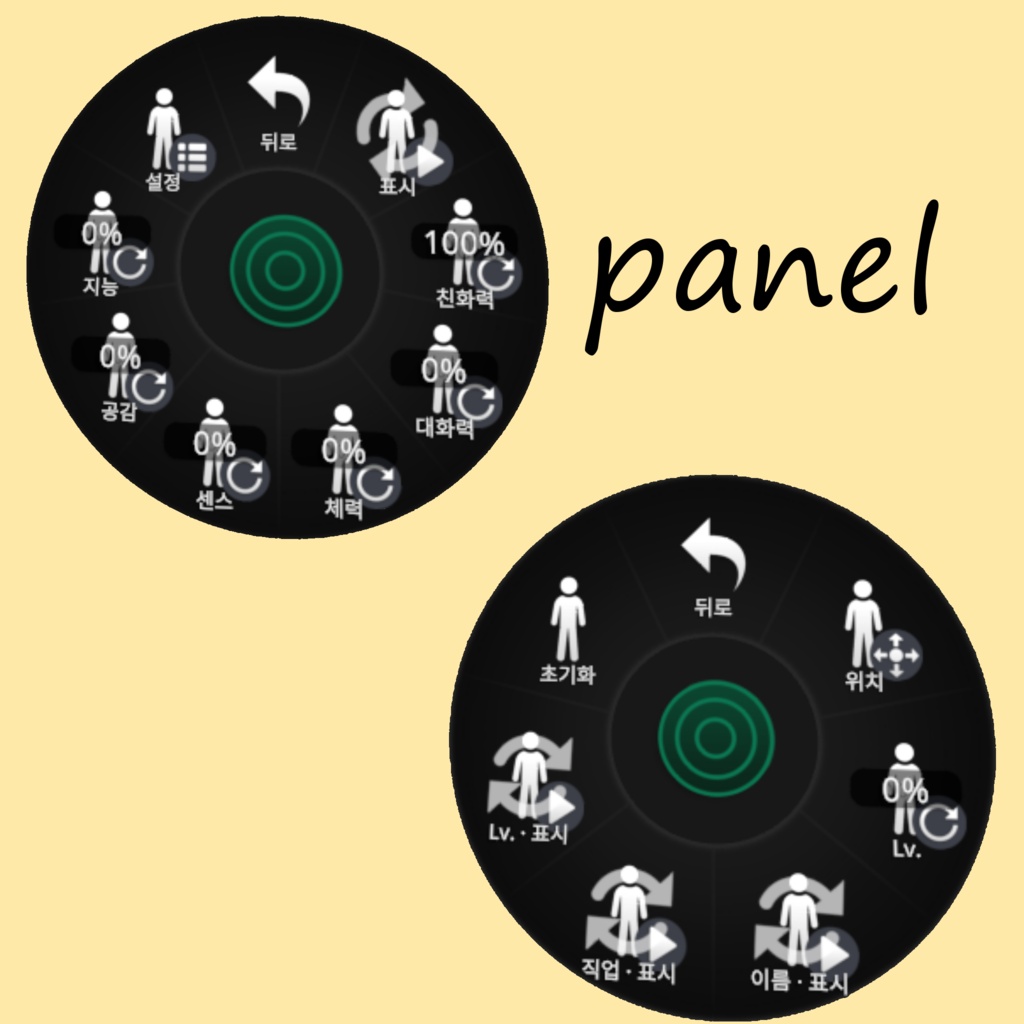
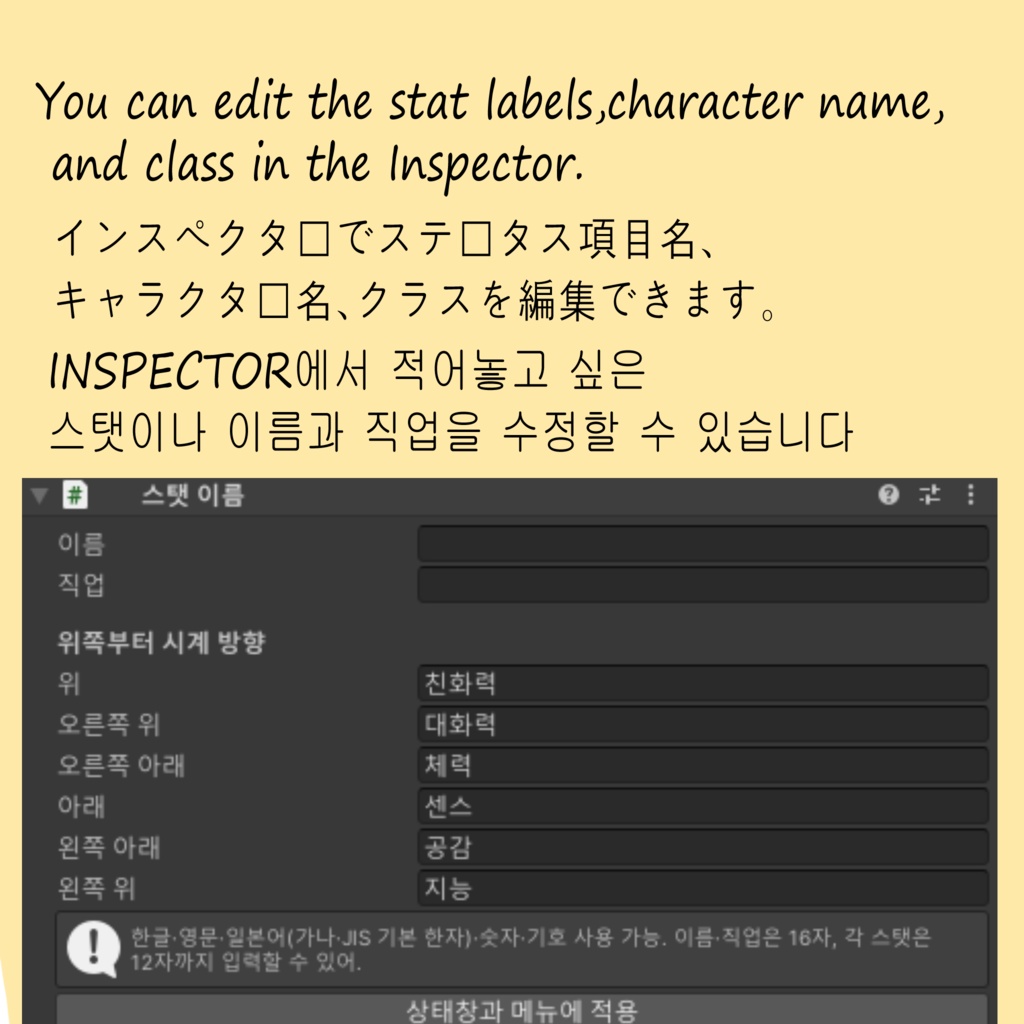
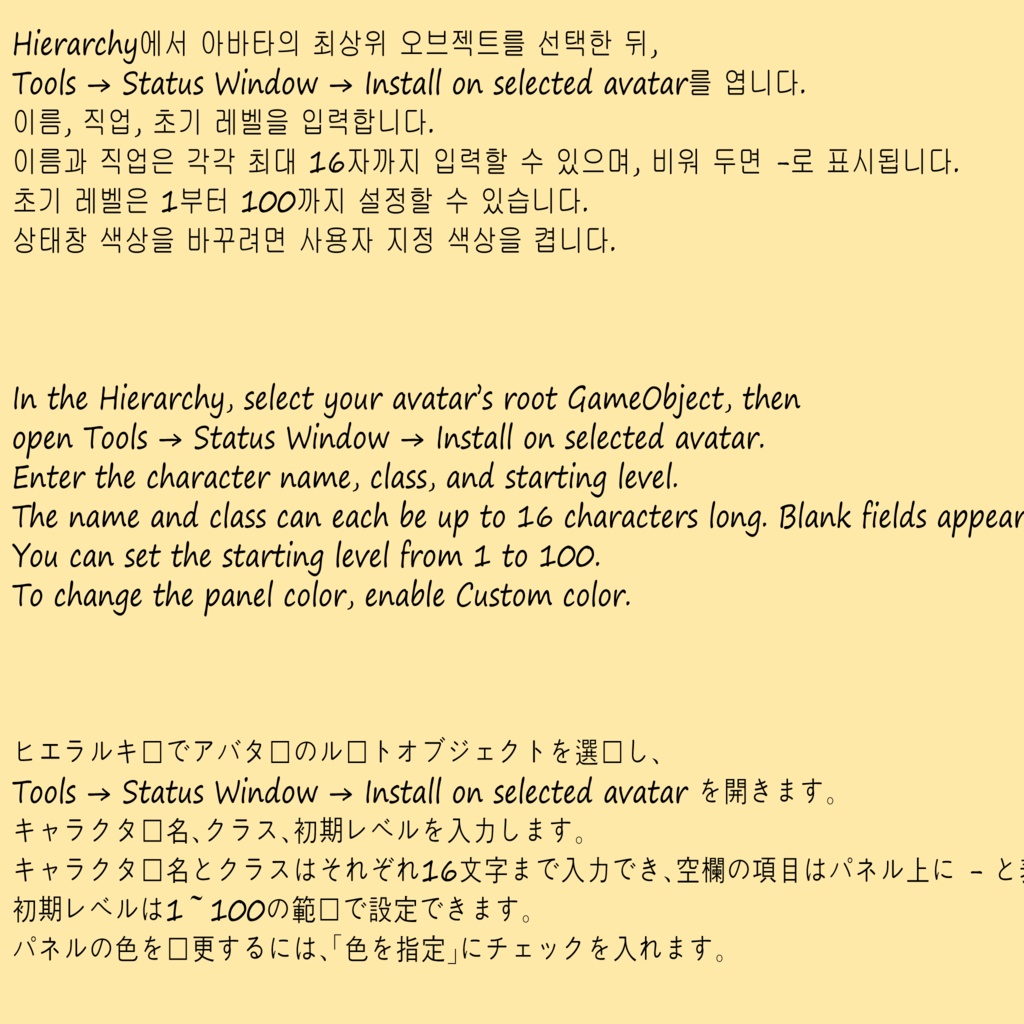


使い方 「表示」でステータスパネル全体の表示・非表示を切り替えられます。6つのステータスはそれぞれ0~100の範囲で調整でき、変更した値はレーダーチャートにリアルタイムで反映されます。 「設定」では、キャラクター名・クラス・レベルの表示を個別に切り替えられます。「Lv.」でレベルを1~100の範囲で変更し、「位置」でパネルの位置を調整できます。 「設定 → リセット」を選ぶと、6つのステータスはすべて0に、パネルは元の位置に、レベルは初期値に戻ります。パネルとキャラクター名・クラス・レベルはすべて再表示されます。入力したキャラクター名とクラス、選択した色はそのまま保持されます。 How to Use Use “Show” to turn the entire status panel on or off. Each of the six stats can be adjusted from 0 to 100. The radar chart updates in real time as you change each value. In “Settings,” you can show or hide the character name, class, and level separately. Use “Lv.” to set the level from 1 to 100 and “Position” to move the panel. Select “Settings → Reset” to set all six stats to 0, return the panel to its original position, and restore the starting level. The panel, character name, class, and level will all be shown again. Your character name, class, and selected color are preserved. 사용법 ‘표시’로 상태창 전체를 켜거나 끌 수 있습니다. 육각형은 0부터 100까지 조절합니다. 조절한 수치만큼 육각형에 실시간으로 반영됩니다. ‘설정’에서는 이름, 직업, 레벨 표시를 각각 켜거나 끌 수 있습니다. ‘Lv.’ 로 레벨을 1부터 100까지 바꾸고, ‘위치’로 패널 위치를 조절합니다. ‘설정 → 초기화’를 누르면 육각형은 0으로, 패널은 처음 위치로, 레벨은 초기값으로 돌아갑니다. 상태창과 이름·직업·레벨은 모두 다시 표시됩니다. 입력한 이름과 직업, 선택한 색상은 유지됩니다. 必要なもの https://modular-avatar.nadena.dev/ 利用規約 本データの使用によって何らかのトラブル・損害が発生した場合でも、作者はその一切の責を負いません。 不正再配布は禁止します。 商業利用は許可されています。