
Blender だけで PMX をセットアップするチュートリアル | Tutorial on setting up PMX using only Blender【English included】
- 本体 | ContentDigital1,300 JPY
- シャペルPMX sampleDigital0 JPY
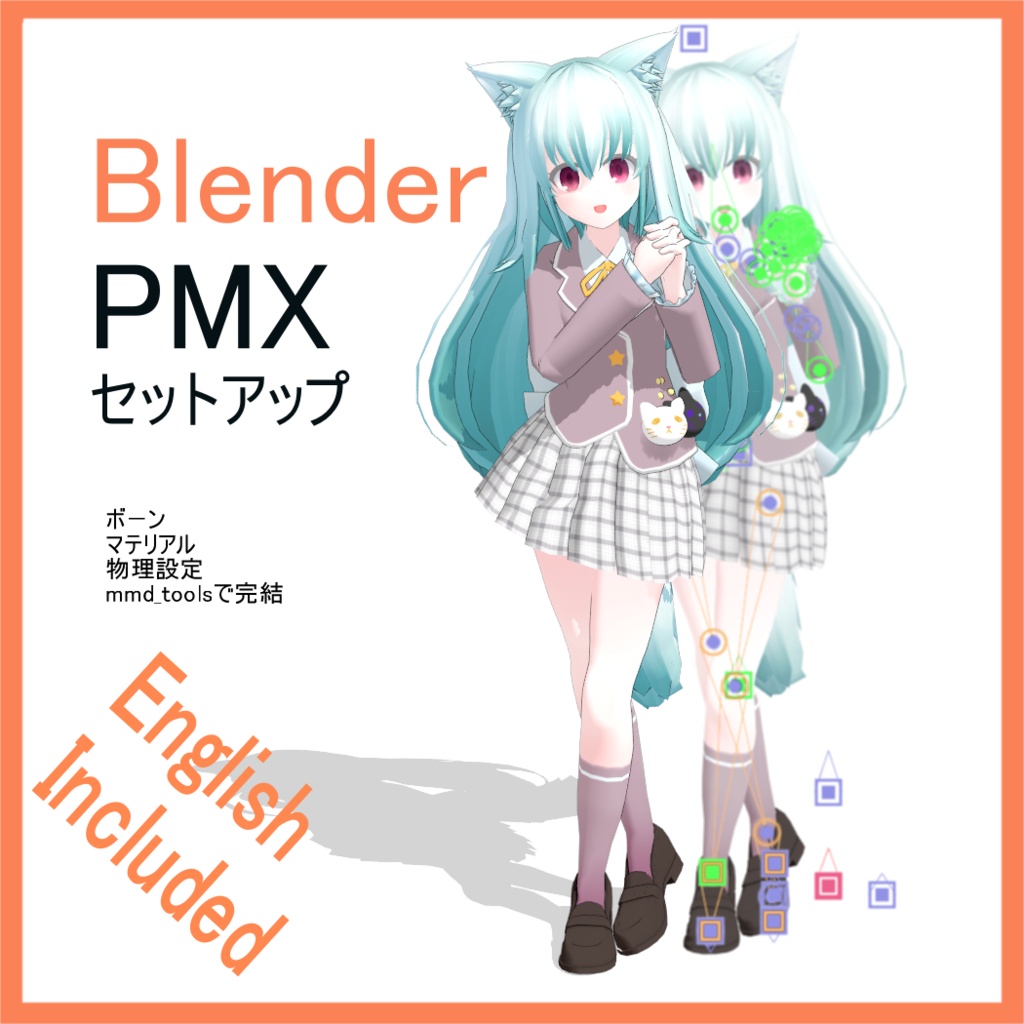
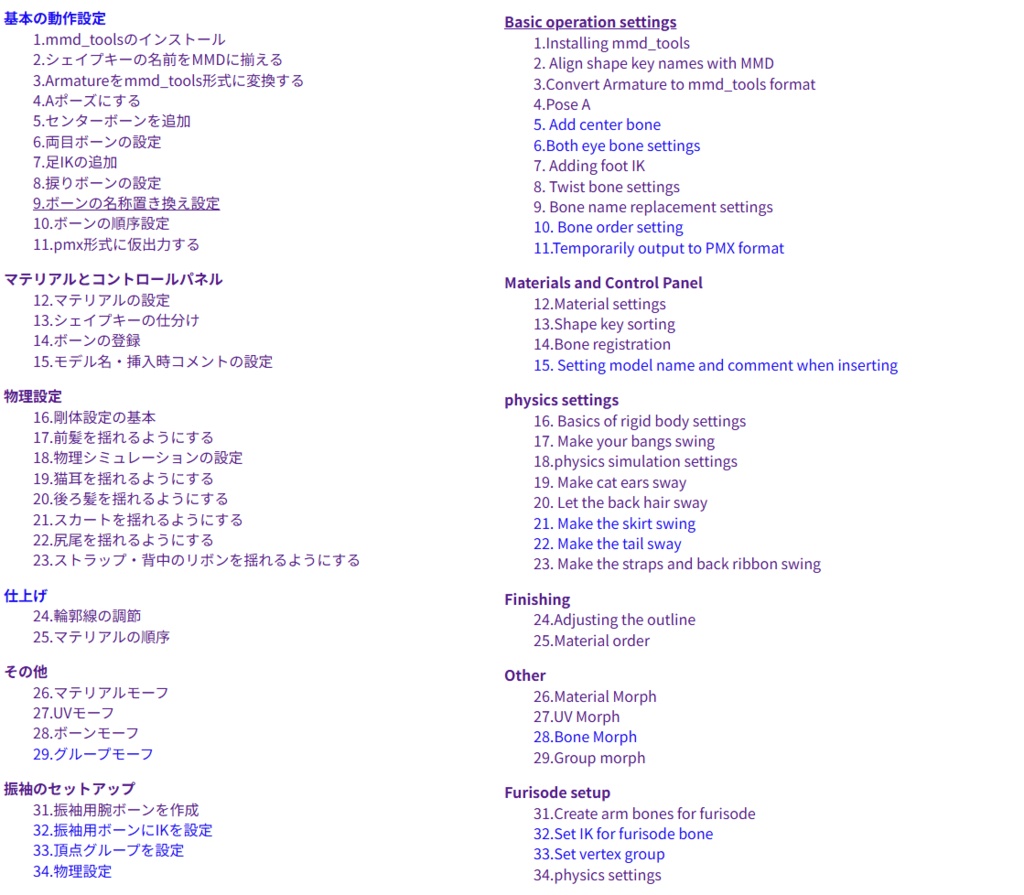
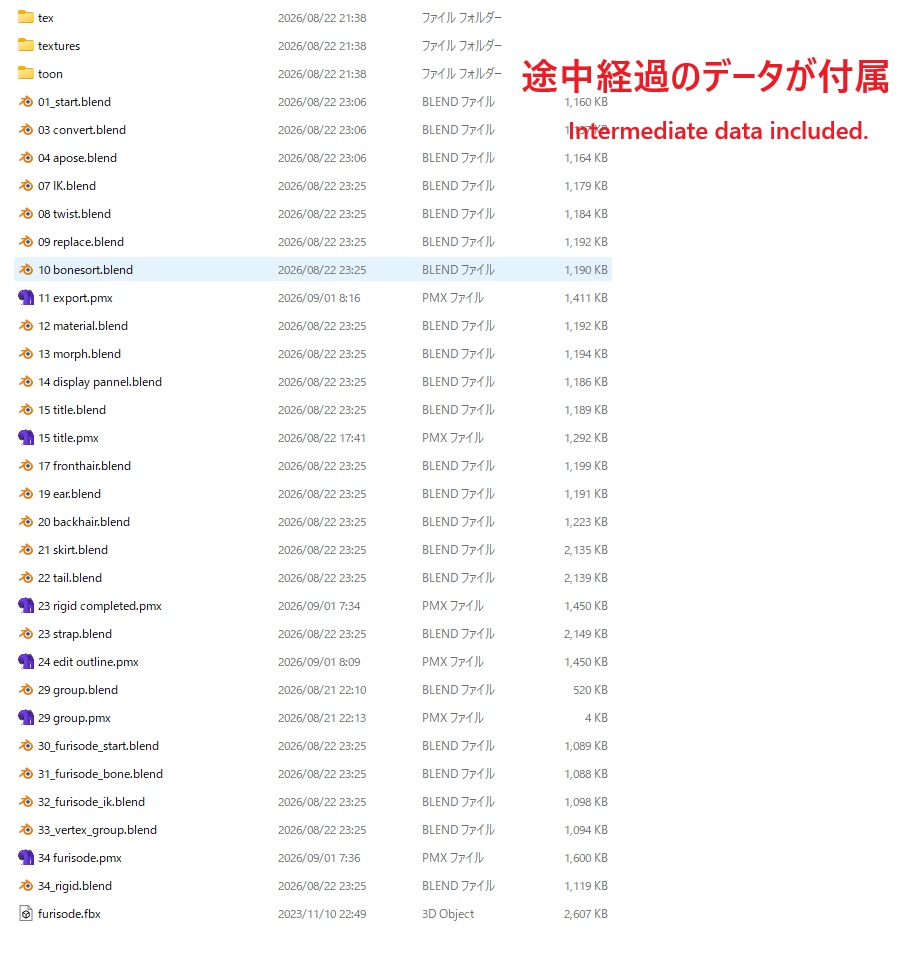
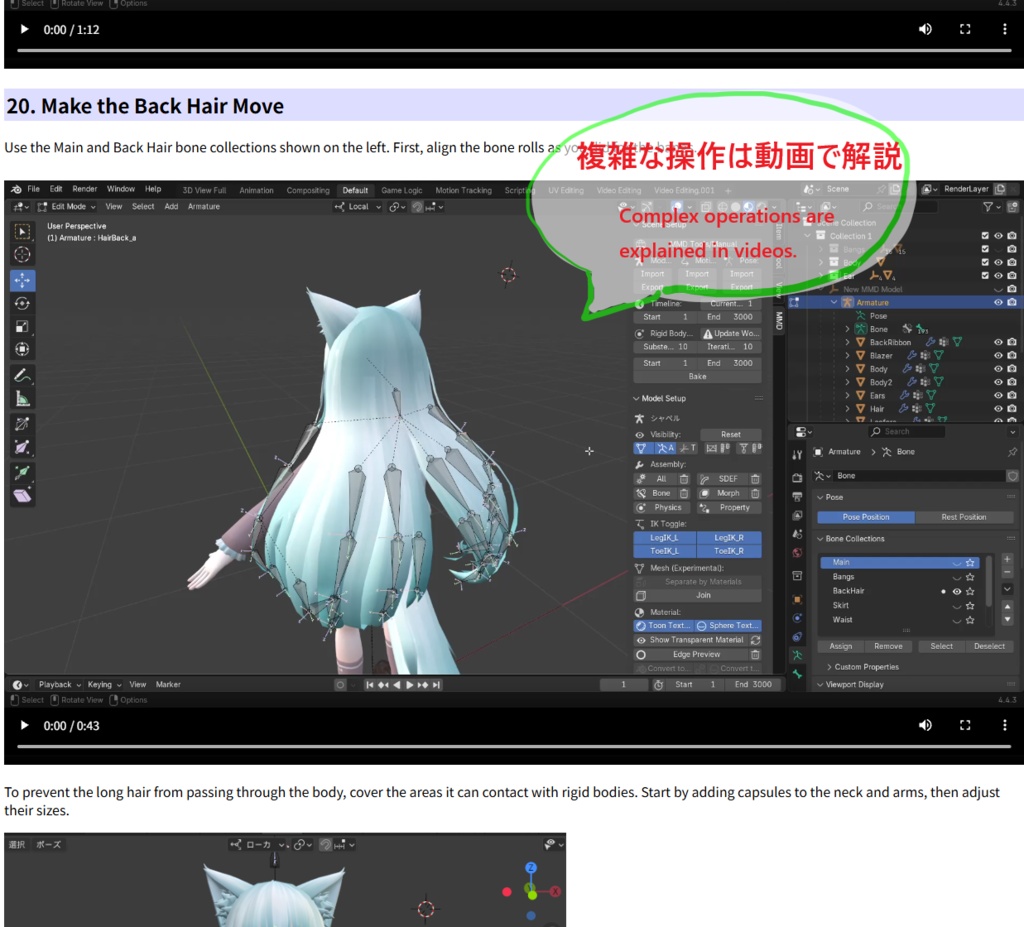


UnityHumanoidなどを想定したTポーズのキャラクターモデルを、Blenderとそのアドオンを利用して MikuMikuDance で使えるPMX形式にするチュートリアルです。 mmd_tools( https://mmd-blender.fandom.com/ja/wiki/MMD_Tools )を使用しますので、アドオンのインストールを出来る必要があります。 Blender4.x以降のインターフェイスに対応しています。 ある程度 Blender の操作に慣れている必要があります。 HTMLドキュメント形式です。 画像・動画を織り交ぜて解説しています。 途中経過のサンプルデータが付属しています。 This tutorial explains how to convert a T-pose character model (such as a UnityHumanoid model) into the PMX format used by MikuMikuDance, utilizing Blender and a specific add-on. It uses **mmd_tools** ( https://mmd-blender.fandom.com/ja/wiki/MMD_Tools ), so you must be able to install add-ons. The tutorial is compatible with the Blender 4.x interface and later versions. A certain level of familiarity with Blender operations is required. It is in HTML document format. The explanation incorporates images and videos. Sample data showing intermediate stages is included. お知らせなど | Information https://x.com/kisaragiz84 冒頭の内容 | Introduction https://note.com/kisaragiz84/n/nfebdc8df8688 筆者の制作実績 | Authers result https://www.youtube.com/watch?v=IeNoyoreM6w&list=PLy4s5GsILH-jG0yYbkPVCYxmF3a9LCAqr https://3d.nicovideo.jp/users/56980238
内容 | Content
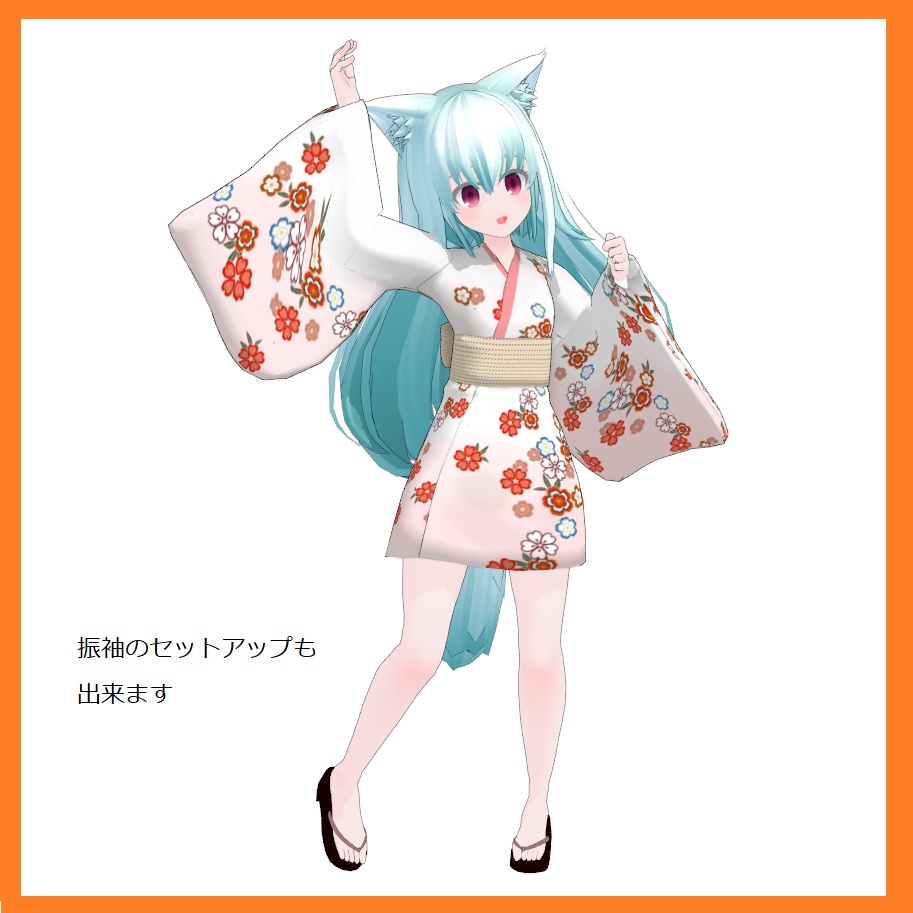
・PMXシャペル ・PMX浴衣シャペル(振袖) のセットアップに必要な技術とその流れについて、一つ一つ解説していきます。 マテリアルや物理演算設定など全ての設定をBlenderで行い、エクスポート出来ます。 I will explain, step by step, the techniques and workflow required to set up the following: ・PMX Chapelle ・PMX Yukata Chapelle (Furisode) You can configure everything—including materials and physics settings—within Blender and then export the model.
含まれない内容 | Not included
・Modeling ・How to use MikuMikuDance ・Soft body
利用規約 | Terms of service
全部または一部の無許可の公開・再配布・販売・譲渡を禁じます。 Unauthorized publication, redistribution, sale, or transfer, in whole or in part, is prohibited.
