

VRoid用 3色x3種 "竜・鬼・悪魔の角" - Dragon/Daemon Horn 3Colors
- 無料版 (SAMPLE)Digital0 JPY
- 有償 (PAID)Digital330 JPY
- 作成支援★ (Creation Support)Digital900 JPY
- 作成支援★★ (Creation Support)Digital1,500 JPY
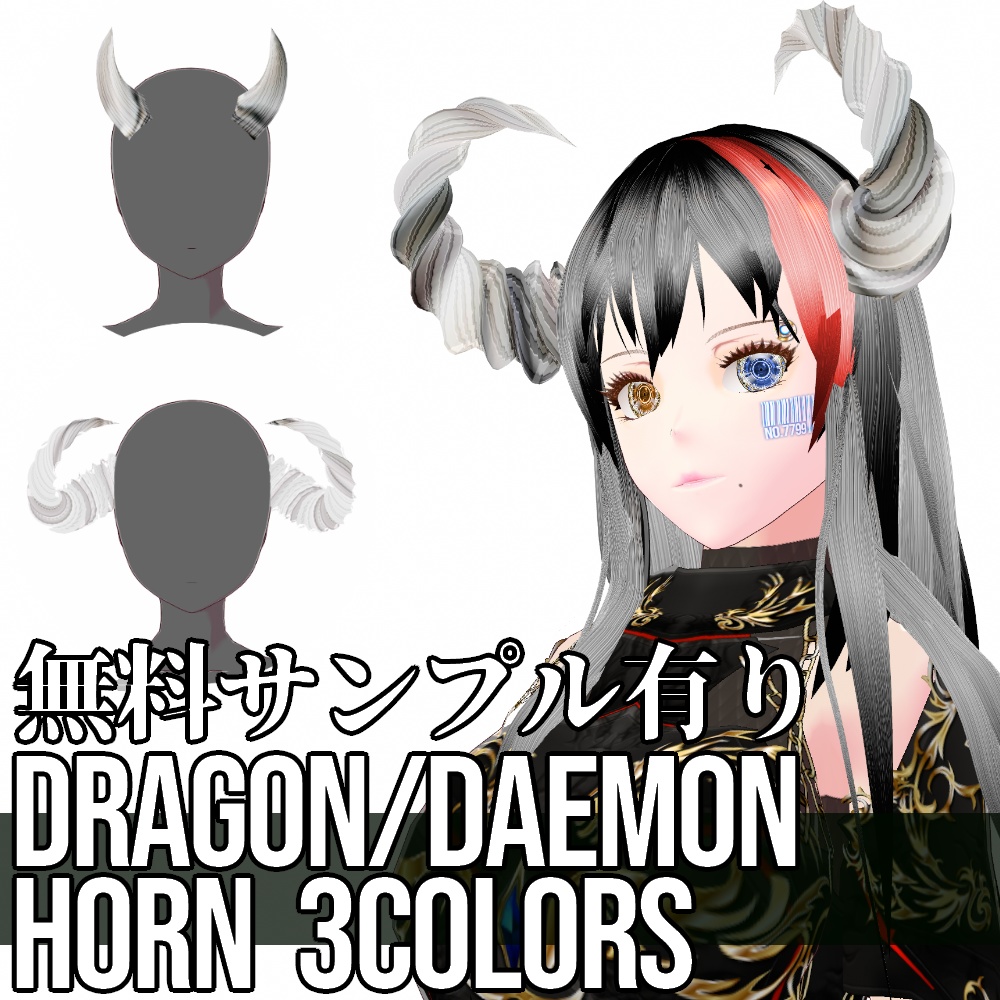
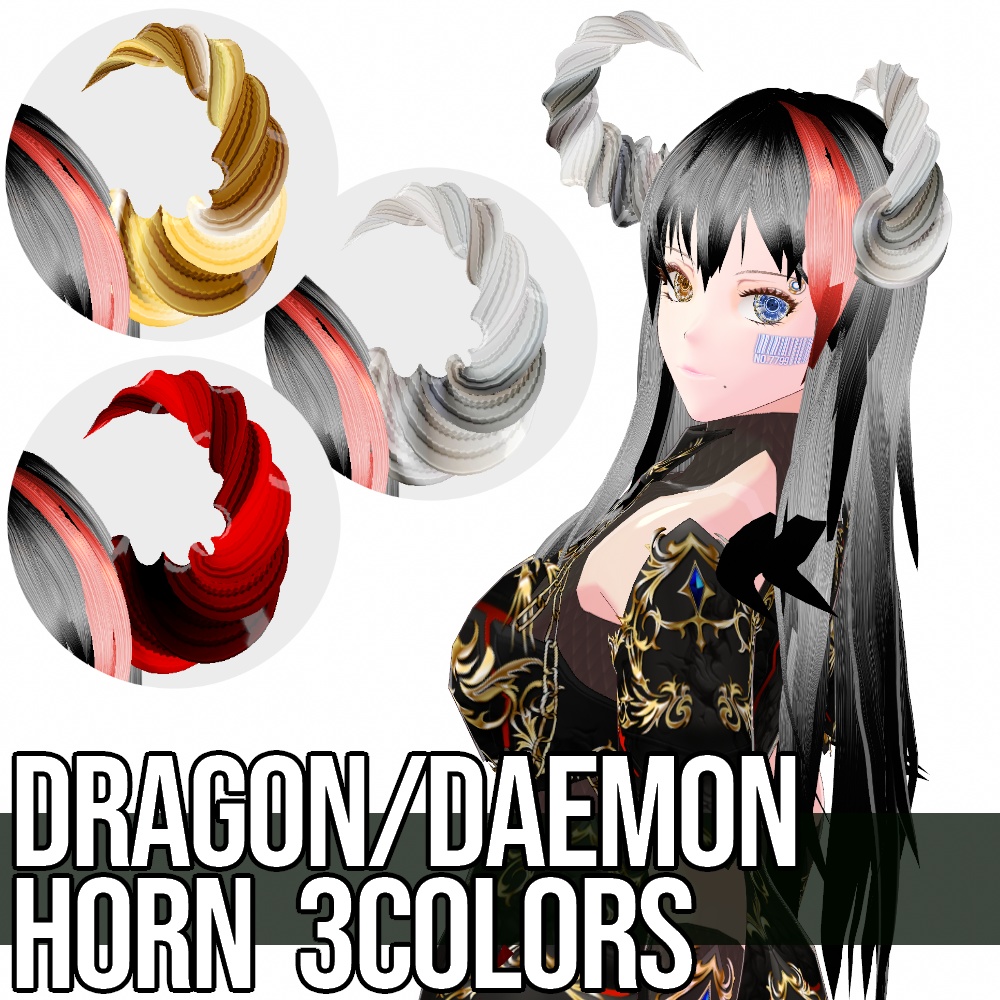
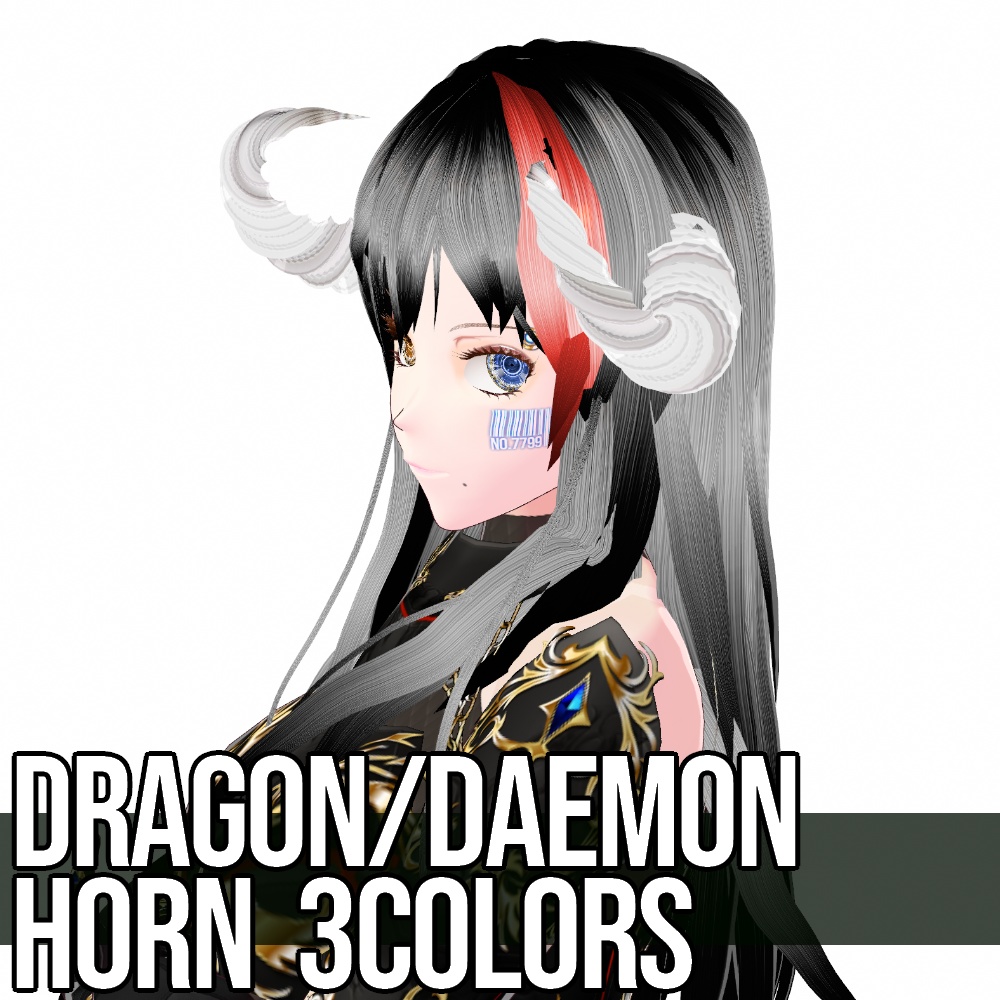
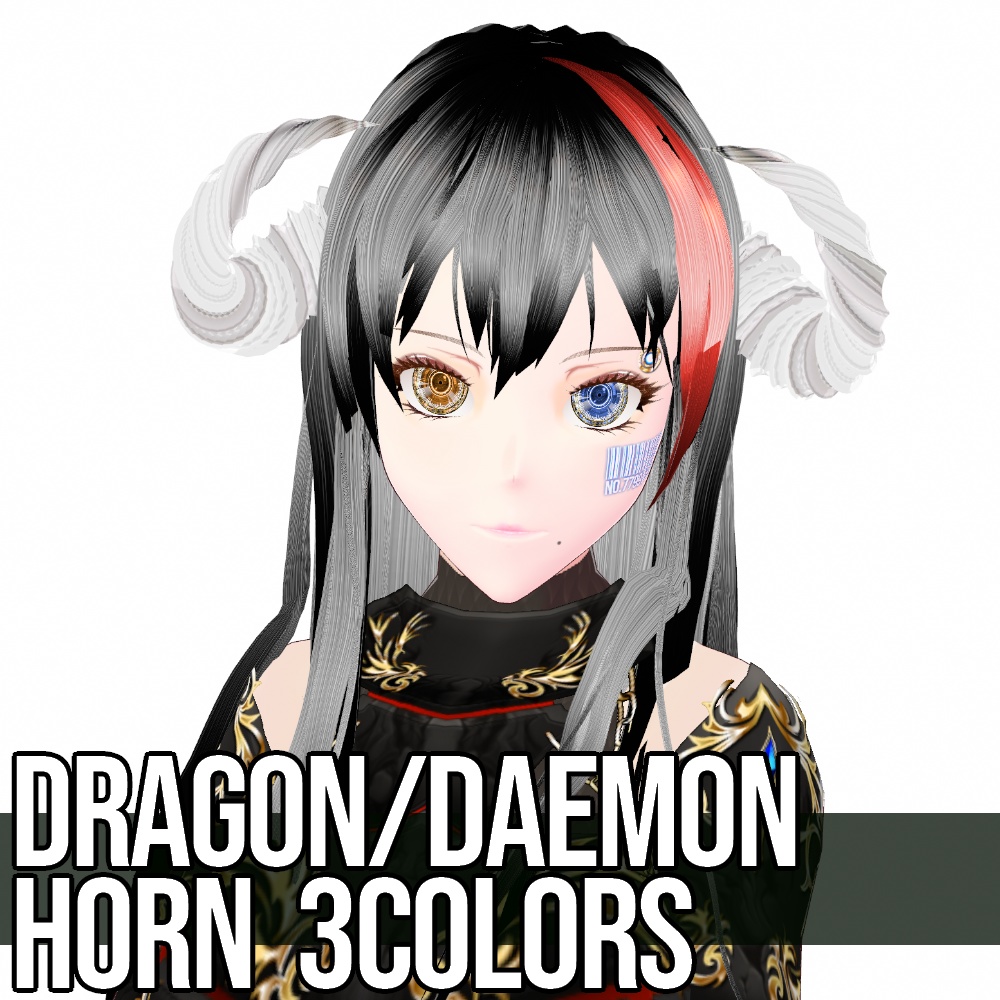
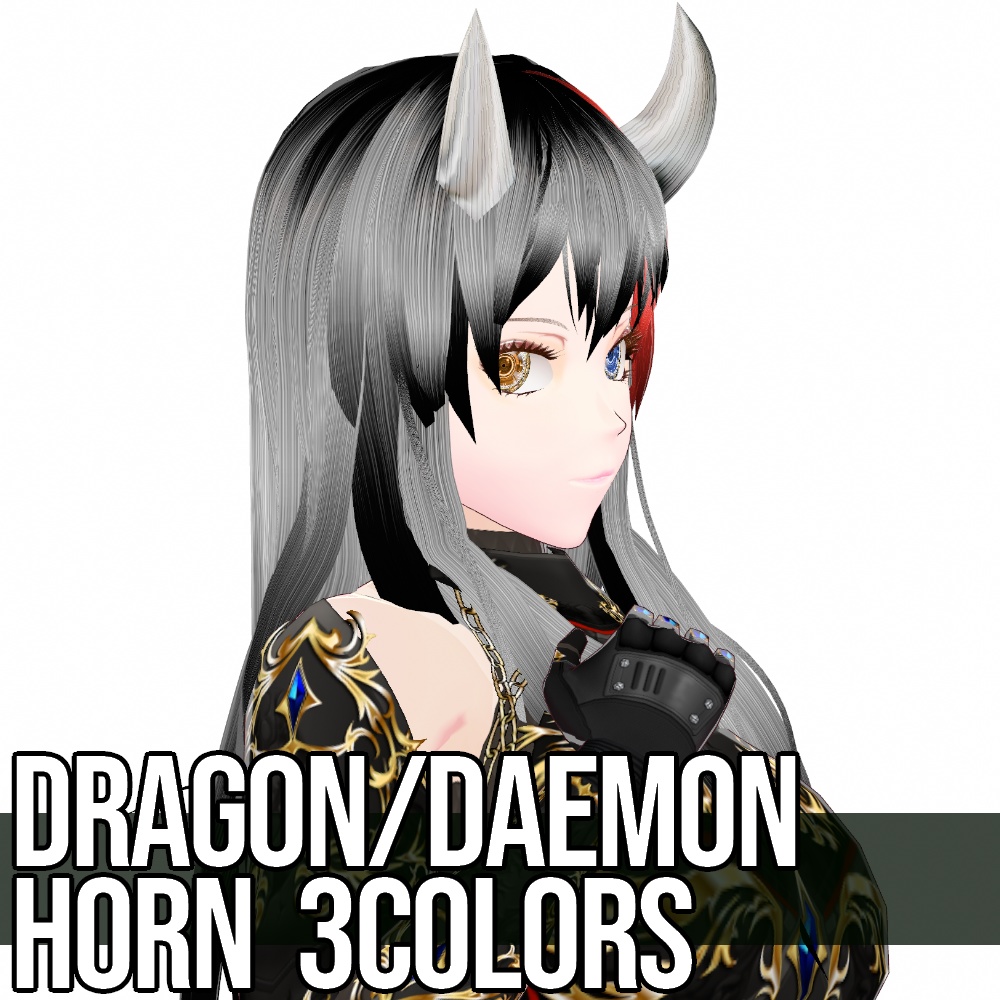
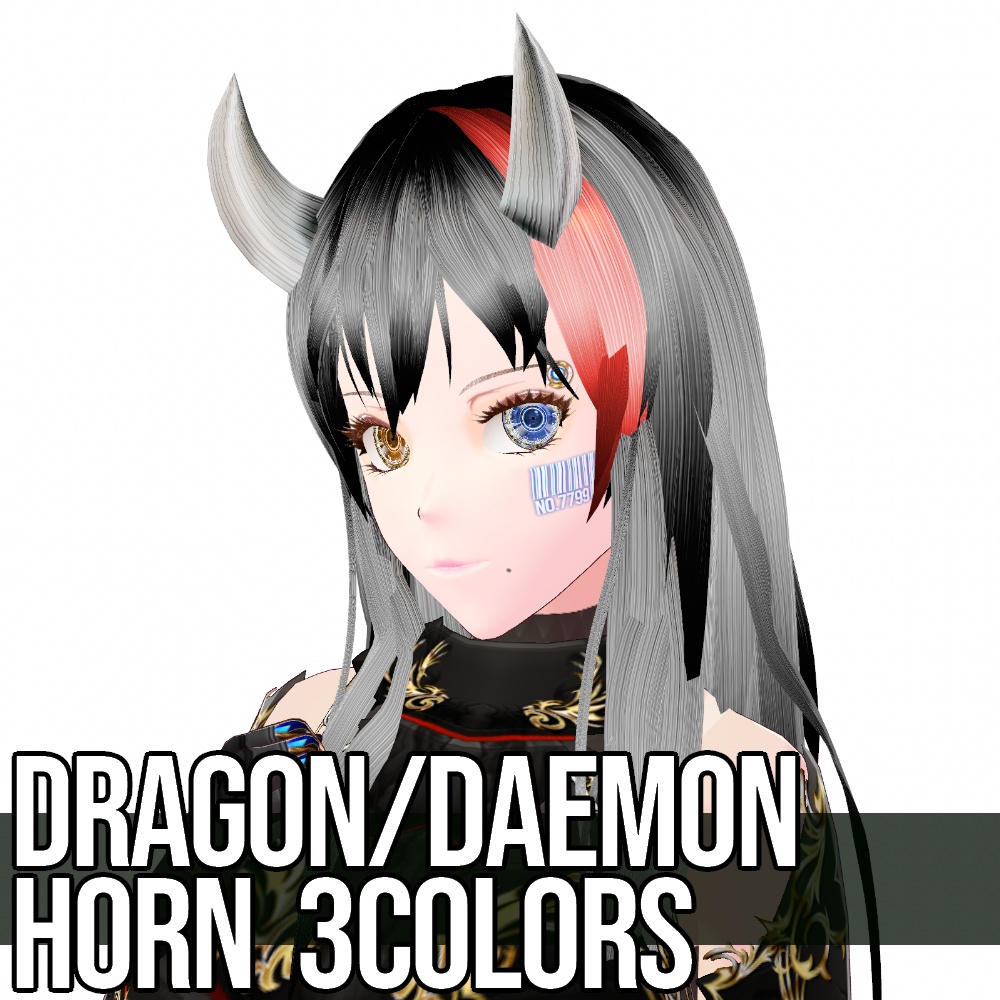
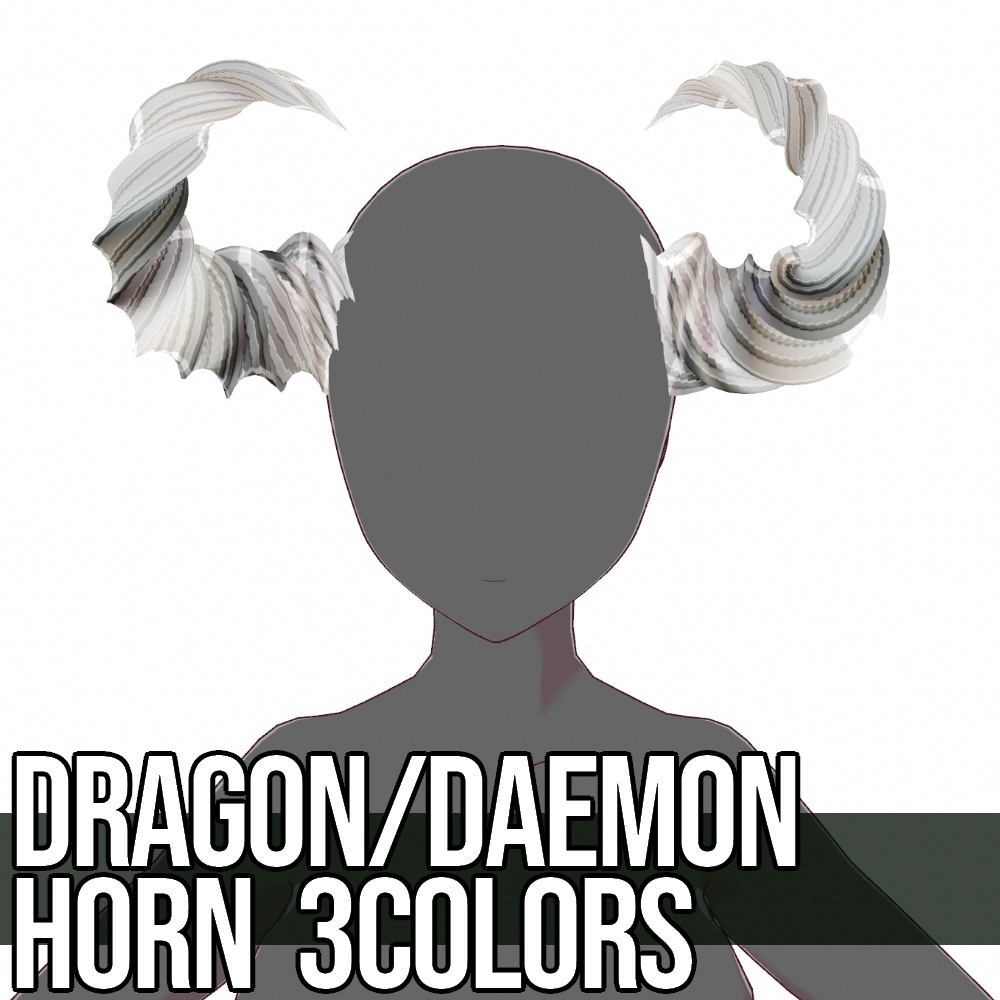
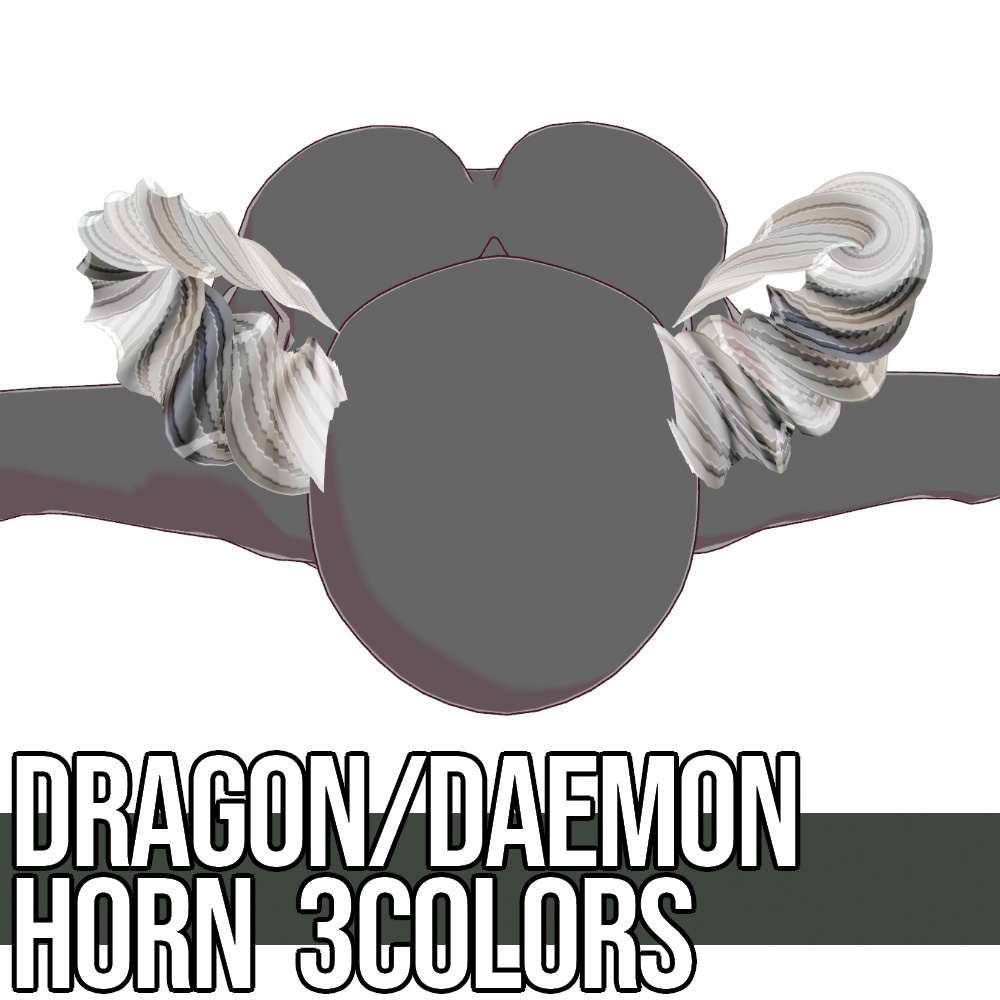
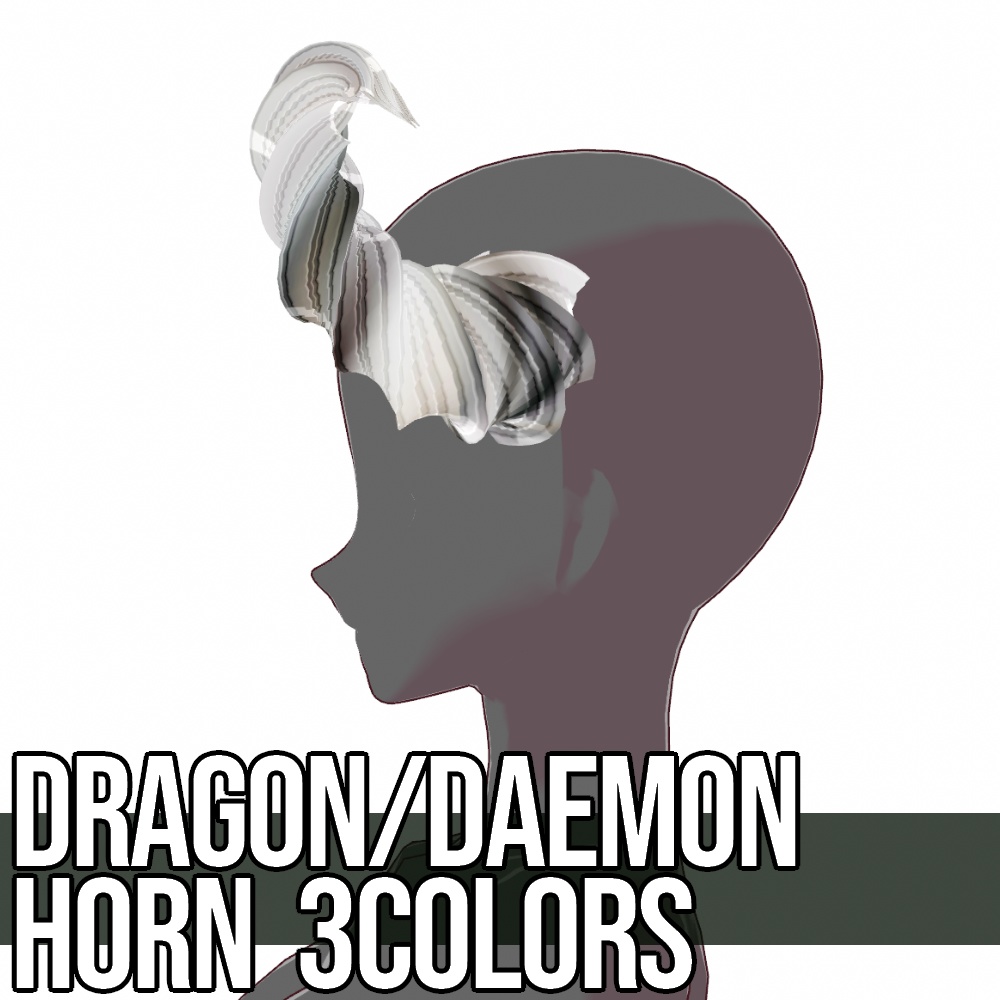
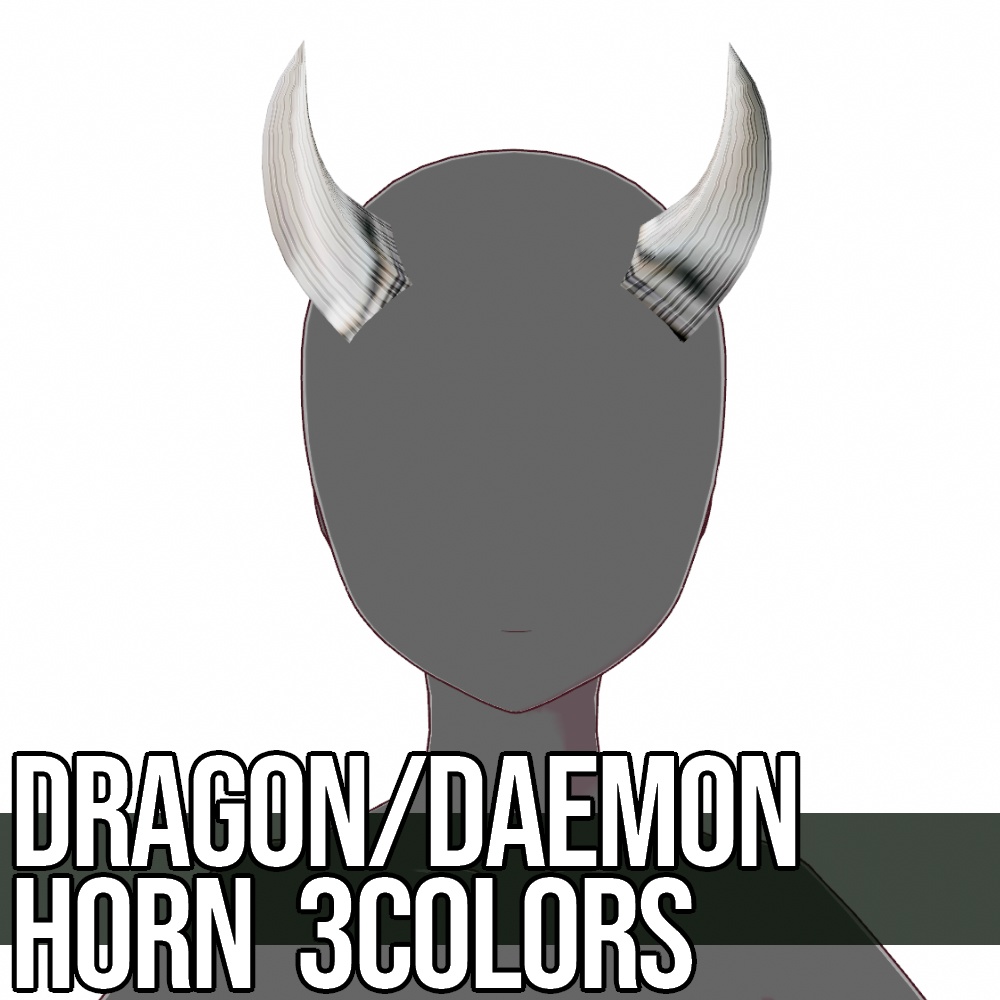
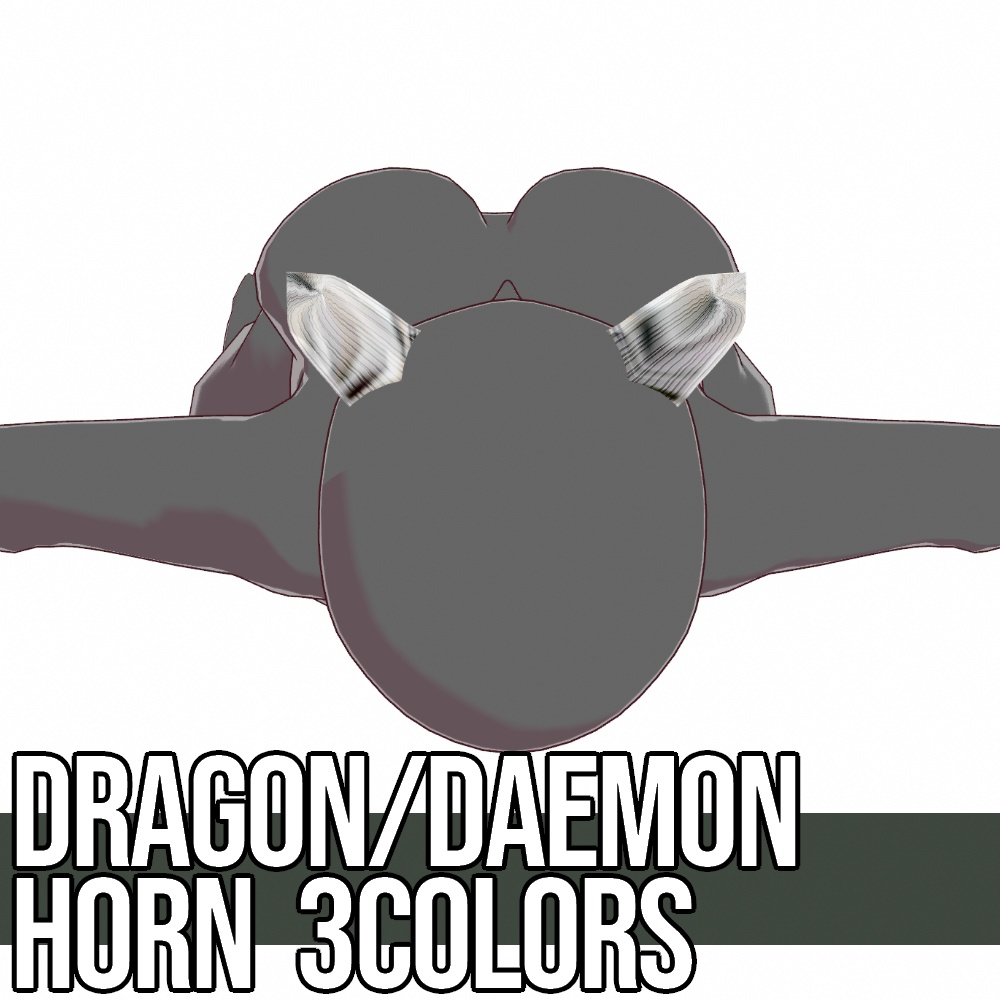
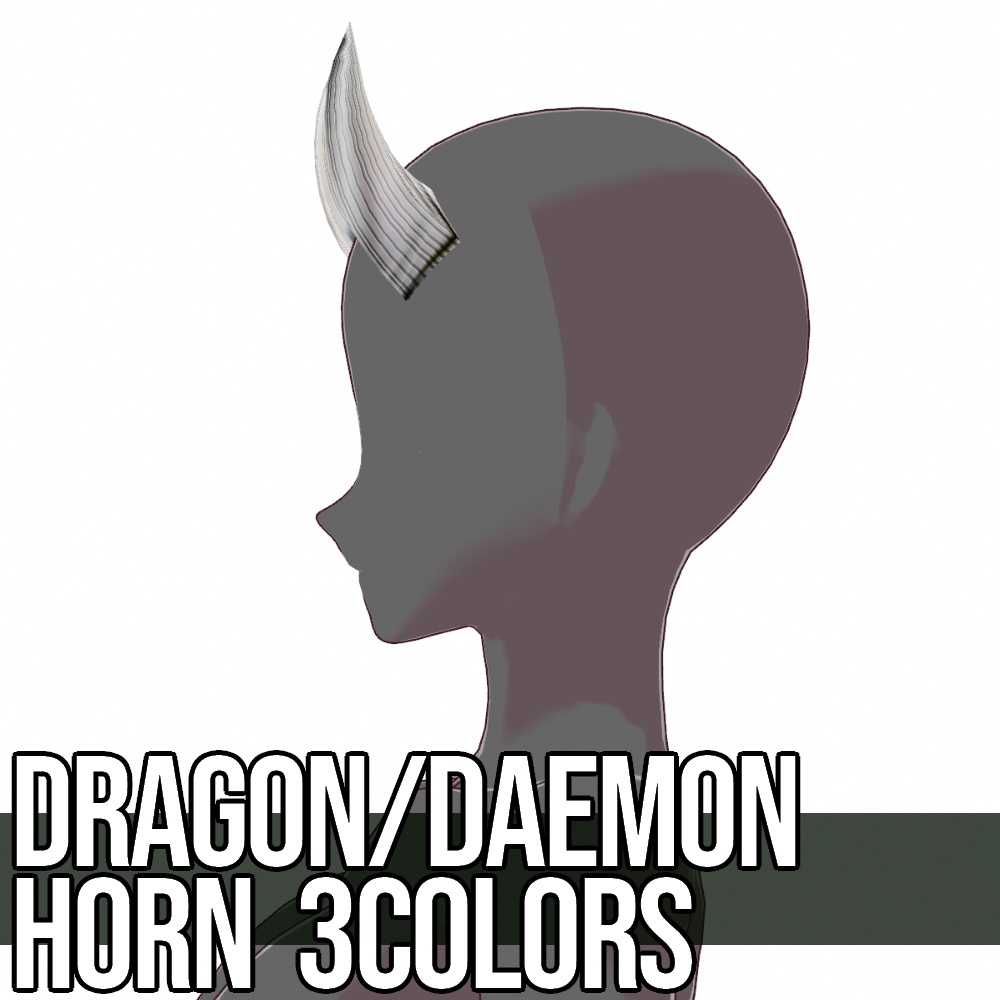
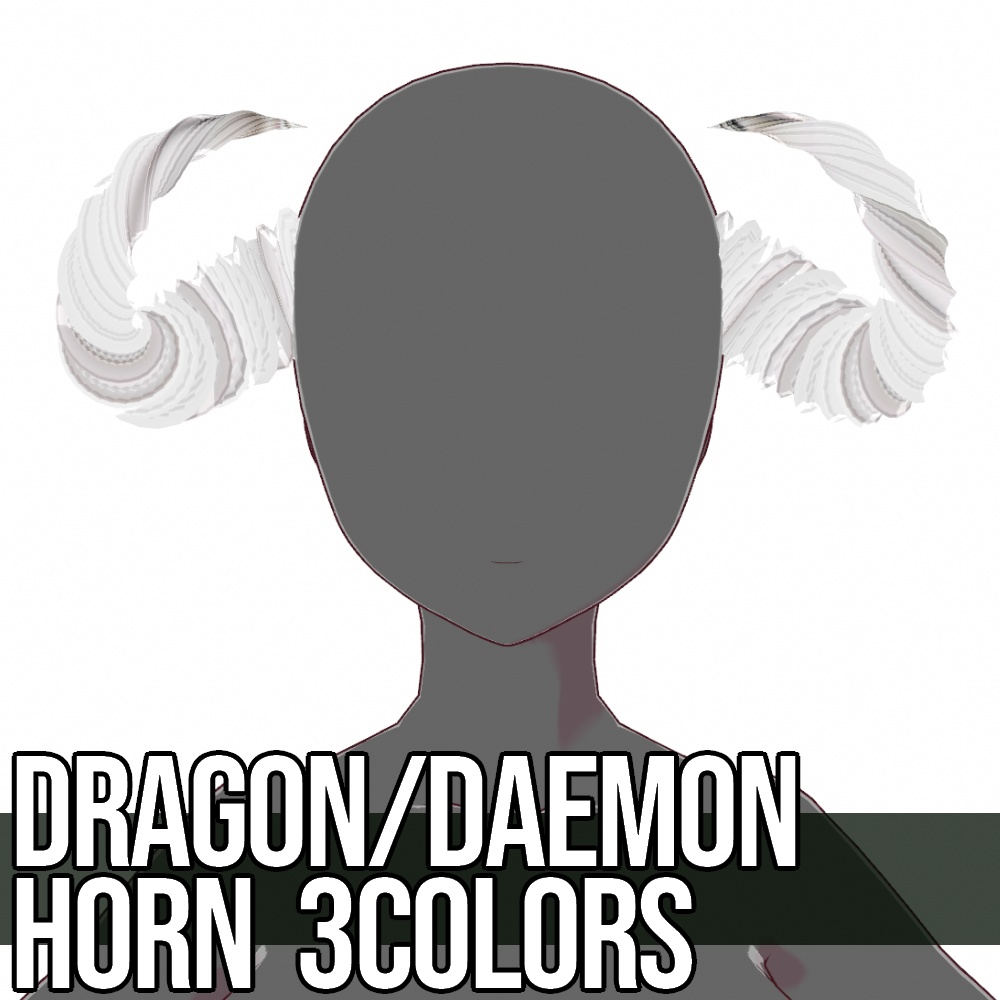
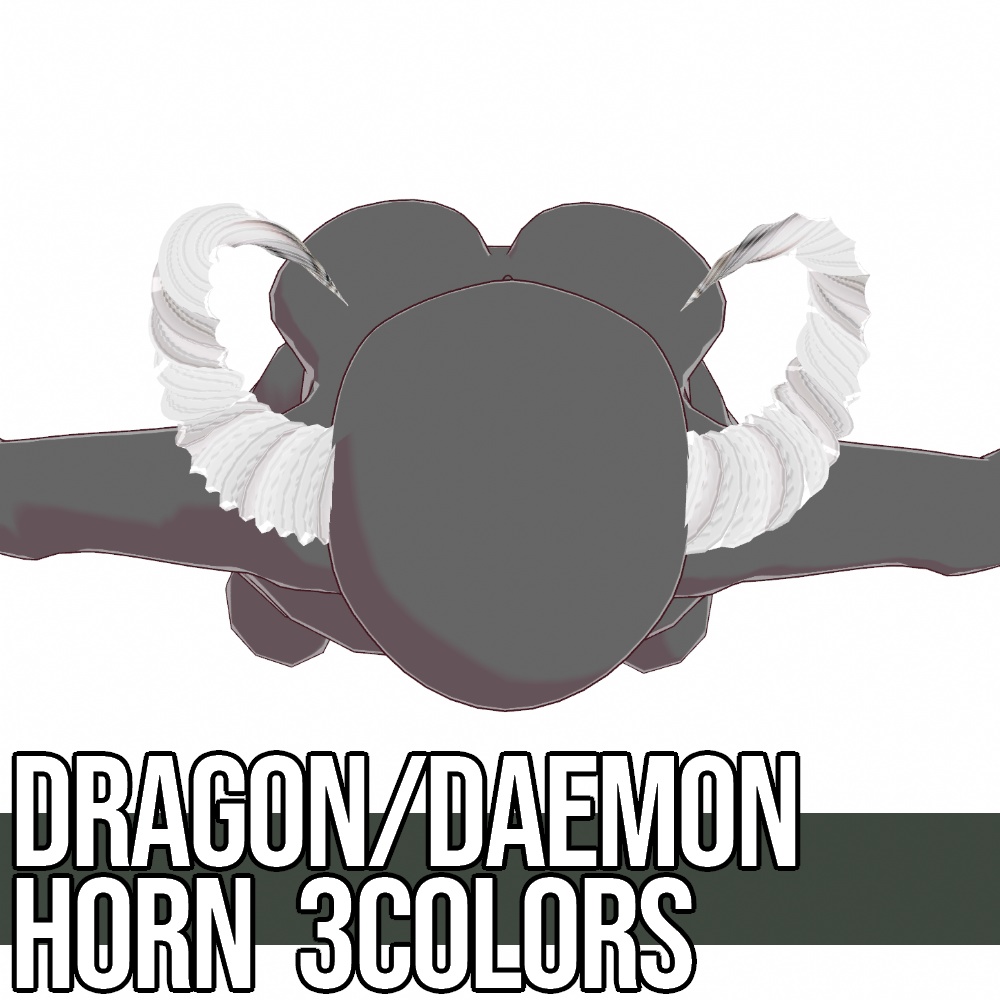
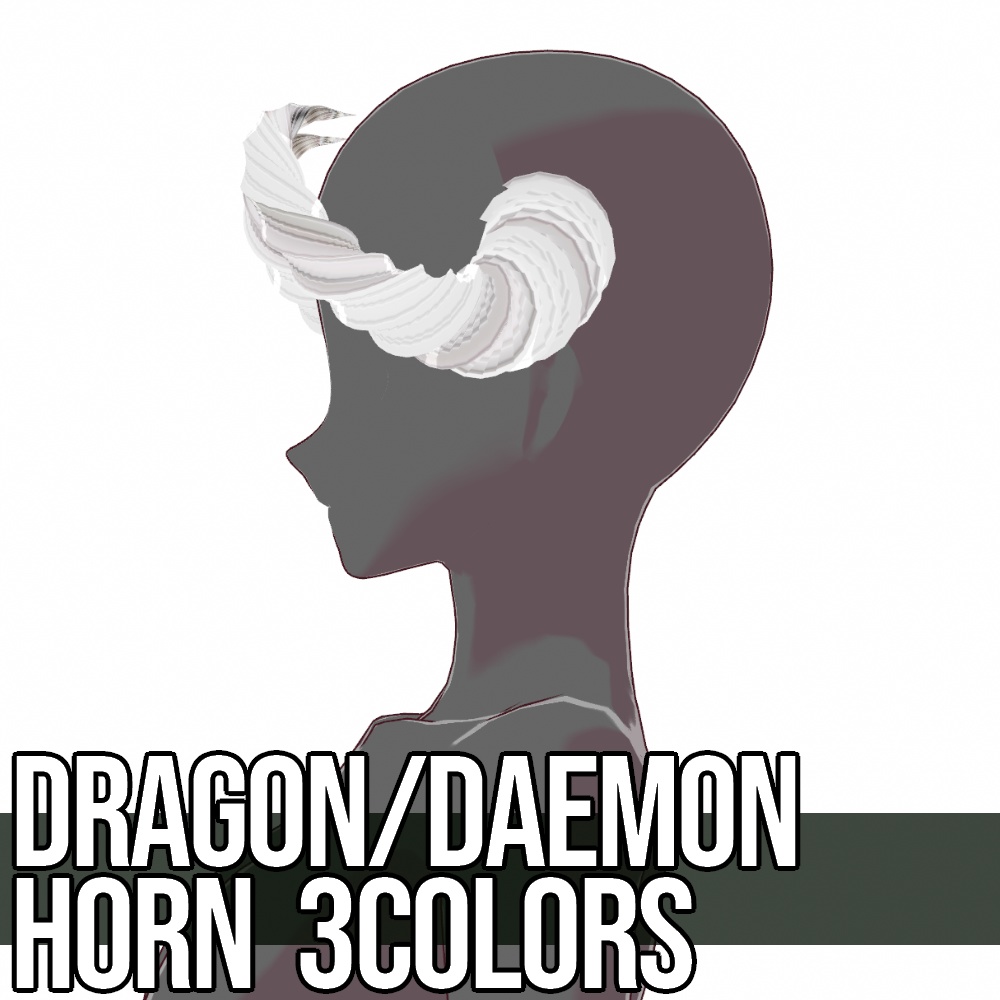
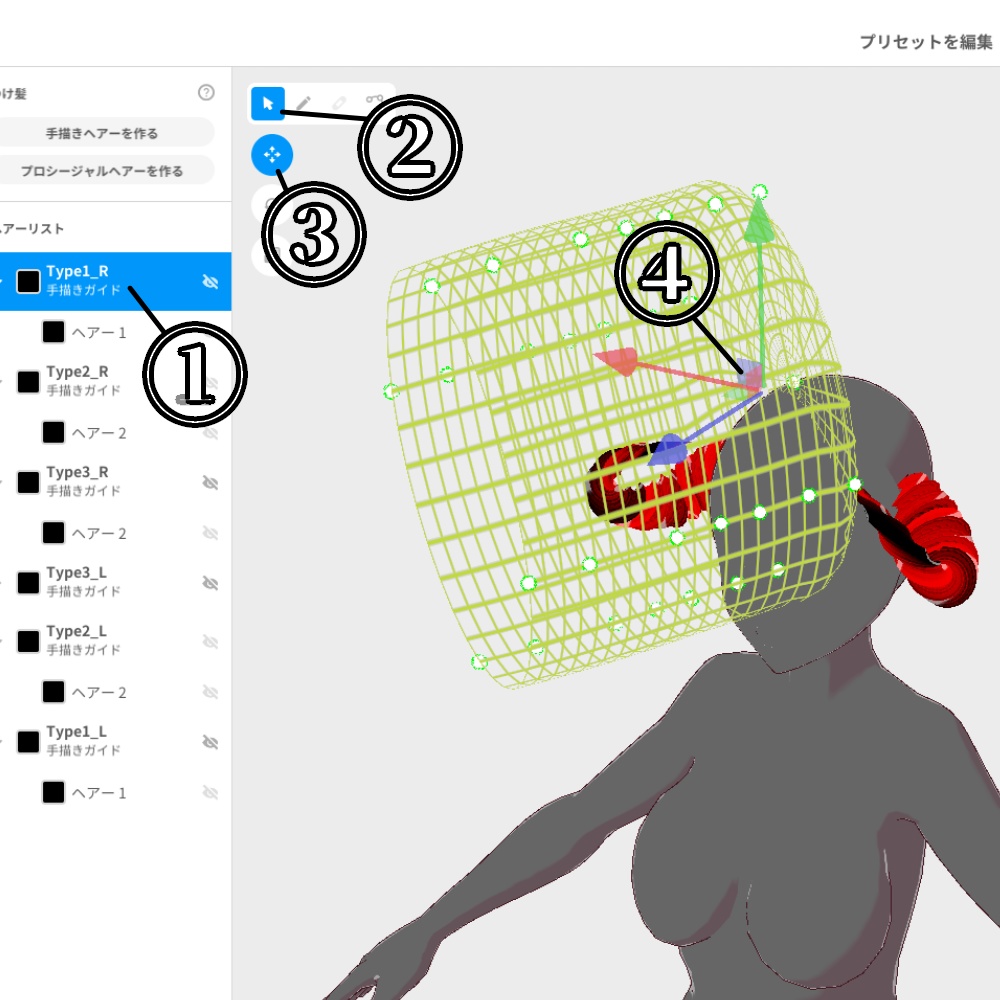


【説明】 新作できました!悪魔・龍族の角コレクション https://fox-corp.booth.pm/items/5778648 VRoid用に作成した悪魔・竜・鬼などの角をイメージしたヘアアクセサリーです。大・中・小の3種類、赤・金・白の3色構成になっています。髪型メニュー左から表示・非表示を切り替えて角の種類を選択>メニュー右からマテリアルを選択し色を変更してください。 ※無料版は大きさ「中」のみ、ねじれていない簡易な形状にしたものにサンプルの透かしが入っています。 ・移動の仕方 髪型、頭の大きさ等によりヘアアクセサリーが干渉する場合があります。特にウィング部分は埋まりやすいため、位置を変更してください。移動方法はサムネイルの画像を参考にしてください。 ① 移動したい部分を選択する ② 選択をクリック ③ 移動をクリック ④ 表示された矢印をクリックし移動 また③で回転をクリックすれば角度を、拡大縮小にすれば大きさも変更できます。 ・画像に使用されている髪の毛、まゆげ、まつげ、下まつげ及びまぶた、瞳のテクスチャは「含まれておりません」。お気に召しましたら、別途ご購入をご検討ください。 ・有償版および作成支援版2種類には内容の違いはございません。 Description. This hair accessory was created for VRoid and is based on the image of horns of demons, dragons, etc. It comes in three types (large, medium, and small) and three colors (red, gold, and white). After installing the hair accessory, refer to "How to install" below and select the type of horns by switching the display/hide option from the left side of the hairstyle menu > select the material from the right side of the menu and change the color. ※ This is a texture before .vroidcustomitem was introduced. Please read the usage instructions carefully before installing. The free version is only available in "medium" size, and a sample watermark is included in a simple non-twisted shape. How to move Hair accessories may interfere with the hair depending on the size of the head and hairstyle. In particular, the wing part tends to be filled in, so please change its position. Please refer to the thumbnail image for how to move. (1) Select the part you want to move. (2) Click on Select (3) Click on "Move (4) Click the arrow displayed to move. Click on "Rotate" at (3) to change the angle, and "Scale" to change the size. Textures of hair, eyebrows, eyelashes, lower eyelashes, eyelids, and eyes used in the images are not included. If you like them, please consider purchasing them separately. There is no difference in content between the paid version and the two creation support versions. Translated with www.DeepL.com/Translator (free version)
【利用規約】
・著作権は放棄しておりません。 ・商用、個人を問わずご利用いただけます。 ・R15、R18を問わずご利用いただけます。 ・個人で使用する限りにおいて自由に改変いただけます。 ・商用の場合のみ、クレジットの表記及び当ページへのリンクをお願いします。 ・改変の有無、有償、無償を問わず再配布は禁止します。 ・DLが可能な状態でのモデルデータへの使用は禁止します。 ・VRoid Hub等へ使用されたモデルをアップロードされる場合にはクレジットの表記をいただけると喜びます。 ・テクスチャを使用したモデルでの迷惑行為、中傷行為及び違法行為等を禁止します。
[ Terms of Service ]
・ Copyright is not waived. ・ It can be used by both commercial and individual users. ・ It can be used regardless of R15 or R18. ・ You can freely modify it as long as you use it personally. ・ For commercial use only, please indicate the credit and link to this page. ・ Redistribution is prohibited regardless of whether it has been modified, paid or free of charge. ・It is prohibited to use it for model data when DL is possible. ・ When uploading the model used to VRoid Hub etc., we would be grateful if you could indicate the credit. ・ It is prohibited to harass, slander or illegally act on the model using texture.