


そらのほとり | Float in the Sky
- Digital6,000 JPY
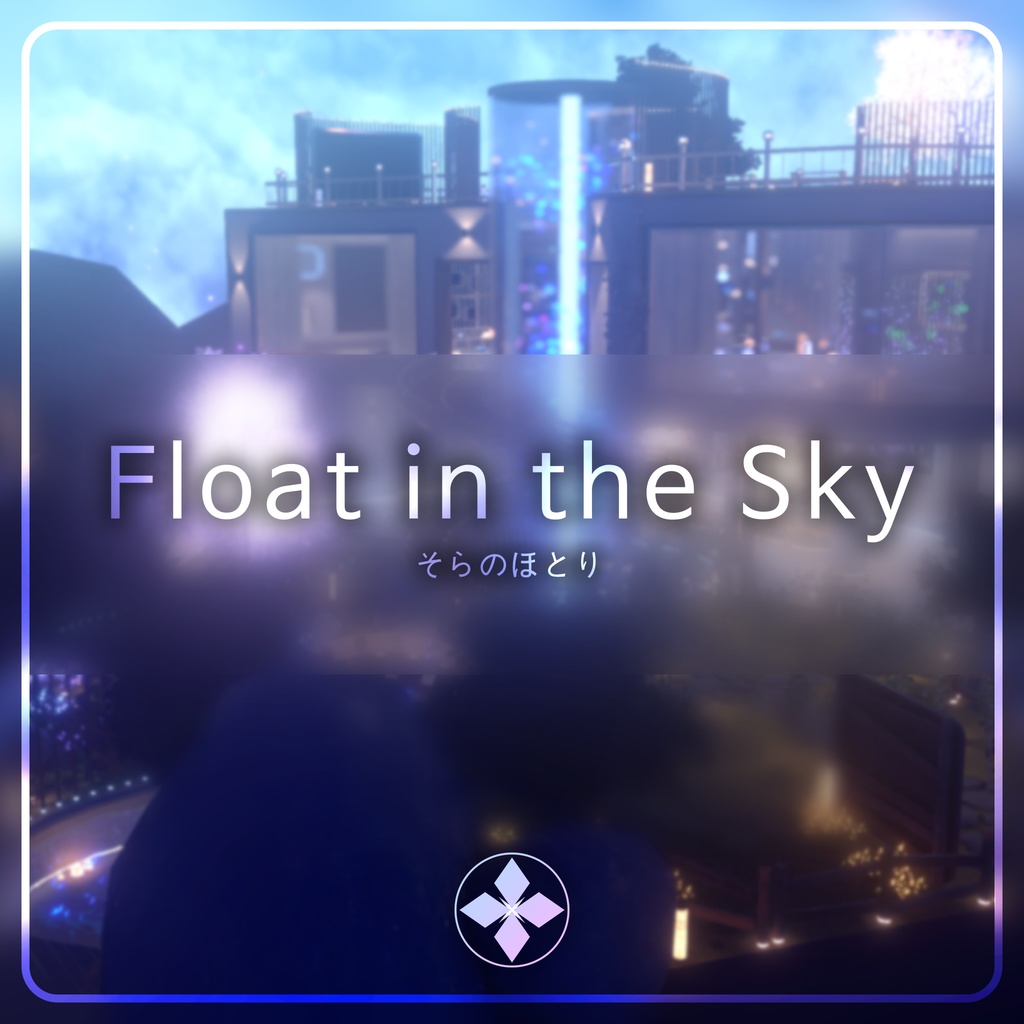
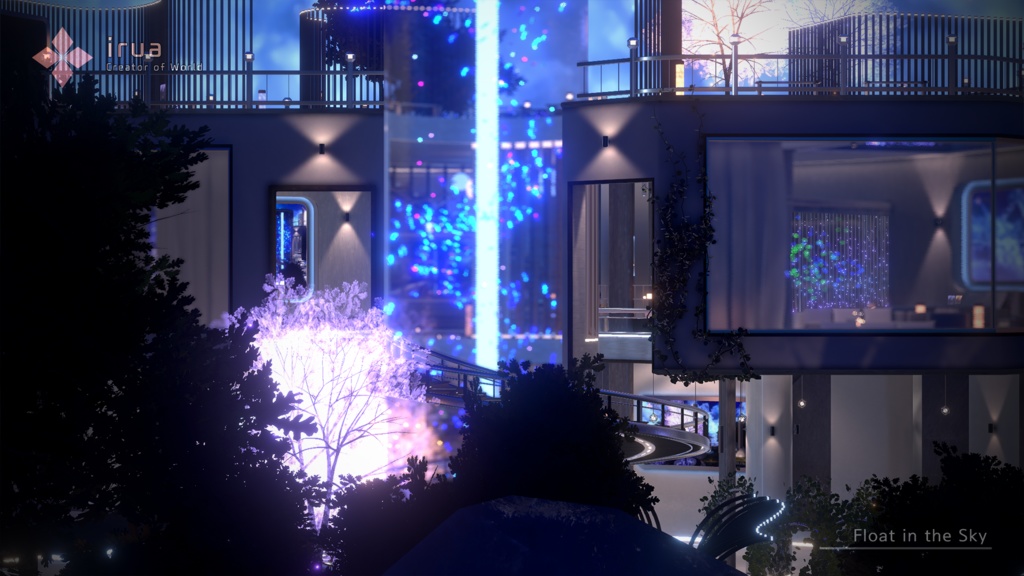
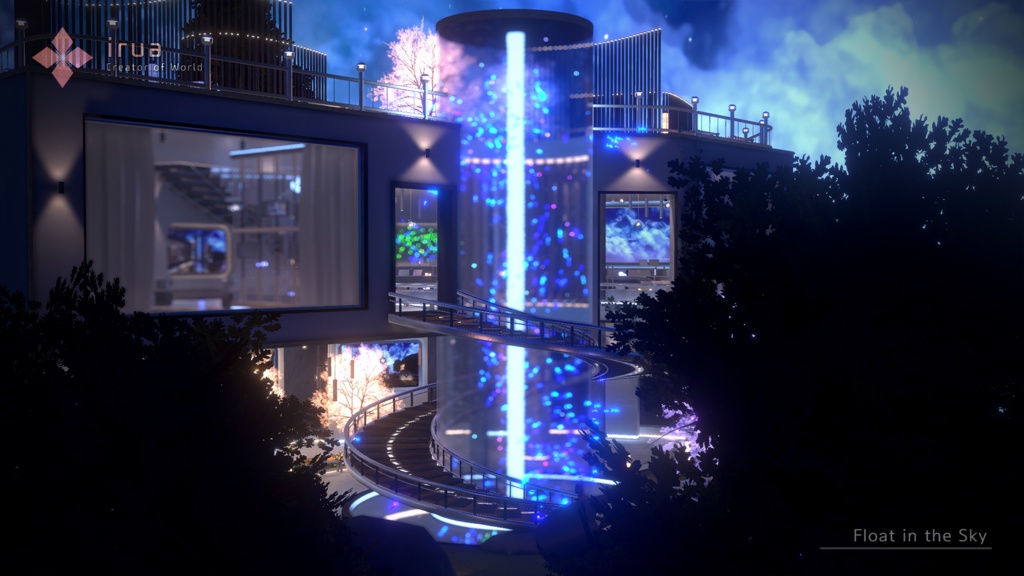
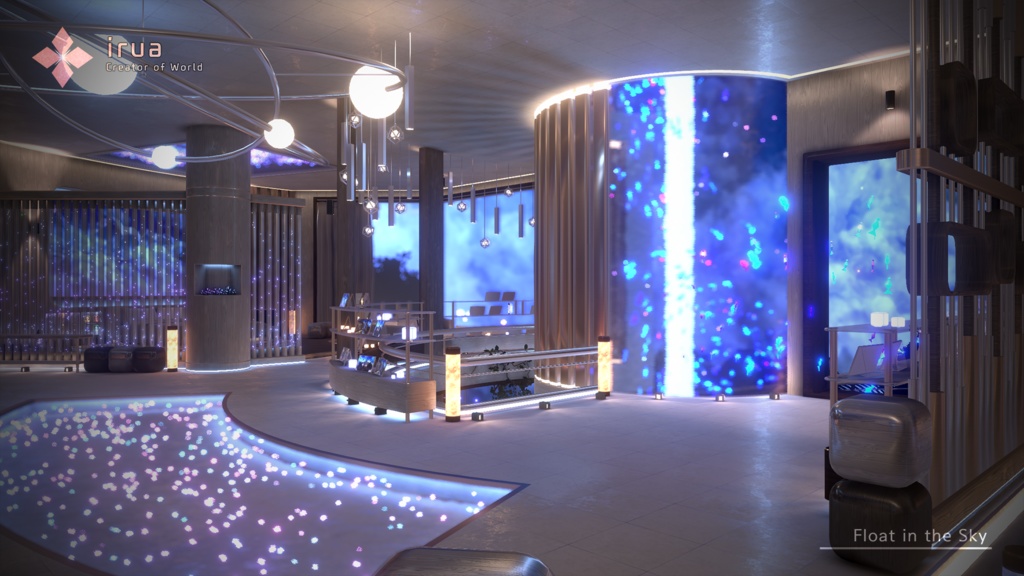
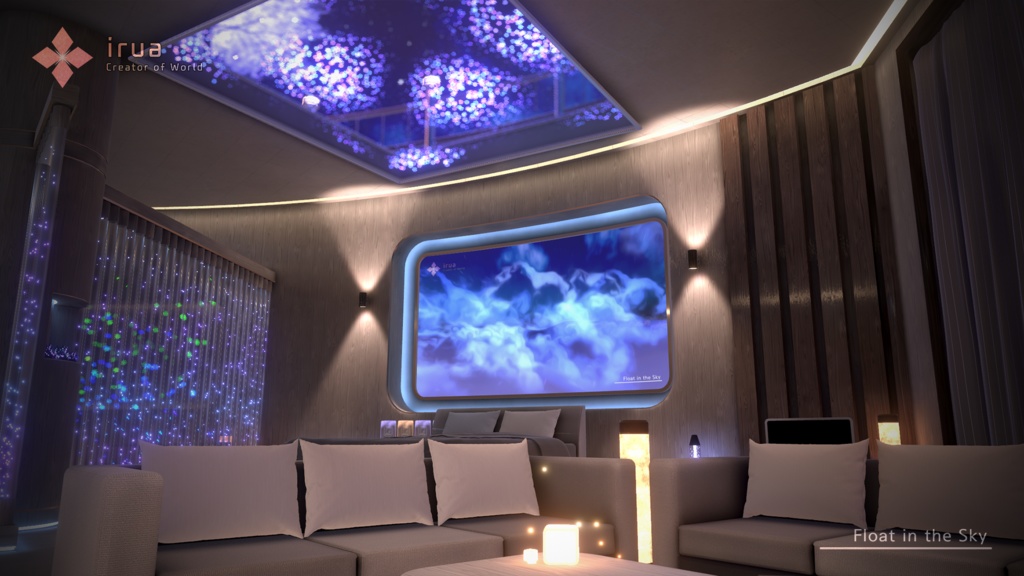
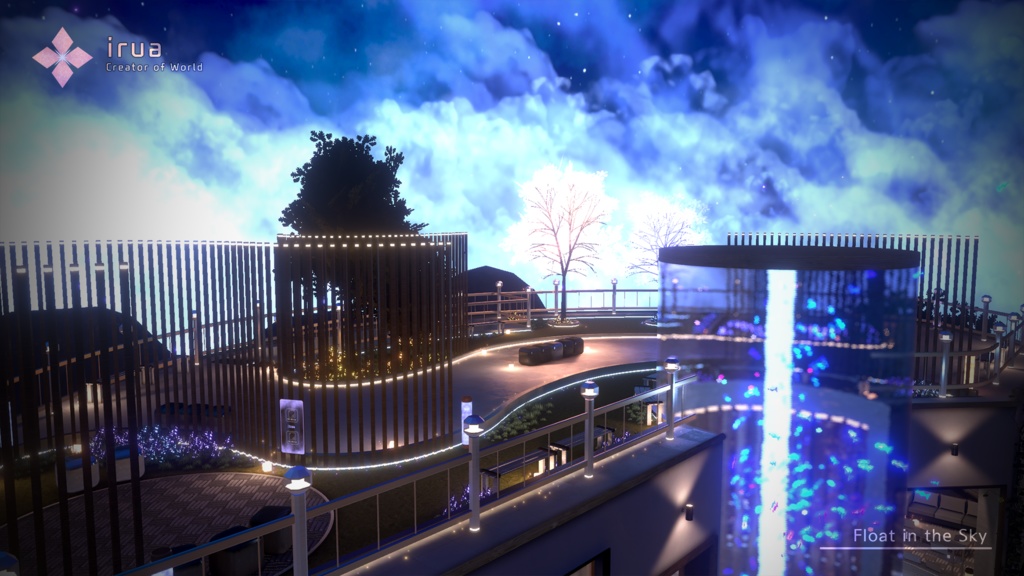
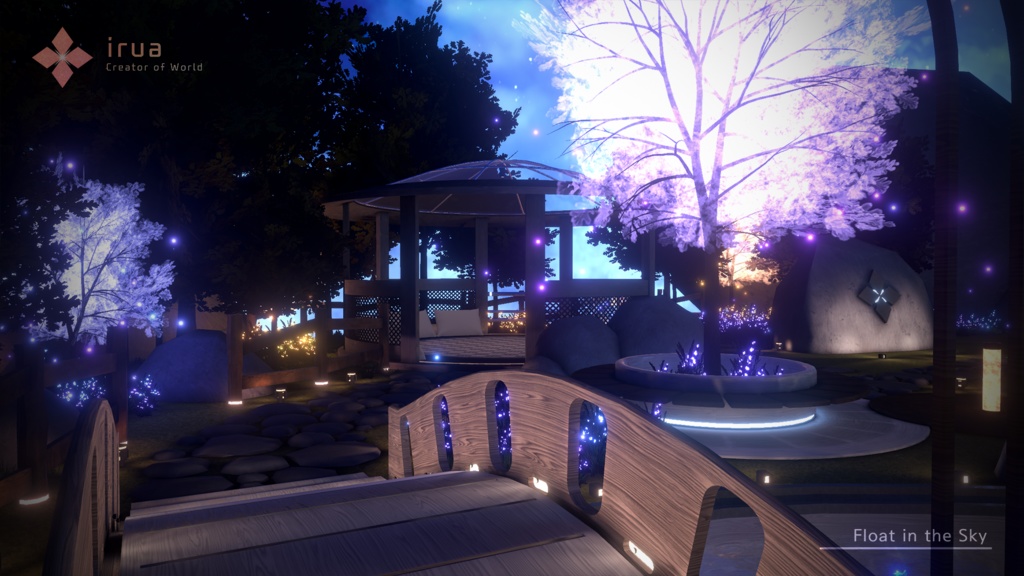


VRChat에서 사용가능한 World 에셋입니다. VRChatで使用可能なWorldアセットです。 A World asset that can be used in VRChat. - SmapleWorld https://vrchat.com/home/launch?worldId=wrld_6bea57fa-64e3-49cb-bdf2-4576ec183010
JP
VRChatで使用可能なWorldアセットです。 アセットを利用するための推奨環境は以下のとおりです。 - Unity 2022.3.22f1 - VRChat SDK - Worlds 3.7.6 それ以外の環境での動作を保証することは困難です。 アセットの使い方 - VCCを使用して空のWorld Projectを作成します。 - アセットに含まれているPackageを順番にインポートします。 その他参考事項 - Unityの内蔵Lightmapperを使用します。 必要に応じて、Unityのメニューバー - Window - Rendering - Lightingでライトマップを再びベイクしてください。 利用規約 このアセットはVRCPublicのアップロードが許可されます。 https://drive.google.com/file/d/1FGdy7UR_9WUWnmo_eBoCMaq0s9eRwIa2/view?usp=sharing
KR
VRChat 에서 사용 가능한 World 에셋입니다. 에셋을 이용하기 위한 권장환경은 아래와 같습니다. - Unity 2022.3.22f1 - VRChat SDK - Worlds 3.7.6 이상 에셋의 사용방법 - VCC를 사용하여 비어있는 World Project를 생성합니다. - - 에셋에 포함된 Package를 차례대로 Import 합니다. 기타참고사항 - Unity의 내장 Lightmapper를 사용합니다. 필요시, 유니티의 메뉴바 - Window - Rendering - Lighting 에서 라이트맵을 다시 베이크 해주십시오. 이용약관 해당 에셋은 VRC Public의 업로드가 허용됩니다. https://drive.google.com/file/d/15VbBzka4yW2Ir0B3ubHzYVW8UX7DmHop/view?usp=sharing
EN
This is a World asset that can be used in VRChat. The recommended environment to use the asset is as follows - Unity 2022.3.22f1 - VRChat SDK - Worlds 3.7.6 or later We cannot guarantee operation in other environments. How to Use the Asset - Create an empty World Project using VCC. - Import the Packages included in the asset in order. Other notes - Use Unity's built-in Lightmapper. If necessary, re-bake the lightmap from Unity's menu bar - Window - Rendering - Lighting. Terms of Use This asset is allowed to be uploaded from VRC Public World. https://drive.google.com/file/d/1MTd1PTs5R7eMmw-MvuT7V2B0CMgPlovB/view?usp=sharing
Credit
USharpVideo - MerlinVR (MIT License) https://github.com/MerlinVR/USharpVideo Mochies Unity Shaders - MochiesCode (MIT License) https://github.com/MochiesCode/Mochies-Unity-Shaders VRCPlayersOnlyMirror - acertainbluecat (MIT License) https://github.com/acertainbluecat/VRCPlayersOnlyMirror
Update Log
2023. 10. 27 1.00 | First Release 2024. 1. 13 1.10 | Update Unity to 2022