

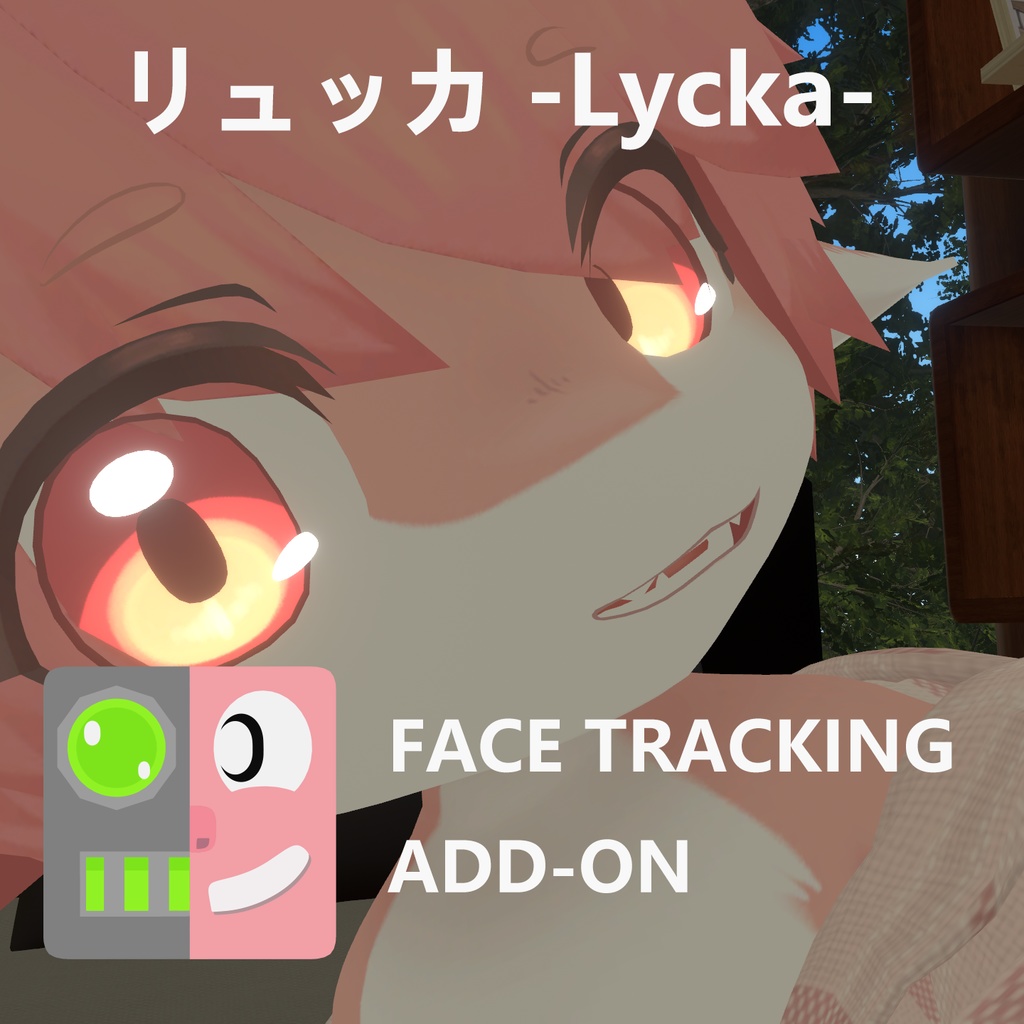
リュッカ -Lycka- FaceTrackingAddon
- Digital1,200 JPY
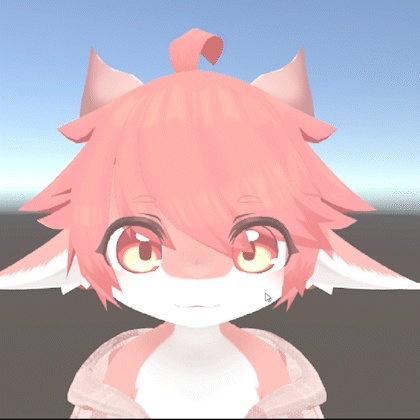
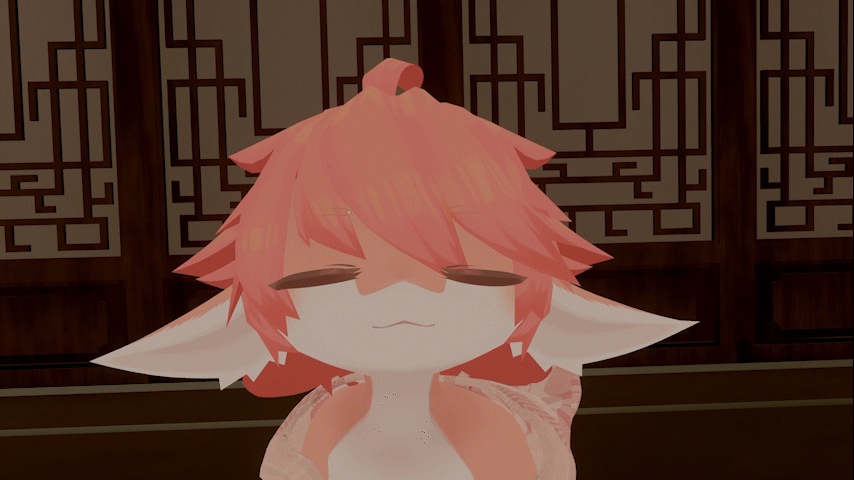
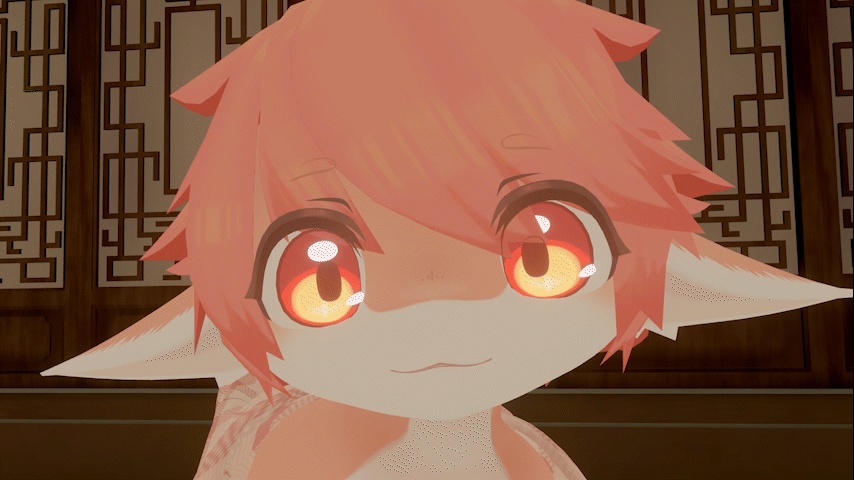


- オリジナルアバター リュッカ -Lycka- , 2025/11/05, 20:45 Unitypackage 基準 https://kemonano.booth.pm/items/7527877 Sample Avatar: https://vrchat.com/home/avatar/avtr_f0c8d932-6b24-49c5-af9d-7231e62c7642 【注意】 ※動画はありませんが、画像をクリックするとGIFアニメーションが表示されます。 ※No video available, but you can click on the images to view animated GIFs. ※没有视频,但您可以点击图片查看动态GIF。
リュッカ -Lycka- FaceTrackingAddon
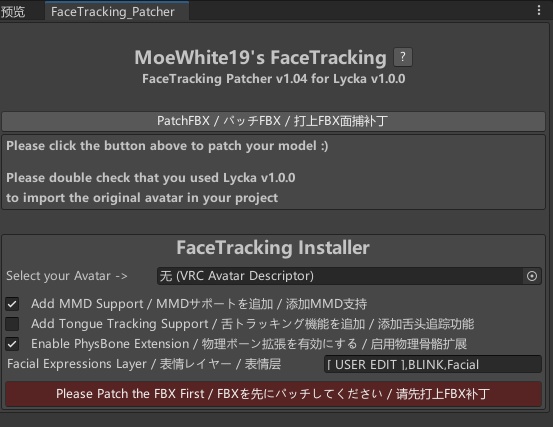
🇯🇵 日本語 / Japanese 🎯 概要 / Overview これは Lycka モデル向けに開発されたフェイストラッキング拡張プラグインです。 すべての顔面トラッキング標準に対応!(ARKit、FACS、SRanipalなど)。Quest Pro向けにテスト・開発され、「Unified Expressions」システムで目、眉、あご、唇、舌をカバー! ✨ 主な機能 / Features ✔ OSC スムージングアルゴリズムによる揺れ・ノイズの軽減 ✔ VRCFT v5.0 対応 ✔ フェイスグラブ(顔掴み)・インタラクション用の追加ボーンを自動設定 ✔ ワンクリック導入・コード不要 🛠 対応環境 / Requirements ・VRChat Avatar SDK 3.0 ・VRCFT v5.0 ・ModularAvatar: https://modular-avatar.nadena.dev/ja ・VRCFury: https://vrcfury.com 📝 使い方 / How to Use UnityPackage ファイルを Unity にインポートします。 メニューから Tools → MoeWhite19 → Lycka Patcher を開きます。 「PatchFBX」ボタンをクリックしてモデルをパッチします。 シーン内のご自身のアバターモデルを、下の「FaceTracking Installer」パネル内の「Select your Avatar」オプションボックスにドラッグ&ドロップし、「Install」ボタンをクリックしてインストールします。 または、「PatchFBX」をクリックした後、プロジェクトフォルダ MoeWhite/Lycka_VRCFT 内の Lycka_FT_VRCFur プレハブを直接探し、シーンにドラッグする方法もあります。 ※ 注意:MAプレハブは現在、Write Defaults エラーが発生しています。 設定が完了したら、VRChat へアップロードしてご利用いただけます。 ⚠ 注意事項 / Notes 本商品は アドオンであり、アバター本体は含まれません 再配布・転売は禁止です 商用利用(配信 / 収録 / 企業VTuber)可能 不具合や質問はお気軽にお問い合わせください 🇺🇸 English / English 🎯 Overview This is a facial tracking extension plugin developed for the Lycka model. Compatible with all face tracking standards! (ARKit, FACS, SRanipal, etc). Tested and made for the Quest Pro with "Unified Expressions", eyes, eyebrows, jaw, lips and tongue! ✨ Features ✔ OSC smoothing algorithm reduces jitter ✔ Compatible with VRCFT v5.0 ✔ Adds face-grab / face-interaction bones automatically ✔ One-click installation, no coding required 🛠 Requirements ・VRChat Avatar SDK 3.0 ・VRCFT v5.0 ・ModularAvatar: https://modular-avatar.nadena.dev/ja ・VRCFury: https://vrcfury.com 📝 How to Use Import the UnityPackage file into Unity. Open the menu: Tools → MoeWhite19 → Lycka Patcher. Click the "PatchFBX" button to patch the model. Drag and drop your avatar model from the scene into the "Select your Avatar" option box in the "FaceTracking Installer" panel below, then click the "Install" button. Alternatively, after clicking "PatchFBX", you can directly locate the Lycka_FT_VRCFur prefab in the project folder MoeWhite/Lycka_VRCFT and drag it into the scene. ※ Note: The MA prefab currently has a Write Once completed, you can upload the avatar to VRChat for use.Defaults error. ⚠ Notes This add-on does NOT include avatar models Redistribution and reselling are prohibited Commercial use (streaming / recording / corporate VTuber) allowed Feel free to contact for any issues or questions
🔧 更新内容 / Update Notes / 更新内容
🇯🇵 日本語 (Japanese) バージョン履歴 2025.11.16 — v1.0.0 初回リリース 2025.11.18 — v1.01 · JawOpen シェイプキーを最適化し、口を開ける動きがより自然になりました。また、全体的なフェイストラッキング用シェイプキーも改善されています。 · 斜め方向を見た際に瞳孔がメッシュを貫通する問題を修正しました。 · 舌にPhysBoneを追加し、掴んで動かせるようになりました。 2025.12.3 — v1.05 · FaceTracking Installer を追加しました。これにより、既に修正済みのモデルにワンクリックでフェイストラッキングプラグインをインストールでき、最初からの再修正が不要になりました。 · 舌追跡機能を追加(FaceTracking Installer 使用時にオプションで選択可能)。 2025.12.18 — v1.82 · vrcft.templates フェイストラッキングテンプレートを更新。今回のテンプレート変更は大規模なため、直接上書きインストールができない可能性があります。以前のバージョンをお使いの場合は、パッチ済みのFBX以外のフェイストラッキング関連ファイルとスクリプトを削除してから新バージョンをインポートしてください。 · CheekPB(頬のPhysBone)の非対称問題を修正。 · NosePB(鼻のPhysBone)を追加。 · FaceMinxinExpand プレハブを追加(ブレンドシェイプ拡張用)。 2026.03.16 — v1.83 · 瞳孔収縮シェイプキーを追加 · MouthPress シェイプキーをリワーク 🇬🇧 English Version History 2025.11.16 — v1.0.0 Initial Release 2025.11.18 — v1.01 · Optimized the JawOpen blendshape for more natural mouth-opening motion and improved overall facial tracking blendshapes. · Fixed an issue where pupils could clip through the mesh during sideways glances. · Added PhysBones to the tongue, enabling grab and interaction. 2025.12.3 — v1.05 · Added FaceTracking Installer tool for one-click facial tracking plugin installation on pre-modified models, eliminating the need for full re-modification. · Added optional tongue tracking support (available through FaceTracking Installer). 2025.12.18 — v1.82 · Updated vrcft.templates facial tracking templates. Due to significant changes, direct overwrite installation may not be possible. Users on previous versions may need to delete all facial tracking related files and scripts except the patched FBX before importing the new version. · Fixed asymmetry issue with CheekPB (cheek PhysBones). · Added NosePB (nose PhysBones). · Added FaceMinxinExpand prefab (for blendshape expansion/mixed expression). 2026.03.16 — v1.83 · Added pupil constriction shape keys · Reworked MouthPress shape key
📮 Support / 支持 / サポート
如在使用中遇到任何问题、兼容性需求或功能建议,请通过 Booth 消息联系。 ご不明点があれば Booth メッセージよりお問い合わせください。 For questions or support, feel free to contact via Booth messages.
🙌 Credit
Hash https://github.com/HashEdits/EditDistributionTools VRCFaceTracking https://github.com/benaclejames/VRCFaceTracking Adjerry91 https://github.com/Adjerry91 OSCmooth https://github.com/regzo2/OSCmooth
☕ 利用規約 / Terms of Use / 使用条款 ☕
VN3ライセンス( https://www.vn3.org/ )を採用しています。 規約の内容は下記参照してください JP / 日本語 https://drive.google.com/file/d/1wdUisN5cBuYv43nDIcOUkuAgbCxqAdmh/view?usp=sharing KO / 한국어 https://drive.google.com/file/d/1oAwaOVJgoUtEz13-lQoQvUFHY_8HEFO3/view?usp=sharing CN / 中文 https://drive.google.com/file/d/16As0UcwdRQi6cLAb0dg8_cmyZL9qXBrN/view?usp=sharing EN / English https://drive.google.com/file/d/1efka6u9EwhziUbr_Yt5-7eBaJtaMr3Th/view?usp=sharing