

Discord Mic Controller
- Digital200 JPY
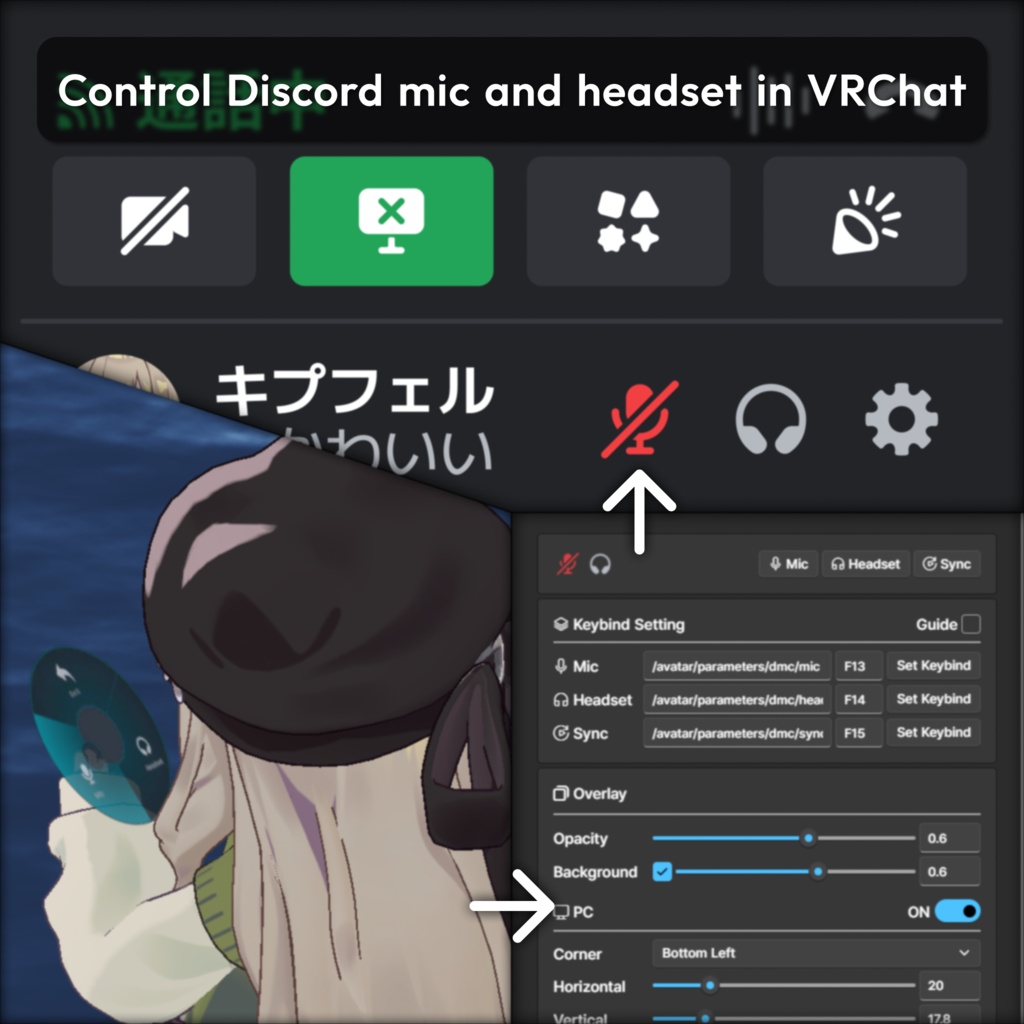
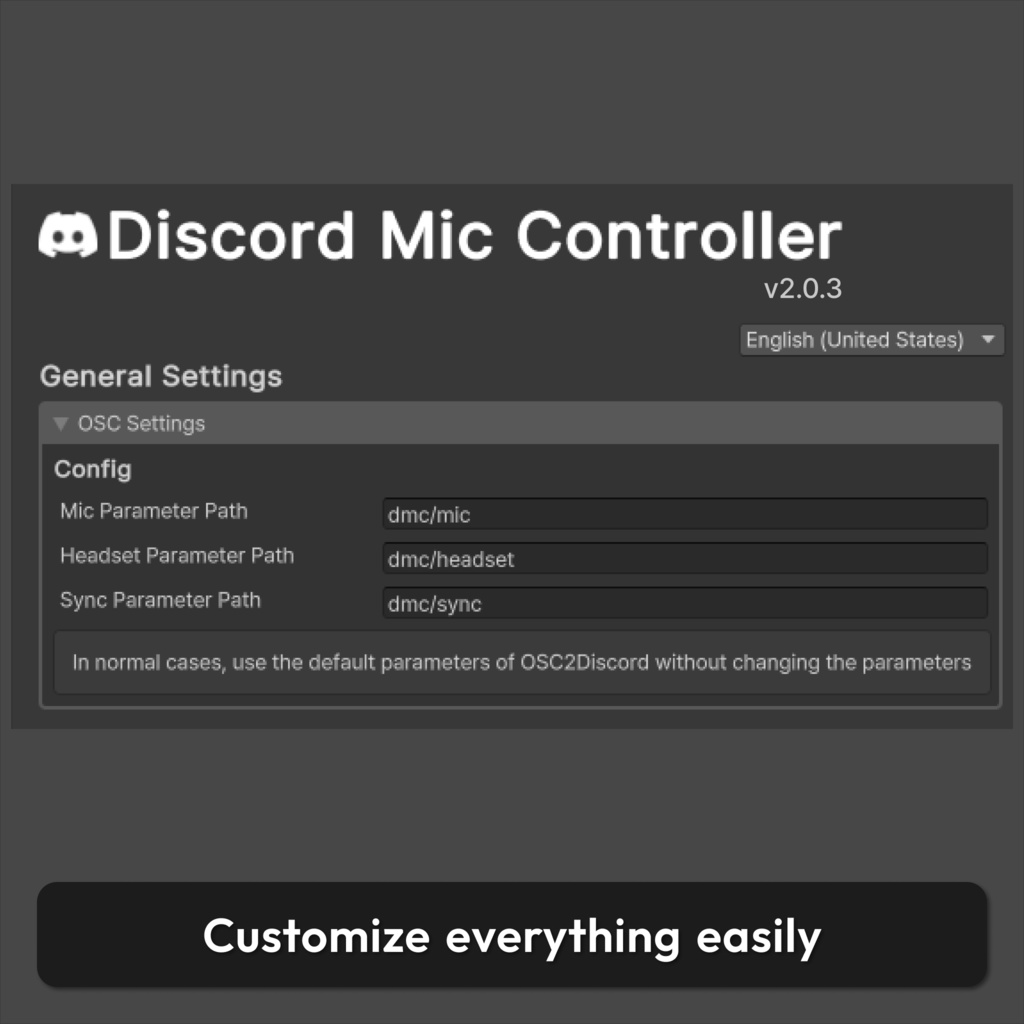


📌 VRChat用のDiscordマイクとヘッドセット制御システムです。 ✉️ エラーや使い方でお困りの際は、お気軽にお問い合わせください。 📌 VRChat용 Discord 마이크 및 헤드셋 제어 시스템입니다. ✉️ 에셋에 문제가 있거나 사용에 어려움이 있는 경우 편하게 문의 주세요. 📌This is a Discord microphone and headset control system for VRChat. ✉️ If you have any issues or questions, feel free to contact me.
📘 アセット情報 / 에셋 정보 / Asset Info
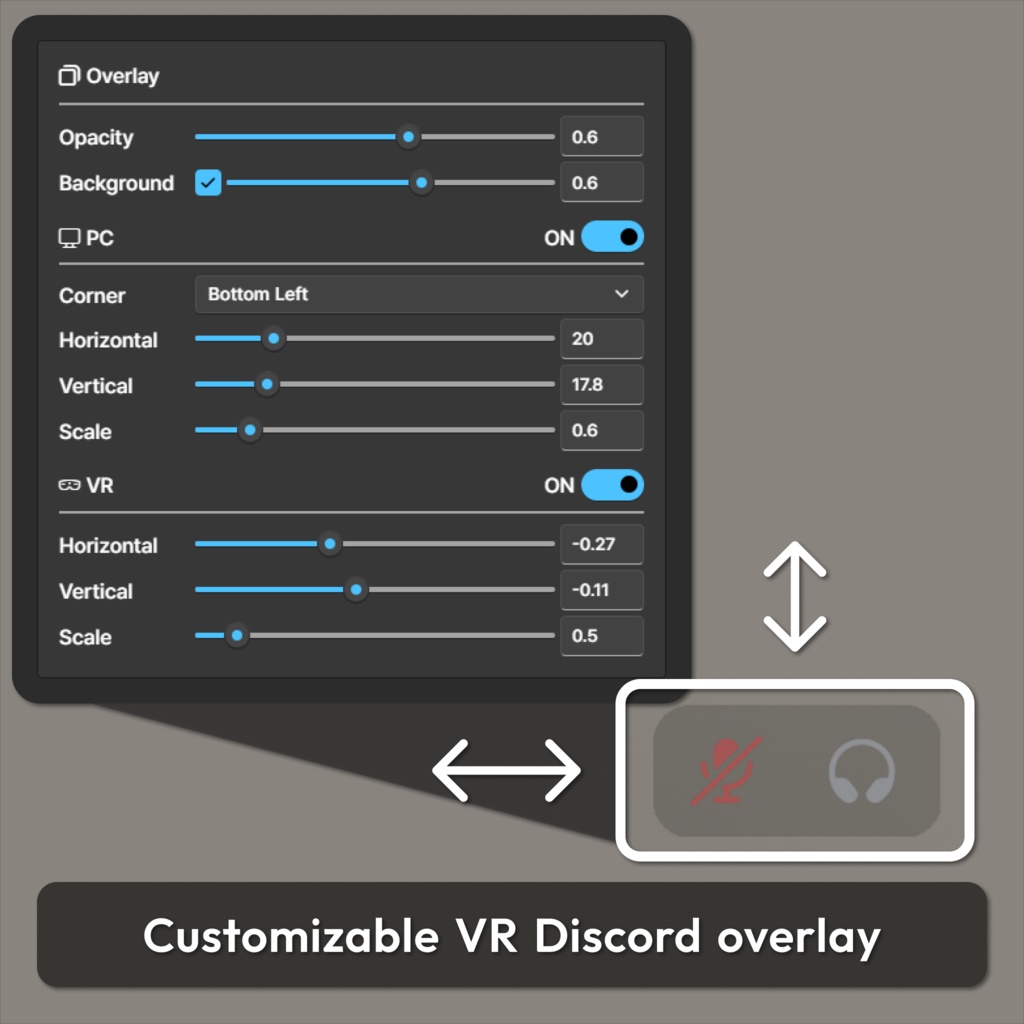
⭐ エクスプレッションメニューでDiscordのマイク・音声を制御 ⭐ OpenVRオーバーレイで状態を表示し、自由にカスタマイズできます ⭐ セットアップツールで数回のクリックだけで簡単に適用できます ⭐ OSC経由でDiscordを制御するための専用VRCUtilモジュールが付属します ⭐ 익스프레션 메뉴에서 Discord의 마이크 · 헤드셋을 제어할 수 있습니다 ⭐ OpenVR 오버레이로 상태를 표시하며 자유롭게 커스터마이즈할 수 있습니다 ⭐ 설정 도구를 통해 몇 번의 클릭만으로 간편하게 적용할 수 있습니다 ⭐ OSC로 Discord를 제어하기 위한 VRCUtil 전용 모듈이 포함되어 있습니다 ⭐ Control Discord microphone and headset from the Expression Menu ⭐ Display status via an OpenVR overlay, fully customizable ⭐ Quick and easy setup with just a few clicks ⭐ Includes a dedicated VRCUtil module for controlling Discord via OSC
⚙️ 依存性 / 의존성 / Dependency
🔗「VRCUtil」- https://haruna5718.booth.pm/items/6516021 🔗「Modular Avatar」- https://modular-avatar.nadena.dev/
🚹 対応アバター / 지원 아바타 / Preset Avatar
✨ アバター制限なしで、すべてのアバターに追加設定不要で使用できます ✨ 아바타 제한 없이 모든 아바타에 별도의 설정 없이 사용 가능합니다 ✨ Works on all avatars without restrictions or additional setting
💡 導入方法 / 적용 방법 / How to Apply
1️⃣ Hierarchyでアバターを右クリックします。 2️⃣ Haruna5718 > Discord Mic Controller を選択します。 3️⃣ 追加されたアセットでプリセットを読み込み、設定します。 4️⃣ 同梱モジュールをインストールし、Discordでショートカット設定。 1️⃣ Hierarchy에서 아바타를 우클릭 합니다. 2️⃣ Haruna5718 > Discord Mic Controller 을 선택합니다. 3️⃣ 추가된 에셋에서 프리셋을 불러와 설정합니다. 4️⃣ 동봉 된 모듈을 설치하고 Discord에서 단축키를 설정합니다 1️⃣ Right-click the avatar in the Hierarchy. 2️⃣ Select Haruna5718 > Discord Mic Controller. 3️⃣ Load a preset from the added asset and configure it. 4️⃣ Install the included module and set the shortcut in Discord.
🛠️ 更新履歴 / 업데이트 내역 / Update History
📝 [ 2025-02-13] Discord Mic Controller v1.0.0 / OSC2Discord v1.0.0 📝 [ 2025-05-25 ] Discord Mic Controller v1.1.0 / OSC2Discord v2.0.0 ・ Fixed issue with incorrect tool UI scaling on some devices. ・ Now detects and syncs Discord mic and headset status ・ Added HUD to display status ・ Icon remake ・ Updated terminology in the menu ・ Updated for compatibility with VRCUtil v2.0.0 📝 [ 2026-04-03 ] Discord Mic Controller v2.0.0 / OSC2Discord v3.0.0 ・ Introduced a new tool system. ・ Moved overlay from asset to OpenVR ・ Improved icon quality ・ Added sound range settings ・ Updated for compatibility with VRCUtil v3.0.0 📝 [ 2026-04-04 ] OSC2Discord v3.0.1 ・ Changed default parameter values 📝 [ 2026-04-28 ] Discord Mic Controller v2.0.1 ・ Switched Editor to EasyKaihenEditor ・ Bug fixes 📝 [ 2026-04-28 ] Discord Mic Controller v2.0.2 ・ Localization bug fix 📝 [ 2026-05-18 ] OSC2Discord v3.0.2 ・ Adjusted UI layout ・ Added background opacity 📝 [ 2026-05-29 ] OSC2Discord v3.0.3 ・ Updated for compatibility with VRCUtil v3.1.0 📝 [ 2026-05-29 ] OSC2Discord v3.0.4 ・ Overlay bug fix 📝 [ 2026-06-19 ] OSC2Discord v3.0.5 ・ Fix sync, state Issue 📝 [ 2026-06-23 ] OSC2Discord v3.0.6 ・ Optimize module initialization performance 📝 [ 2025-07-05 ] Discord Mic Controller v2.0.3 / OSC2Discord v3.1.0 ・ EasyKaihenEditor update ・ Added PC Overlay 📝 [ 2026-07-17 ] OSC2Discord v3.1.1 ・ Optimize overlay rendering ・ Limit overlay image cache growth 📝 [ 2026-07-21 ] Discord Mic Controller v2.0.4 ・ EasyKaihenEditor update