

しお Sio Face Tracking Addon | 顔追跡アドオン
- しお Sio YAWNS FTDigital2,500 JPY
- しお Sio YAWNS FT Supporter EditionDigital3,000 JPY


===Last Update: 07/10/2026====== Demo Video: NEW: https://youtu.be/VuC-zJud8DU?si=vedm--YbE2QzmsVZ OLD: https://youtu.be/mmAJJ4f10Lc?si=bItuzHlSCsKp1Fyd Q&A https://docs.google.com/forms/d/1r1jKfe-dgkV13vxH01CTrdZzJ3yUzEuGwEr6MmF3YxA/edit Original Avatar: https://booth.pm/en/items/5650156 -日本語訳は下部に -La traducción al español se encuentra a continuación. -한국어 번역은 아래에 있습니다. -English translation is provided below. 「我们反对任何形式的非法转售。」
日本語
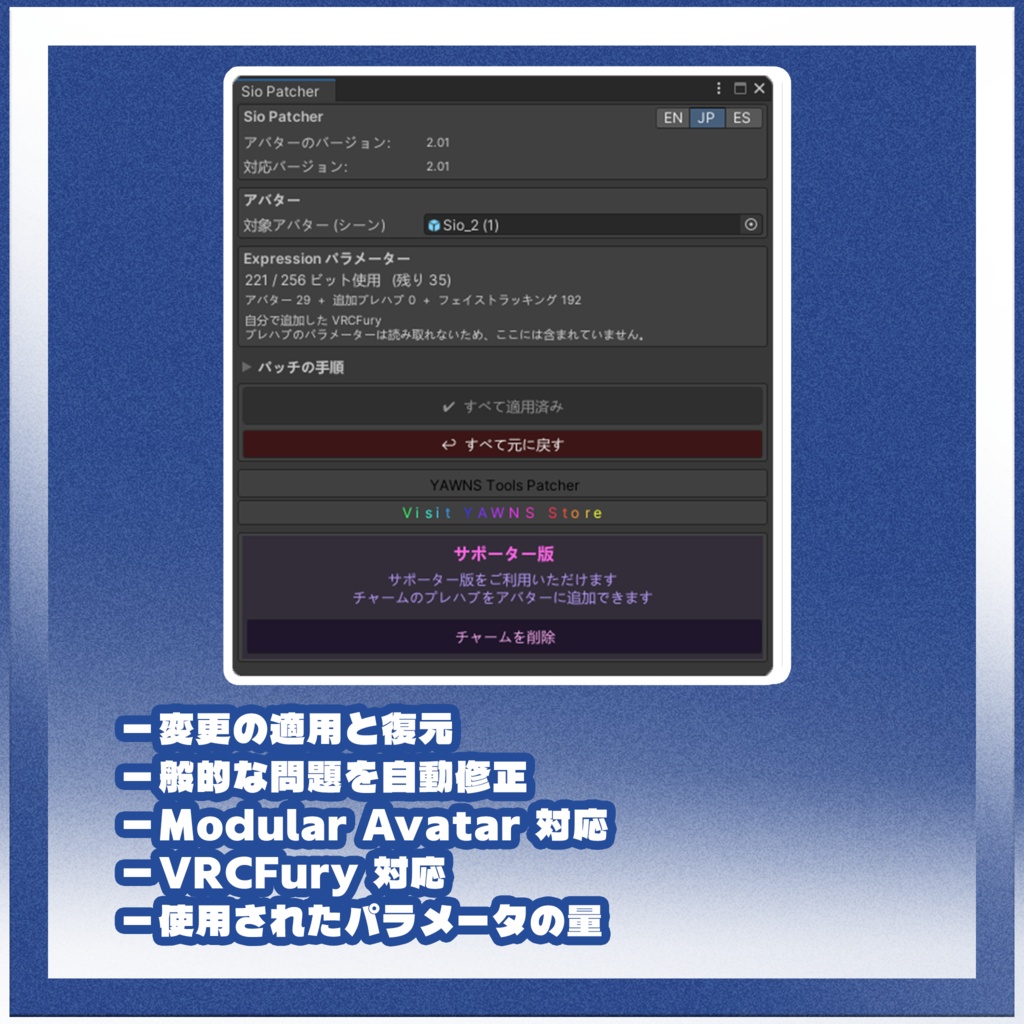
これは「Sio(しお)」にフェイストラッキング機能を追加するアドオンです。 Unified Expressions のブレンドシェイプを使用しています。 このアドオンファイルは単体では使用できません。元のアバターをご購入いただいた方専用です。 「Sio」本体が必要です。こちらから入手できます: https://booth.pm/en/items/5650156 本アドオンはアバターのバージョン 2.0 / 2.01/1.00 に対応しています。 VRCFury または ModularAvatar が必要です。 アバターのセットアップ手順: Unitypackage をインポートします。 「Tools」メニューの中にある Patcher を開きます。 アバターの Prefab をメニューのスロットにドラッグします。 「Patch」をクリックすれば準備完了です! 新しい Patcher には、ドロップダウン矢印の中に高度なパッチオプションがあります。 ヘッドセットのフェイストラッキング設定: こちらのスタートガイドに従ってください: https://docs.vrcft.io/docs/intro/getting-started セットアップについてご不明な点がございましたら、VRCFT の Discord サーバーにお気軽にご参加ください: https://discord.com/invite/vrcft Unity でのアバターのセットアップで問題が発生した場合は、BOOTH のメッセージまでご連絡ください。
SUPPORT バージョンの内容:
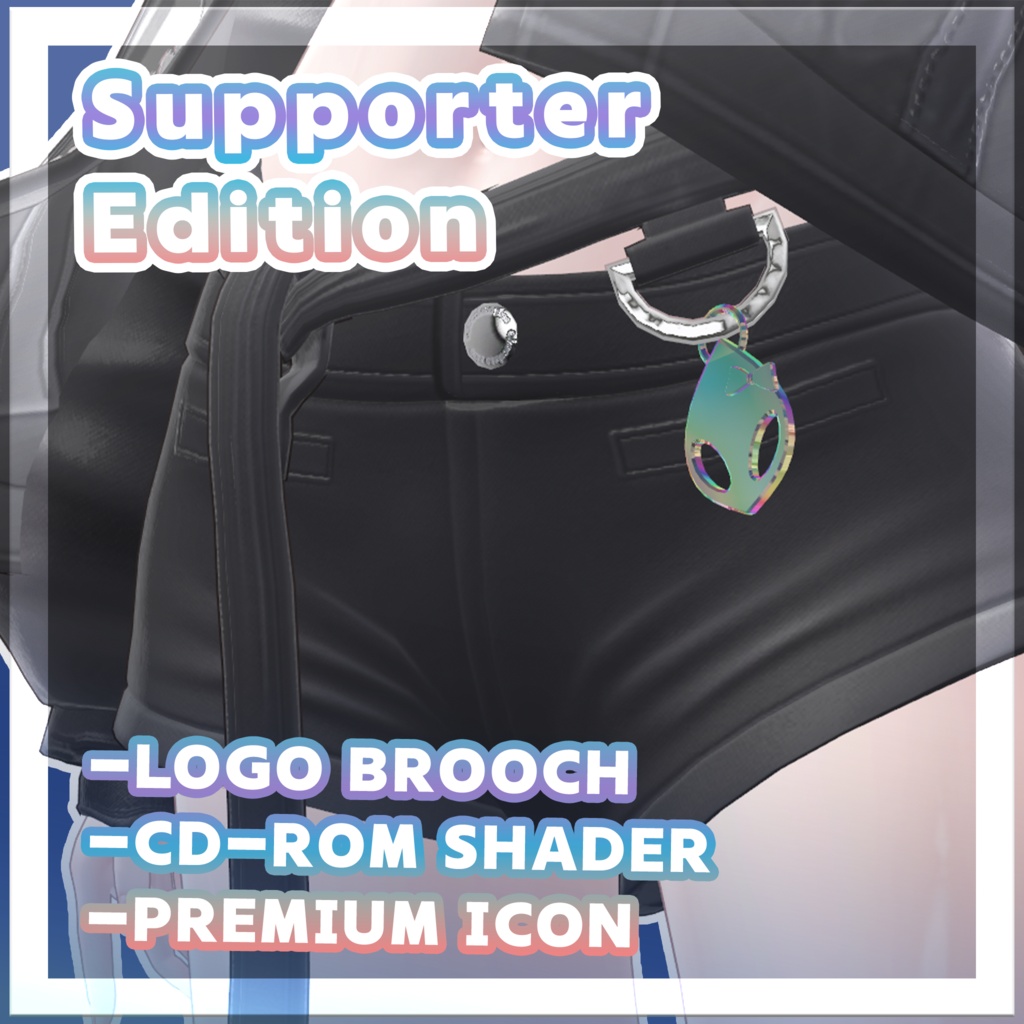
- ロゴブローチ (パッチャー内のボタンひとつで簡単にインストール可能。すべてのバリエーションは Charm フォルダ内にあります)。 - CD-ROM Shader (+VolumeLight 対応)。 - プレミアムアイコン。
ENGLISH
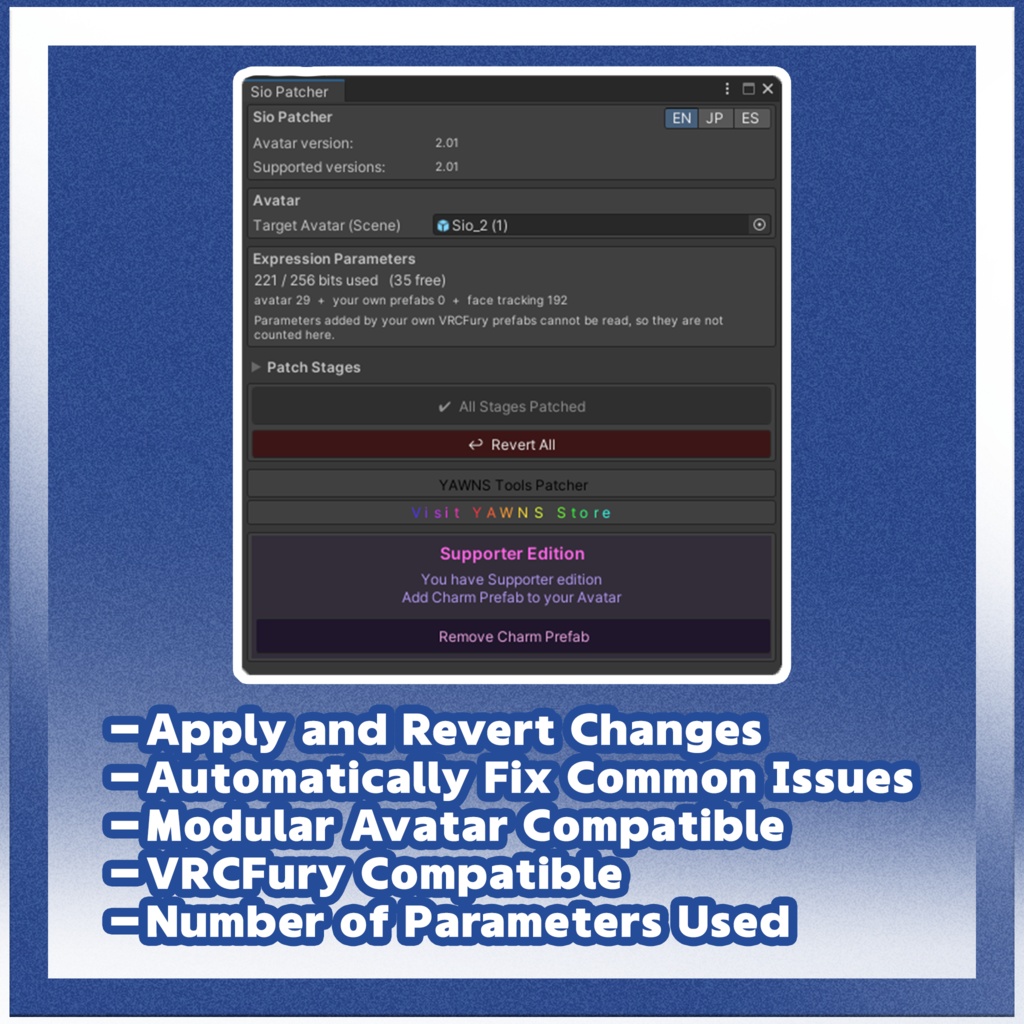
This is an add-on for Sio that adds face tracking to the model. It uses Unified Expressions blendshapes. This add-on file cannot be used on its own; it is only for users who have purchased the original avatar. Sio is required and available at: https://booth.pm/en/items/5650156 This add-on will work with 2.0/2.01/1.00 versions of the avatar. Requires VRCFury or ModularAvatar. Avatar Setup Instructions: Import the Unitypackage. Find the Patcher under the "Tools" menu. Drag the avatar prefab into the menu slot. Click Patch and it's ready to go! The new Patcher provides advanced patching options, which can be found under the dropdown arrow. Headset Setup for Face Tracking: Follow the getting started guide here: https://docs.vrcft.io/docs/intro/getting-started If you have any further questions related to your setup, you are welcome to join the VRCFT Discord server: https://discord.com/invite/vrcft If you have any trouble setting up the avatar in Unity, I can be reached through my Booth DMs.
SUPPORT version include:
-Logo brooch (Install included in a single button) -CD-ROM Shader (+VolumeLight support) -Premium icon
한국어
이 애드온은 시오(Sio)에 페이스 트래킹 기능을 추가해 주는 애드온입니다. Unified Expressions 블렌드셰이프를 사용합니다. 이 애드온 파일은 단독으로 사용할 수 없으며, 원본 아바타를 구매하신 분들만 사용하실 수 있습니다. 시오(Sio) 본체가 필요하며, 아래 링크에서 구매하실 수 있습니다: https://booth.pm/en/items/5650156 이 애드온은 아바타 2.0/2.01/1.00 버전에서 작동합니다. VRCFury 또는 ModularAvatar가 필요합니다. 아바타 설정 방법: Unitypackage를 임포트합니다. "Tools" 메뉴에서 Patcher를 찾습니다. 아바타 프리팹을 메뉴의 슬롯에 드래그합니다. Patch를 클릭하면 준비 완료입니다! 새로운 Patcher는 드롭다운 화살표 아래에 고급 패치 옵션을 제공합니다. 헤드셋 페이스 트래킹 설정: 아래 시작 가이드를 따라 주세요: https://docs.vrcft.io/docs/intro/getting-started 설정과 관련해 궁금한 점이 있으시면 VRCFT 디스코드 서버에 참여해 주세요: https://discord.com/invite/vrcft Unity에서 아바타를 설정하는 데 문제가 있으시면 BOOTH 메시지로 연락해 주세요.
SUPPORT 버전 포함 내역:
- 로고 브로치 (패처의 버튼 하나로 간편하게 설치 가능, 모든 버전의 브로치는 Charm 폴더에서 확인할 수 있습니다). - CD-ROM Shader (+VolumeLight 지원). - 프리미엄 아이콘
Español
Este es un complemento para Sio que añade seguimiento facial al modelo. Utiliza blendshapes de Unified Expressions. Este archivo no se puede usar por sí solo; es únicamente para quienes hayan comprado el avatar original. Se requiere Sio, disponible en: https://booth.pm/en/items/5650156 Este complemento funciona con las versiones 2.0/2.01/1.00 del avatar. Requiere VRCFury o ModularAvatar. Instrucciones de configuración del avatar: Importa el Unitypackage. Busca el Patcher en el menú "Tools". Arrastra el prefab del avatar a la casilla del menú. Haz clic en Patch y ¡listo! El nuevo Patcher ofrece opciones de parcheo avanzadas, que se encuentran bajo la flecha desplegable. Configuración del visor para el seguimiento facial: Sigue la guía de inicio que encontrarás aquí: https://docs.vrcft.io/docs/intro/getting-started Si tienes más preguntas sobre tu configuración, puedes unirte al servidor de Discord de VRCFT: https://discord.com/invite/vrcft Si tienes algún problema al configurar el avatar en Unity, puedes contactarme por mensaje directo en Booth.
La versión SUPPORT incluye:
-Broche con logo (Instalación sencilla mediante un único botón en el Patcher; todas las variantes del broche se encuentran en la carpeta Charm). -CD-ROM Shader (compatible con +VolumeLight). -Icono Premium.
UPDATES
11.12.2025 - Release 04.07.2026 - Update 17.08.2026 - Update 07.10.2026 - Update/Fix
CHANGES
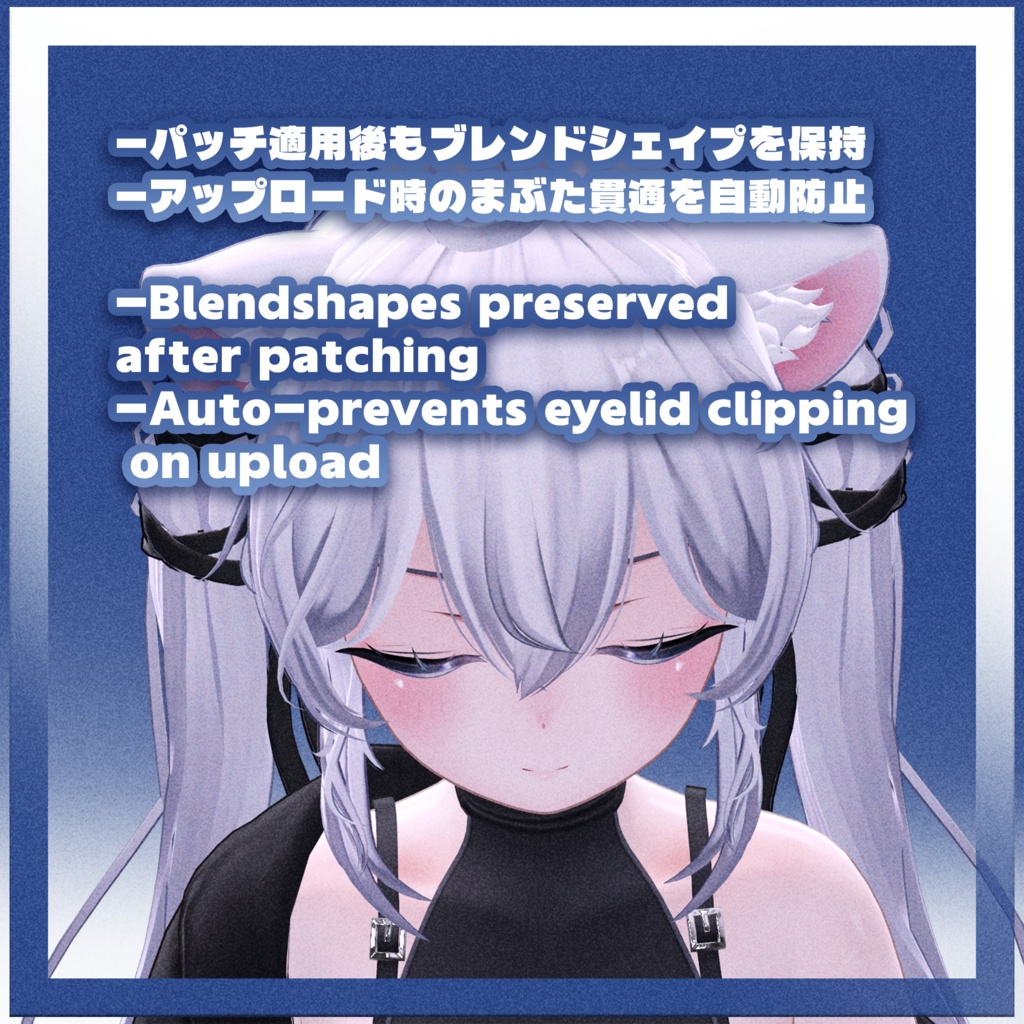
*17.08.2026 update* - Blendshapes are saved after patch - Blink resets blendshapes to prevent clipping *07.10.2026 update* - new smoothing - old versions support - new patcher
✦Credits✦
Special thanks to: Adjerry91 for their template Celaline for participating Hurykane for participating