

Environment Prefab Painter - Unity Tool (ツール)
- v0.1 Environment Prefab Painter by SeminoDigital500 JPY
- v0.1 Environment Prefab Painter by Semino (Donation)Digital1,000 JPY
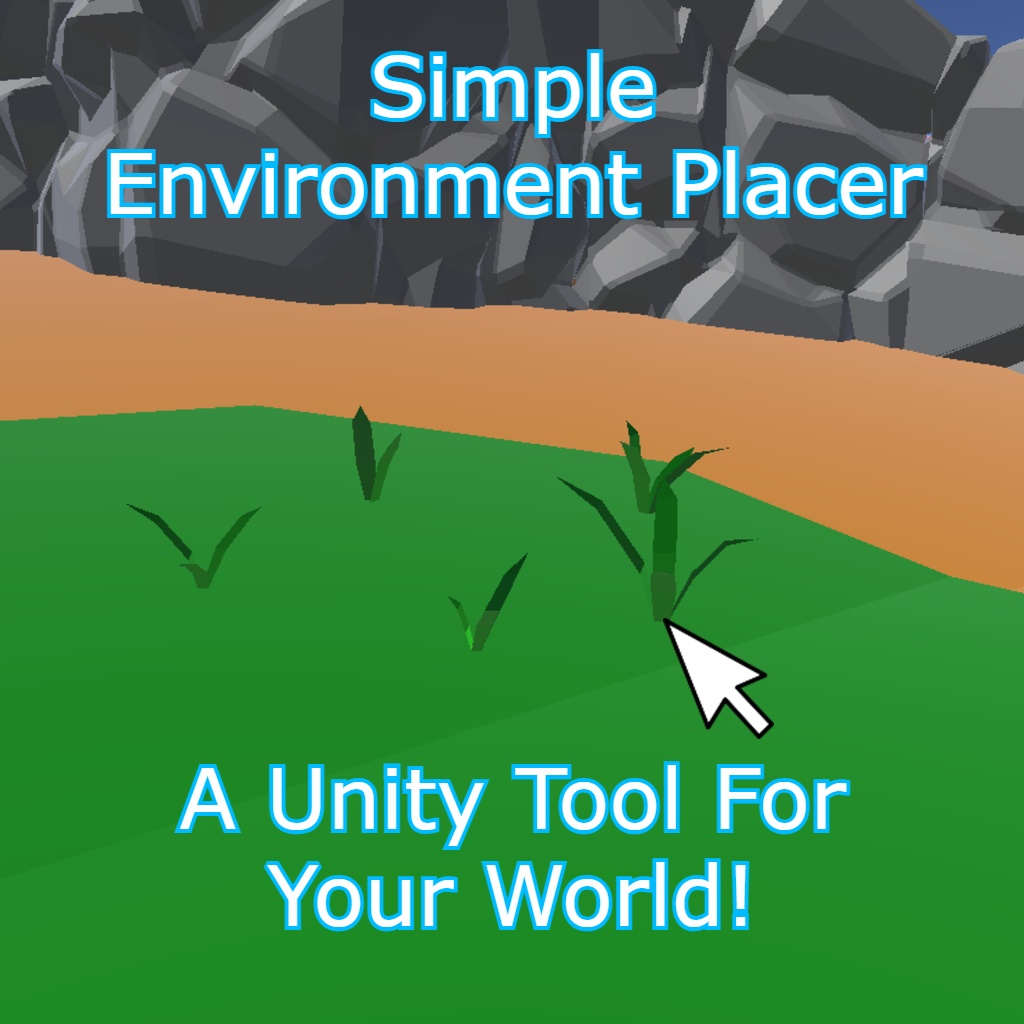
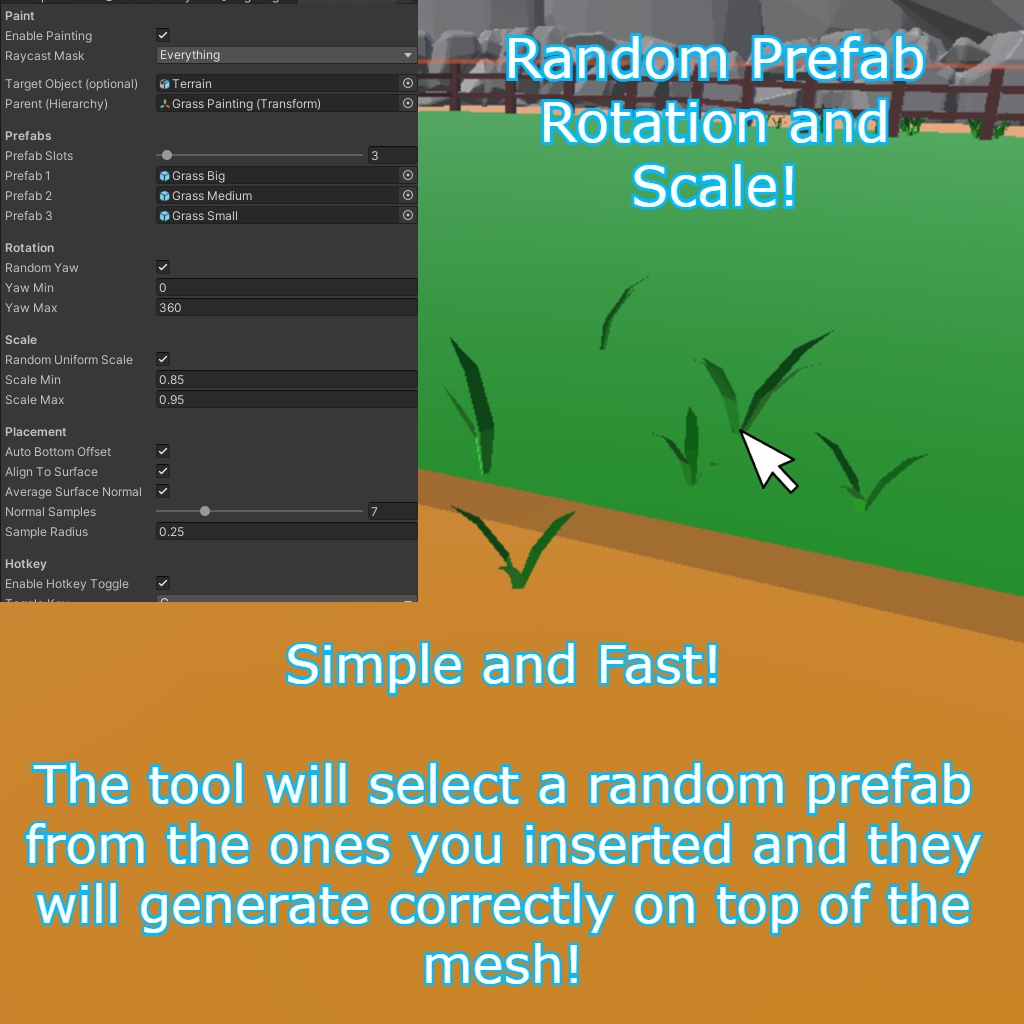
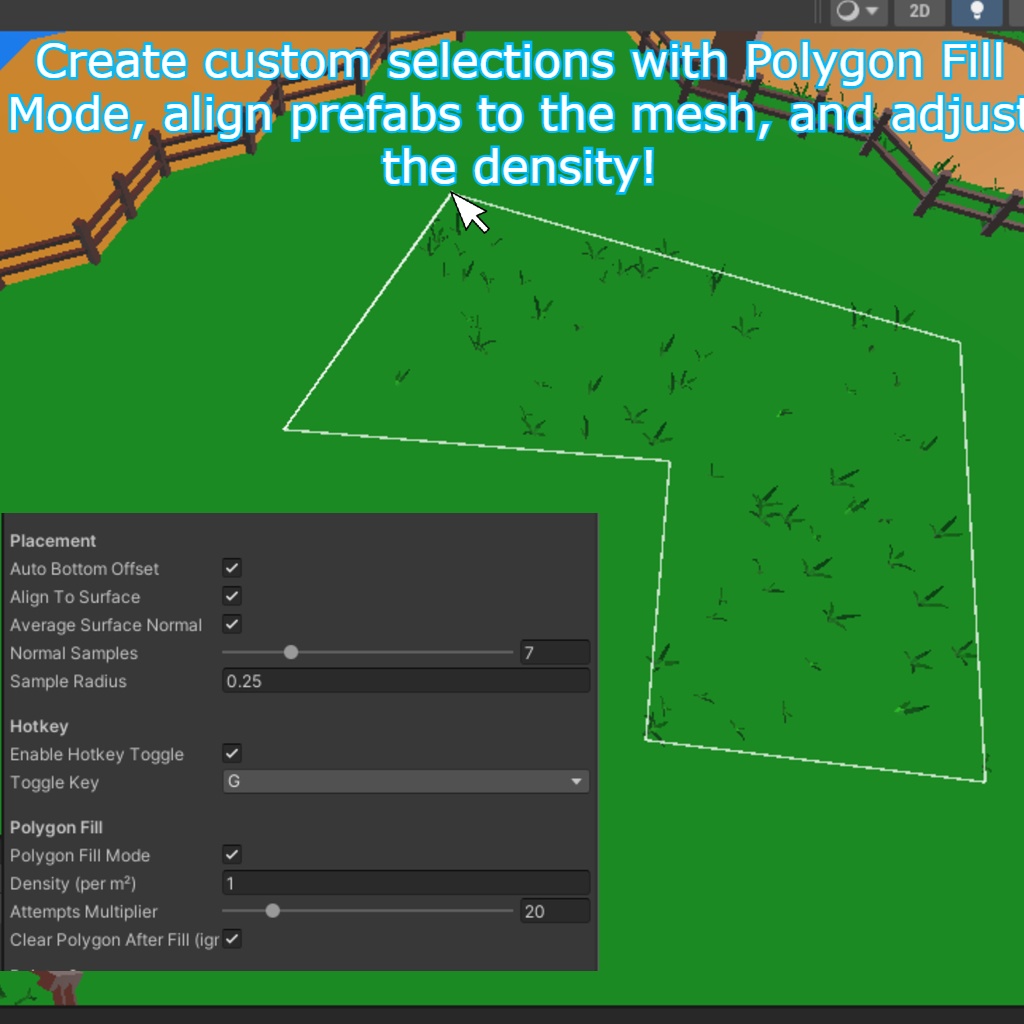
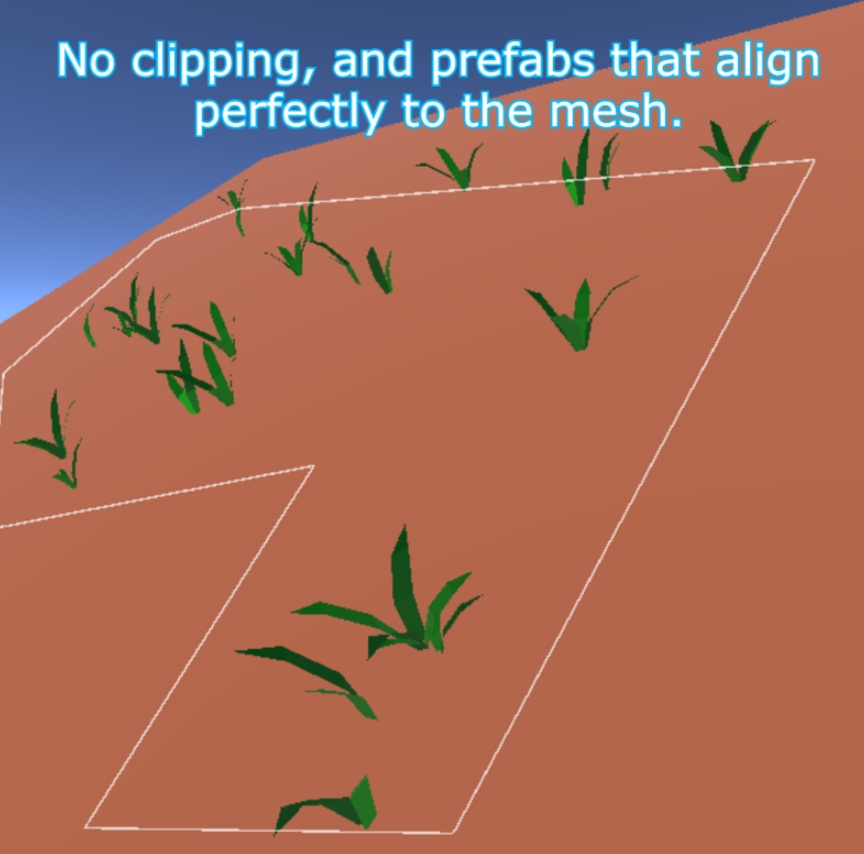


◆ Environment Prefab Painter ◆ ◆ An easy prefab painting tool for Unity ◆ Place environment props (grass, rocks, details, etc.) directly in the Scene View with a click, or fill an entire area using Polygon Fill. ◆ The Downloadable Package Includes ◆ 1 Unity Editor tool: Environment Prefab Painter (EditorWindow) 1 README (.txt) with usage instructions (EN / JP) ◆ Attention ◆ This package includes only the Editor tool/script. Any prefabs, scenes, textures, models, or assets shown in images/videos are NOT included. Your target surface must have Colliders to be paintable. ◆ Features ◆ Click to Place prefabs in the Scene View Polygon Fill Mode (draw points, press ENTER to fill) Auto Bottom Offset (Robust): snaps the prefab so it rests on the surface, even if the prefab pivot is not at the bottom Align To Surface: optional tilt to match the surface normal Average Surface Normal: smoother/less jitter on uneven terrain Optional Target Filter: paint only on a specific object (or its children) Auto Parent Container or custom parent transform Hotkey Toggle to enable/disable painting quickly Support button inside the tool (opens Discord) ◆ How to Use ◆ Import the package into your Unity project. Open the tool: Tools > Semino Tools > Environment Prefab Painter Assign your Prefabs (Prefab Slots) Set a Raycast Mask (the layers you want to paint on) (Optional) Set Target Object to paint only on that mesh/object Enable Enable Painting In the Scene View: LMB places a prefab under the mouse Use the Hotkey to toggle painting on/off If you want area placement: Enable Polygon Fill Mode LMB adds polygon points ENTER fills the polygon BACKSPACE/DELETE removes last point ESC clears the polygon For correct placement on slopes: Enable Auto Bottom Offset Enable Align To Surface (optional) Enable Average Surface Normal for uneven terrain ◆ Support ◆ Inside the tool you’ll find: Support → Discord Discord: https://discord.gg/durKEcMf3b ◆ Refund Policy ◆ Due to the nature of this product, purchased packages are non-refundable. In case of issues, refunds will not be available. ◆ Terms of Service ◆ Please do not resell or share the package. ------- ◆ Environment Prefab Painter ◆ ◆ Unity用・簡単プレハブペイントツール ◆ シーンビュー上でクリックするだけで、環境オブジェクト(草・岩・小物など)を配置できます。 また、Polygon Fill を使って範囲を指定し、一括で配置することも可能です。 ◆ ダウンロードパッケージ内容 ◆ ・Unityエディターツール 1点:Environment Prefab Painter(EditorWindow) ・README(.txt)1点:使用方法(英語 / 日本語) ◆ 注意 ◆ ・このパッケージに含まれるのは エディターツール(スクリプト)のみ です。 ・画像/動画で使用しているプレハブ、シーン、テクスチャ、モデル、その他アセットは 付属しません。 ・ペイント対象のサーフェスには Collider が必要 です(Collider が無いと置けません)。 ◆ 機能 ◆ ・シーンビューでクリック配置(Click to Place) ・Polygon Fill モード(点を打って ENTER で範囲内を自動配置) ・Auto Bottom Offset(高精度):プレハブのPivotが底に無くても、底面がサーフェスに正しく接地 するようにスナップ ・Align To Surface:サーフェスの法線に合わせて傾ける(斜面対応) ・Average Surface Normal:複数サンプルの平均法線で、凹凸地形でもブレにくく安定 ・Optional Target Filter:特定オブジェクト(または子)にのみペイント可能 ・自動親コンテナ作成 or 任意の親Transform指定 ・Hotkey Toggle:ホットキーでペイントON/OFF切り替え ・ツール内 Support ボタン:Discord をブラウザで開く ◆ 使い方 ◆ パッケージを Unity プロジェクトにインポート ツールを開く:Tools > Semino Tools > Environment Prefab Painter Prefab Slots にプレハブを設定 Raycast Mask を設定(配置したいレイヤー) (任意)Target Object を指定すると、そのオブジェクト(または子)にのみ配置 Enable Painting を ON 【シーンビュー操作】 ・LMB(左クリック):マウス位置にプレハブを1つ配置 ・Hotkey:ペイントのON/OFF切り替え 【範囲配置(Polygon Fill)】 Polygon Fill Mode を ON LMB:ポリゴン点を追加 ENTER:範囲内を自動配置 BACKSPACE / DELETE:最後の点を削除 ESC:ポリゴンをクリア 【斜面での接地を綺麗にする】 ・Auto Bottom Offset を ON(推奨) ・Align To Surface を ON(任意) ・地形がガタガタしている場合は Average Surface Normal を ON(推奨) ◆ サポート ◆ ツール内に以下があります: Support → Discord(クリックでブラウザ起動) Discord: https://discord.gg/durKEcMf3b ◆ 返金ポリシー ◆ 商品の性質上、購入後の返金はできません。問題が発生した場合でも返金対応は行いません。 ◆ 利用規約 ◆ パッケージの再販・再配布は禁止です。