

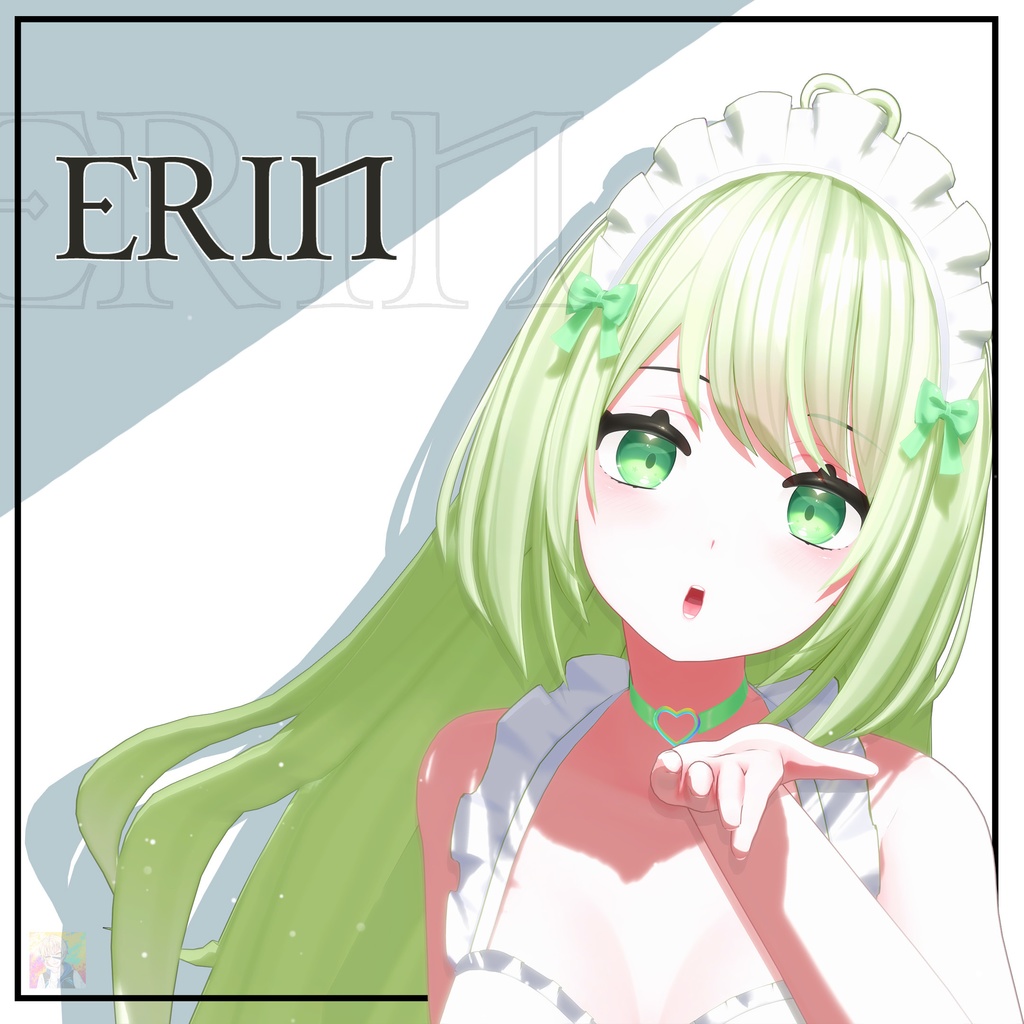
オリジナル3Dモデル "Erin" VRChat Warudo Compatible
- All Variants [FBX + Unity + VRChat + Warudo File]Digital6,000 JPY
- VRChat Unity Package fileDigital2,500 JPY
- Warudo Avatar file + Scene fileDigital2,000 JPY
- Unity Game PackageDigital2,500 JPY
- FBX fileDigital1,200 JPY
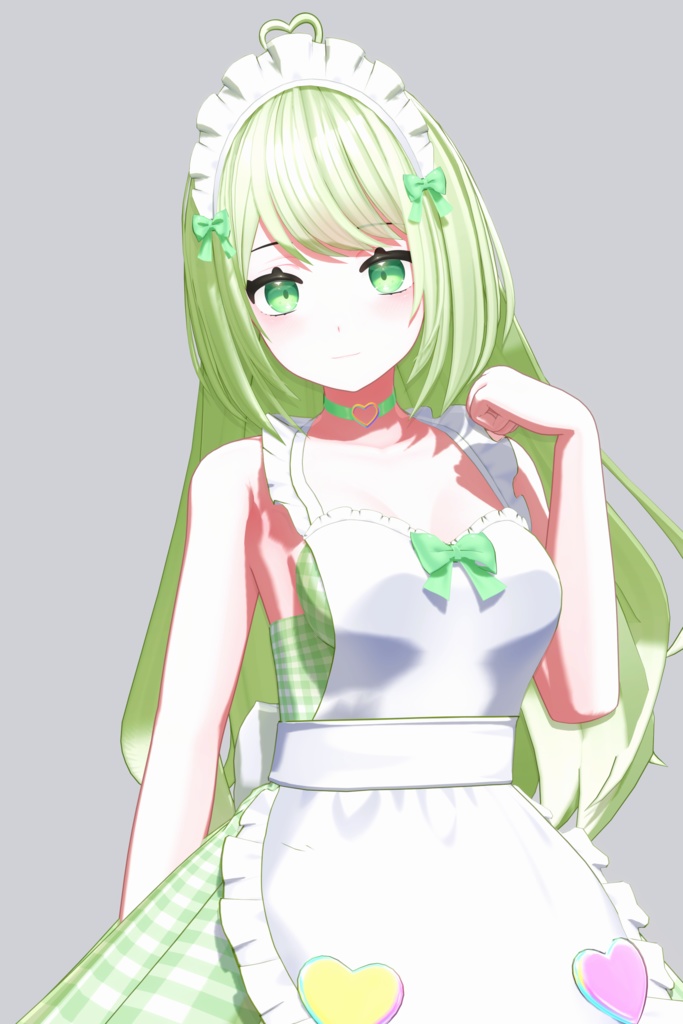

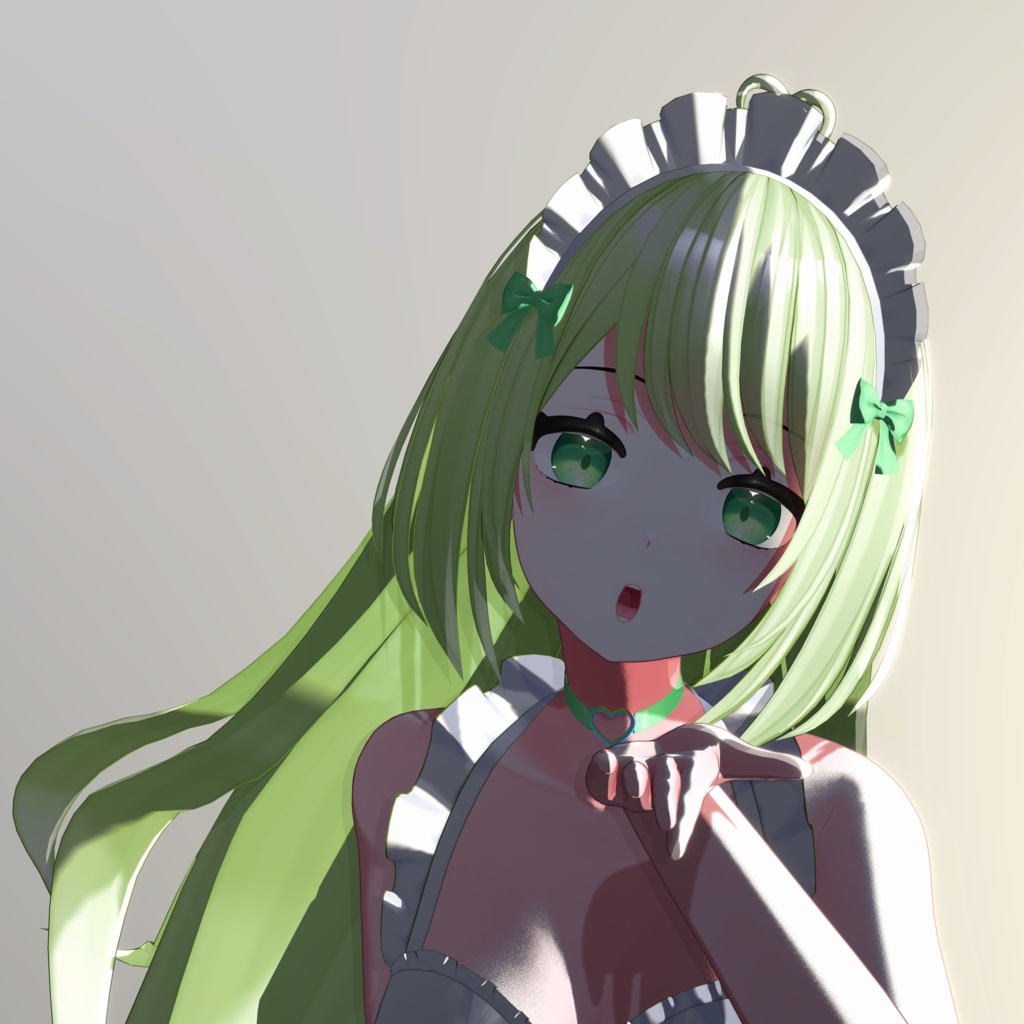
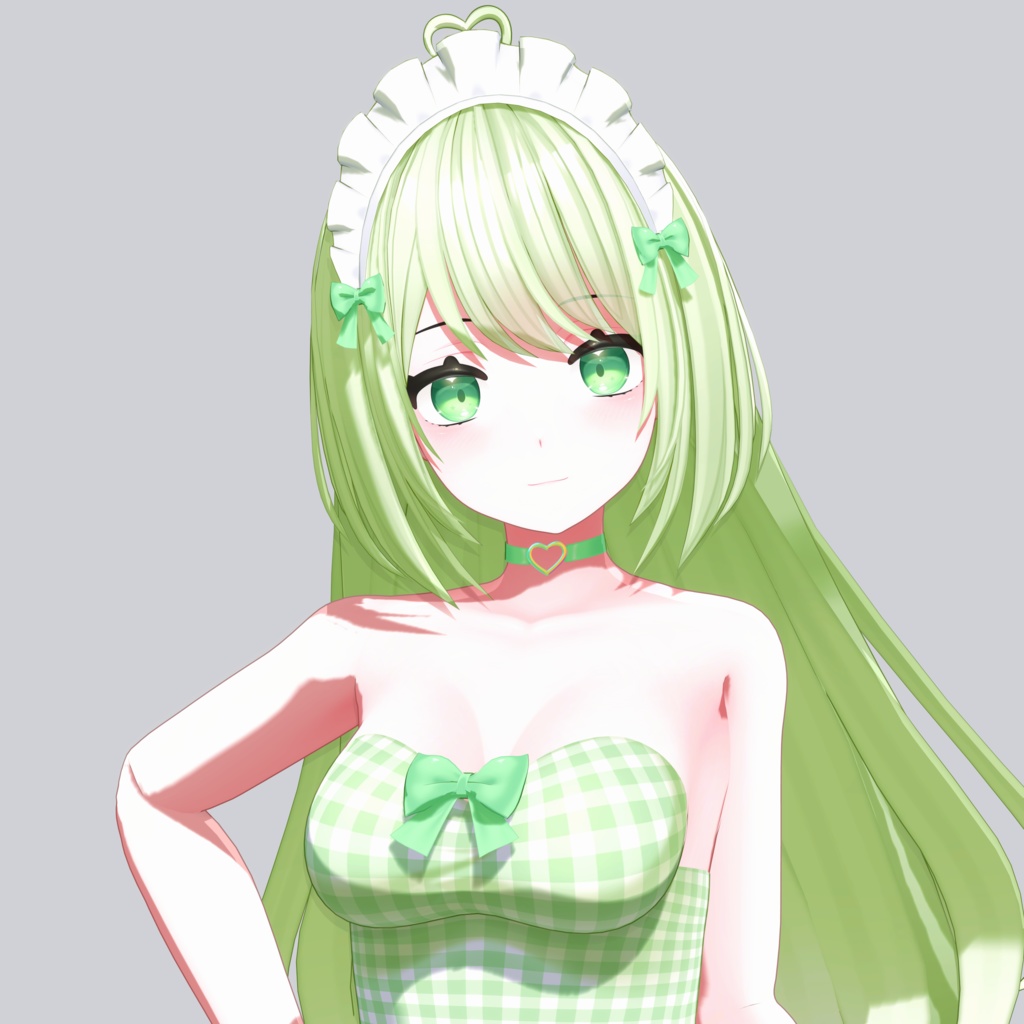


Please read the product description & terms of use carefully! 商品説明と利用規約をよくお読みください! Youtube Showcase (Youtubeショーケース): https://youtu.be/Or8fKKng3yo
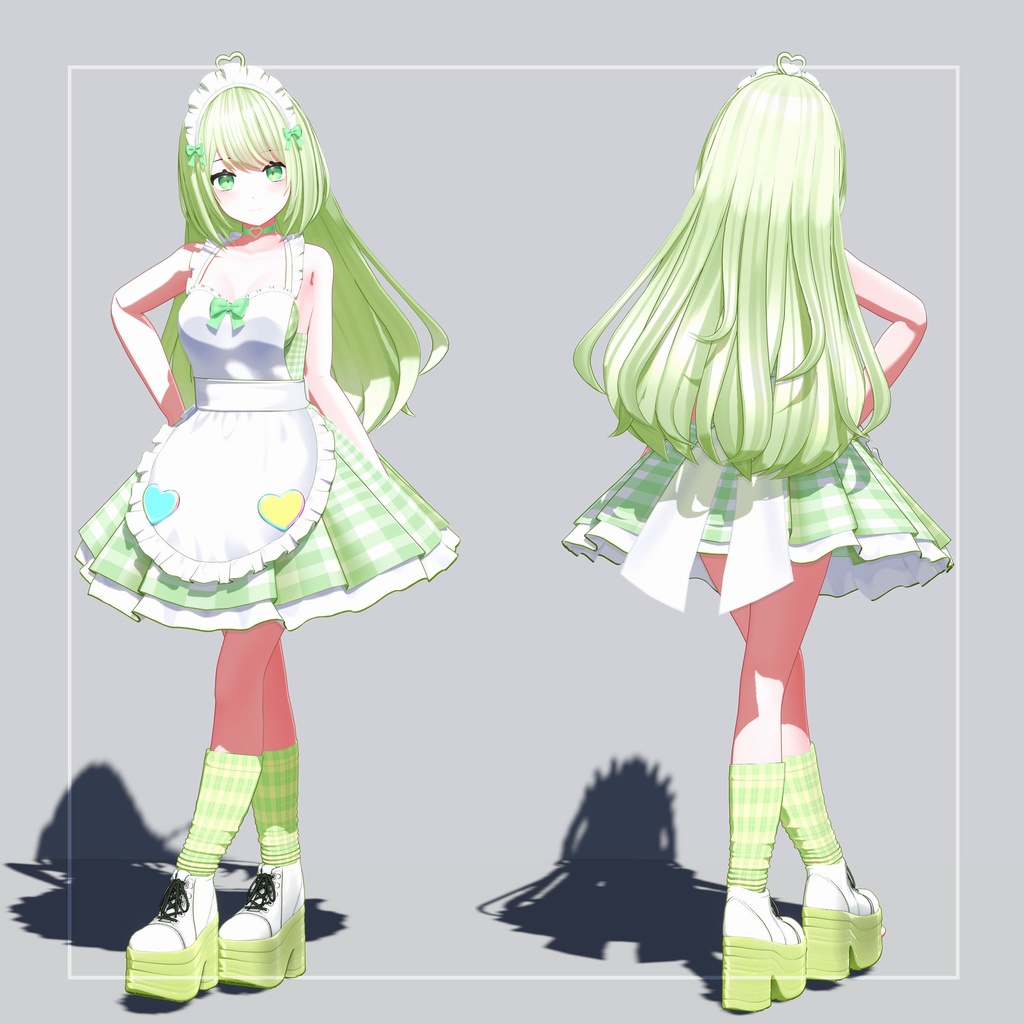
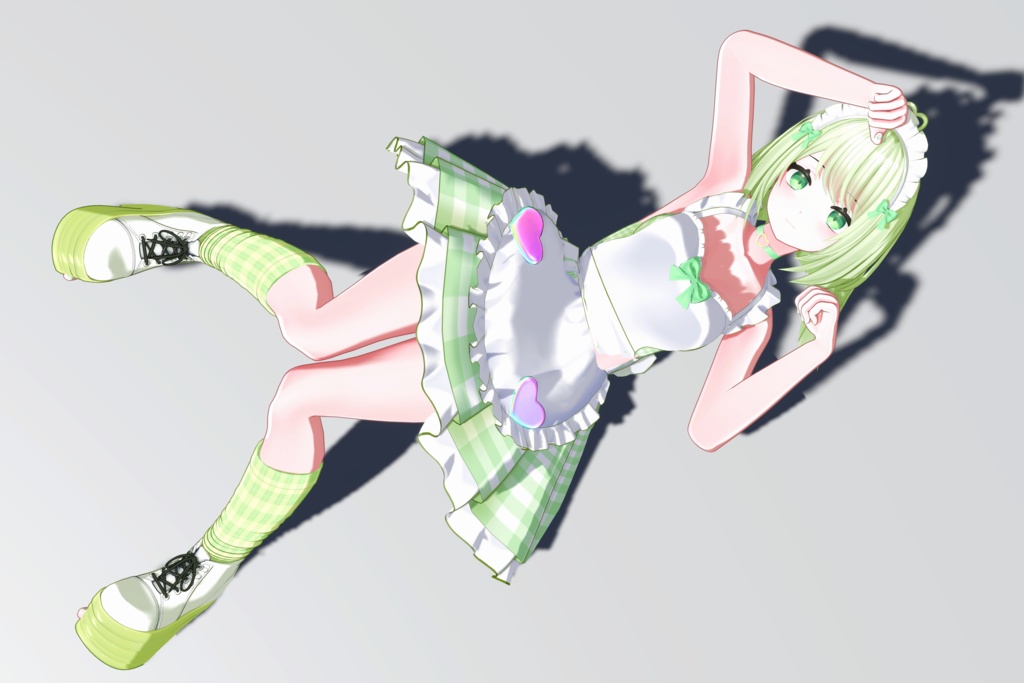
▲Original 3D Model "Erin" 【オリジナル3Dモデル "Erin" 】
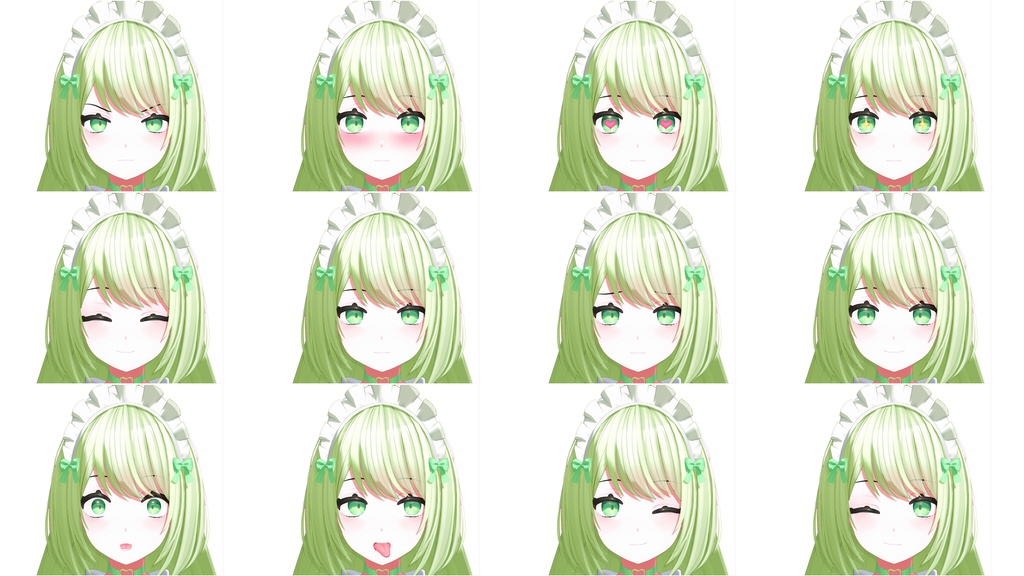
This 3D Model is provided for use in VRChat, Warudo, Unity, Unreal Engine etc. Files Provided: VRChat Unity Package, Warudo Avatar, FBX file with Textures, Unity Game Ready Package. Please purchase the necessary version to get the specific file that you need. ●VRChat Package Details: Unity 2022.3.22f1 | Lil Toon Shader (https://github.com/lilxyzw/lilToon) | VRCSDK3, VRC Phys Bones, Lip Sync, Eye Tracking, MMD Facials, Extra Facial Expressions, Toggles, Full-Body Tracking Compatible | VRChat Avatar Rank: Very Poor ●Warudo Avatar file: Warudo mod avatar package with a dedicated scene file setup with expressions & physics. ●FBX file with 4K Textures & Outline Masks. Compatible with Unity Humanoid & Unreal Epic Skeleton Rig. ●Game Package Details: Unity Package | Unity 2021.3+ | Built-in, URP & HDRP Pipeline Support | Shader: Lil Toon (Included with the package) | Magica Cloth 2 Physics (Requires Magica Cloth 2 to be purchased separately) | Separate prefab if you don't have Magica Cloth 2 (Setup without physics)
▲3D Model Information 【3Dモデル情報】
Polygons: 186.3K | Vertices: 97K | Texture Resolution: 2K-4K Textures | Texture Maps: Base Texture, Mask Texture, Alpha Textures & Matcaps | Materials: Eleven Materials for different parts of the Character | Face Blendshapes: 128 (ARKit + MMD + VRChat visemes + Eyelook + Extra Face Expressions | Rigged: Yes (Unity Humanoid Rig + Separate FBX with Unreal Rig) | UV Mapping: Yes
Usage Instructions 【使用上の注意】
●VRChat Upload▶ •Use Unity 2022.3.22f1 or as recommended by VRChat. https://creators.vrchat.com/sdk/upgrade/current-unity-version/ •Download & Import VRC SDK & Lil toon shader. https://vrchat.com/home/download https://github.com/lilxyzw/lilToon •Now, Import Erin VRChat Unity Package. •Go to the Erin scene inside folder, "Antro3d>Erin". •Select the Erin_VRChat in the scene and at the top select VRChat SDK>Show Control Panel>Builder>Fill in the details>Upload. Make sure to always upload as private. ●Using Warudo Avatar▶ To use warudo avatar, import the warudo avatar and the scene file in the corresponding warudo data folder. Launch warudo and open the scene file, select your character if not set. ●Game Package Importing▶ •Use Unity 2021.3 or above •If you want to use physics then purchase magica cloth 2 & import it into your project. The package works even if you don't import magica cloth 2 but you will not be able to use advance physics & collision. https://assetstore.unity.com/packages/tools/physics/magica-cloth-2-242307 •This package uses lil toon shader but this is included with the package so no need to import the shader. •Import the Erin Game Unity Package, open the demo scene and check if everything is working. •To use URP or HDRP package, follow the same steps as above and then do the following: 1. First install the render pipeline from package manager and create/assign the necessary pipeline assets. 2. Once the render pipeline has been switched and in use, close unity & reopen. Now go to this asset's URP/HDRP package and install it. 3. Open/Reopen the demo scene inside the asset and check if everything looks and works good, you are done. 4. If the materials doesn't look right or still appears pink/blue, try deleting both folders, "lilToon" & "Antro3d>Erin" import again & repeat the above steps carefully.
Terms of use 【利用規約】
This product & its related files are provided under Royalty-Free License. Please read full terms of use below. Terms of use(English/JP 日本語/KR 한국어/CH 中文) https://drive.google.com/drive/folders/1qKUzWhHXKwPgDWMAlXOK-bTGkcBCi61W?usp=drive_link
Contact Information 【連絡先】
For bugs/issues related to this model, email me at contactantro@gmail.com For other requests/inquiries: Web: https://antro.carrd.co Twitter/X: https://x.com/antro3dcg
Version & Update History 【バージョンと更新履歴】
3rd Jan, 2026: Release Ver 1.00