

Harmonit Headphone
- Digital500 JPY

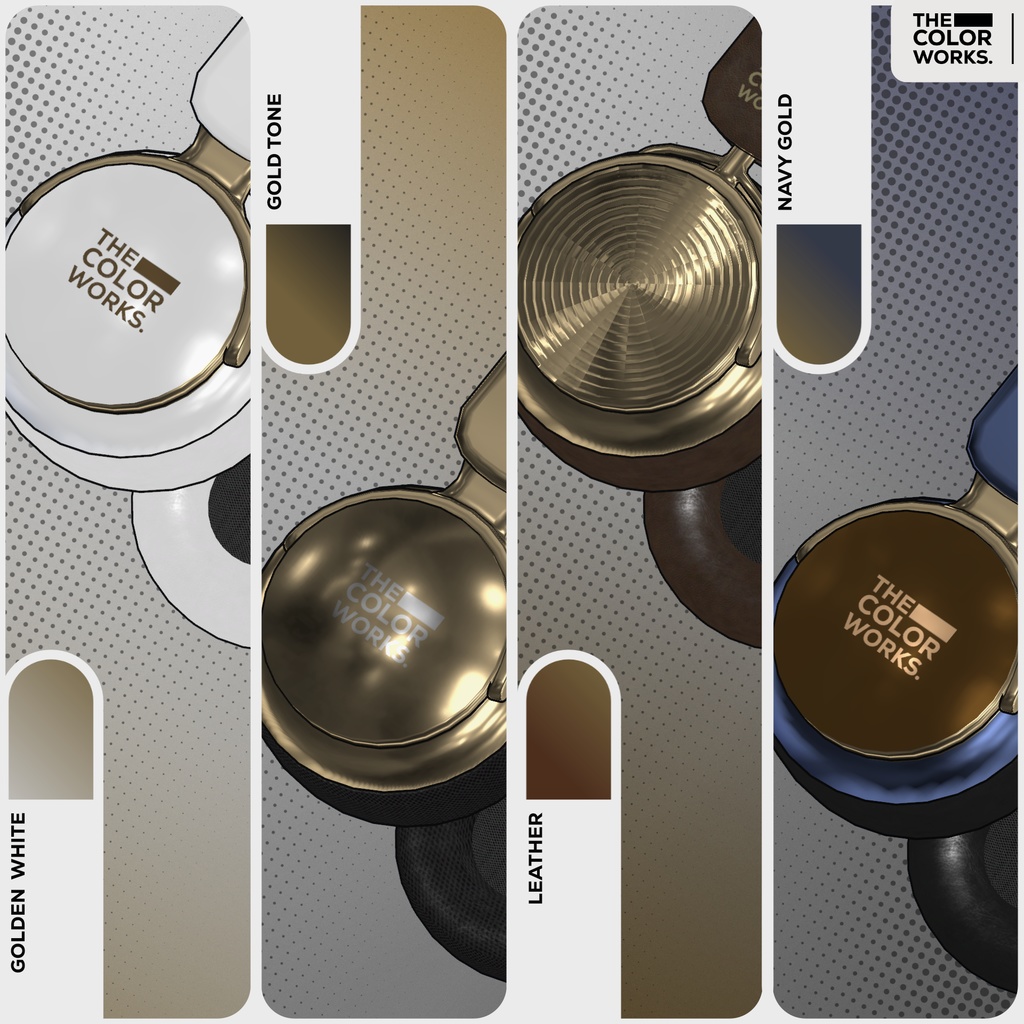
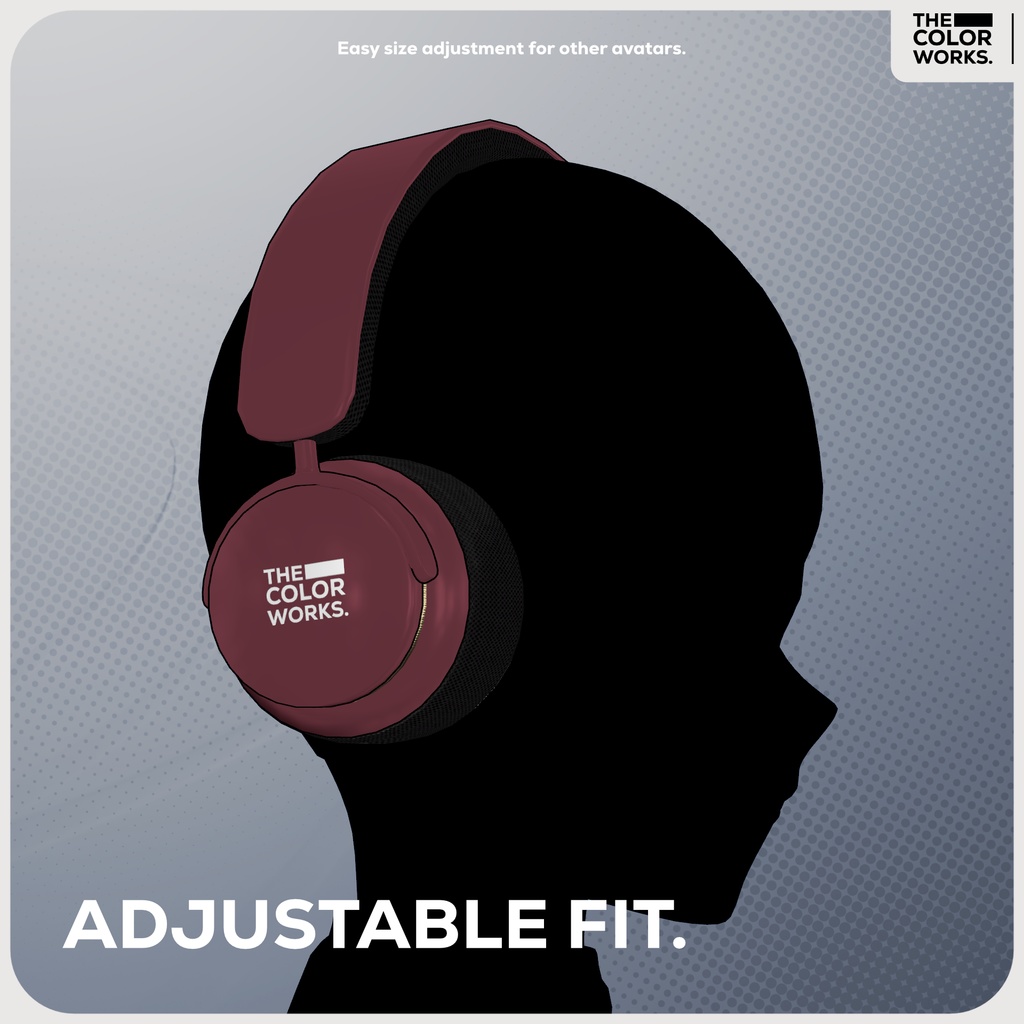
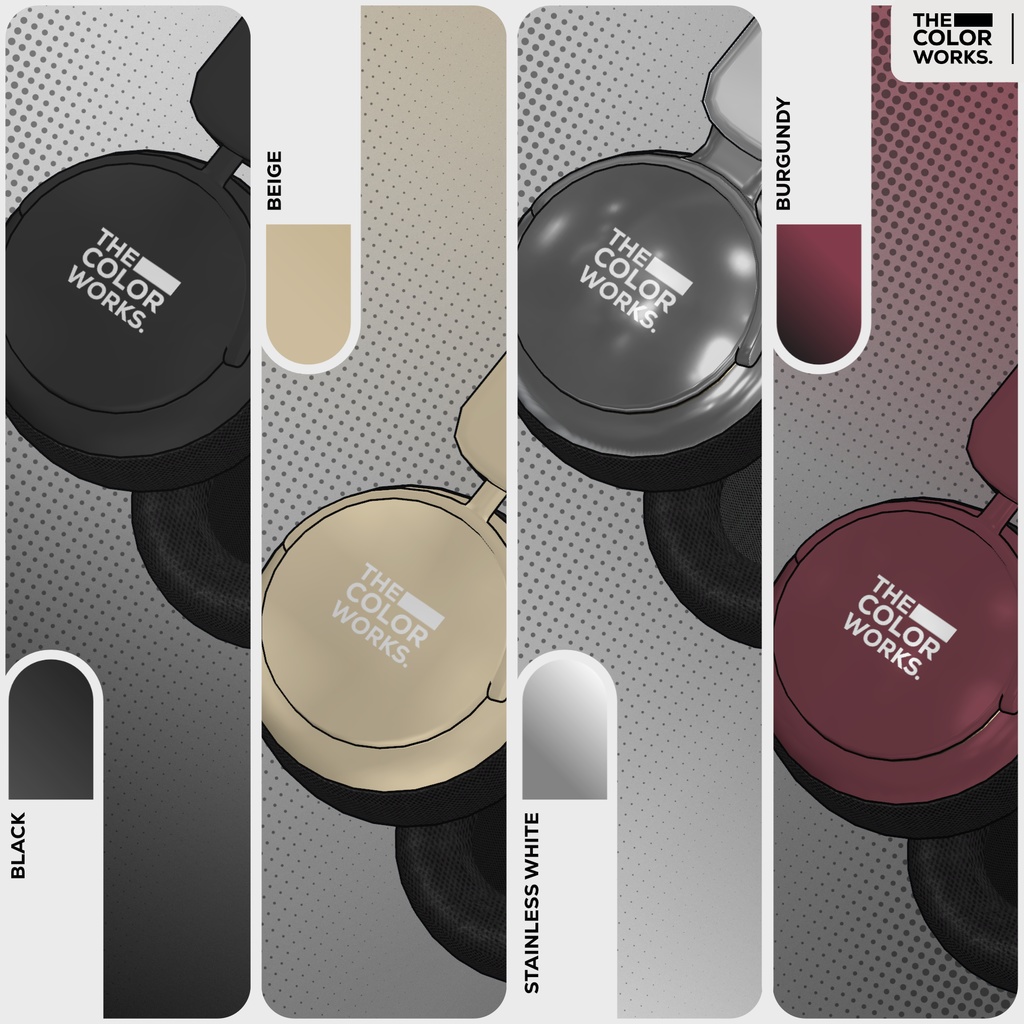
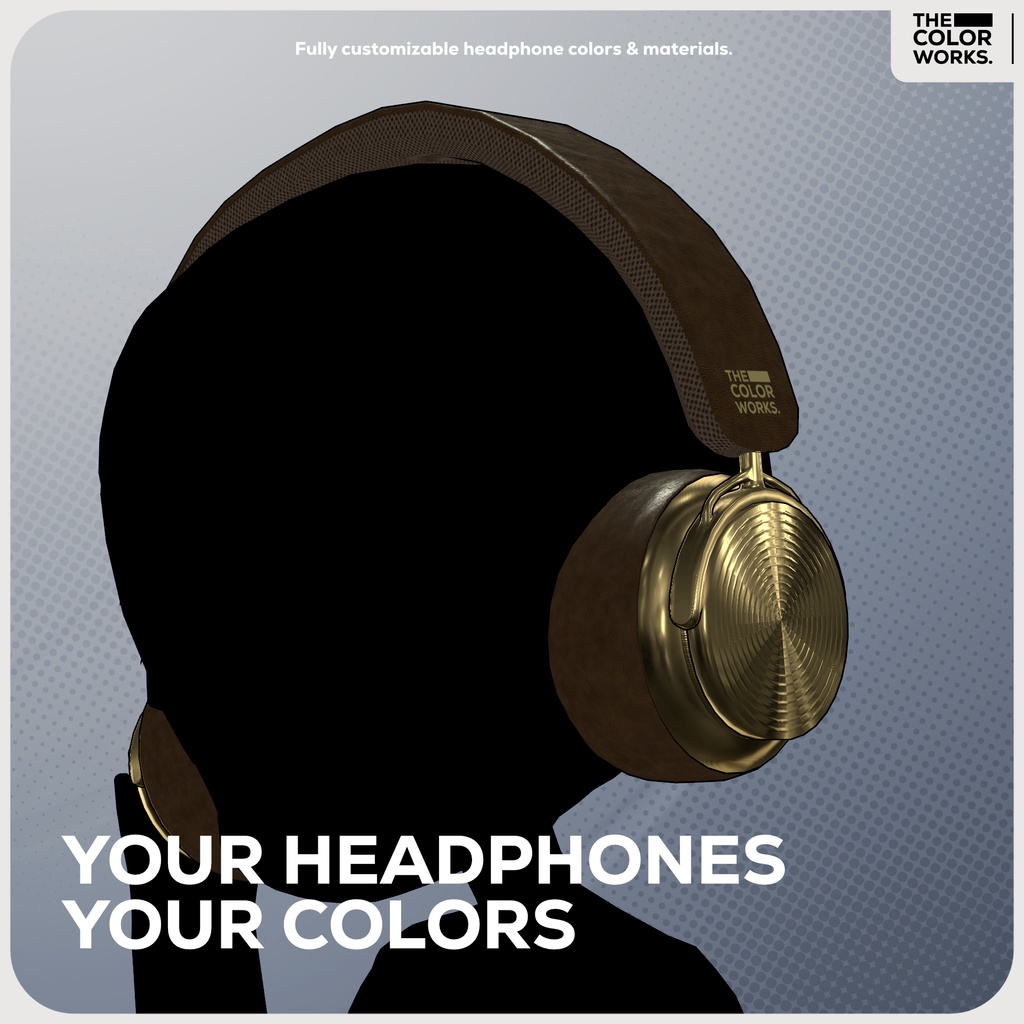
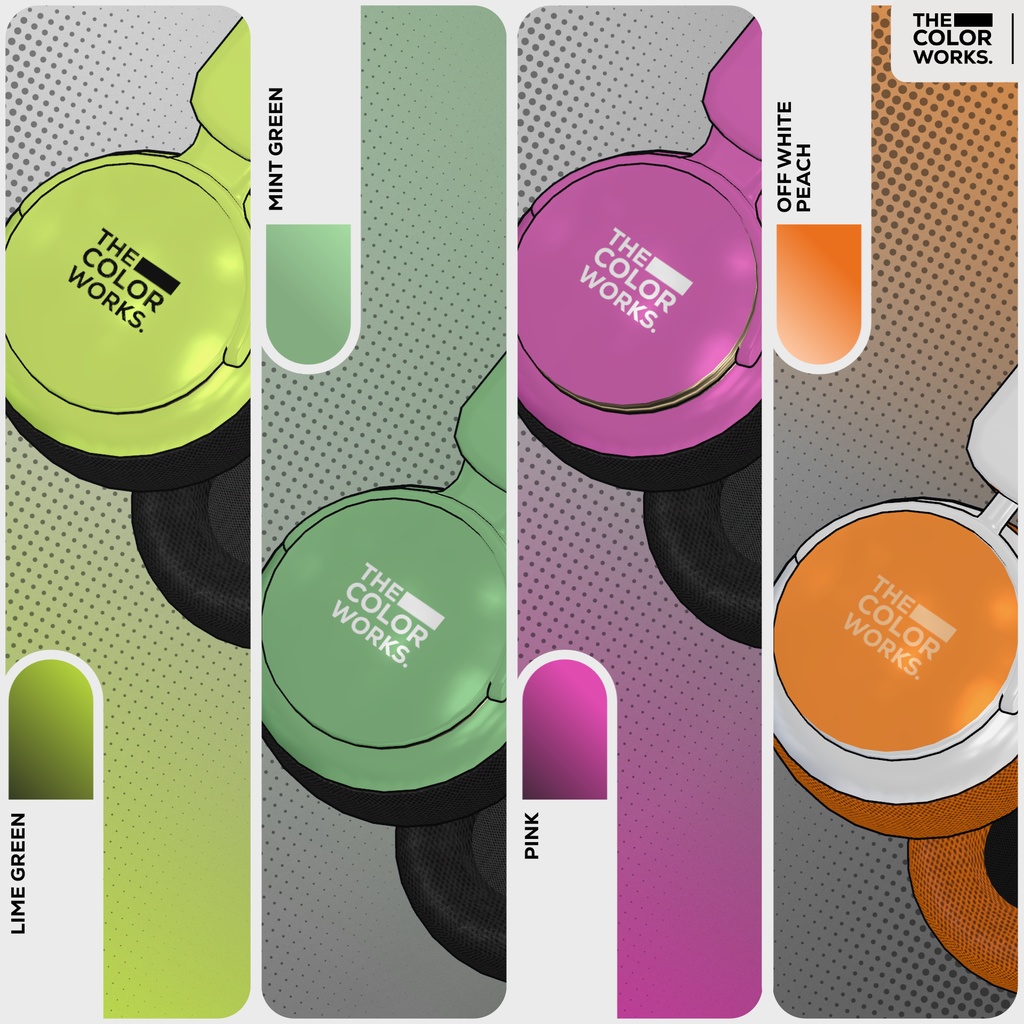
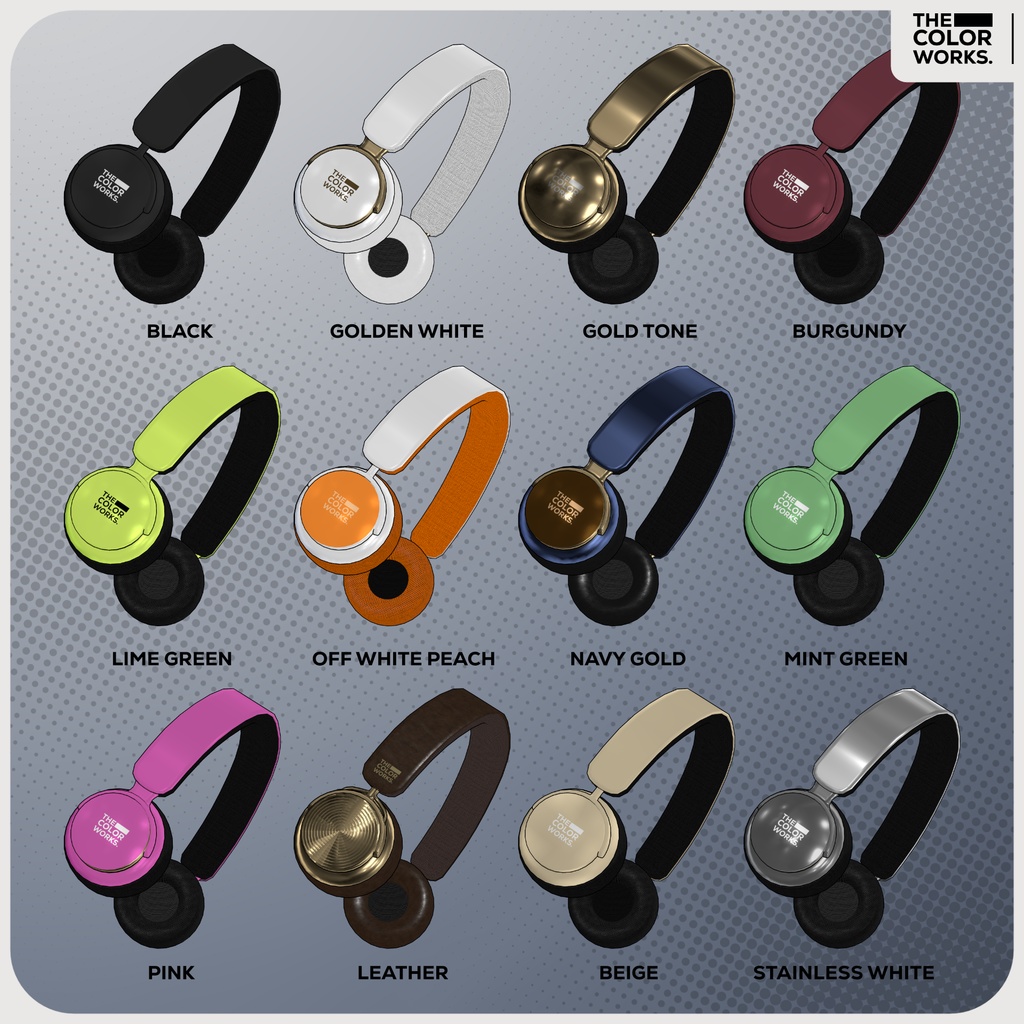


A minimalistic headphone design that fits all avatars! Featuring adjustable bones to ensure a perfect fit plus 12 different prefab variants ready to drop in. On top of that it offers customizable colors and materials with two cushion options: mesh and leather.
How to install:
1. Please ensure that you are using the latest version of the Liltoon shader. (If not, importing the package may cause the shader to break.) ● https://booth.pm/ja/items/3087170 ● https://modular-avatar.nadena.dev/ 2. Import the Unity package, then drag and drop the prefab into the avatar’s hierarchy. Adjust the headphone position & size to your liking. Note: If you place the prefab near the neck or other specific body parts, make sure to update the Bone Proxy reference to the closest appropriate bone. If you’re not using Modular Avatar, you can also place the prefab directly under the relevant hierarchy bone.
Terms Of Use (TOS)
This Terms of Service uses a template based on the V3 License (https://www.vn3.org/) created by Hiroko Ashiyama (@hiroko_TB) EN: https://drive.google.com/file/d/1T5i3rkyAJ7GycWWcWraP8kfMPEPM8CQJ/view?usp=sharing JP: Coming soon. KR: Coming soon.
Update News:
2026/2/7: Please download the latest package (Harmonit_Package_v2). Shadow on the Housing has been disabled to maintain visual consistency with the other materials.