

VRC Photo Studio | VRCフォトスタジオ:VRChatなしで画像を作成
- Digital850 JPY
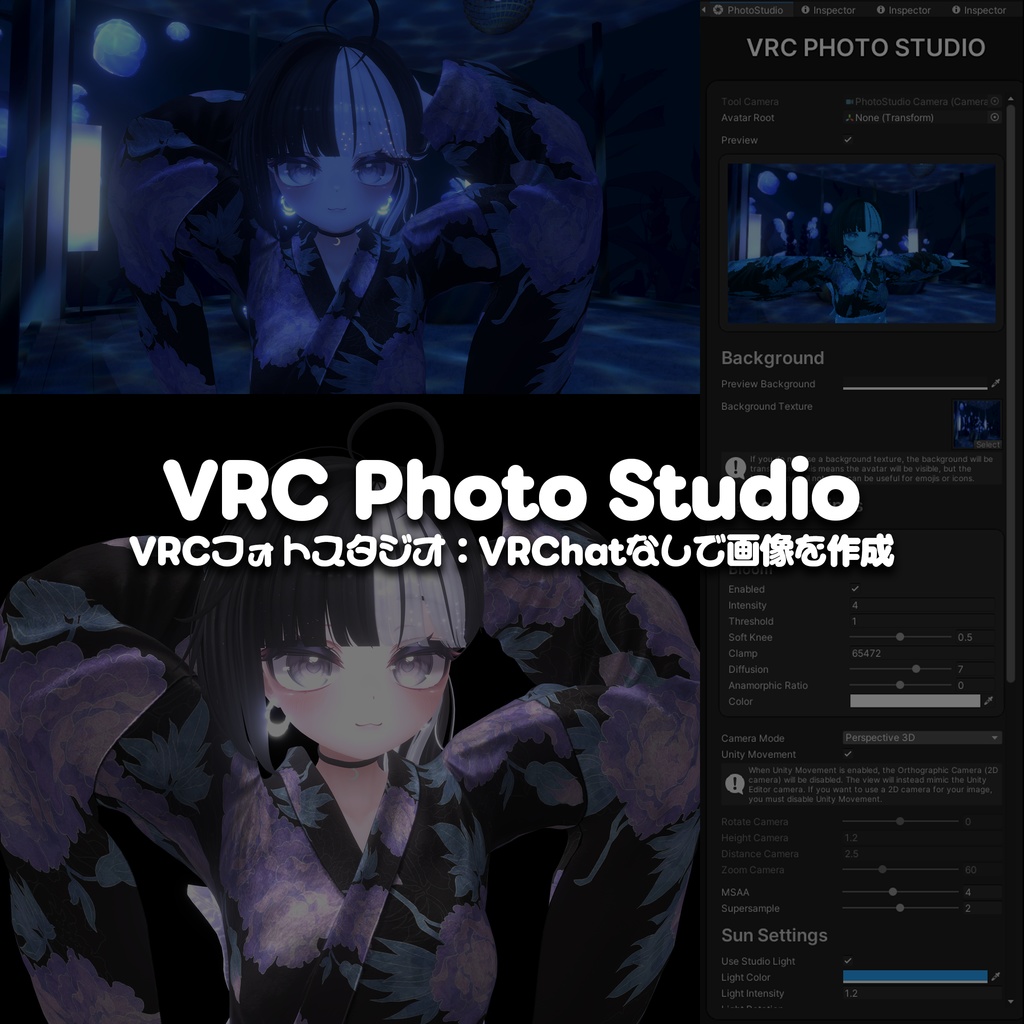
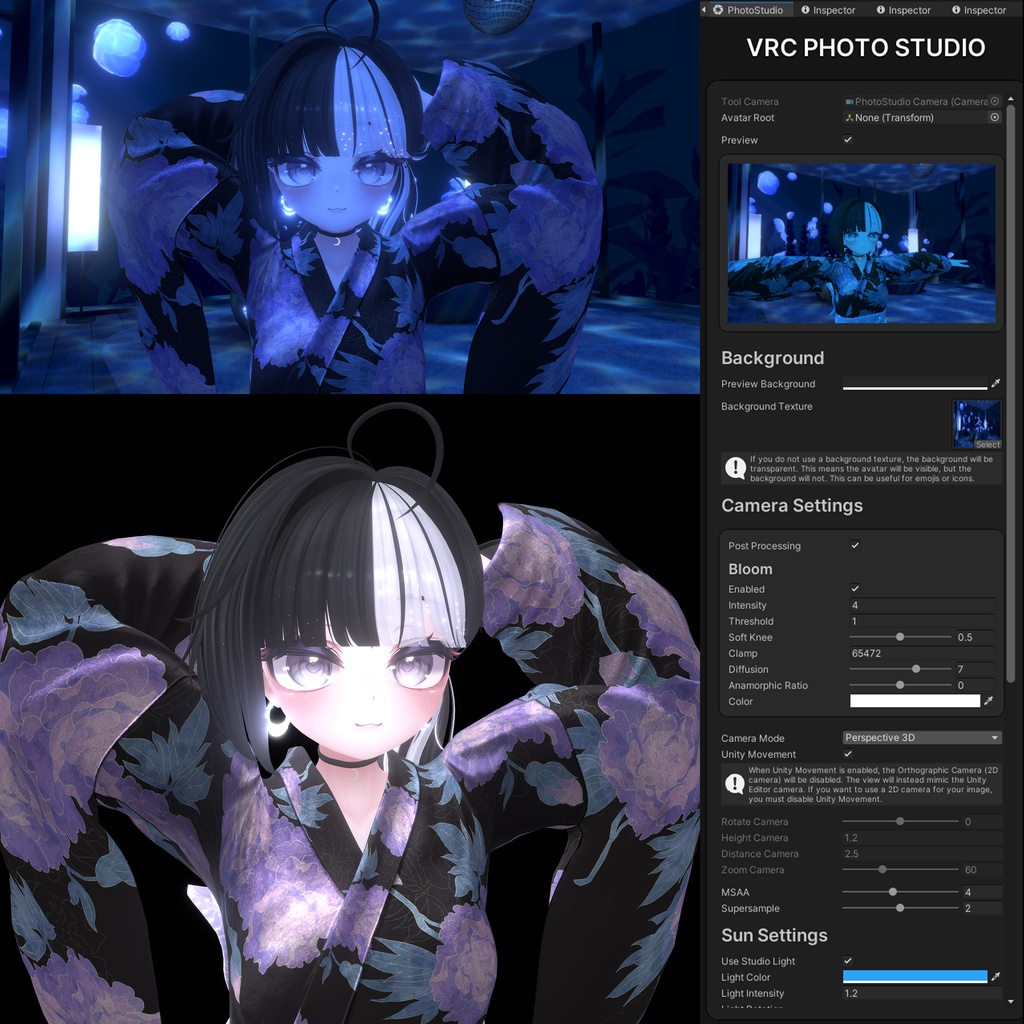
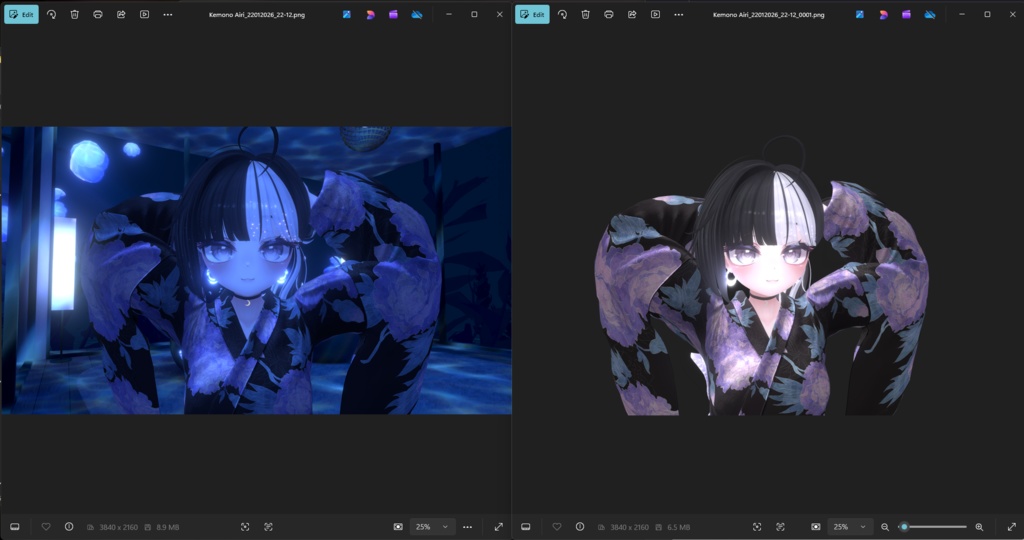
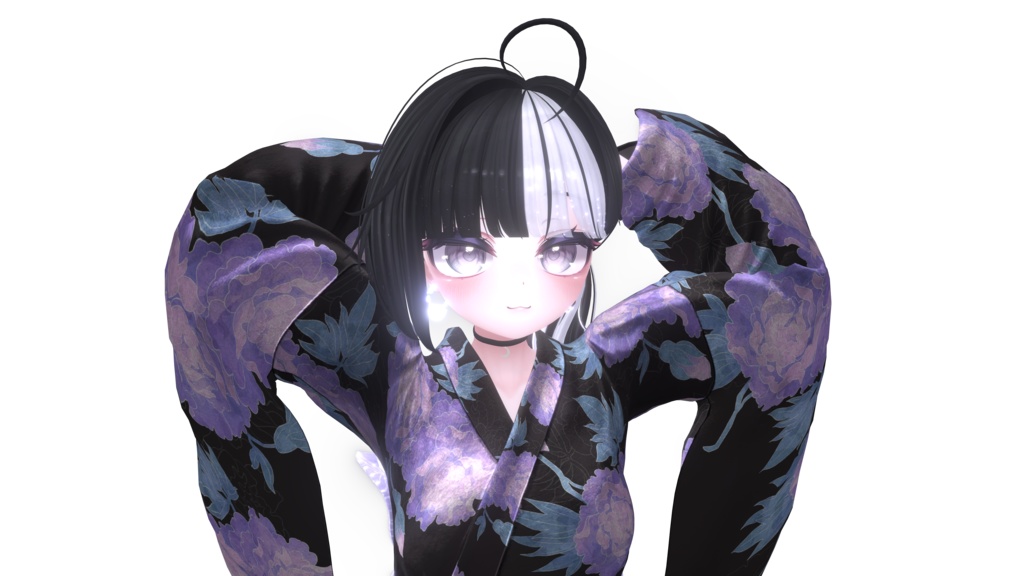
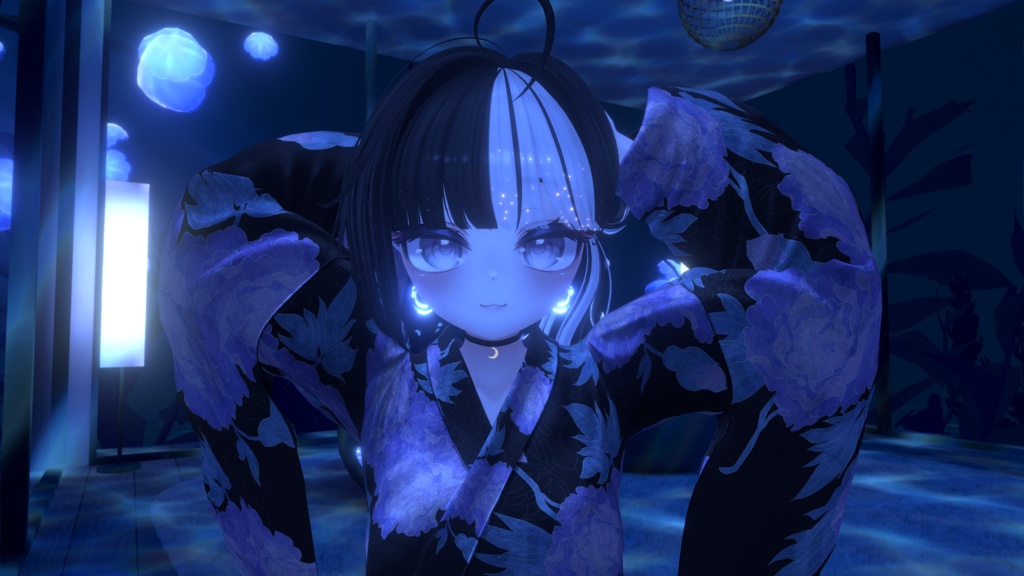
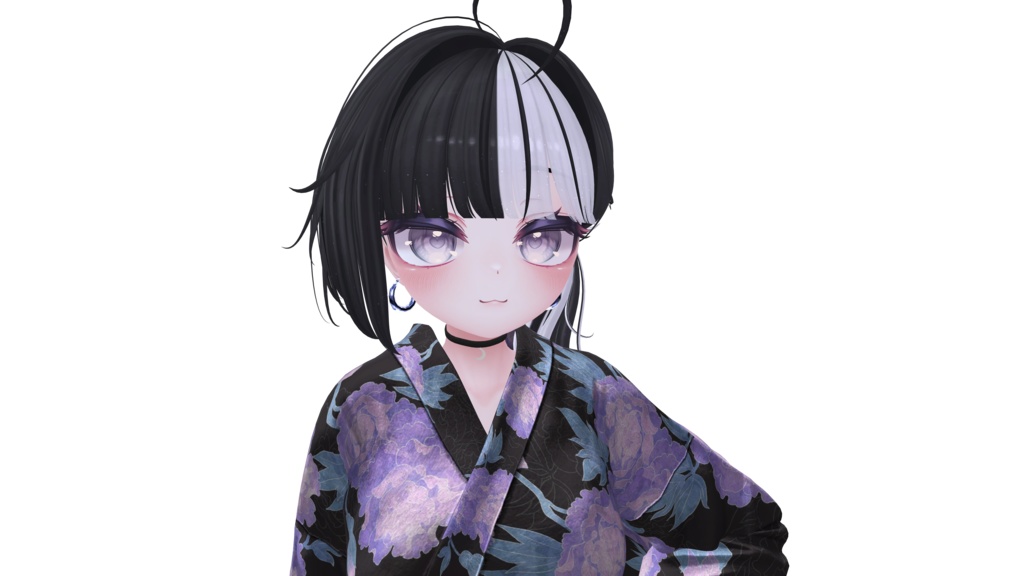
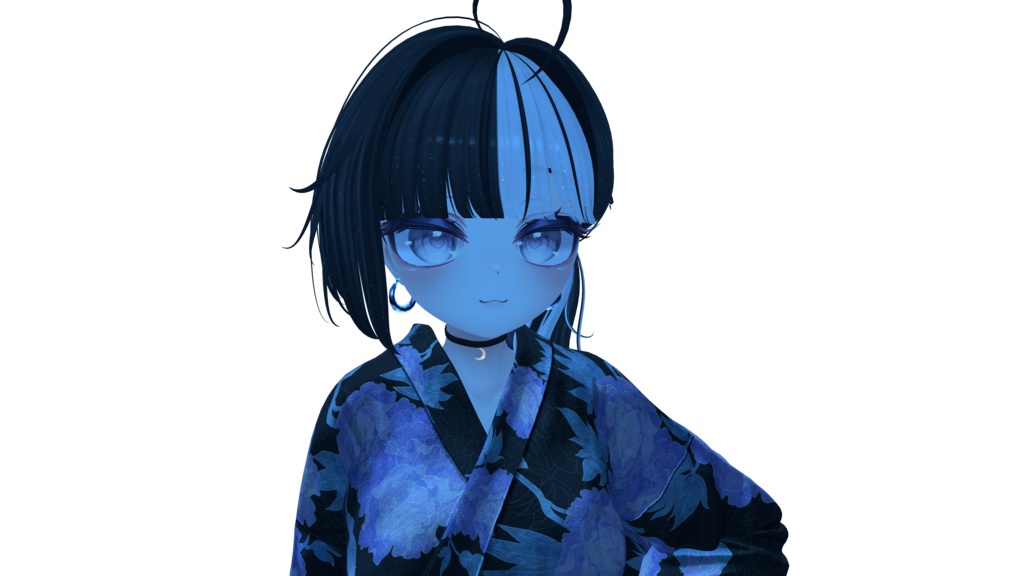


Japanese (日本語) VRC PhotoStudio は、新しいアバターを作成したときによくある問題を解決する Unity アドオンです。 こんな経験はありませんか?VRChat の新しいアバターを作ったのに、良いプロフィール画像を用意できない。VR ヘッドセットを持っていなかったり、結局つまらない T ポーズのスクリーンショットになってしまったり。 VRC PhotoStudio なら、その両方を解決できます。Pose セクションにアニメーションクリップやポーズを追加し、背景(例:VRChat ワールドのシーン)を設定できます。Play Mode では、複数のポーズ・シーン・背景を素早く切り替えて選べます。さらに、シーンに合わせてライティング(影や太陽の位置など)を調整でき、プレビューウィンドウで最終結果を確認できます。納得できたら、そのまま撮影して VRChat のアバター画像として使用できます。 また、ポージングモード(BETA) では、Play Mode 中に IK を使って体の各パーツを直感的に動かし、自由にポーズを作れます。Scene ビューに表示されるギズモをドラッグすることで、足・脚・腰・胸・頭・首・腕・手などを調整でき、手を動かすと腕が自然に追従してリアルなポーズになります。 さらに、作成したポーズは キーフレーム化 して Animation Clip として保存 できるため、撮影用ポーズを自分で作ってライブラリ化することも可能です(実験的機能のため、バグが発生する可能性があります)。 また、絵文字や Expression Menu のアイコン作成にも便利です。背景なしで撮影できるため、アバターだけが表示され、背景は透明になります。これにより、グリーンスクリーン関連の問題を避けられ、VRChat のグリーンスクリーン撮影や Photoshop での編集が必要になる場面を大幅に減らせます。 利用規約 本ツールは、個人利用・商用利用を問わず、画像制作目的で自由にご利用いただけます。 ただし、再配布は禁止です。第三者への共有、再アップロード、提供は行わないでください。 ご利用になる方は、それぞれご自身でご購入ください。 ENGLISH VRC PhotoStudio is a Unity add-on that solves a common problem when you create a brand-new avatar. You might know the situation: you finish a new VRChat avatar and want a good profile picture, but you either don’t have a VR headset or you end up with a boring T-pose screenshot. VRC PhotoStudio fixes both. You can add animation clips or poses in the Pose section, set a background (for example, a VRChat world scene), and in Play Mode you can quickly switch between different poses, scenes, and backgrounds. You can also adjust lighting to match the scene, including shadows and sun position, and use the preview window to see the final result. Once you’re satisfied, you can take a picture and use it as your VRChat avatar image. It also includes Posing Mode (BETA), which lets you pose your avatar in Play Mode using IK. You can move body parts using Scene gizmos (feet, legs, hips, chest, head, neck, arms, hands, and more). When you move the hands, the arms will follow naturally, making it easy to create strong poses for photos. You can also add keyframes and create Animation Clips, so you can save the poses (or full pose animations) you make directly with the help of PhotoStudio. This feature is experimental and may contain bugs. It also solves another problem: creating emojis or Expression Menu icons. You can capture your avatar without a background, meaning the avatar is visible but the background is transparent. This avoids many green screen issues and reduces the need for VRChat green screen photos or Photoshop edits. TERMS & CONDITIONS You may use this tool freely to create images for personal or commercial use. The only restriction is redistribution: you may not share, re-upload, or provide this tool to others. Each user must purchase their own copy.