

Frost Glass Cane - VRChat Gimmicky Avatar Accessory / CP19
- Digital1,000 JPY
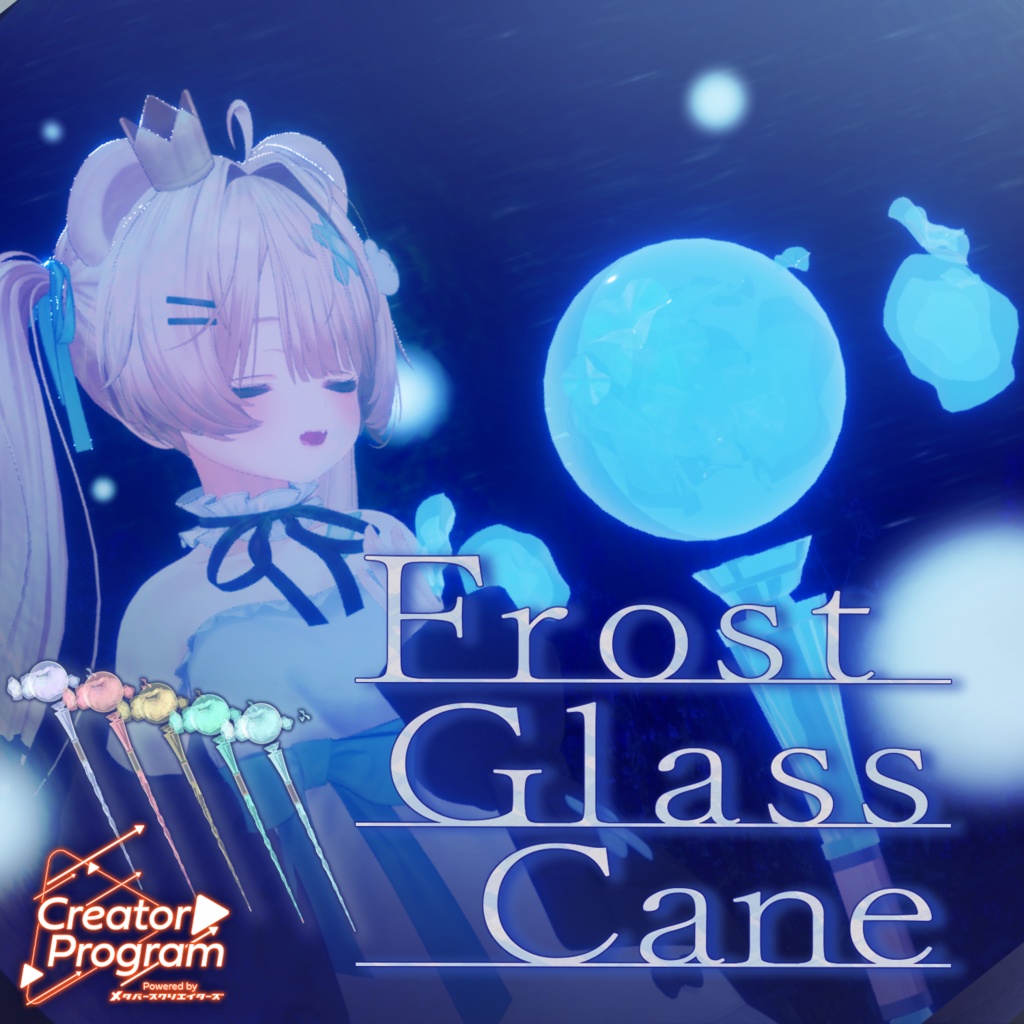
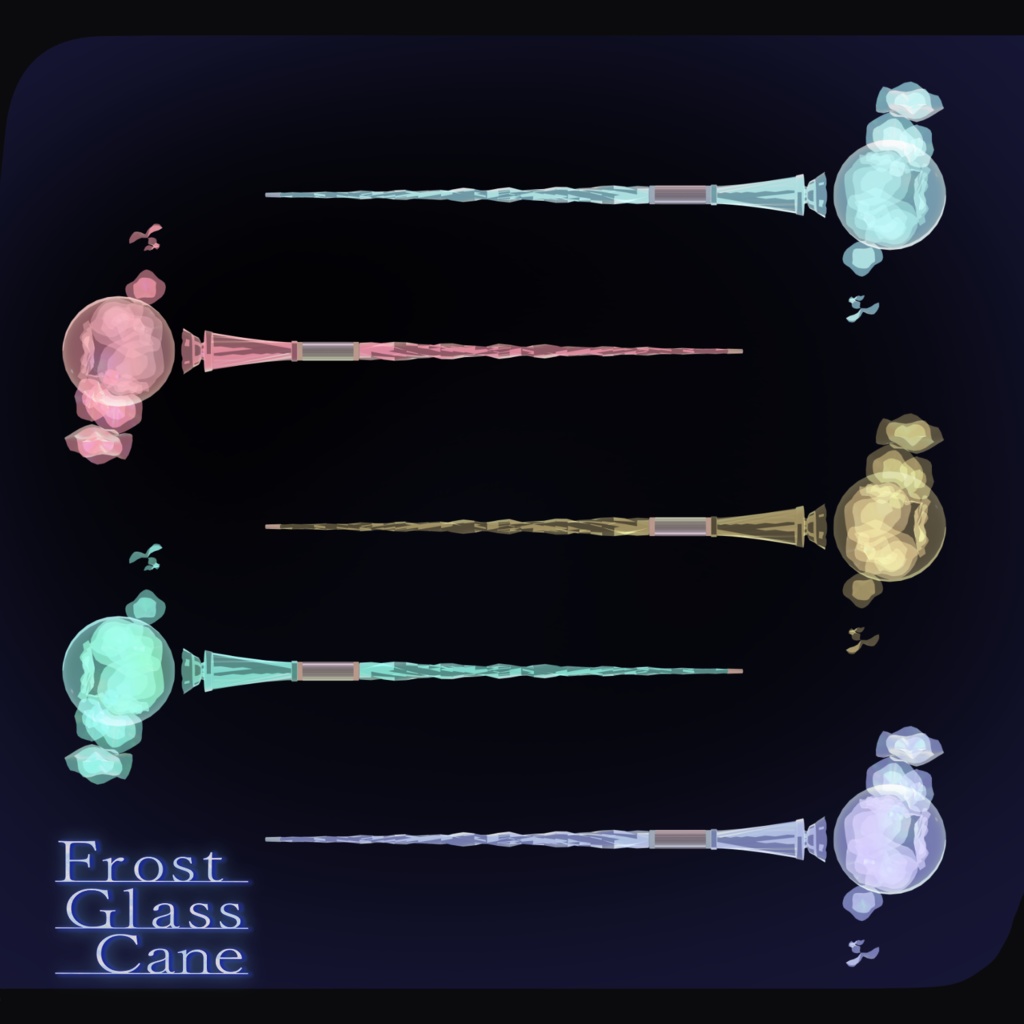
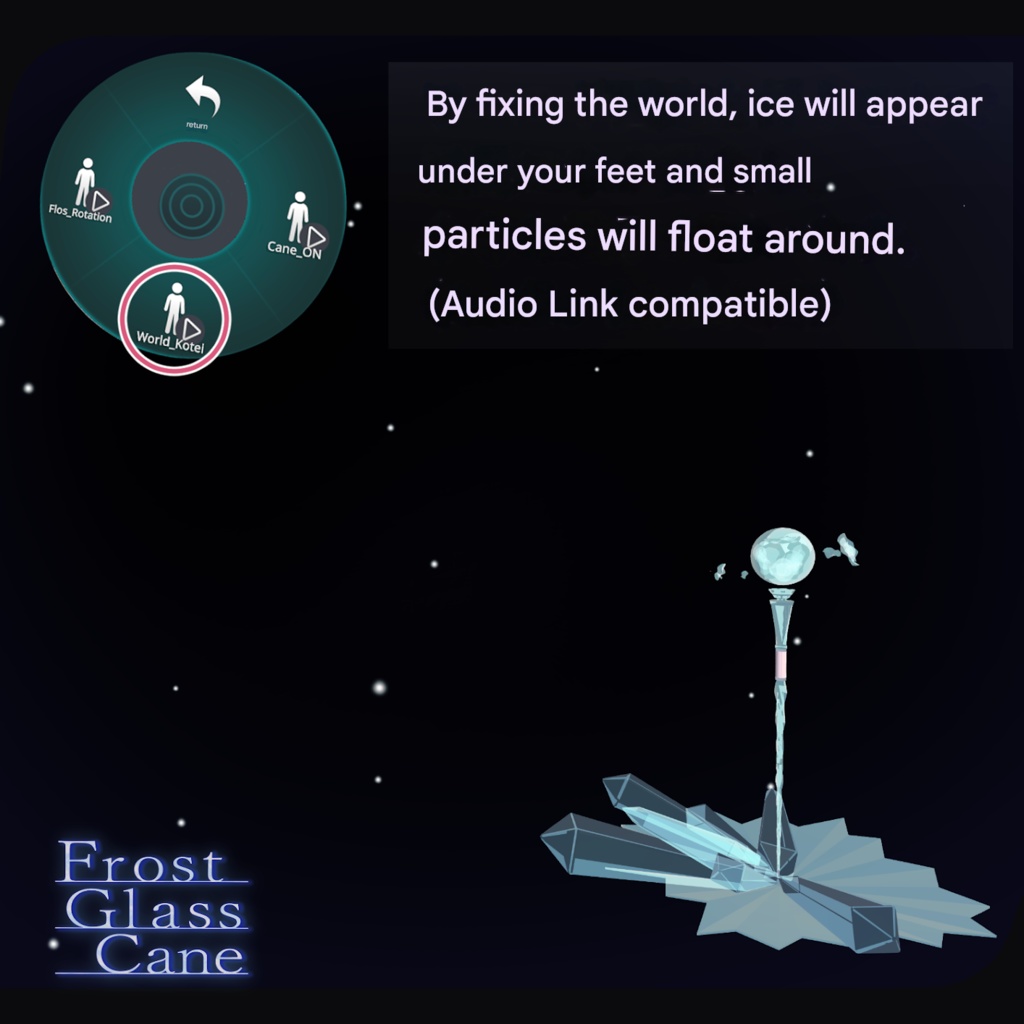
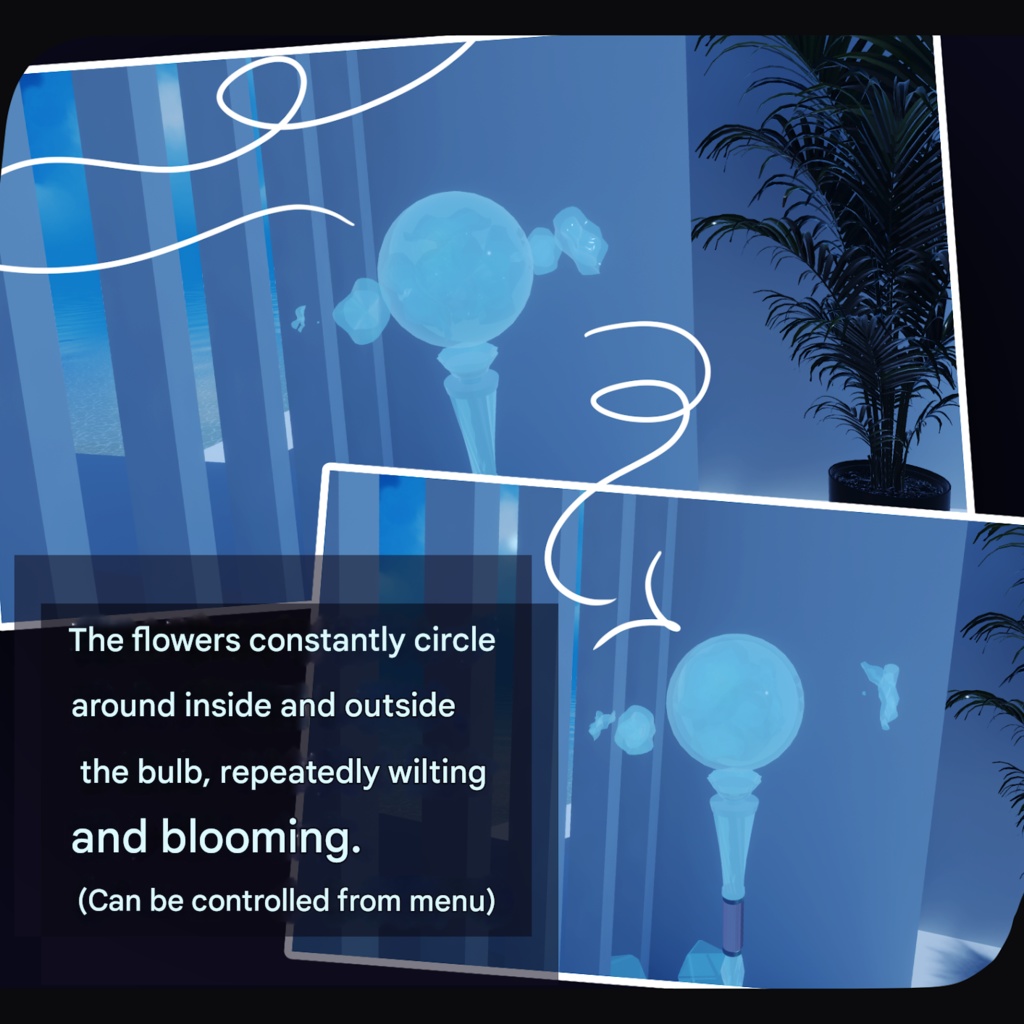
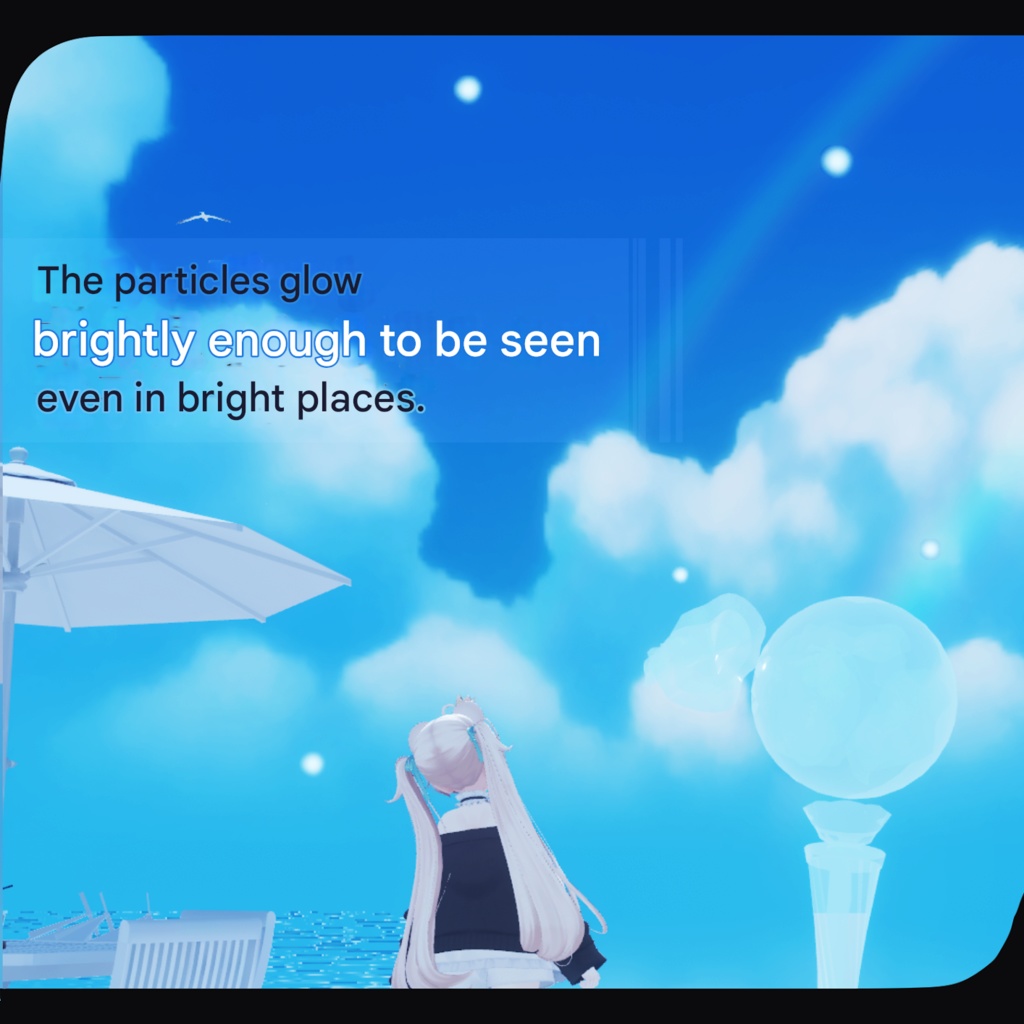


A frost flower is born, trailing white breath behind it. ※ Due to the nature of digital products, refunds and returns are not available. Please review the product description and terms of use before purchasing. ※ This product is intended for use with VR devices. Use on desktop alone is not supported. ■ Item Overview Contents FrostGlassCane.Unitypackage FBX Textures Blender file (created with ver. 4.3.1) ReadMe.txt Shader Used liltoon https://lilxyzw.booth.pm/items/3087170 Required Assets Modular Avatar https://modular-avatar.nadena.dev/ja/docs/intro ■ Model Data Total Polygon Count: 6,573 Mesh Count: 3,429 Material Count: 5 PhysBone Components: 0 ■ Import Folder Assets > MetaverseCreators_CP > Atelier umorunba > Frost Glass Cane ■ Setup Instructions Set the latest VRC SDK in VCC Install required assets (liltoon, Modular Avatar) via VCC Import this product’s Unity package Drag and drop your avatar (or outfit/modification prefab, if applicable) into the Scene Hierarchy Hide unnecessary avatar clothing (default outfits, underwear, etc.) as needed or set them to Editor Only Drag “FrostGlassCaneXX.Prefab” directly under the avatar In the Scene, navigate to: FrostGlassCaneXX > worldKotei > world_Center > sky > Cane > wkg > KokowoHandNiAwaseru Adjust the “KokowoHandNiAwaseru” prefab’s position, scale, and rotation to your preference In the Scene, select “sky” under: FrostGlassCaneXX > worldKotei > world_Center > sky In the Inspector, drag the appropriate right-hand bone (e.g. Hand.R) into Parent Constraint → Sources Once assigned, click “Activate” When “Is Active” is checked, setup is complete Upload the avatar via the VRC SDK ■ Gimmick Overview An FGC_Gimmick menu will be added to the Expressions Menu, allowing the following controls: Cane_ON — Toggle cane visibility World_Kotei — World-fixed mode / starry sky particle effect Flos_Rotation — Stop rotation of animated objects ■ Color Customization Replace materials in: Common > Material You can also adjust colors via: Material → Main Color → Color Adjustment → Bake, allowing you to fine-tune colors to your liking. ■ Terms of Use https://drive.google.com/drive/folders/1qRMXoIxM1ZgacBPfwOigQRtXP1vCbNMn?usp=sharing ※ Please follow the terms of use of the original avatar. ■ Production Environment Modeling: Blender 4.3.1 Texturing: CLIP STUDIO PAINT Setup: Unity 2022.3.22f1 VRChat SDK – Avatars 3.9.0 (VCC) liltoon 2.3.1 Modular Avatar 1.14.3 ■ Worlds Used for Screenshots The Fallen Church Kamakura Live Horizon Line ■ Credits Creator: Umorunba Studio https://umorunba.booth.pm/ Support: https://discord.gg/bmw3PWE37M