

超軽量なSaccFlightのチュートリアルギミックver2.0
- Digital0 JPY
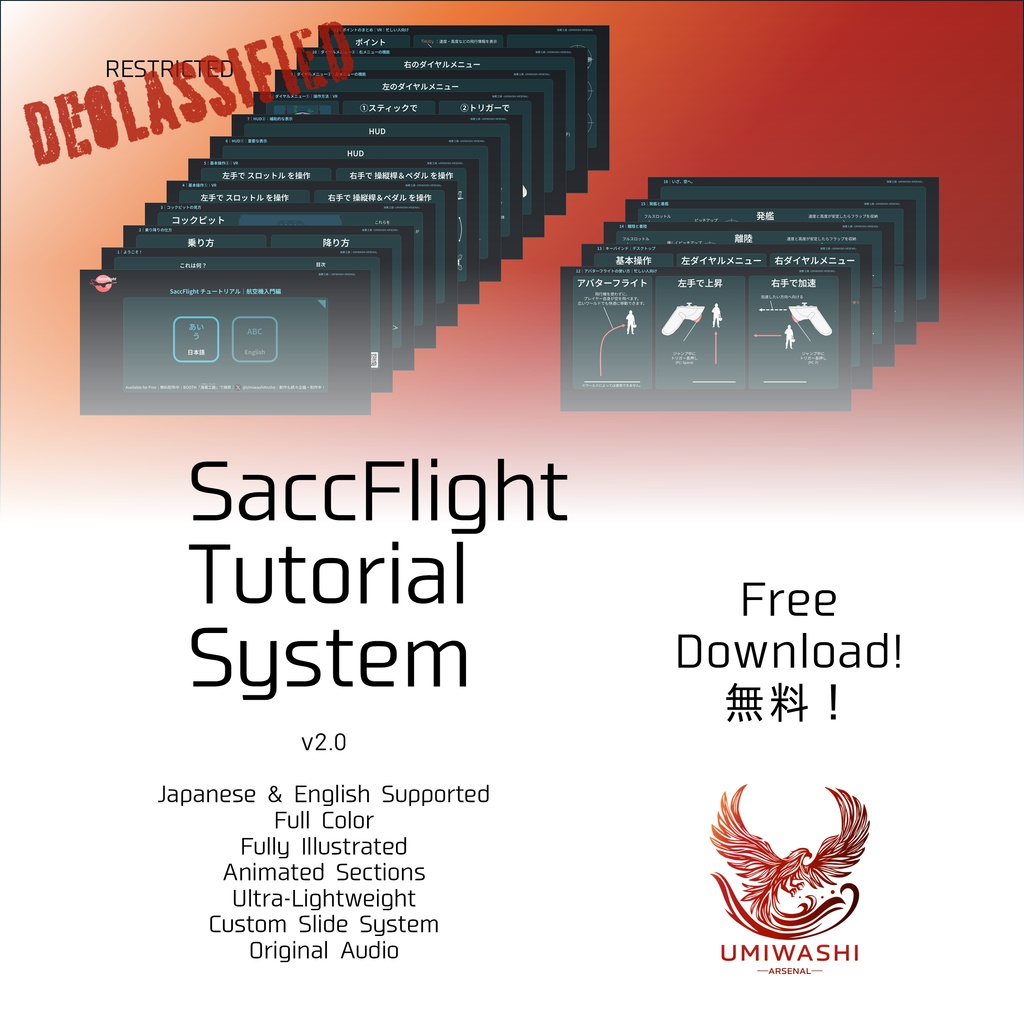
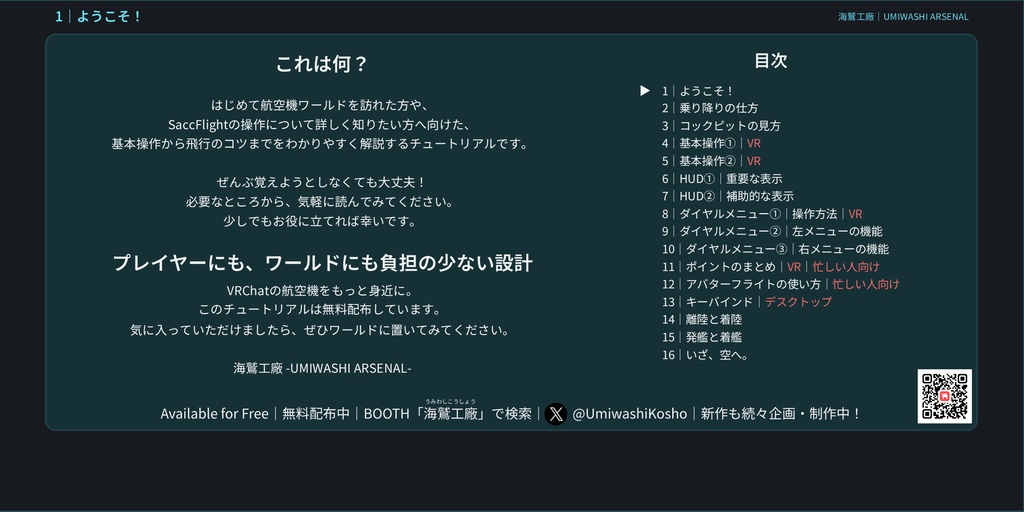
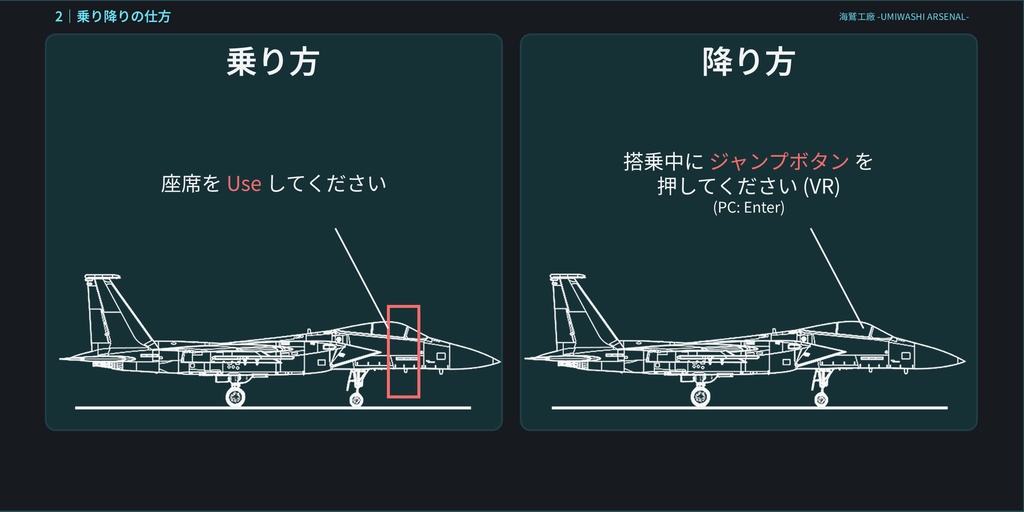
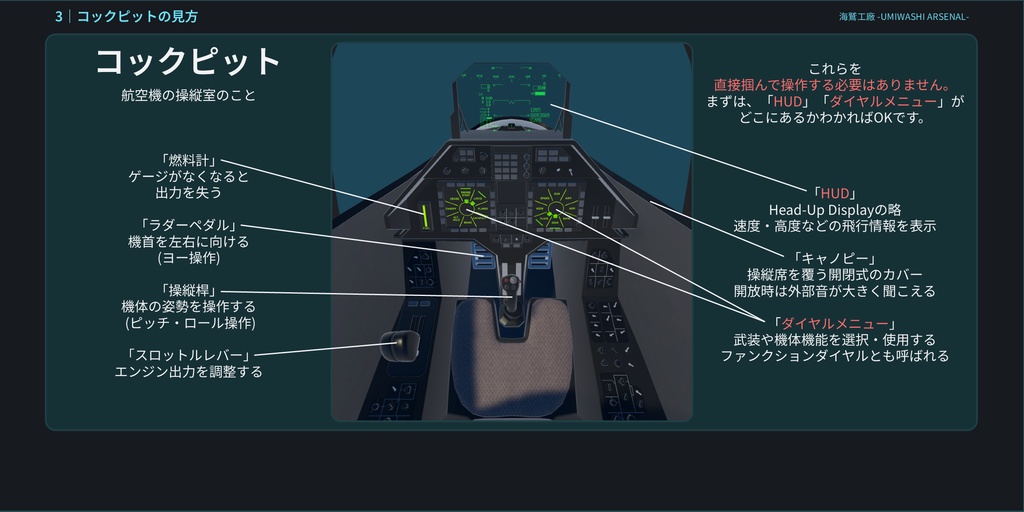
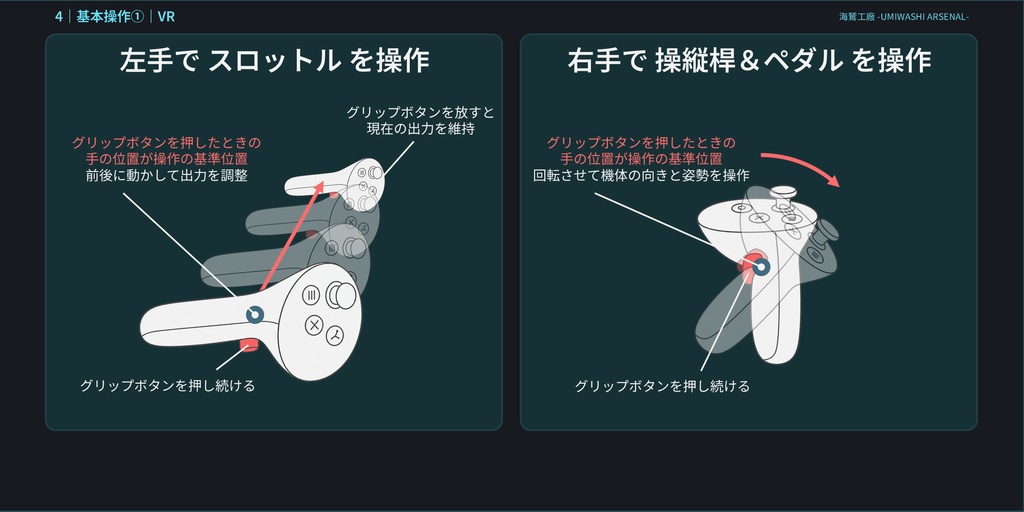
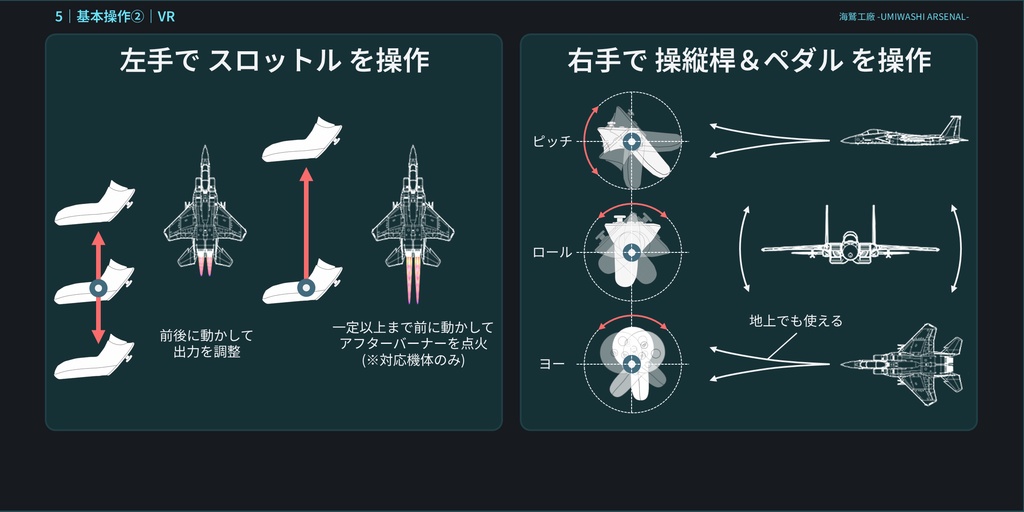
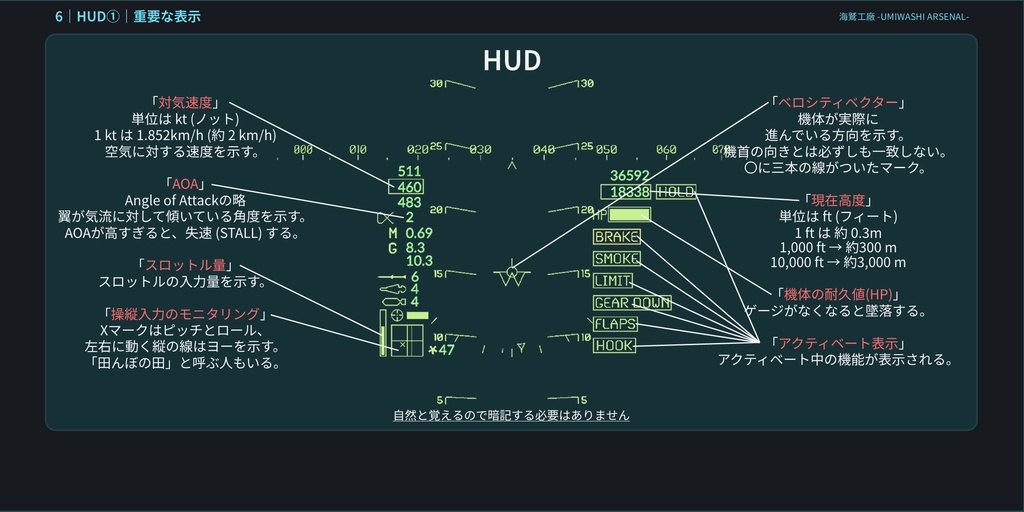
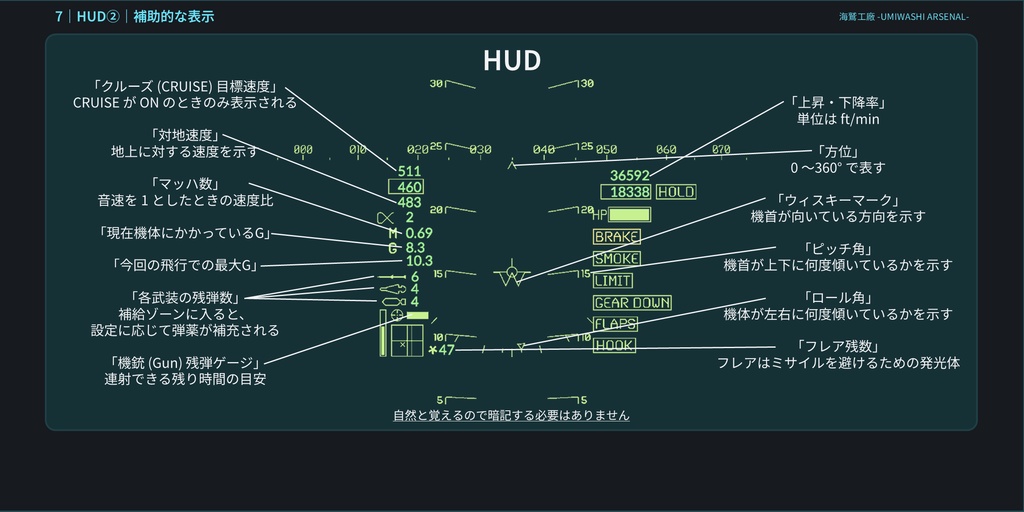
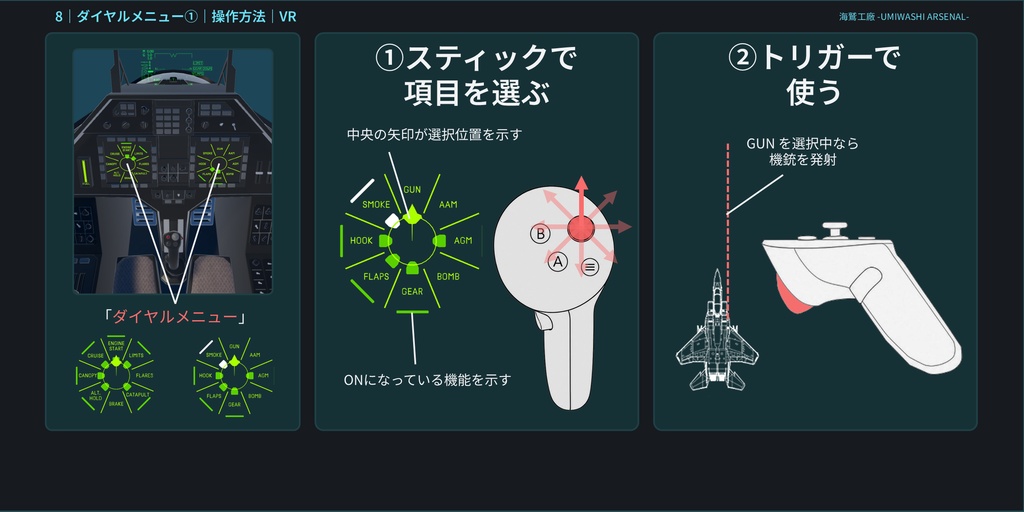
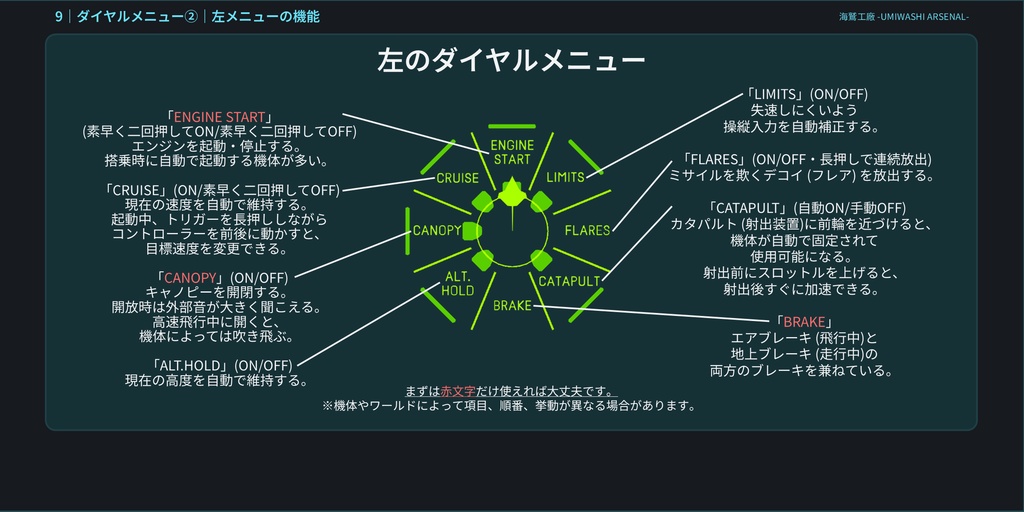
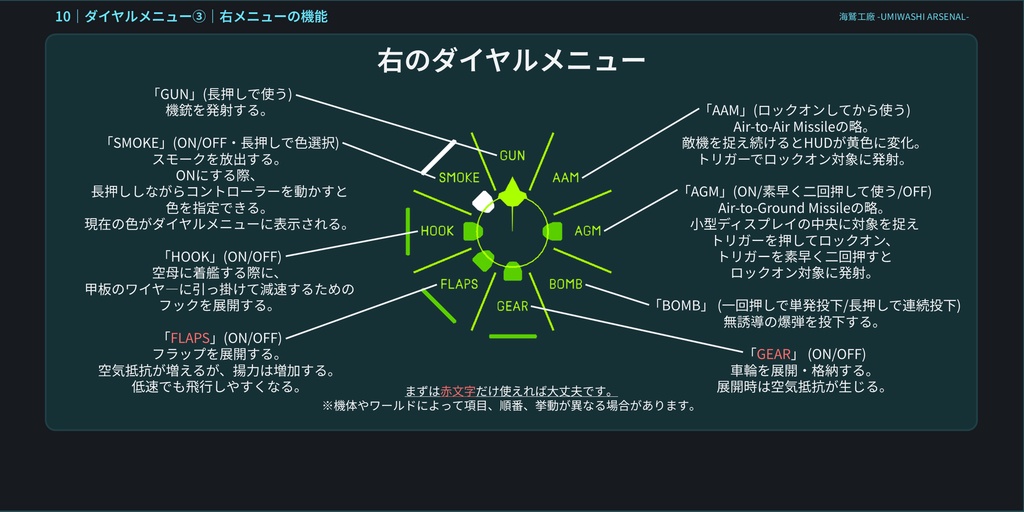
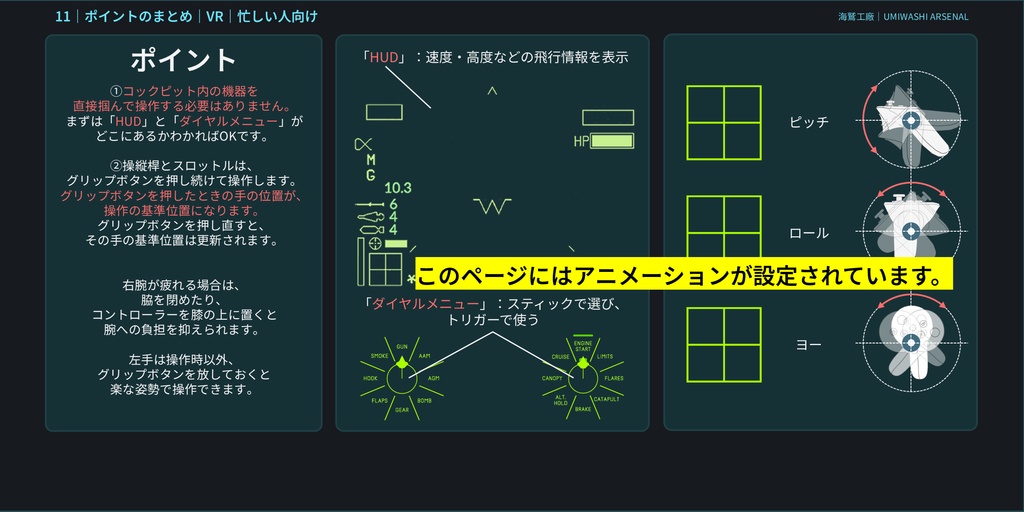
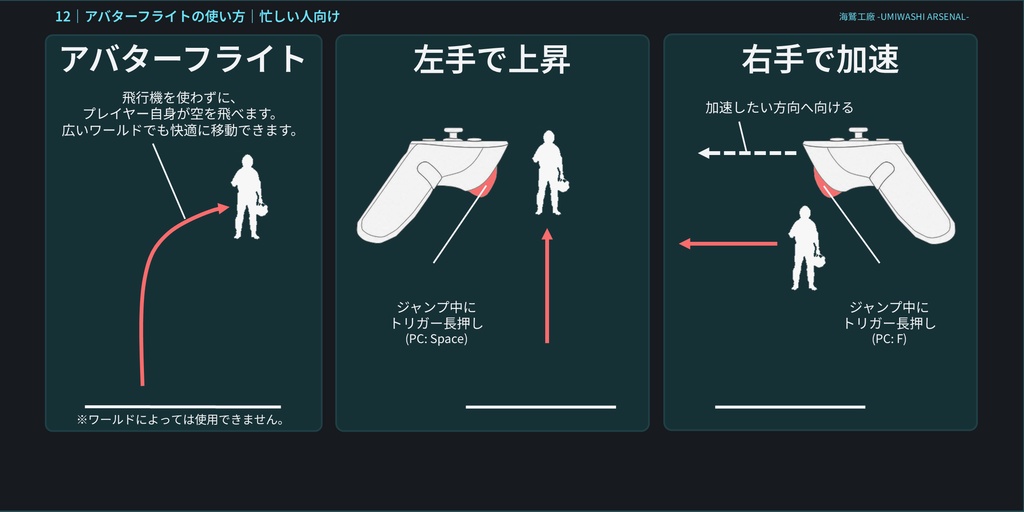
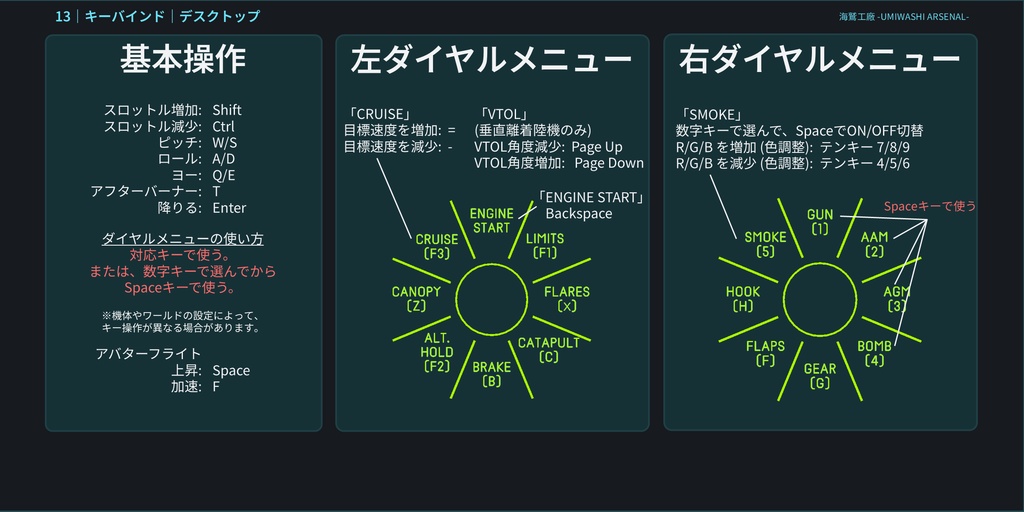
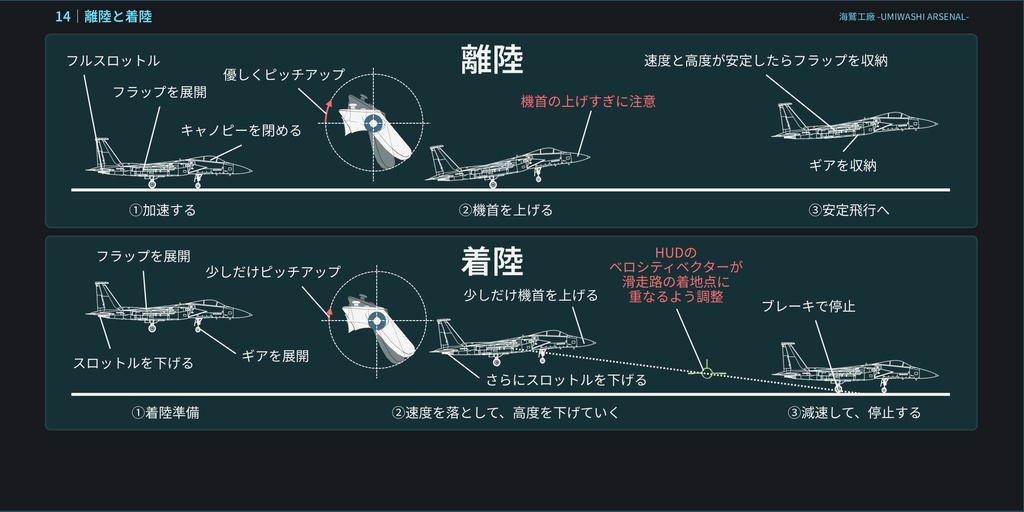
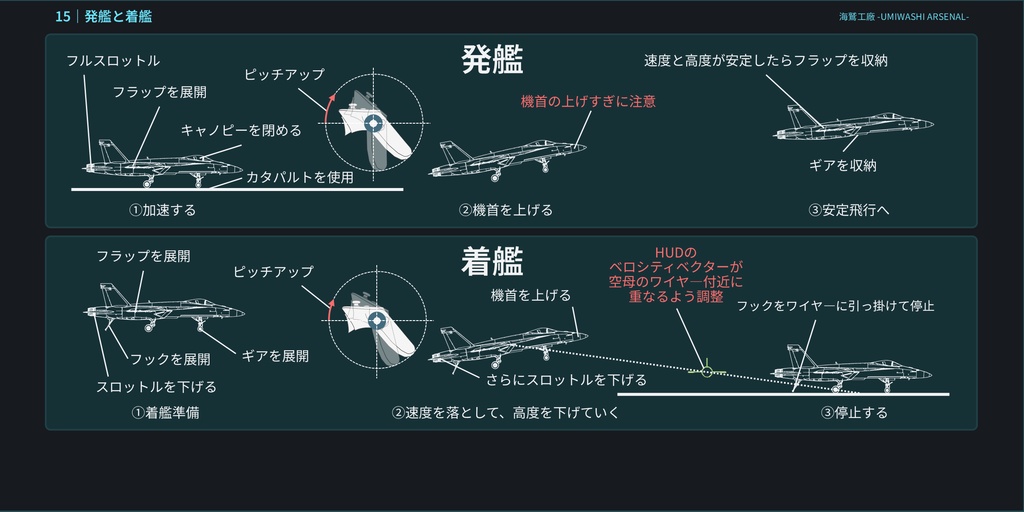
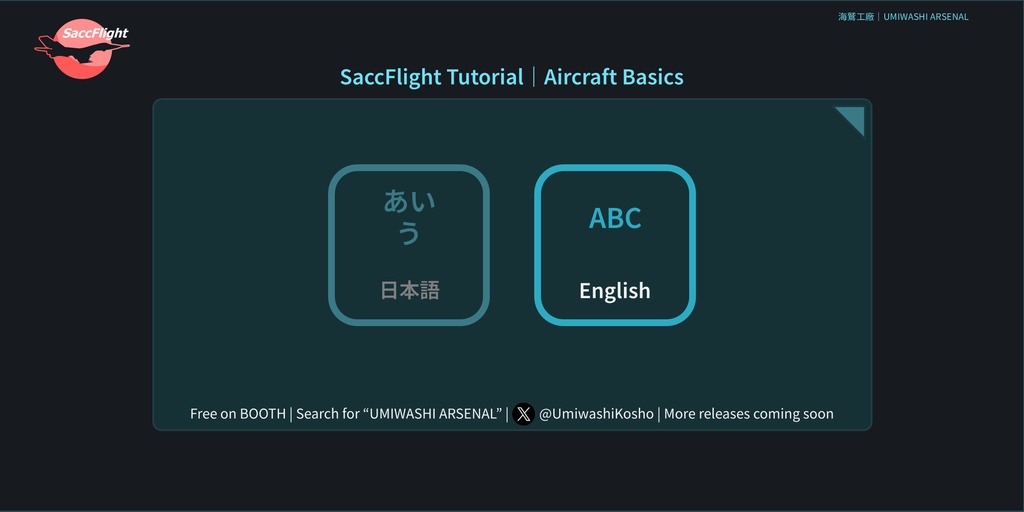
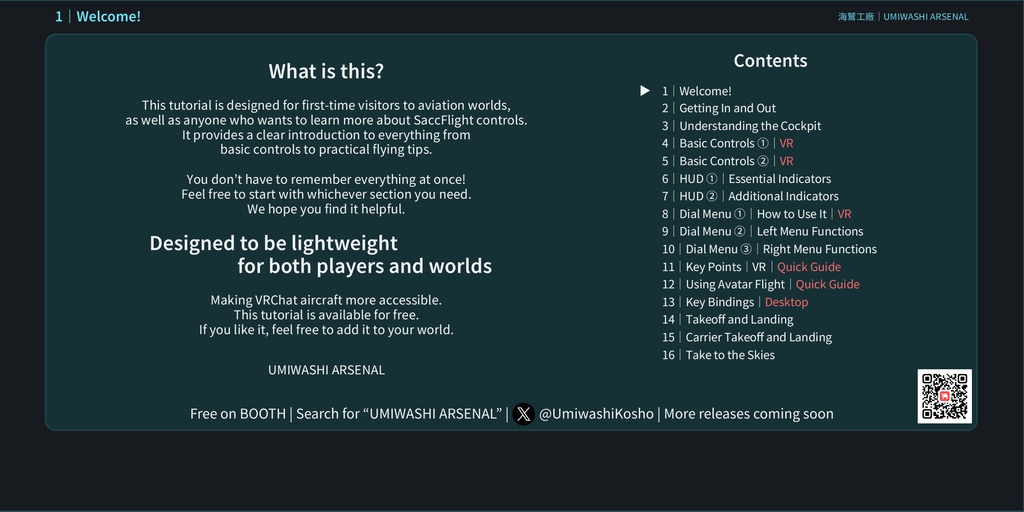


はじめて航空機ワールドを訪れた方や、SaccFlightの操作について詳しく知りたい方に向けた、基本操作から飛行のコツまでをフルカラー・全ページ図解・一部アニメーション付きで解説する、超軽量・超低負荷なチュートリアルギミックです。 アニメーションによる操作の再現に加え、各種ファンクションやHUDについても詳しく解説しています。 また、独自のUdonSharp(U#)スクリプトを使用しているため、ページの追加やページ切り替え時のサウンド変更、対応言語の拡張も容易です。 ワールドへの負荷を可能な限り抑えた設計となっており、プレファブを配置するだけでご利用いただけます。 本商品は、Sacc's Flight and Vehicles Prefab ( https://booth.pm/ja/items/1980866 ) 向けの操作チュートリアルですが、付属のUdonSharpスクリプトのみを利用し、オリジナルのスライド用ギミックとして使用することも可能です。その場合は、クレジットの記載をお願い致します。 --機能-- ・日本語、英語に対応しています。スライドがあれば何言語でも対応可能です。 ・Quest対応。 ・完全ローカルギミックのため、ネットワーク同期による負荷がありません。 ・UdonSharpは必要なタイミングでのみ動作するため、フライト中への影響をほぼゼロに抑えています。 ・直感的かつスムーズな言語切り替えに対応。 ・ページ切り替え時のサウンドを自由に設定可能。無音での使用にも対応しています。 ・独自のスライドを簡単に追加できます。 ・不要な機能を省き、処理方法も軽量化することで、ワールドへの負荷を抑えています。 ・U#コンポーネントを整理し、設定確認やカスタマイズがしやすい構成にしています。 --導入方法-- プレファブを配置するだけで導入完了です。 ver1.0では、あらかじめSacc's Flight and Vehicles Prefabを導入しておく必要がありましたが、ver2.0からは事前導入なしで設置できるようになりました! プレファブ内のオブジェクト「SaccTuPageSwitcher_(言語)」のインスペクターから各種設定を変更できます。 --初期言語を英語にする方法-- プレファブ内にある「SaccTuPageSwitcher_(言語)」のうち、最初からアクティブになっているオブジェクトの言語が、初期表示言語になります。英語を初期表示にしたい場合は、英語用の「SaccTuPageSwitcher」をアクティブにして、日本語の方を非アクティブにしてください。 ※注意 SaccTuPageSwitcher_(言語) のアクティブ状態を変更しても、Unityのシーン上では表示されているスライドの見た目は変化しません。 プレファブ内のImageコンポーネントに設定されているSpriteは、編集時に内容を確認しやすくするため、プレビュー用としてあらかじめ設定しているものです。言語切り替え機能そのものにSpriteの事前設定は必要ありません。 実際のスライド表示は実行時にスクリプトによって切り替わるため、設定が正しく行われていても、シーン上の見た目には反映されません。 ---Overview--- This is an extremely lightweight, low-overhead tutorial system designed for players who are new to aircraft worlds or want to learn more about how to use SaccFlight. From basic controls to practical flying tips, everything is explained in full color, with illustrations on every page and animations for selected sections. In addition to animated demonstrations of various controls, the tutorial also provides detailed explanations of functions, HUD elements, and other important features. Because it uses a custom UdonSharp (U#) script, it is easy to add new pages, change the sound used when switching pages, or expand support to additional languages. The system is designed to keep its impact on the world as low as possible, and setup is as simple as placing the prefab in your world. This product is primarily an operation tutorial for: Sacc's Flight and Vehicles Prefab https://booth.pm/ja/items/1980866 However, the included UdonSharp script can also be used on its own to create your own custom slide-based system. If you use the script for this purpose, please include appropriate credit. ---Features--- Supports Japanese and English. Additional languages can be added as long as the corresponding slides are provided. Quest compatible. Fully local, with no network synchronization overhead. UdonSharp only runs when needed, keeping its impact during flight to an absolute minimum. Fast and intuitive language switching. Page-turn sounds can be freely customized, or disabled entirely. Custom slides can be added easily. Unnecessary features have been removed, and the underlying processing has been optimized to minimize world performance impact. The U# components are organized for easy configuration, review, and customization. ---Installation--- Simply place the prefab in your world and it is ready to use. In v1.0, Sacc's Flight and Vehicles Prefab had to be installed beforehand. Starting with v2.0, the tutorial can now be installed without any prior SaccFlight setup. Various settings can be changed from the Inspector of the following object inside the prefab: SaccTuPageSwitcher_(Language) ---Setting English as the Default Language--- Among the SaccTuPageSwitcher_(Language) objects included in the prefab, the language of the object that is active by default will be used as the initial display language. To make English the default language, enable the English SaccTuPageSwitcher and disable the Japanese one. (Note) Changing which SaccTuPageSwitcher_(Language) object is active will not change the displayed slide in the Unity Scene view. The sprites assigned to the Image components in the prefab are included only as a visual preview to make editing easier. They do not need to be assigned for the language-switching system itself to work. Because the displayed slides are switched by the script at runtime, the Scene view may appear unchanged even when the default-language setting has been configured correctly.
利用規約|Terms of Use
アセットに含まれる「F-15モデル」を他用途で使用すること、改変の有無に関わらず本データを再配布することを禁止します。クレジット表記は必須ですが、スライド内容は用途に合わせて自由に改変いただけます。 ご不明な点がございましたら、当ショップまでお問い合わせください。 The F-15 model included with this asset may not be used for purposes outside of this asset. Redistribution of this data is prohibited, whether modified or unmodified. Credit is required, but you are free to modify the slide content to suit your intended use. If you have any questions, please contact our shop.
Thanks!
本アセットに含まれるローポリF-15モデルは Umi_Happa 氏よりご提供いただきました。 https://x.com/Umi_Happa_VRC The low-poly F-15 model included with this asset was kindly provided by Umi_Happa. https://x.com/Umi_Happa_VRC
更新履歴|Changelog
2026/02/19 — v1.0 公開 2026/08/24 — v2.0 全てのページを一新 アニメーションの調整 ページスイッチギミックの追加 2026/02/19 — v1.0 Initial release 2026/08/24 — v2.0 Completely redesigned all pages Adjusted animations Added a page-switching system