
【初期作】OBS対応配信用GIF背景飾り_雪のエフェクト
- Digital500 JPY
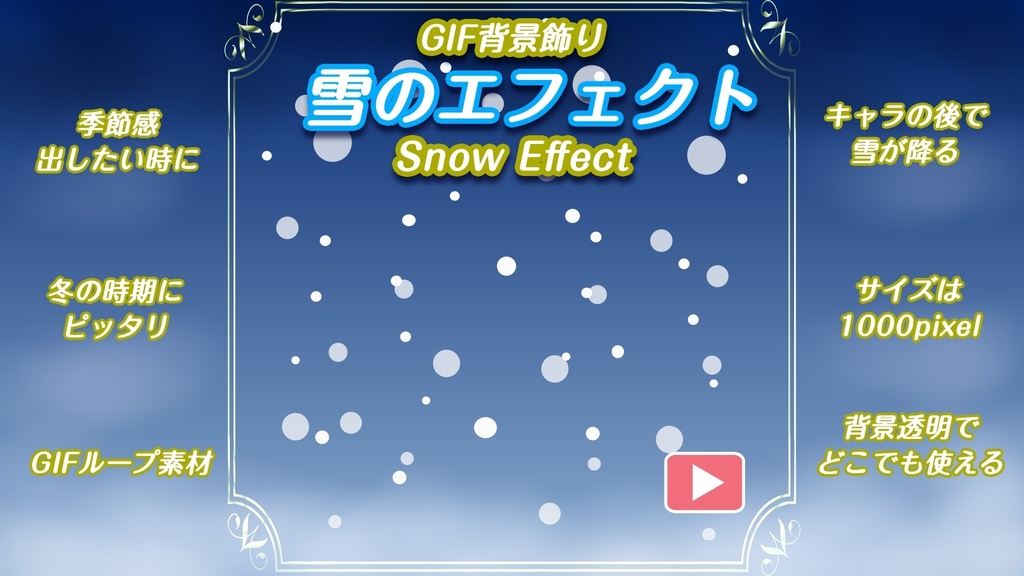
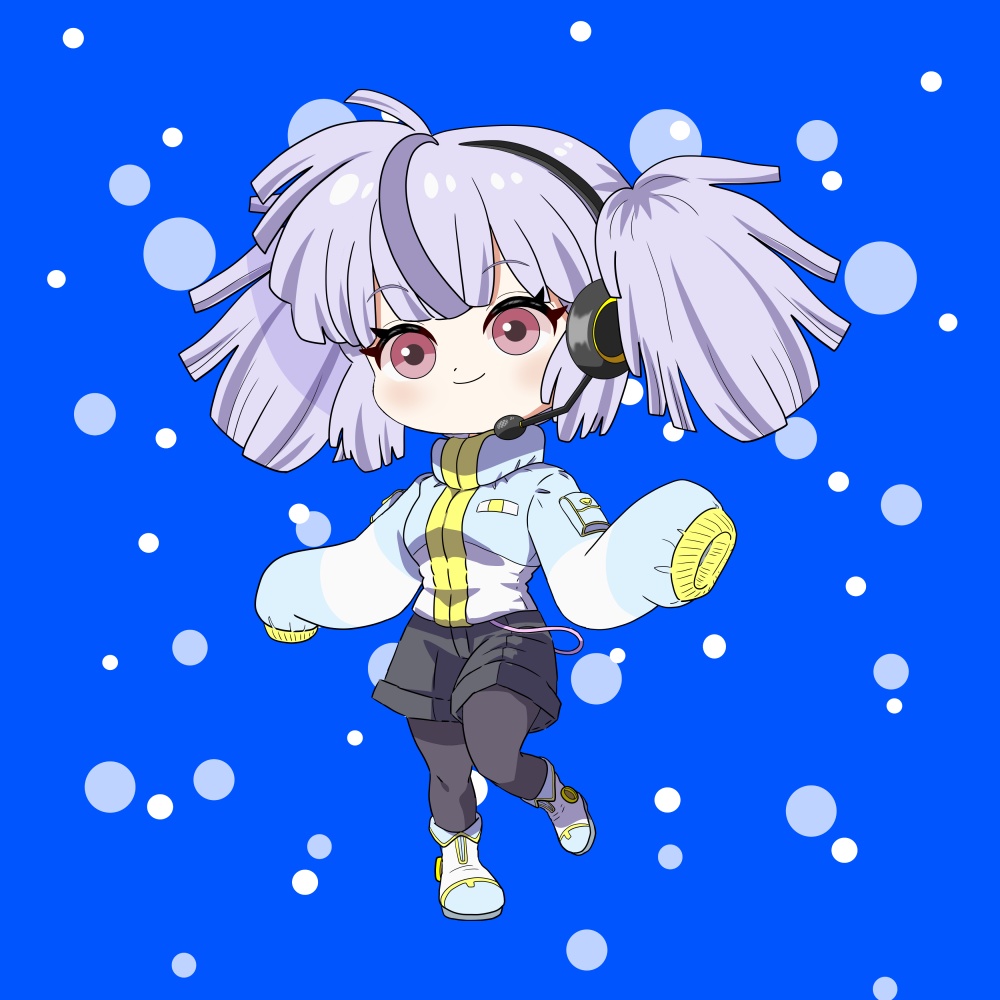


※【初期作・特別価格】で販売してます。 【Puppet3】や配信者向けのGIF素材「雪のエフェクト」の背景飾り素材です。 冬の時期や寒い時期にピッタリ!手描きの緩いループGIF飾りです。 配信や動画制作などに使ってね! 静止画キャラでの使い方、GIFキャラでの使い方で少しやり方が変わります。 お試しで静止画タイプを無料配布しております。 試してみてね! https://en-papettolab.booth.pm/items/7653743 ・遊び感覚で楽しく使ってください。 ・動画で使い方を紹介しています。 ・Puppet3がなくても利用できます。 ・背景透過のGIFファイルです。 OBSでの動作確認済みです。
★雪のエフェクト
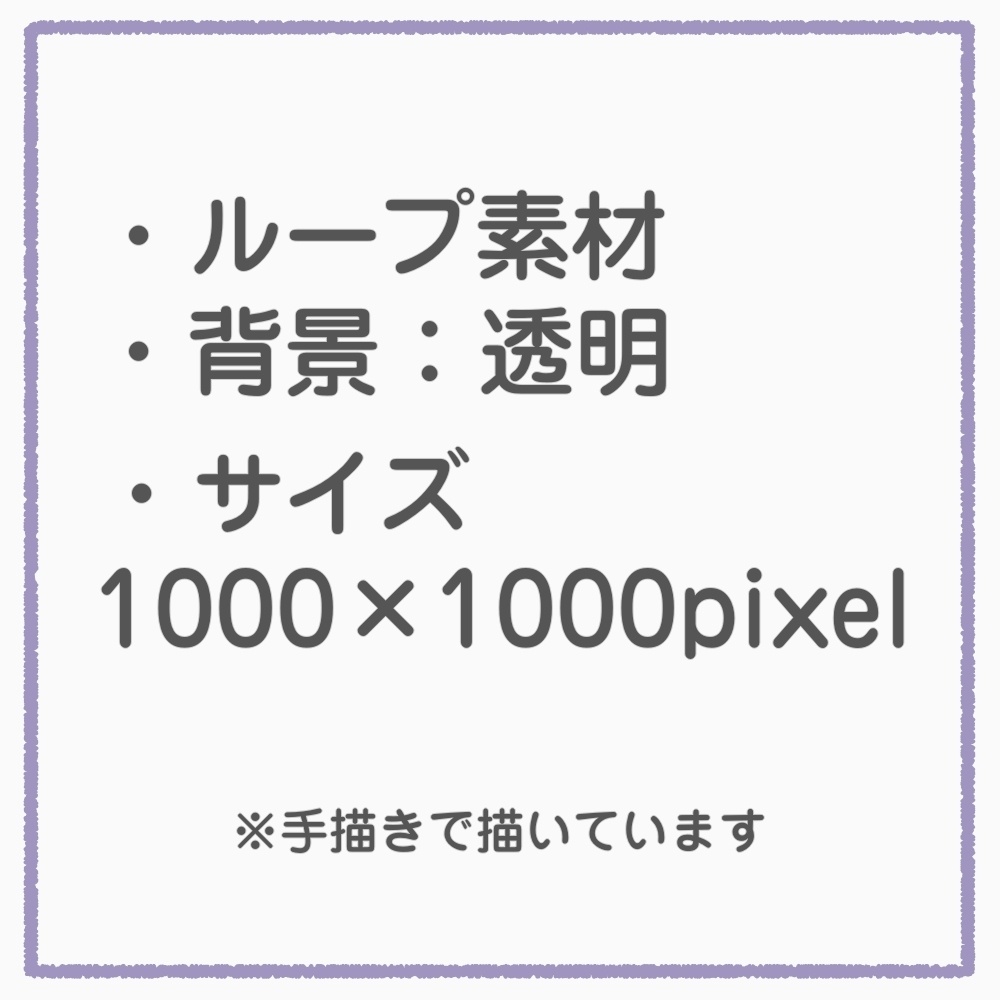
・GIFファイル:1点 ・14秒 ・101KB ・背景透過 ・サイズ:1000×1000pixel ・動画で動く様子が見れます。 ・グリーンスクリーン設定にした場合、背景を白バックで使用するときは注意してください。雪が消える可能性があります!使うときは濃い色をお勧めします。
◆GIF背景飾りの付け方
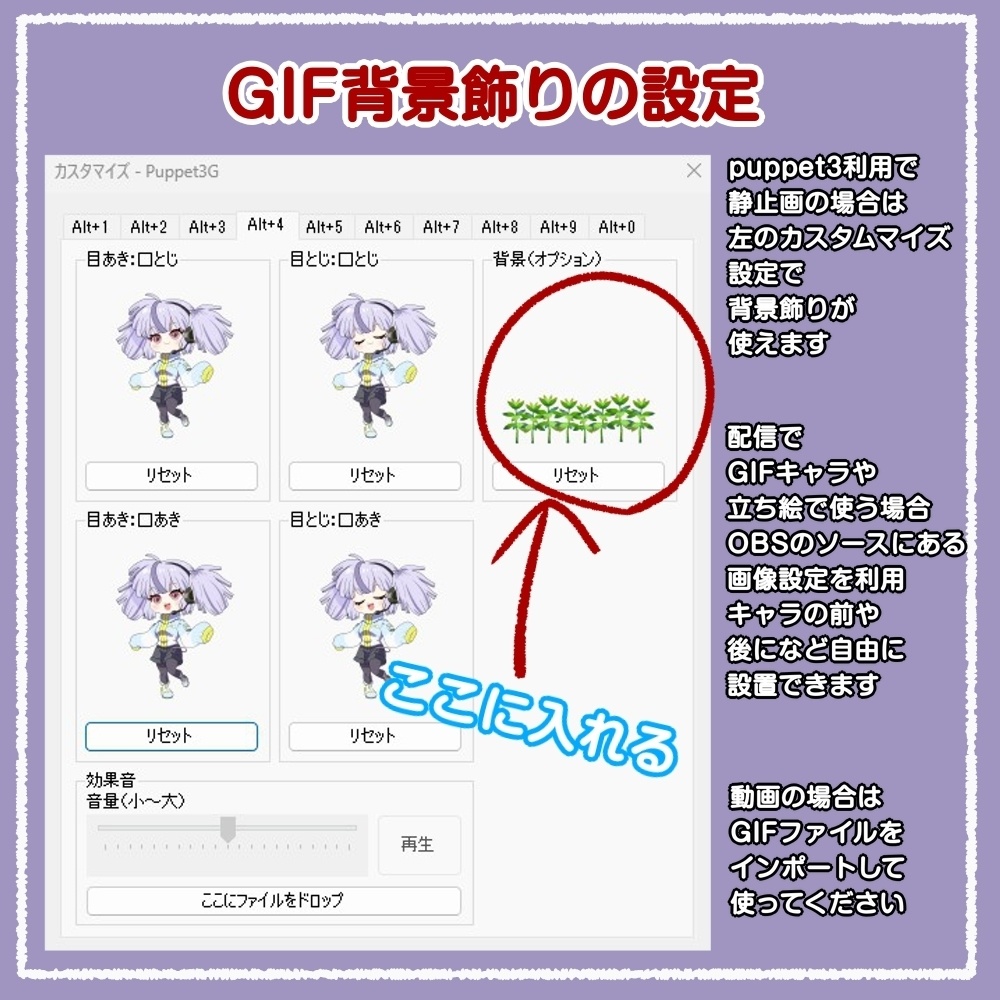
【Puppet3】をご利用の方で静止画タイプを使っているは、カスタムの「背景(オプション)」にファイルを入れると使用できます。 ・キャラと一体になるので、大きさも移動も自由にできます! ・動画にて付け方を解説しています。
◆GIFキャラでのGIF背景飾りの使い方
・動画にてOBSでのやり方を紹介しています。 ・動画編集でも似た感じになると思います。 ・キャラを一体にはなりませんが、自由に大きさ、場所配置ができます。
◆素材の利用規約について
◆素材の利用規約について ・商用利用OK ・サイズ変更加工OK、色、絵柄変更はNG ・自発発言NG ・クレジット表記は不要です。 ・再配布禁止 ・転載禁止 ・AI学習禁止 ・風俗系配信、動画利用禁止 ・ショップにある素材商品はE.N(えん)の物であり、著作権譲渡はしません。 ・オリジナルキャラを希望の方はココナラなどでご依頼ください。 どこかで紹介してもらえると嬉しいです!
[Early work]OBS-Compatible Streaming GIF【❄️ Snow Effect - Details】
*This is an early release and is being sold at a special price. Perfect for winter streams and cozy cold‑season vibes! This is a hand‑drawn looping Snow Effect GIF decoration designed for streamers and creators. It works great with Puppet3, but you can use it even without Puppet3. Add a soft, gentle snowfall to your stream overlays, videos, or any creative project. Both static characters and GIF characters can use this effect, though the setup method is slightly different for each. A free trial version (static type) is available, so feel free to test it out! Try it here: https://en-papettolab.booth.pm/items/7653743 Features - Enjoy using it freely—treat it like a fun little decoration. - A video tutorial is available to show how to use it. - Works even if you don’t have Puppet3. - Delivered as a transparent‑background GIF file. Tested in OBS.
★ Snow Effect – Details
GIF file: 1 item 14 seconds 101 KB Transparent background Size: 1000 × 1000 px You can watch how it moves in the preview video. If you use a green-screen setting and place it on a white background, please be careful. The snow may disappear. We recommend using a darker background.
◆ How to Use GIF Background Decorations (Static Characters with Puppet3) - For Puppet3 users with static characters, place the file in the custom “Background (Option)” slot. - The decoration merges with the character, so you can freely resize and move it. - A tutorial video explains the process. --- ◆ How to Use with GIF Characters - A tutorial video shows how to set it up in OBS. - Similar methods can be applied in video editing software. - The decoration does not merge with the character, but you can freely adjust size and position.
◆ Terms of Use
・ Commercial use OK ・ Only resizing allowed; no color or style changes ・ No claiming as your own work ・ Credit not required ・ No redistribution ・ No reposting ・ No AI training ・ No use in adult‑industry streams or videos ・ All materials belong to E.N (En); copyright is not transferred ・ For original characters, please request through VGen or similar services I would be happy if you introduce my work somewhere! That’s all.