
Tribal Design Vol.1 - Transparent PNG トライバルデザイン Vol.1 - 透過PNG素材
- Digital500 JPY
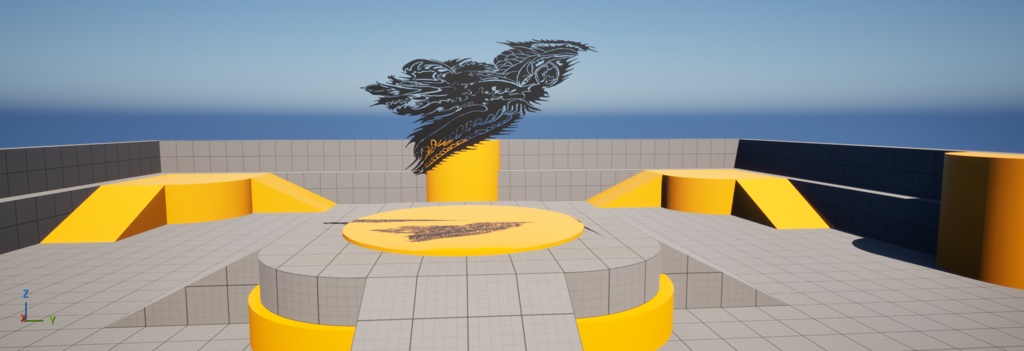
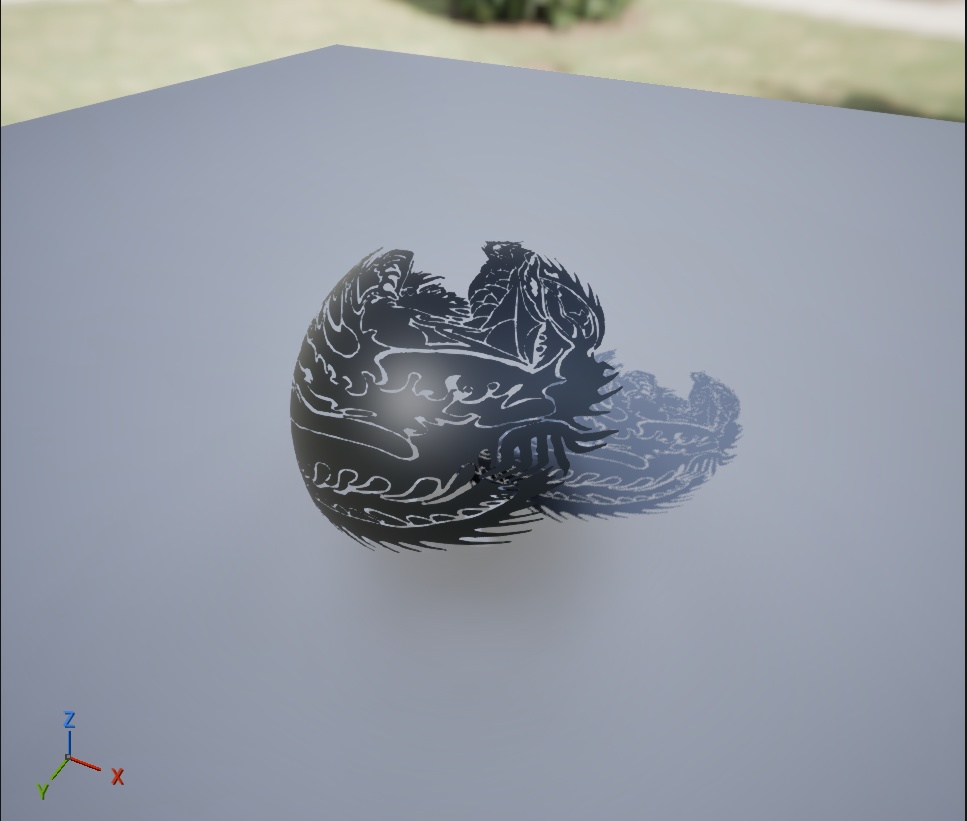


手描きのトライバルデザイン素材です。 背景透過PNG形式なので、そのままTシャツデザイン、ステッカー、タトゥーデザインの参考、ゲーム素材などにお使いいただけます。 【内容】 トライバルデザイン PNG × 1枚 解像度:2048 × 2048 背景透過済み 【ライセンス】 商用利用:OK 加工・編集:OK 再販売:NG 板タブ・KRITAで手描き制作しました。 UE5で使用する場合はDecalとしての使用を推奨します。通常メッシュに適用するとメッシュが透過する場合があります。 【UE5での使用例】 1.PNGをUE5にインポート 2.マテリアルを新規作成 3.マテリアルドメインを「Deferred Decal」に変更 4.ブレンドモードを「AlphaComposite」に変更 5.TextureSampleノードのRGBをベースカラー、Aをオパシティのオーバーライド につなぐ 6.デカールアクターに適用して壁や床に配置 デカールのバウンディングボックス(緑の枠)のサイズと向きを調整して使用してください。壁に貼る場合はX軸が壁に対して垂直になるように回転させてください。 Hand-drawn tribal design created with a graphics tablet and KRITA. Commercial use OK / Editing OK / Redistribution and resale NOT allowed. 【How to use in UE5】 1.Import PNG into UE5 2.Create a new Material 3.Set Material Domain to "Deferred Decal" 4.Set Blend Mode to "AlphaComposite" 5.Connect RGB to Base Color, A to Opacity Override 6.Apply to a Decal Actor and place on walls or floors 7.Adjust the size and rotation of the bounding box (green box) to fit your surface 8.For walls, rotate so the X axis is perpendicular to the surface Note: Applying to a standard mesh may cause the mesh to become transparent. Decal usage is recommended for UE5.