
【AfterEffects拡張機能】 Komi's Color Dock
- Komi's Color Dock (Discount Price)Digital1,188 JPY
- Komi's Color Dock (Normal)Digital2,376 JPY
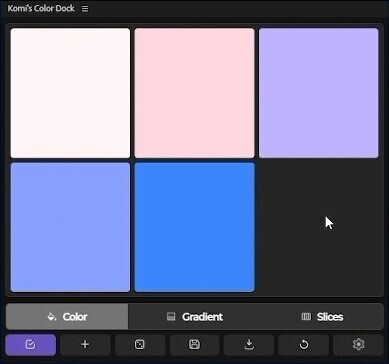
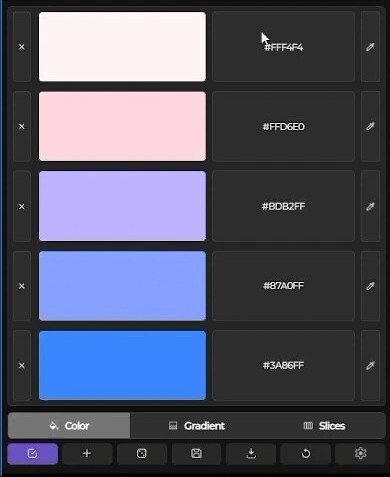
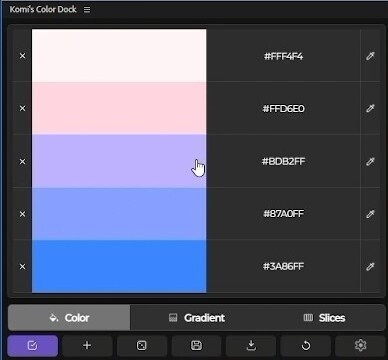


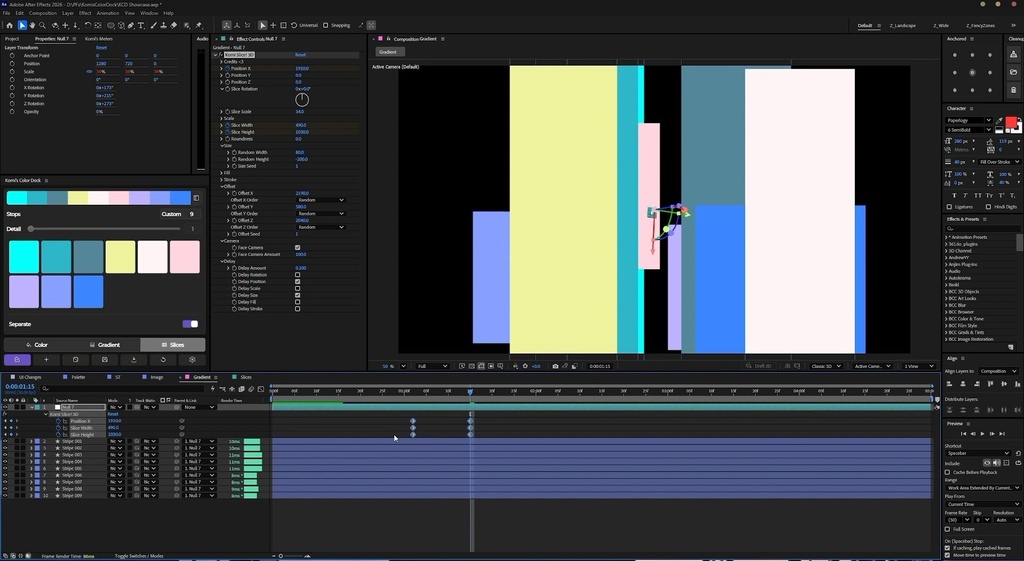
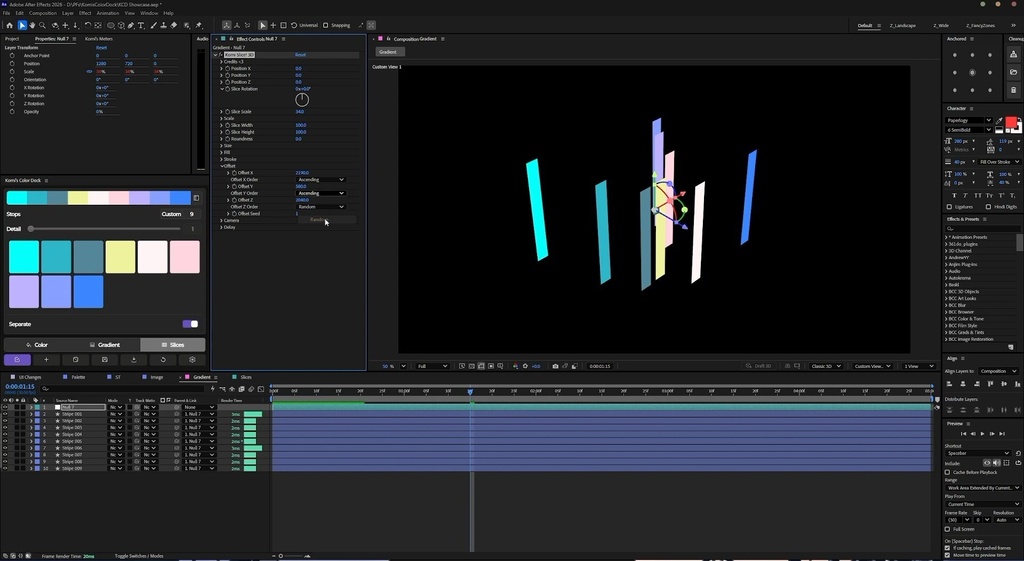


Full Preview: https://www.youtube.com/watch?v=VlRq6rIzUyI Compatibility: Windows & Mac | After Effects CC 2020+ 対応環境:Windows & Mac | After Effects CC 2020以降 Version: 2.0 ━━━━━━━━━━━━━━━━━━━━ 日本語 ━━━━━━━━━━━━━━━━━━━━ Komi’s Color Dock:色彩理論を「遊び場」に変える。 After Effectsでのカラーマネジメントを、もっと自由に、もっと直感的に。 Komi’s Color Dockは、ブランドキットの構築から実験的なモーショングラフィックスまで、あらゆる制作シーンであなたのクリエイティブな流れを止めません。 そしてVersion 2.0では、さらにパワフルに、さらに自由にカスタマイズできるようになりました! 【 主な機能 】 ・同期&保存: お気に入りのカラーやグラデーションを整理・保存。必要なときにいつでも呼び出せます。 ・瞬時のインスピレーション: インテリジェントなカラーシャッフル機能で、新しい色の組み合わせを発見できます。 ・コンポへ直接反映: カラーを手動で入力することなく、作成したパレットをコンポジションに直接反映できます。 ・モーション・グラデーション: 複雑なエクスプレッションに悩まされることなく、グラデーションの色と角度を同期させて簡単にアニメーション化できます。 【 Version 2.0の新機能 】 ■ カラーピッカー&カラーの読み込み ・標準カラーピッカー対応: After Effects標準のカラーピッカーに新たに対応。従来のカスタムピッカーも引き続き使用できます。 ・Image to Color: 画像をドラッグ&ドロップするだけで、画像から色を抽出し、瞬時にカラーパレットを生成できます! ・パレットの自動保存: 画像から生成されたパレットは、プリセットとして自動的に保存されます。 ・HEXコードの貼り付け: クリップボードにコピーしたHEXカラーコードを直接貼り付けて、簡単に色を読み込めます。 ■ クイック適用 ・ワンクリックでカラーを適用: シェイプ、テキスト、Tint、Fillなど、さまざまなレイヤーのカラープロパティにワンクリックで色を適用できます。 ■ Slices Mode(スライスモード) ・新機能「Slices Mode」: カラーパレットをもとに、カスタマイズ可能なストライプを自動生成。すべての設定を1つのNullコントローラーから直感的に操作できます。 ・2D、2.5D、3Dに対応。 表現の幅がさらに広がります。自由な発想でクリエイティブに活用しましょう! ■ UI&カスタマイズ ・自由なレイアウト: 自分のワークフローに合わせて、パネルのレイアウトを自由に変更できます。 ・ボタンの移動: ボタンを好きな位置に配置し、自分だけの作業環境を構築できます。 ・環境設定の刷新: 環境設定ウィンドウを一新し、より快適な操作性を実現しました。 ・パネルテーマ: テーマを切り替えて、Color Dockの外観を自分好みにカスタマイズできます。 ━━━━━━━━━━━━━━━━━━━━ ENGLISH ━━━━━━━━━━━━━━━━━━━━ Meet Komi’s Color Dock! An After Effects extension that turns color theory into a playground. Whether you're building a brand kit or experimenting with motion graphics, Color Dock gives you the tools to stay in the flow. And now, with Version 2.0, it's more powerful and customizable than ever! 【 Core Features 】 ・Sync & Save: Keep your favorite colors and gradients organized and always within reach. ・Instant Inspiration: Discover fresh color combinations with intelligent color shuffling. ・Direct-to-Comp: Push your palettes directly into your composition without manually entering colors. ・Motion Gradients: Easily animate gradient angles and colors in sync, without the expression headaches. 【 What's New in Version 2.0 】 ■ Color Picker & Importing ・Native Color Picker: Now supports the native After Effects color picker, with the original custom picker still available. ・Image to Color: Simply drag and drop an image to extract its colors and generate a palette instantly! ・Auto-Save Palettes: Palettes generated from imported images are automatically saved as presets. ・HEX Clipboard Support: Paste HEX color codes directly from your clipboard to import colors effortlessly. ■ Quick Apply ・One-Click Color Application: Instantly apply colors to layer properties, including Shapes, Text, Tint, and Fill, with a single click. ■ Slices Mode ・Introducing Slices Mode: Automatically generate customizable stripes based on your color palette, all controlled through a single Null Controller. ・Supports 2D, 2.5D, and 3D, giving you even more room to experiment. Get creative with it! ■ UI & Customization ・Flexible Layout: Freely rearrange your panel layout to suit your workflow. ・Movable Buttons: Organize and position buttons however you like. ・Revamped Preferences: A redesigned preferences window for a smoother experience. ・Panel Themes: Personalize the look of Color Dock with customizable themes. ━━━━━━━━━━━━━━━━━━━━ Creator: https://www.instagram.com/komiark Co-created with: https://www.instagram.com/unable2access