
【ブルアカ3Dモデル】白尾エリ
- Digital1,000 JPY
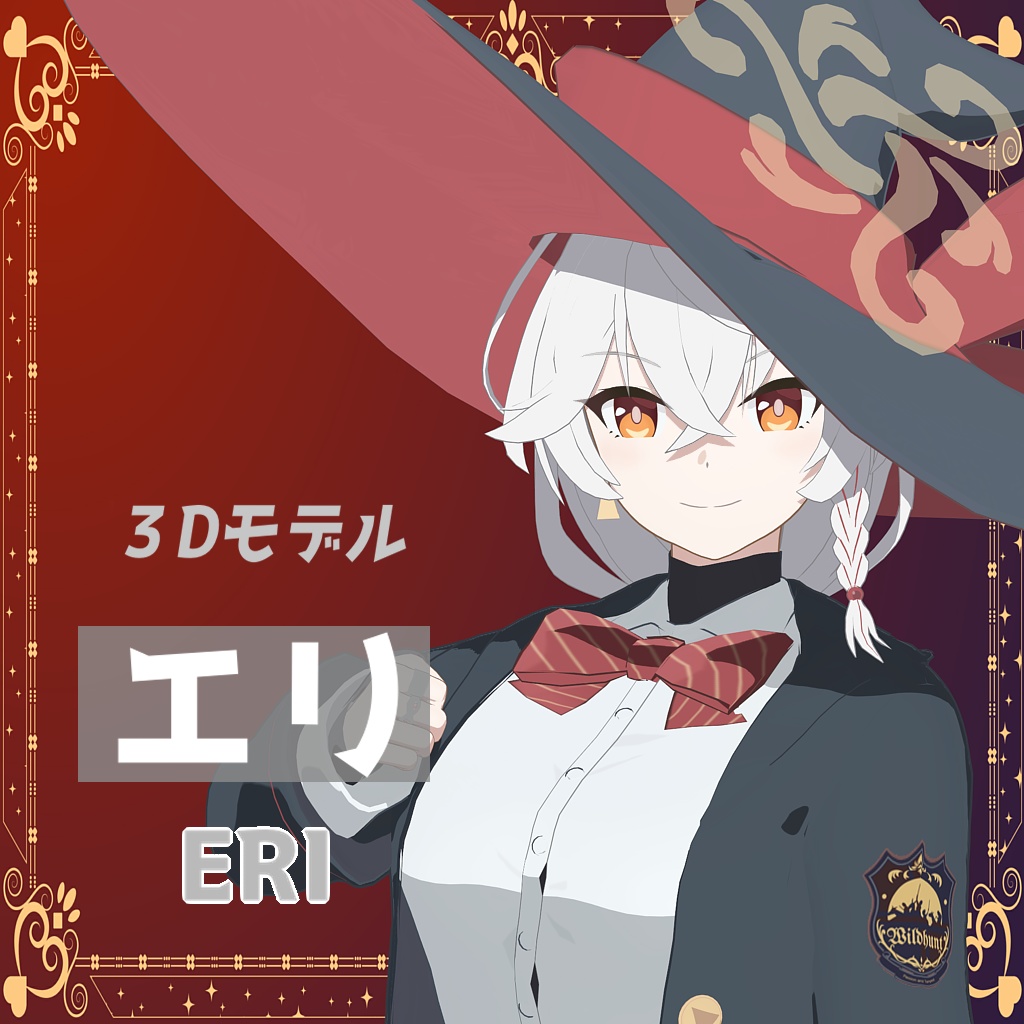
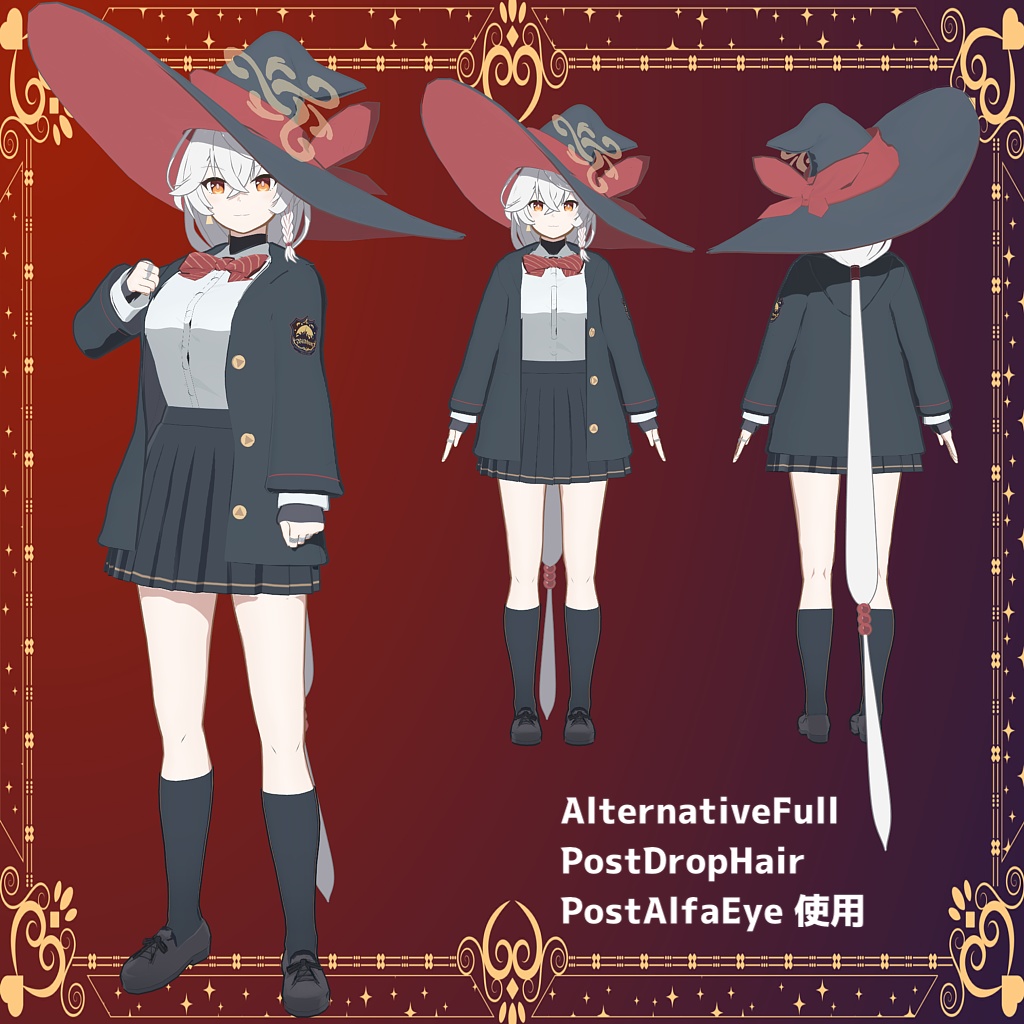
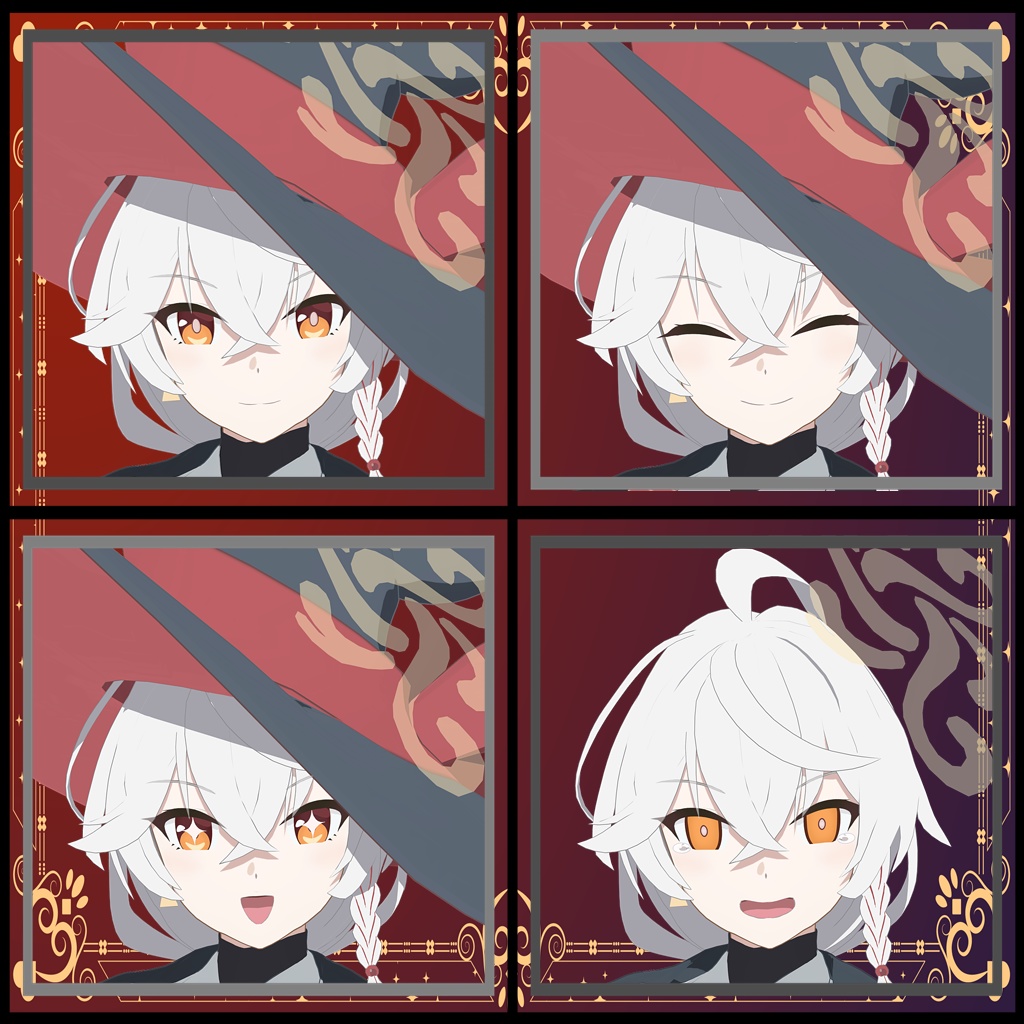
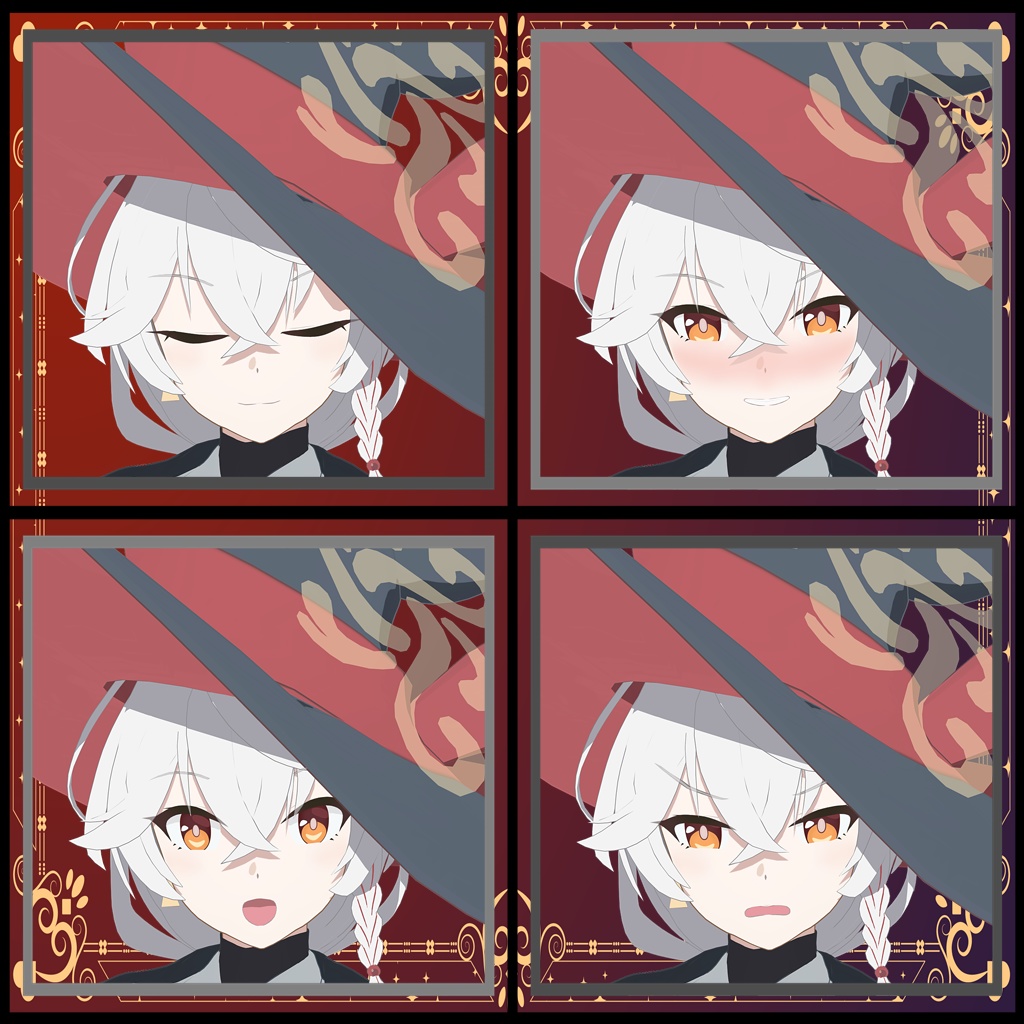
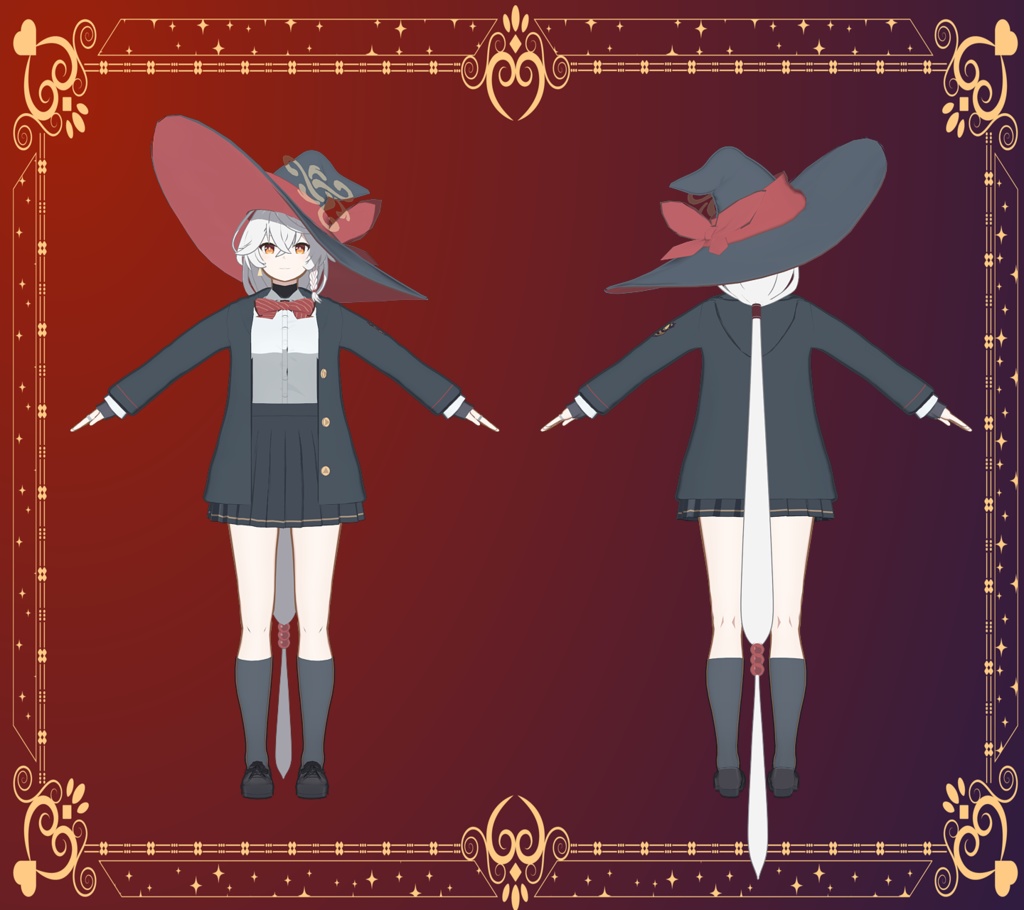


『ブルーアーカイブ』白尾エリ 二次創作モデルです。 使用した動画: 【ブルアカMMD】白尾エリ『Watch me!』 https://youtu.be/E_fkgc-q36E 【同梱内容】 ・PMX ファイル <制服・フルボディ>(約132,000ポリゴン) ・EMD ファイル(MME用) ・テクスチャファイル ・FBX ファイル ・VRM ファイル EMD ファイルはAlternativeFull(less様作)を用いて制作しています。 他3Dソフト用への変換は、個人利用の範囲内であればご自由にどうぞ。 下記利用規約と公式二次創作ガイドラインに従いご利用ください。 ブルーアーカイブ二次創作ガイドライン https://bluearchive.jp/fankit/guidelines 【MMDでの使い方】 ・pmxファイルをMMDで読み込むと自動的にemdファイルが割り当てられます。ExcellentShadow(そぼろ様作)を使用する場合は、「エフェクトファイル割り当て」の「ファイル」→「モデル単位で設定読込」から"○○_ES.emd"を割り当ててください。 ・デフォルトでは顔・髪には陰がかからない仕様になっています。必要な場合はMMEフォルダの「face.fx」、「hair.fx」を「エフェクトファイル割り当て」からそれぞれ「顔」と「前髪」「後髪」に割り当ててください。 【利用規約】 ・利用規約は、予告無く更新されることがあります。 更新された場合、常に最新版の内容が適用されます。 ●禁止事項 ・本モデルデータの再配布・販売 ・立体物への出力 ・グロテスク表現 ・政治的、宗教的利用 ・差別、誹謗中傷を目的とした作品への使用 ●免責 ・本モデルデータを利用された事によって生じるいかなる損害に対して当方は一切責任を負いかねます。自己責任でご利用下さい。 ●更新履歴 2026/04/10 1.00 配布 --------------------------------------------------------------------------- 製作:adnas404 ©adnas404 2026 ファンティア:https://fantia.jp/adnas404 X:https://twitter.com/adnas404 --------------------------------------------------------------------------- 制作に際し使わせていただいた素材 ・VRoid Studio ・そ子 v1.00 (制作:茶狐様 https://bowlroll.net/file/126939) ・Fake_nipple (制作:DiSK様 https://seiga.nicovideo.jp/seiga/im10139795) ・ワイルドハントロゴ (制作:みかん電池様 https://x.com/mikan_battery/status/1958478743954968953) -------------------------------------------------------------------------- This is a derivative work model of Eri Shirao from "Blue Archive". [Package Contents] • PMX File <School Uniform/Full body> (Approx. 132,000 Polygons) • EMD File (for MME) • Texture File • FBX File • VRM File The EMD File was created using AlternativeFull (by less). You are free to convert the files for use with other 3D software, as long as it is for personal use. Please use this model in accordance with the terms of use and official derivative works guidelines below. Blue Archive Derivative Work Guidelines https://bluearchive.jp/fankit/guidelines 【How to use in MMD】 ・When you load pmx file into MMD, emd file will be automatically assigned. When using ExcellentShadow (created by Soboro), assign “○○_ES.emd” from “File” -> “Load settings per model” in “Effect file assignment”. ・By default, no shading is applied to the face and hair. If necessary, assign “face.fx” and “hair.fx” from the MME folder to “face”, “FrontHair”, and “BackHair” respectively. 【Terms of Use】 The Terms of Use may be updated without notice. In the event of an update, the latest version of the Terms of Use will always apply. ●Prohibitions ・Redistribution or sale of this model data ・Output to three-dimensional objects ・Grotesque expressions ・Political or religious use ・Use for the purpose of discrimination or slander ●Disclaimer ・I am not responsible for any damage caused by the use of this model data. Please use at your own risk. ●Update history 2026/04/10 1.00 Distribution --------------------------------------------------------------------------- Production:adnas404 ©adnas404 2026 Fantia:https://fantia.jp/adnas404 X:https://twitter.com/adnas404 --------------------------------------------------------------------------- Items used during production ・VRoid Studio ・そ子 v1.00 (production:茶狐 https://bowlroll.net/file/126939) ・Fake_nipple (production:DiSK https://seiga.nicovideo.jp/seiga/im10139795) ・Wildhunt Art Academy logo (production:みかん電池様 https://x.com/mikan_battery/status/1958478743954968953)
