

Vampire Male Avatar VR CHAT unity package 吸血鬼の男性アバター VR CHAT Unity パッケージ
- Digital1,800 JPY
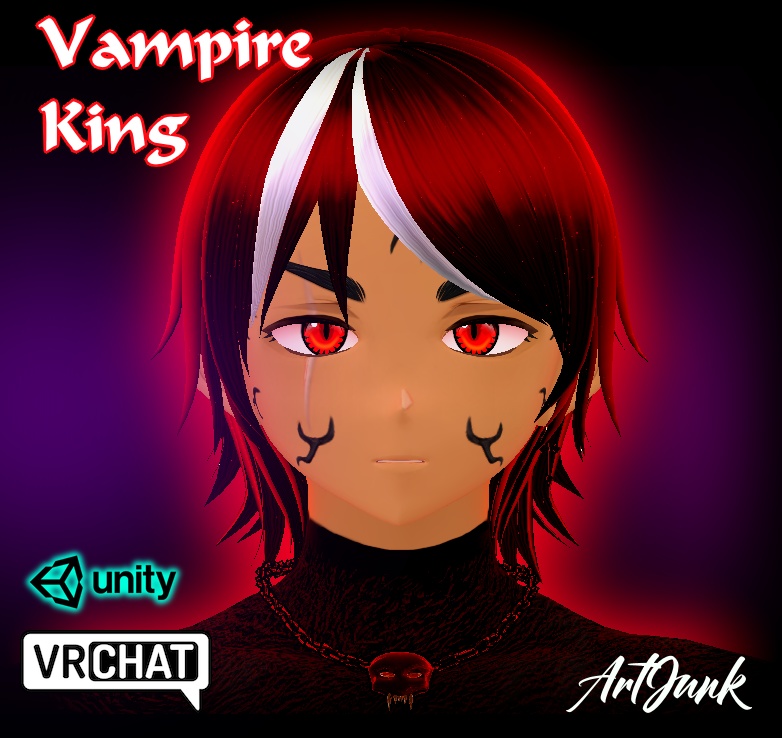
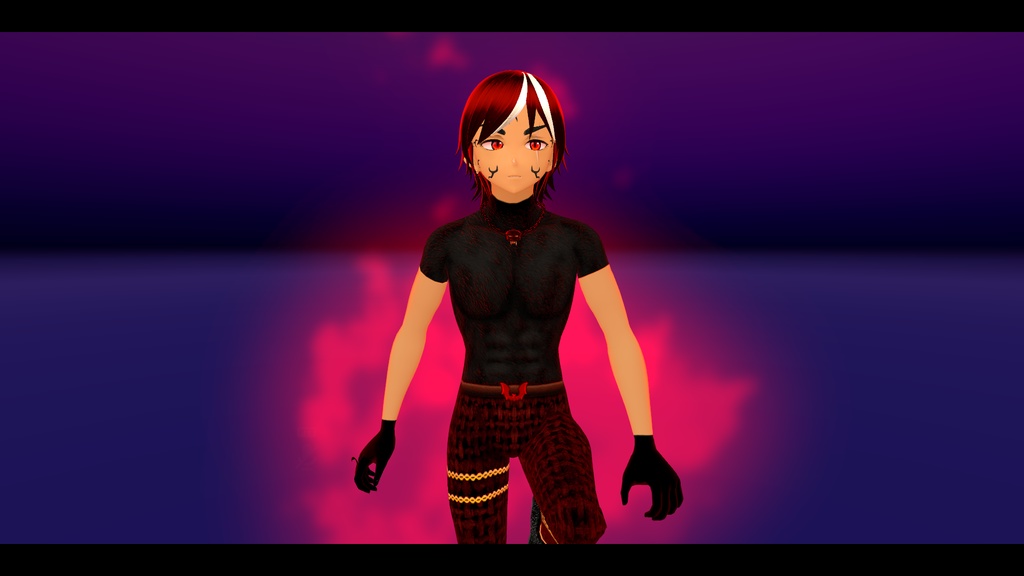
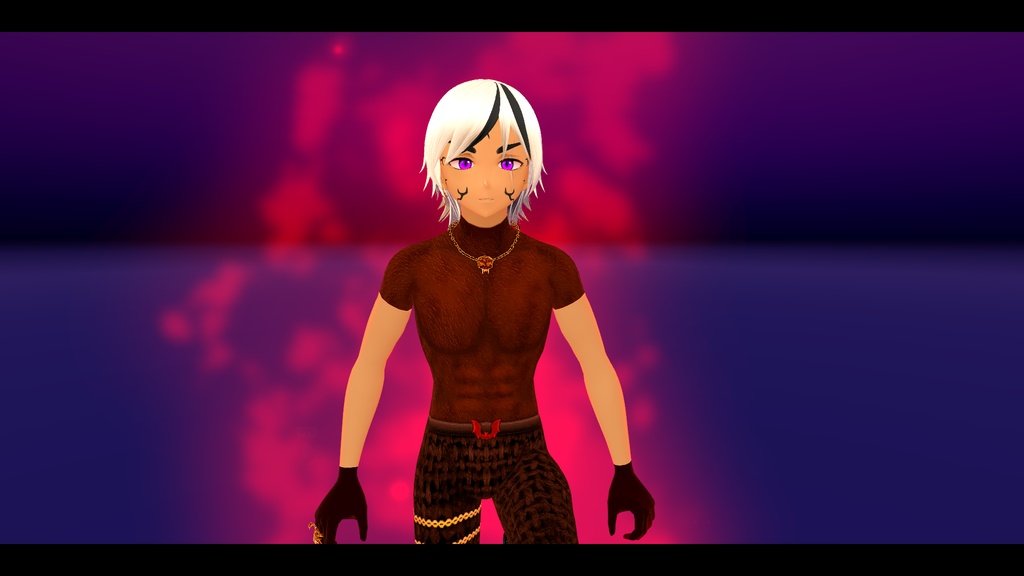
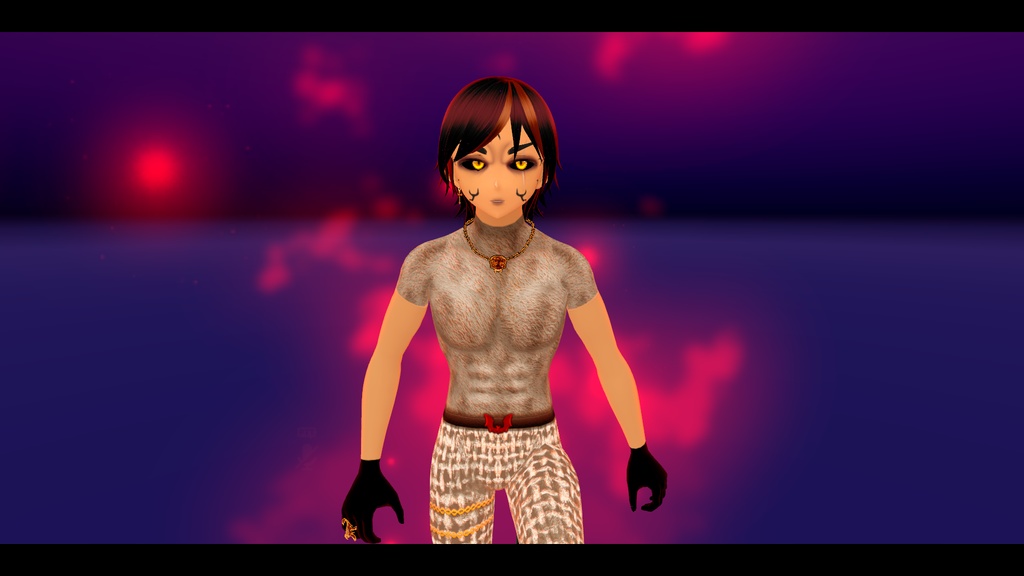
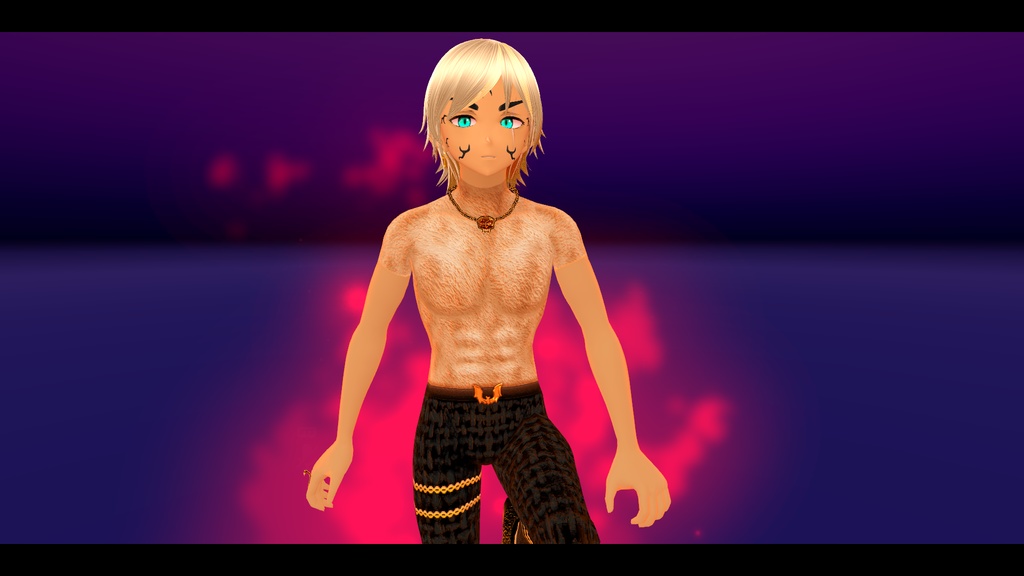
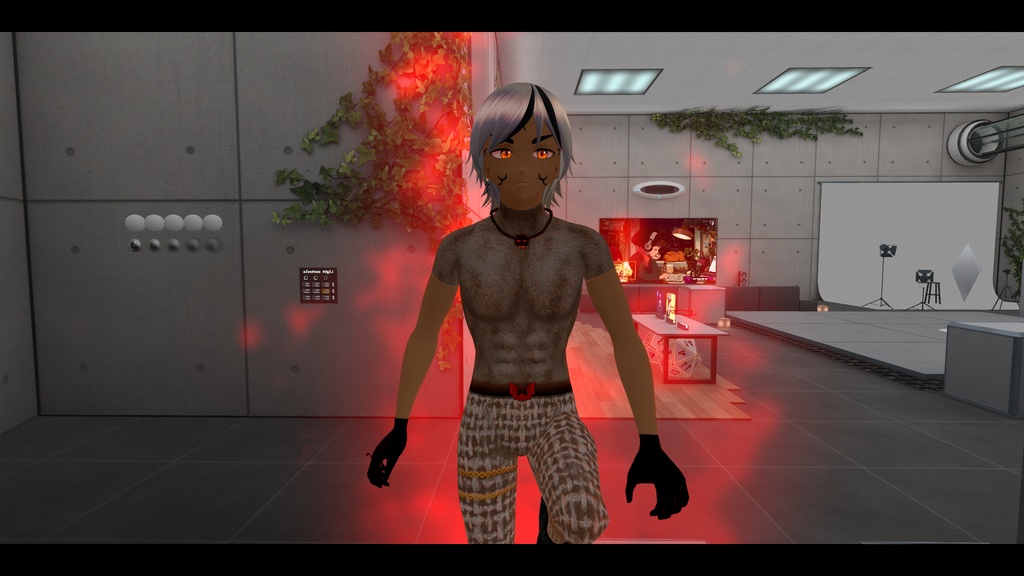


https://www.youtube.com/watch?v=glZNCgf6DEw PC Avatar plug'n' play with shaders, Unity package Ready to upload! Polycount 34K Custom Option : Hair, eyes, face, outfit Spell abilities : Flaoting pose, flying system (In flaoting pose), Smoke invisibility, Fx Sounds, Spawn FX, Magic orbs, Vampire aura. How to fly ? In flaoting pose, press Spacebar to fly :) IMPORTANT : How to install ? Before drag n drop the avatar unity package you need to install these free shaders mtoon 0.x : https://github.com/vrm-c/UniVRM/releases (select the 0.x version!) liltoon2.xx : https://booth.pm/ja/items/3087170 (select the 2.xx version!) You need to install VRC fury too to get the toggle custom option! : https://vrcfury.com/download How to upload avatar ? You need the VRchat creator compagnion with unity and the vrchat SDK , create a new avatar project with unity 2022 version, make sure vrcfury is on before opening next install the two shaders you have downloaded ( mtoon and liltoon), just drag to your asset window the unity package to install them. When all is done you can drag and drop the avatar unity package into your asset window. Then drag and drop into your scene the prefab (vampire king). you need to see the avatar with all texture et shaders already ready. (if you see pink/purple texture you have miss to install the shaders! Open the vrchat sdk window and you can upload. done :) *Custom texture, mesh & shading settings please do not resale my work! シェーダー対応のPC用アバター(プラグアンドプレイ)、Unityパッケージ。アップロード準備完了! ポリゴン数 34K カスタマイズオプション:髪、目、顔、衣装 魔法の能力:浮遊ポーズ、飛行システム(浮遊ポーズ時)、煙による透明化、エフェクト音、スポーンエフェクト、魔法のオーブ、ヴァンパイアのオーラ。 飛行方法:浮遊ポーズ状態でスペースバーを押すと飛行します :) 重要: インストール方法 アバターのUnityパッケージをドラッグ&ドロップする前に、以下の無料シェーダーをインストールする必要があります mtoon 0.x:https://github.com/vrm-c/UniVRM/releases(0.xバージョンを選択してください!) liltoon2.xx : https://booth.pm/ja/items/3087170 (2.xxバージョンを選択してください!) カスタムオプションの切り替え機能を利用するには、VRC Furyもインストールする必要があります! : https://vrcfury.com/download アバターのアップロード方法 UnityとVRchat SDK、およびVRchat Creator Companionが必要です。Unity 2022バージョンで新しいアバタープロジェクトを作成し、開く前にVRC Furyが有効になっていることを確認してください。 次に、ダウンロードした2つのシェーダー(mtoonとliltoon)をインストールします。Unityパッケージをアセットウィンドウにドラッグするだけでインストールできます。 すべて完了したら、アバターのUnityパッケージをアセットウィンドウにドラッグ&ドロップします。次に、プレハブ(vampire king)をシーンにドラッグ&ドロップします。 テクスチャやシェーダーがすべて適用された状態のアバターが表示されるはずです。(ピンクや紫色のテクスチャが表示されている場合は、シェーダーのインストールに失敗しています!) VRchat SDKウィンドウを開き、アップロードを行ってください。 完了です :) *カスタムテクスチャ、メッシュ、シェーディング設定について:私の作品を転売しないでください! DeepL.com(無料版)で翻訳しました。