

Thoracic Room - World Base
- Digital319 JPY
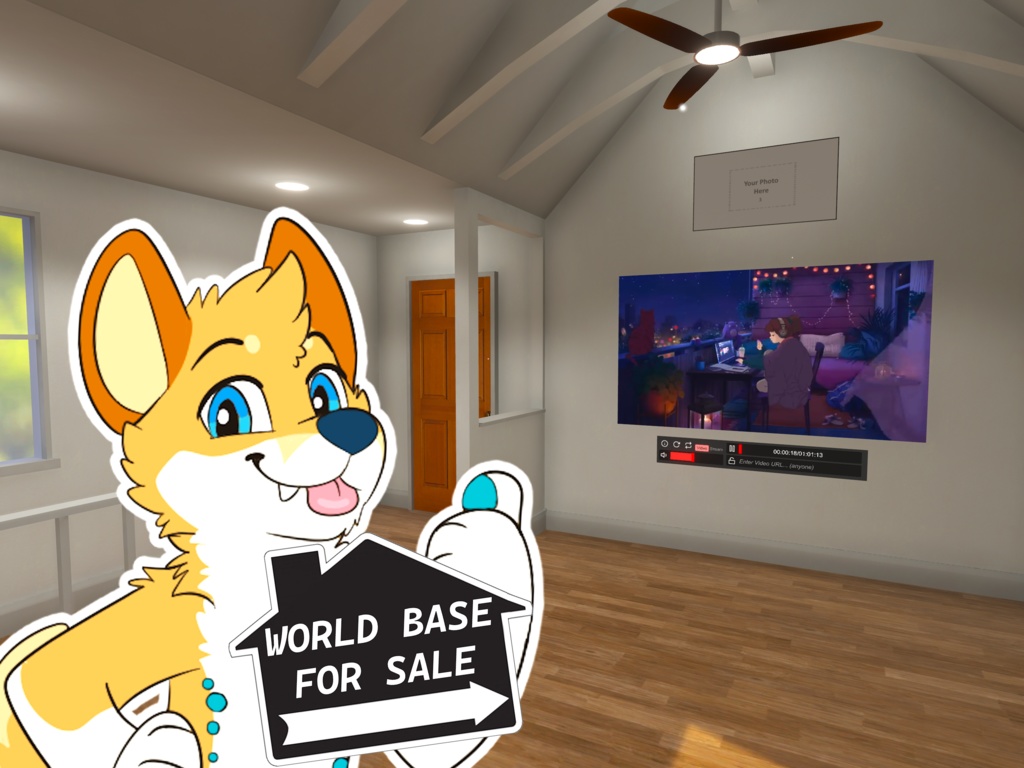
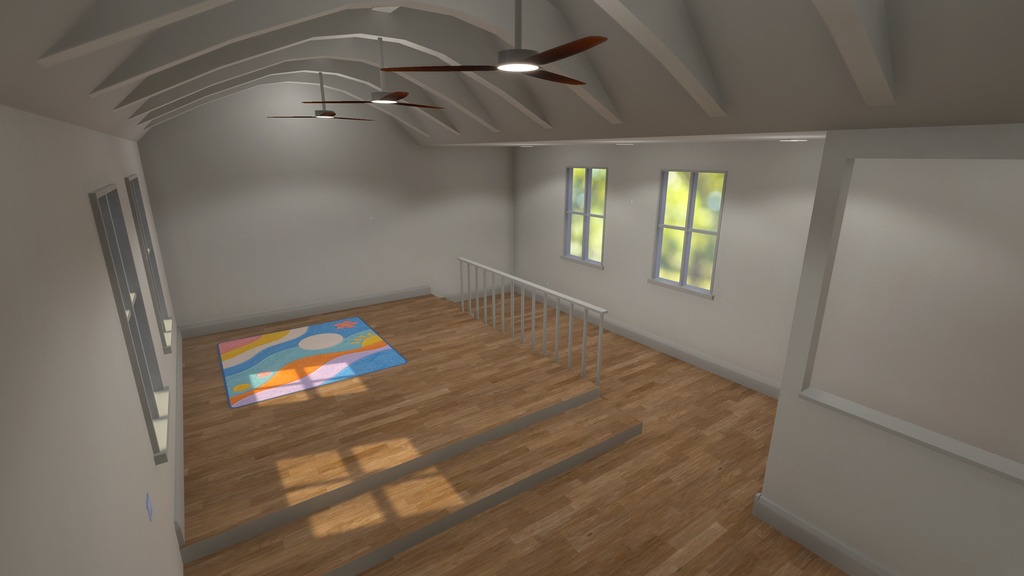
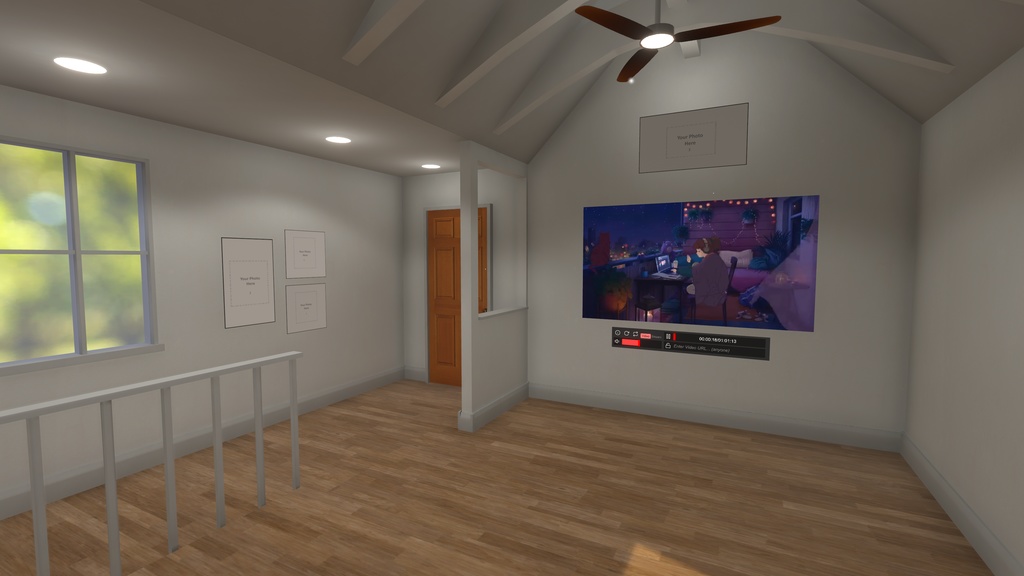
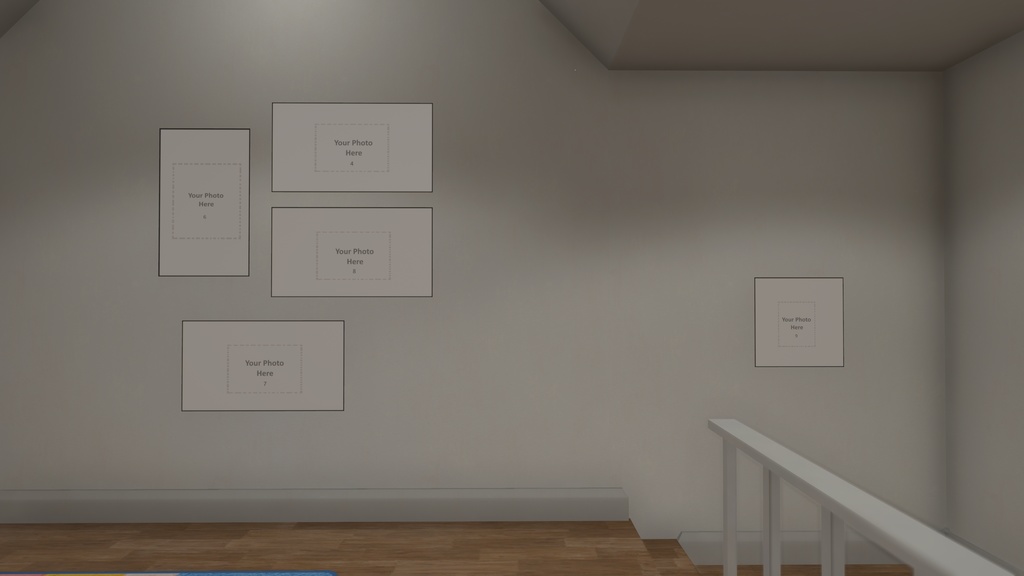
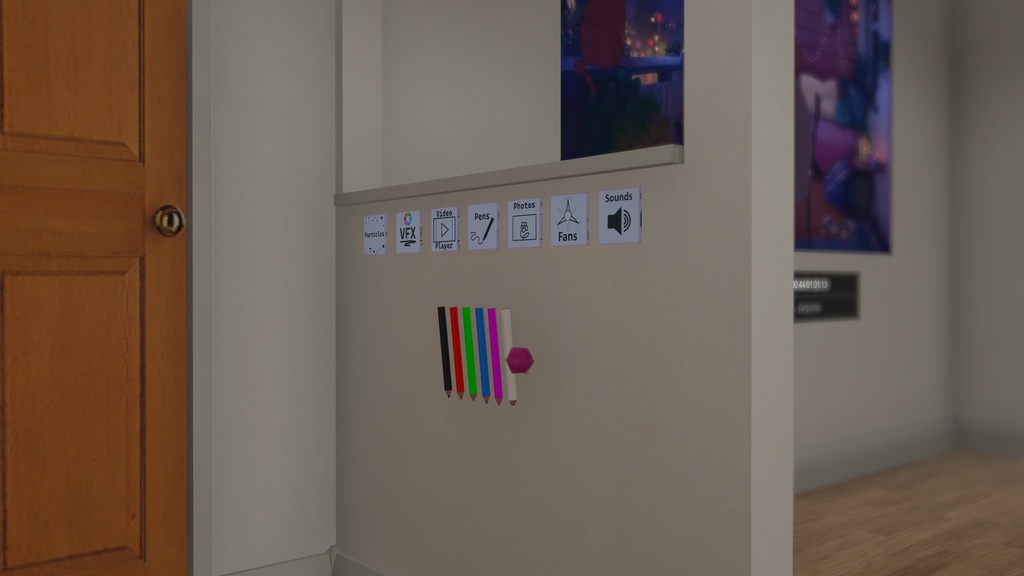
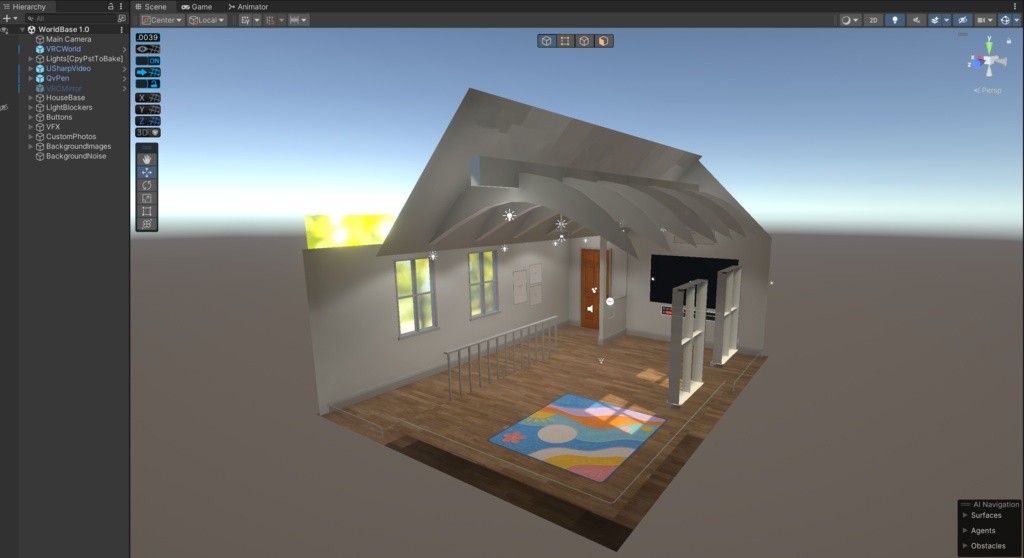


Thoracic Room - World Base is my first purchasable product on Booth! You can take a look at the world via this link: Thoracic Room - VRChat The downloadable file is a zipped project folder that has all the dependencies needed to upload. The world is using Unity 2022.3.22f1. What's Included?: USharp Video Player - by MerlinVR github.com/MerlinVR/USharpVideo QvPen - by ureishi github.com/ureishi/QvPen Custom World Settings Buttons (for Particles, VFX, Sounds, Pens, Photos, Mirror, VideoPlayer & Fans) Custom VFX & Particle Effects 9 Customizable Photos COPYRIGHT RULES: You may use the base for customizing and uploading. Worlds can be made public if you'd like. You may NOT resale this base in anyway shape or form. [Before reading instructions, make sure to have Unity installed on your PC and have a Unity account to make things less complicated + the VRChat Creator Companion] HOW TO OPEN FILES: 1. Download the zip file. 2. Unzip the file somewhere on the PC. 3. Download/Open 'VRChat Creator Companion'. At the top right of the 'Projects' tab, click the arrow down next to 'Create New Project', click 'Add Existing Project'. 4. Select the project folder that you just downloaded. 5. Once added to the companion, simply open the project and start customizing the world base! Possible issues with uploading: FAILED TO UPLOAD: Sometimes Unity will not recognize the 'VRChat World' Prefab in the hierarchy, meaning Unity won't let you upload. Simple delete and re-add the 'VRChat World' Prefab back into the hierarchy ('VRChat World' Prefab located in 'Packages') Then make sure that the 'Main Camera' gets added back into the 'VRChat World' Prefab settings. POST PROCESSING NOT WORKING: When using the latest version of Unity that the SDK uses, uploading will ask you to 'Setup VRChat World Layers' which might override the pre-added Post Processing layer. If this happens, just update the 'Post Processing Volume' object with a different/new layer in the Inspector. Then replace the layer in the 'Main Camera' 'Post Processing Layer' to the new layer that was made.