
HUD pack1
- Digital500 JPY
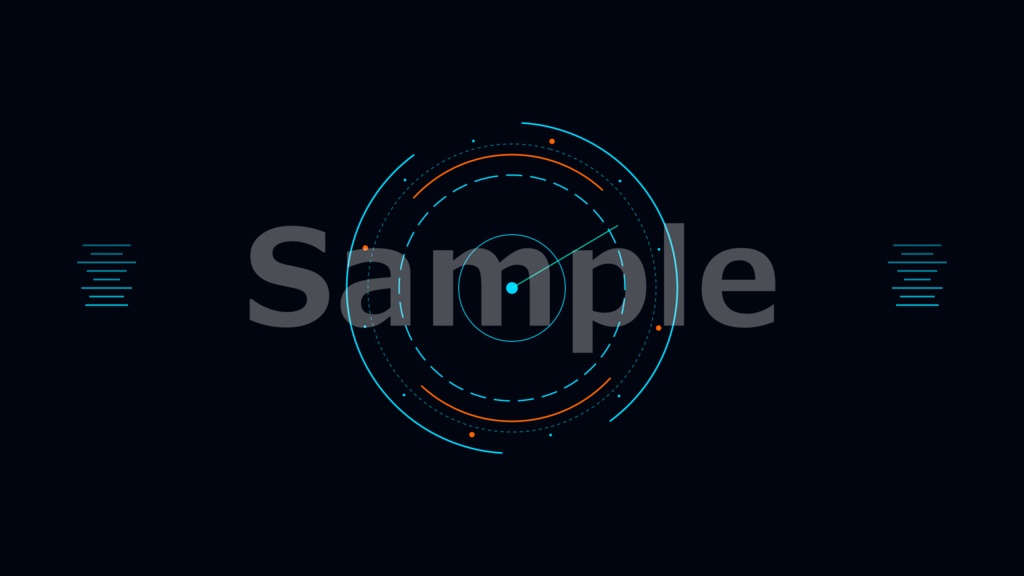
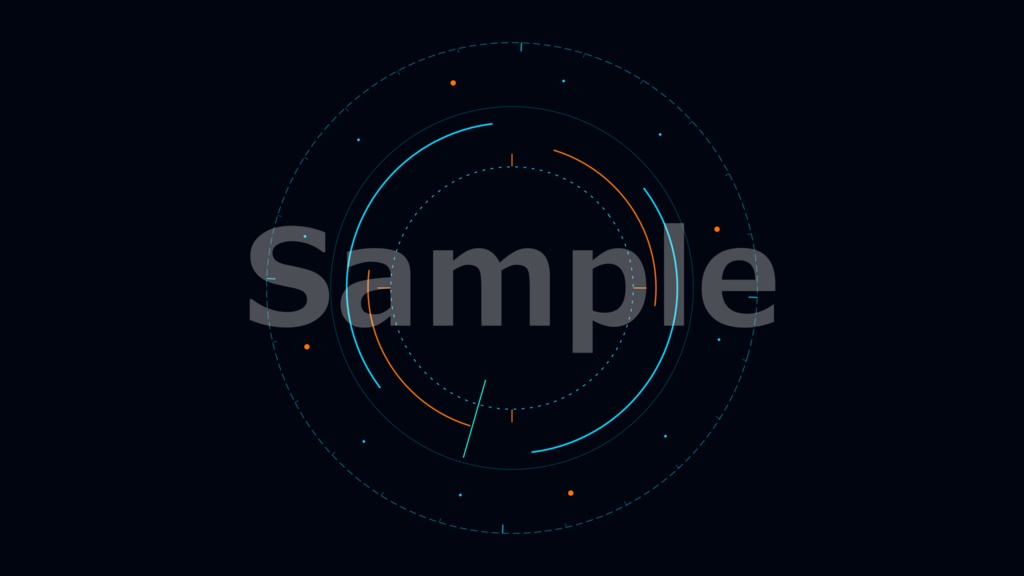
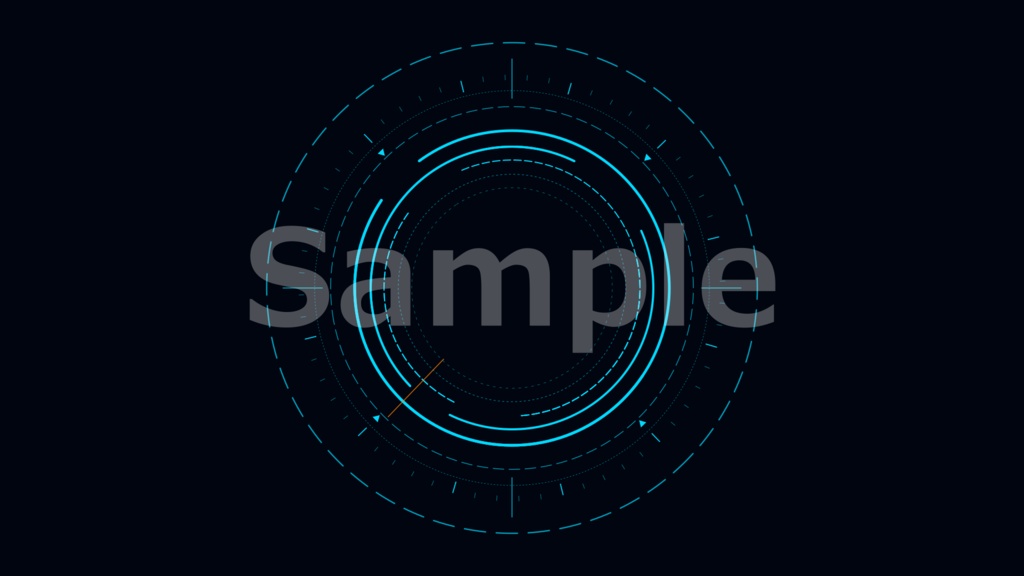


================================================================ HUD Geometric Circle Animation Pack — Booth 販売説明文(改訂版) ================================================================ ━━━━━━━━━━━━━━━━━━━━━━━━━━━━━━ 【ENGLISH VERSION】 ━━━━━━━━━━━━━━━━━━━━━━━━━━━━━━ Product Name: HUD Geometric Circle Animation Pack (3 variations) ───────────────────────────────────────────── Overview ───────────────────────────────────────────── A set of 3 smooth, looping HUD-style animations featuring layered geometric circles with a sci-fi / tech feel. Each animation has a blank center zone, so you can easily place your own clock, timer, or text on top. Perfect as a standby screen that keeps your stream looking polished even when you step away. ───────────────────────────────────────────── Perfect for ───────────────────────────────────────────── · Stream standby / BRB screen · VTuber / gaming stream decoration · Video editing overlay · Website or app UI background ───────────────────────────────────────────── Contents ───────────────────────────────────────────── 3 animation files in Lottie JSON format Type A — calm, minimal ring design / 12-second loop Type B — detailed radar-inspired design / 16-second loop Type C — dynamic multi-element design / 10-second loop All variations: · Resolution : 1920 × 1080 (Full HD) · Frame Rate : 30 fps · Loop : Seamless · Color : Cyan + Orange on dark background · Center zone: Left blank for your own text or clock ───────────────────────────────────────────── How to Use ───────────────────────────────────────────── 【OBS / Streaming software】 1. Add a "Browser Source" to your scene. 2. Load the JSON file using a Lottie-compatible HTML page, or use a Lottie plugin for OBS. 3. Place your clock or text widget on top in a separate layer. 【Video editing (Premiere Pro / DaVinci Resolve / etc.)】 1. Use a Lottie plugin or render the animation as a video file with After Effects + Bodymovin. 2. Drop it onto your timeline as an overlay. 【Web / App use】 1. Load the JSON with the Lottie Web library (lottie-web). 2. Set loop: true — it plays and loops automatically. No design skills needed. Just drop it in and it works. ───────────────────────────────────────────── Terms of Use ───────────────────────────────────────────── Non-Commercial and Commercial Use: You are free to use this product for both non-commercial and commercial purposes. Reporting and Attribution: Reporting or attribution is not required. Editing and Modification: Feel free to edit or modify the files as needed. Prohibited Actions: Selling or redistributing the downloaded files is strictly prohibited. Do not share the download URL, key, or file contents with others. Compliance with Laws: Any use that violates applicable laws is strictly prohibited. Disclaimer: We cannot be held responsible for any issues or damages that may arise during use. Display results may vary depending on your software or platform. Please verify compatibility before purchase. ━━━━━━━━━━━━━━━━━━━━━━━━━━━━━━ 【日本語版】 ━━━━━━━━━━━━━━━━━━━━━━━━━━━━━━ 商品名: HUD幾何学サークルアニメーション パック(3種類) ───────────────────────────────────────────── 概要 ───────────────────────────────────────────── SF・テック系のHUDデザインをモチーフにした、 おしゃれな幾何学サークルのループアニメーション 3種セットです。 どのアニメーションも中央に余白があるので、 時計やテキストを自由に重ねられます。 その場を離れるときの待機画面に流しておくだけで、 配信画面がぐっと締まった印象になります。 ───────────────────────────────────────────── こんな方におすすめ ───────────────────────────────────────────── ・待機画面・BRB画面をおしゃれにしたい配信者さん ・VTuber / ゲーム配信の演出を強化したい方 ・動画編集のオーバーレイ素材を探している方 ・WebサイトやアプリのUI背景に使いたい方 ───────────────────────────────────────────── 同梱内容 ───────────────────────────────────────────── Lottie JSON ファイル 3点 タイプA — シンプルで落ち着いたリングデザイン / 12秒ループ タイプB — レーダー風の精密感あるデザイン / 16秒ループ タイプC — 動きのある多要素デザイン / 10秒ループ 全タイプ共通: · 解像度 :1920 × 1080(フルHD) · フレームレート:30fps · ループ :シームレス(つなぎ目なし) · カラー :シアン+オレンジ / ダーク背景 · 中央余白 :時計・テキストを重ねられるスペースあり ───────────────────────────────────────────── 使い方 ───────────────────────────────────────────── 【OBS・配信ソフトで使う場合】 1. シーンに「ブラウザソース」を追加する 2. LottieをHTMLで読み込むか、OBS用Lottieプラグインを使う 3. 別レイヤーに時計やテキストを重ねるだけで完成 【動画編集ソフトで使う場合(Premiere Pro / DaVinci など)】 1. Lottieプラグインを使うか、After Effects で映像ファイルに変換する 2. タイムラインにオーバーレイとして配置する 【Web・アプリで使う場合】 1. lottie-web ライブラリで JSON を読み込む 2. loop: true を設定すれば自動でループ再生される デザインの知識がなくても、読み込むだけですぐに使えます。 ───────────────────────────────────────────── 利用規約 ───────────────────────────────────────────── ■ 商用・非商用利用 商用・非商用問わず自由にご利用いただけます。 ■ クレジット表記・報告 クレジット表記や購入・使用の報告は不要です。 ■ 編集・改変 必要に応じて自由に編集・改変していただいて構いません。 ■ 禁止事項 ダウンロードしたファイルの転売・再配布は固く禁止します。 ダウンロードURL・キー・ファイルの内容を第三者に共有しないでください。 ■ 法令遵守 法律に違反する用途での使用は固く禁止します。 ■ 免責事項 本商品の使用によって生じたいかなる問題・損害について、 販売者は責任を負いかねます。 ご使用の環境によって表示結果が異なる場合がありますので、 購入前に動作環境をご確認ください。 ================================================================